Usporavaju li papirnati nacrti, registratori puni sigurnosnih dokumenata i ručni dnevnici opreme vašu ekipu? Kada radnici troše vrijeme tražeći pravi dokument umjesto da grade, cijeli projekt plaća cijenu. Ovaj vodič objašnjava kako QR kodovi rješavaju taj problem – i gdje na gradilištu donose najveću vrijednost.
Zašto je pristup dokumentima stvarni problem na gradilištima
Upravljanje građevinskom dokumentacijom jedan je od dijelova svakog projekta koji oduzima najviše vremena. Industrijska istraživanja pokazala su da prosječni građevinski stručnjak provede otprilike 5,5 sati tjedno jednostavno tražeći projektne podatke – to je više od 10% vremena tima izgubljenog na pretraživanje umjesto na izgradnju.
Trošak nisu samo izgubljeni sati. Ekipe koje rade s zastarjelim nacrtima čine pogreške. Sigurnosni protokoli koji se nalaze u registratoru u uredu gradilišta ne pomažu radniku na trećem katu. Oprema kojoj nedostaju dostupni zapisi o održavanju zloupotrebljava se ili preskače zakazani servis.
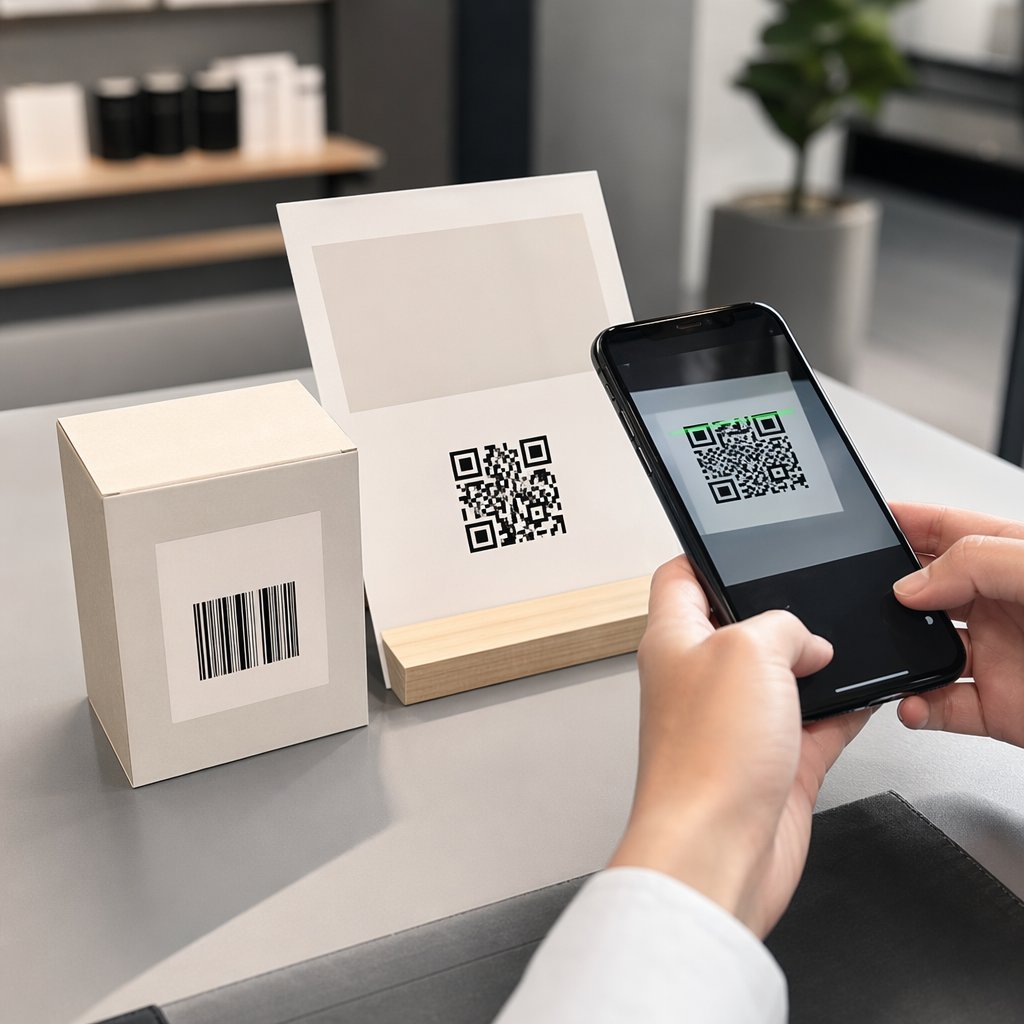
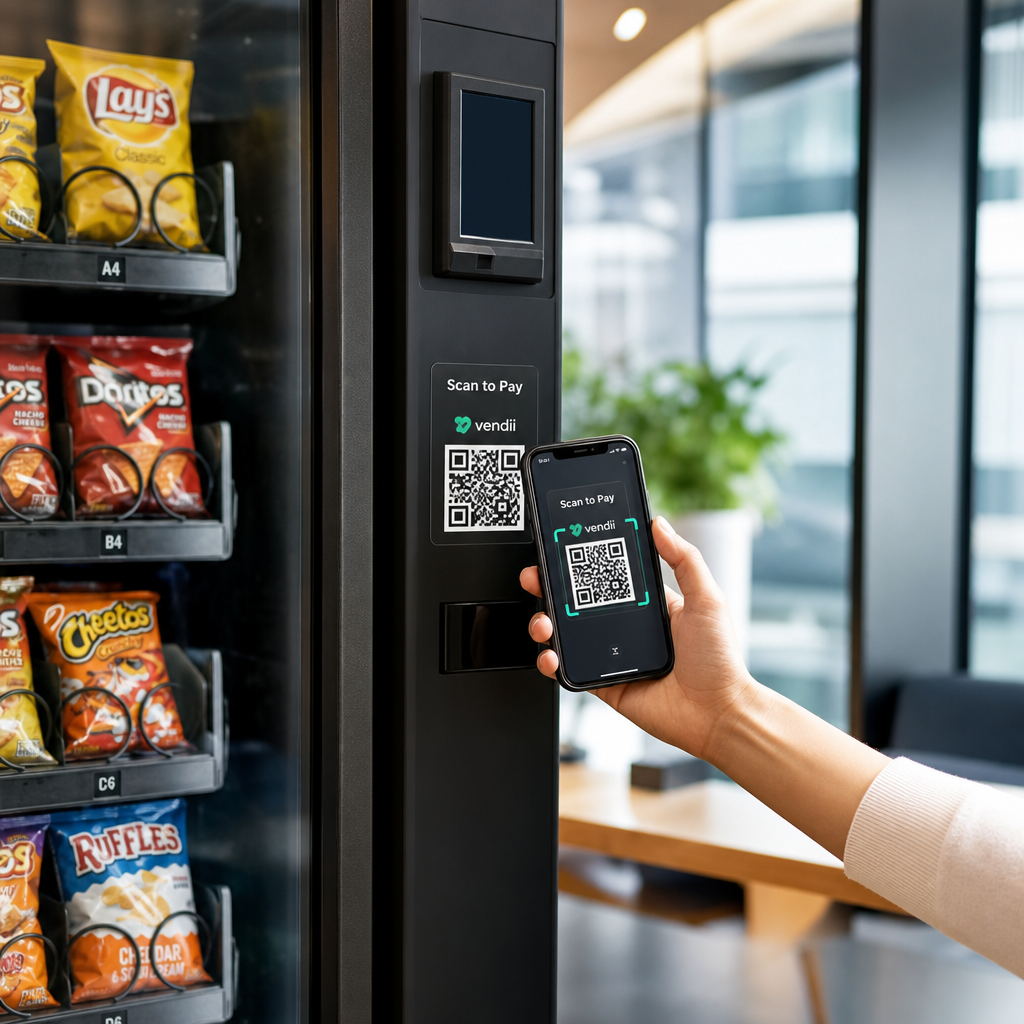
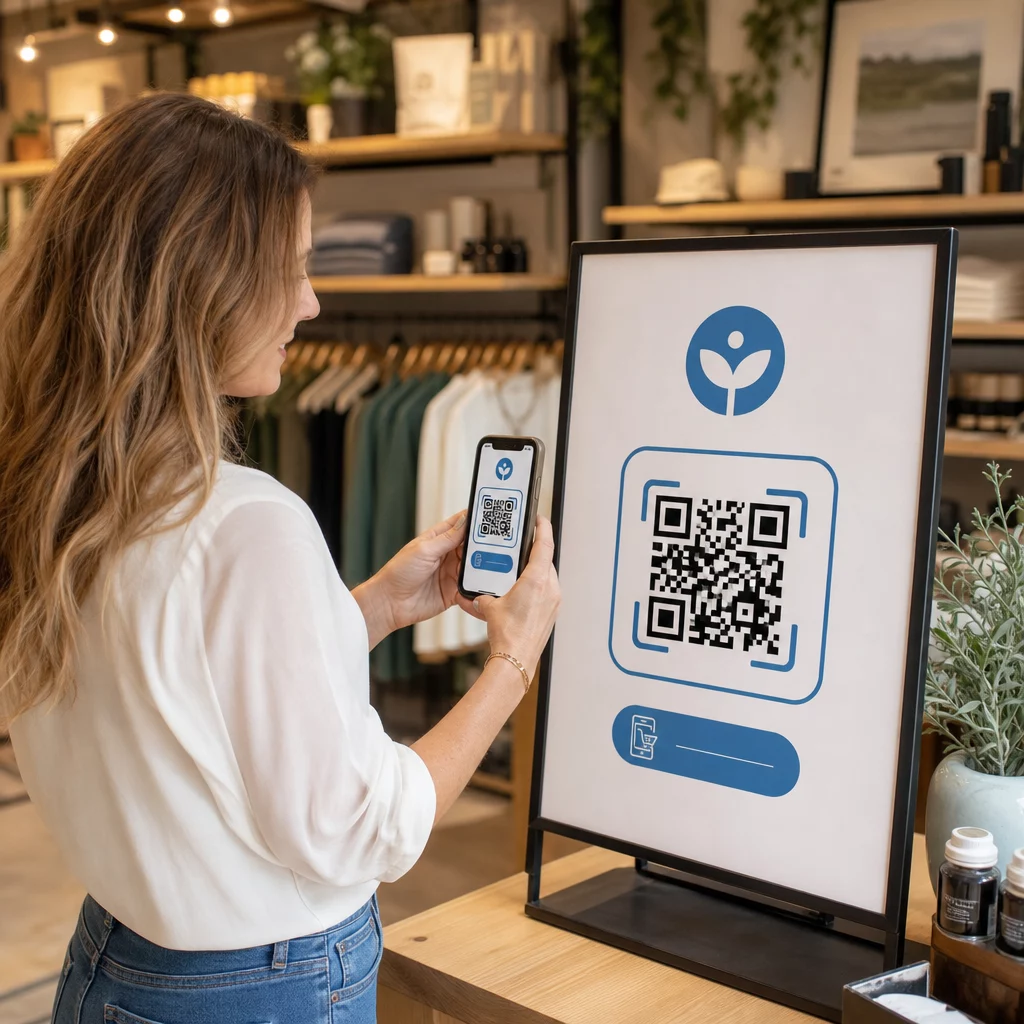
QR kodovi – dvodimenzionalni bar kodovi koje bilo koja kamera pametnog telefona može pročitati u sekundama – daju vam izravan most između fizičke lokacije i digitalnog dokumenta. Postavite ga na zid, pričvrstite ga na komad opreme ili ga ispišite na natpisu na ulazu u gradilište, i radnici mogu pronaći točno datoteku koja im je potrebna bez pozivanja ureda ili pretraživanja papirnatih mapa.
Kako QR kodovi funkcioniraju u građevinskom kontekstu
QR kod je skenirajući uzorak koji kodira web adresu ili poveznicu na datoteku. Kada radnik usmjeri kameru svog telefona na njega, uređaj automatski otvara tu poveznicu – nije potrebna aplikacija na većini modernih pametnih telefona.
Najkorisniji tip za gradnju je dinamički QR kod, čije se odredište može ažurirati u bilo kojem trenutku putem upravljačke ploče bez mijenjanja ili ponovnog ispisa fizičkog koda. To je važno na gradilištu jer se dokumenti stalno mijenjaju: nacrti se revidiraju, sigurnosni protokoli se ažuriraju, a specifikacije opreme se razvijaju. S dinamičkim kodom, fizička naljepnica ili znak ostaje na mjestu dok se povezani sadržaj osvježava u sekundama.
Dijelite ažurirane planove bez ponovnog ispisa Trebate li držati terenske ekipe na najnovijoj reviziji nacrta? Koristite QR kod PDF generator za izravno povezivanje s vašim trenutnim planovima i ažuriranje odredišta svaki put kada se izda revizija.
Praktične primjene QR kodova na gradilištu
Trenutni nacrti i specifikacije
Postavite vodootporne QR znakove na ulazu u projekt, u pojedinim prostorijama i na radnim područjima specifičnim za obrt. Radnici skeniraju kako bi otvorili najnoviji skup planova i specifikacija izravno na svojim telefonima. Kada se izda revizija nacrta, ažurirajte povezanu datoteku – nisu potrebni novi znakovi.
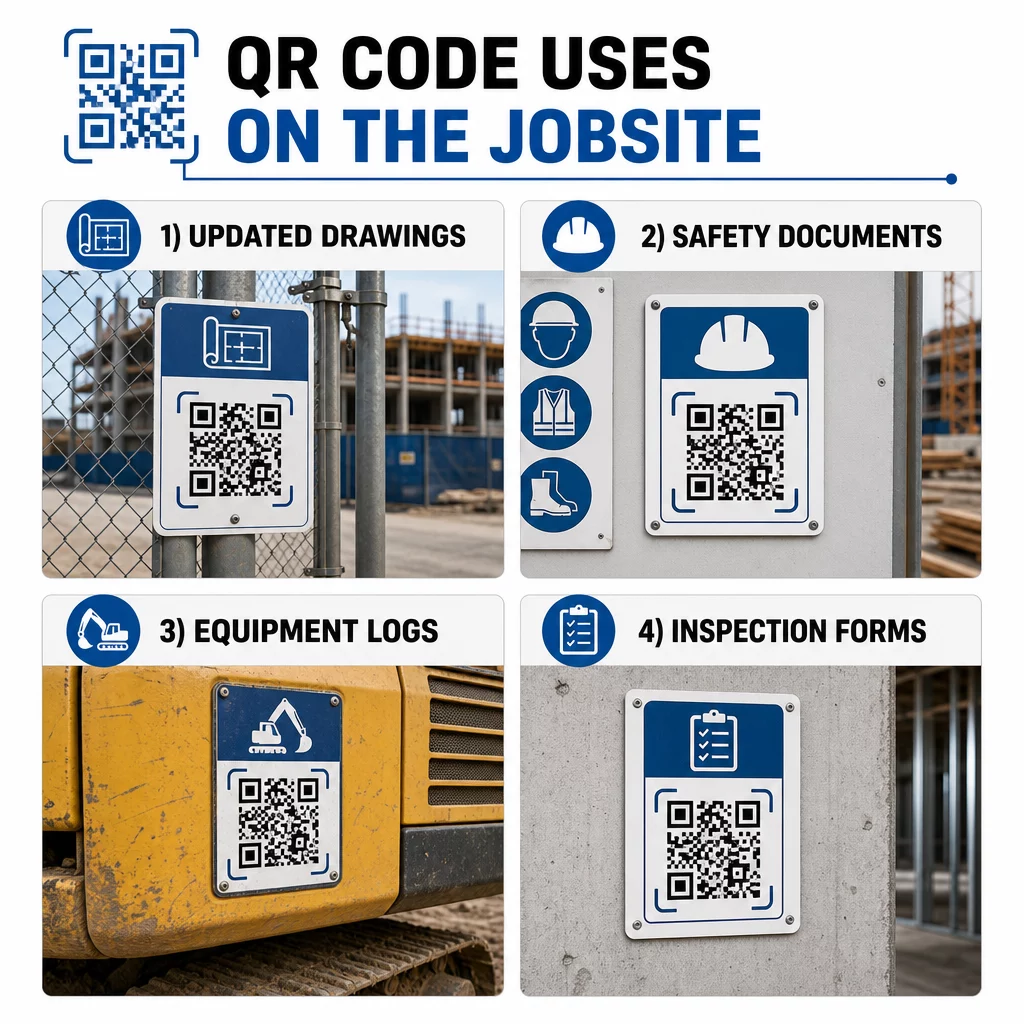
Ovaj pristup eliminira rizik da ekipe rade s zastarjelim nacrtima, što je jedan od najčešćih i najskupljih izvora prerade.
Sigurnosni dokumenti i OSHA zapisi
Pričvrstite QR kodove na oznake na gradilištu, sigurnosne ormariće i kontrolne točke ulaza koji vode do:
- Sigurnosno-tehnički listovi za opasne materijale
- Postupci u hitnim slučajevima i planovi evakuacije gradilišta
- Sigurnosni zahtjevi specifični za struku
- OSHA zapisi o ozljedama i bolestima kojima radnici imaju pravo pristupa
Glavni QR kod na ulazu u projekt može voditi do centra sigurnosnih dokumenata koji pokriva sve navedeno. Budući da je kod dinamičan, možete dodavati nove dokumente ili ažurirati postojeće bez zamjene znaka. Za više o poboljšanju načina na koji podizvođači ostaju informirani o sigurnosnim zahtjevima, pogledajte 5 načina na koje QR kodovi poboljšavaju komunikaciju s podizvođačima.
Dnevnici opreme i zapisi o održavanju
Pričvrstite QR kod izravno na svaki komad opreme. Radnici i operateri ga skeniraju za pristup:
- Upute za rad i postupci sigurnog rukovanja
- Dnevnici održavanja i povijest servisa
- Datumi pregleda i nadolazeći rasporedi servisa
- Vodiči za rješavanje problema
Ovo zamjenjuje papirnate priručnike koji se gube i daje menadžerima centralizirani zapis o statusu svakog sredstva. Kako se oprema premješta između poslova, njezina povijest održavanja se premješta s njom.
Kvalifikacije radnika i zapisi o obuci
Postavite jedinstvene QR kodove na značke zaposlenika, zaštitne kacige ili sigurnosne prsluke koji povezuju s potvrdama o obuci i evidencijom kvalifikacija svakog radnika. Nadzornici mogu skenirati na licu mjesta kako bi potvrdili da je radnik certificiran za određeni zadatak i provjerili istječu li mu uskoro neke vjerodajnice.
Inspekcije, kontrolne liste i kontrola kvalitete
Povežite QR kodove postavljene na inspekcijskim točkama ili na nacrtima s digitalnim obrascima. Inspektori skeniraju, popunjavaju kontrolnu listu na svom telefonu i šalju. Svi zapisi pohranjuju se centralno i povezani su s određenom lokacijom ili dokumentom. Korištenje QR kod Google obrasca je jednostavan način za implementaciju digitalnih kontrolnih lista za inspekciju bez izgradnje prilagođenog sustava.
Izvještavanje o napretku funkcionira na isti način: radnici skeniraju kod na nacrtu, unose podatke o završenom radu, a menadžeri dobivaju uvid u prekretnice projekta u stvarnom vremenu.
Projektna dokumentacija i dnevni zapisi
QR kodovi na stanicama za prijavu na gradilištu omogućuju radnicima skeniranje za bilježenje prisutnosti, pristup planovima za dan i otvaranje dnevnih kontrolnih lista zadataka. Dovršeni zapisi predaju se digitalno, zamjenjujući papirnate oglasne ploče i smanjujući mogućnost gubitka zapisa.
Dijeljenje većih projektnih dokumenata – podnesaka, specifikacija, RFI-ja – dobro funkcionira s QR kodom Google dokumenta, koji preusmjerava izravno na dijeljeni dokument koji se može ažurirati bez izdavanja novog koda.
Praćenje problema i liste nedostataka
Priložite QR kod neispravnoj stavci ili problematičnoj lokaciji. Skeniranje otvara digitalnu kartu koja prikazuje opis problema, prioritet, dodijeljenog tehničara i povijest rada. Nove bilješke spremaju se centralno tako da menadžeri i terenske ekipe uvijek vide trenutni status. To sprječava da stavke s liste nedostataka propadnu između predaja.
Gradilišne ograde također mogu nositi QR kod koji otvara vanjske vizualizacije završenog projekta, tako da susjedi, kupci i prolaznici mogu vidjeti što se gradi.
Implementacija QR kodova koji se stvarno skeniraju
QR kod koji radnici ne mogu pročitati na terenu gubi svrhu. Nekoliko praktičnih razmatranja:
- Veličina i udaljenost skeniranja. Za natpise na gradilištu, kod bi trebao biti širok najmanje 1-2 inča za skeniranje iz blizine, a veći za natpise koji se gledaju s nekoliko stopa udaljenosti. Slijedite smjernicu od otprilike 1 inča širine koda za svakih 10 inča udaljenosti gledanja. Pogledajte Veličina QR koda za različite materijale za ispis za smjernice specifične za materijal.
- Površina i postavljanje. Ravne, mat površine skeniraju se pouzdanije od sjajnih, zakrivljenih ili valovitih. Izbjegavajte postavljanje kodova tamo gdje će smetati sjene, izravna sunčeva svjetlost ili fizičke prepreke.
- Otpornost na vremenske uvjete. Laminirane ili vodootporne naljepnice izdržavaju vanjske uvjete. Oštećen ili odlijepljen kod prestaje raditi.
- Kontrast. Tamni uzorak na svijetloj pozadini najpouzdanija je kombinacija. Pregledajte najbolje prakse za čitljivost QR koda prije nego se odlučite za dizajn.
- Sigurnost. Za kodove koji vode do osjetljivih dokumenata – HR evidencije, ugovorne datoteke, vlasničke specifikacije – koristite kontrole pristupa i HTTPS veze. Za smjernice, pogledajte sigurne najbolje prakse generiranja QR koda.
Praćenje koji se kodovi koriste
Dinamički QR kodovi ne samo da vam omogućuju ažuriranje odredišta – oni također bilježe podatke o skeniranju. Putem nadzorne ploče za upravljanje možete vidjeti koliko je puta svaki kod skeniran, kada, na kojoj vrsti uređaja i s koje lokacije. To vam govori kojim dokumentima radnici zapravo pristupaju, koji se sigurnosni kodovi u blizini opasnih područja ignoriraju i koje evidencije opreme trebaju pažnju.
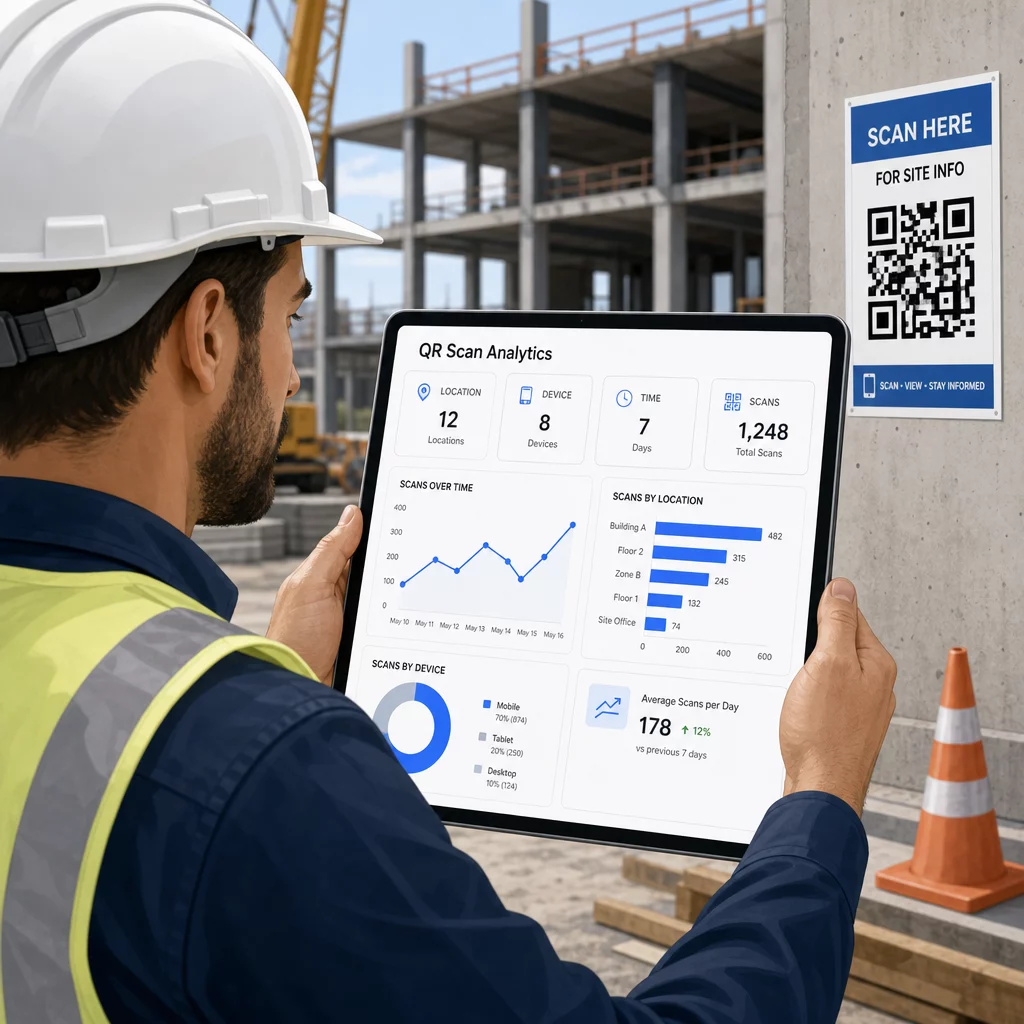
Ti podaci pomažu voditeljima gradilišta da donose informirane odluke o tome gdje postoje praznine u dokumentaciji i koji kodovi trebaju bolje postavljanje ili promociju.
Pogledajte gdje i kada radnici skeniraju Koristiti Generator QR kodova za linkove za stvaranje dinamičkih kodova koji se mogu pratiti za bilo koji sadržaj temeljen na URL-u i praćenje aktivnosti skeniranja na vašem gradilištu s jedne nadzorne ploče.
Često postavljana pitanja
Ne. Ugrađena aplikacija kamere na većini modernih iOS i Android pametnih telefona može čitati QR kodove bez preuzimanja bilo čega dodatnog. Radnici jednostavno usmjere svoju kameru prema kodu i dodirnu obavijest koja se pojavi.
S dinamičnim QR kodom, fizički kod ostaje isti. Odredišnu datoteku ili URL ažurirate putem svoje nadzorne ploče za upravljanje QR kodovima, a sljedeće skeniranje automatski otvara novu verziju. Zato se dinamični kodovi snažno preferiraju za građevinsku dokumentaciju, koja se često revidira.
Ispisujte na materijalima otpornima na vremenske uvjete ili laminiranim materijalima, postavite kodove na ravne površine zaštićene od izravnog UV zračenja gdje je to moguće, i koristite dizajne visokog kontrasta koji ostaju čitljivi čak i ako se površina malo zaprlja. Provjerite smjernice za veličinu i čitljivost QR kodova za specifične preporuke o razinama ispravljanja pogrešaka koje pomažu kodovima da ostanu skenirajući čak i kada su djelomično oštećeni.