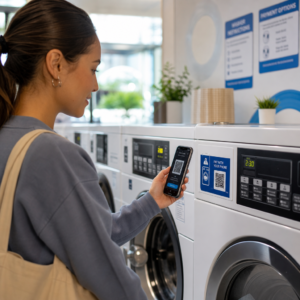
Bremsen unlesbare QR-Codes auf Namensschildern Ihre Event-Check-in-Schlangen aus und frustrieren Aussteller? Nicht scannbare Codes führen zu Engpässen bei der Registrierung, verursachen den Verlust von Lead-Daten und ruinieren das Teilnehmererlebnis. Dieser Leitfaden erklärt, wie man scannbare QR-Codes auf Konferenz-Namensschildern für eine schnelle Zugangskontrolle, Lead-Erfassung und Networking entwirft, druckt und implementiert.
Wichtige Anwendungsfälle für QR-Codes auf Namensschildern
Konferenz-Namensschilder dienen während einer Veranstaltung mehreren operativen Zwecken. Das Hinzufügen eines scannbaren QR-Codes verwandelt ein statisches Namensschild in einen digitalen Schlüssel für Teilnehmer, Personal und Sponsoren.
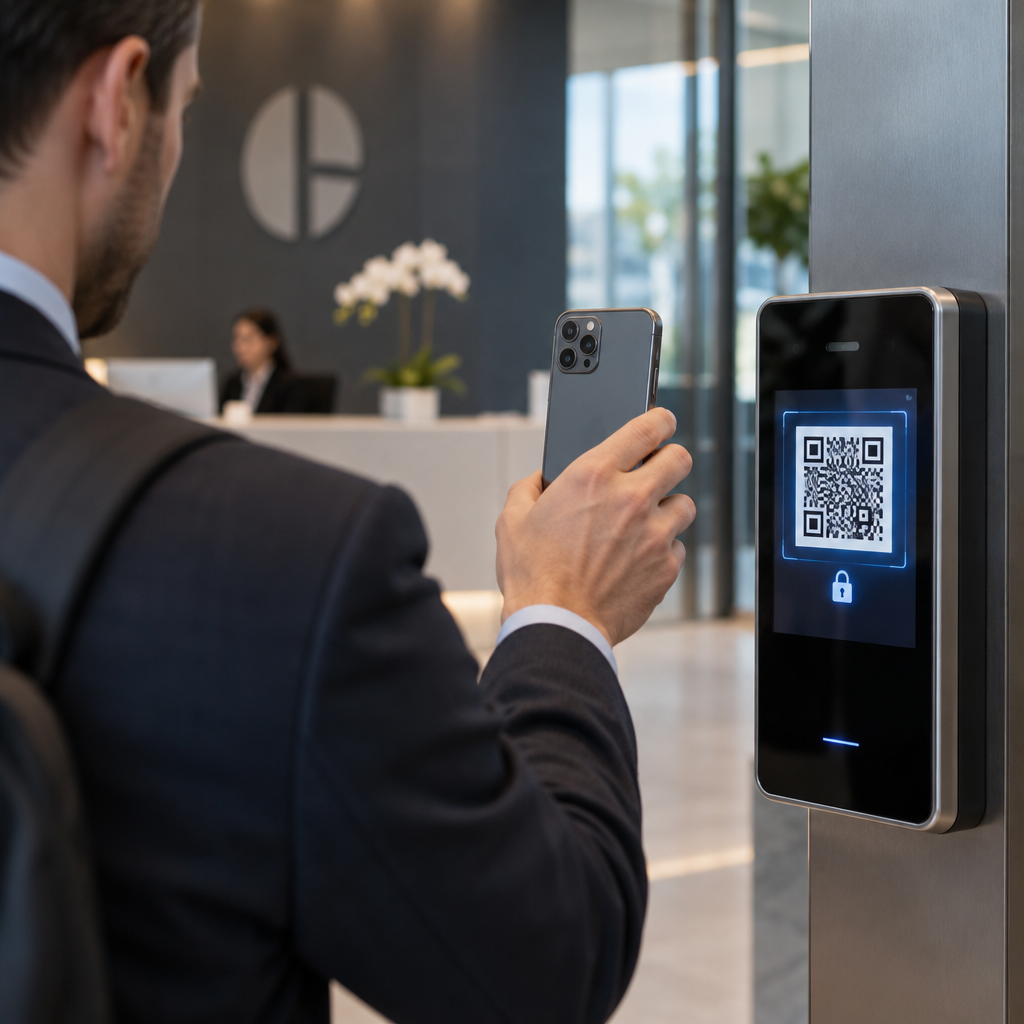
- Zutrittskontrolle zum Veranstaltungsort und Event-Check-in: Das Scannen eines Teilnehmerausweises an Registrierungsschaltern oder Türen von Sitzungsräumen überprüft sofort den Ticketstatus. Die Implementierung eines Anwesenheits-QR-Code Workflows beschleunigt den Zutritt und versorgt Veranstalter mit Echtzeit-Raumkapazitätsverfolgung.
- Lead-Erfassung durch Aussteller: Standpersonal scannt Teilnehmerausweise, um Kontaktdaten zu erfassen, ohne physische Visitenkarten auszutauschen. Dies ermöglicht es Sponsoren, qualifizierte Leads während Messen direkt in ihre Customer Relationship Management Systeme zu protokollieren.
- Peer-to-Peer-Networking: Teilnehmer tauschen Kontaktdaten sofort durch Scannen der Ausweise des jeweils anderen aus. Die Verknüpfung eines Ausweis-Codes mit einer digitalen Visitenkarte über einen vCard QR-Code Generator ermöglicht es Empfängern, Namen, Telefonnummern und E-Mail-Adressen direkt in ihre Smartphone-Adressbücher zu speichern.
Um ein schnelles Scannen in allen drei Anwendungsfällen zu gewährleisten, minimieren Sie die Menge an Rohdaten, die im Barcode-Muster gespeichert sind. Eine hohe Datendichte erzeugt kleinere, dichtere quadratische Muster (Module), die für mobile Kameras schwerer schnell zu verarbeiten sind. Die Verwendung eines Dynamischer QR-Code Generator ermöglicht es Ihnen, einen kurzen Weiterleitungslink oder eine eindeutige Kennungszeichenfolge zu kodieren, wodurch das visuelle Muster spärlich und leicht lesbar bleibt.
Erstellen Sie individuelle Event-QR-Codes in Minuten Vereinfachen Sie die Teilnehmerregistrierung und das Scannen von Namensschildern, indem Sie anpassbare Event-Codes mit dem QR-Code für Veranstaltungen erstellen heute verfügbar sind.
Technische Richtlinien für die Scannbarkeit von Namensschildern
Ein Badge-Code, der nicht gescannt werden kann, führt zu langen Wartezeiten und ungenauem Datenverlust. Befolgen Sie diese technischen Designstandards, um sicherzustellen, dass jeder Badge beim ersten Versuch zuverlässig scannt.

| Funktionsstandard | Technische Anforderung | Betrieblicher Grund |
|---|---|---|
| Mindestdruckgröße | 1 × 1 Zoll (2,5 × 2,5 cm) | Garantiert einen klaren Fokus für Handscanner auf Armeslänge (10–25 Zoll). |
| Ruhezonenrand |
Mindestens 4 Module breit | Verhindert, dass umgebender Text, Logos oder Badge-Ränder den Leser stören. |
| Farbkontrast | Minimales Kontrastverhältnis von 4:1 | Stellt sicher, dass optische Sensoren dunkle Vordergrundmodule von Hintergrundpapier unterscheiden können. |
| Bildauflösung | Vektorformat (SVG/EPS) oder 300 DPI | Beseitigt unscharfe oder verpixelte Kanten beim Skalieren von Badge-Grafiken für Druckläufe. |
Farbkontrast und visuelle Gestaltung
Drucken Sie dunkle QR-Muster immer auf hellem Hintergrund. Schwarze Module auf weißem Hintergrund bieten die höchste Lesbarkeit und ein Standard-Kontrastverhältnis von 21:1. Obwohl benutzerdefinierte Markenfarben verwendet werden können, halten Sie ein Kontrastverhältnis von mindestens 4:1 ein, um unterschiedlichen Lichtverhältnissen am Veranstaltungsort gerecht zu werden. Vermeiden Sie invertierte Designs mit hellen Mustern auf dunklem Hintergrund, da viele native Smartphone-Kamerascanner invertierte Codes nicht verarbeiten können. Für detaillierte Farbauswahlregeln lesen Sie unseren Leitfaden zu Best Practices für den Farbkontrast von QR-Codes.
Anforderungen an die Ruhezone
Die Ruhezone ist der klare Rand, der alle vier Seiten eines QR-Codes umgibt. Standards erfordern eine Ruhezonenbreite, die mindestens dem Vierfachen der Breite eines einzelnen Moduls (Quadratblock) entspricht. Platzieren Sie niemals Namen, Berufsbezeichnungen, Sponsorenlogos oder Hintergrundgrafiken innerhalb dieses Randes, da dies den Scanner daran hindert, die Code-Grenzen zu finden.
Badge-Materialien und Drucktechniken
Das physische Substrat und die Oberflächenbeschaffenheit eines Badges beeinflussen maßgeblich, wie Licht in eine Scan-Linse reflektiert wird.
Auswahl von Substraten und Oberflächen
Wählen Sie nach Möglichkeit mattes oder unbeschichtetes Kartonpapier. Hochglänzende Plastik-Badges, glänzende, transparente Overlays und schwere Vinylhüllen reflektieren die Beleuchtung des Veranstaltungsortes direkt in die Kameralinsen, was zu Überbelichtungen und Scanfehlern führt. Wenn transparente Plastik-Badge-Halterungen oder glänzende Laminierung von Ihrem Veranstaltungsort benötigt werden:
- Vergrößern Sie die gedruckte Codegröße um 15 % bis 20 %, um den Kamerasensoren ein größeres Ziel zu bieten.
- Weisen Sie Kamerabedienpersonal oder Standmitarbeiter an, Scangeräte in einem leichten Winkel zu halten, um direkte Lichtreflexionen zu vermeiden.
- Vermeiden Sie texturiertes synthetisches Kartonpapier, das die geraden geometrischen Kanten der gedruckten Module stört.
Dateien für die Produktion exportieren
Exportieren Sie Badge-Grafiken niemals als niedrigauflösende JPEG- oder PNG-Dateien. Die Größenänderung von Bitmap-Bildern führt zu Pixelschmierung, die scharfe Modulkanten abrundet. Exportieren Sie Grafiken in Vektorformaten wie SVG oder EPS oder exportieren Sie hochauflösende PDFs, die auf 300 DPI bei voller Druckgröße eingestellt sind. Für einen umfassenden Überblick darüber, wie Substratwahl und Tintenanwendung die Scannbarkeit beeinflussen, lesen Sie unseren Artikel über wie Drucktechniken die Scannbarkeit von QR-Codes beeinflussen.
Regeln zur Badge-Platzierung
Positionieren Sie den QR-Code auf der Vorderseite des Badges, idealerweise nahe der Mitte oder im unteren Drittel, wo er durch Lanyards oder Clips nicht verdeckt wird. Das Platzieren des Codes in der Nähe des primären Lesepfades gewährleistet eine schnelle visuelle Ausrichtung beim Check-in. Entdecken Sie unsere Empfehlungen in den Leitfaden zur Platzierung von QR-Codes im Marketing, und prüfen Sie reale Implementierungen in unserer Fallstudie zu wissenschaftlichen Konferenzen. Für genaue Größenangaben basierend auf dem physischen Scanabstand verweisen wir auf unser spezielles Leitfaden zur QR-Code-Größe.

Datenschutz und operative Scan-Workflows
Die Implementierung von Badge-QR-Codes erfordert eine Abwägung zwischen schnellen operativen Workflows und dem Schutz der Teilnehmerdaten.
Schutz der Teilnehmerdaten
Die direkte Kodierung vollständiger persönlicher Informationen – wie Telefonnummern, Adressen und E-Mail-Adressen – in eine statische Barcode-Nutzlast setzt die Teilnehmerdaten jedem aus, der das Badge mit einer kommerziellen Kamera-App scannt.
Stattdessen einen verschlüsselten, eindeutigen alphanumerischen Identifikator (wie `ID-88302`) kodieren. Wenn autorisiertes Veranstaltungspersonal den Ausweis mit einem Unternehmenstool oder online scannt QR-Code Scanner, verifiziert das Backend-System den Identifikator sicher, ohne sensible persönliche Daten im physischen Ausweisinhalten auszudrucken.
Einholung der Zustimmung zur Lead-Erfassung
Um die Einhaltung der Datenschutzbestimmungen zu gewährleisten:
- Getrennte Anwendungsfälle: Behandeln Sie das Scannen beim Event-Check-in getrennt von der Lead-Erfassung durch Aussteller. Das Einchecken an einem Veranstaltungsort erteilt Drittanbietern nicht automatisch die Erlaubnis, Kontaktdaten zu speichern.
- Klare Mitteilung machen: Informieren Sie die Teilnehmer während der Registrierung, dass das Scannen ihres Ausweises durch einen Aussteller eine explizite Entscheidung darstellt, Kontaktinformationen mit diesem spezifischen Sponsor zu teilen.
- Explizite Scans verwenden: Stellen Sie sicher, dass Stand-Retrieval-Apps eine visuelle Erfolgsbestätigung (z. B. ein grünes Bestätigungsbanner) anzeigen, damit die Teilnehmer wissen, wann ein Lead-Scan stattfindet.
Operative Checkliste für den Veranstaltungserfolg
Bevor Sie Ihre vollständige Charge von Konferenz-Ausweisen drucken, führen Sie diese Qualitätssicherungs-Checkliste aus:
- Kontrast überprüfen: Testen Sie Hintergrund- und Vordergrundkombinationen mit einem digitalen Kontrastprüfer, um ein Verhältnis von über 4:1 sicherzustellen.
- Ruhezonen beibehalten: Vergewissern Sie sich, dass ein 4-Modul-Freiraumrand jeden Ausweiscode in der endgültigen Layoutvorlage umgibt.
- Physische Korrekturabzüge drucken: Verlassen Sie sich niemals ausschließlich auf Bildschirmvorschauen. Drucken Sie tatsächliche physische Ausweis-Korrekturabzüge auf dem ausgewählten Ausweis-Papier oder Karton.
- Geräteübergreifendes Testen: Scannen Sie physische Korrekturabzüge unter realistischen Veranstaltungsortbeleuchtung mit mehreren Smartphone-Modellen (sowohl iOS als auch Android) und dedizierten Handscannern.
- Datenrouten bestätigen: Überprüfen Sie, dass dynamische QR-Links zu den korrekten Landing Pages oder Check-in-Systemdatenbanken auflösen, ohne zu brechen.
Optimieren Sie Ihr nächstes Event mit scannbaren Ausweisen
Die Einhaltung dieser Design-, Substrat- und Datenstandards stellt sicher, dass Ihre Event-Badges mühelose Check-ins und eine zuverlässige Lead-Generierung ermöglichen. Das Design von Badges mit ausreichendem Kontrast, genügend Ruhezonen, matten Oberflächen und leichten dynamischen Datenpaketen eliminiert Engpässe bei der Registrierung und schützt die Privatsphäre der Teilnehmer.
Um hochkontrastreiche, skalierbare QR-Codes für Ihre bevorstehenden Eventmaterialien zu erstellen, erkunden Sie unsere Best Practices für die Lesbarkeit von QR-Codes und testen Sie Ihr Badge-Artwork noch heute.
Häufig gestellte Fragen
Drucken Sie QR-Codes für Badges mindestens 1 × 1 Zoll (2,5 × 2,5 cm) oder mindestens 2 × 2 cm groß. Diese Größe berücksichtigt typische Scan-Distanzen auf Armlänge von 10 bis 25 Zoll bei der Verwendung von Standard-Smartphone-Kameras.
Dynamische QR-Codes kodieren einen kurzen Weiterleitungslink anstelle von dichtem Rohtext, wodurch das visuelle Muster einfach und schnell zu scannen bleibt. Sie ermöglichen es Organisatoren auch, Ziel-URLs zu bearbeiten oder Zugriffseinstellungen nach dem Drucken zu verwalten, ohne physische Ausweise neu ausstellen zu müssen.
Verwenden Sie nach Möglichkeit nicht-reflektierendes, mattes Ausweismaterial. Falls klare Vinylhüllen erforderlich sind, vergrößern Sie den QR-Code um 15% bis 20% und weisen Sie das Personal oder die Aussteller an, die Scangeräte in einem 45-Grad-Winkel zu halten, um direkte Reflexionen von Deckenleuchten zu vermeiden.