Нечитаемые QR-коды на бейджах замедляют процесс регистрации на вашем мероприятии и расстраивают экспонентов? Несканируемые коды создают заторы при регистрации, приводят к потере данных о потенциальных клиентах и портят впечатления участников. Это руководство объясняет, как разработать, распечатать и внедрить сканируемые QR-коды на конференц-бейджах для быстрого контроля доступа, сбора лидов и нетворкинга.
Основные варианты использования QR-кодов на бейджах
Конференц-бейджи выполняют множество операционных задач на протяжении всего мероприятия. Добавление сканируемого QR-кода превращает статичную именную табличку в цифровой ключ для участников, персонала и спонсоров.
- Контроль доступа к месту проведения и регистрация на мероприятие: Сканирование бейджа участника на стойках регистрации или у дверей зала мгновенно проверяет статус билета. Внедрение QR-кодов для посещаемости рабочего процесса ускоряет вход и предоставляет организаторам отслеживание заполняемости помещений в реальном времени.
- Сбор потенциальных клиентов экспонентами: Персонал стенда сканирует бейджи участников для сбора контактных данных без обмена физическими визитными карточками. Это позволяет спонсорам регистрировать квалифицированных потенциальных клиентов непосредственно в своих системах управления взаимоотношениями с клиентами во время выставок.
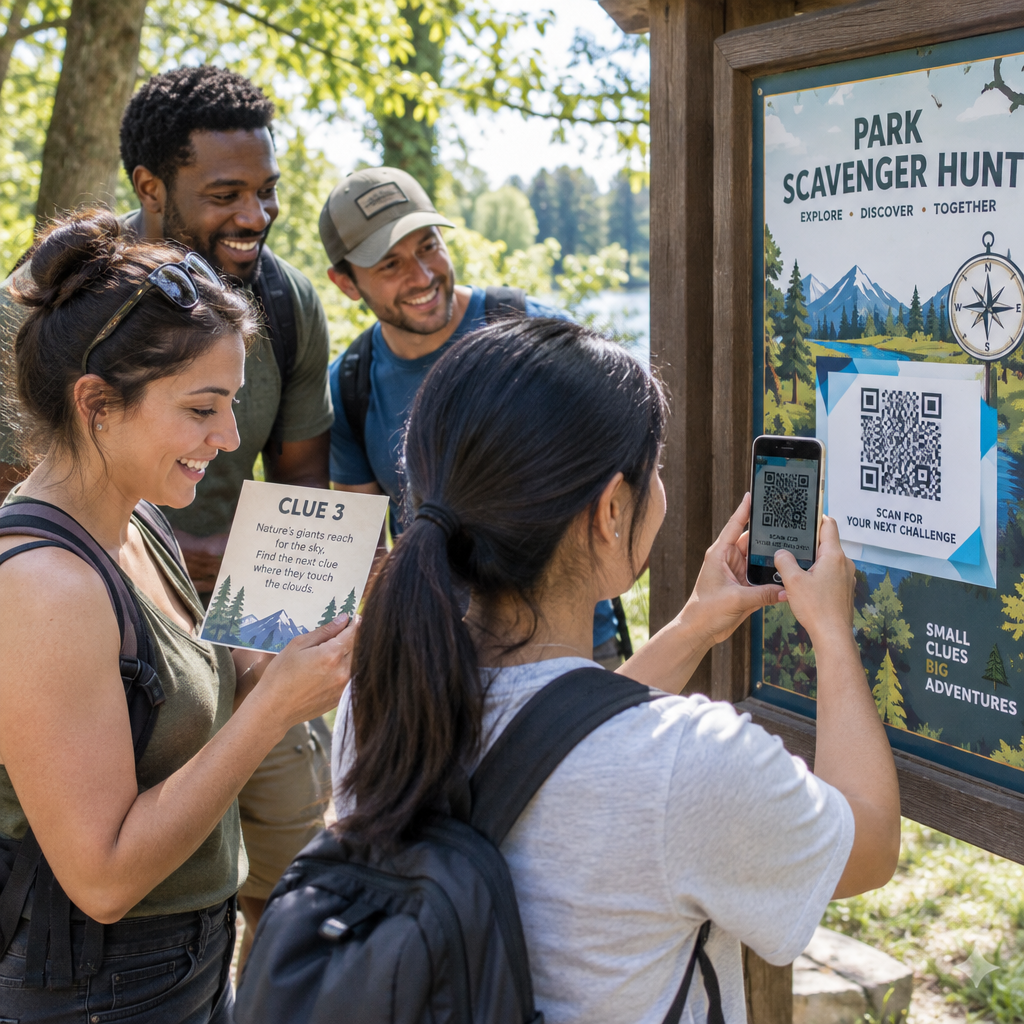
- Взаимодействие между участниками: Участники мгновенно обмениваются контактными данными, сканируя бейджи друг друга. Связывание кода бейджа с цифровой контактной картой с помощью QR код с контактами vCard позволяет получателям сохранять имена, номера телефонов и адреса электронной почты непосредственно в адресные книги своих смартфонов.
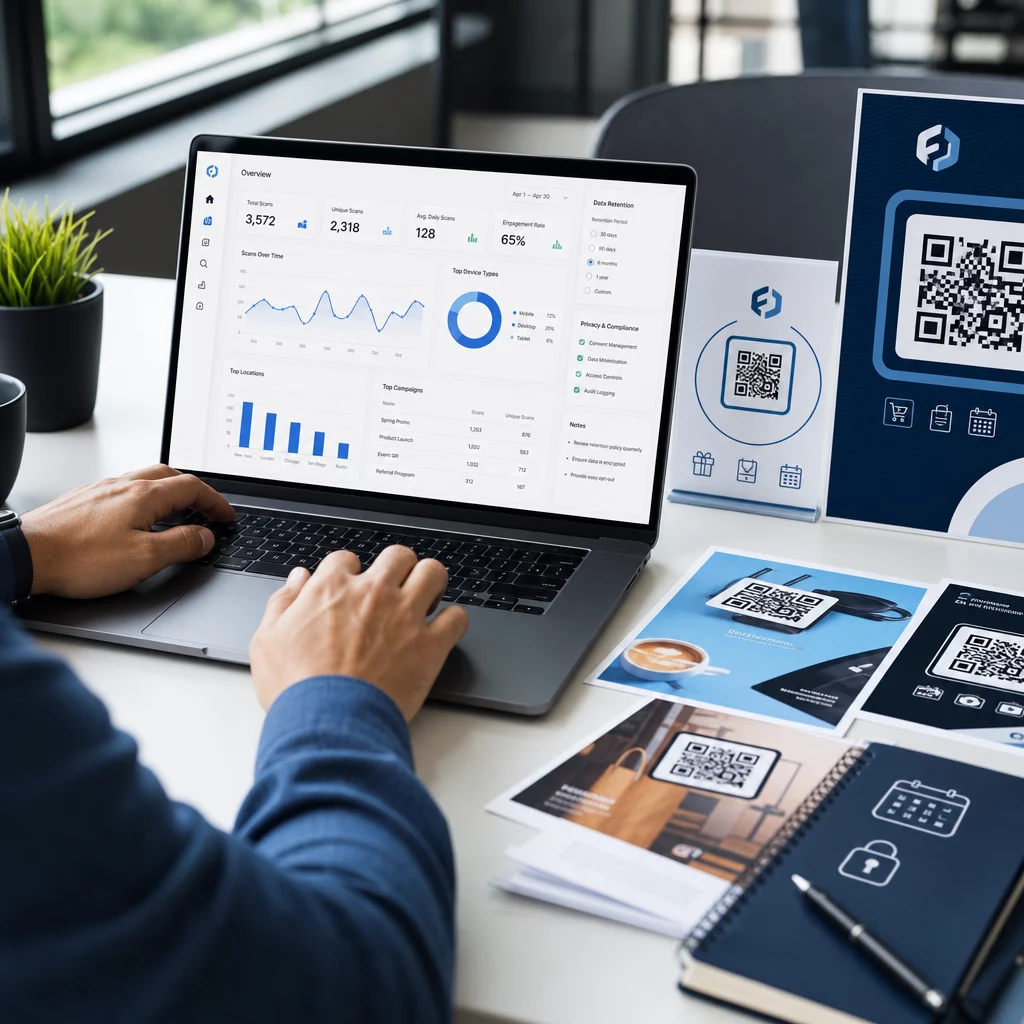
Для обеспечения быстрого сканирования во всех трех случаях использования минимизируйте объем необработанных данных, хранящихся внутри шаблона штрихкода. Высокая плотность данных создает меньшие, более плотные квадратные шаблоны (модули), которые труднее быстро обрабатывать мобильным камерам. Использование Динамический QR код: генератор позволяет кодировать короткую ссылку перенаправления или уникальную строку идентификатора, сохраняя визуальный шаблон редким и легко читаемым.
Создавайте пользовательские QR-коды для мероприятий за считанные минуты Упростите регистрацию участников и сканирование бейджей, создавая настраиваемые коды мероприятий с помощью QR коды для регистрации на мероприятие сегодня.
Технические рекомендации по сканируемости бейджей
Код бейджа, который не сканируется, приводит к длительному ожиданию и потере точных данных. Следуйте этим техническим стандартам дизайна, чтобы каждый бейдж надежно сканировался с первой попытки.

| Стандарт функции | Техническое требование | Эксплуатационная причина |
|---|---|---|
| Минимальный размер печати | 1 × 1 дюйм (2,5 × 2,5 см) | Гарантирует четкую фокусировку для ручных сканеров на расстоянии вытянутой руки (10–25 дюймов). |
| Поле тишины | Не менее 4 модулей в ширину | Предотвращает помехи для считывателя со стороны окружающего текста, логотипов или границ бейджа. |
| Цветовой контраст | Минимальный коэффициент контрастности 4:1 | Гарантирует, что оптические датчики различают темные модули переднего плана от фоновой бумаги. |
| Разрешение изображения | Векторный формат (SVG\/EPS) или 300 DPI | Устраняет размытые или пикселизированные края при масштабировании макета бейджа для печати. |
Цветовой контраст и визуальное оформление
Всегда печатайте темные QR-шаблоны на светлом фоне. Черные модули на белом фоне обеспечивают наивысший показатель читаемости и стандартный коэффициент контрастности 21:1. Хотя можно использовать пользовательские фирменные цвета, поддерживайте коэффициент контрастности не менее 4:1, чтобы учесть различные уровни освещенности в местах проведения мероприятия. Избегайте инвертированных дизайнов со светлыми шаблонами на темном фоне, поскольку многие встроенные считыватели камер смартфонов не могут обрабатывать инвертированные коды. Для получения подробных правил выбора цвета ознакомьтесь с нашим руководством по лучшим практикам контрастности цветов QR-кода.
Требования к тихой зоне
Тихая зона — это чистый отступ, окружающий QR-код со всех четырех сторон. Стандарты требуют, чтобы ширина тихой зоны была как минимум в четыре раза больше ширины одного отдельного модуля (квадратного блока). Никогда не размещайте имена, должности, логотипы спонсоров или фоновую графику внутри этого отступа, так как это помешает сканеру определить границы кода.
Материалы для бейджей и методы печати
Физический субстрат и обработка поверхности бейджа значительно влияют на то, как свет отражается в сканирующую линзу.
Выбор субстратов и отделки
По возможности выбирайте матовый или немелованный картон. Пластиковые бейджи с высоким глянцем, блестящие прозрачные накладки и плотные виниловые чехлы отражают верхнее освещение помещения прямо в объективы камер, что приводит к засветкам и ошибкам сканирования. Если прозрачные пластиковые держатели для бейджей или глянцевая ламинация требуются в вашей конфигурации площадки:
- Увеличьте размер напечатанного кода на 15–20%, чтобы предоставить сенсорам камеры более крупную цель.
- Поручите операторам камер или персоналу стенда держать сканирующие устройства под небольшим углом, чтобы избежать прямого отражения света.
- Избегайте текстурированного синтетического картона, который нарушает прямые геометрические края напечатанных модулей.
Экспорт файлов для производства
Никогда не экспортируйте макеты бейджей в виде файлов JPEG или PNG низкого разрешения. Изменение размера растровых изображений приводит к размытию пикселей, что скругляет острые углы модулей. Экспортируйте макеты в векторных форматах, таких как SVG или EPS, или экспортируйте PDF-файлы высокого разрешения, установленные на 300 DPI в полном масштабе печати. Для получения исчерпывающего обзора того, как выбор подложки и нанесение чернил влияют на сканируемость, прочтите нашу статью о как методы печати влияют на сканируемость QR-кода.
Правила размещения бейджа
Разместите QR-код на лицевой стороне бейджа, в идеале ближе к центру или нижней трети, где он остаётся свободным от шнурков или зажимов. Размещение кода рядом с основным путём считывания обеспечивает быстрое визуальное выравнивание при регистрации. Ознакомьтесь с нашими рекомендациями в руководство по размещению QR-кодов в маркетинге, и ознакомьтесь с реальными примерами реализации в нашем тематическом исследовании по научным конференциям. Для получения точных сведений о размере, основанных на физическом расстоянии сканирования, обратитесь к нашей специальной руководстве по размеру QR-кода.

Конфиденциальность данных и рабочие процессы сканирования
Внедрение QR-кодов на бейджах требует баланса между быстрыми рабочими процессами и защитой данных посетителей.
Защита данных посетителей
Кодирование полной личной информации – такой как номера телефонов, почтовые адреса и адреса электронной почты – непосредственно в статический штрих-код подвергает данные посетителей риску для любого, кто сканирует бейдж с помощью коммерческого приложения для камеры.
Вместо этого используйте зашифрованный, уникальный буквенно-цифровой идентификатор (например, `ID-88302`). Когда уполномоченный персонал мероприятия сканирует бейдж с помощью корпоративного инструмента или онлайн-сервиса Сканер QR кода, серверная система надежно проверяет идентификатор, не распечатывая конфиденциальные личные данные внутри физического бейджа.
Получение согласия на сбор лидов
Для соблюдения правил конфиденциальности:
- Раздельные варианты использования: Обрабатывайте сканирование при регистрации на мероприятие отдельно от сбора лидов экспонентами. Регистрация на площадке не предоставляет автоматически сторонним спонсорам разрешение на хранение контактных данных.
- Предоставьте четкое уведомление: Информируйте участников во время регистрации, что разрешение экспоненту сканировать их бейдж является явным выбором поделиться контактной информацией с этим конкретным спонсором.
- Используйте явные сканирования: Убедитесь, что приложения для сбора лидов на стенде отображают визуальное подтверждение успеха (например, зеленый баннер подтверждения), чтобы участники знали, когда происходит сканирование лида.
Операционный чек-лист для успешного мероприятия
Перед печатью полной партии бейджей для конференции выполните этот чек-лист обеспечения качества:
- Проверьте контраст: Протестируйте комбинации фона и переднего плана с помощью цифрового инструмента проверки контрастности, чтобы убедиться, что соотношение превышает 4:1.
- Поддерживайте «тихие зоны»: Убедитесь, что четкая граница из 4 модулей окружает каждый код бейджа в окончательном шаблоне макета.
- Распечатайте физические образцы: Никогда не полагайтесь исключительно на предварительный просмотр на экране. Распечатайте фактические физические образцы бейджей на выбранной бумаге или картоне.
- Тестирование на разных устройствах: Сканируйте физические образцы при реалистичном освещении на месте проведения с использованием нескольких моделей смартфонов (как iOS, так и Android) и специализированных ручных сканеров.
- Подтвердите маршруты данных: Проверьте, что динамические QR-ссылки ведут на правильные целевые страницы или базы данных системы регистрации без сбоев.
Оптимизируйте ваше следующее мероприятие с помощью сканируемых бейджей
Соблюдение этих стандартов дизайна, основы и данных гарантирует, что ваши бейджи для мероприятий обеспечат легкую регистрацию и надежное генерирование лидов. Разработка бейджей с правильным контрастом, достаточными тихими зонами, матовым покрытием и легкими динамическими данными устраняет узкие места при регистрации и защищает конфиденциальность участников.
Чтобы начать создавать высококонтрастные, масштабируемые QR-коды для материалов вашего предстоящего мероприятия, изучите наш лучшим практикам читаемости QR-кодов и протестируйте дизайн вашего бейджа сегодня.
Часто задаваемые вопросы
Печатайте QR-коды для бейджей размером не менее 1 × 1 дюйма (2,5 × 2,5 см) или минимум 2 × 2 см. Этот размер подходит для типичных расстояний сканирования на вытянутую руку от 10 до 25 дюймов при использовании стандартных камер смартфонов.
Динамические QR-коды кодируют короткую ссылку перенаправления, а не плотный сырой текст, сохраняя визуальный шаблон простым и быстрым для сканирования. Они также позволяют организаторам редактировать целевые URL-адреса или управлять настройками доступа после печати без повторной выдачи физических бейджей.
По возможности используйте небликующий матовый материал для бейджей. Если требуются прозрачные виниловые чехлы, увеличьте размер QR-кода на 15-20% и проинструктируйте персонал или экспонентов держать сканирующие устройства под углом 45 градусов, чтобы избежать прямых отражений от верхнего света.