QR code บนบัตรที่ไม่สามารถอ่านได้กำลังทำให้การเช็คอินเข้างานของคุณช้าลงและทำให้ผู้แสดงสินค้าหงุดหงิดใช่หรือไม่? โค้ดที่ไม่สามารถสแกนได้จะสร้างคอขวดในการลงทะเบียน ทำให้ข้อมูลผู้มุ่งหวังสูญหาย และทำลายประสบการณ์ของผู้เข้าร่วมงาน คู่มือนี้จะอธิบายวิธีการออกแบบ พิมพ์ และนำ QR code ที่สแกนได้มาใช้บนบัตรเข้างานเพื่อการควบคุมการเข้าถึงที่รวดเร็ว การเก็บข้อมูลผู้มุ่งหวัง และการสร้างเครือข่าย
กรณีการใช้งานหลักสำหรับ QR code บนบัตร
บัตรเข้างานประชุมมีวัตถุประสงค์ในการปฏิบัติงานหลายอย่างตลอดงาน การเพิ่ม QR code ที่สแกนได้จะเปลี่ยนป้ายชื่อแบบคงที่ให้เป็นกุญแจดิจิทัลสำหรับผู้เข้าร่วมงาน เจ้าหน้าที่ และผู้สนับสนุน
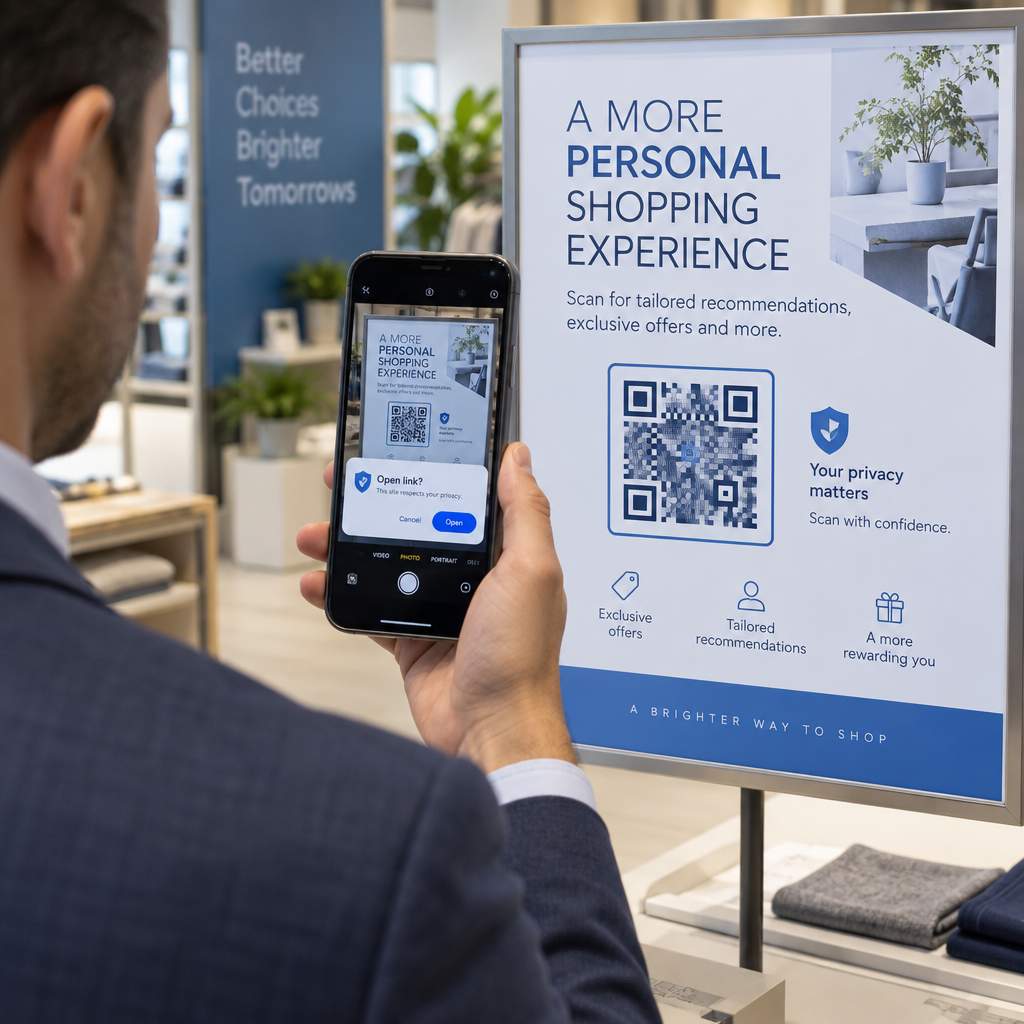
- การควบคุมการเข้าถึงสถานที่และการเช็คอินเข้างาน: การสแกนบัตรผู้เข้าร่วมงานที่โต๊ะลงทะเบียนหรือประตูห้องประชุมจะตรวจสอบสถานะตั๋วได้ทันที การนำระบบ ระบบรหัส QR สำหรับการเข้าร่วม เวิร์กโฟลว์มาใช้ช่วยเร่งการเข้างานและให้ผู้จัดงานสามารถติดตามความจุของห้องได้แบบเรียลไทม์
- การเก็บข้อมูลผู้มุ่งหวังของผู้แสดงสินค้า: เจ้าหน้าที่ประจำบูธสแกนบัตรผู้เข้าร่วมงานเพื่อเก็บข้อมูลติดต่อโดยไม่ต้องแลกนามบัตรจริง ซึ่งช่วยให้ผู้สนับสนุนสามารถบันทึกข้อมูลผู้มุ่งหวังที่มีคุณสมบัติเหมาะสมลงในระบบการจัดการลูกค้าสัมพันธ์ได้โดยตรงระหว่างงานแสดงสินค้า
- การสร้างเครือข่ายแบบ Peer-to-Peer: ผู้เข้าร่วมงานแลกเปลี่ยนข้อมูลติดต่อได้ทันทีด้วยการสแกนบัตรของกันและกัน การเชื่อมโยงโค้ดบนบัตรเข้ากับบัตรผู้ติดต่อดิจิทัลโดยใช้ vCard คืออะไร สร้าง QR Code vCard ช่วยให้ผู้รับสามารถบันทึกชื่อ หมายเลขโทรศัพท์ และที่อยู่อีเมลลงในสมุดที่อยู่ของสมาร์ทโฟนได้โดยตรง
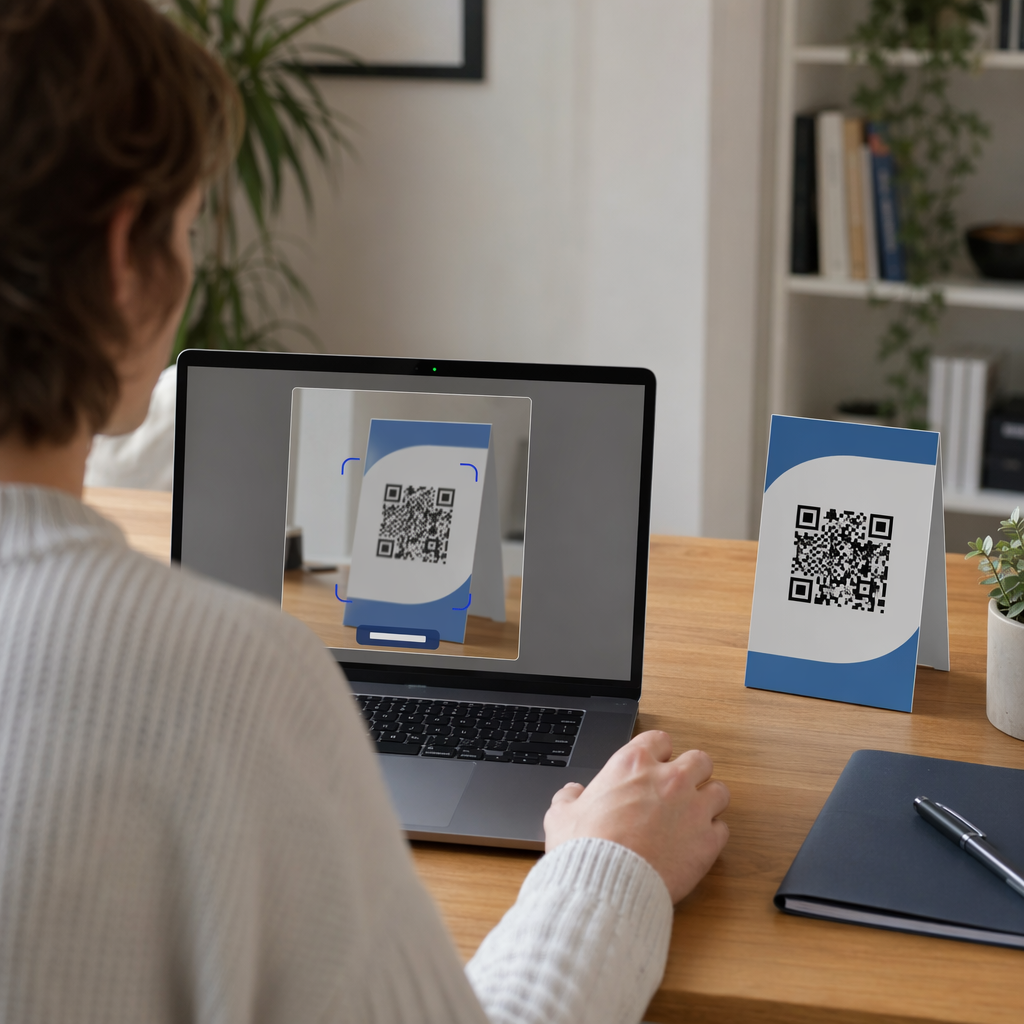
เพื่อให้แน่ใจว่าการสแกนทำได้อย่างรวดเร็วในทั้งสามกรณีการใช้งาน ให้ลดปริมาณข้อมูลดิบที่จัดเก็บภายในรูปแบบบาร์โค้ด ความหนาแน่นของข้อมูลสูงจะสร้างรูปแบบสี่เหลี่ยมที่เล็กและแน่น (โมดูล) ซึ่งยากที่กล้องมือถือจะประมวลผลได้อย่างรวดเร็ว การใช้ สร้าง Dynamic QR Code ช่วยให้คุณสามารถเข้ารหัสลิงก์เปลี่ยนเส้นทางสั้นๆ หรือสตริงตัวระบุที่ไม่ซ้ำกัน ทำให้รูปแบบภาพดูโปร่งและอ่านง่าย
สร้าง QR code สำหรับงานอีเวนต์แบบกำหนดเองในไม่กี่นาที ทำให้การลงทะเบียนผู้เข้าร่วมงานและการสแกนบัตรง่ายขึ้นด้วยการออกแบบโค้ดสำหรับงานอีเวนต์ที่ปรับแต่งได้ด้วย การสร้าง QR Code ลงทะเบียนอบรม วันนี้.
แนวทางทางเทคนิคสำหรับการสแกนบัตร
รหัสบัตรที่ไม่สามารถสแกนได้ทำให้เกิดเวลารอนานและการสูญเสียข้อมูลที่ถูกต้อง โปรดปฏิบัติตามมาตรฐานการออกแบบทางเทคนิคเหล่านี้เพื่อให้แน่ใจว่าบัตรทุกใบสามารถสแกนได้อย่างน่าเชื่อถือในการลองครั้งแรก

| มาตรฐานคุณสมบัติ | ข้อกำหนดทางเทคนิค | เหตุผลในการปฏิบัติงาน |
|---|---|---|
| ขนาดพิมพ์ขั้นต่ำ | 1 × 1 นิ้ว (2.5 × 2.5 ซม.) | รับประกันการโฟกัสที่ชัดเจนสำหรับเครื่องสแกนมือถือในระยะที่ยื่นแขนถึง (10–25 นิ้ว) |
| ระยะขอบเขตเงียบ | อย่างน้อย 4 โมดูลกว้าง | ป้องกันไม่ให้ข้อความ โลโก้ หรือขอบของบัตรโดยรอบรบกวนการทำงานของเครื่องอ่าน |
| คอนทราสต์สี | อัตราส่วนคอนทราสต์ขั้นต่ำ 4:1 | ทำให้เซ็นเซอร์ออปติคัลสามารถแยกแยะโมดูลพื้นหน้าสีเข้มออกจากกระดาษพื้นหลังได้ |
| ความละเอียดของภาพ | รูปแบบเวกเตอร์ (SVG/EPS) หรือ 300 DPI | ช่วยขจัดขอบที่เบลอหรือเป็นพิกเซลเมื่อปรับขนาดอาร์ตเวิร์กของบัตรสำหรับการพิมพ์ |
ความคมชัดของสีและการจัดรูปแบบด้วยภาพ
ควรพิมพ์ลวดลาย QR สีเข้มบนพื้นหลังสีอ่อนเสมอ โมดูลสีดำบนพื้นหลังสีขาวให้คะแนนการอ่านสูงสุดและอัตราส่วนคอนทราสต์มาตรฐาน 21:1 แม้ว่าจะสามารถใช้สีแบรนด์ที่กำหนดเองได้ แต่ควรรักษาอัตราส่วนคอนทราสต์อย่างน้อย 4:1 เพื่อรองรับระดับแสงของสถานที่ที่แตกต่างกัน หลีกเลี่ยงการออกแบบแบบกลับด้านที่มีลวดลายสีอ่อนบนพื้นหลังสีเข้ม เนื่องจากเครื่องอ่านกล้องสมาร์ทโฟนหลายรุ่นไม่สามารถประมวลผลโค้ดที่กลับด้านได้ สำหรับกฎการเลือกสีโดยละเอียด โปรดดูคู่มือของเราเกี่ยวกับ แนวทางปฏิบัติที่ดีที่สุดสำหรับความคมชัดของสีรหัส QR.
ข้อกำหนดของพื้นที่ว่าง (Quiet Zone)
โซนเงียบคือระยะขอบที่ชัดเจนที่ล้อมรอบทั้งสี่ด้านของรหัส QR มาตรฐานกำหนดให้ความกว้างของโซนเงียบต้องเท่ากับอย่างน้อยสี่เท่าของความกว้างของโมดูลแต่ละโมดูล (บล็อกสี่เหลี่ยม) อย่าใส่ชื่อ ตำแหน่งงาน โลโก้สปอนเซอร์ หรือกราฟิกพื้นหลังภายในระยะขอบนี้ เนื่องจากการทำเช่นนั้นจะทำให้เครื่องสแกนไม่สามารถระบุขอบเขตของรหัสได้
วัสดุของบัตรและเทคนิคการพิมพ์
วัสดุรองรับทางกายภาพและการเคลือบพื้นผิวของบัตรมีผลอย่างมากต่อการสะท้อนแสงเข้าสู่เลนส์สแกน
การเลือกวัสดุรองรับและการเคลือบผิว
เลือกกระดาษการ์ดแบบด้านหรือไม่เคลือบผิวเมื่อเป็นไปได้ บัตรพลาสติกที่มีความเงาสูง, แผ่นใสเคลือบเงา, และซองไวนิลหนาจะสะท้อนแสงไฟจากสถานที่จัดงานเข้าสู่เลนส์กล้องโดยตรง ทำให้เกิดภาพจางและข้อผิดพลาดในการสแกน หากสถานที่จัดงานของคุณต้องการใช้ซองใส่บัตรพลาสติกใสหรือการเคลือบเงา:
- เพิ่มขนาดรหัสที่พิมพ์ขึ้น 15% ถึง 20% เพื่อให้เซ็นเซอร์กล้องมีเป้าหมายที่ใหญ่ขึ้น
- แนะนำให้ผู้ควบคุมกล้องหรือเจ้าหน้าที่ประจำบูธถืออุปกรณ์สแกนในมุมที่เอียงเล็กน้อยเพื่อหลีกเลี่ยงการสะท้อนแสงโดยตรง
- หลีกเลี่ยงการใช้กระดาษการ์ดสังเคราะห์ที่มีพื้นผิว ซึ่งอาจรบกวนขอบรูปทรงเรขาคณิตที่ตรงของโมดูลที่พิมพ์
การส่งออกไฟล์สำหรับงานผลิต
ห้ามส่งออกไฟล์อาร์ตเวิร์กของป้ายเป็นไฟล์ JPEG หรือ PNG ที่มีความละเอียดต่ำ การปรับขนาดภาพบิตแมปทำให้เกิดการเบลอของพิกเซล ซึ่งจะทำให้มุมโมดูลที่คมชัดมนลง ส่งออกอาร์ตเวิร์กในรูปแบบเวกเตอร์ เช่น SVG หรือ EPS หรือส่งออกไฟล์ PDF ที่มีความละเอียดสูงตั้งค่า 300 DPI ในขนาดพิมพ์จริง สำหรับภาพรวมที่ครอบคลุมว่าการเลือกวัสดุและการใช้หมึกส่งผลต่อการสแกนอย่างไร โปรดอ่านบทความของเราเกี่ยวกับ ผลกระทบของเทคนิคการพิมพ์ต่อความสามารถในการสแกนรหัส QR.
กฎการวางป้าย
วางรหัส QR ที่ด้านหน้าของป้าย โดยเฉพาะอย่างยิ่งใกล้กึ่งกลางหรือส่วนล่างหนึ่งในสาม ซึ่งจะไม่ถูกบังด้วยสายคล้องคอหรือคลิป การวางรหัสใกล้เส้นทางการอ่านหลักจะช่วยให้การจัดตำแหน่งด้วยสายตาทำได้รวดเร็วระหว่างการเช็คอิน สำรวจคำแนะนำของเราใน คู่มือการจัดวางรหัส QR ในการตลาดและทบทวนการนำไปใช้งานจริงใน กรณีศึกษาเกี่ยวกับการประชุมทางวิทยาศาสตร์สำหรับรายละเอียดขนาดที่แน่นอนตามระยะการสแกนทางกายภาพ โปรดอ้างอิง คู่มือขนาดรหัส QR.

ความเป็นส่วนตัวของข้อมูลและขั้นตอนการสแกนในการดำเนินงาน
การนำรหัส QR บนป้ายมาใช้จำเป็นต้องสร้างสมดุลระหว่างขั้นตอนการดำเนินงานที่รวดเร็วกับการปกป้องข้อมูลผู้เข้าร่วมงาน
การปกป้องข้อมูลผู้เข้าร่วมงาน
การเข้ารหัสข้อมูลส่วนบุคคลทั้งหมด เช่น หมายเลขโทรศัพท์ ที่อยู่ และที่อยู่อีเมล โดยตรงลงในข้อมูลของบาร์โค้ดแบบคงที่ จะเปิดเผยข้อมูลผู้เข้าร่วมงานให้แก่ทุกคนที่สแกนป้ายด้วยแอปกล้องเชิงพาณิชย์
แต่ให้เข้ารหัสตัวระบุที่เป็นตัวอักษรและตัวเลขที่ไม่ซ้ำกันซึ่งถูกเข้ารหัสไว้ (เช่น `ID-88302`) เมื่อเจ้าหน้าที่ผู้มีอำนาจของงานสแกนป้ายโดยใช้เครื่องมือขององค์กรหรือออนไลน์ สแกนคิวอาร์โค้ดระบบแบ็คเอนด์จะยืนยันตัวระบุได้อย่างปลอดภัยโดยไม่ต้องพิมพ์ข้อมูลส่วนบุคคลที่ละเอียดอ่อนลงในข้อมูลที่อยู่ในป้ายจริง
การสร้างความยินยอมในการเก็บข้อมูลผู้สนใจ
เพื่อให้เป็นไปตามข้อกำหนดด้านความเป็นส่วนตัว:
- แยกกรณีการใช้งาน: แยกการสแกนเพื่อเช็คอินงานออกจากกระบวนการรวบรวมข้อมูลผู้สนใจของผู้จัดแสดง การเช็คอินสถานที่ไม่ได้ให้สิทธิ์ผู้สนับสนุนบุคคลที่สามในการจัดเก็บข้อมูลติดต่อโดยอัตโนมัติ
- ให้แจ้งเตือนอย่างชัดเจน: แจ้งผู้เข้าร่วมงานในระหว่างการลงทะเบียนว่าการอนุญาตให้ผู้จัดแสดงสแกนป้ายของตนถือเป็นการเลือกที่จะแบ่งปันข้อมูลติดต่อกับผู้สนับสนุนรายนั้นโดยเฉพาะ
- ใช้การสแกนที่ชัดเจน: ตรวจสอบให้แน่ใจว่าแอปพลิเคชันเรียกข้อมูลบูธแสดงการยืนยันความสำเร็จด้วยภาพ (เช่น แบนเนอร์ยืนยันสีเขียว) เพื่อให้ผู้เข้าร่วมงานทราบเมื่อมีการสแกนข้อมูลผู้สนใจ
รายการตรวจสอบการดำเนินงานเพื่อความสำเร็จของงาน
ก่อนพิมพ์ป้ายประชุมทั้งหมดของคุณ ให้ดำเนินการตามรายการตรวจสอบการประกันคุณภาพนี้:
- ตรวจสอบความคมชัด: ทดสอบการผสมผสานของพื้นหลังและพื้นหน้าโดยใช้เครื่องตรวจสอบความคมชัดแบบดิจิทัล เพื่อให้แน่ใจว่ามีอัตราส่วนสูงกว่า 4:1
- รักษาระยะขอบว่าง: ตรวจสอบให้แน่ใจว่ามีระยะขอบว่าง 4 โมดูลล้อมรอบรหัสป้ายทุกรหัสในเทมเพลตเค้าโครงสุดท้าย
- พิมพ์ตัวอย่างจริง: อย่าพึ่งพิงเพียงแค่การดูตัวอย่างบนหน้าจอเท่านั้น ให้พิมพ์ตัวอย่างป้ายจริงบนกระดาษป้ายหรือกระดาษการ์ดที่เลือก
- ทดสอบข้ามอุปกรณ์: สแกนตัวอย่างจริงภายใต้แสงไฟของสถานที่จริงโดยใช้สมาร์ทโฟนหลายรุ่น (ทั้ง iOS และ Android) และเครื่องสแกนมือถือเฉพาะ
- ยืนยันเส้นทางข้อมูล: ตรวจสอบว่าลิงก์ QR แบบไดนามิกนำไปสู่หน้า Landing Page ที่ถูกต้องหรือฐานข้อมูลระบบเช็คอินโดยไม่มีข้อผิดพลาด
ทำให้งานต่อไปของคุณง่ายขึ้นด้วยป้ายที่สแกนได้
การปฏิบัติตามมาตรฐานการออกแบบ วัสดุ และข้อมูลเหล่านี้ จะช่วยให้ป้ายงานอีเวนต์ของคุณสามารถเช็คอินได้อย่างราบรื่นและสร้างโอกาสทางธุรกิจได้อย่างน่าเชื่อถือ การออกแบบป้ายที่มีคอนทราสต์ที่เหมาะสม มีพื้นที่ว่างเพียงพอ พื้นผิวแบบด้าน และเพย์โหลดไดนามิกที่น้ำหนักเบา จะช่วยขจัดปัญหาคอขวดในการลงทะเบียนและปกป้องความเป็นส่วนตัวของผู้เข้าร่วม
หากต้องการเริ่มต้นสร้างโค้ด QR ที่มีคอนทราสต์สูงและปรับขนาดได้สำหรับสื่อสิ่งพิมพ์ในงานอีเวนต์ที่กำลังจะจัดขึ้น โปรดดูที่ แนวทางปฏิบัติที่ดีที่สุดสำหรับการอ่านรหัส QR และทดสอบอาร์ตเวิร์กป้ายของคุณได้แล้ววันนี้
คำถามที่พบบ่อย
พิมพ์โค้ด QR บนป้ายขนาดอย่างน้อย 1 × 1 นิ้ว (2.5 × 2.5 ซม.) หรือขั้นต่ำ 2 × 2 ซม. ขนาดนี้เหมาะสมกับระยะการสแกนทั่วไปที่ระยะห่างจากแขนประมาณ 10 ถึง 25 นิ้ว เมื่อใช้กล้องสมาร์ทโฟนมาตรฐาน
คิวอาร์โค้ดแบบไดนามิกเข้ารหัสลิงก์เปลี่ยนเส้นทางแบบสั้นแทนที่จะเป็นข้อความดิบที่มีข้อมูลหนาแน่น ทำให้รูปแบบภาพดูเรียบง่ายและสแกนได้เร็ว นอกจากนี้ยังช่วยให้ผู้จัดงานสามารถแก้ไข URL ปลายทางหรือจัดการการตั้งค่าการเข้าถึงหลังการพิมพ์ได้ โดยไม่ต้องออกบัตรจริงใหม่
ใช้บัตรประจำตัวแบบด้านที่ไม่มีการสะท้อนแสงเมื่อเป็นไปได้ หากจำเป็นต้องใช้ซองไวนิลใส ให้เพิ่มขนาดคิวอาร์โค้ดขึ้น 15% ถึง 20% และแนะนำพนักงานหรือผู้จัดแสดงให้ถืออุปกรณ์สแกนทำมุม 45 องศาเพื่อหลีกเลี่ยงแสงสะท้อนจากไฟเหนือศีรษะโดยตรง