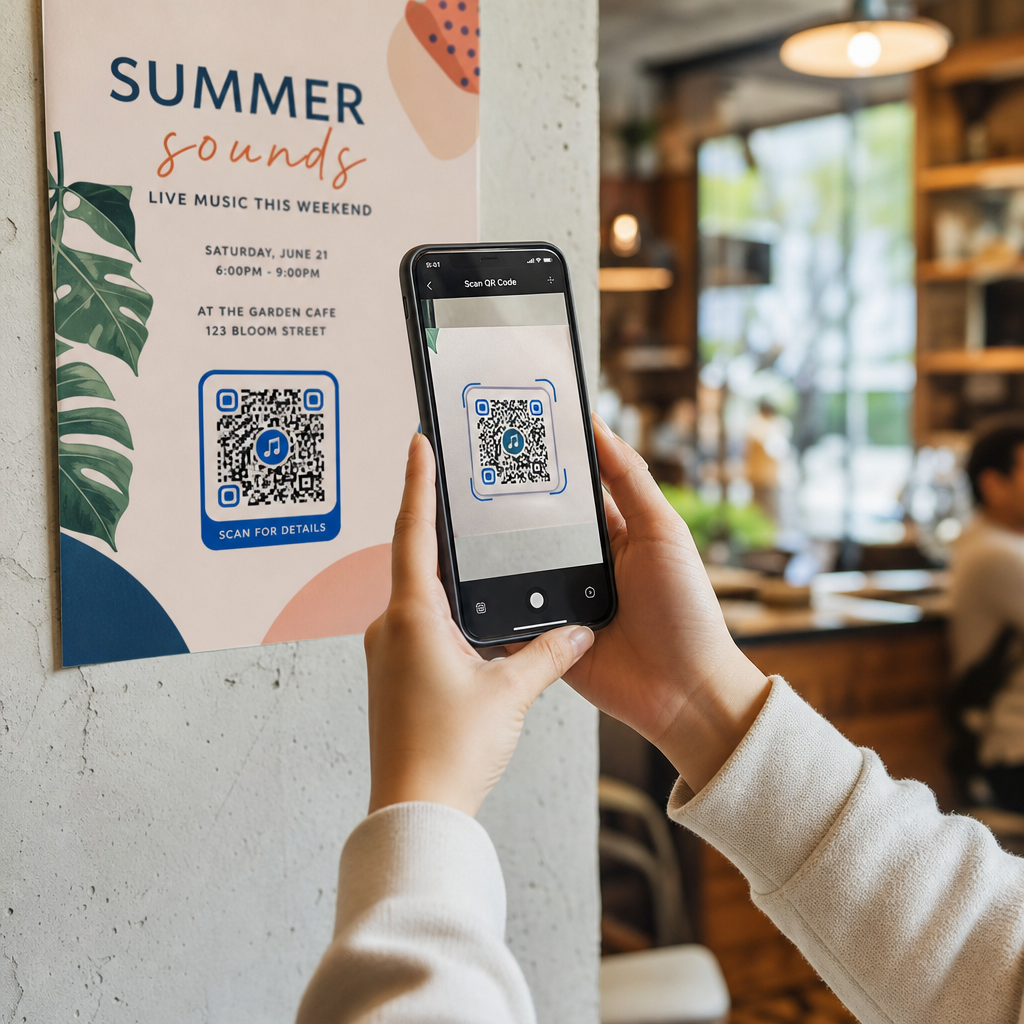
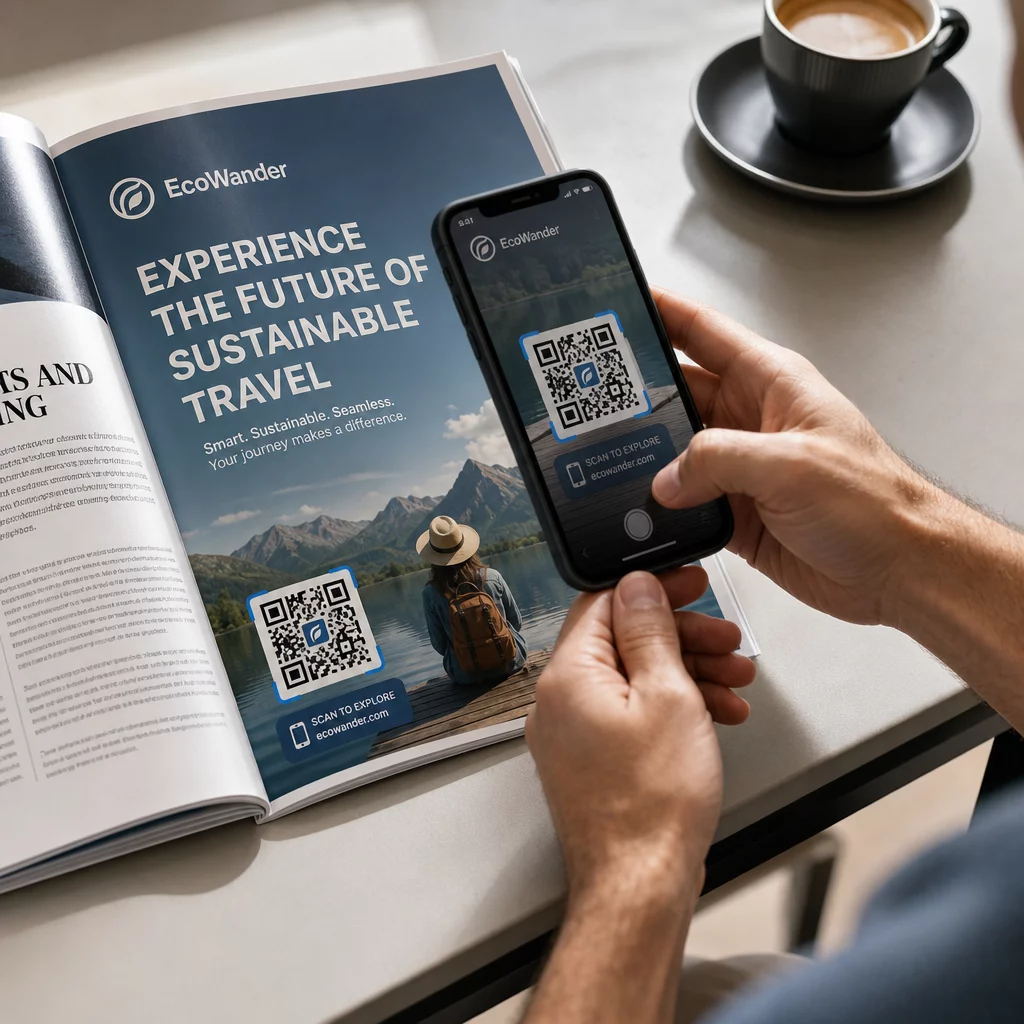
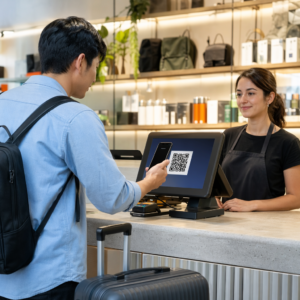
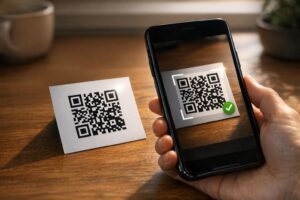
Způsobují ztracení účastníci a přeplněné informační pulty úzká hrdla ve vašem areálu? Zmatek v navigaci vede k zmeškaným přednáškám, frustrovaným hostům a přepracovanému personálu akce. Implementace QR navigace poskytuje účastníkům okamžitý mobilní přístup k interaktivním mapám a směrovkám specifickým pro danou lokalitu přímo na jejich chytrých telefonech.
Proč mobilní QR kódy zlepšují navigaci v areálu
Velká kongresová centra, vícefázové festivaly a rozlehlé výstavní haly často návštěvníky přemáhají. Tradiční plány tištěné na statických informačních tabulích u vchodů mají tendenci shromažďovat husté davy, což způsobuje vážné dopravní zácpy v hlavních chodbách. Navíc, pokud se během akce změní přidělení stánku nebo posunou časy v rozvrhu místnosti, fyzické mapové tabule se rychle stanou zastaralými a zavádějícími.
Použití QR kódů pro navigaci v areálu proměňuje fyzické značení v interaktivní digitální portály. Umístění kódů na klíčových rozhodovacích bodech vytváří po celém vašem zařízení lokalizované stanice „Vy jste zde“. Po naskenování tyto kódy okamžitě načtou mobilně přívětivé mapy, podrobné vnitřní směrovky nebo stránky s rozvrhem v reálném čase.
Protože dynamické QR kódy umožňují upravovat cílové odkazy i po tisku, můžete okamžitě aktualizovat plány nebo přesměrovat tok lidí, aniž byste museli vyměňovat fyzické značení. Integrace digitálních půdorysů s dedikovaným QR pozvánka na akci zefektivňuje celkové řízení davu a zároveň poskytuje okamžitou přehlednost účastníkům.
Praktické způsoby implementace navigace pomocí QR kódů
Nasazení QR kódové navigace ve vašem areálu vyžaduje strategické umístění v souladu se specifickými potřebami účastníků. Zde jsou čtyři praktické aplikace pro navigaci na akcích:
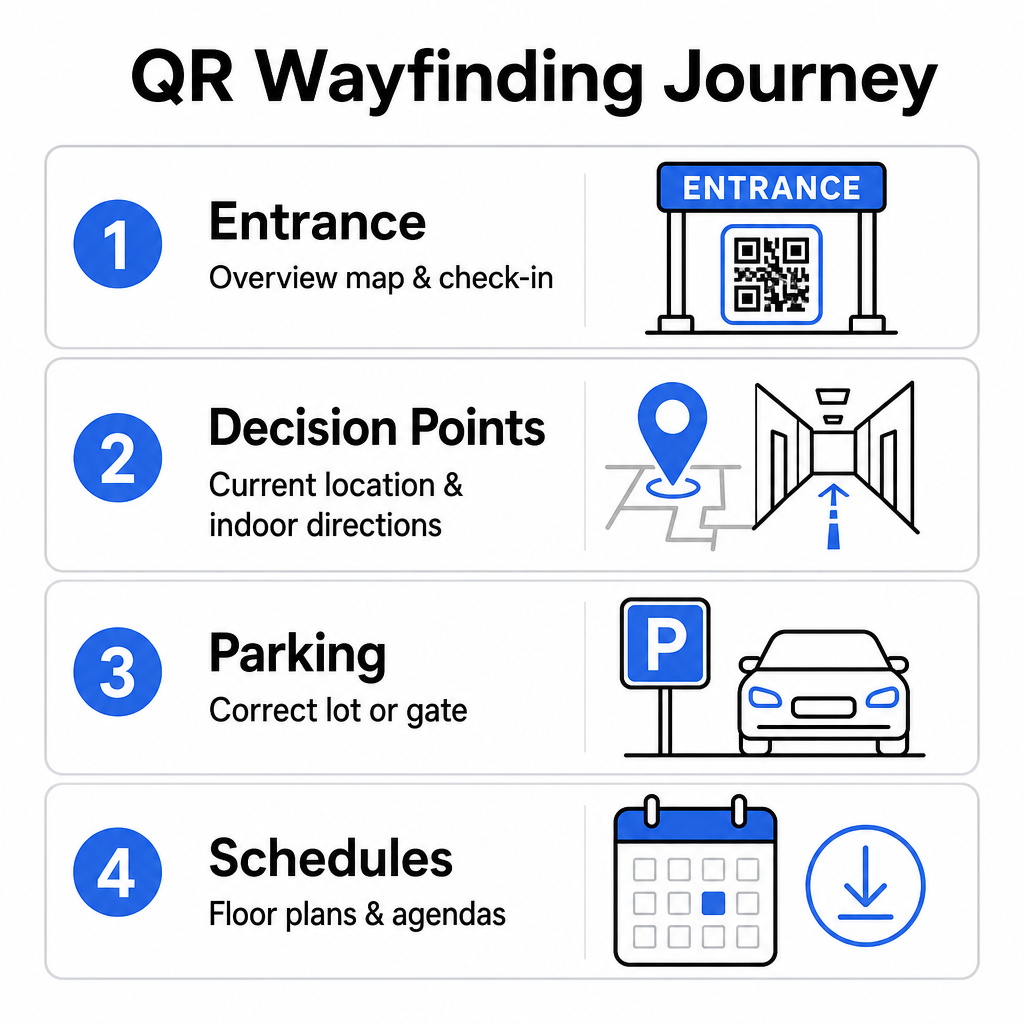
- Vstupní a registrační uzly: Umístěte prominentní kódy poblíž vstupních bran a registračních pultů, abyste příchozím hostům poskytli okamžitou přehlednou mapu zařízení spolu s pokyny k odbavení. Integrace digitální navigace na vstupních bodech doplňuje moderní systémy odbavení akcí.
- Lokalizované rozhodovací body „Vy jste zde“: QR kódy specifické pro stanoviště na hlavních křižovatkách chodeb, ve vestibulech výtahů, u vchodů do schodišť a v jídelnách. Každý kód ukotvěte tak, aby otevřel digitální mapu předem nakonfigurovanou pro zobrazení přesné aktuální polohy uživatele uvnitř budovy.
- Navigace k místu konání a parkování: Nasměrujte účastníky na správné parkoviště nebo ke vchodu do budovy, než dorazí pěšky. Zahrnutí Google Maps QR kód generátor odkazu na potvrzeních digitálních vstupenek nebo venkovních vstupních bannerech navede řidiče přímo k určeným příjezdovým branám.
- Stáhnutelné rozvrhy a plány pater: Poskytněte offline dostupné mapy pro místa s nízkým mobilním pokrytím. Využití QR kód PDF generátor umožňuje hostům uložit si plány pater a průvodce programem ve vysokém rozlišení přímo do svých mobilních zařízení.
Zjednodušte navigaci v místě konání ještě dnes Potřebujete vytvořit vlastní, mobilní mapové odkazy pro vaši nadcházející událost? Použijte QR pozvánka na akci k vytvoření dynamických, sledovatelných kódů během několika minut.
Pokyny pro umístění a přístupnost navigačních značek
Navigační systém je účinný pouze tehdy, pokud účastníci mohou pohodlně najít a naskenovat fyzické značení. Promyšlené umístění zajišťuje, že navigační nástroje zůstanou funkční a přístupné každému návštěvníkovi.
Optimální fyzické umístění
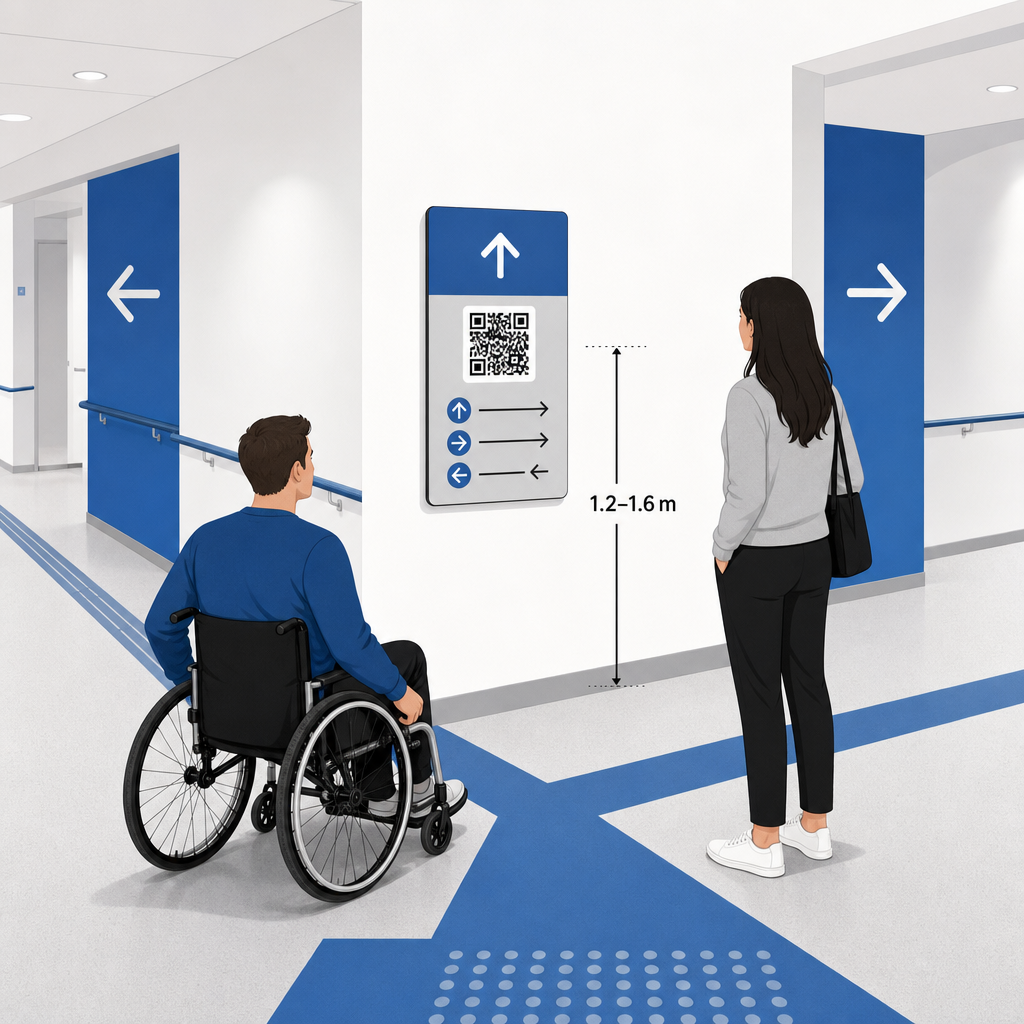
Umístěte navigační značení tam, kde se návštěvníci přirozeně zastavují, aby se rozhodli o trase, například na křižovatkách chodeb, v odpočinkových zónách, v jídelních zónách a u výtahů. Tištěné kódy umístěte do dostupné výšky očí – obvykle mezi 1,2 až 1,6 metru (3,5 až 5,5 stopy) nad podlahou – tak, aby byly pohodlně dosažitelné jak pro stojící návštěvníky, tak pro uživatele invalidních vozíků.
Shoda s ADA a přístupnost
Oficiální standardy přístupnosti podle zákona o Američanech s postižením (ADA) vyžadují, aby směrové značení dodržovalo jasná vizuální pravidla, včetně vysokého kontrastu mezi tmavým a světlým, nereflexních povrchů a specifických proporcí vizuálních znaků. Digitální nástroje, jako jsou QR kódy, slouží jako doplněk, nikoli náhrada, standardního přístupného fyzického značení.
Pro udržení plné shody a přístupnosti:
- U každého kódu udržujte viditelný alternativní text, tištěné textové pokyny nebo personální asistenci.
- Spárujte kódy s jasnými popisnými štítky, které uvádějí, k jakým informacím uživatel po naskenování získá přístup.
- Vytvořte mobilní vstupní stránky, které podporují čtečky obrazovky a obsahují popisný alternativní text pro grafiku map.
Jasné výzvy k akci
Neoznačený QR kód nechává návštěvníky hádat jeho účel. Vždy spárujte každý kód s jasným rámečkem výzvy k akci (CTA) nebo textovým štítkem, jako je „Naskenujte pro interaktivní půdorys“ nebo „Najděte si cestu – Naskenujte pro mapu.“ Dodržování osvědčených pokynů pro umístění QR kódu na plakáty výrazně zvyšuje zapojení a míru skenování.
Technické osvědčené postupy pro skenovatelné značení
Zajištění rychlého a spolehlivého skenování napříč stovkami různých modelů chytrých telefonů vyžaduje přísné dodržování základních grafických standardů.
| Faktor | Technická norma | Praktický účel |
|---|---|---|
| Minimální velikost tisku | Minimálně 3 x 3 cm (1.2 x 1.2 in); 2 x 2 cm pro předměty zblízka | Zabraňuje selhání zaostření fotoaparátu na hustých datových modulech. |
| Poměr skenovací vzdálenosti |
Poměr 10:1 (1 jednotka šířky kódu na 10 jednotek vzdálenosti) | Zajišťuje, že kódy na velkých visících bannerech zůstanou skenovatelné i z dálky. |
| Barevný kontrast | Minimální kontrastní poměr 4:1 (tmavé moduly na světlém pozadí) | Pomáhá senzorům fotoaparátu telefonu okamžitě rozlišit moduly od pozadí. |
| Ochranná klidová zóna | Minimálně 4 moduly široká (přibližně 0.25 palce okraj) | Zabraňuje okolní grafice a textu v rušení dekódování skenerem. |
| Formát souboru | Vektorové formáty (SVG, EPS, PDF) | Udržuje ostré hrany bez pixelizace při tisku na velké značení. |
Při tisku směrových plakátů a nástěnných značek zvolte matné, nereflexní materiály namísto lesklých povrchů. Matné povrchy eliminují ostré odrazy horního osvětlení, které představují jednu z hlavních příčin selhání skenování mobilními fotoaparáty. Pro podrobné pokyny k rozměrům se obraťte na naše komplexní průvodci velikostí QR kódů and review essential postupy pro čitelnost QR kódu.
Navedte účastníky přímo na místo konání Zajistěte, aby hosté bez zmatků dorazili ke správnému vchodu nebo na parkoviště. Generujte přesné špendlíky polohy pomocí Google Maps QR kód generátor.
Testování a aktualizace vašeho navigačního systému akce
Důkladná validace před otevřením dveří zabraňuje technickým selháním během hodin nejvyšší návštěvnosti.
Předakční ověření
- Testování na více zařízeních: Naskenujte každý publikovaný kód pomocí zařízení Apple iOS i Android napříč standardními vestavěnými aplikacemi fotoaparátu.
- Hodnocení okolního osvětlení: Zkontrolujte vytištěné značení pod skutečným osvětlením místa konání, abyste identifikovali potenciální odlesky nebo stíny vrhané svítidly v hale.
- Kontrola úhlů a vzdáleností skenování: Pokuste se skenovat z realistických stojících pozic a bočních úhlů, čímž potvrdíte, že se kód dekóduje za 3 sekundy nebo méně.
- Ověřování rychlosti načítání sítě: Otestujte doby odezvy cílové stránky mapy přes mobilní sítě a hostovskou Wi-Fi, abyste potvrdili rychlé časy načítání pod zatížením sítě.
Správa živých aktualizací pomocí dynamických QR kódů
I pečlivě plánovaná uspořádání akcí zažívají změny harmonogramu na poslední chvíli nebo přemístění stánků. Využitím dynamických QR kódů si udržíte plnou kontrolu nad cílovými vstupními stránkami. Pokud se změní prezentační místnost nebo je potřeba zvýraznit nouzovou únikovou cestu, jednoduše aktualizujte cílovou URL v řídicím panelu. Tištěný kód na zdi zůstane stejný, ale účastníci budou okamžitě přesměrováni na aktualizovanou mapu.
Dále, vestavěná analytika vám umožňuje monitorovat objem skenování napříč různými zónami místa konání v reálném čase. Vysoké počty skenování v konkrétních rozhodovacích bodech naznačují, kde účastníci často hledají směry, což poskytuje použitelná data pro nasazení dodatečného personálu nebo doplňkových směrových značek tam, kde jsou nejvíce potřeba. Pro pokročilé strategie polohování si prohlédněte naše celé průvodcem pro umístění QR kódů.
Často kladené otázky
Ne. Předpisy pro přístupnost vyžadují, aby fyzické navigační značení splňovalo specifické vizuální standardy, hmatové požadavky nebo pravidla vysokého kontrastu nezávisle. QR kódy slouží jako užitečný digitální doplněk k vedení návštěvníků, ale nesmí nahrazovat primární fyzické značení nebo přístupné textové alternativy.
Vždy exportujte svůj QR kód ve škálovatelných vektorových formátech, jako jsou SVG, EPS nebo PDF. Vektorové soubory se škálují na libovolnou velikost na bannerech nebo nástěnných tiscích, aniž by ztratily ostré okraje modulů, což zajišťuje spolehlivou skenovatelnost.
Dynamické QR kódy oddělují tištěný obrázek od cílového obsahu. Pokud se stánek přesune nebo se změní seminární místnost, aktualizujete cílový webový odkaz na svém panelu, aniž byste museli znovu tisknout nebo vyměňovat fyzické cedule visící v místě konání.
Přeměna komplexní navigace v místě konání na samoobslužný digitální zážitek snižuje frustraci účastníků a zajišťuje hladký průběh akce. Výběrem strategických rozhodovacích bodů, prosazováním vizuálních standardů s vysokým kontrastem a propojením kódů s responzivními vstupními stránkami map, umožňujete hostům, aby se sami nezávisle orientovali. Začněte navrhovat svůj navigační systém pro místo konání ještě dnes pomocí dynamických nástrojů Pageloot pro poskytování přístupu k mapám v reálném čase v celém vašem zařízení.