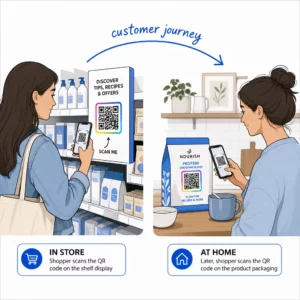
Загублені відвідувачі та переповнені довідкові столи створюють вузькі місця на вашому заході? Плутанина в навігації призводить до пропущених сесій, розчарованих гостей та перевантаженого персоналу події. Впровадження навігації на основі QR-кодів надає відвідувачам миттєвий мобільний доступ до інтерактивних карт та вказівок для конкретних місць безпосередньо на їхніх смартфонах.
Чому мобільні QR-коди покращують навігацію на локації
Великі конференц-центри, багатоетапні фестивалі та розлогі виставкові зали часто приголомшують відвідувачів. Традиційні плани поверхів, надруковані на статичних дошках біля входу, зазвичай збирають щільні натовпи, спричиняючи серйозні затори в головних коридорах. Крім того, якщо призначення стенду змінюється або розклад приміщення зміщується під час події, фізичні дошки з картами швидко стають застарілими та вводять в оману.
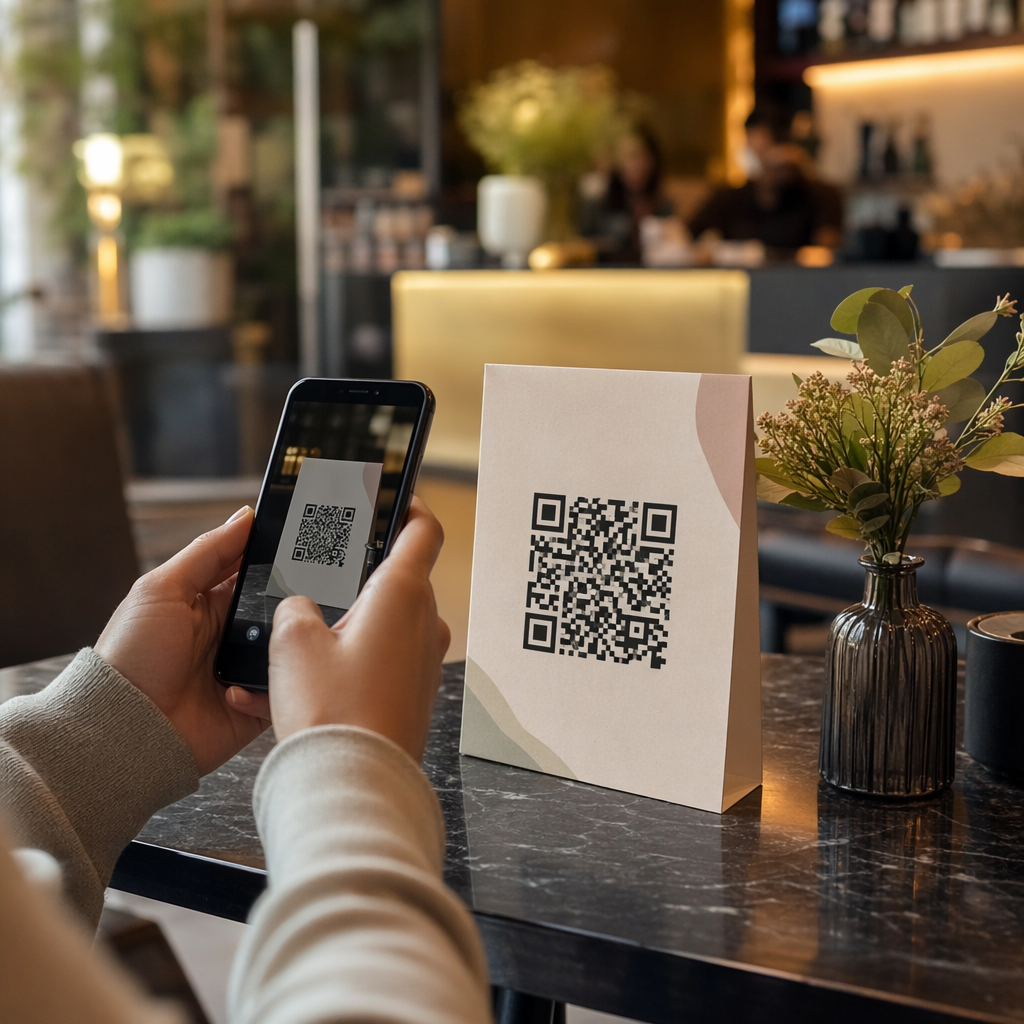
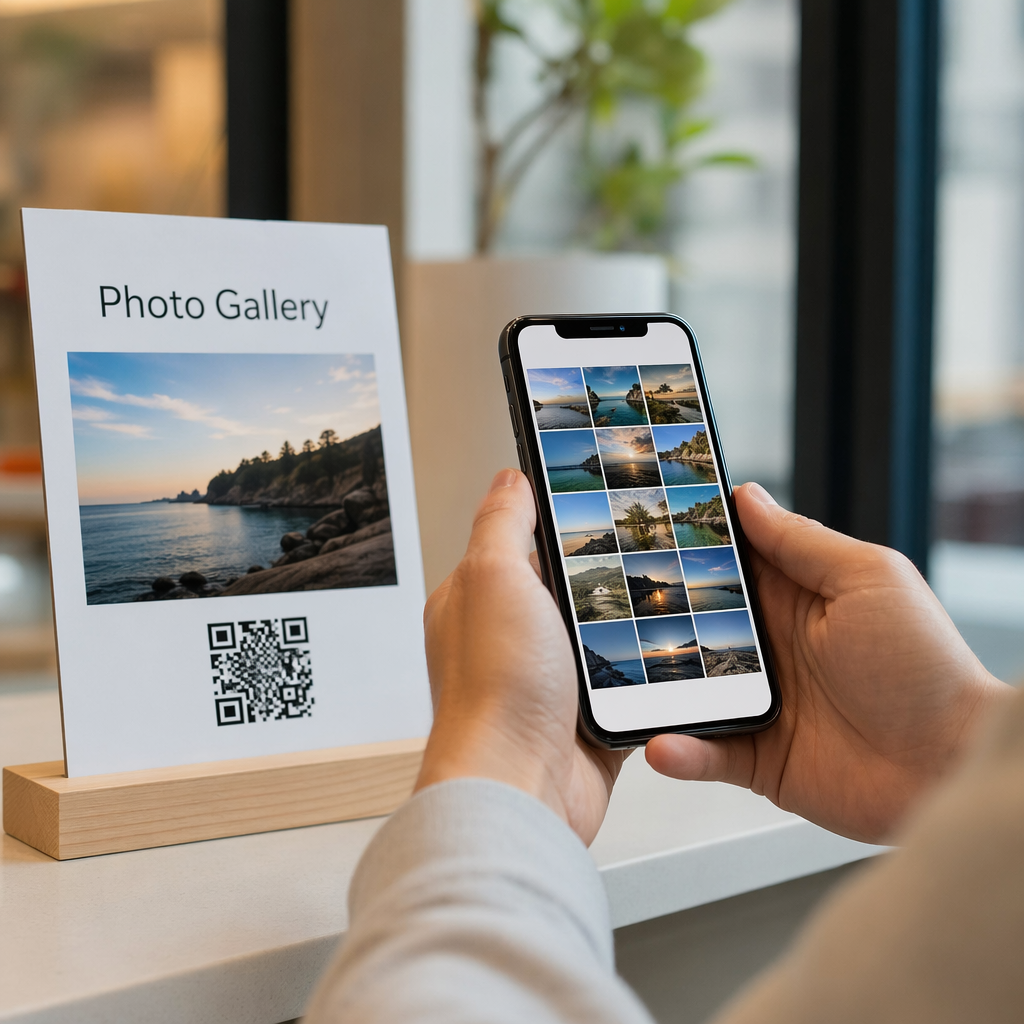
Використання QR-кодів для навігації по локації перетворює фізичні вивіски на інтерактивні цифрові портали. Розміщення кодів у ключових точках прийняття рішень створює локалізовані станції «Ви тут» по всьому вашому об'єкту. При скануванні ці коди негайно завантажують зручні для мобільних пристроїв карти, покрокові внутрішні вказівки або сторінки розкладу в реальному часі.
Оскільки динамічні QR-коди дозволяють редагувати посилання на призначення після друку, ви можете миттєво оновлювати плани поверхів або перенаправляти потоки трафіку, не замінюючи фізичні знаки. Інтеграція цифрових планів поверхів зі спеціалізованою Створити QR код для події оптимізує загальне управління натовпом, одночасно надаючи відвідувачам негайну ясність.
Практичні способи впровадження навігації за допомогою QR-кодів
Розгортання навігації за допомогою QR-кодів на вашому об'єкті вимагає стратегічного розміщення, узгодженого з конкретними потребами відвідувачів. Ось чотири практичні застосування для навігації на заходах:
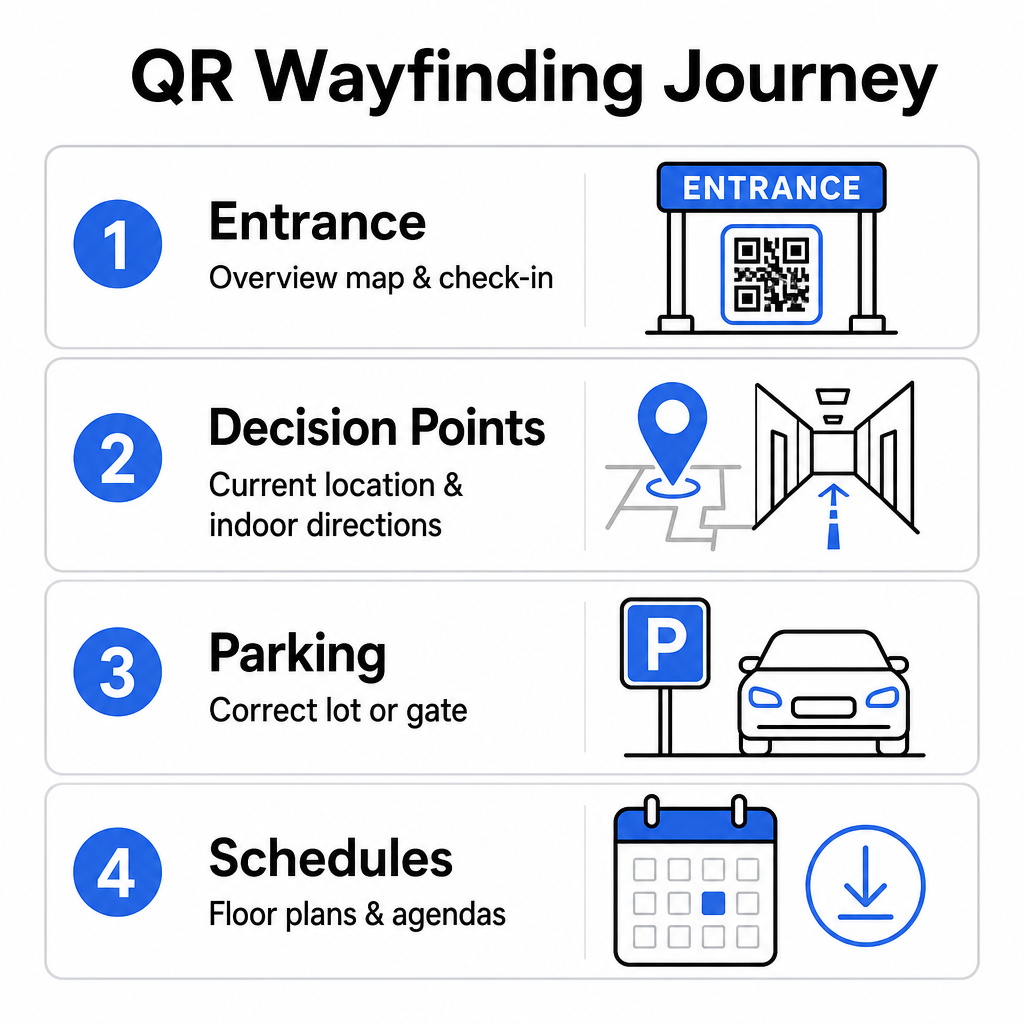
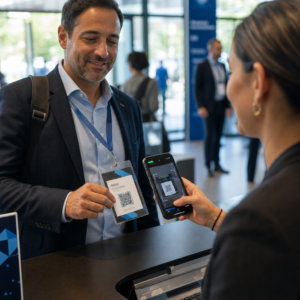
- Вхідні та реєстраційні вузли: Розмістіть помітні коди біля вхідних воріт та реєстраційних стійок, щоб надати гостям, які прибувають, миттєвий оглядовий план об'єкта разом з інструкціями для реєстрації. Інтеграція цифрової навігації у точках входу доповнює сучасні системи реєстрації на події.
- Локалізовані точки прийняття рішень «Ви тут»: QR-коди, специфічні для станцій, на головних перехрестях коридорів, у вестибюлях ліфтів, біля входів на сходи та в обідніх зонах. Закріпіть кожен код, щоб відкрити цифрову карту, попередньо налаштовану для відображення точного поточного місцезнаходження користувача в будівлі.
- Напрямки до місця проведення та паркування: Спрямуйте відвідувачів до правильної парковки або входу в будівлю ще до того, як вони прибудуть пішки. Включення Генератор QR-кодів Google Maps посилання на підтвердженнях цифрових квитків або банерах зовнішнього входу спрямовує водіїв прямо до визначених вхідних воріт.
- Розклади та плани поверхів для завантаження: Забезпечте доступ до офлайн-карт для місць із слабким стільниковим покриттям. Використання QR-код у форматі PDF дозволяє гостям зберігати плани поверхів високої роздільної здатності та путівники з програмою прямо на своїх мобільних пристроях.
Спростіть навігацію на місці проведення сьогодні Потрібно створити власні, зручні для мобільних пристроїв посилання на карти для вашої майбутньої події? Використовуйте Створити QR код для події , щоб за лічені хвилини створювати динамічні коди, що відстежуються.
Правила розміщення та доступності для навігаційних знаків
Система навігації ефективна лише тоді, коли відвідувачі можуть зручно знайти та відсканувати фізичні знаки. Продумане розміщення гарантує, що навігаційні інструменти залишаються функціональними та доступними для кожного відвідувача.
Оптимальне фізичне розміщення
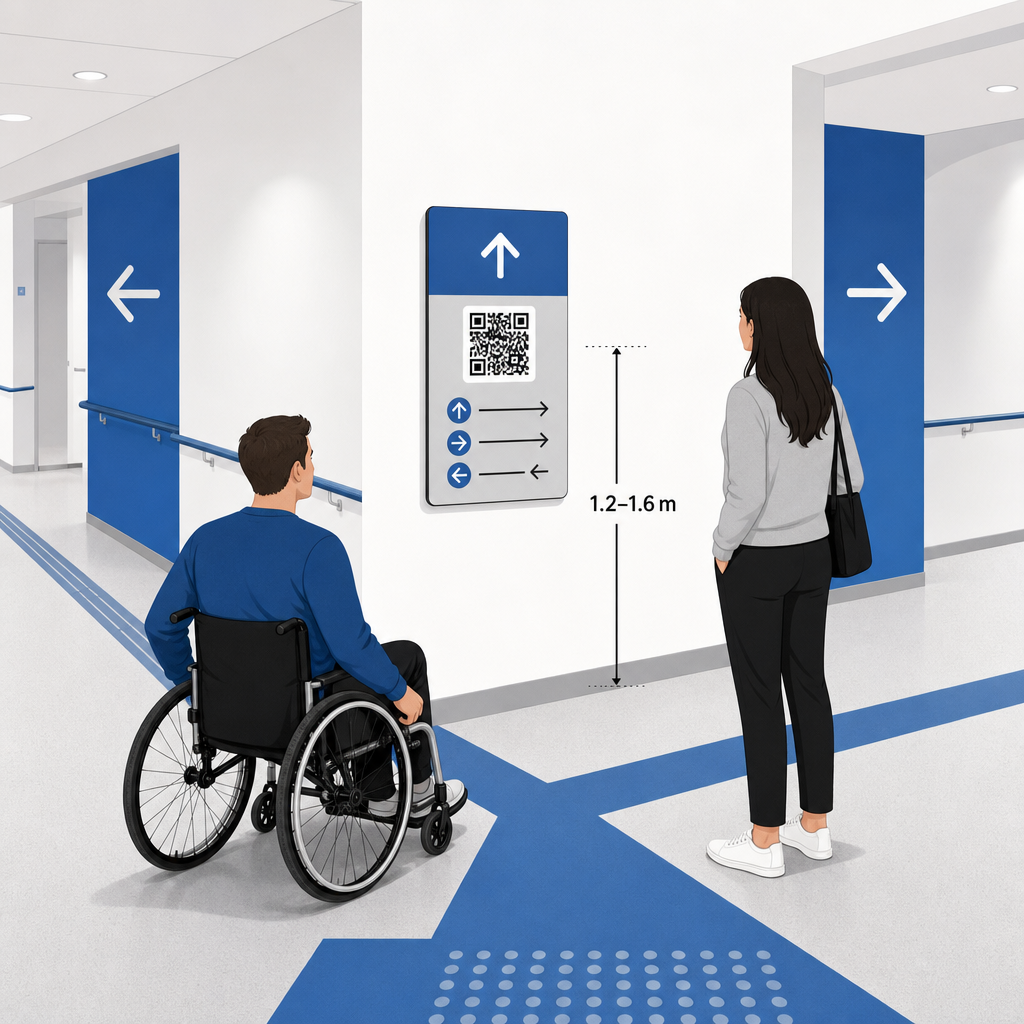
Розміщуйте навігаційні знаки там, де відвідувачі природно зупиняються, щоб прийняти рішення щодо маршруту, наприклад, на перехрестях коридорів, у зонах відпочинку, фуд-кортах та біля ліфтів. Кріпіть надруковані коди на доступній висоті рівня очей – зазвичай між 1.2 to 1.6 meters (3.5 to 5.5 feet) над підлогою – щоб вони залишалися зручно доступними як для стоячих відвідувачів, так і для користувачів інвалідних візків.
Відповідність ADA та вимогам доступності
Офіційні стандарти доступності відповідно до Закону про американців з інвалідністю (ADA) вимагають, щоб вказівні знаки відповідали чітким візуальним правилам, включаючи високий контраст від темного до світлого, покриття без відблисків та специфічні пропорції візуальних символів. Цифрові інструменти, такі як QR-коди, слугують доповненням, а не заміною стандартних доступних фізичних знаків.
Щоб забезпечити повну відповідність та доступність:
- Підтримуйте видимий альтернативний текст, друковані текстові вказівки або допомогу персоналу поруч із кожним кодом.
- Поєднуйте коди з чіткими описовими мітками, які вказують, яку інформацію користувач отримає після сканування.
- Створюйте мобільні цільові сторінки, які підтримують програми зчитування з екрана та містять описовий альтернативний текст для графіки карт.
Чіткі заклики до дії
QR-код без позначки змушує відвідувачів здогадуватися про його призначення. Завжди поєднуйте кожен код із чітким закликом до дії (CTA) у рамці або текстовій мітці, наприклад, “Відскануйте для інтерактивного плану поверху” або “Знайдіть свій шлях – Відскануйте карту”. Дотримуючись перевірених рекомендацій щодо розміщення QR-коду на плакатах значно збільшує залученість та кількість сканувань.
Технічні найкращі практики для сканованих вивісок
Забезпечення швидкого та надійного сканування на сотнях різних моделей смартфонів вимагає суворого дотримання основних графічних стандартів.
| Фактор | Технічний стандарт | Практичне призначення |
|---|---|---|
| Мінімальний розмір друку | мінімум 3 x 3 см (1.2 x 1.2 дюйма); 2 x 2 см для предметів крупним планом | Запобігає збоям фокусування камери на щільних модулях даних. |
| Scanning Distance Ratio |
Співвідношення 10:1 (1 одиниця ширини коду на 10 одиниць відстані) | Забезпечує можливість сканування кодів на великих підвісних банерах з великої відстані. |
| Кольоровий контраст | Мінімальний коефіцієнт контрастності 4:1 (темні модулі на світлому тлі) | Допомагає сенсорам камери телефону миттєво відрізняти модулі від фону. |
| Буфер тихої зони | Щонайменше 4 модулі завширшки (приблизно 0.25 дюйма поля) | Запобігає перешкоджанню навколишньої графіки та тексту декодуванню сканером. |
| Формат файлу | Векторні формати (SVG, EPS, PDF) | Зберігає чіткі краї без пікселізації при друку на великих вивісках. |
При друку навігаційних плакатів та настінних вивісок обирайте матові, невідбиваючі матеріали замість глянцевих покриттів. Матові поверхні усувають жорсткі відблиски верхнього освітлення, які є однією з основних причин збоїв сканування мобільними камерами. Щоб отримати детальні рекомендації щодо розмірів, ознайомтеся з нашим вичерпним посібнику з розмірів QR-кодів and review essential практиками для читабельності QR-коду.
Направте відвідувачів безпосередньо до вашого місця проведення Переконайтеся, що гості прибувають до правильного входу або паркувальних воріт без плутанини. Створюйте точні за місцезнаходженням піни за допомогою Генератор QR-кодів Google Maps.
Тестування та оновлення системи навігації на вашому заході
Ретельна перевірка перед відкриттям дверей запобігає технічним збоям у години пікової відвідуваності.
Перевірка перед подією
- Тестування на різних пристроях: Скануйте кожен опублікований код за допомогою пристроїв Apple iOS та Android, використовуючи стандартні вбудовані програми камер.
- Оцінка освітлення навколишнього середовища: Огляньте надруковані вивіски під фактичним освітленням місця проведення, щоб виявити потенційні відблиски або тіні, що відкидаються світильниками залу.
- Перевірка кутів та відстаней сканування: Спробуйте сканувати з реалістичних положень стоячи та бічних кутів, підтверджуючи, що код декодується за 3 секунди або менше.
- Перевірка швидкості завантаження мережі: Перевірте час відгуку цільової сторінки карти через стільникові мережі та гостьовий Wi-Fi, щоб підтвердити швидке завантаження за умов мережевого навантаження.
Керування оновленнями в реальному часі за допомогою динамічних QR-кодів
Навіть ретельно сплановані схеми подій зазнають змін у розкладі або переміщення стендів в останню хвилину. Використовуючи динамічні QR-коди, ви зберігаєте повний контроль над цільовими сторінками. Якщо змінюється презентаційна кімната або потрібно виділити маршрут аварійного виходу, просто оновіть URL-адресу призначення у своїй панелі керування. Надрукований код на стіні залишається ідентичним, але відвідувачі миттєво перенаправляються на оновлену карту.
Крім того, вбудована аналітика дозволяє відстежувати обсяг сканувань у різних зонах місця проведення в реальному часі. Велика кількість сканувань у певних точках прийняття рішень вказує на те, де відвідувачі часто шукають напрямки, надаючи дієві дані для розгортання додаткового персоналу на місці або допоміжних вказівників там, де це найбільше потрібно. Щодо розширених стратегій позиціонування, перегляньте наш повний посібника з розміщення QR-кодів.
Поширені запитання
Ні. Правила доступності вимагають, щоб фізичні навігаційні знаки відповідали конкретним візуальним стандартам, тактильним вимогам або правилам високої контрастності незалежно. QR-коди слугують корисним цифровим доповненням для орієнтації відвідувачів, але не повинні замінювати основні фізичні знаки або доступні текстові альтернативи.
Завжди експортуйте свій QR-код у масштабованих векторних форматах, таких як SVG, EPS або PDF. Векторні файли масштабуються до будь-якого розміру на банерах або настінних відбитках без втрати чітких країв модуля, забезпечуючи надійне сканування.
Динамічні QR-коди відокремлюють надруковане зображення від цільового вмісту. Якщо стенд змінює розташування або аудиторія для семінару змінюється, ви оновлюєте цільове веб-посилання на панелі керування без необхідності повторно друкувати чи замінювати фізичні таблички, що висять у місці проведення.
Перетворення складної навігації по локації на цифрову самообслуговувану систему зменшує розчарування відвідувачів та забезпечує безперебійну роботу заходу. Обираючи стратегічні точки прийняття рішень, застосовуючи висококонтрастні візуальні стандарти та пов'язуючи коди зі сторінками адаптивних карт, ви надаєте гостям можливість самостійно знаходити свій шлях. Почніть розробляти свою систему навігації по локації вже сьогодні, використовуючи динамічні інструменти Pageloot, щоб забезпечити доступ до карт у реальному часі по всьому вашому об'єкту.