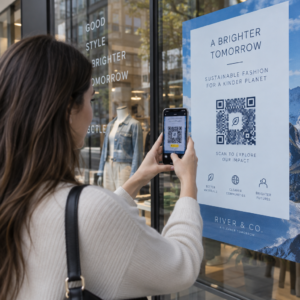
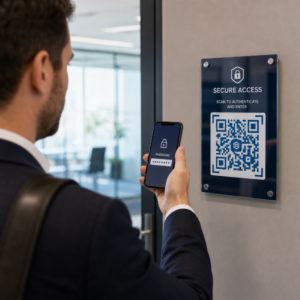
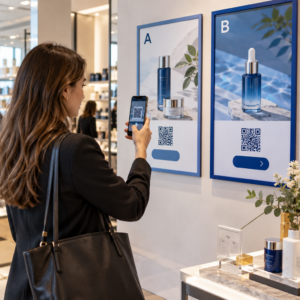
Kas kadunud osalejad ja ülerahvastatud infolauad tekitavad teie ürituse toimumiskohas kitsaskohti? Navigatsioonisegadus viib möödaminnes seanssideni, pettunud külalisteni ja ülekoormatud ürituse personalini. QR-koodidel põhineva teeviidistuse rakendamine annab osalejatele kohese mobiilse juurdepääsu interaktiivsetele kaartidele ja asukohapõhistele juhistele otse nende nutitelefonidesse.
Miks mobiilsed QR-koodid parandavad asukoha navigeerimist
Suured konverentsikeskused, mitme lavaga festivalid ja laialivalguvad näitusesaalid ajavad külastajad sageli segadusse. Traditsioonilised staatilistele sissepääsu tahvlitele trükitud põrandaplaanid kipuvad koguma tihedaid rahvahulki, põhjustades peamistel koridoridel tõsiseid liiklusummikuid. Lisaks, kui boksi asetus muutub või ruumi ajakava ürituse ajal nihkub, muutuvad füüsilised kaarditahvlid kiiresti aegunuks ja eksitavaks.
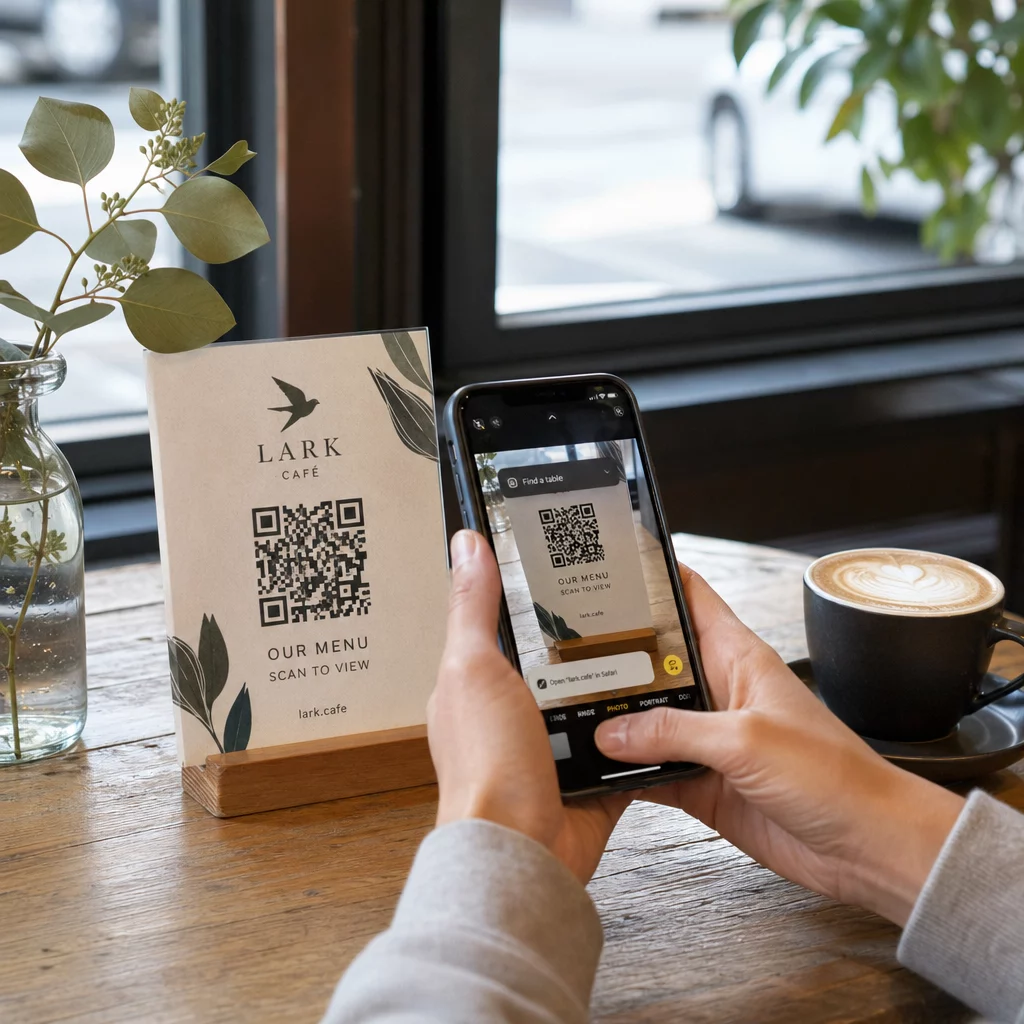
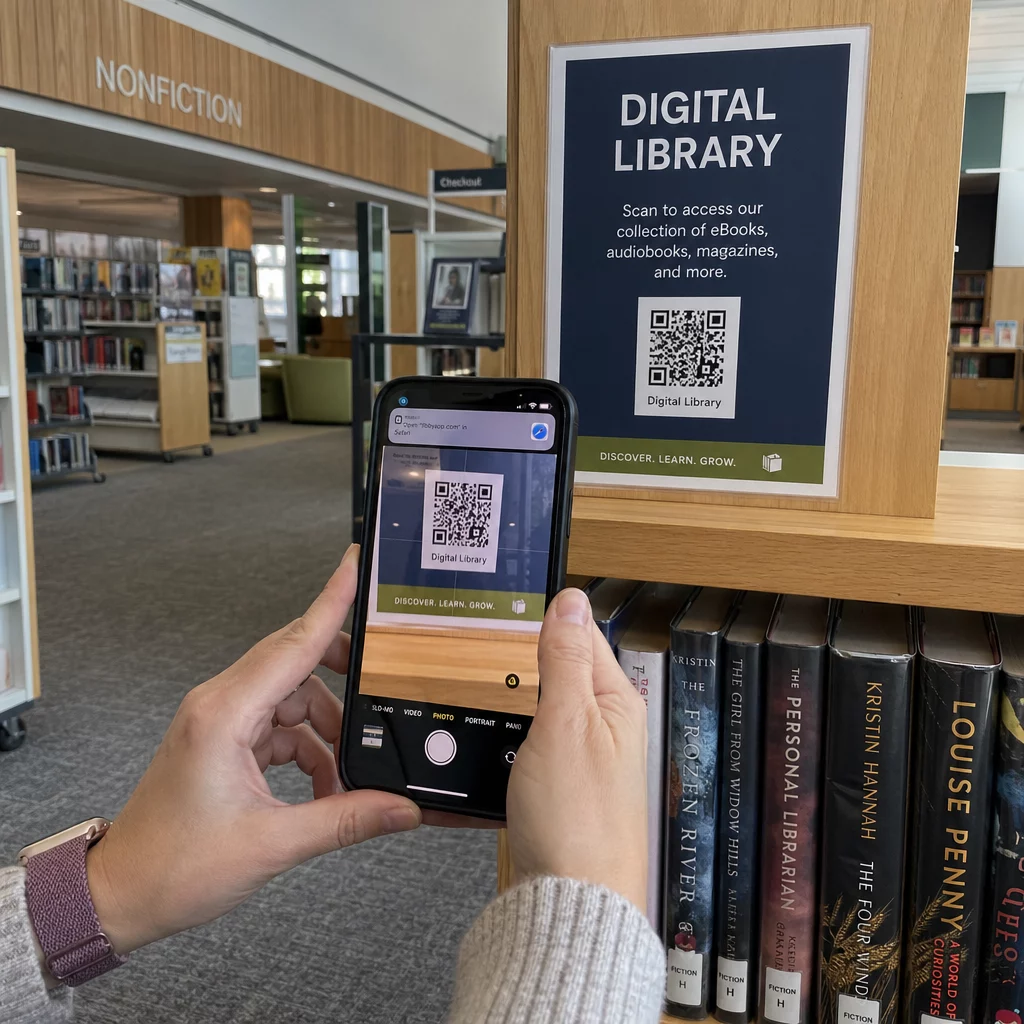
QR-koodide kasutamine asukoha navigeerimiseks muudab füüsilised sildid interaktiivseteks digitaalportaalideks. Koodide paigutamine kriitilistesse otsustuspunktidesse loob teie rajatises lokaliseeritud „Te olete siin” jaamad. Skaneerimisel laadivad need koodid koheselt mobiilisõbralikud kaardid, samm-sammult siseruumide juhised või reaalajas ajakavalehed.
Kuna dünaamilised QR-koodid võimaldavad teil pärast printimist sihtlinke muuta, saate põrandaplaane värskendada või liiklusvoogusid koheselt ümber suunata, ilma et peaksite füüsilisi silte asendama. Digitaalsete põrandaplaanide integreerimine spetsiaalse Ürituse QR koodi loomine lihtsustab üldist rahvahulga haldamist, pakkudes samal ajal osalejatele kohest selgust.
Praktilised viisid QR-koodide teeviidistuse rakendamiseks
QR-koodi navigeerimise juurutamine teie ürituse toimumiskohas nõuab strateegilist paigutust vastavalt konkreetsetele osalejate vajadustele. Siin on neli praktilist rakendust ürituse teeviidistuse jaoks:
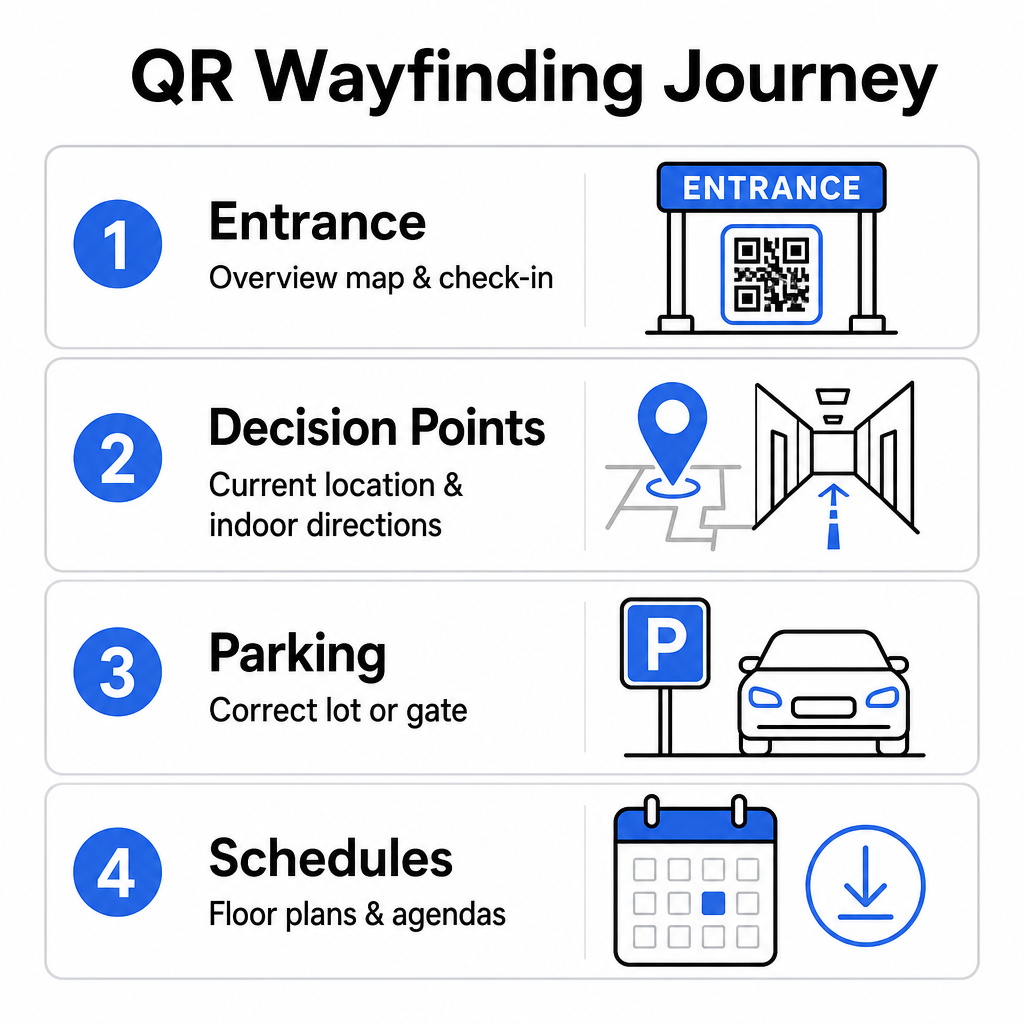
- Sissepääsu- ja registreerimispunktid: Asetage silmatorkavad koodid sissepääsuväravate ja registreerimislaudade lähedale, et anda saabuvatele külalistele kohene ülevaatekaart rajatisest koos sisseregistreerimisjuhistega. Digitaalse navigeerimise integreerimine sissepääsupunktides täiendab kaasaegseid ürituse sisseregistreerimissüsteeme.
- Lokaliseeritud „Te olete siin” otsustuspunktid: Jaamaspetsiifilised QR-koodid suuremates koridoride ristmikel, liftihallides, trepikoja sissepääsudes ja söögikohtades. Määrake iga kood avama digitaalse kaardi, mis on eelkonfigureeritud kuvama kasutaja täpset praegust asukohta hoones.
- Ürituskoha ja parkimise juhised: Juhatage osalejad õigele parkimisalale või hoone sissepääsule enne, kui nad jalgsi kohale jõuavad. Lisades Google Maps QR-koodi loomine link digitaalsetele piletikinnitustele või välistele sissepääsubänneritele suunab autojuhid otse määratud saabumisväravateni.
- Allalaaditavad ajakavad ja korruseplaanid: Pakkuge võrguühenduseta juurdepääsetavaid kaarte nõrga mobiilileviga kohtadele. Kasutades PDF QR-koodi generaator võimaldab külalistel salvestada kõrge eraldusvõimega ürituskoha korruseplaane ja ajakava juhendeid otse oma mobiilseadmetesse.
Lihtsustage ürituskoha navigeerimist juba täna Kas on vaja luua kohandatud, mobiilisõbralikke kaardilinke oma eelseisva sündmuse jaoks? Kasutage Ürituse QR koodi loomine dünaamiliste, jälgitavate koodide loomiseks minutitega.
Suunaviitade paigutuse ja ligipääsetavuse juhised
Suunaviitade süsteem on tõhus ainult siis, kui osalejad leiavad füüsilised viidad mugavalt üles ja saavad neid skaneerida. Läbimõeldud paigutus tagab, et navigeerimisvahendid jäävad funktsionaalseks ja ligipääsetavaks igale külastajale.
Optimaalne füüsiline paigutus
Paigutage suunaviidad kohtadesse, kus külastajad loomulikult peatuvad, et teekonnaotsuseid teha, näiteks koridoride ristmikud, puhkealad, toidukohad ja liftipankad. Kinnitage prinditud koodid ligipääsetavale silmade kõrgusele – tavaliselt vahele 1,2 kuni 1,6 meetrit (3,5 kuni 5,5 jalga) põrandast – nii, et need jääksid mugavalt kättesaadavaks nii seisvatele külastajatele kui ka ratastooli kasutajatele.
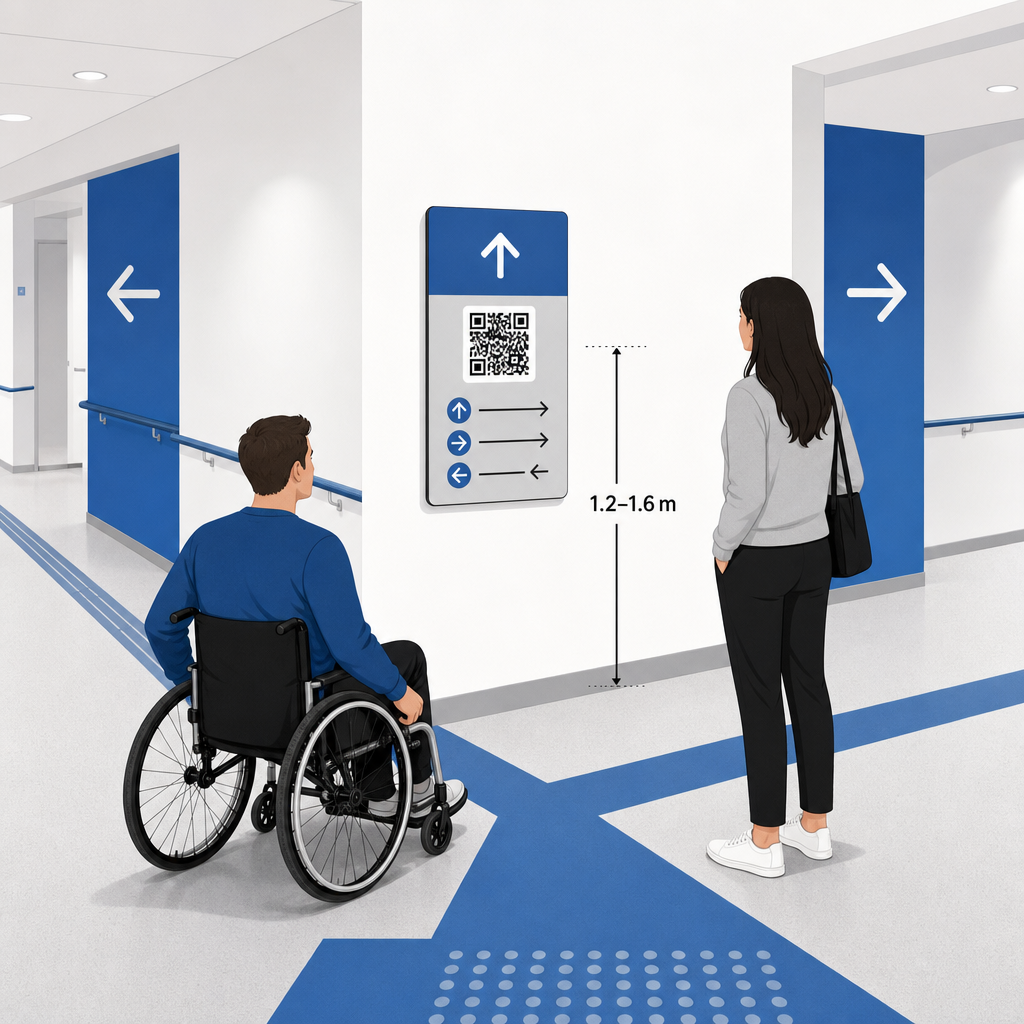
ADA ja ligipääsetavuse vastavus
Ameeriklaste Puuetega Inimeste Seaduse (ADA) ametlikud ligipääsetavuse standardid nõuavad, et suunaviidad järgiksid selgeid visuaalseid reegleid, sealhulgas kõrge tume-hele kontrastsus, peegeldusvabad pinnad ja spetsiifilised visuaalsed märgifaktorid. Digitaalsed tööriistad nagu QR-koodid on täienduseks, mitte asenduseks, standardsetele ligipääsetavatele füüsilistele viitadele.
Täieliku vastavuse ja ligipääsetavuse säilitamiseks:
- Hoidke iga koodi kõrval nähtav alternatiivtekst, trükitud tekstijuhised või personalitugi.
- Siduge koodid selgete kirjeldavate siltidega, mis ütlevad, millisele teabele kasutaja skannimisel ligi pääseb.
- Looge mobiilsed sihtlehed, mis toetavad ekraanilugejaid ja sisaldavad kirjeldavat alternatiivteksti kaardigraafika jaoks.
Selged üleskutse tegevusele
Märgistamata QR-kood paneb külastajad selle eesmärgi üle oletama. Siduge iga kood alati selge üleskutse tegevusele (CTA) raami või tekstisildiga, näiteks “Skanni interaktiivse korruseplaani jaoks” või “Leia oma tee – skanni kaardi jaoks.” Järgides tõestatud juhiseid QR-koodi paigutus plakatitel suurendab oluliselt kaasatust ja skannimise määra.
Skannitavate siltide tehnilised parimad praktikad
Kiire ja usaldusväärse skannimise tagamine sadade erinevate nutitelefonimudelite lõikes nõuab põhiliste graafiliste standardite ranget järgimist.
| Tegur | Tehniline standard | Praktiline eesmärk |
|---|---|---|
| Minimaalne printimissuurus | minimaalselt 3 x 3 cm (1,2 x 1,2 tolli); 2 x 2 cm lähivaate objektidele | Väldib kaamera fookusprobleeme tihedate andmemoodulite puhul. |
| Skaneerimiskauguse suhe | 10:1 suhe (1 ühik koodilaiust 10 ühiku kauguse kohta) | Tagab, et suurtel rippuvatel bänneritel olevad koodid jäävad kaugele nähtavaks. |
| Värvikontrast | Minimaalne 4:1 kontrastsuse suhe (tumedad moodulid heledal taustal) | Aitab telefoni kaamera sensoritel mooduleid taustast koheselt eristada. |
| Vaikse tsooni puhver | Vähemalt 4 mooduli laiune (ligikaudu 0,25-tolline veerise) | Takistab ümbritsevatel graafikal ja tekstil skanneri dekodeerimist segamast. |
| Faili formaat | Vektorvormingud (SVG, EPS, PDF) | Säilitab suurtel siltidel printimisel teravad servad ilma pikseldamiseta. |
Suunavate plakatite ja seinasiltide printimisel valige matid, mittepeegeldavad materjalid läikivate viimistluste asemel. Matid pinnad kõrvaldavad tugevad laevalgustuse peegeldused, mis on üks peamisi mobiilikaamera skannimise ebaõnnestumise põhjuseid. Üksikasjalike mõõtmete juhiste saamiseks vaadake meie põhjalikku QR-koodi suuruse juhendist ja vaadake üle olulised praktikad QR-koodi loetavuse tagamiseks.
Juhatage osalejad otse oma toimumiskohta Veenduge, et külalised jõuaksid õigesse sissepääsu või parkimiskohta segaduseta. Looge asukoha täpsusega markereid, kasutades Google Maps QR-koodi loomine.
Oma ürituse teeviitamise süsteemi testimine ja uuendamine
Põhjalik valideerimine enne uste avamist hoiab ära tehnilised rikked tippkülastuse tundidel.
Ürituse-eelne kontroll
- Testimine erinevatel seadmetel: Skannige iga avaldatud koodi nii Apple iOS-i kui ka Android-seadmetega, kasutades standardseid sisseehitatud kaamerarakendusi.
- Keskkonna valgustuse hindamine: Kontrollige trükitud silte tegelike üritusekohtade tulede all, et tuvastada võimalikku pimestamist või saali valgustitest tekkivaid varje.
- Skaneerimisnurkade ja -kauguste kontrollimine: Proovige skaneerida realistlikest seisukohtadest ja külgnurkadest, kinnitades, et kood dekodeerib 3 sekundi või vähemaga.
- Võrgu laadimiskiiruste kontrollimine: Testige kaardi sihtlehe vastamisaegu mobiilsidevõrkude ja külaliste Wi-Fi kaudu, et kinnitada kiireid laadimisaegu võrgu koormuse all.
Reaalajas värskenduste haldamine dünaamiliste QR-koodidega
Isegi hoolikalt planeeritud ürituste paigutused kogevad viimase hetke ajakava muudatusi või bokside ümberpaigutusi. Kasutades dünaamilisi QR-koode, säilitate täieliku kontrolli sihtlehtede üle. Kui esitlusruum muutub või avariiväljapääsu marsruut vajab esiletoomist, värskendage lihtsalt siht-URL-i oma halduspaneelil. Seinal olev prinditud kood jääb samaks, kuid osalejad suunatakse koheselt värskendatud kaardile.
Lisaks võimaldab sisseehitatud analüütika jälgida skannimismahtu erinevates ürituse tsoonides reaalajas. Suur skannimiste arv teatud otsustuspunktides näitab, kus osalejad sageli juhiseid otsivad, pakkudes teostatavaid andmeid täiendava personali või täiendavate suunaviitade paigutamiseks sinna, kus neid kõige rohkem vaja on. Täpsemate positsioneerimisstrateegiate kohta vaadake meie täielikku QR-koodi paigutamise juhendit.
Korduma kippuvad küsimused
Ei. Ligipääsetavuse regulatsioonid nõuavad, et füüsilised suunaviidad vastaksid iseseisvalt spetsiifilistele visuaalsetele standarditele, puutetundlikele nõuetele või suure kontrastsusega reeglitele. QR-koodid toimivad abistava digitaalse täiendusena osalejate juhendamisel, kuid ei tohi asendada esmaseid füüsilisi viitasid ega ligipääsetavaid tekstialternatiive.
Eksportige oma QR-kood alati skaleeritavates vektorvormingutes nagu SVG, EPS või PDF. Vektorifailid skaleeruvad mis tahes suuruseks bänneritel või seinatrükistel ilma teravaid mooduliservi kaotamata, tagades usaldusväärse skaneeritavuse.
Dünaamilised QR-koodid eraldavad trükitud pildi sihtsisust. Kui boks nihkub või seminariruum muutub, saate sihtveebilingi oma juhtpaneelil uuendada, ilma et peaksite uuesti printima või asendama ürituse kohas rippuvaid füüsilisi silte.
Keerulise asukohanavigatsiooni muutmine iseteeninduslikuks digitaalseks kogemuseks vähendab osalejate pettumust ja tagab sündmuse sujuva toimimise. Valides strateegilised otsustuspunktid, rakendades kõrge kontrastsusega visuaalseid standardeid ja sidudes koodid reageerivate kaardilehtedega, annate külastajatele võimaluse iseseisvalt oma tee leida. Alustage oma asukohanavigatsioonisüsteemi kujundamist juba täna, kasutades Pageloot’i dünaamilisi tööriistu, et pakkuda reaalajas kaardijuurdepääsu kogu teie asutuses.