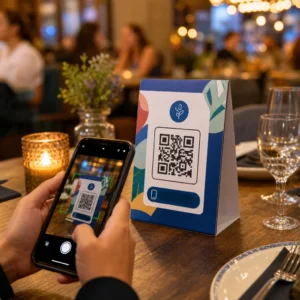
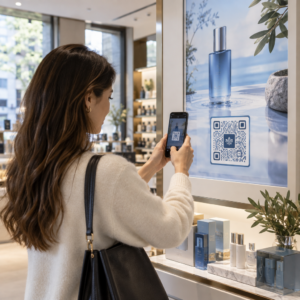
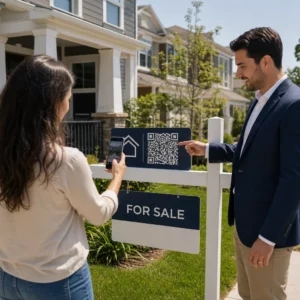
ผู้เข้าร่วมงานที่หลงทางและจุดบริการที่แออัดกำลังสร้างปัญหาคอขวดในสถานที่จัดงานของคุณอยู่หรือไม่? ความสับสนในการนำทางนำไปสู่การพลาดช่วงเวลาสำคัญ แขกที่หงุดหงิด และพนักงานจัดงานที่ทำงานหนักเกินไป การใช้ระบบนำทางด้วย QR โค้ดช่วยให้ผู้เข้าร่วมงานเข้าถึงแผนที่แบบโต้ตอบและเส้นทางเฉพาะตำแหน่งได้ทันทีบนสมาร์ทโฟนของพวกเขา
ทำไม QR โค้ดบนมือถือจึงช่วยปรับปรุงการนำทางในสถานที่จัดงาน
ศูนย์การประชุมขนาดใหญ่ เทศกาลที่มีหลายเวที และฮอลล์จัดแสดงสินค้าที่กว้างขวาง มักทำให้ผู้มาเยือนรู้สึกสับสน แผนผังแบบดั้งเดิมที่พิมพ์บนป้ายทางเข้าแบบคงที่มักจะดึงดูดผู้คนจำนวนมาก ทำให้เกิดปัญหาการจราจรติดขัดอย่างรุนแรงในทางเดินหลัก นอกจากนี้ หากมีการเปลี่ยนแปลงการจัดบูธหรืองานในห้องพักระหว่างกิจกรรม ป้ายแผนที่ทางกายภาพจะล้าสมัยและทำให้เข้าใจผิดได้อย่างรวดเร็ว
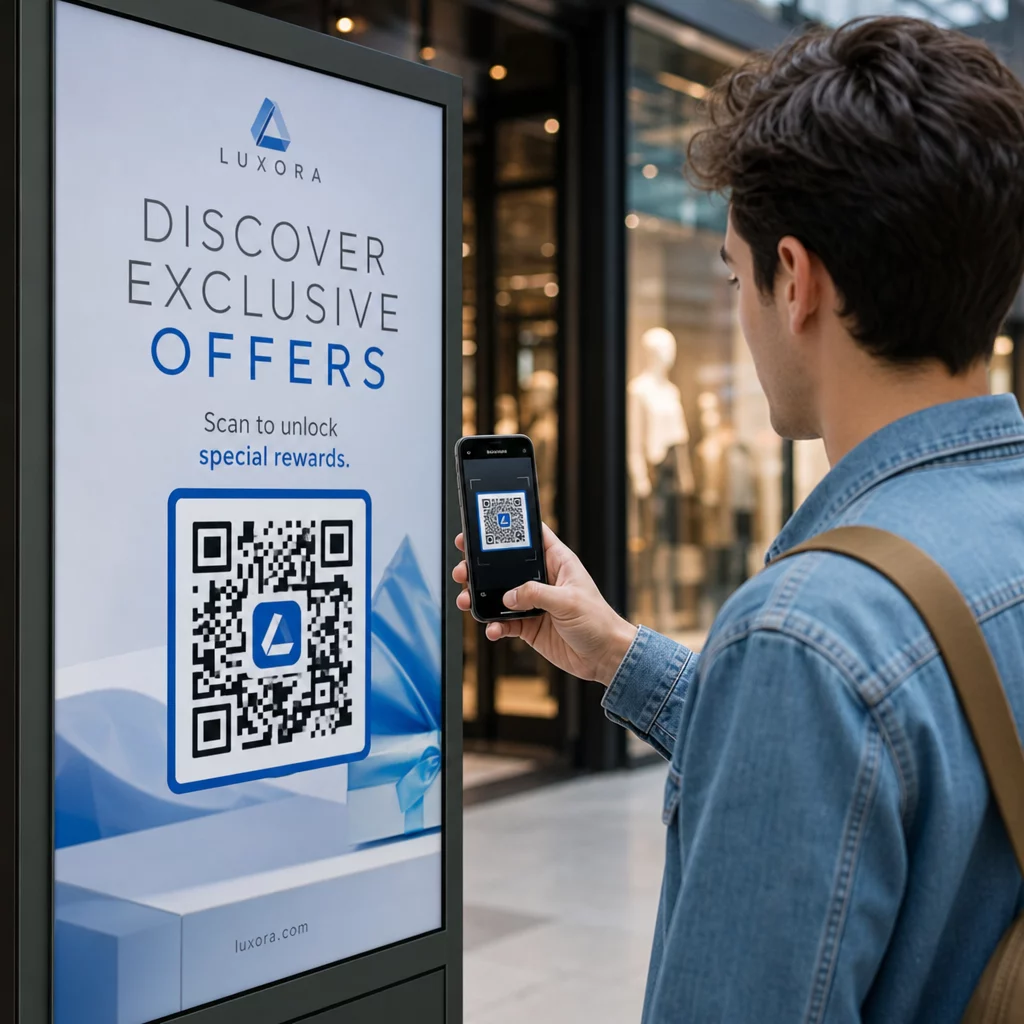
การใช้ QR โค้ดสำหรับการนำทางในสถานที่จัดงานจะเปลี่ยนป้ายทางกายภาพให้กลายเป็นพอร์ทัลดิจิทัลแบบโต้ตอบ การวางโค้ด ณ จุดตัดสินใจที่สำคัญจะสร้างสถานี “คุณอยู่ที่นี่” ทั่วทั้งสถานที่ของคุณ เมื่อสแกน โค้ดเหล่านี้จะโหลดแผนที่ที่ใช้งานง่ายบนมือถือ เส้นทางการนำทางภายในอาคารแบบเลี้ยวต่อเลี้ยว หรือหน้าตารางเวลาแบบเรียลไทม์ทันที
เนื่องจาก QR โค้ดแบบไดนามิกช่วยให้คุณสามารถแก้ไขลิงก์ปลายทางได้หลังจากการพิมพ์ คุณจึงสามารถอัปเดตแผนผังหรือเปลี่ยนเส้นทางการจราจรได้ทันทีโดยไม่ต้องเปลี่ยนป้ายทางกายภาพ การรวมแผนผังดิจิทัลเข้ากับระบบ การสร้าง QR Code ลงทะเบียนอบรม ช่วยปรับปรุงการจัดการฝูงชนโดยรวมพร้อมทั้งให้ความชัดเจนแก่ผู้เข้าร่วมงานได้ทันที
วิธีปฏิบัติในการนำระบบนำทางด้วย QR โค้ดไปใช้
การปรับใช้การนำทางด้วย QR โค้ดทั่วทั้งสถานที่ของคุณต้องอาศัยการจัดวางเชิงกลยุทธ์ที่สอดคล้องกับความต้องการเฉพาะของผู้เข้าร่วมงาน นี่คือสี่แอปพลิเคชันเชิงปฏิบัติสำหรับการนำทางในกิจกรรม:
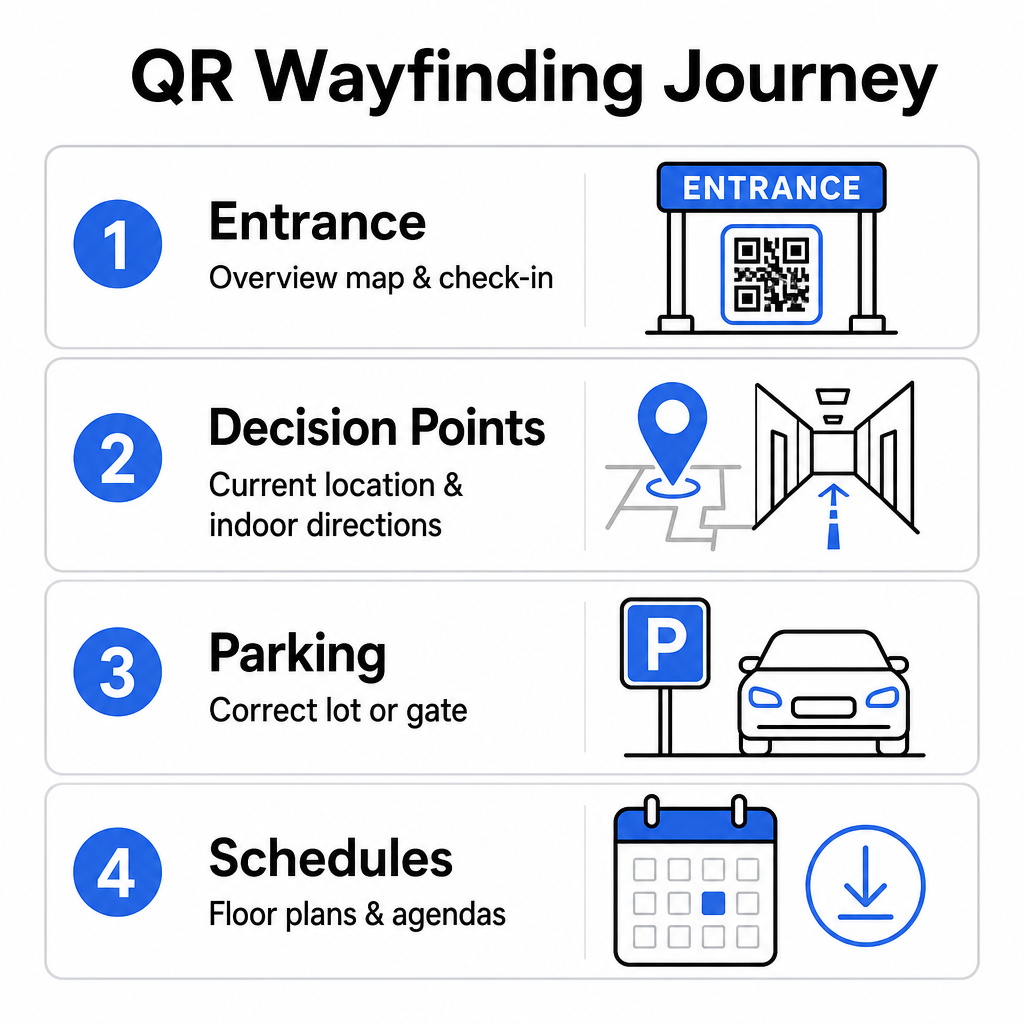
- จุดทางเข้าและจุดลงทะเบียน: วางโค้ดที่โดดเด่นใกล้กับประตูทางเข้าและโต๊ะลงทะเบียนเพื่อให้แขกที่มาถึงได้รับแผนที่ภาพรวมของสถานที่ทันทีพร้อมกับคำแนะนำในการเช็คอิน การรวมการนำทางดิจิทัลที่จุดเข้าใช้งานช่วยเสริมระบบที่ทันสมัย ระบบเช็คอินกิจกรรม.
- จุดตัดสินใจ “คุณอยู่ที่นี่” เฉพาะที่: รหัส QR เฉพาะสถานีที่จุดเชื่อมทางเดินหลัก, ล็อบบี้ลิฟต์, ทางเข้าบันได และพื้นที่รับประทานอาหาร เชื่อมโยงรหัสแต่ละรหัสเพื่อเปิดแผนที่ดิจิทัลที่กำหนดค่าไว้ล่วงหน้าเพื่อแสดงตำแหน่งปัจจุบันที่แน่นอนของผู้ใช้ภายในอาคาร
- ทิศทางสถานที่จัดงานและที่จอดรถ: แนะนำผู้เข้าร่วมไปยังลานจอดรถหรือทางเข้าอาคารที่ถูกต้องก่อนที่พวกเขาจะมาถึงด้วยการเดินเท้า การรวม ทำคิวอาร์โค้ด แผนที่ Google Maps ลิงก์บนการยืนยันตั๋วดิจิทัลหรือป้ายแบนเนอร์ทางเข้าด้านนอกจะนำผู้ขับขี่ตรงไปยังประตูทางเข้าที่กำหนด
- ตารางเวลาและผังพื้นแบบดาวน์โหลดได้: จัดหาแผนที่ที่สามารถเข้าถึงได้แบบออฟไลน์สำหรับสถานที่ที่มีสัญญาณโทรศัพท์มือถืออ่อน การใช้ แปลงไฟล์ PDF เป็น QR Code ฟรี ช่วยให้แขกสามารถบันทึกผังพื้นสถานที่จัดงานความละเอียดสูงและคู่มือวาระการประชุมลงในอุปกรณ์มือถือของพวกเขาได้โดยตรง
ทำให้การนำทางในสถานที่จัดงานง่ายขึ้นวันนี้ ต้องการสร้างลิงก์แผนที่แบบกำหนดเองที่ใช้งานง่ายบนมือถือสำหรับกิจกรรมที่จะจัดขึ้นของคุณหรือไม่? ใช้ การสร้าง QR Code ลงทะเบียนอบรม เพื่อสร้างรหัสแบบไดนามิกที่สามารถติดตามได้ในไม่กี่นาที
แนวทางการจัดวางและการเข้าถึงสำหรับป้ายบอกทาง
ระบบนำทางจะมีประสิทธิภาพก็ต่อเมื่อผู้เข้าร่วมสามารถค้นหาและสแกนป้ายบอกทางกายภาพได้อย่างสะดวกสบาย การจัดวางอย่างรอบคอบช่วยให้มั่นใจว่าเครื่องมือนำทางยังคงใช้งานได้และเข้าถึงได้สำหรับผู้เยี่ยมชมทุกคน
การจัดวางทางกายภาพที่เหมาะสมที่สุด
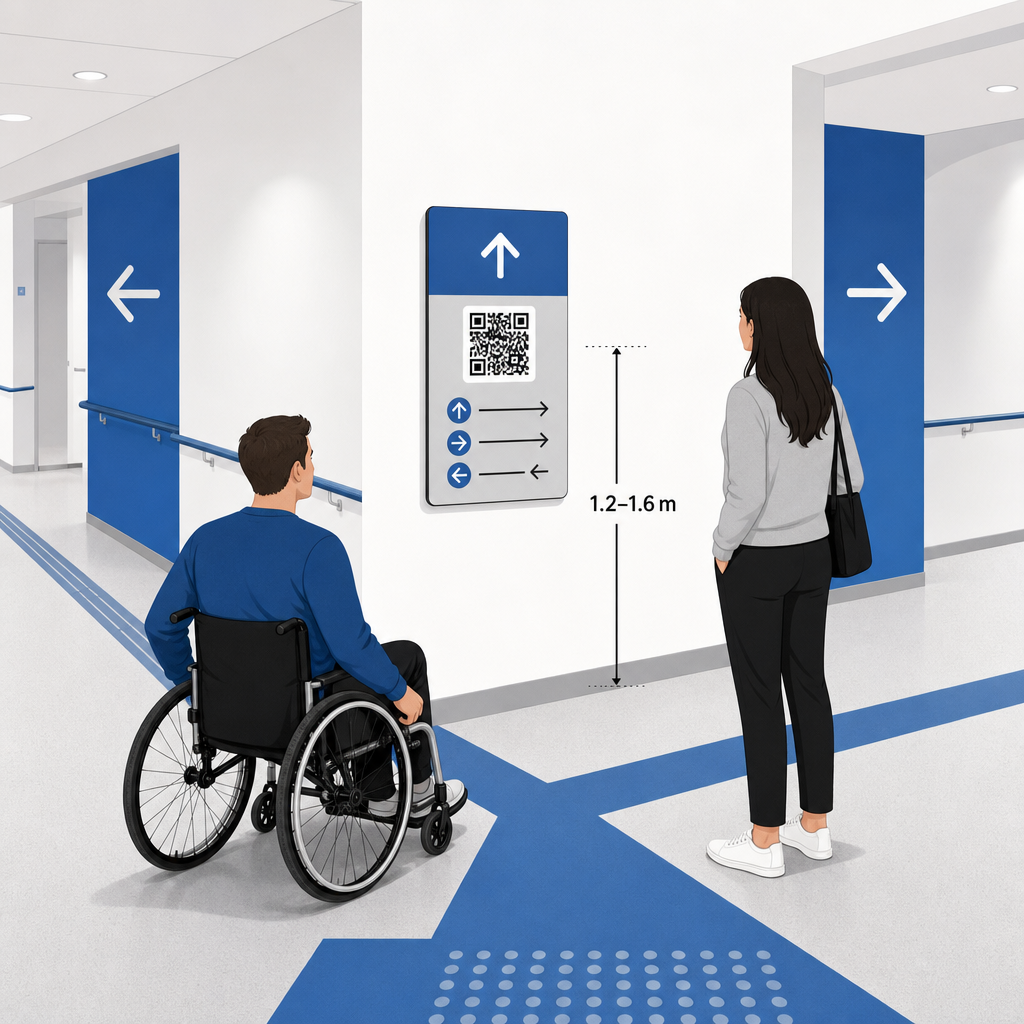
จัดวางป้ายบอกทางในจุดที่ผู้เยี่ยมชมมักจะหยุดเพื่อตัดสินใจเส้นทาง เช่น สี่แยกทางเดิน, พื้นที่พักผ่อน, ศูนย์อาหาร และกลุ่มลิฟต์ ติดตั้งรหัสที่พิมพ์ออกมาในระดับสายตาที่เข้าถึงได้ – โดยทั่วไปอยู่ระหว่าง 1.2 ถึง 1.6 เมตร (3.5 ถึง 5.5 ฟุต) เหนือพื้น – เพื่อให้อยู่ในระยะที่ผู้เข้าชมทั้งที่ยืนและผู้ใช้รถเข็นสามารถเข้าถึงได้อย่างสะดวกสบาย
การปฏิบัติตามข้อกำหนด ADA และการเข้าถึง
มาตรฐานการเข้าถึงอย่างเป็นทางการภายใต้พระราชบัญญัติคนพิการของชาวอเมริกัน (ADA) กำหนดให้ป้ายบอกทางต้องปฏิบัติตามกฎการมองเห็นที่ชัดเจน รวมถึงความคมชัดสูงระหว่างสีเข้ม-อ่อน, พื้นผิวที่ไม่สะท้อนแสง และสัดส่วนตัวอักษรที่มองเห็นได้เฉพาะ เครื่องมือดิจิทัล เช่น รหัส QR ทำหน้าที่เป็นส่วนเสริม ไม่ใช่การทดแทน ป้ายบอกทางกายภาพที่เข้าถึงได้ตามมาตรฐาน
เพื่อรักษาการปฏิบัติตามข้อกำหนดและการเข้าถึงอย่างเต็มที่:
- จัดเตรียมข้อความทางเลือกที่มองเห็นได้, คำแนะนำที่เป็นข้อความที่พิมพ์ออกมา, หรือการช่วยเหลือจากพนักงานควบคู่กับทุกรหัส
- จับคู่รหัสกับป้ายกำกับที่ชัดเจนและสื่อความหมาย ซึ่งระบุว่าผู้ใช้จะเข้าถึงข้อมูลใดเมื่อทำการสแกน
- สร้างหน้า Landing Page สำหรับมือถือที่รองรับโปรแกรมอ่านหน้าจอ และมีข้อความทางเลือกที่สื่อความหมายสำหรับกราฟิกแผนที่
คำกระตุ้นการตัดสินใจที่ชัดเจน
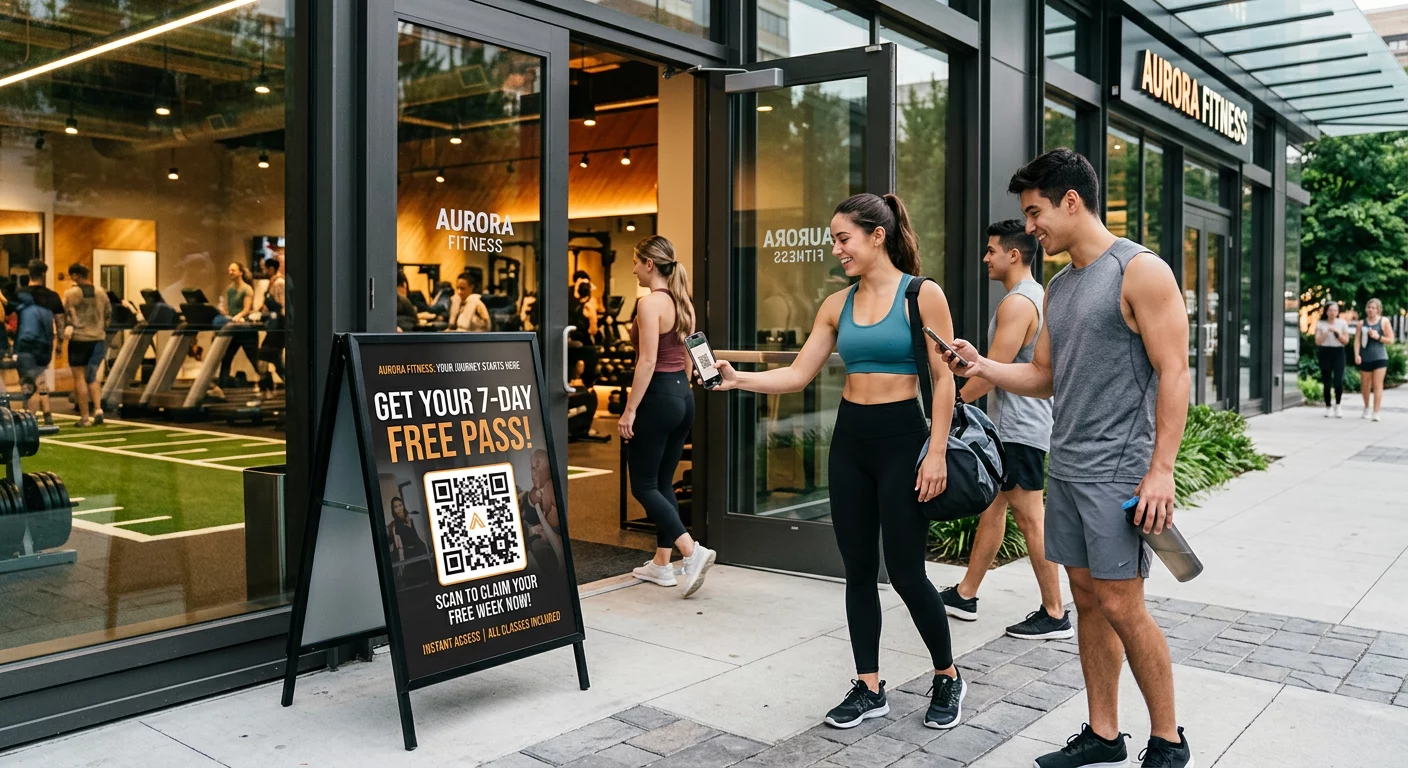
รหัส QR ที่ไม่มีป้ายกำกับทำให้ผู้เยี่ยมชมไม่ทราบวัตถุประสงค์ ควรจับคู่ทุกรหัสกับกรอบหรือป้ายข้อความคำกระตุ้นการตัดสินใจ (CTA) ที่ชัดเจน เช่น “สแกนเพื่อดูผังพื้นแบบโต้ตอบ” หรือ “ค้นหาเส้นทางของคุณ – สแกนเพื่อดูแผนที่” การปฏิบัติตามแนวทางที่ได้รับการพิสูจน์แล้วสำหรับ การวางตำแหน่งรหัส QR บนโปสเตอร์ ช่วยเพิ่มการมีส่วนร่วมและอัตราการสแกนได้อย่างมาก
แนวปฏิบัติที่ดีที่สุดทางเทคนิคสำหรับป้ายที่สามารถสแกนได้
การรับรองการสแกนที่รวดเร็วและเชื่อถือได้ในสมาร์ทโฟนหลายร้อยรุ่นที่แตกต่างกัน ต้องอาศัยการปฏิบัติตามมาตรฐานกราฟิกหลักอย่างเคร่งครัด
| ปัจจัย | มาตรฐานทางเทคนิค | วัตถุประสงค์เชิงปฏิบัติ |
|---|---|---|
| ขนาดพิมพ์ขั้นต่ำ | ขั้นต่ำ 3 x 3 ซม. (1.2 x 1.2 นิ้ว); 2 x 2 ซม. สำหรับสิ่งของที่สแกนในระยะใกล้ | ป้องกันข้อผิดพลาดในการโฟกัสของกล้องบนโมดูลข้อมูลที่หนาแน่น |
| อัตราส่วนระยะการสแกน | อัตราส่วน 10:1 (ความกว้างรหัส 1 หน่วยต่อระยะทาง 10 หน่วย) | ช่วยให้รหัสบนแบนเนอร์แขวนขนาดใหญ่ยังคงสามารถสแกนได้จากระยะไกล |
| คอนทราสต์สี | อัตราส่วนคอนทราสต์ขั้นต่ำ 4:1 (โมดูลสีเข้มบนพื้นหลังสีอ่อน) | ช่วยให้เซ็นเซอร์กล้องโทรศัพท์แยกความแตกต่างระหว่างโมดูลกับพื้นหลังได้ทันที |
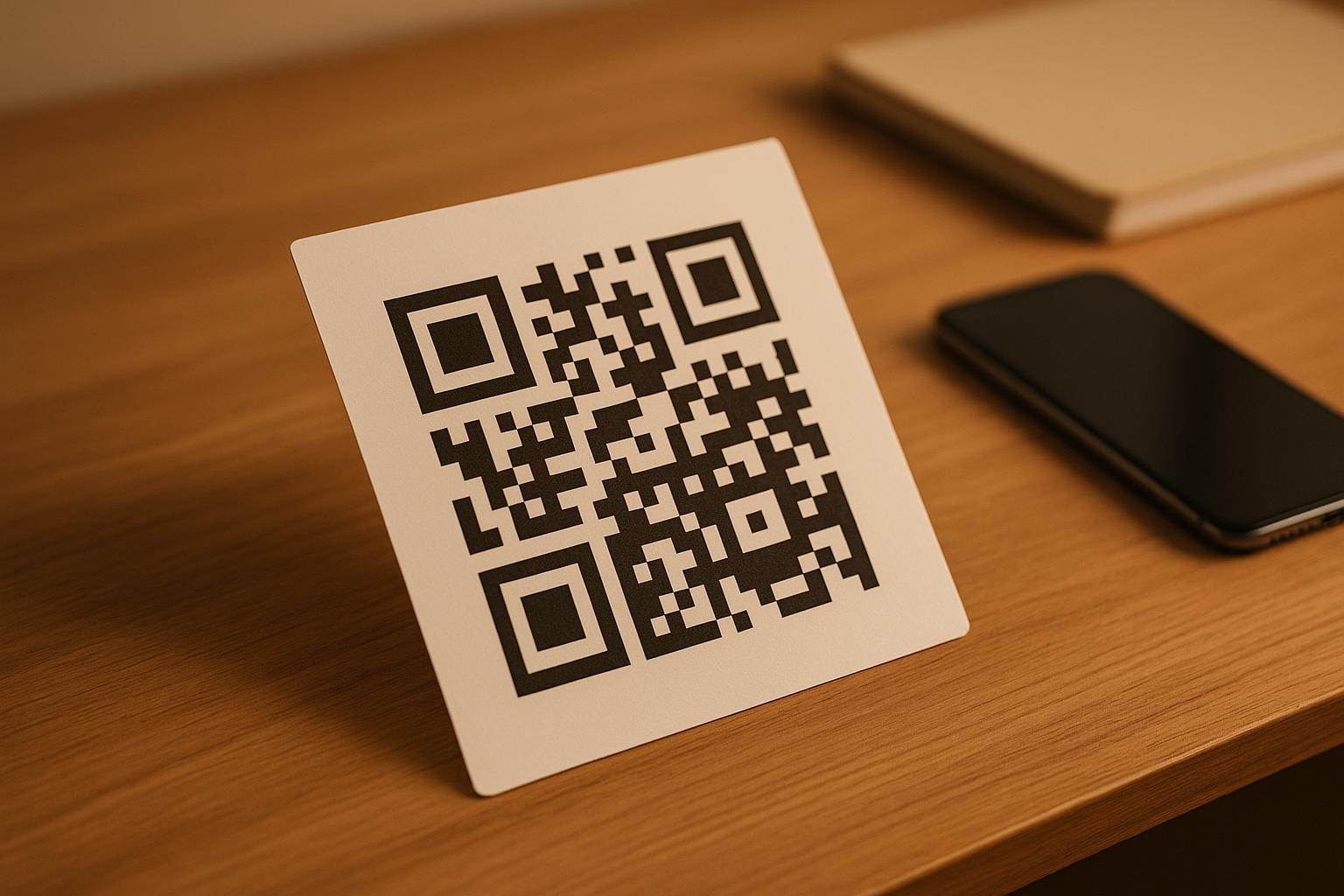
| พื้นที่กันชน (Quiet Zone) | กว้างอย่างน้อย 4 โมดูล (ขอบประมาณ 0.25 นิ้ว) | ป้องกันกราฟิกและข้อความรอบข้างไม่ให้รบกวนการถอดรหัสของเครื่องสแกน |
| รูปแบบไฟล์ | รูปแบบเวกเตอร์ (SVG, EPS, PDF) | รักษาขอบที่คมชัดโดยไม่เกิดภาพแตกเมื่อพิมพ์บนป้ายขนาดใหญ่ |
เมื่อพิมพ์โปสเตอร์และป้ายติดผนังสำหรับนำทาง ควรเลือก วัสดุผิวด้าน ไม่สะท้อนแสง แทนการเคลือบเงา พื้นผิวผิวด้านช่วยลดแสงสะท้อนที่รุนแรงจากไฟเหนือศีรษะ ซึ่งเป็นหนึ่งในสาเหตุหลักที่ทำให้กล้องมือถือสแกนไม่สำเร็จ สำหรับแนวทางขนาดโดยละเอียด โปรดดู คู่มือขนาดรหัส QR and review essential แนวปฏิบัติเพื่อการอ่านรหัส QR.
นำทางผู้เข้าร่วมงานไปยังสถานที่จัดงานของคุณโดยตรง ตรวจสอบให้แน่ใจว่าแขกมาถึงทางเข้าที่ถูกต้องหรือประตูจอดรถโดยไม่สับสน สร้างพินที่ระบุตำแหน่งได้อย่างแม่นยำโดยใช้ ทำคิวอาร์โค้ด แผนที่ Google Maps.
การทดสอบและอัปเดตระบบนำทางในงานอีเวนต์ของคุณ
การตรวจสอบอย่างละเอียดก่อนเปิดงานจะช่วยป้องกันความล้มเหลวทางเทคนิคในช่วงเวลาที่มีผู้เข้าร่วมสูงสุด
การตรวจสอบก่อนเริ่มงาน
- การทดสอบบนอุปกรณ์หลายเครื่อง: สแกนโค้ดที่เผยแพร่ทั้งหมดโดยใช้อุปกรณ์ Apple iOS และ Android ผ่านแอปพลิเคชันกล้องในตัวมาตรฐาน
- การประเมินแสงสว่างโดยรอบ: ตรวจสอบป้ายที่พิมพ์ภายใต้แสงไฟจริงของสถานที่จัดงาน เพื่อระบุแสงสะท้อนหรือเงาที่อาจเกิดจากอุปกรณ์ติดตั้งในห้องโถง
- การตรวจสอบมุมและระยะการสแกน: ลองสแกนจากตำแหน่งยืนและมุมด้านข้างที่สมจริง โดยยืนยันว่าโค้ดสามารถถอดรหัสได้ใน 3 วินาทีหรือน้อยกว่า.
- การตรวจสอบความเร็วในการโหลดเครือข่าย: ทดสอบเวลาตอบสนองของหน้า Landing Page แผนที่ผ่านเครือข่ายเซลลูลาร์และ Wi-Fi สำหรับแขก เพื่อยืนยันว่าโหลดได้รวดเร็วภายใต้ภาระงานของเครือข่าย
การจัดการการอัปเดตสดด้วยรหัส QR แบบไดนามิก
แม้แต่แผนผังงานที่วางแผนไว้อย่างรอบคอบก็อาจประสบกับการเปลี่ยนแปลงกำหนดการในนาทีสุดท้ายหรือการย้ายบูธ การใช้รหัส QR แบบไดนามิกช่วยให้คุณควบคุมหน้า Landing Page เป้าหมายได้อย่างสมบูรณ์ หากห้องนำเสนอเปลี่ยนไป หรือเส้นทางออกฉุกเฉินต้องการเน้น เพียงอัปเดต URL ปลายทางในแดชบอร์ดการจัดการของคุณ รหัสที่พิมพ์บนผนังยังคงเหมือนเดิม แต่ผู้เข้าร่วมจะถูกเปลี่ยนเส้นทางไปยังแผนที่ที่อัปเดตทันที
นอกจากนี้ ระบบวิเคราะห์ในตัวยังช่วยให้คุณสามารถตรวจสอบปริมาณการสแกนในโซนต่างๆ ของสถานที่จัดงานได้แบบเรียลไทม์ จำนวนการสแกนที่สูง ณ จุดตัดสินใจเฉพาะ แสดงให้เห็นว่าผู้เข้าร่วมมักจะค้นหาเส้นทางบ่อยที่สุดที่ใด ซึ่งให้ข้อมูลที่นำไปปฏิบัติได้เพื่อจัดส่งเจ้าหน้าที่ภาคพื้นเพิ่มเติม หรือป้ายบอกทางเสริมในจุดที่ต้องการมากที่สุด สำหรับกลยุทธ์การระบุตำแหน่งขั้นสูง โปรดดูฉบับเต็มของเรา คู่มือการวางรหัส QR.
คำถามที่พบบ่อย
ไม่ได้ กฎระเบียบด้านการเข้าถึงกำหนดให้ป้ายนำทางทางกายภาพต้องเป็นไปตามมาตรฐานการมองเห็นที่เฉพาะเจาะจง ข้อกำหนดทางสัมผัส หรือกฎความคมชัดสูงอย่างอิสระ รหัส QR ทำหน้าที่เป็นส่วนเสริมดิจิทัลที่เป็นประโยชน์ในการนำทางผู้เข้าร่วม แต่ต้องไม่ใช้แทนป้ายนำทางทางกายภาพหลัก หรือข้อความทางเลือกที่เข้าถึงได้
ควรส่งออกโค้ด QR ของคุณในรูปแบบเวกเตอร์ที่ปรับขนาดได้ เช่น SVG, EPS หรือ PDF ไฟล์เวกเตอร์สามารถปรับขนาดได้ทุกขนาดสำหรับแบนเนอร์หรือภาพพิมพ์ติดผนัง โดยไม่สูญเสียความคมชัดของขอบโมดูล ทำให้มั่นใจในการสแกนที่น่าเชื่อถือ
คิวอาร์โค้ดแบบไดนามิกจะแยกรูปภาพที่พิมพ์ออกจากเนื้อหาเป้าหมาย หากบูธมีการย้ายที่หรือห้องสัมมนามีการเปลี่ยนแปลง คุณสามารถอัปเดตลิงก์ปลายทางในแดชบอร์ดของคุณได้ โดยไม่ต้องพิมพ์ใหม่หรือเปลี่ยนป้ายจริงที่แขวนอยู่ในสถานที่จัดงาน
การเปลี่ยนระบบนำทางในสถานที่จัดงานที่ซับซ้อนให้เป็นประสบการณ์ดิจิทัลแบบบริการตนเอง ช่วยลดความหงุดหงิดของผู้เข้าร่วมงานและทำให้การดำเนินงานกิจกรรมเป็นไปอย่างราบรื่น ด้วยการเลือกจุดตัดสินใจเชิงกลยุทธ์ การบังคับใช้มาตรฐานภาพที่มีคอนทราสต์สูง และการเชื่อมโยงรหัสไปยังหน้าแผนที่ที่ตอบสนอง คุณช่วยให้แขกสามารถค้นหาเส้นทางได้ด้วยตนเอง เริ่มออกแบบระบบนำทางในสถานที่ของคุณวันนี้โดยใช้เครื่องมือแบบไดนามิกของ Pageloot เพื่อมอบการเข้าถึงแผนที่แบบเรียลไทม์ทั่วทั้งสถานที่ของคุณ