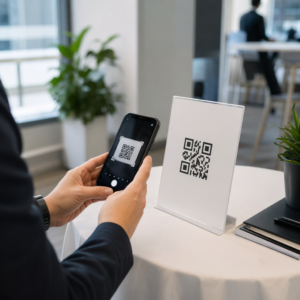
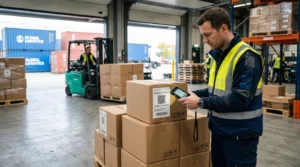
האם מבקרים אבודים ועמדות מידע עמוסות יוצרים צווארי בקבוק במתחם שלכם? בלבול בניווט מוביל לפספוס הרצאות, אורחים מתוסכלים וצוות אירועים עמוס. הטמעת ניווט מבוסס קודי QR מעניקה למשתתפים גישה מיידית לנייד למפות אינטראקטיביות והנחיות ספציפיות למיקום, ישירות בסמארטפונים שלהם.
למה קודי QR ניידים משפרים את הניווט במתחם
מרכזי כנסים גדולים, פסטיבלים מרובי במות ואולמות תצוגה רחבי ידיים לרוב מציפים את המבקרים. תוכניות קומה מסורתיות המודפסות על לוחות כניסה סטטיים נוטות לצבור קהל צפוף, וגורמות לפקקי תנועה קשים במסדרונות הראשיים. יתרה מכך, אם הקצאת דוכן משתנה או לוח זמנים של חדר זז במהלך אירוע, לוחות מפה פיזיים הופכים במהירות למיושנים ומטעים.
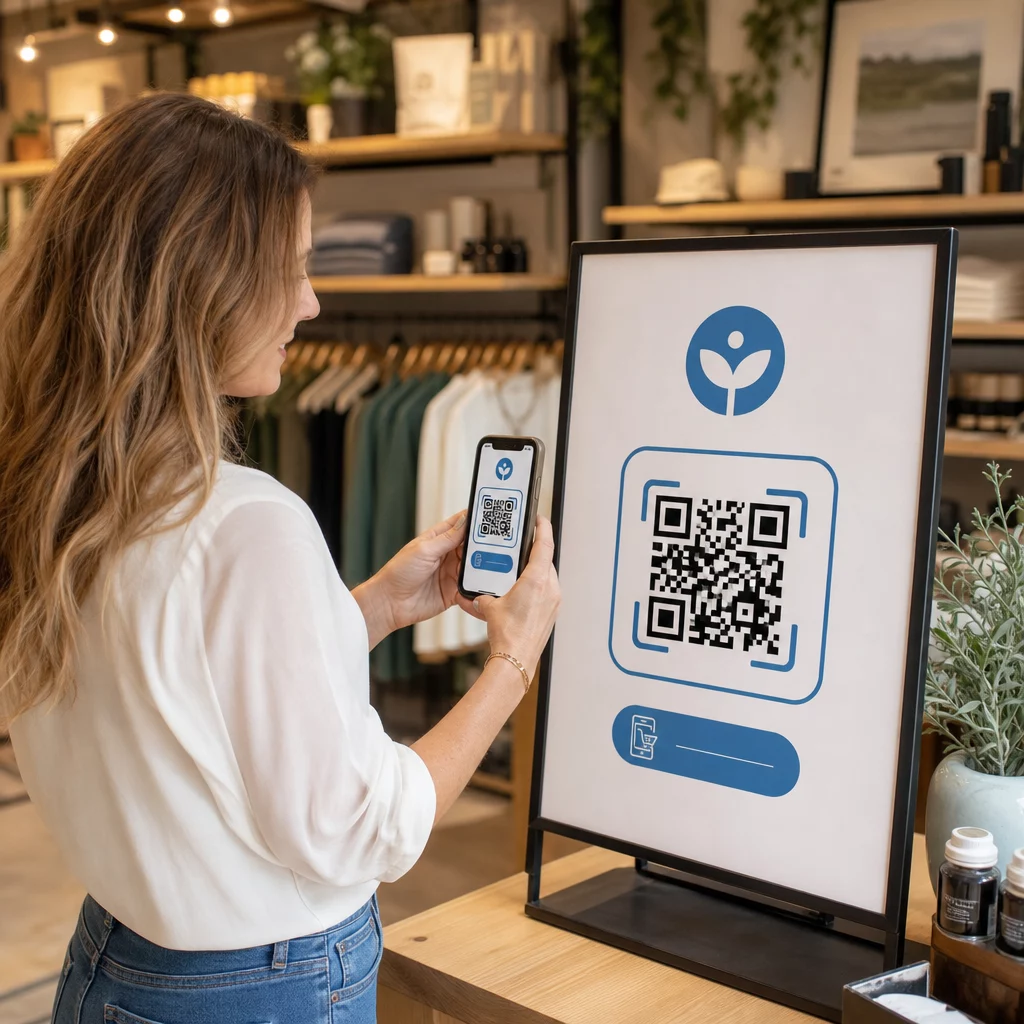
שימוש בקודי QR לניווט במתחם הופך שילוט פיזי לפורטלים דיגיטליים אינטראקטיביים. מיקום קודים בנקודות החלטה קריטיות יוצר תחנות “אתה כאן” מקומיות ברחבי המתקן שלכם. בסריקה, קודים אלה טוענים באופן מיידי מפות ידידותיות לנייד, הנחיות ניווט מפורטות בתוך מבנים, או דפי לוח זמנים בזמן אמת.
מכיוון שקודי QR דינמיים מאפשרים לערוך קישורי יעד לאחר ההדפסה, ניתן לעדכן תוכניות קומה או לנתב מחדש דפוסי תנועה באופן מיידי ללא צורך בהחלפת שלטים פיזיים. שילוב תוכניות קומה דיגיטליות עם שילוב QR באירוע מייעל את ניהול הקהל הכולל תוך מתן בהירות מיידית למשתתפים.
דרכים מעשיות ליישום ניווט באמצעות קודי QR
פריסת ניווט באמצעות קודי QR ברחבי המתחם שלכם דורשת מיקום אסטרטגי המותאם לצרכים הספציפיים של המשתתפים. להלן ארבע יישומים מעשיים לניווט באירועים:
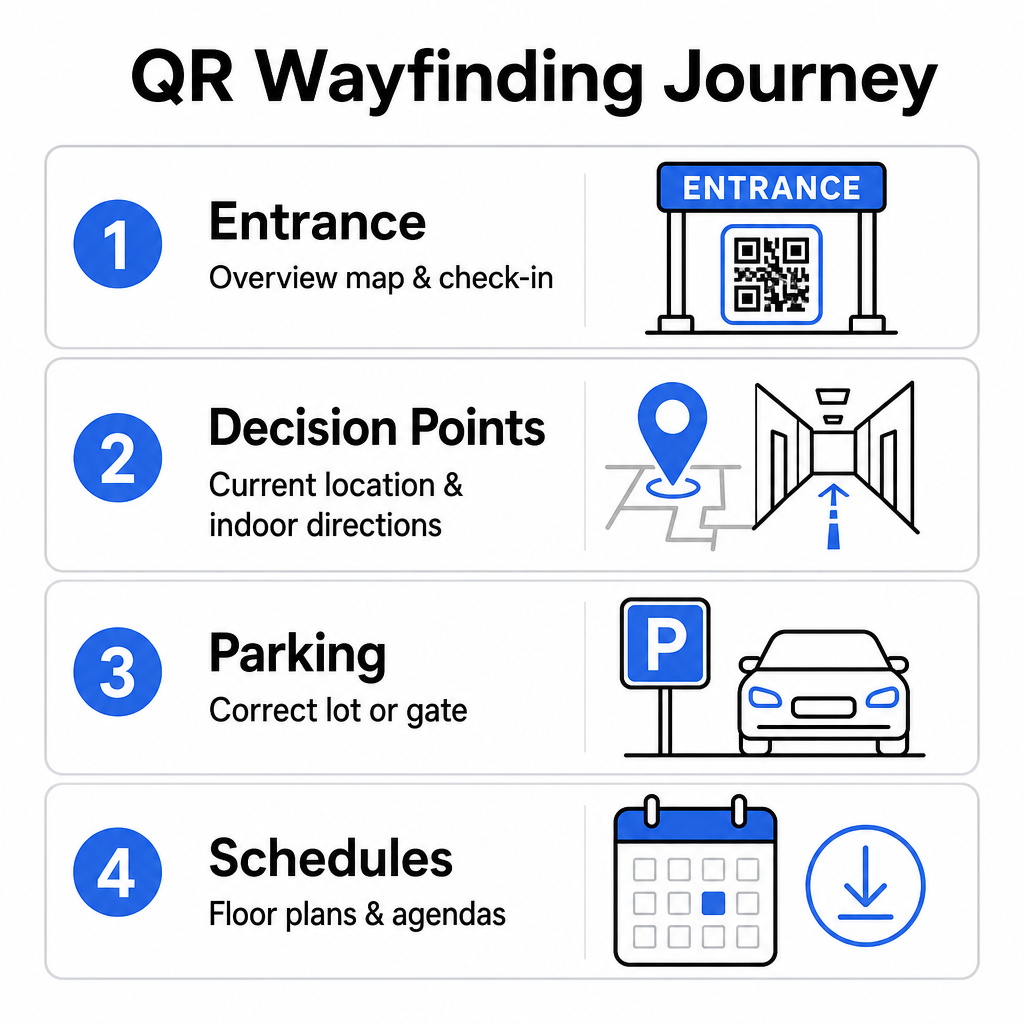
- כניסות ומרכזי רישום: הציבו קודים בולטים ליד שערי הכניסה ועמדות הרישום כדי לספק לאורחים המגיעים מפת סקירה מיידית של המתקן יחד עם הוראות צ'ק-אין. שילוב ניווט דיגיטלי בנקודות הכניסה משלים מערכות צ'ק-אין מודרניות לאירועים.
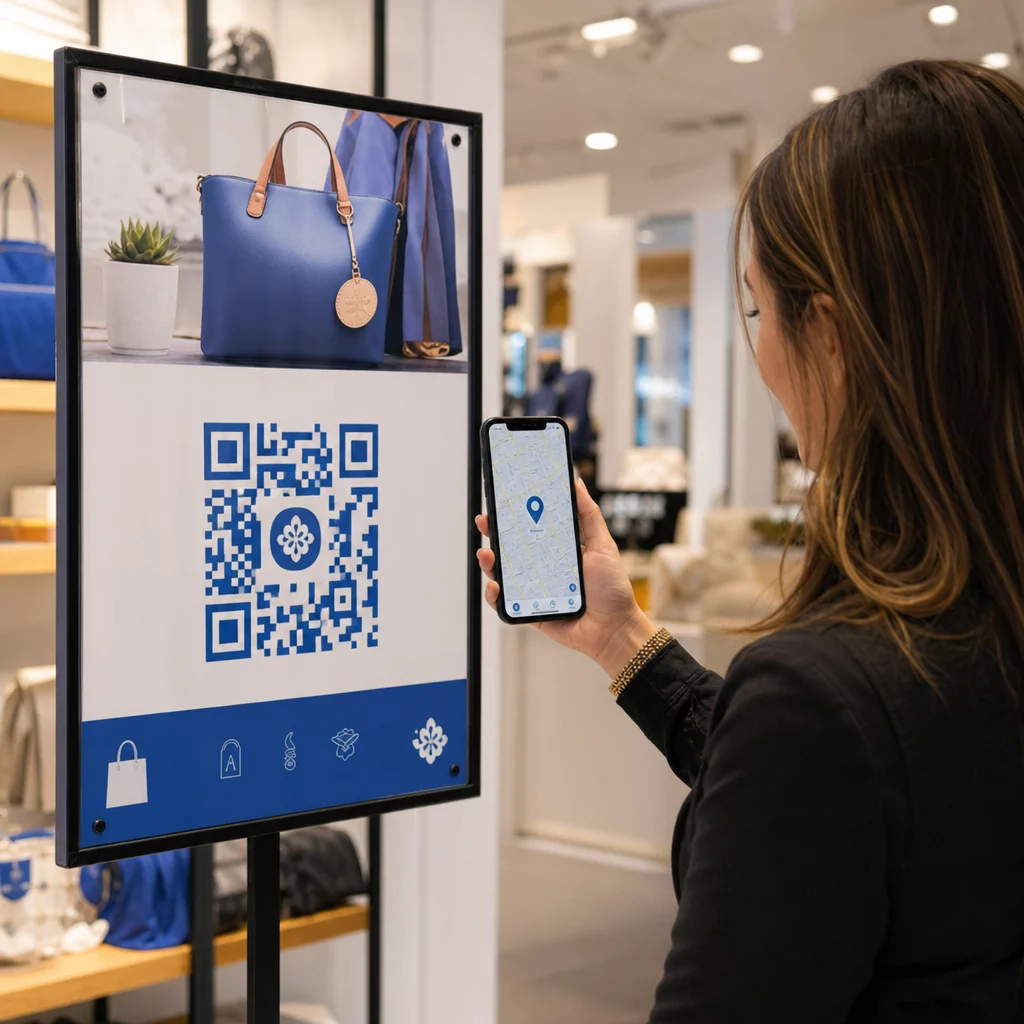
- נקודות החלטה מקומיות “אתה כאן”: קודי QR ספציפיים לתחנות בצמתים מרכזיים של מסדרונות, לובי מעליות, כניסות לחדרי מדרגות ואזורי אוכל. קשרו כל קוד לפתיחת מפה דיגיטלית המוגדרת מראש להצגת מיקומו המדויק הנוכחי של המשתמש בתוך הבניין.
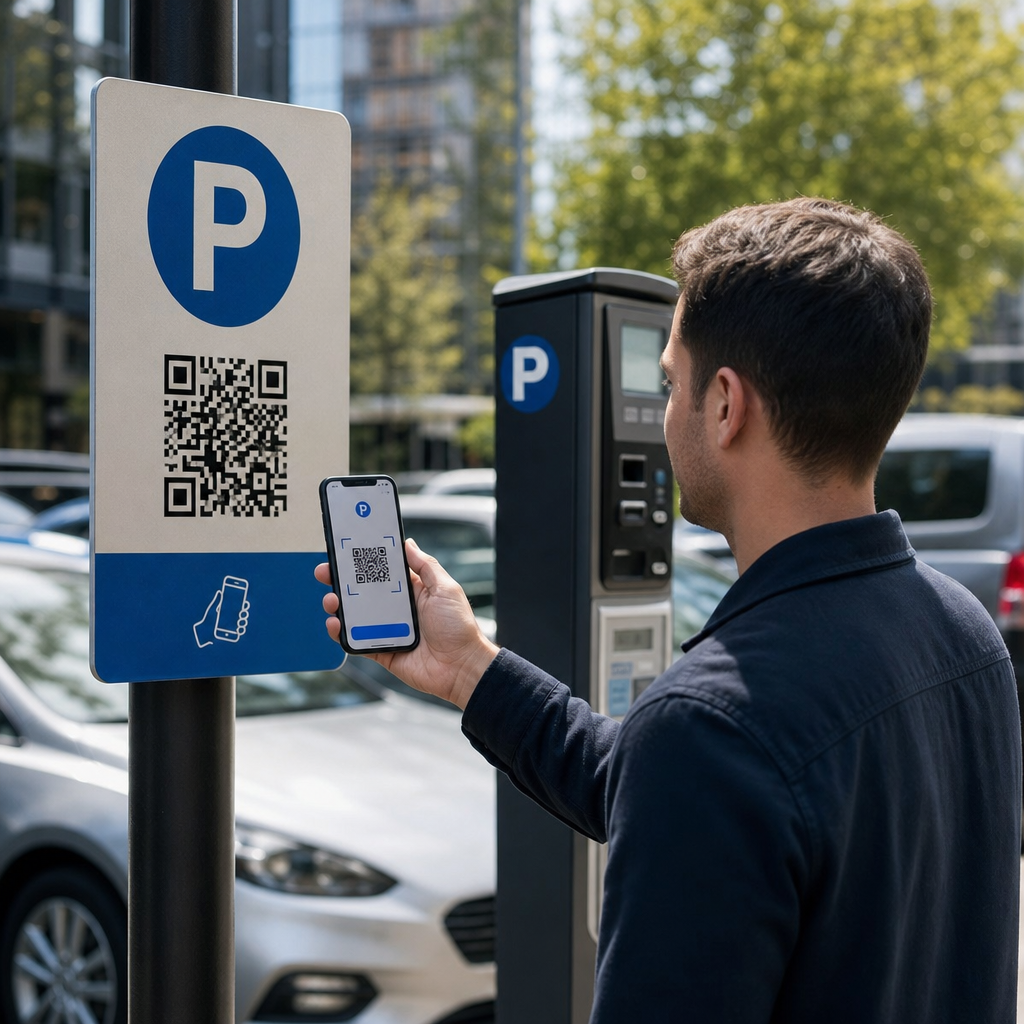
- הנחיות הגעה למקום ולאזור חניה: הנחו את המשתתפים לחניון הנכון או לכניסה לבניין לפני שהם מגיעים ברגל. הכללת מפות גוגל: מחולל קוד QR למיקום קישור באישור כרטיס דיגיטלי או בשלטי כניסה חיצוניים מכוון נהגים ישר לשערי ההגעה המיועדים.
- לוחות זמנים ותוכניות קומה להורדה: ספקו מפות נגישות במצב לא מקוון למקומות עם קליטה סלולרית חלשה. שימוש ב- מחולל קוד QR ל-PDF מאפשר לאורחים לשמור תוכניות קומה ברזולוציה גבוהה של המקום ומדריכי אג'נדה ישירות למכשירים הניידים שלהם.
פשטו את הניווט במקום כבר היום צריכים ליצור קישורי מפה מותאמים אישית וידידותיים לנייד לאירוע הקרוב שלכם? השתמשו ב- שילוב QR באירוע כדי לבנות קודים דינמיים הניתנים למעקב תוך דקות.
הנחיות מיקום ונגישות לשלטי התמצאות
מערכת התמצאות יעילה רק אם המשתתפים יכולים לאתר ולסרוק בנוחות שלטים פיזיים. מיקום מחושב מבטיח שכלי הניווט יישארו פונקציונליים ונגישים לכל מבקר.
מיקום פיזי אופטימלי
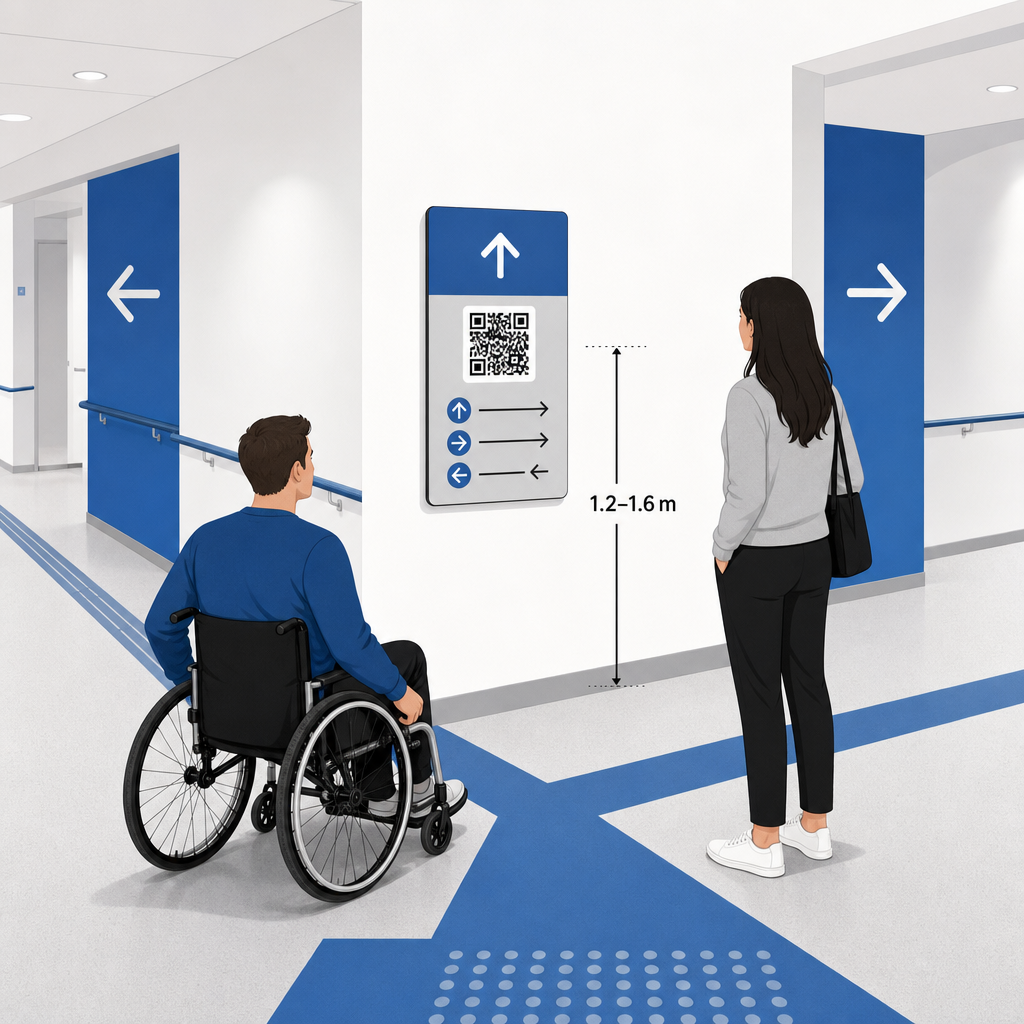
מקמו שלטי התמצאות היכן שמבקרים עוצרים באופן טבעי כדי לקבל החלטות לגבי מסלול, כגון בצמתים של מסדרונות, אזורי מנוחה, מתחמי אוכל ובנקי מעליות. התקינו קודים מודפסים בגובה עיניים נגיש – בדרך כלל בין 1.2 עד 1.6 מטר (3.5 עד 5.5 רגל) מעל הרצפה – כך שהם יישארו בהישג יד נוח הן למבקרים עומדים והן למשתמשי כיסאות גלגלים.
תאימות ל-ADA ונגישות
תקני הנגישות הרשמיים תחת חוק האמריקאים עם מוגבלויות (ADA) דורשים משילוט כיווני לעקוב אחר כללים ויזואליים ברורים, כולל ניגודיות גבוהה של כהה-לבהיר, גימורים שאינם מבריקים, ופרופורציות ספציפיות של תווי ויזואליים. כלים דיגיטליים כמו קודי QR משמשים כתוספת, ולא כתחליף, לשילוט פיזי נגיש סטנדרטי.
כדי לשמור על תאימות ונגישות מלאה:
- שמור על טקסט חלופי גלוי, הוראות טקסט מודפסות, או סיוע מצוות לצד כל קוד.
- צמד קודים עם תוויות תיאוריות ברורות המציינות איזו מידע המשתמש יקבל במידה ויסרוק.
- בנה דפי נחיתה מותאמים לנייד התומכים בקוראי מסך וכוללים טקסט חלופי תיאורי עבור גרפיקת מפות.
קריאות לפעולה ברורות
קוד QR ללא תווית משאיר את המבקרים מנחשים לגבי מטרתו. יש תמיד לשייך לכל קוד מסגרת קריאה לפעולה (CTA) ברורה או תווית טקסט, כגון “סרוק לתכנית קומה אינטראקטיבית” או “מצא את דרכך – סרוק למפה.” בעקבות הנחיות מוכחות עבור מיקום קוד QR על פוסטרים מגדיל באופן משמעותי את המעורבות ואת שיעורי הסריקה.
שיטות עבודה מומלצות טכניות לשילוט סריק
הבטחת סריקה מהירה ואמינה במאות דגמי סמארטפונים שונים דורשת הקפדה על תקני גרפיקה בסיסיים.
| גורם | תקן טכני | מטרה פרקטית |
|---|---|---|
| גודל הדפסה מינימלי | מינימום 3 x 3 ס"מ (1.2 x 1.2 אינץ'); 2 x 2 ס"מ לפריטים קרובים | מונע כשלים במיקוד המצלמה על מודולי נתונים צפופים. |
| יחס מרחק סריקה | יחס 10:1 (יחידת רוחב קוד אחת לכל 10 יחידות מרחק) | מבטיח שקודים על באנרים תלויים גדולים יישארו ניתנים לסריקה מרחוק. |
| ניגודיות צבע | יחס ניגודיות מינימלי של 4:1 (מודולים כהים על רקע בהיר) | מסייע לחיישני מצלמת הטלפון להבחין מיידית בין מודולים לרקע. |
| אזור שקט (חיץ) | ברוחב 4 מודולים לפחות (שוליים של כ-0.25 אינץ') | מונע מגרפיקה וטקסט מסביב להפריע לפענוח הסורק. |
| פורמט קובץ | פורמטים וקטוריים (SVG, EPS, PDF) | שומר על קצוות חדים ללא פיקסלציה בעת הדפסה על שילוט גדול. |
בעת הדפסת פוסטרי הכוונה ושלטי קיר, בחרו ב- חומרים מט לא מחזירי אור על פני גימורים מבריקים. משטחים מט מבטלים השתקפויות תאורת תקרה חזקות, המהוות אחת הסיבות העיקריות לכשלי סריקה במצלמות ניידות. להנחיות מידות מפורטות, עיינו ב- מדריך גודל קוד QR and review essential שיטות עבודה לקריאות קוד QR.
כוון משתתפים ישירות למקום האירוע שלך ודא שאורחים יגיעו לכניסה הנכונה או לשער החניה ללא בלבול. צור סיכות מדויקות למיקום באמצעות ה- מפות גוגל: מחולל קוד QR למיקום.
בדיקה ועדכון של מערכת ניווט הדרך לאירוע שלך
אימות יסודי לפני פתיחת הדלתות מונע תקלות טכניות בשעות שיא הנוכחות.
אימות לפני אירוע
- בדיקה במכשירים מרובים: סרוק כל קוד שפורסם באמצעות מכשירי Apple iOS ו-Android על פני יישומי מצלמה מובנים סטנדרטיים.
- הערכת תאורת סביבה: בדוק שילוט מודפס תחת אורות המקום בפועל כדי לזהות סנוור פוטנציאלי או צללים המוטלים על ידי מתקני האולם.
- בדיקת זוויות ומרחקי סריקה: נסה לסרוק מעמדות עמידה מציאותיות ומזוויות צד, וודא שהקוד מפוענח תוך 3 שניות או פחות.
- אימות מהירויות טעינת רשת: בדוק את זמני התגובה של דף נחיתת המפה על פני רשתות סלולריות ו-Wi-Fi לאורחים כדי לאשר זמני טעינה מהירים תחת עומס רשת.
ניהול עדכונים חיים באמצעות קודי QR דינמיים
אפילו תוכניות אירועים מתוכננות בקפידה חוות שינויים של הרגע האחרון בלוח הזמנים או העברות דוכנים. באמצעות שימוש בקודי QR דינמיים, אתה שומר על שליטה מלאה על דפי הנחיתה היעד. אם חדר מצגות משתנה או מסלול יציאת חירום דורש הדגשה, פשוט עדכן את כתובת ה-URL של היעד בלוח המחוונים לניהול שלך. הקוד המודפס על הקיר נשאר זהה, אך המשתתפים מופנים באופן מיידי למפה המעודכנת.
יתרה מכך, ניתוחים מובנים מאפשרים לך לנטר את נפח הסריקות ברחבי אזורי המקום השונים בזמן אמת. ספירת סריקות גבוהה בנקודות החלטה ספציפיות מצביעה על מקומות שבהם המשתתפים מחפשים תדיר כיוונים, ומספקת נתונים שימושיים לפריסת צוות נוסף או שלטי הכוונה משלימים היכן שהם נחוצים ביותר. לאסטרטגיות מיקום מתקדמות, עיין ב- מדריך למיקום קודי QR.
שאלות נפוצות
לא. תקנות הנגישות מחייבות שילוט פיזי למציאת דרך לעמוד בסטנדרטים ויזואליים ספציפיים, דרישות מישוש, או כללי ניגודיות גבוהה באופן עצמאי. קודי QR משמשים כתוספת דיגיטלית מועילה להכוונת משתתפים, אך אסור להם להחליף שילוט פיזי ראשי או חלופות טקסט נגישות.
תמיד ייצא את קוד ה-QR שלך בפורמטים וקטוריים ניתנים להגדלה, כגון SVG, EPS או PDF. קבצים וקטוריים ניתנים להגדלה לכל גודל על באנרים או הדפסי קיר מבלי לאבד את קצוות המודולים החדים, מה שמבטיח סריקה אמינה.
קודי QR דינמיים מפרידים בין התמונה המודפסת לבין תוכן היעד. אם דוכן זז או חדר סמינר משתנה, באפשרותך לעדכן את קישור היעד בלוח המחוונים שלך מבלי צורך להדפיס מחדש או להחליף את השלטים הפיזיים התלויים במקום.
הפיכת ניווט מורכב במתחם לחוויה דיגיטלית בשירות עצמי מפחיתה תסכול בקרב המשתתפים ושומרת על פעילות האירוע בצורה חלקה. על ידי בחירת נקודות החלטה אסטרטגיות, אכיפת תקני חזותיים בעלי ניגודיות גבוהה, וקישור קודים לדפי נחיתה מותאמי מפה, אתם מעצימים את האורחים למצוא את דרכם באופן עצמאי. התחילו לעצב את מערכת הניווט של המקום שלכם עוד היום באמצעות הכלים הדינמיים של Pageloot כדי לספק גישה למפה בזמן אמת בכל המתקן שלכם.