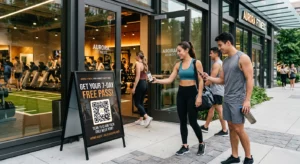
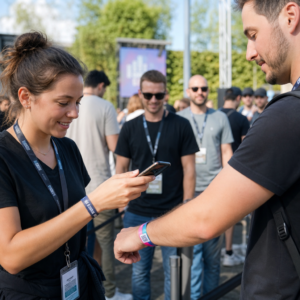
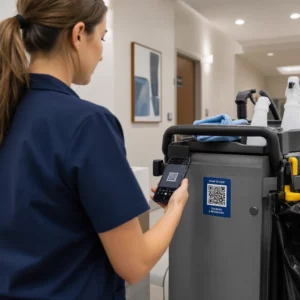
Veroorzaken verdwaalde bezoekers en drukke informatiebalies knelpunten op uw locatie? Navigatiedesoriëntatie leidt tot gemiste sessies, gefrustreerde gasten en overwerkt evenementpersoneel. Het implementeren van QR-gebaseerde bewegwijzering geeft bezoekers direct mobiele toegang tot interactieve kaarten en locatiespecifieke aanwijzingen rechtstreeks op hun smartphones.
Waarom Mobiele QR-codes de Navigatie op Locaties Verbeteren
Grote conferentiecentra, meerdaagse festivals en uitgestrekte beurshallen overweldigen bezoekers vaak. Traditionele plattegronden, afgedrukt op statische ingangsborden, trekken vaak dichte menigten aan, wat ernstige verkeersopstoppingen in de hoofdgangen veroorzaakt. Bovendien, als een standtoewijzing verandert of een zaalschema verschuift tijdens een evenement, worden fysieke kaartborden snel verouderd en misleidend.
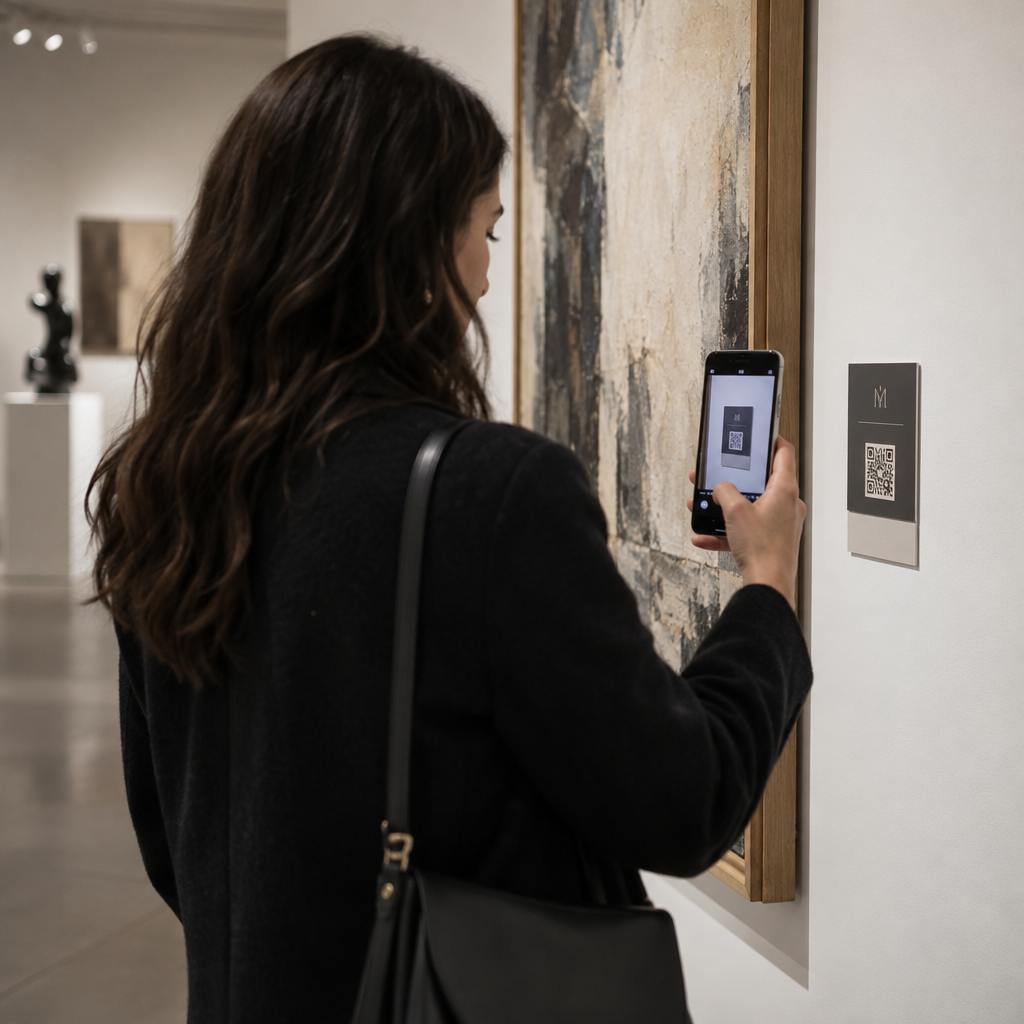
Het gebruik van QR-codes voor locatienavigatie transformeert fysieke bewegwijzering in interactieve digitale portals. Door codes op kritieke beslispunten te plaatsen, creëert u gelokaliseerde “U bent hier”-stations door uw hele faciliteit. Bij het scannen laden deze codes onmiddellijk mobielvriendelijke kaarten, turn-by-turn binnenhuisnavigatie of realtime schema-pagina's.
Omdat dynamische QR-codes u in staat stellen bestemmingslinks na het afdrukken te bewerken, kunt u plattegronden bijwerken of verkeersstromen direct omleiden zonder fysieke borden te vervangen. Het integreren van digitale plattegronden met een speciale QR code voor evenementen maken stroomlijnt het algehele crowdmanagement en biedt tegelijkertijd onmiddellijke duidelijkheid aan bezoekers.
Praktische Manieren om QR-code Bewegwijzering te Implementeren
Het implementeren van QR-code navigatie op uw locatie vereist strategische plaatsing die aansluit bij specifieke behoeften van bezoekers. Hier zijn vier praktische toepassingen voor evenementbewegwijzering:
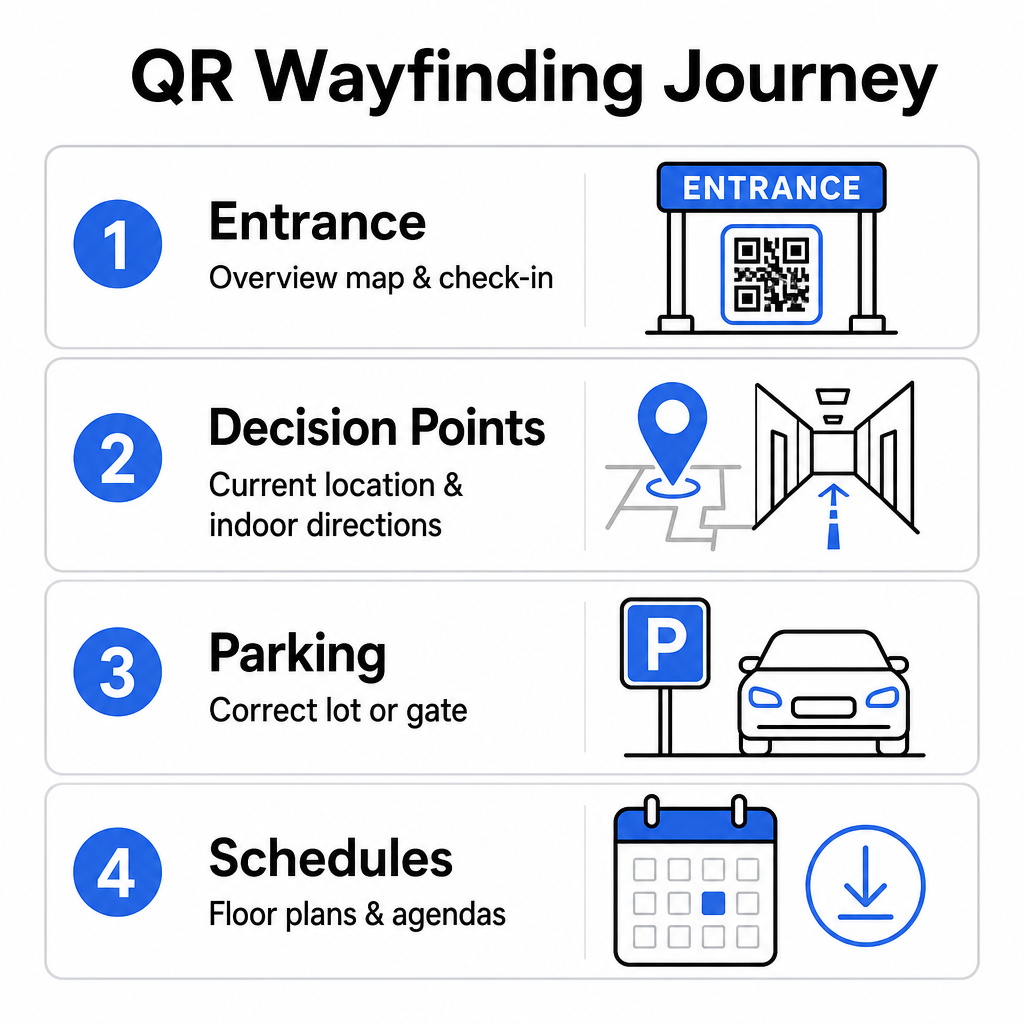
- Ingangs- en Registratiepunten: Plaats prominente codes nabij ingangspoorten en registratiebalies om aankomende gasten direct een overzichtskaart van de faciliteit te bieden, samen met incheckinstructies. Het integreren van digitale navigatie op toegangspunten vult moderne evenement inchecksytemen.
- Gelokaliseerde “U bent hier”-Beslispunten: Stationspecifieke QR-codes op belangrijke gangkruisingen, liftlobbies, ingangen van trappenhuizen en eetgedeeltes. Koppel elke code aan een digitale kaart die vooraf is geconfigureerd om de exacte huidige locatie van de gebruiker binnen het gebouw weer te geven.
- Routebeschrijving locatie en parkeren: Begeleid bezoekers naar de juiste parkeerplaats of ingang van het gebouw voordat ze te voet arriveren. Het opnemen van een Google Maps QR code maken link op digitale ticketbevestigingen of buitenbanner bij de ingang leidt chauffeurs rechtstreeks naar de aangewezen aankomstpoorten.
- Downloadbare schema's en plattegronden: Bied offline-toegankelijke kaarten voor locaties met zwakke mobiele dekking. Het gebruik van een PDF naar QR code maken stelt gasten in staat om plattegronden van de locatie en agendagidsen in hoge resolutie rechtstreeks op hun mobiele apparaten op te slaan.
Vereenvoudig Locatienavigatie Vandaag Wilt u aangepaste, mobielvriendelijke kaartlinks maken voor uw aankomende evenement? Gebruik de QR code voor evenementen maken om binnen enkele minuten dynamische, traceerbare codes te maken.
Plaatsing en Toegankelijkheidsrichtlijnen voor Bewegwijzering
Een bewegwijzeringssysteem is alleen effectief als bezoekers fysieke borden comfortabel kunnen vinden en scannen. Een doordachte plaatsing zorgt ervoor dat navigatietools functioneel en toegankelijk blijven voor elke bezoeker.
Optimale Fysieke Plaatsing
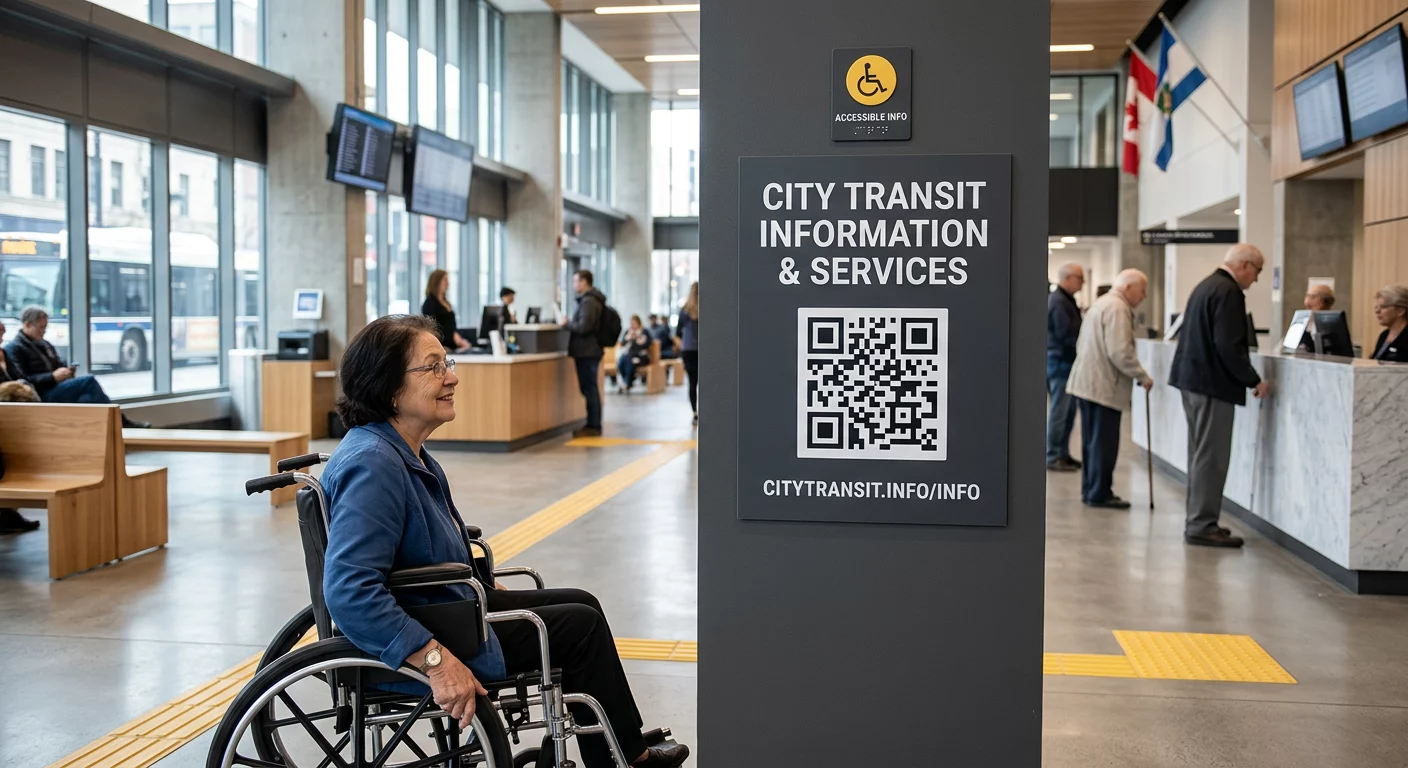
Plaats bewegwijzering op plaatsen waar bezoekers van nature pauzeren om routebeslissingen te nemen, zoals kruispunten van gangen, rustruimtes, food courts en liften. Bevestig geprinte codes op een toegankelijke ooghoogte – doorgaans tussen 1,2 tot 1,6 meter (3,5 tot 5,5 voet) boven de vloer – zodat ze comfortabel binnen handbereik blijven voor zowel staande bezoekers als rolstoelgebruikers.
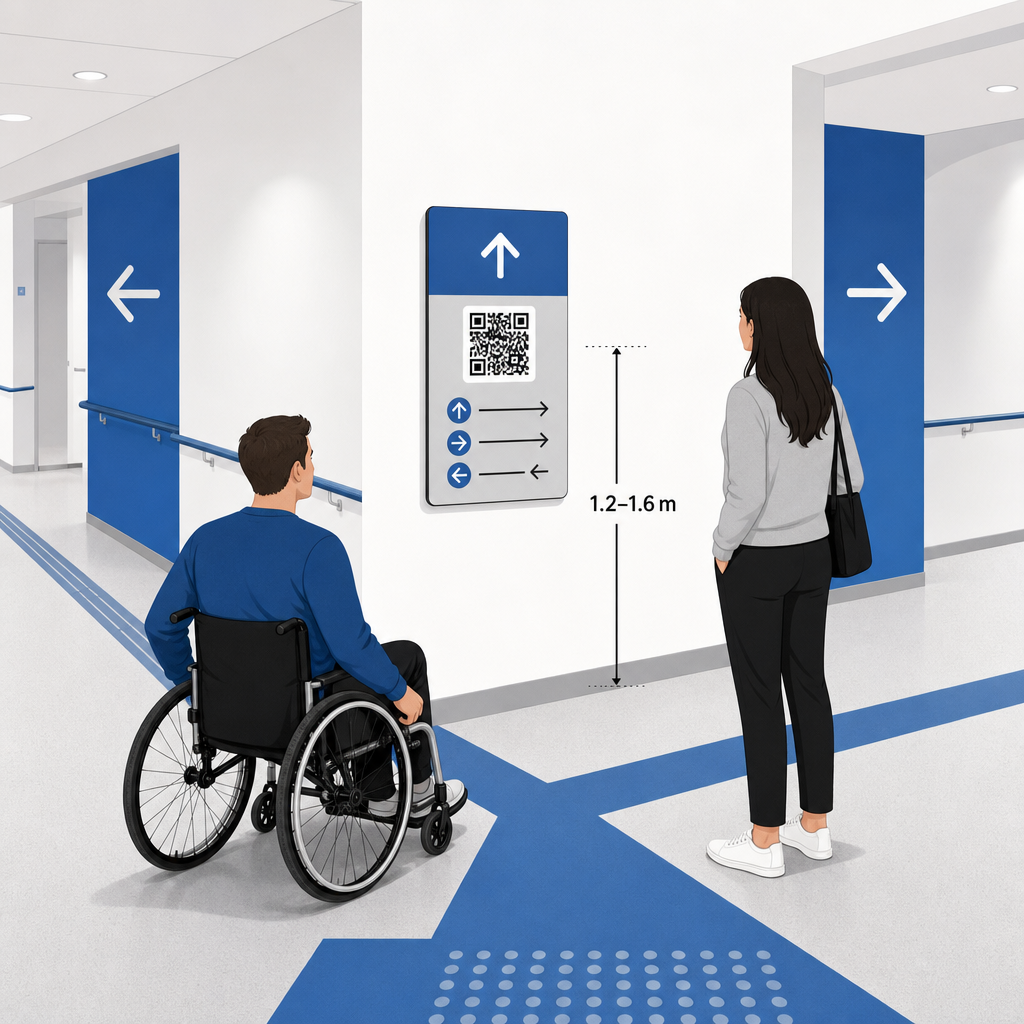
ADA- en Toegankelijkheidsconformiteit
Officiële toegankelijkheidsstandaarden onder de Americans with Disabilities Act (ADA) vereisen dat directionele bewegwijzering duidelijke visuele regels volgt, waaronder een hoog donker-licht contrast, niet-reflecterende afwerkingen en specifieke visuele karakterverhoudingen. Digitale hulpmiddelen zoals QR-codes dienen als aanvulling op, en niet als vervanging van, standaard toegankelijke fysieke bewegwijzering.
Om volledige conformiteit en toegankelijkheid te behouden:
- Zorg voor zichtbare alternatieve tekst, geprinte tekstaanwijzingen of personele ondersteuning naast elke code.
- Combineer codes met duidelijke, beschrijvende labels die aangeven welke informatie de gebruiker krijgt na het scannen.
- Ontwikkel mobiele landingspagina's die schermlezers ondersteunen en beschrijvende alternatieve tekst bevatten voor kaartafbeeldingen.
Duidelijke Oproepen tot Actie
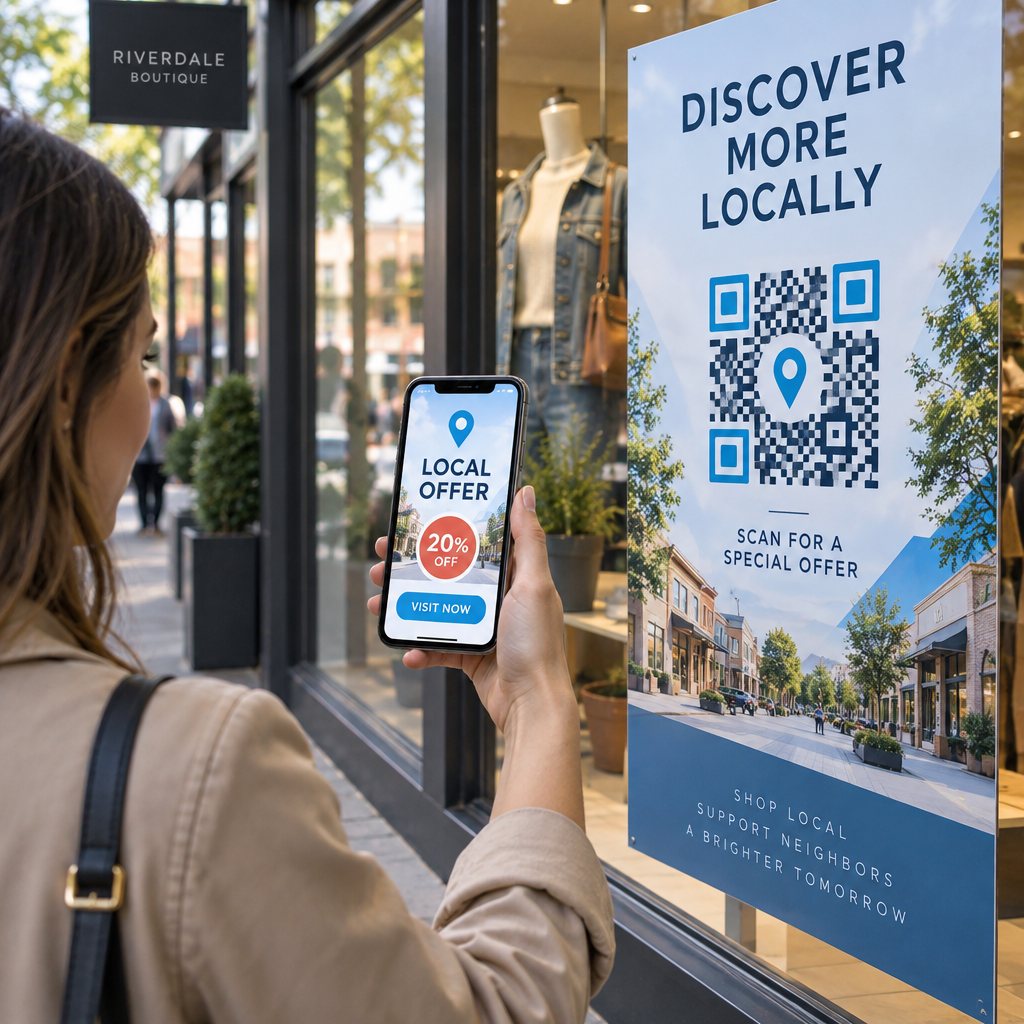
Een ongelabelde QR-code laat bezoekers raden naar het doel ervan. Combineer elke code altijd met een duidelijke 'call-to-action' (CTA)-frame of tekstlabel, zoals “Scan voor interactieve plattegrond” of “Vind je weg – Scan voor kaart.” Het volgen van bewezen richtlijnen voor QR-code plaatsing op posters vergroot de betrokkenheid en het aantal scans aanzienlijk.
Technische Best Practices voor Scanbare Bewegwijzering
Het garanderen van snel en betrouwbaar scannen op honderden verschillende smartphonemodellen vereist strikte naleving van de grafische kernstandaarden.
| Factor | Technische norm | Praktisch Doel |
|---|---|---|
| Minimale afdrukformaat | Minimaal 3 x 3 cm (1,2 x 1,2 inch); 2 x 2 cm voor close-up items | Voorkomt focusfouten van de camera op dichte datamodules. |
| Scanafstandverhouding | 10:1 verhouding (1 eenheid codeweek per 10 eenheden afstand) | Zorgt ervoor dat codes op grote hangende spandoeken van veraf scanbaar blijven. |
| Kleurcontrast | Minimale contrastverhouding van 4:1 (donkere modules op lichte achtergrond) | Helpt telefooncamera-sensoren modules direct te onderscheiden van de achtergrond. |
| Stille Zone Buffer | Minimaal 4 modules breed (ongeveer 0,25 inch marge) | Voorkomt dat omringende afbeeldingen en tekst de decoderingsprocessen van de scanner verstoren. |
| Bestandsformaat | Vectorformaten (SVG, EPS, PDF) | Behoudt scherpe randen zonder pixelatie wanneer afgedrukt op grote bewegwijzering. |
Kies bij het afdrukken van bewegwijzeringsposters en muurborden voor matte, niet-reflecterende materialen boven glanzende afwerkingen. Matte oppervlakken elimineren harde reflecties van bovenaf, die een van de belangrijkste oorzaken zijn van scanfouten van mobiele camera's. Voor gedetailleerde afmetingsrichtlijnen, raadpleeg onze uitgebreide gids voor QR-codeformaten en bekijk de essentiële praktijken voor de leesbaarheid van QR-codes.
Begeleid Bezoekers Direct naar Uw Locatie Zorg ervoor dat gasten zonder verwarring bij de juiste ingang of parkeerpoort arriveren. Genereer locatie-nauwkeurige pins met behulp van de Google Maps QR code maken.
Je event-wegwijsysteem testen en updaten
Grondige validatie voordat de deuren opengaan, voorkomt technische storingen tijdens piekmomenten.
Verificatie vóór het evenement
- Testen op meerdere apparaten: Scan elke gepubliceerde code met zowel Apple iOS- als Android-apparaten via standaard ingebouwde camera-applicaties.
- Omgevingsverlichting evalueren: Controleer gedrukte bewegwijzering onder de werkelijke verlichting van de locatie om mogelijke verblinding of schaduwen veroorzaakt door gangarmaturen te identificeren.
- Scanhoeken en afstanden controleren: Probeer te scannen vanuit realistische staande posities en zijdelingse hoeken, en bevestig dat de code binnen 3 seconden of minder.
- Netwerkladingssnelheden verifiëren: Test de reactietijden van de landingspagina van de kaart via mobiele netwerken en gast-wifi om snelle laadtijden onder netwerkbelasting te bevestigen.
Live updates beheren met dynamische QR-codes
Zelfs zorgvuldig geplande evenementindelingen ondergaan last-minute schemawijzigingen of verplaatsingen van stands. Door gebruik te maken van dynamische QR-codes behoud je de volledige controle over de landingspagina's. Als een presentatieruimte verandert of een nooduitgangsroute moet worden gemarkeerd, update je eenvoudig de doel-URL in je beheerpaneel. De gedrukte code op de muur blijft identiek, maar bezoekers worden onmiddellijk omgeleid naar de bijgewerkte kaart.
Bovendien kun je met ingebouwde analyses het scanvolume in verschillende zalen in realtime monitoren. Hoge scanaantallen op specifieke beslissingspunten geven aan waar bezoekers vaak om aanwijzingen vragen, wat bruikbare gegevens oplevert om extra personeel of aanvullende bewegwijzering in te zetten waar dit het meest nodig is. Voor geavanceerde positioneringsstrategieën, bekijk onze volledige gids voor QR-code plaatsing.
Veelgestelde vragen
Nee. Toegankelijkheidsvoorschriften vereisen dat fysieke bewegwijzering onafhankelijk voldoet aan specifieke visuele standaarden, tactiele vereisten of regels voor hoog contrast. QR-codes dienen als een nuttige digitale aanvulling om bezoekers te begeleiden, maar mogen primaire fysieke bewegwijzering of toegankelijke tekstalternatieven niet vervangen.
Exporteer uw QR-code altijd in schaalbare vectorformaten zoals SVG, EPS of PDF. Vectorbestanden schalen naar elk formaat op spandoeken of muurprints zonder scherpe module-randen te verliezen, wat een betrouwbare scanbaarheid garandeert.
Dynamische QR-codes scheiden de afgedrukte afbeelding van de doelinhoud. Als een stand verplaatst of een seminarieruimte verandert, werkt u de bestemmingsweblink in uw dashboard bij zonder dat u de fysieke borden die in de locatie hangen opnieuw hoeft af te drukken of te vervangen.
Het transformeren van complexe locatie-navigatie naar een digitale zelfbedieningservaring vermindert de frustratie van bezoekers en zorgt ervoor dat evenementen soepel verlopen. Door strategische beslissingspunten te selecteren, visuele standaarden met hoog contrast af te dwingen en codes te koppelen aan responsieve landingspagina's met kaarten, stelt u gasten in staat zelfstandig hun weg te vinden. Begin vandaag nog met het ontwerpen van uw locatie-navigatiesysteem met behulp van Pageloot's dynamische tools om real-time kaarttoegang te bieden in uw hele faciliteit.