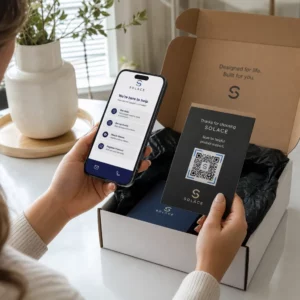
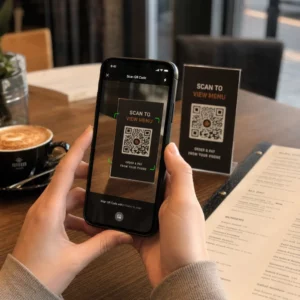
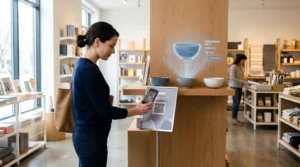
Kayıp katılımcılar ve kalabalık danışma masaları mekanınızda tıkanıklığa mı neden oluyor? Navigasyon karmaşası, kaçırılan oturumlara, hayal kırıklığına uğramış konuklara ve aşırı çalışan etkinlik personeline yol açar. QR tabanlı yol bulma sistemi uygulamak, katılımcılara akıllı telefonlarından etkileşimli haritalara ve konuma özel yol tariflerine anında mobil erişim sağlar.
Mobil QR Kodları Mekan Navigasyonunu Neden Geliştirir?
Büyük kongre merkezleri, çok sahneli festivaller ve geniş fuar salonları genellikle ziyaretçileri bunaltır. Statik giriş panolarına basılı geleneksel kat planları yoğun kalabalık toplama eğilimindedir ve ana koridorlarda ciddi trafik sıkışıklığına neden olur. Ayrıca, bir etkinlik sırasında stand yerleşimi değişirse veya oda programı kayarsa, fiziksel harita panoları hızla güncelliğini yitirir ve yanıltıcı hale gelir.
Mekan navigasyonu için QR kodları kullanmak, fiziksel tabelaları etkileşimli dijital portallara dönüştürür. Kritik karar noktalarına kodlar yerleştirmek, tesisinizde yerelleştirilmiş “Buradasınız” istasyonları oluşturur. Tarandığında, bu kodlar anında mobil uyumlu haritaları, adım adım iç mekan yol tariflerini veya gerçek zamanlı program sayfalarını yükler.
Dinamik QR kodları, basıldıktan sonra hedef bağlantıları düzenlemenize izin verdiğinden, fiziksel tabelaları değiştirmeden kat planlarını anında güncelleyebilir veya trafik akışını yeniden yönlendirebilirsiniz. Dijital kat planlarını özel bir Etkinlik QR Kod Oluşturucu genel kalabalık yönetimini kolaylaştırırken katılımcılara anında netlik sağlar.
QR Kodlu Yol Bulma Sistemini Uygulamanın Pratik Yolları
Mekanınızda QR kod navigasyonunu dağıtmak, belirli katılımcı ihtiyaçlarıyla uyumlu stratejik yerleşim gerektirir. İşte etkinlik yol bulma için dört pratik uygulama:
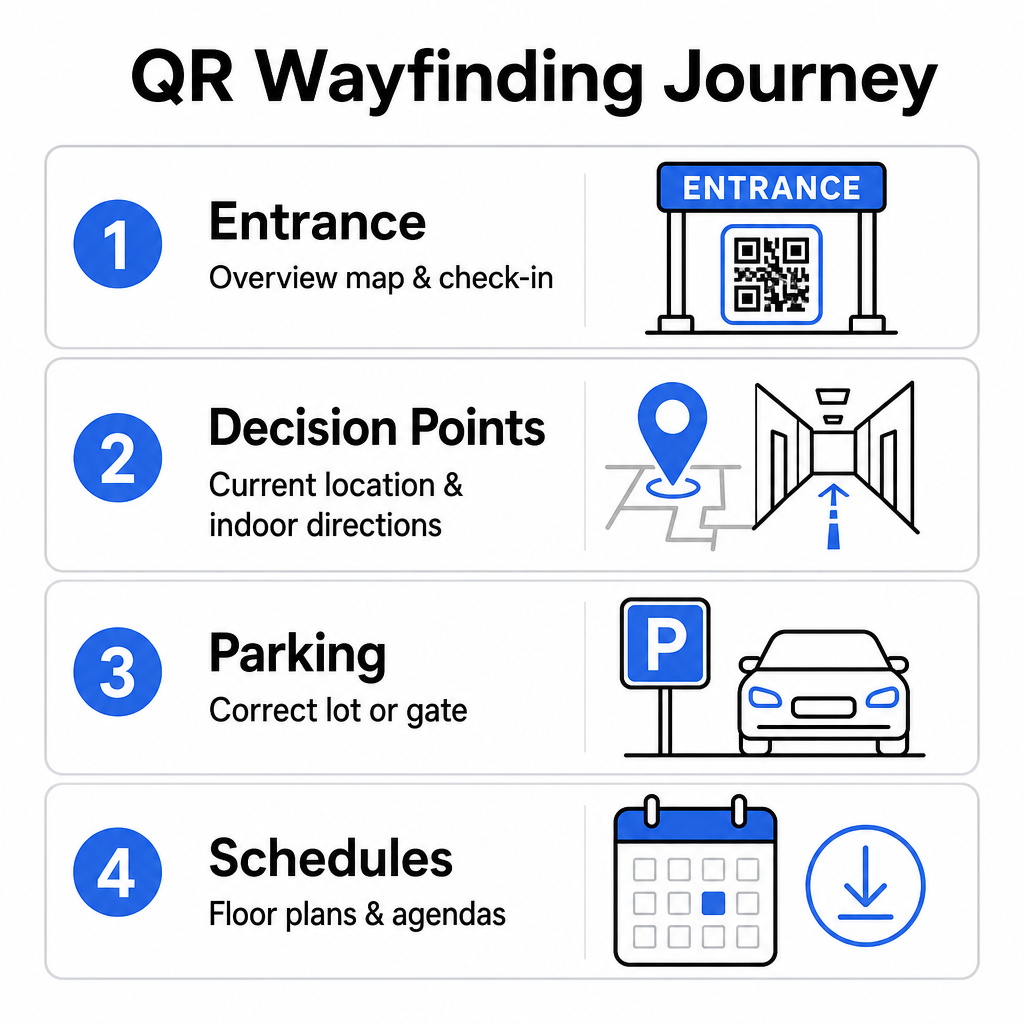
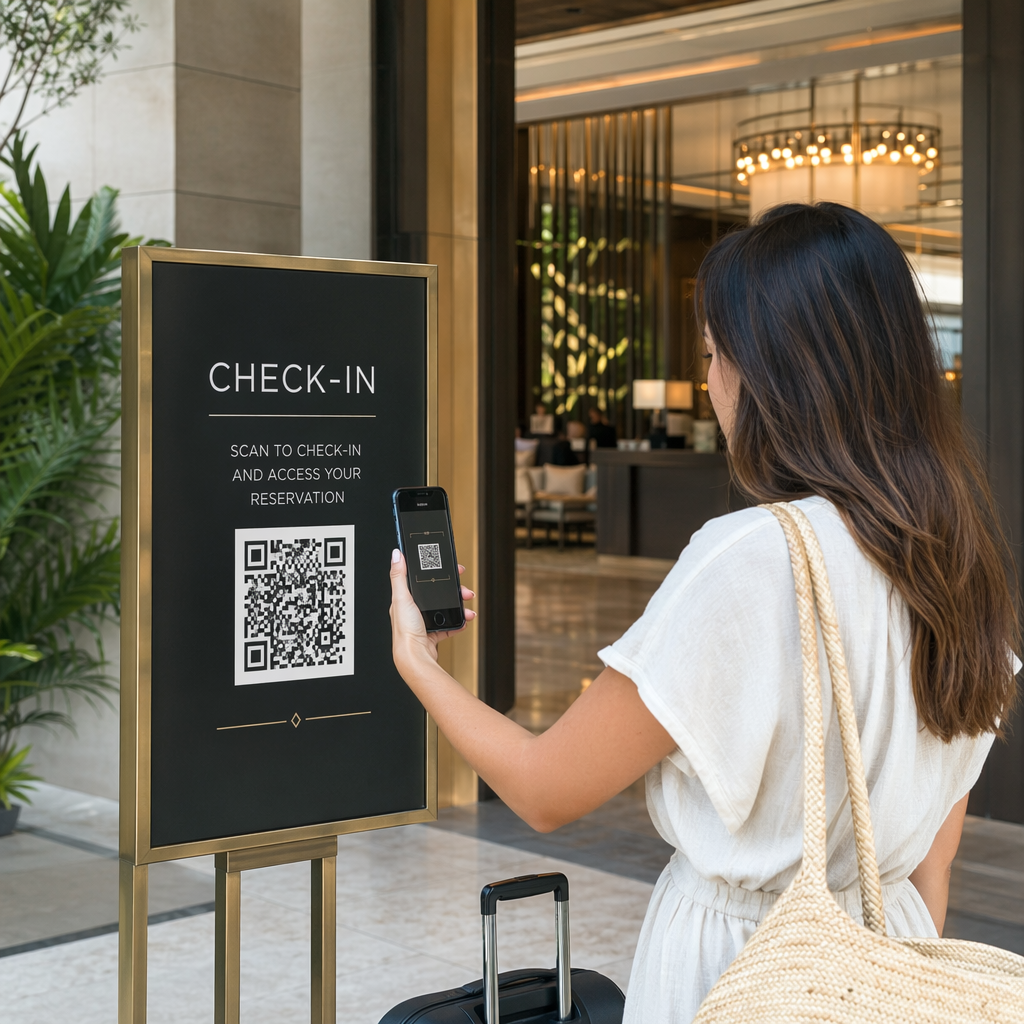
- Giriş ve Kayıt Merkezleri: Gelen konuklara tesise ilişkin anında genel bir harita ve check-in talimatları sunmak için giriş kapılarının ve kayıt masalarının yakınına belirgin kodlar yerleştirin. Giriş noktalarında dijital navigasyonu entegre etmek modern etkinlik check-in sistemlerini.
- Yerelleştirilmiş “Buradasınız” Karar Noktaları: Büyük koridor kavşaklarında, asansör lobilerinde, merdiven boşluğu girişlerinde ve yemek alanlarında istasyona özel QR kodları. Her bir kodu, kullanıcının binadaki tam mevcut konumunu gösterecek şekilde önceden yapılandırılmış dijital bir haritayı açacak şekilde bağlayın.
- Mekan ve Otopark Yönlendirmeleri: Katılımcıları yaya olarak varmadan önce doğru otoparka veya bina girişine yönlendirin. Bir Google Maps QR Kod Oluşturucu dijital bilet onaylarında veya dış mekan giriş pankartlarındaki bağlantı, sürücüleri doğrudan belirlenmiş varış kapılarına yönlendirir.
- İndirilebilir Programlar ve Kat Planları: Zayıf hücresel kapsama alanı olan mekanlar için çevrimdışı erişilebilir haritalar sağlayın. Bir PDF QR Kod Oluşturucu konukların yüksek çözünürlüklü mekan kat planlarını ve gündem rehberlerini doğrudan mobil cihazlarına kaydetmelerine olanak tanır.
Mekan Navigasyonunu Bugün Basitleştirin Yaklaşan etkinliğiniz için özel, mobil uyumlu harita bağlantıları oluşturmanız mı gerekiyor? Şunu kullanın: Etkinlik QR Kod Oluşturucu dakikalar içinde dinamik, izlenebilir kodlar oluşturmak için.
Yönlendirme İşaretleri için Yerleştirme ve Erişilebilirlik Yönergeleri
Bir yönlendirme sistemi, ancak katılımcıların fiziksel tabelaları rahatça bulup tarayabilmesi durumunda etkilidir. Düşünceli yerleştirme, navigasyon araçlarının her ziyaretçi için işlevsel ve erişilebilir kalmasını sağlar.
Optimum Fiziksel Yerleştirme
Yönlendirme tabelalarını, ziyaretçilerin koridor kavşakları, dinlenme alanları, yemek alanları ve asansör bankoları gibi güzergah kararları vermek için doğal olarak durakladıkları yerlere konumlandırın. Basılı kodları erişilebilir bir göz hizasına yerleştirin – tipik olarak 1,2 ila 1,6 metre (3,5 ila 5,5 fit) zeminin üzerinde – böylece hem ayakta duran ziyaretçiler hem de tekerlekli sandalye kullanıcıları için rahatça erişilebilir kalırlar.
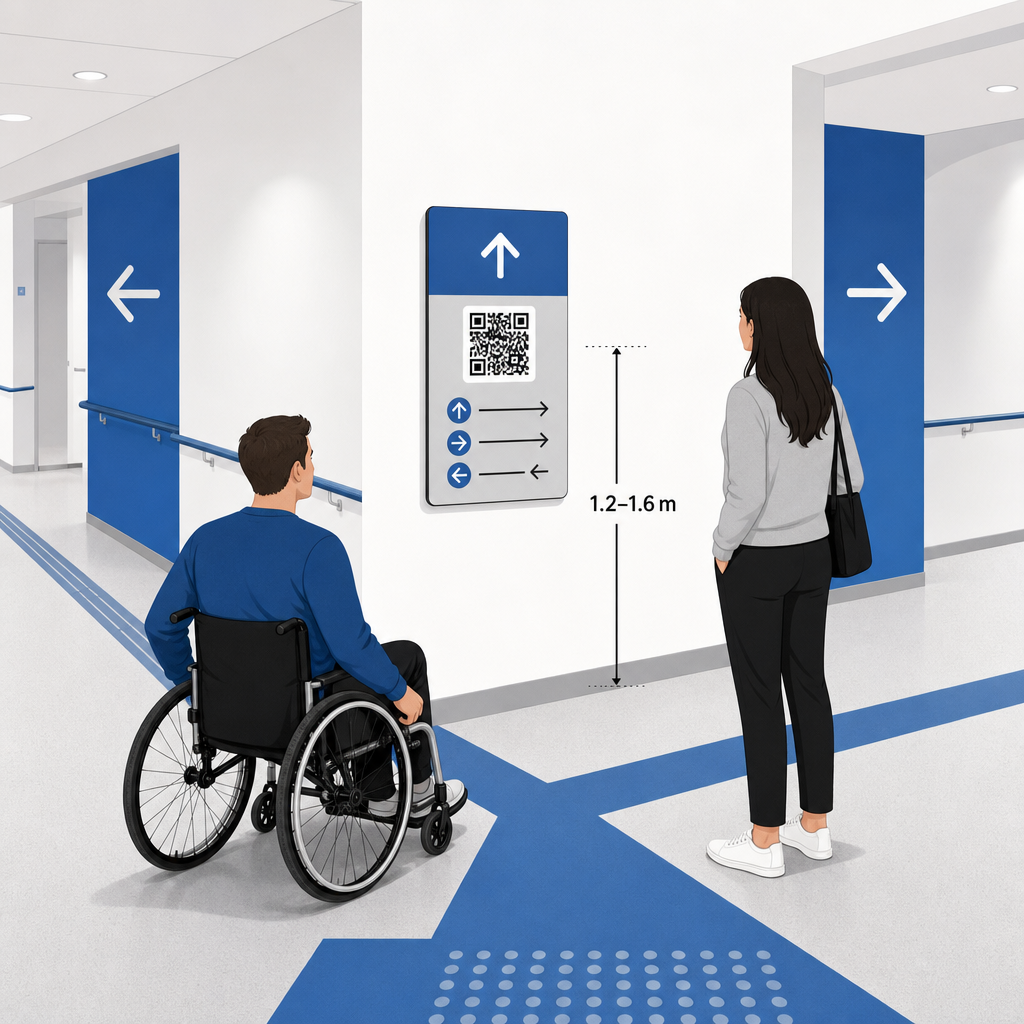
ADA ve Erişilebilirlik Uyumluluğu
Amerikan Engelliler Yasası (ADA) kapsamındaki resmi erişilebilirlik standartları, yönlendirme tabelalarının yüksek koyu-açık kontrastı, parlama yapmayan yüzeyler ve belirli görsel karakter oranları dahil olmak üzere net görsel kurallara uymasını gerektirir. QR kodları gibi dijital araçlar, standart erişilebilir fiziksel tabelaların yerine geçmekten ziyade bir tamamlayıcısı olarak hizmet eder.
Tam uyumluluğu ve erişilebilirliği sürdürmek için:
- Her kodun yanında görünür alternatif metin, basılı metin talimatları veya personel desteği bulundurun.
- Kodları, kullanıcının taradıktan sonra hangi bilgilere erişeceğini belirten açık, açıklayıcı etiketlerle eşleştirin.
- Ekran okuyucuları destekleyen ve harita grafikleri için açıklayıcı alternatif metin içeren mobil açılış sayfaları oluşturun.
Açık Eylem Çağrıları
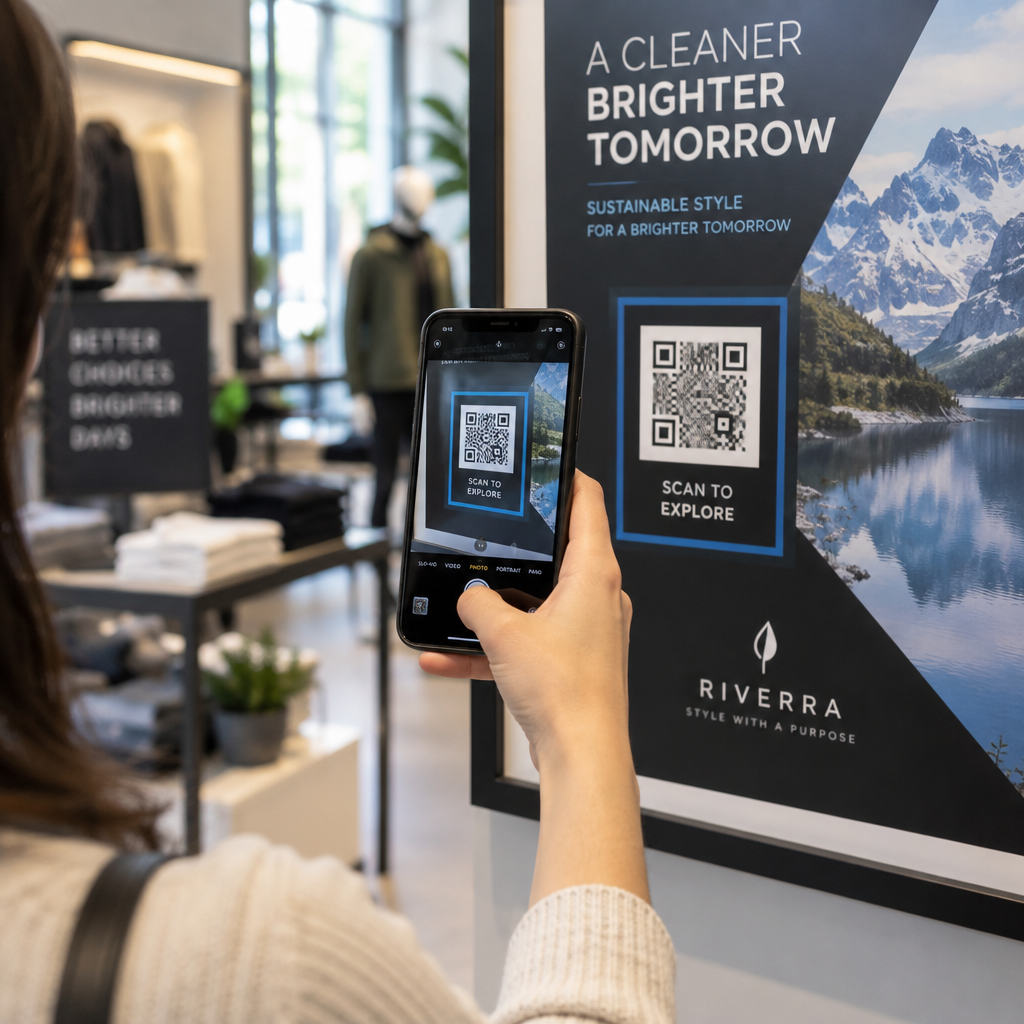
Etiketsiz bir QR kodu, ziyaretçilerin amacını tahmin etmesine neden olur. Her kodu her zaman, “Etkileşimli Kat Planı için Tarayın” veya “Yolunuzu Bulun – Harita için Tarayın” gibi açık bir eylem çağrısı (CTA) çerçevesi veya metin etiketiyle eşleştirin. Kanıtlanmış yönergeleri takip ederek Afişlerde QR kodu yerleşimi etkileşimi ve tarama oranlarını önemli ölçüde artırır.
Taranabilir Tabela için Teknik En İyi Uygulamalar
Yüzlerce farklı akıllı telefon modelinde hızlı ve güvenilir tarama sağlamak, temel grafik standartlarına sıkı sıkıya bağlı kalmayı gerektirir.
| Faktör | Teknik Standart | Pratik Amaç |
|---|---|---|
| Minimum Baskı Boyutu | Minimum 3 x 3 cm (1.2 x 1.2 in); yakın çekim öğeler için 2 x 2 cm | Yoğun veri modüllerinde kamera odaklama hatalarını önler. |
| Tarama Mesafe Oranı | 10:1 oranı (10 birim mesafeye karşılık 1 birim kod genişliği) | Büyük asılı afişlerdeki kodların uzaktan taranabilir kalmasını sağlar. |
| Renk Kontrastı | Minimum 4:1 kontrast oranı (açık arka planda koyu modüller) | Telefon kamera sensörlerinin modülleri arka plandan anında ayırt etmesine yardımcı olur. |
| Sessiz Bölge Tamponu | En az 4 modül genişliğinde (yaklaşık 0.25 inç kenar boşluğu) | Çevreleyen grafiklerin ve metinlerin tarayıcı kod çözmeyi engellemesini önler. |
| Dosya Biçimi | Vektör formatları (SVG, EPS, PDF) | Büyük tabelalarda basıldığında pikselleşmeden net kenarları korur. |
Yönlendirme afişleri ve duvar tabelaları basarken, seçin mat, yansıtıcı olmayan malzemeler parlak yüzeyler yerine. Mat yüzeyler, mobil kamera tarama hatalarının ana nedenlerinden biri olan sert tavan aydınlatması yansımalarını ortadan kaldırır. Detaylı boyutlandırma yönergeleri için, kapsamlı QR kodu boyut kılavuzu and review essential QR kodu okunabilirliği için uygulamalar.
Katılımcıları Doğrudan Mekanınıza Yönlendirin Misafirlerin doğru girişe veya otopark kapısına karışıklık olmadan ulaştığından emin olun. Konuma duyarlı pinleri kullanarak oluşturun. Google Maps QR Kod Oluşturucu.
Etkinlik Yönlendirme Sisteminizi Test Etme ve Güncelleme
Kapılar açılmadan önce yapılan kapsamlı doğrulama, yoğun katılım saatlerinde teknik arızaları önler.
Etkinlik Öncesi Doğrulama
- Birden çok cihazda test etme: Yayınlanan her kodu hem Apple iOS hem de Android cihazları kullanarak standart yerleşik kamera uygulamaları aracılığıyla tarayın.
- Ortam aydınlatmasını değerlendirme: Baskılı tabelaları gerçek mekan ışıkları altında inceleyerek salon armatürlerinin neden olabileceği potansiyel parlamaları veya gölgeleri tespit edin.
- Tarama açılarını ve mesafelerini kontrol etme: Gerçekçi ayakta durma pozisyonlarından ve yan açılardan tarama yapmayı deneyerek kodun şunlar içinde çözüldüğünü doğrulayın: 3 saniye veya daha kısa sürede.
- Ağ yükleme hızlarını doğrulama: Ağ yükü altında hızlı yükleme sürelerini doğrulamak için harita açılış sayfası yanıt sürelerini hücresel ağlar ve misafir Wi-Fi üzerinden test edin.
Dinamik QR Kodları ile Canlı Güncellemeleri Yönetme
Dikkatlice planlanmış etkinlik düzenlemeleri bile son dakika program değişiklikleri veya stant yer değiştirmeleri yaşayabilir. Dinamik QR kodlarını kullanarak hedef açılış sayfaları üzerinde tam kontrol sağlarsınız. Bir sunum odası değişirse veya bir acil çıkış rotasının vurgulanması gerekirse, yönetim panonuzdaki hedef URL'yi güncellemeniz yeterlidir. Duvardaki basılı kod aynı kalır, ancak katılımcılar anında güncellenmiş haritaya yönlendirilir.
Ayrıca, yerleşik analitikler sayesinde farklı mekan bölgelerindeki tarama hacmini gerçek zamanlı olarak izleyebilirsiniz. Belirli karar noktalarındaki yüksek tarama sayıları, katılımcıların en sık nerede yol tarifi aradığını gösterir ve en çok ihtiyaç duyulan yerlere ek personel veya tamamlayıcı yönlendirme işaretleri yerleştirmek için eyleme geçirilebilir veriler sağlar. Gelişmiş konumlandırma stratejileri için tüm içeriğimizi gözden geçirin. QR kodu yerleştirme kılavuzunu takip ederek.
Sıkça sorulan sorular
Hayır. Erişilebilirlik düzenlemeleri, fiziksel yön bulma işaretlerinin belirli görsel standartları, dokunsal gereklilikleri veya yüksek kontrast kurallarını bağımsız olarak karşılamasını gerektirir. QR kodları, katılımcılara rehberlik etmek için faydalı bir dijital ek görevi görür, ancak birincil fiziksel tabelaların veya erişilebilir metin alternatiflerinin yerini almamalıdır.
QR kodunuzu her zaman SVG, EPS veya PDF gibi ölçeklenebilir vektör formatlarında dışa aktarın. Vektör dosyaları, keskin modül kenarlarını kaybetmeden afişlerde veya duvar baskılarında her boyuta ölçeklenir ve güvenilir taranabilirlik sağlar.
Dinamik QR kodları, basılı görüntüyü hedef içerikten ayırır. Bir stant yeri değişirse veya seminer odası farklılaşırsa, gösterge tablonuzdan hedef web bağlantısını yeniden basmaya veya mekanda asılı fiziksel tabelaları değiştirmeye gerek kalmadan güncelleyebilirsiniz.
Karmaşık mekan navigasyonunu kendi kendine hizmet veren dijital bir deneyime dönüştürmek, katılımcıların hayal kırıklığını azaltır ve etkinlik operasyonlarının sorunsuz yürümesini sağlar. Stratejik karar noktaları seçerek, yüksek kontrastlı görsel standartları uygulayarak ve kodları duyarlı harita açılış sayfalarına bağlayarak, misafirlerin kendi başlarına yollarını bulmalarını sağlarsınız. Tesisinizin tamamında gerçek zamanlı harita erişimi sağlamak için Pageloot'un dinamik araçlarını kullanarak mekan navigasyon sisteminizi bugün tasarlamaya başlayın.