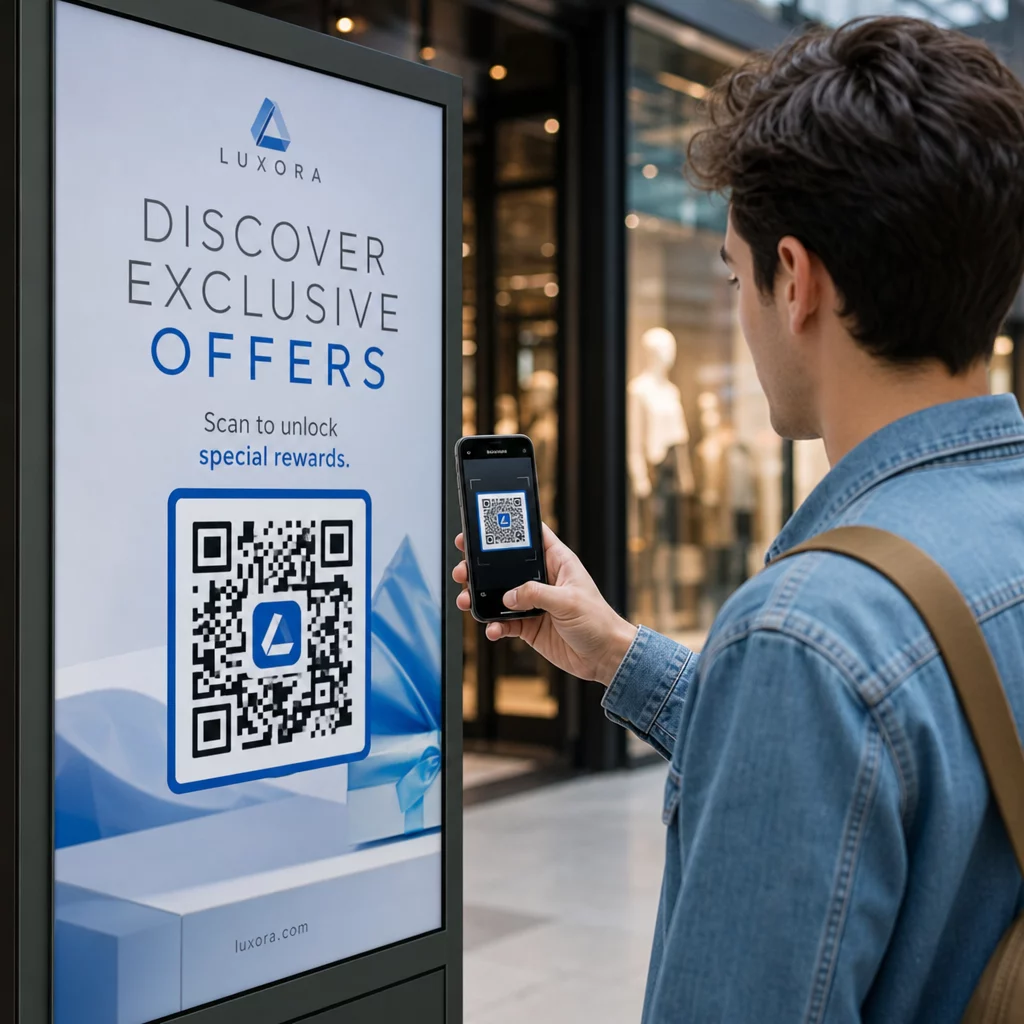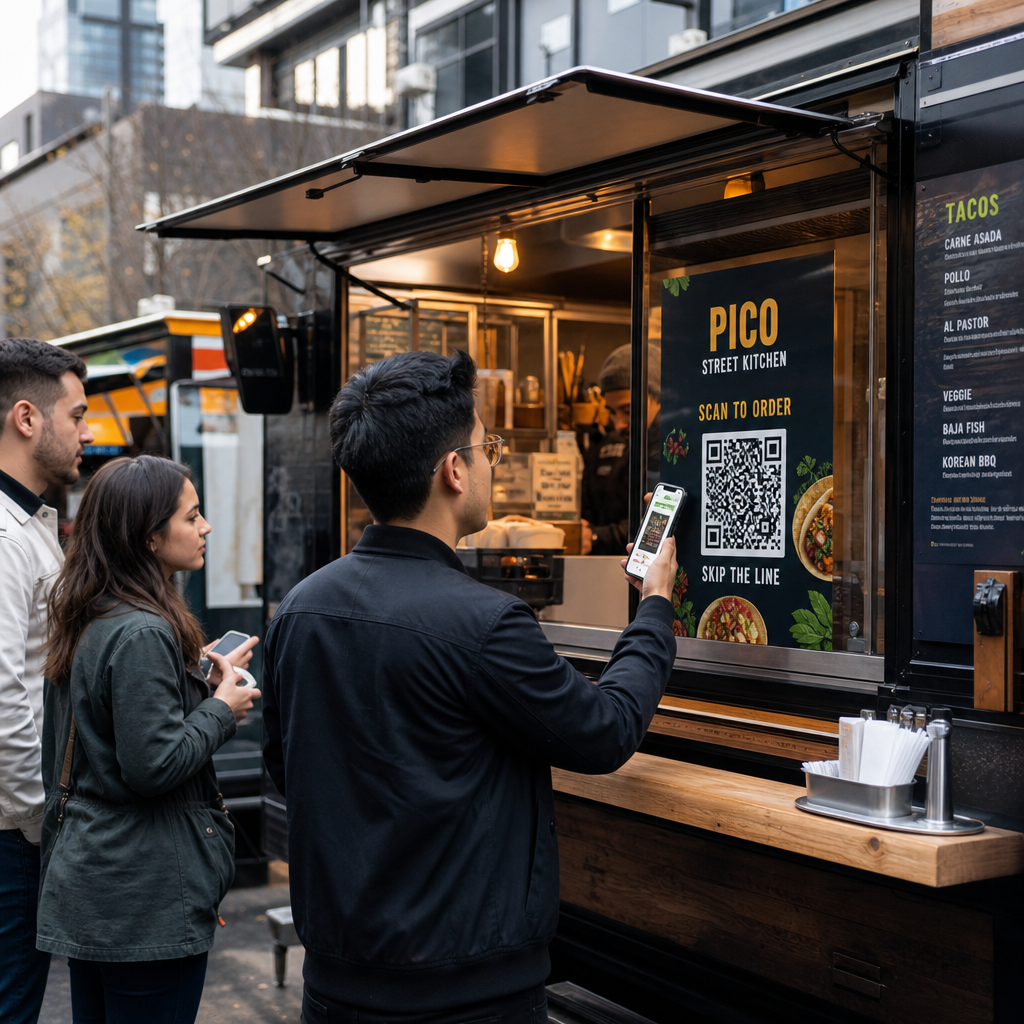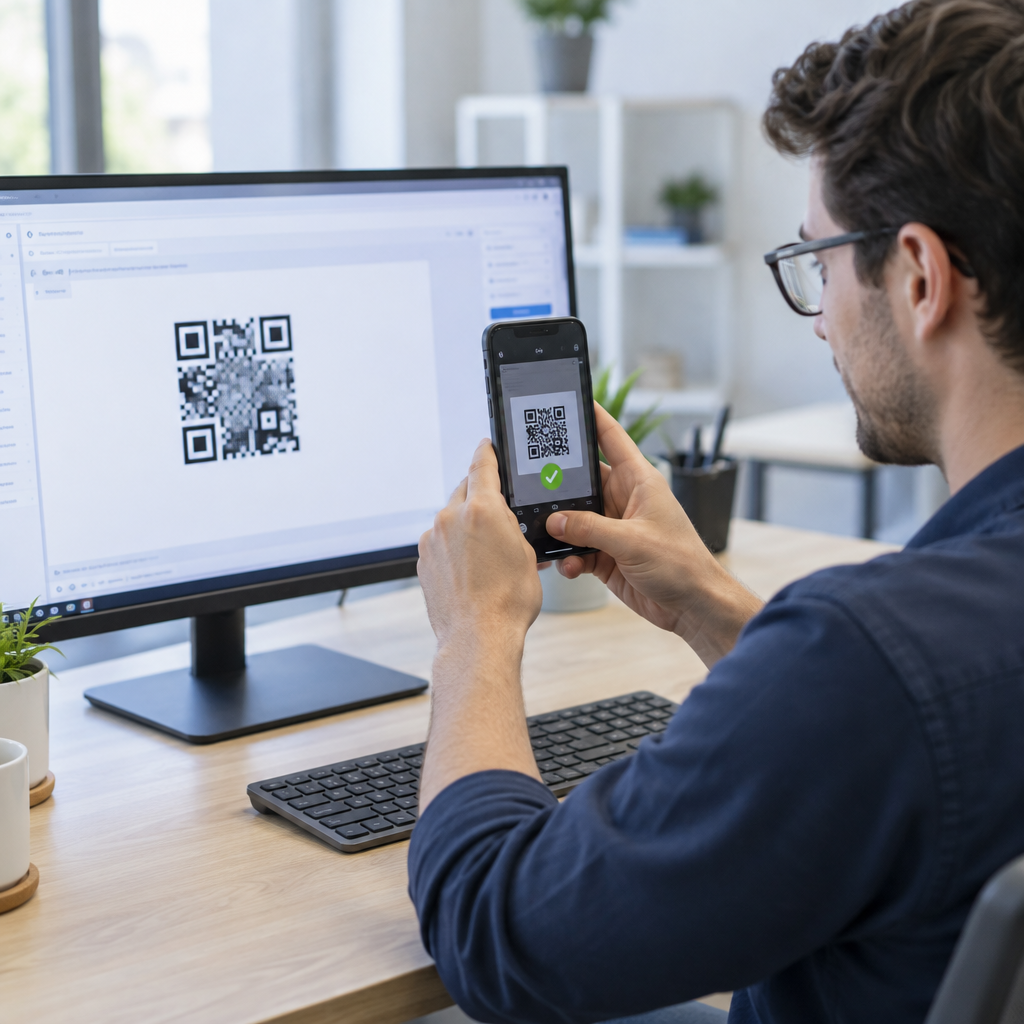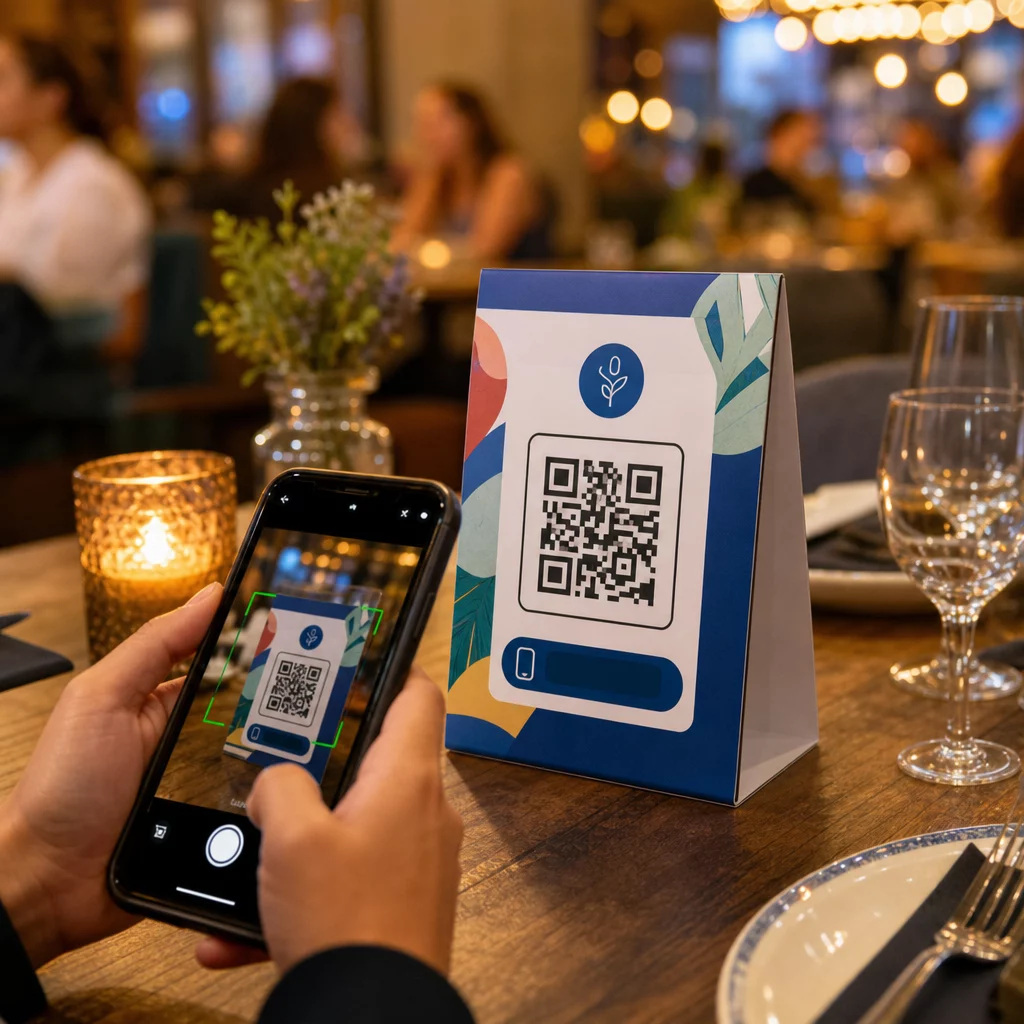
Masa çadırlarınız, servisler arasında mum tutmaktan veya toz toplamaktan başka bir işe yarıyor mu? Statik basılı kartlar kelimenin tam anlamıyla masada para bırakır. Bir QR kodu eklemek, her masa çadırını, oturan müşterileri saniyeler içinde dijital içeriğinize bağlayan etkileşimli bir temas noktasına dönüştürür.
Masa Çadırı QR Kodlarını Kullanmaya Değer Kılan Nedir?
Bir masa çadırı, müşterinin ziyaretinin en yüksek etkileşim penceresinde, yani oturduğu ve beklediği anda doğrudan önünde durur. Bu bekleme süresi gerçek bir fırsattır ve taranabilir bir QR kodu bunu faydalı bir şeyle doldurur.
İçin restoranlar ve konaklama işletmeleri, masa çadırlarındaki QR kodları, hem personel hem de misafirler için faydalı olacak şekilde operasyonları kolaylaştırır. Müşteriler, bir garson beklemek zorunda kalmadan dijital menüye göz atabilir, sipariş verebilir veya hesap ödeyebilir. İçin Perakendeciler, tezgaha yerleştirilen QR kodlu masa çadırları, tam da bir satın alma kararının verildiği anda promosyonları, sadakat programı kayıtlarını veya ürün detaylarını ortaya çıkarabilir.
Rakamlar bunu destekliyor. Restoranlar ve konaklama işletmeleri QR kodu benimsemesinde 'lik bir oranla başı çekiyor ve araştırmalar, tüm restoran QR taramalarının 'ının kodlar doğrudan masaya – çıkartmalar veya masa çadırları üzerine – yerleştirildiğinde gerçekleştiğini gösteriyor. Format işe yarıyor çünkü müşterileri zaten oldukları yerde karşılıyor.
Masa Çadırınız İçin Doğru QR Kodu Türünü Seçmek
Her QR kodu aynı işi yapmaz. Kod türünü hedefinize uygun hale getirmek, baskıdan önce vereceğiniz en önemli karardır.
Menü erişimi en yaygın kullanım durumudur. Bir menü QR kodu misafirlerin akıllı telefonlarından göz atabileceği bir PDF yüklemenize veya mobil uyumlu bir açılış sayfası oluşturmanıza olanak tanır. Bu kodlar dinamik olduğu için, basılı masa çadırına dokunmadan yemekleri, fiyatları veya günlük spesiyalleri güncelleyebilirsiniz. Bu tek başına, bir şeyler her değiştiğinde menüleri yeniden basmanın yinelenen maliyetini ortadan kaldırır.
Temassız ödeme ikinci yüksek değerli kullanım durumudur. Bir PayPal QR kodu müşterilerin masalarından doğrudan tarayıp ödeme yapmalarını sağlayarak bekleme sürelerini kısaltır ve ön büro ekibinizin üzerindeki yükü azaltır. Özellikle restoranlar için, QR kod ödemeleri masa devir hızını artırır ve kart işlem sürtünmesini azaltır.
Promosyonlar ve kuponlar perakende tezgah ekranlarında iyi çalışır. Bir kupon QR kodu müşterilerin hala satın alma anındayken indirimler, sadakat ödülleri veya sınırlı süreli teklifler talep edebileceği bir açılış sayfasına bağlanır.
PDF belgeleri ayrıntılı içerik – alerjen bilgileri, şarap listeleri, etkinlik programları veya ürün katalogları – paylaşması gereken mekanlara uygundur. Bir PDF QR kodu dosyayı herhangi bir akıllı telefona bir uygulama gerektirmeden anında teslim eder.
Doğrudan bağlantılar size en fazla esnekliği sağlar. Bir için taramaları takip edin ve artırın herhangi bir şeye işaret edebilir: bir rezervasyon sistemi, bir sosyal medya profili, bir Google inceleme sayfası veya bir sadakat kayıt formu.
Masa Çadırı QR Kodlarını Kurmaya Hazır mısınız? Menüleriniz, ödemeleriniz ve promosyonlarınız için özelleştirilebilir, izlenebilir QR kodları oluşturun Pageloot QR Kodu Oluşturucu. Ücretsiz 14 günlük denemenizi başlatın – kredi kartı gerekmez.
Masa Çadırlarında Bir QR Kod Sipariş Sistemi Nasıl Kurulur
Amacınız tam bir masa başı sipariş akışı ise, kurulum basittir. Bu QR kod sipariş sistemi rehberi süreci ayrıntılı olarak anlatır, ancak temel adımlar şunlardır:
- Dijital menünüzü PDF veya mobil uyumlu bir sayfa olarak oluşturun veya yükleyin
- Bu menüye bağlı dinamik bir QR kodu oluşturun
- Kodu markanızın renkleri, logosu ve bir harekete geçirici mesaj çerçevesiyle özelleştirin
- Kodu yazdırın ve her masa çadırına yerleştirin
- Dağıtımdan önce her kodu bir akıllı telefondan tarayarak test edin
Dinamik kodlar şiddetle tercih edilir bu iş akışı için. Bağlantılı menüyü güncellemenize, mevsimlik içeriği değiştirmenize veya tek bir masa çadırını yeniden yazdırmadan yeni bir URL'ye yönlendirmenize olanak tanır. Bu özellikle şunlar için kullanışlıdır: günlük spesiyalleri veya dönen menüleri yöneten restoranlar.
Gerçekten Önemli Olan Tasarım ve Baskı Özellikleri
Taranamayan bir QR kodu, müşteri deneyimini mahveder. Baskıdan önce teknik detayları doğru ayarlamak, tüm bir partiyi yeniden yazdırmaktan sizi kurtarır.
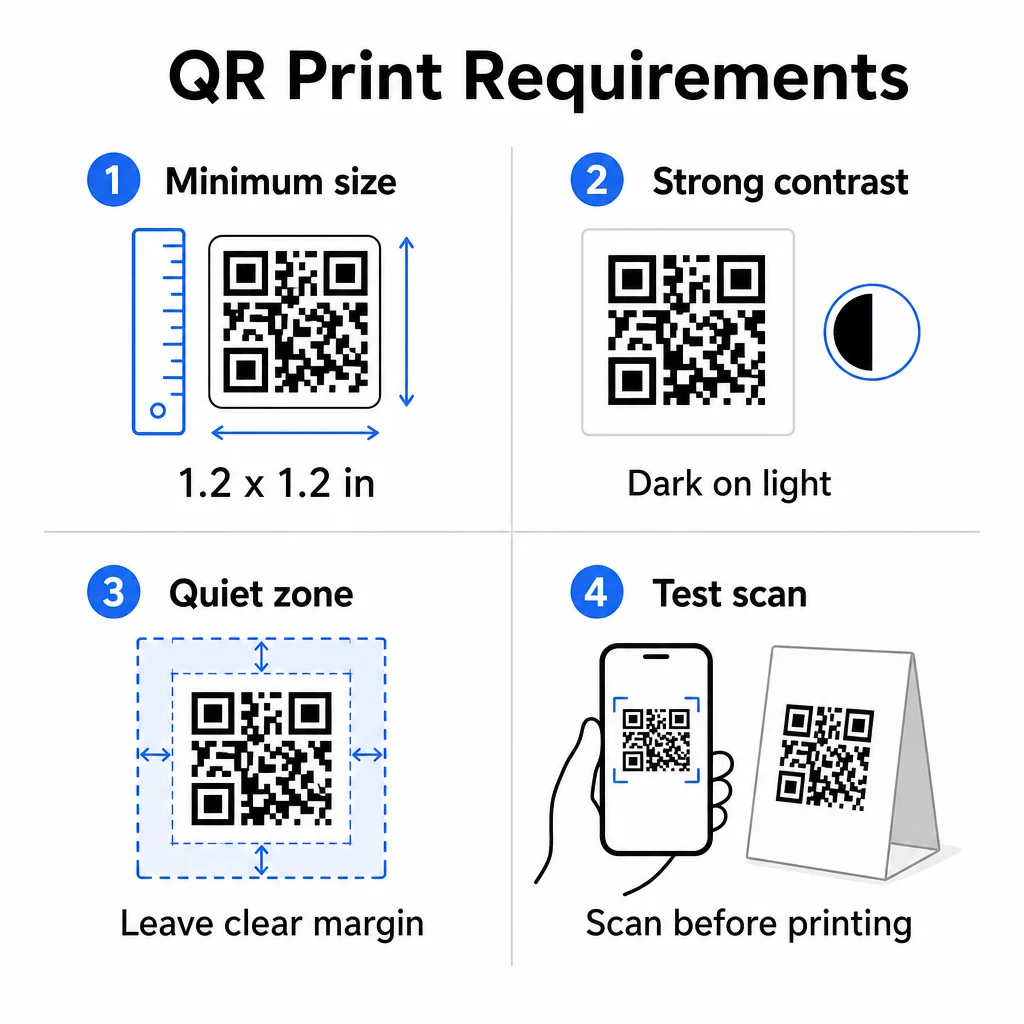
Boyut: Yakın mesafede kullanılan masa çadırları için minimum güvenilir boyut şudur: 1.2 × 1.2 inç (3 × 3 cm). Faydalı bir kural, 10:1 oranıdır – kodun genişliği, beklenen tarama mesafesinin yaklaşık onda biri olmalıdır. Tipik bir masada, 1.2 inçlik bir kod çoğu akıllı telefon kamerası tarafından rahatlıkla taranabilir. Daha ayrıntılı rehberlik için bkz. farklı baskı malzemeleri için QR kodu boyutlandırma.
Kontrast: Açık bir arka plan üzerindeki koyu modüller en güvenilir kombinasyondur. Beyaz üzerine siyah altın standart olmaya devam etmektedir. Düşük kontrastlı veya ters renk şemaları (koyu üzerine açık), bazı cihazlarda tarama hatalarına neden olur. En az 4.5:1 kontrast oranını hedefleyin. Şunlar: QR kod renk kontrast kılavuzu hangi renk kombinasyonlarının işe yaradığını ve hangilerinden kaçınılması gerektiğini açıklar.
Sessiz bölge: Tüm kodun etrafında en az dört modül – yaklaşık 0,25 inç – net beyaz bir kenar boşluğu bırakın. Bu tampon olmadan, tarayıcılar, özellikle metin veya grafiklerin yanına yerleştirildiğinde kod sınırını bulmakta zorlanır.
Baskı kalitesi: Düşük çözünürlüklü PNG'ler yerine vektör dışa aktarma formatlarını (SVG, EPS veya PDF) kullanın. Bulanık veya pikselli modüller, basılı materyallerde tarama hatasının önde gelen nedenidir.
Test etme: Tam baskıdan önce her zaman fiziksel bir prova tarayın. Birden fazla cihazda, mekanınızın gerçek aydınlatma koşullarında ve oturan bir misafirin telefonunu gerçekçi bir şekilde tutacağı mesafeden test edin. Bu QR kodu okunabilirlik en iyi uygulamalar kılavuzu neyi kontrol edeceğinizi ve yaygın sorunları nasıl düzelteceğinizi kapsar.
Masa Üstü QR Kodunuzu Nereye Bağlamalısınız?
Hedef, kodun kendisi kadar önemlidir. İşte en etkili kullanımlar: ağırlama ve perakende sektörlerinde:
- Dijital menü – misafirlere fotoğraflar, açıklamalar, alerjen bilgileri ve günlük spesiyaller dahil olmak üzere tam menünüze anında erişim sağlayın
- Online sipariş – müşterilerin bir garson beklemek zorunda kalmadan doğrudan oturdukları yerden sipariş vermelerini sağlayın
- Ödeme sayfası – müşterilerin tarayarak faturalarını ödemelerini sağlayın, böylece ödeme sürtünmesini azaltın
- Sadakat programı kaydı – müşteri e-postalarını yakalayın ve doğrudan pazarlama listesi oluşturun
- Promosyonlar ve kuponlar – satın alma niyeti en yüksek olduğunda zamana duyarlı indirimleri ortaya çıkarın
- Sosyal medya profili – memnun müşterileri Instagram veya Google inceleme sayfanıza yönlendirerek takipçi sayınızı artırın
- Konum paylaşımı – misafirlerin yolda arkadaşlarıyla konumunuzu paylaşabilmesi için Google Haritalar kaydınıza bağlantı verin
Dinamik QR Kodları ile Performansı Takip Etme
Masaüstü QR kodlarının en az kullanılan avantajlarından biri analitiktir. Dinamik bir QR kodu ile her kodun kaç kez, günün hangi saatinde, hangi cihaz türünde ve hangi konumdan tarandığını izleyebilirsiniz. Bu veriler size hangi masaların en çok etkileşim aldığını, hangi promosyonların en çok tıklama sağladığını ve bir menü güncellemesinin müşteri etkileşimini etkileyip etkilemediğini gösterir.
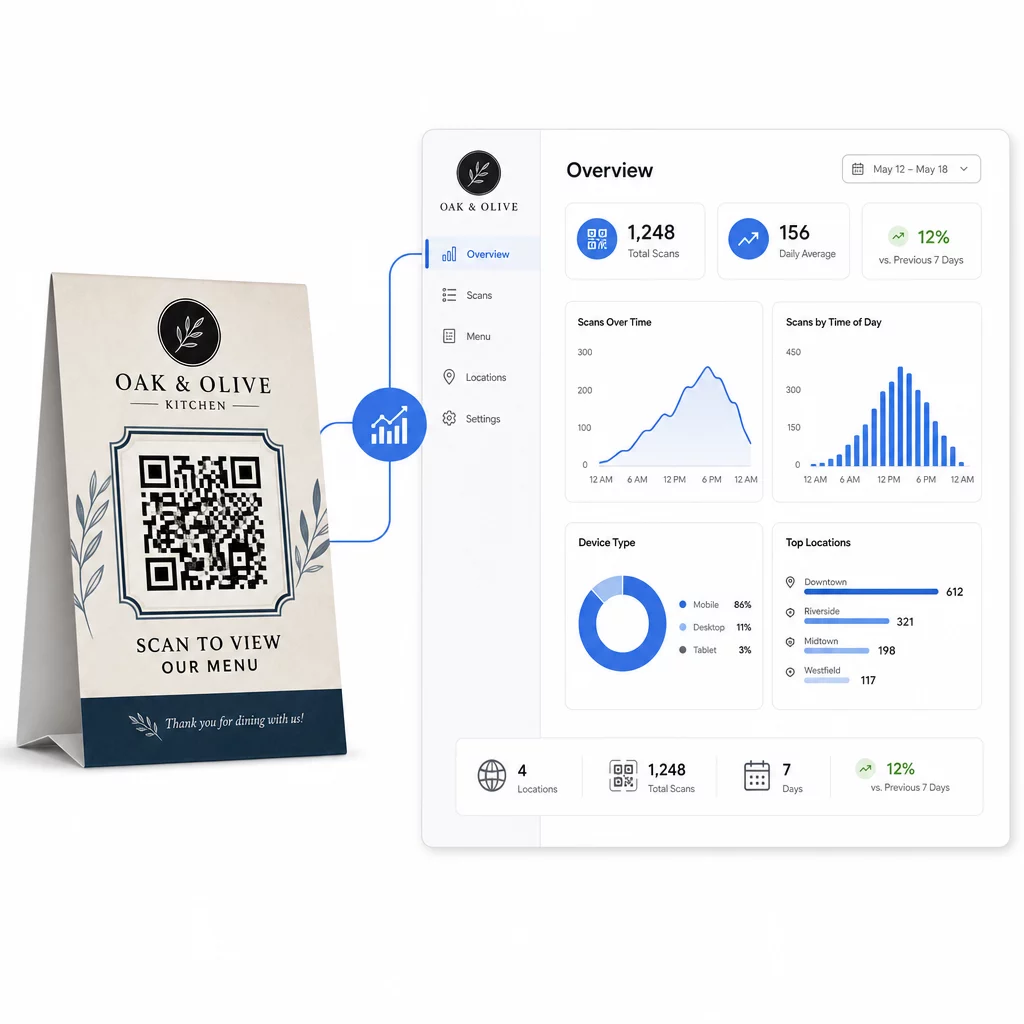
Pageloot'un Dinamik QR Kod Oluşturucu tüm bunları gerçek zamanlı olarak takip edebileceğiniz, tüm masaüstü standlarındaki bağlantılı içeriği eş zamanlı olarak güncelleyebileceğiniz ve basılı materyallerinize dokunmadan tasarım değişiklikleri yapabileceğiniz merkezi bir kontrol paneli sunar.
Birden fazla lokasyonda faaliyet gösteren işletmeler için bu kontrol düzeyi, masaüstü standlarını statik basılı materyallerden ölçülebilir bir pazarlama kanalına dönüştürür.
Her Masadaki Her Taramayı Takip Edin Kullanım Pageloot'un Dinamik QR Kod Oluşturucusu içeriği güncellemek, tarama analizlerini izlemek ve tüm masaüstü standı kodlarınızı tek bir kontrol panelinden yönetmek için.
Sıkça sorulan sorular
Masa başında tarama için, QR kodu en az 1.2 × 1.2 inç (3 × 3 cm) olmalıdır. Bu, oturan bir misafirin tipik yakın mesafelerinde güvenilir taramayı destekler. Tasarımınız bir logo katmanı veya karmaşık bir renk şeması içeriyorsa, taranabilirliği korumak için boyutu –30 oranında artırın.
Dinamik QR kodları, masa çadırları için şiddetle tavsiye edilir. Bağlantılı içeriği – menü, promosyon veya ödeme sayfası gibi – yeniden basım yapmadan güncellemenize olanak tanır. Ayrıca, zaman içinde etkileşimi takip edebilmeniz için tarama analizi sağlarlar. Statik kodlar, hedef içerik asla değişmeyecekse yalnızca uygundur.
Bir masaüstü QR kodu, dijital bir menüye, çevrimiçi sipariş sayfasına, bir ödeme portalına, bir kupon veya sadakat programı açılış sayfasına, bir sosyal medya profiline, bir PDF belgesine veya herhangi bir URL'ye bağlanabilir. En iyi hedef, işletmenizin türüne ve müşterinin ziyaretinin o anında ne yapmasını istediğinize bağlıdır.