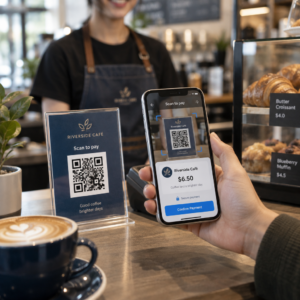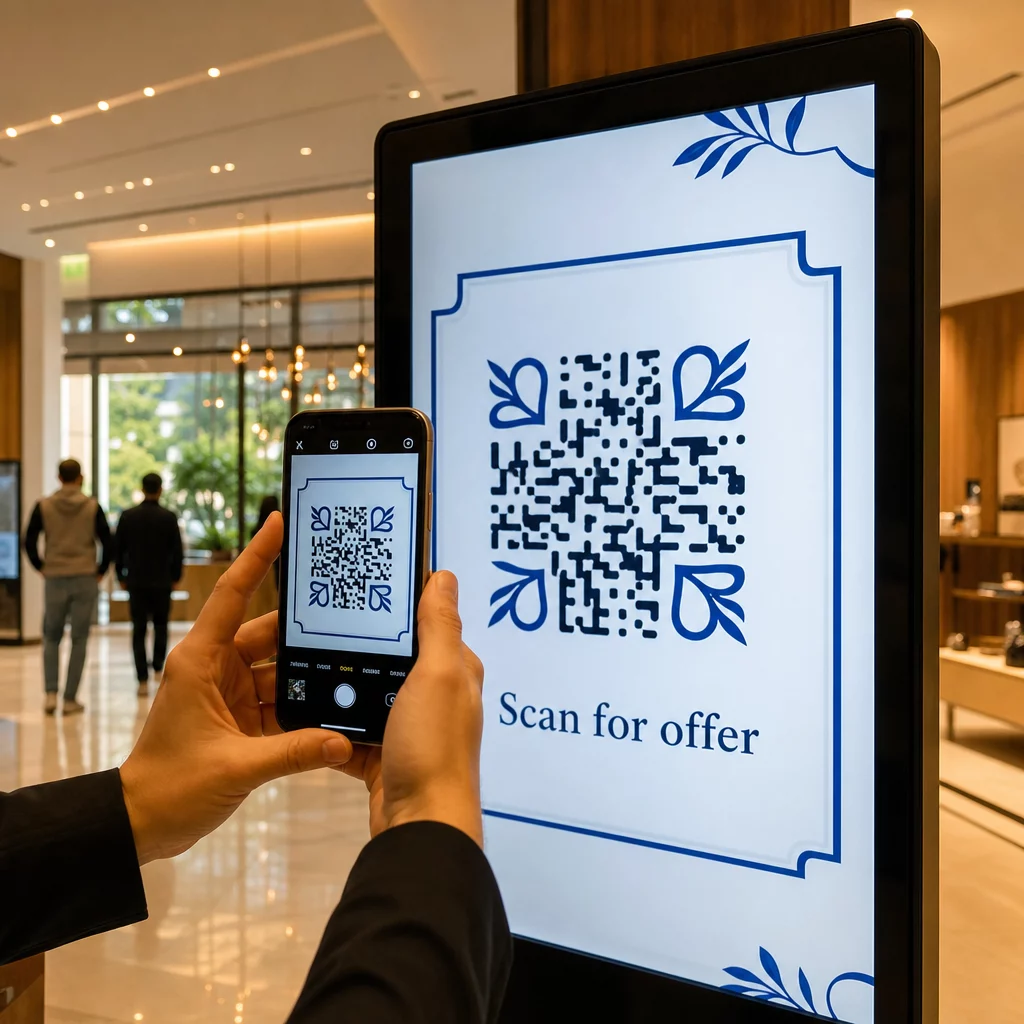
Dijital ekranlarınız etkileşim mi yaratıyor, yoksa sadece gösterim mi oluşturuyor? Bir QR kodu, pasif bir ekranı etkileşimli bir temas noktasına dönüştürür – ancak yalnızca doğru tasarlanmış ve yerleştirilmişse. Bu kılavuz, ekranlardaki QR kodlarının gerçekten işe yaraması için bilmeniz gereken her şeyi kapsar.
QR Kodları Dijital Ekranları Neden Daha Etkili Hale Getirir?
Dijital tabelalar ve ekranlar zaten dikkat çekme konusunda iyidir. Zorlandıkları şey ise bu dikkati eyleme dönüştürmektir. Bir izleyici mesajınızı okur, ilgilenir ve sonra… yoluna devam eder. İlgi anını bir sonraki adımla birleştirecek bir mekanizma yoktur.
Bir QR kodu bu boşluğu kapatır. Birisi ekranınızdaki bir kodu taradığında, gönüllü olarak daha fazla etkileşim kurmayı seçmiş olur – niyetini belirtmiş olur. Bu tek tarama, onları bir ürün sayfasına, bir promosyon teklifine, bir kayıt formuna veya bir videoya bağlayabilir, hepsi de zaten baktıkları ekrandan.
Bu, özellikle hedef kitlenizin elinde kalem olmadığı veya daha sonra aramayı hatırlamayacağı durumlarda kullanışlıdır: fuarlar, perakende satış alanları, ulaşım merkezleri ve halka açık mekanlar. Siz orada olmasanız bile kod işi yapar.
Ekranlardaki QR Kodları En İyi Nerede Çalışır?
Her ekran ortamı QR kodları için eşit derecede uygun değildir. En iyi yerleşimler ortak bir özelliğe sahiptir: izleyicinin duraklamak, telefonunu çıkarmak ve taramak için doğal bir anı vardır.
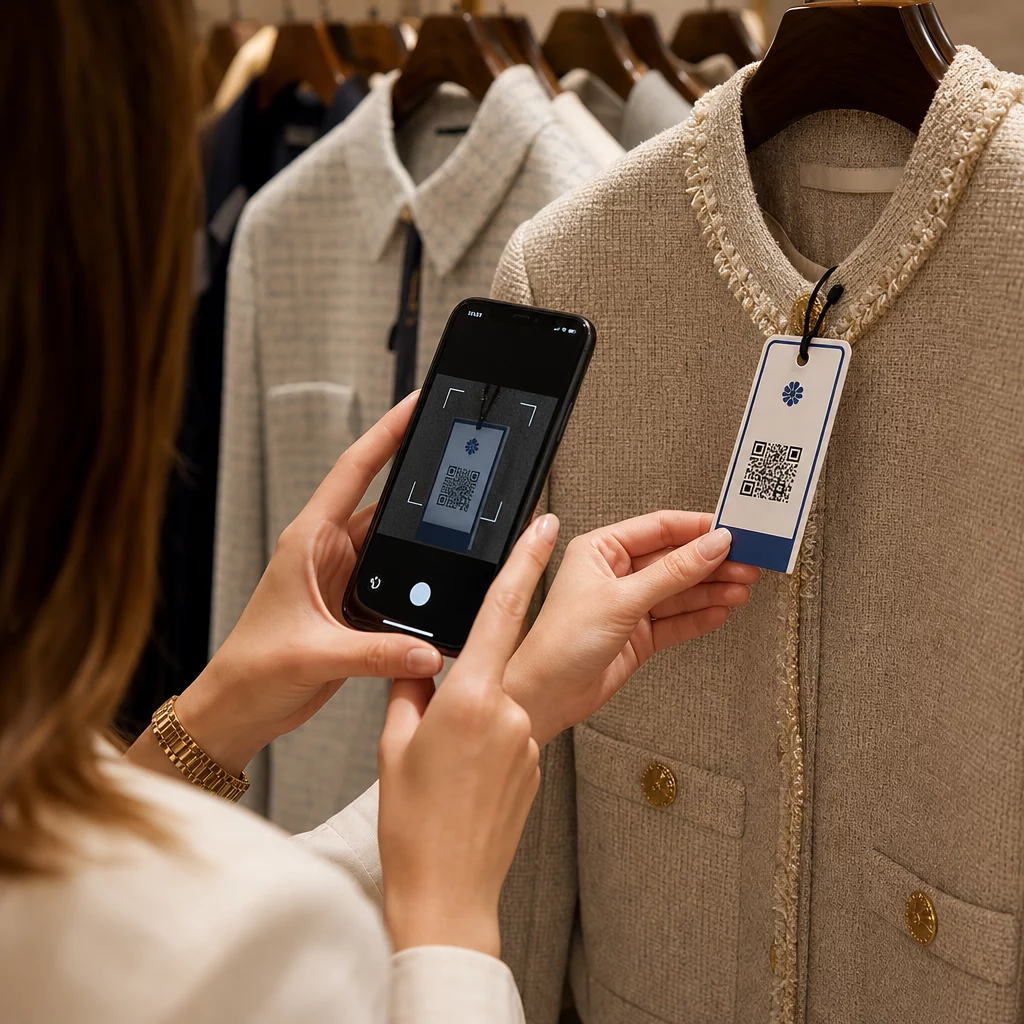
- Vitrinler ve mağaza önleri mağaza kapalıyken bile vitrin alışverişi yapanlara ürün detaylarına, yorumlara, fiyatlandırmaya veya çevrimiçi satın alma seçeneklerine erişim sağlar
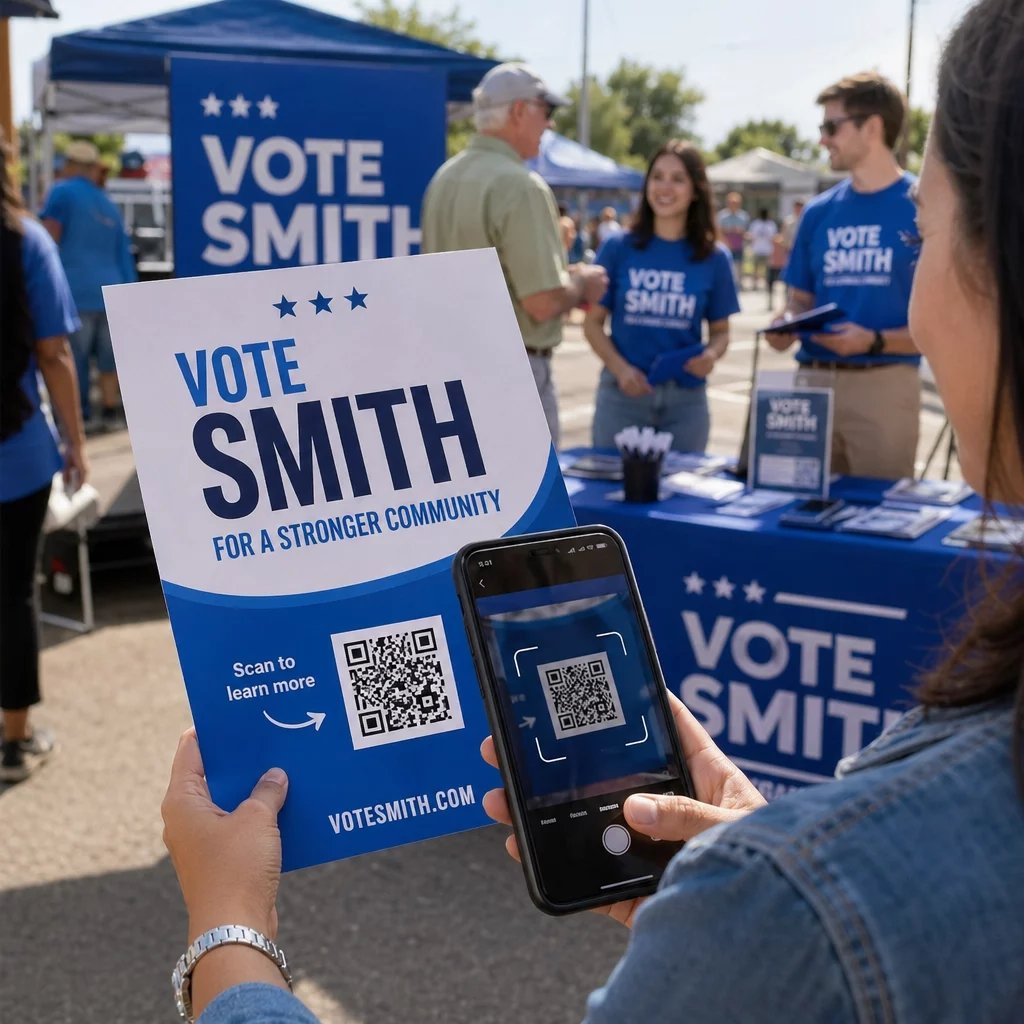
- Fuar ve sergi ekranları fuar trafiğini potansiyel müşterilere dönüştürmek için idealdir – kodlar dijital broşürlere, yarışma girişlerine, sosyal medya takiplerine veya özel fuar tekliflerine bağlanabilir
- Mağaza içi LED ekranlar ve kiosklar yüksek yaya trafiğine sahip kitlelere ulaşır ve indirim için tarama veya yeni bir ürün lansmanını görüntüleme gibi dürtüsel eylemleri tetikleyebilir
- Satış noktası ve kasa ekranları sadakat programı kayıtları, dijital makbuzlar veya bir sonraki alışveriş promosyonları için birinci sınıf bir alandır
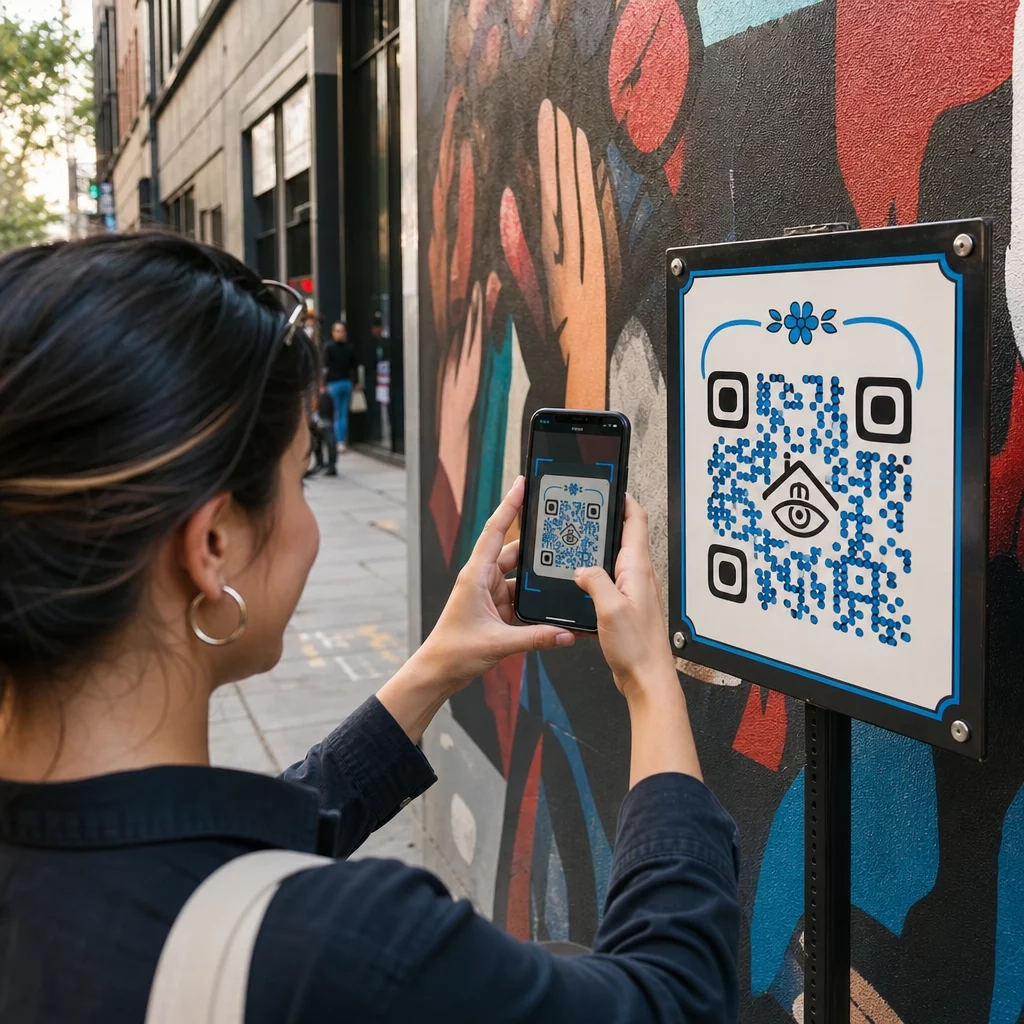
- Toplu taşıma ve araç tabelaları erişiminizi işe gidip gelenlere ve yoldan geçenlere genişletir – örneğin, markalı bir teslimat aracındaki bir QR kodu, bir kez dağıtıldığında tamamen kendi başına çalışır
Mağaza içi yerleştirme stratejisinin etkileşimi nasıl etkilediğine dair daha derinlemesine bir bakış için, bkz. perakende mağazaları için en iyi QR kodu yerleşimleri ve karşılaştırması ambalajlardaki QR kodları ile mağaza teşhirleri.
Dijital Ekranlar İçin Doğru Boyutu Ayarlamak
Boyut, ekranlardaki QR kodlarında en sık yapılan hatadır. Bir tasarım dosyasında büyük görünen bir kod, odanın karşısındaki bir monitörde görüntülendiğinde neredeyse taranamayacak hale gelebilir.
Standart kılavuz şudur 10:1 kuralı: QR kodunuz, amaçlanan tarama mesafesinin en az onda biri kadar olmalıdır. İzleyiciler ekrandan 1 metre uzakta duracaksa, kodun en az 10 cm genişliğinde olması gerekir. 3 metreden, 22–30 cm hedefleyin. 10 metreden, yaklaşık 1 metre kenarı olan bir kod arıyorsunuz.
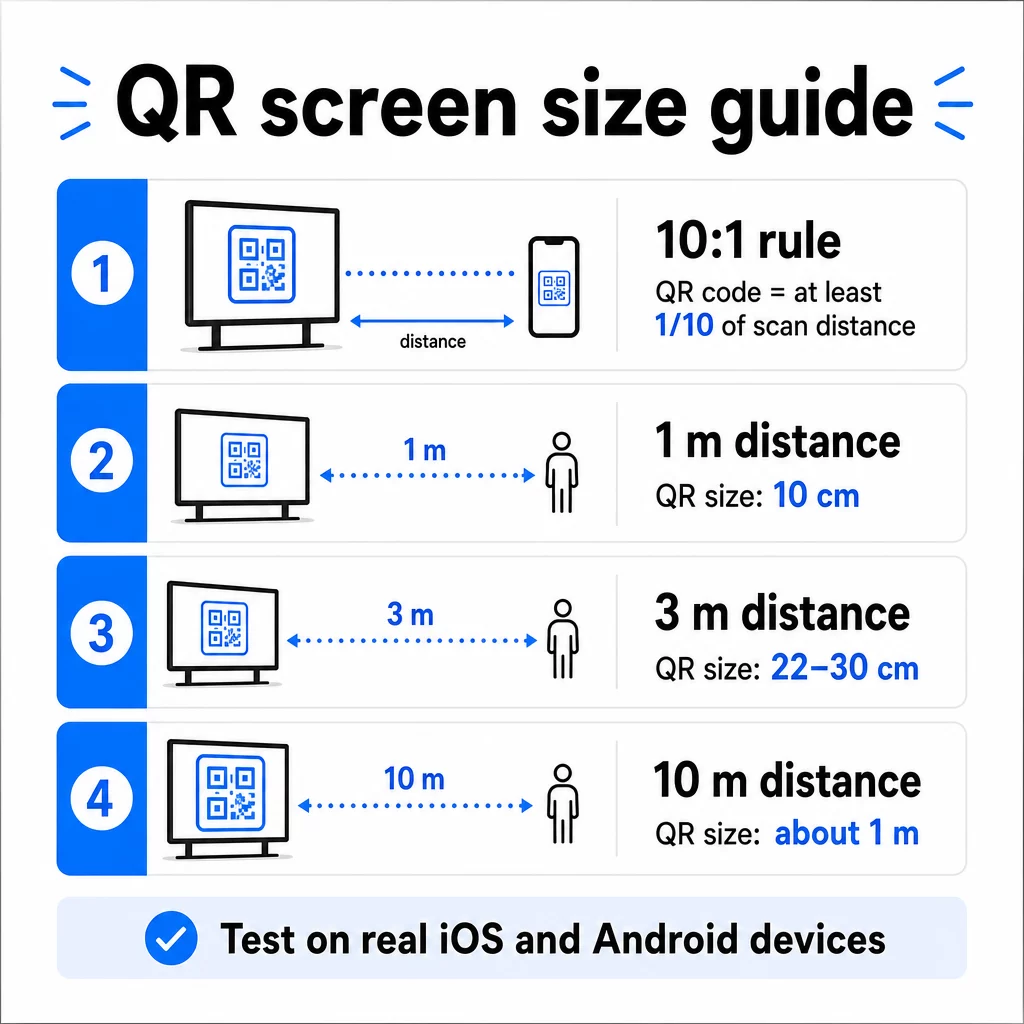
1080p ekranlar için referans olarak, 72 dpi'de minimum 240 piksel, yakın mesafeli tarama için bir başlangıç temelidir, ancak bu minimum, görüntüleme mesafesi arttıkça önemli ölçüde artmalıdır. Genel dijital tabela için, hiçbir QR kodu yaklaşık 2 × 2 inçten küçük olmamalıdır – ve insanlar uzaktan tarama yaparken daha büyük her zaman daha güvenlidir.
Boyutu her zaman gerçek dünya koşullarında doğrulayın. Tasarımınızı sonlandırmadan önce kodu gerçek ekran boyutunda, amaçlanan tarama mesafesinden, hem iOS hem de Android cihazlarda test edin. Tam kılavuza başvurun farklı malzemeler ve bağlamlar için QR kodu boyutlandırması formatlar arasında ölçeklendirirken.
Kontrast ve Renk: Bir Kodu Taranabilir Yapan Nedir
Bir akıllı telefon kamerası, koyu modüller ile açık bir arka plan arasındaki kontrastı algılayarak bir QR kodunu okur. Bu kontrast zayıfsa, kamera deseni ayırt etmekte zorlanır – ve tarama başarısız olur.
Güvenilir standart şudur açık arka plan üzerinde koyu ön plan, siyahın beyaz üzerinde olması en güvenilir kombinasyondur. Marka renkleri kullanırken, QR desenini koyu bir renkte ve arka planı açık tutun. Ters renk şemalarından (siyah arka plan üzerinde beyaz kod) kaçının, çünkü birçok QR kodu okuyucusu bunları güvenilir bir şekilde işleyemez.
Ekranlar için özel olarak, kontrast daha karmaşık hale gelir çünkü ortam ışığı, ekran parlaması ve yenileme hızları kameranın gördüğü her şeyi etkiler. Kodunuz ile arka planı arasında en az 4.5:1 kontrast oranı hedefleyin – bu eşik, az gören kullanıcılar için erişilebilirliği de destekler. Kod alanında gradyanlardan ve gölgelerden kaçının, çünkü bunlar tarayıcıları şaşırtan ara tonlar oluşturur.
Renk eşleştirmelerinin ve taranabilirlik sonuçlarının tam bir dökümü için, şu kılavuza bakın: QR kodu renk kontrastı en iyi uygulamaları.
Sessiz Bölge: Taramayı Mümkün Kılan Alan
Sessiz bölge, bir QR kodunu dört bir yandan çevreleyen boş sınırdır. Dekoratif değil, işlevseldir. Tarayıcılar bu boş alanı, kodun nerede başlayıp bittiğini belirlemek, onu metin, resim veya arka plan desenleri gibi diğer görsel öğelerden ayırmak için kullanır.
Minimum sessiz bölge dört modül genişliğinde her tarafta, bir modül koddaki en küçük karenin genişliğidir. Kodu ölçeklendiriyorsanız, sessiz bölge orantılı olarak ölçeklenmelidir. Sınırı kırpmak veya budamak – çok az bile olsa – sürekli tarama hatalarına neden olabilir.
Tasarımcıların genellikle kalabalık düzenler ve kısıtlı ekran alanı ile çalıştığı dijital ekranlarda, sessiz bölge sıklıkla ilk sıkıştırılan şey olur. Buna izin vermeyin. Sessiz bölgeyi logolardan, metinlerden ve herhangi bir tasarım öğesinden arındırın ve kodu çevresinden görsel olarak ayırmak için arka plan rengiyle eşleştiğinden emin olun.
Sessiz bölge gereksinimleri ve hakkında daha fazla bilgi QR kodu okunabilirlik en iyi uygulamaları mevcut bir tasarımı optimize ediyorsanız mevcuttur.
Ekranda Yerleşim ve Düzen
Kodun ekran düzeni içindeki konumu hem görünürlüğü hem de tarama oranını etkiler. Birkaç ilke tutarlı bir şekilde uygulanır:
- Göz hizasına yerleştirin. Kodu zeminden yaklaşık 105 ila 135 cm (3.5 ila 4.5 fit) yüksekliğe konumlandırmak, hem ayakta duran yetişkinler hem de tekerlekli sandalyedeki kullanıcılar için erişilebilir olmasını sağlar – çömelme veya uzanma gerektirmez.
- Kodu doğal okuma akışına yerleştirin. Ekranın ortası veya alt ortası yerleşimleri iyi performans gösterme eğilimindedir; kodu diğer öğelerle rekabet ettiği bir köşeye gömmekten kaçının.
- Mümkün olduğunda ekran başına bir kod kullanın. Birden fazla kod, izleyicilerin hangisini tarayacakları konusunda kafasını karıştırır ve kamera uygulamalarının yanlış olana odaklanmasına neden olabilir.
- Çevreleyen tasarımı temiz tutun. Ekranda çok fazla rekabet eden içerik tarama oranlarını düşürür; koda görsel nefes alma alanı verin
İçeriği döndüren dijital tabelalar için, QR kodunu zaman diliminin tam süresi boyunca görüntüleyin. İzleyicilerin kodu fark etmesi, taramaya karar vermesi ve slayt değişmeden önce taramayı tamamlaması için yeterli zamana ihtiyacı vardır. Ortamlar arası yerleştirme stratejileri hakkında daha fazla bağlam için, pazarlamada QR kodu yerleşimi için nihai rehber baskı ve dijital formatlardaki düzen kararlarını kapsar.
Taramaları Teşvik Eden Bir Harekete Geçirici Mesaj Yazmak
Bağlamı olmayan bir QR kodu göz ardı edilir. İzleyicilerin – telefonlarına uzanmadan önce – tarayarak ne elde edeceklerini bilmeleri gerekir.
Kısa, belirli bir harekete geçirici mesajı doğrudan kodun yanına yerleştirin. “Bugünün menüsü için tarayın”, “Çekilişe katılmak için tarayın” veya “Bir sonraki siparişinizde indirim için tarayın” gibi ifadeler, “Burayı tarayın” gibi genel istemlerden daha iyi çalışır. Fayda ne kadar somut olursa, tarama oranı o kadar yüksek olur.
Metni kısa tutun – iki ila beş kelime yeterlidir. CTA metni için daha büyük yazı tipleri ve yüksek kontrast, kodun kendisiyle aynı prensipleri uygular: izleyicinin olası mesafesinden okunabilir olması gerekir. Ek rehberlik için QR kodu kullanılabilirlik en iyi uygulamaları etkili çerçeveleme hakkında daha fazla bilgi için.
Tarama Nereye Yönlendirmeli
Hemen değer sağlamayan her tarama kaçırılmış bir fırsattır. İzleyiciler akıllı telefon aracılığıyla geleceği için, hedef bir mobil uyumlu açılış sayfasına çekmek isteyen perakende markaları için idealdir. hızlı yüklenen ve harekete geçirici mesajın belirli vaadini yerine getiren bir yer olmalıdır.
Kullanıcıları ana sayfanıza veya genel bir ürün kataloğuna göndermekten kaçının. Kod, bir sadakat programını tanıtan bir ödeme ekranındaysa, açılış sayfası sadakat kayıt formu olmalıdır – başka hiçbir şey değil. Bir fuar ekranındaysa, hedef bir potansiyel müşteri yakalama formu veya indirilebilir bir teknik özellik sayfası olabilir.
Bir Google Form QR kodu geri bildirim toplama, etkinlik kaydı veya doğrudan bir ekrandan anketler için pratik bir seçenektir. Bir için taramaları takip edin ve artırın URL tabanlı herhangi bir hedef için çalışır ve tam özelleştirme ve izlemeyi destekler.
Ekran QR Kodlarınızı Esnek Tutun Bir kodun bağlandığı şeyi kodu değiştirmeden güncellemeniz mi gerekiyor? Kullanın QR Kod Oluşturucu hedef yeri istediğiniz zaman düzenlemenizi sağlayan dinamik kodlar oluşturmak için – yeniden basım veya yeniden tasarım gerekmez.
Ekranlar İçin Dinamik QR Kodları Kullanımı
Statik QR kodları, asla değişemeyen sabit bir URL veya veri parçasını kodlar. Ekranlar için – özellikle kampanyaları döndüren veya zamana duyarlı teklifleri tanıtan dijital tabelalar için – bu bir sorun yaratır. Bağlantılı içerik değişirse, kodu yeniden oluşturmanız ve yeniden dağıtmanız gerekir.
Dinamik QR kodları bunu kısa bir yönlendirme URL'si kodlayarak çözer. Gerçek hedef, hesabınızın kontrol panelinden istediğiniz zaman güncellenebilirken, kodun kendisi aynı kalır. Bu şu anlama gelir:
- Ekran düzenini yeniden tasarlamadan bir promosyon teklifini güncelleyin
- Tek bir kodu mevsime veya etkinliğe göre farklı kampanyalara yönlendirin
- Herhangi bir ekran değişikliği yapmadan bozuk bir bağlantıyı anında düzeltin
Dinamik kodlar ayrıca tarama analizlerini de açar – bir kodun kaç kez, hangi konumdan, hangi cihazda ve ne zaman tarandığına dair veriler. Bu veriler, hangi ekran yerleşimlerinin gerçek etkileşim sağladığını ve hangilerinin gözden kaçtığını belirlemenize yardımcı olur.
Dönen içeriğe sahip ekranlar için dinamik kodlar özellikle değerlidir, çünkü aynı görsel varlık zamanla farklı kampanyalara hizmet edebilir.
Her Ekrandan Her Taramayı Takip Edin Hangi ekranların gerçekten etkileşim sağladığını bilmek ister misiniz? Pageloot'un dinamik QR kod platformunu tarama oranlarını, konumları ve cihaz verilerini gerçek zamanlı olarak izlemek ve verilerin gösterdiklerine göre ekran stratejinizi iyileştirmek için.
Canlıya Geçmeden Önce Test Etme
İyi tasarlanmış bir QR kodu bile ekran parlaklığı, görüş açısı, ekran yenileme hızı veya ortam aydınlatması nedeniyle pratikte başarısız olabilir. Herhangi bir ekran canlıya geçmeden önce:
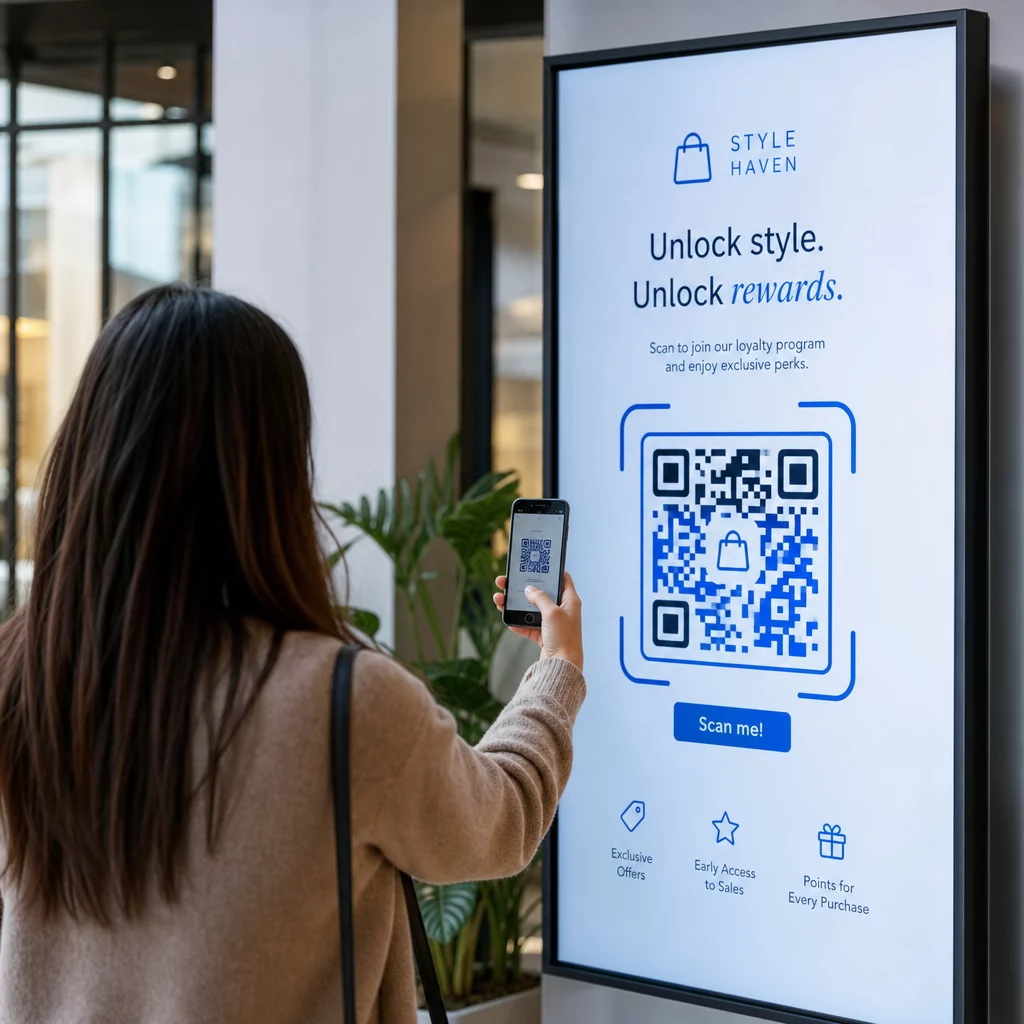
- Kodu, gösterileceği gerçek ekran boyutunda ve çözünürlüğünde test edin.
- Amaçlanan minimum ve maksimum mesafelerden tarayın.
- Birden fazla cihazda test edin – en az bir iOS ve bir Android telefon.
- Ekran, gün boyunca değişen doğal ışık kaynaklarının yakınındaysa günün farklı saatlerinde test edin.
- Hedef sayfanın mobilde doğru yüklendiğini ve beklenen deneyimi sunduğunu doğrulayın.
Bu QR kodu tarayıcı aracı bir kodun içeriğini doğrulamak ve dağıtımdan önce doğru şekilde çözüldüğünü onaylamak için kullanılabilir.
Keşfedin Pageloot özelliklerine genel bakış ve sektör çözümlerini QR kodlarının farklı ekran bağlamlarında ve iş sektörlerinde nasıl uygulanabileceği hakkında daha fazla bilgi için. İyi yerleştirilmiş, doğru boyutlandırılmış ve net bir harekete geçirici mesaj içeren bir QR kodu, herhangi bir ekranı bir dönüşüm noktasına dönüştürebilir. Kontrastı, sessiz bölgeyi, boyutu ve hedefi doğru ayarlayın – ardından dinamik kodları ve analitikleri kullanarak geliştirmeye devam edin. Şununla başlayın: QR Kod Oluşturucu ilk taranabilir ekran kodunuzu bugün oluşturmak için.
Sıkça sorulan sorular
10:1 kuralını kullanın: kod, beklenen tarama mesafesinin en az onda biri kadar olmalıdır. 1 metreden taranan bir ekran için kod, en az 10 cm genişliğinde olmalıdır. Genel dijital tabela için, minimum 2 × 2 inç makul bir başlangıç noktasıdır ve görüntüleme mesafesi arttıkça boyut da artar. Yayına geçmeden önce her zaman gerçek ekran boyutunda ve mesafesinde test edin.
Evet, dinamik bir QR kodu kullanırsanız. Dinamik kodlar bir yönlendirme URL'si kullanır, böylece hedefi hesap panonuzda istediğiniz zaman güncelleyebilirsiniz – kodun kendisi aynı kalır. Bu, özellikle dönen kampanyaları veya zamana duyarlı teklifleri tanıtan dijital tabelalar için kullanışlıdır, çünkü bağlantılı içerik her değiştiğinde ekranı yeniden tasarlamaktan veya yeniden dağıtmaktan kaçınırsınız.
En yaygın nedenler, kod ile arka planı arasındaki yetersiz kontrast, çevredeki tasarım öğeleri tarafından kırpılmış veya sıkıştırılmış bir sessiz bölge ve görüntüleme mesafesi için çok küçük bir koddur. Ekranlarda ise ekran parlaklığı ve yansıma da parazite neden olabilir. Kodunuzun açık bir arka plan üzerinde koyu bir desen kullandığından, her tarafta net bir dört modüllük sessiz bölgeyi koruduğundan ve beklenen tarama mesafeniz için boyut gereksinimlerini karşıladığından emin olun. Uyumluluğu doğrulamak için birden fazla cihazda test edin.