Clienții tăi se confruntă cu dificultăți în a găsi ajutor atunci când au cea mai mare nevoie? În telecomunicații, suportul lent sau fragmentat generează pierderi de clienți – iar 17% dintre clienți au părăsit deja un furnizor din cauza experiențelor slabe de autoservire. Această pagină îți arată cum codurile QR oferă clienților acces instantaneu la resursele de suport potrivite, reduc volumul de solicitări și îmbunătățesc satisfacția la fiecare punct de contact.
De ce contează autoservirea în telecomunicații
Așteptările clienților s-au orientat decisiv către autoservire. Aproximativ 67% dintre clienți preferă să rezolve problemele pe cont propriu, mai degrabă decât să vorbească cu un agent, iar 90% se așteaptă ca brandurile să ofere un portal online de autoservire. În telecomunicații, în special, cererea de autoservire a crescut cu 21% de la Covid, iar 69% dintre clienți încearcă să depaneze problemele tehnice înainte de a solicita o vizită la domiciliu.
Cu toate acestea, peste 70% dintre clienții care încearcă canalele de autoservire nu reușesc să-și rezolve complet problema online. Decalajul nu este o lipsă de interes – este o lipsă de acces facil. Clienții abandonează fluxurile de suport atunci când navigarea este confuză, meniurile sunt ascunse sau nu pot găsi pagina potrivită suficient de rapid.
Codurile QR elimină acest decalaj. O singură scanare conectează un client direct la resursa exactă de care are nevoie, fără meniuri, căutări sau timpi de așteptare.
Beneficii cheie ale codurilor QR în suportul telecom
Acces mai rapid la resursele potrivite
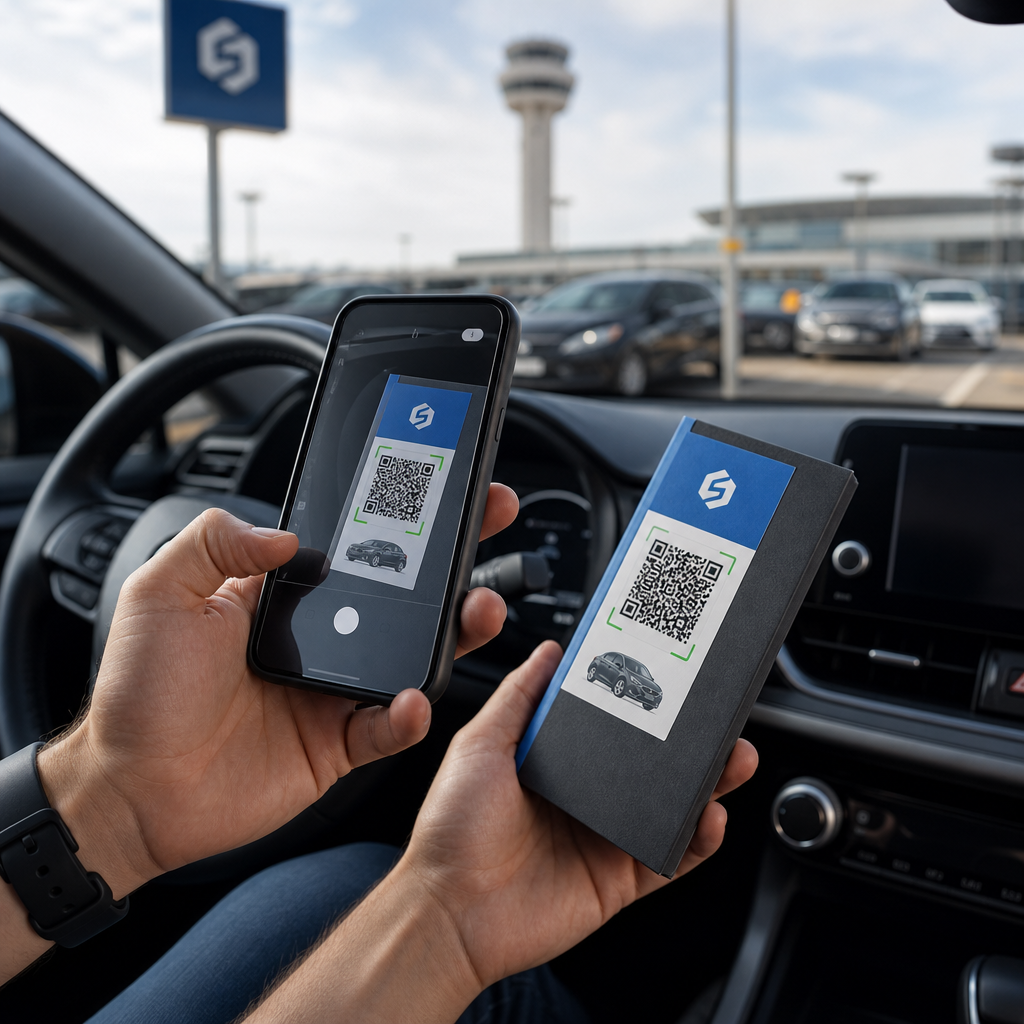
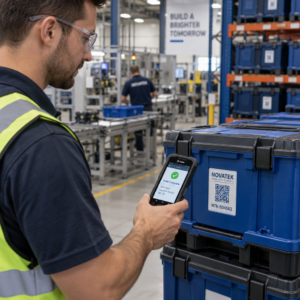
În loc să navigheze prin meniuri telefonice complexe sau să deruleze pagini lungi de întrebări frecvente, o scanare rapidă duce clienții direct la resursa de suport de care au nevoie. Companiile de telecomunicații pot plasa coduri QR pe ambalajele produselor, extrasele de cont, etichetele echipamentelor și semnalizarea din magazine – fiecare legând la o destinație relevantă, cum ar fi un ghid de configurare, un flux de depanare sau un chat live.
De exemplu, un cod QR imprimat pe eticheta unui router poate duce direct la pașii de depanare a rețelei. Un cod de pe o factură lunară poate deschide portalul de gestionare a contului. Acest tip de acces contextual elimină fricțiunea și reduce volumul de contacte repetate care ajung în coada de suport.
Puteți genera aceste coduri folosind generatorul de coduri QR Pageloot, care acceptă URL-uri, PDF-uri, formulare și peste 25 de alte tipuri de conținut.
Experiențe de suport personalizate
Paginile de suport statice oferă același conținut fiecărui client. Codurile QR dinamice schimbă acest lucru. Deoarece URL-ul de destinație este gestionat printr-un tablou de bord central, puteți direcționa același cod imprimat către conținut diferit în funcție de tipul dispozitivului, planul de servicii, regiune sau ora din zi – fără a reimprima o singură etichetă.
A cod QR dinamic pe un pachet de cartelă SIM, de exemplu, poate redirecționa clienții cu abonament către un ghid de activare și clienții preplătiți către un portal de reîncărcare. Dacă orele de suport se modifică sau lansați o nouă funcționalitate de autoservire, actualizați destinația o singură dată și fiecare cod implementat reflectă imediat modificarea.
Implementați linkuri de suport personalizate la scară largă Folosește Generator de coduri QR Pageloot pentru Telecom pentru a crea coduri dinamice care conectează clienții la resursa potrivită de fiecare dată – fără a retipări materiale.
Colectare simplificată de feedback
Colectarea feedback-ului clienților este dificilă atunci când procesul este incomod. Codurile QR imprimate pe facturi, scrisori de bun venit sau ambalaje se leagă direct la un formular de feedback, capturând răspunsurile în timp ce experiența este încă proaspătă.
Utilizarea unui Codul QR al formularului Google este o modalitate practică de a direcționa clienții către un sondaj structurat. Codurile dinamice vă permit să schimbați destinația formularului în orice moment – util atunci când doriți să rotiți sondajele sau să testați chestionare diferite fără a redistribui materiale. Pentru o privire mai aprofundată asupra implementării, consultați cum să creați coduri QR pentru colectarea feedback-ului.
Costuri de suport reduse prin automatizare
Prin direcționarea clienților către resurse de autoservire – resetări de parolă, întrebări frecvente despre facturare, ghiduri de configurare a dispozitivelor – codurile QR reduc volumul de apeluri și tichete care ajung la echipa dvs. de suport. În prezent, 56% din problemele clienților din telecomunicații sunt rezolvate prin instrumente de autoservire. Codurile QR accelerează această tendință, făcând aceste instrumente mai ușor de găsit în momentul în care sunt necesare.

Sarcinile care anterior necesitau implicarea agenților – actualizări de cont, comparații de planuri, activare de servicii – pot fi gestionate prin portaluri legate de QR, eliberând echipa dvs. pentru probleme complexe care necesită cu adevărat atenție umană.
Cum să implementați coduri QR pentru suport telecom
Identificați cazurile de utilizare potrivite
Începeți prin a cartografia cele mai comune puncte de contact de suport și a asocia fiecare cu o destinație legată de QR:
- Etichete de ambalaj și echipamente – link către ghiduri de configurare specifice dispozitivului sau tutoriale video
- Facturi lunare și chitanțe – link către gestionarea contului, portaluri de plată sau întrebări frecvente despre facturare
- Semnalistică pentru magazine și birouri de servicii – link către chat live sau programare
- Materiale pentru tehnicienii de teren – link către pagini de stare a serviciilor sau formulare de feedback post-vizită
- Semnături de e-mail – link către articole din centrul de ajutor sau trimitere de tichete de suport
Pentru conținut care se modifică frecvent – cum ar fi alerte de serviciu sau ghiduri de depanare actualizate – utilizați codurile QR dinamice astfel încât să puteți actualiza destinațiile fără a retipări. Pentru resurse permanente, cum ar fi un manual de utilizare PDF fix, un cod static funcționează bine.
Creați și Personalizați-vă Codurile
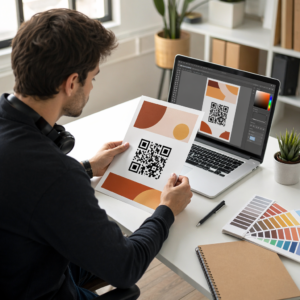
Odată ce ați definit cazurile de utilizare, generați coduri pe care clienții le vor recunoaște și în care vor avea încredere. Personalizați fiecare cod cu culorile și logo-ul brandului dvs. pentru a semnala legitimitatea – acest lucru contează într-o industrie în care phishing-ul este o preocupare reală. Urmați cele mai bune practici pentru generarea sigură de coduri QR, inclusiv întotdeauna legarea la destinații HTTPS și utilizarea URL-urilor de brand.
Pentru codurile care fac legătura către documentație descărcabilă, un Codul PDF QR permite clienților să acceseze instantaneu manuale de utilizare, informații despre garanție sau acorduri de servicii. Pentru fluxurile de suport care consolidează mai multe linkuri – Întrebări frecvente, chat live, plată facturi – luați în considerare o pagină de destinație cu cod QR care prezintă toate opțiunile într-o singură interfață optimizată pentru mobil.
Scrieți un text specific de apel la acțiune lângă fiecare cod. În loc de “Scanați aici”, utilizați un limbaj precum “Scanați pentru a depana dispozitivul” sau “Scanați pentru a plăti factura în 30 de secunde.” Instrucțiunile țintite depășesc în mod constant solicitările generice.
Plasați Codurile Acolo Unde Clienții Au Nevoie de Ele
Amplasarea determină câte scanări primiți efectiv. Locațiile de mare valoare includ:
- Ambalajele echipamentelor și etichetele dispozitivelor (unde clienții întâmpină dificultăți la configurare)
- Facturile lunare și notificările de servicii (unde apar întrebări legate de facturare)
- Birourile de servicii pentru clienți și locațiile de retail (unde clienții caută deja ajutor)
- Vehiculele și materialele tehnicienilor de teren (pentru urmărirea post-serviciu)
- Suprafețe digitale precum e-mailuri, tablouri de bord ale conturilor și site-ul companiei
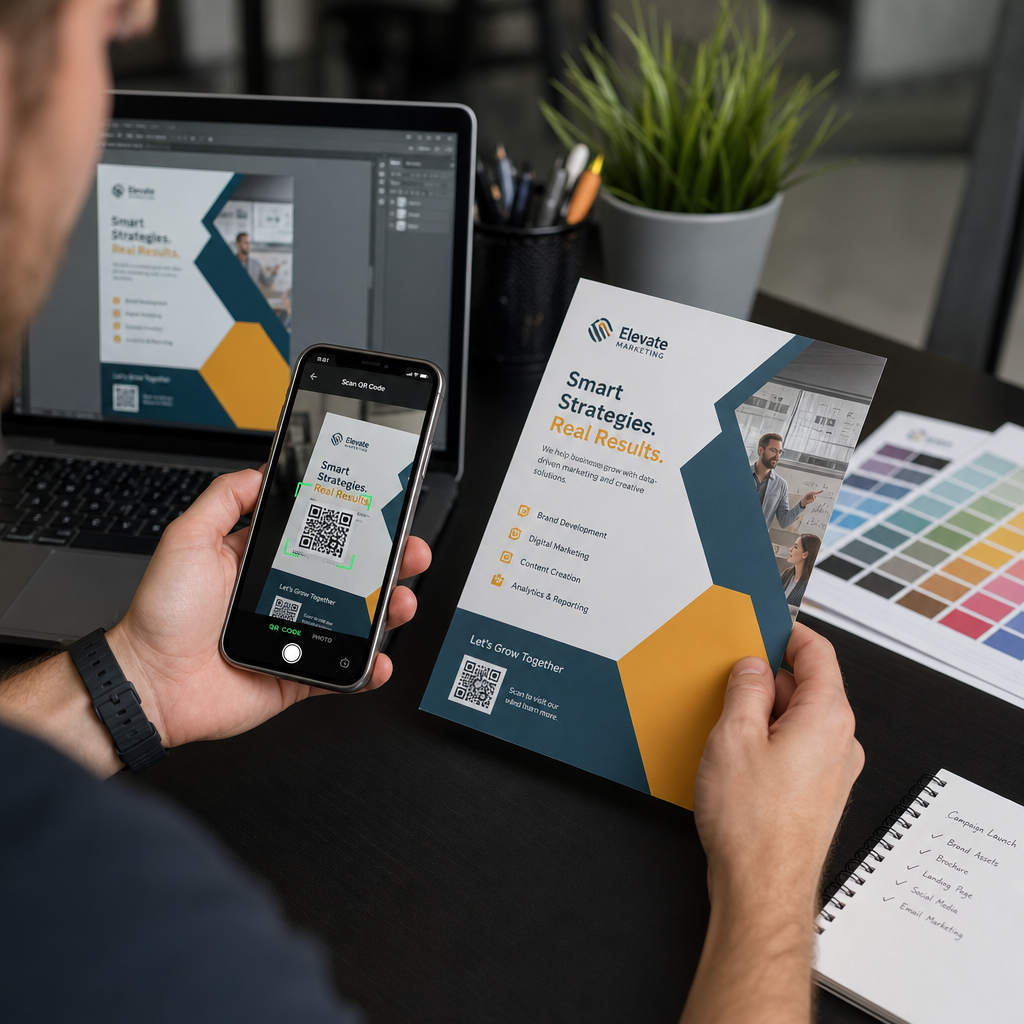
Pentru plasările fizice, urmați ghidul de dimensionare de la cele mai bune practici de utilizare a codurilor QR: un minim de 0,8 × 0,8 inchi pentru scanare de aproape, cu finisaje mate pentru a reduce strălucirea. Plasați codurile la o înălțime confortabilă – aproximativ trei până la patru picioare de la sol pentru afișajele de podea. Pentru ghiduri detaliate de plasare, consultați ghidurile pentru plasarea codurilor QR pe materialele de marketing.
Asigurați-vă că fiecare destinație este optimizată pentru mobil și se încarcă rapid. Clienții care scanează de pe un telefon se așteaptă ca pagina să funcționeze imediat – consultați cele mai bune practici pentru paginile de destinație mobile cu cod QR pentru ghiduri tehnice privind viteza paginii și designul prietenos cu atingerea.
Urmăriți performanța și rafinați
După implementare, utilizați analizele pentru a înțelege cum interacționează clienții cu codurile dvs. de suport. Codurile QR dinamice colectează numărul de scanări, marcaje temporale, tipuri de dispozitive și locații geografice – date care dezvăluie orele de vârf de suport, regiunile cu cerere mare și resursele pe care clienții le utilizează cel mai mult.

Urmărirea codului QR permite, de asemenea, analiza conversiilor: ce procent din scanările legate de facturi duc la o plată finalizată? Ce coduri de depanare duc la probleme rezolvate versus escaladări? Aceste date vă ajută să identificați plasările subperformante, să îmbunătățiți conținutul destinației și să alocați personal de suport pentru ferestrele de cerere maximă.
Multe platforme de gestionare a codurilor QR se integrează, de asemenea, cu instrumente de analiză precum Google Analytics, oferindu-vă o vizualizare unificată a comportamentului clienților, atât fizic, cât și digital.
Vedeți exact unde și când scanează clienții Urmăriți activitatea de scanare pe fiecare punct de contact cu Generatorul de coduri QR Pageloot Link – obțineți date în timp real despre tipul dispozitivului, locație și implicare pentru a optimiza continuu experiența de suport.
Aplicații Avansate
Coduri Dinamice pentru Rutarea Suportului Live
Codurile QR dinamice pot direcționa clienții către sisteme de chat live care afișează disponibilitatea agenților în timp real, sau către instrumente de programare unde clienții pot rezerva o apelare inversă. Dacă protocoalele de urgență se activează sau orele de serviciu se modifică, actualizați destinația o singură dată – fiecare cod tipărit pe teren reflectă modificarea instantaneu, fără a fi nevoie de retipărire.
Securitate și Protecția Datelor
Pentru codurile QR care fac legătura cu portaluri de gestionare a conturilor sau sisteme de facturare, aplicați controale de securitate adecvate. Codurile protejate cu parolă adaugă un strat de autentificare pentru destinațiile sensibile. Utilizați întotdeauna linkuri HTTPS, verificați dacă paginile de destinație sunt certificate SSL și folosiți designuri de marcă pentru a ajuta clienții să distingă codurile legitime de tentativele de phishing. Vezi cele mai bune practici pentru generarea sigură de coduri QR pentru o listă completă.
Codurile QR plasate în spații publice ar trebui să facă legătura cu resurse generale de suport. Codurile de pe documente private, cum ar fi facturile, se pot conecta în siguranță la instrumente specifice contului, deoarece accesul este deja restricționat la destinatar.
Integrare pe Toate Canalele de Suport
Codurile QR funcționează alături de alte canale de suport, mai degrabă decât să le înlocuiască. O scanare ar putea deschide un articol din centrul de ajutor, dar dacă clientul are în continuare nevoie de asistență, pagina de destinație ar trebui să afișeze o opțiune de chat live sau un număr de telefon de suport. Pentru o privire mai amplă asupra modului în care acest model se aplică în diverse contexte de comerț digital, vezi Coduri QR pentru suport în e-commerce.
Puteți utiliza, de asemenea, fluxuri de lucru declanșate de QR pentru a trimite mesaje automate de follow-up – un sondaj de satisfacție la 24 de ore după o vizită a tehnicianului, sau un ghid de configurare atunci când un client scanează ambalajul unui dispozitiv nou. Acest tip de feedback al clienților prin cod QR buclă creează un ciclu de îmbunătățire continuă fără efort manual suplimentar.
Măsurarea a Ceea ce Funcționează
Urmăriți acești indicatori cheie de performanță înainte și după implementarea codurilor QR:
- Rata de rezolvare – procentul sesiunilor de suport scanate care rezolvă problema clientului fără contact cu agentul
- Rata de scanare până la finalizare – procentul scanărilor care duc la o acțiune finalizată (plată efectuată, formular trimis, ghid vizualizat)
- Volumul tichetelor de suport – comparați totalurile săptămânale înainte și după implementare pentru a cuantifica devierea
- Scorurile de satisfacție a clienților – corelați activitatea de scanare cu rezultatele sondajelor post-interacțiune
- Orele și locațiile de vârf ale scanărilor – utilizați aceste date pentru a alinia personalul și actualizările resurselor cu cererea reală
Stabiliți metricile de bază înainte de lansare, apoi revizuiți lunar. Dacă un cod nu funcționează, verificați vizibilitatea plasării, actualizați textul apelului la acțiune sau îmbunătățiți pagina de destinație. Ajustările mici bazate pe date reale de scanare depășesc în mod constant ipotezele despre ceea ce își doresc clienții.
Codurile QR sunt cele mai eficiente atunci când sunt tratate ca un sistem viu – implementate cu atenție, urmărite consecvent și rafinate pe baza a ceea ce arată datele. Furnizorii de telecomunicații care adoptă această abordare reduc costurile de suport, îmbunătățesc ratele de rezolvare și oferă clienților experiența rapidă, autodirijată pe care o așteaptă.
Începeți prin a identifica cele două sau trei puncte de contact de suport cu cel mai mare volum, generați coduri QR pentru fiecare și măsurați impactul. Utilizați Instrumentele Pageloot pentru coduri QR pentru telecomunicații pentru a crea coduri dinamice, personalizate, urmăribile, pe care le puteți actualiza fără a le reimprima – astfel încât infrastructura dvs. de suport să rămână actuală pe măsură ce serviciile dvs. evoluează.
Întrebări frecvente
Codurile QR din telecomunicații se pot lega de aproape orice resursă digitală: ghiduri de depanare, manuale de utilizare PDF, portaluri de gestionare a contului, pagini de plată, ferestre de chat live, formulare de feedback, tutoriale video și pagini de destinație optimizate pentru mobil care consolidează mai multe opțiuni de asistență într-un singur loc. Codurile QR dinamice vă permit să actualizați destinația în orice moment, astfel încât același cod tipărit se poate lega de conținut diferit pe măsură ce resursele dvs. de asistență se modifică.
Codurile QR statice codifică o destinație fixă care nu poate fi schimbată după crearea codului. Codurile QR dinamice utilizează un link de redirecționare gestionat printr-un tablou de bord central, astfel încât puteți actualiza destinația fără a retipări. Pentru suportul telecom, codurile dinamice sunt, în general, alegerea mai bună, deoarece conținutul de suport se schimbă frecvent – ghidurile de depanare sunt actualizate, orele de serviciu se modifică și se lansează noi instrumente de autoservire. Codurile dinamice oferă, de asemenea, analize de scanare, pe care codurile statice nu le suportă.
Întotdeauna legați codurile QR de destinații securizate HTTPS și utilizați designuri de marcă, recognoscibile, astfel încât clienții să poată distinge codurile legitime de încercările de phishing. Pentru codurile care accesează instrumente specifice contului sau portaluri de facturare, protecția prin parolă adaugă un strat de autentificare. Utilizați coduri QR dinamice, astfel încât să puteți dezactiva sau redirecționa imediat un cod compromis fără a retipări materialele. Educarea clienților despre cum arată codurile QR legitime și cum să verifice destinațiile înainte de a trimite orice date este, de asemenea, un strat important de protecție.