Suas campanhas de marketing estão entregando a mesma mensagem para todos, independentemente de quem são ou de onde o encontraram? O alcance genérico desperdiça orçamento e frustra os clientes. Este guia mostra como usar códigos QR para oferecer experiências direcionadas e rastreáveis que correspondam ao contexto e à intenção do seu público.
Por que a Personalização Depende da Conexão de Pontos de Contato Físicos e Digitais
O marketing personalizado passou de um "bom ter" para uma prioridade de negócios. Pesquisas da Contentful mostram que 89% dos tomadores de decisão de marketing consideram a personalização essencial para o sucesso nos próximos três anos, e 80% das empresas relatam aumento nos gastos do consumidor – uma média de 38% a mais – quando as experiências são personalizadas. Enquanto isso, 77% dos clientes dizem que se sentem frustrados por notificações promocionais irrelevantes.
O desafio é que a maioria das ferramentas de personalização funciona em ambientes puramente digitais. Plataformas de e-mail segmentam por comportamento de abertura. Redes de anúncios segmentam por histórico de navegação. Mas o que acontece quando seu cliente está segurando um produto em uma loja, participando de um evento ao vivo ou lendo uma peça de mala direta? É aí que a lacuna físico-digital se abre – e onde os códigos QR a fecham.
Um código QR impresso em um folheto, embalagem ou display atua como uma ponte. Escaneie-o, e o cliente instantaneamente chega a uma experiência digital que você projetou especificamente para ele. A chave é garantir que essa experiência reflita quem ele é, de onde veio e o que provavelmente desejará em seguida.
Entendendo a Segmentação Antes de Personalizar
A personalização eficaz começa com a segmentação – identificando grupos de clientes que compartilham características relevantes para que você possa se comunicar com cada grupo de forma diferente. A segmentação geralmente se baseia em critérios comportamentais, demográficos, geográficos, psicográficos e tecnográficos. O princípio importante é que a segmentação deve vir antes da personalização: ela informa se e como comercializar para um cliente em primeiro lugar, e então a personalização molda a mensagem.
Em termos de código QR, segmentação significa criar códigos diferentes para diferentes grupos de público, contextos de campanha ou locais físicos – e então direcionar cada código para conteúdo adaptado para aquele segmento. Veja como isso se aplica na prática:
- Por tipo de público: Uma marca de varejo coloca códigos QR separados em sinalização na loja e mala direta. Leitores na loja chegam a uma página de recompensas de fidelidade; destinatários de mala direta chegam a um desconto na primeira compra.
- Por localização: Uma campanha regional usa códigos QR distintos para cada cidade. Cada código se vincula a uma página de destino que faz referência a promoções locais, localizações de lojas próximas ou ofertas específicas da região.
- Por canal: Uma empresa de eventos usa um código QR em ingressos e outro em postagens de mídia social. A versão do ingresso se vincula a um cronograma personalizado do participante; a versão social se vincula a uma página de evento público.
- Por estágio do cliente: Uma empresa SaaS imprime códigos QR em pacotes de boas-vindas para novos clientes e avisos de renovação para os existentes. Cada um se vincula a conteúdo de integração ou atualização totalmente diferente.
Quanto mais claramente você definir seus segmentos antes de construir seus códigos, mais relevante se torna cada experiência de digitalização.
Códigos QR Dinâmicos: A Base das Campanhas Personalizadas
Nem todos os códigos QR suportam a personalização igualmente. Os códigos QR estáticos codificam um URL fixo que nunca pode mudar. Uma vez impressos, eles ficam bloqueados – e não fornecem nenhum dado de digitalização. Isso os torna inadequados para qualquer campanha em que você queira ajustar o conteúdo, realizar testes ou medir resultados.
Códigos QR dinâmicos funcionam de forma diferente. O próprio código aponta para um link de redirecionamento curto gerenciado através da sua plataforma de código QR. Você pode atualizar esse destino a qualquer momento – mesmo depois que o código é impresso e distribuído – sem gerar ou reimprimir nada. Esta camada de redirecionamento é também o que permite o rastreamento: cada digitalização passa pela plataforma, registrando dados antes de enviar o usuário para o seu destino.
Para campanhas personalizadas, os códigos dinâmicos oferecem quatro capacidades críticas:
| Capacidade | Por Que É Importante para a Personalização |
|---|---|
| Destino editável | Atualizar o conteúdo da página de destino para cada segmento sem reimprimir materiais |
| Rastreamento de digitalização | Saber quantas pessoas de cada segmento interagiram e quando |
| Dados de localização e dispositivo | Compreender padrões geográficos e otimizar para a experiência móvel |
| Teste A/B | Testar diferentes páginas de destino para o mesmo segmento de público |
Para uma análise mais aprofundada sobre quando usar cada tipo de código, escolher o código QR certo para sua campanha aborda os prós e contras em detalhes. A versão resumida: se sua campanha envolve personalização, rastreamento ou qualquer conteúdo que você queira atualizar, os códigos dinâmicos são a escolha certa. Você também pode explorar o 5 benefícios dos códigos QR dinâmicos para marketing para uma visão mais completa do que eles tornam possível.
Comece a Rastrear Sua Campanha Personalizada Crie códigos QR dinâmicos para cada segmento de público e monitore os dados de leitura em tempo real. Experimente o Gerador de QR Code Dinâmico e acesse análises completas do seu painel.
Construindo Campanhas de Código QR Segmentadas Passo a Passo
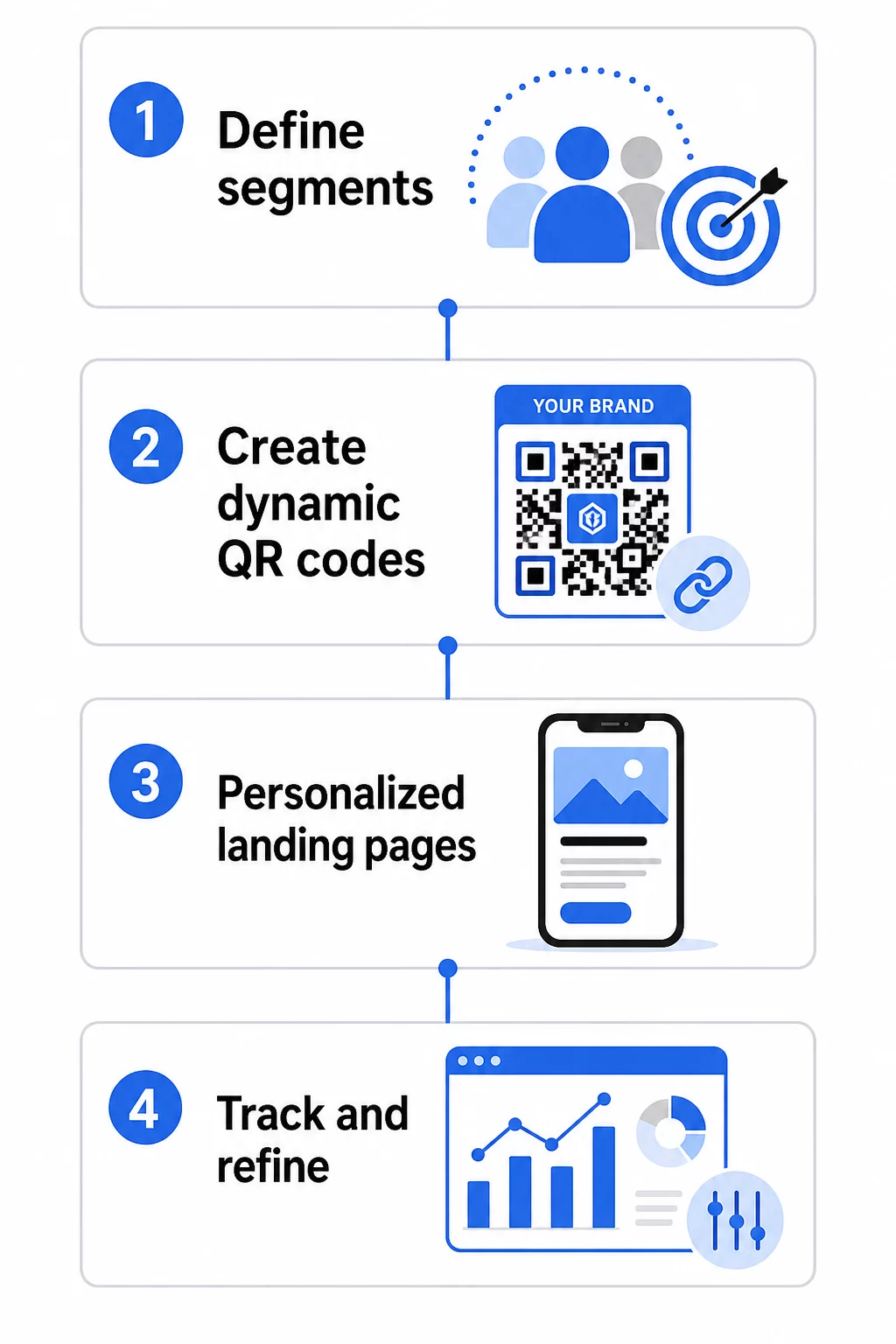
1. Defina Seus Segmentos e Metas
Comece com seu público antes de tocar em qualquer ferramenta. Quais grupos de clientes você está tentando alcançar? Que ação você deseja que cada grupo realize? Seus objetivos de campanha devem ser específicos e mensuráveis – por exemplo, “aumentar a taxa de resgate em ofertas de mala direta para clientes inativos em 20%,” não apenas “impulsionar o engajamento.”
Depois de conhecer seus segmentos e metas, planeje um código QR e uma página de destino separados para cada combinação significativa. Uma campanha que visa três segmentos de clientes em dois locais físicos pode precisar de seis códigos distintos.
2. Crie Códigos Únicos para Cada Segmento
Usando uma plataforma como a Gerador de código QR Pageloot, gere um código dinâmico separado para cada segmento. Dê a cada código um nome interno claro que identifique o segmento, a campanha e o posicionamento – essa disciplina compensa quando você está analisando resultados em dezenas de códigos.
Se sua campanha usa materiais impressos, personalize a aparência de cada código para se adequar ao design. Códigos QR com logotipos e cores da marca reforçam a confiança e sinalizam que a leitura é intencional, não incidental. Códigos QR de marca também se destacam visualmente em ambientes lotados, o que afeta diretamente se alguém para para escanear.
3. Crie Páginas de Destino Personalizadas para Cada Segmento
O código QR é tão valioso quanto a experiência para a qual ele leva. Um visitante de primeira viagem que chega à sua página inicial após escanear uma peça de mala direta não é uma experiência personalizada – é uma oportunidade perdida.
Cada segmento deve chegar a uma página que:
- Reconhece o contexto (“Bem-vindos, compradores de [Cidade]” ou “Oferta exclusiva para membros de fidelidade”)
- Apresenta uma oferta ou mensagem clara e relevante para o segmento
- Inclui uma única e focada chamada para ação
- Carrega rapidamente e funciona bem em dispositivos móveis
Como a maioria das leituras de QR acontece em smartphones, a otimização para dispositivos móveis é inegociável. Teste cada página de destino em iOS e Android antes de lançar.
4. Adicione Parâmetros UTM para Integração Completa de Análise
Os códigos QR dinâmicos fornecem dados de leitura nativos – contagens, carimbos de data/hora, tipos de dispositivo e localizações. Mas você pode adicionar uma camada de insights ainda mais profundos adicionando parâmetros UTM aos URLs das suas páginas de destino. Isso conecta o tráfego de leitura de QR ao Google Analytics, permitindo que você meça o comportamento pós-leitura, como tempo na página, taxa de rejeição e eventos de conversão, juntamente com seus dados de leitura.
Um URL com tags UTM para uma campanha de mala direta direcionada a clientes inativos em Chicago pode ser parecido com:
“`
https://yoursite.com/reactivate?utmsource=directmailchicago&utmmedium=qrcódigo&utmcampaign=reactivation_q3
“`
Para um guia detalhado sobre a configuração de UTM e integração com o Google Analytics, consulte Parâmetros UTM para códigos QR: dicas do Google Analytics.
5. Posicione os Códigos Estrategicamente para Cada Segmento
Onde um código QR aparece influencia quem o escaneia e em que contexto. Combine o posicionamento com o comportamento do seu segmento:
- Correio direto: Inclua o código de forma proeminente perto da oferta, com uma breve instrução como “Digitalize para o seu desconto exclusivo.” Os destinatários de correio direto têm tempo suficiente para interagir deliberadamente.
- Embalagens de produtos: Adicione códigos a etiquetas, cartões de agradecimento ou encartes de envio para reengajar clientes após a compra.
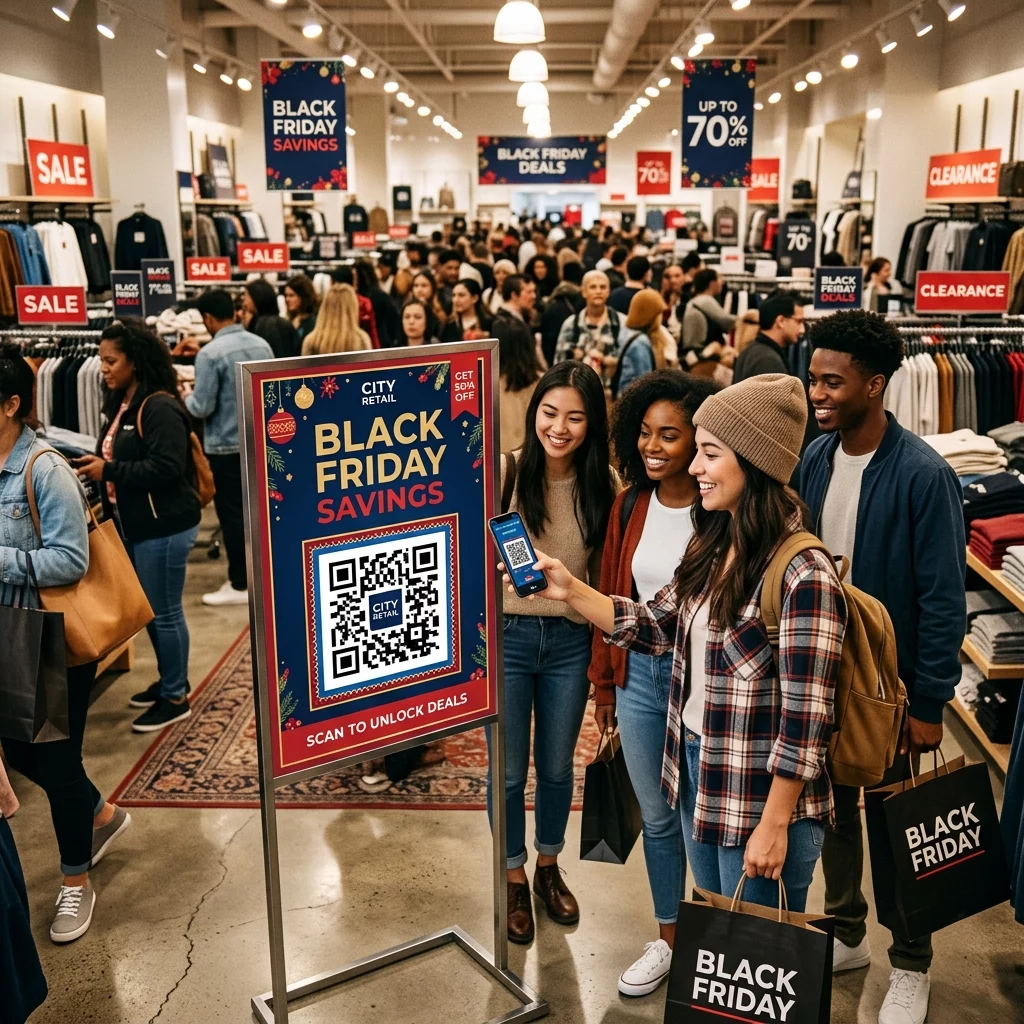
- Sinalização na loja: Posicione os códigos ao nível dos olhos perto do produto ou departamento relevante. Adicione uma CTA visível para que os compradores entendam o que obterão.
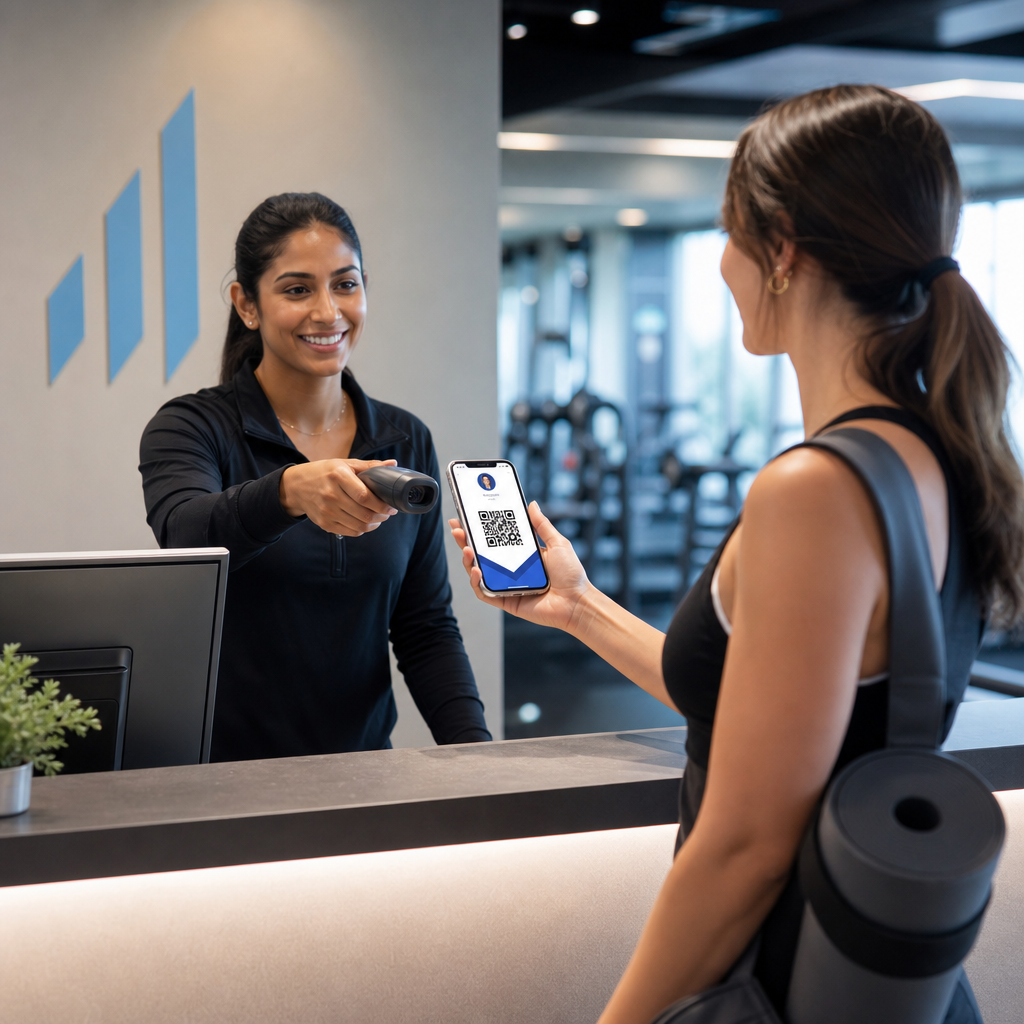
- Eventos e conferências: Use códigos QR em crachás, bilhetes ou horários impressos para direcionar os participantes a conteúdo personalizado, como detalhes da sessão ou biografias de palestrantes.
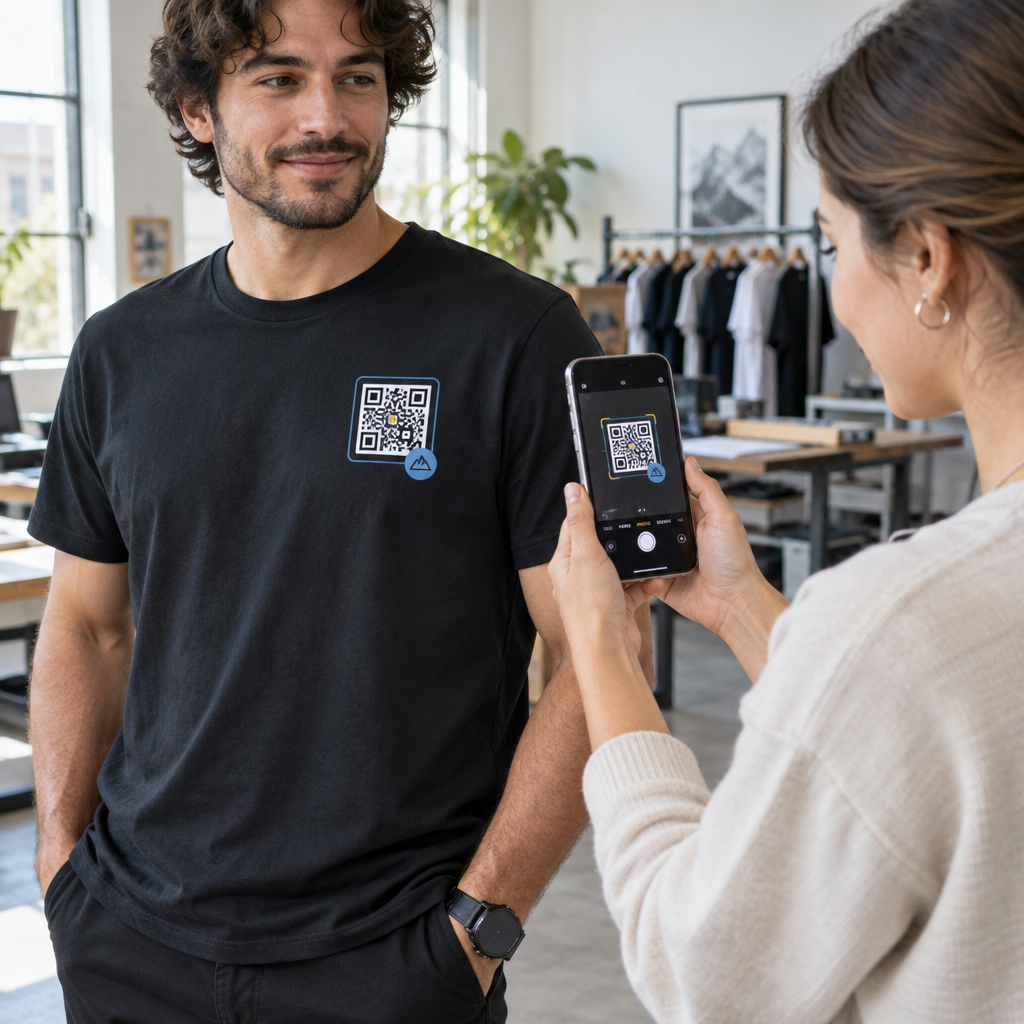
- Adesivos e etiquetas: Para pontos de contato físicos menores, um código bem posicionado com uma CTA clara pode impulsionar o engajamento de um público que já está segurando seu produto.
O Checklist de marketing com QR code para pequenas empresas abrange considerações adicionais de posicionamento e configuração se você estiver lançando sua primeira campanha.
Usando Dados de Código QR para Refinar Seus Segmentos
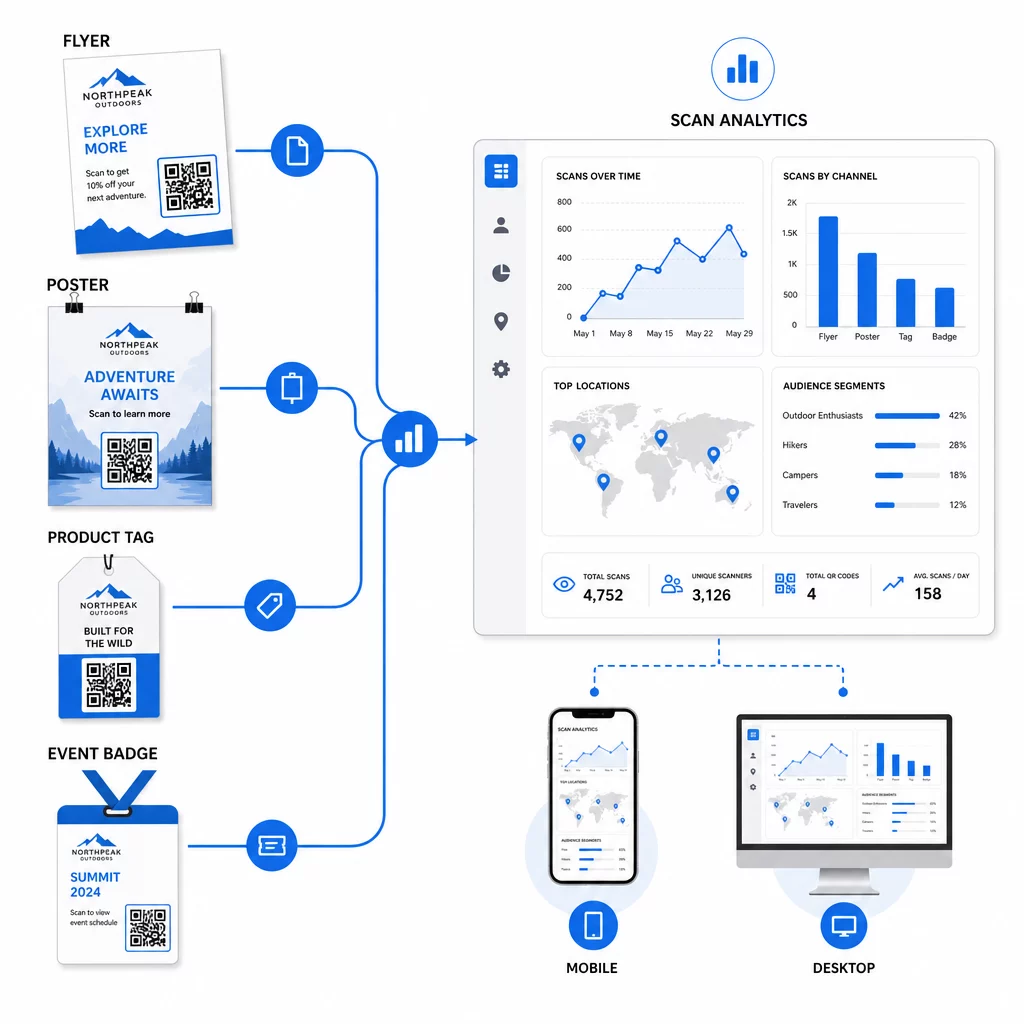
Os dados que seus códigos QR dinâmicos geram são, por si só, um ativo de personalização. Cada digitalização fornece um sinal sobre quem respondeu a qual mensagem, quando e de onde. Com o tempo, isso constrói uma imagem mais clara de quais segmentos são mais responsivos e quais posicionamentos estão gerando o tráfego mais qualificado.
Métricas chave para monitorar por segmento:
- Contagem de digitalizações e digitalizações únicas: Indica o alcance geral e se as mesmas pessoas estão retornando
- Padrões de tempo de digitalização: Revela quando cada segmento está mais ativo, útil para cronometrar a comunicação de acompanhamento
- Distribuição geográfica: Mostra se sua campanha está alcançando as regiões pretendidas – útil para rastrear campanhas de código QR por região e ajustar o gasto local
- Tipo de dispositivo: Se um segmento se inclina fortemente para um dispositivo específico, você pode otimizar a experiência da página de destino para essa plataforma
- Conversões pós-digitalização: Rastreado via parâmetros UTM no Google Analytics, isso informa quais combinações de segmento e posicionamento estão realmente gerando os resultados que você se importa
Para uma abordagem estruturada para testar diferentes variáveis dentro de um segmento, consulte o guia para testar campanhas de código QR com A/B. Códigos dinâmicos são particularmente adequados para testes A/B porque você pode trocar os destinos das páginas de destino sem tocar no código impresso.
Você também pode usar dados de localização de digitalização e dispositivo como entradas para uma personalização mais profunda – por exemplo, redirecionando scanners de diferentes cidades para páginas de destino específicas da região, ou ajustando o conteúdo com base se o dispositivo é iOS ou Android. O guia para códigos QR para personalização orientada por dados cobre essas técnicas em detalhes.
Veja Quais Segmentos Estão Engajando Mais Use o Gerador de QR Code Dinâmico para criar códigos rastreáveis separados para cada segmento de público e comparar o desempenho entre os posicionamentos em um único painel.
Considerações de Privacidade para Campanhas de QR Personalizadas
Os códigos QR coletam dados primários – informações geradas pela própria interação do seu público com seus materiais. Isso é cada vez mais valioso à medida que os métodos de rastreamento de terceiros enfrentam pressão regulatória e escrutínio do consumidor. No entanto, a coleta de dados por meio de códigos QR ainda acarreta obrigações.
A lei de privacidade dos EUA é fragmentada em estatutos federais específicos do setor e um crescente corpo de leis estaduais de privacidade abrangentes, muitas das quais regem como as informações pessoais são coletadas e usadas para marketing. A melhor prática é ser transparente sobre quais dados seus códigos QR coletam e por quê.
Passos práticos para manter a conformidade:
- Exiba um breve aviso perto de cada código QR ou na página de destino inicial explicando quais dados são rastreados (por exemplo, local de digitalização, tipo de dispositivo)
- Forneça um link para sua política de privacidade em qualquer página que colete informações pessoais
- Evite coletar informações de identificação pessoal passivamente sem divulgação
- Use os dados que você coleta apenas para os fins que você comunicou aos usuários
A transparência também gera confiança na digitalização. Mais de 80% dos usuários de códigos QR baseados nos EUA dizem que consideram os códigos QR seguros, mas uma CTA clara e um design de marca reconhecível contribuem muito para tranquilizar qualquer pessoa que hesite.
Táticas Comuns de Personalização por Canal
| Canal | Tática de Personalização | Função do Código QR |
|---|---|---|
| Mala direta | Código exclusivo por segmento de destinatário com oferta personalizada | Links para página de destino específica do segmento |
| Embalagens de produtos | Reengajamento pós-compra por tipo de produto | Links para conteúdo de como fazer, upsell ou solicitação de avaliação |
| Sinalização na loja | Promoções baseadas em localização | Links para ofertas locais ou página de serviço mais próxima |
| Eventos | Tipo de participante (palestrante, patrocinador, geral) | Links para horários ou conteúdo específicos da função |
| Anúncios de redes sociais | Interesse do público ou segmento de retargeting | Links para conteúdo que corresponde ao criativo do anúncio |
Cada um desses casos de uso se beneficia da mesma abordagem subjacente: um código dinâmico exclusivo por segmento, cada um apontando para um destino segmentado, cada um rastreado independentemente para que você possa medir os resultados e iterar.
Para uma visão mais ampla de como os códigos QR se encaixam em seu kit de ferramentas de marketing geral, o Visão geral das funcionalidades do Pageloot abrange toda a gama de tipos e capacidades de códigos QR disponíveis para uso em campanhas.
Colocando em Prática
Campanhas de código QR personalizadas não exigem infraestrutura complexa – elas exigem clareza sobre seus segmentos, disciplina na criação de códigos separados para cada um e uma plataforma que forneça os dados de rastreamento para agir com base no que você aprende. Comece com uma campanha, dois ou três segmentos e uma meta de conversão clara. Use os dados de leitura para entender o que está funcionando e, em seguida, dimensione a abordagem para mais canais e grupos de público.
O gerador de código QR de link é um bom ponto de partida se você estiver conectando segmentos a URLs específicas. Quando estiver pronto para rastreamento completo, atualização e gerenciamento de campanha, o Gerador de QR Code Dinâmico oferece a flexibilidade para executar, ajustar e medir campanhas personalizadas sem reimprimir um único material.
Perguntas frequentes
Um código QR estático codifica um URL fixo que não pode ser alterado após a criação e não fornece dados de leitura. Um código QR dinâmico aponta para um link de redirecionamento que você pode atualizar a qualquer momento, e ele registra métricas de leitura, incluindo contagem, localização, tipo de dispositivo e carimbo de data/hora. Para marketing personalizado – onde você precisa rastrear o desempenho por segmento e potencialmente atualizar páginas de destino – os códigos dinâmicos são a escolha apropriada.
Você precisa de um código QR exclusivo para cada combinação significativa de segmento de público e posicionamento. Por exemplo, se você estiver segmentando três grupos de clientes em dois materiais físicos, você criaria seis códigos. Usando uma plataforma como Pageloot, você pode gerenciar todos eles a partir de um único painel, o que torna o rastreamento e a atualização simples, mesmo para campanhas maiores.
Adicione parâmetros UTM ao URL de destino antes de codificá-lo em seu código QR. Use valores descritivos para utmsource (por exemplo, “directmailnyc”), um utmmedium consistente (por exemplo, “qr_code”) e um nome de campanha que identifique a campanha específica. Assim que os usuários escanearem e acessarem sua página, o Google Analytics registrará a sessão sob esses parâmetros, permitindo que você meça o tráfego, o engajamento e as conversões por segmento. Os códigos QR dinâmicos tornam isso especialmente flexível porque você pode atualizar o URL com tags UTM sem reimprimir o código.