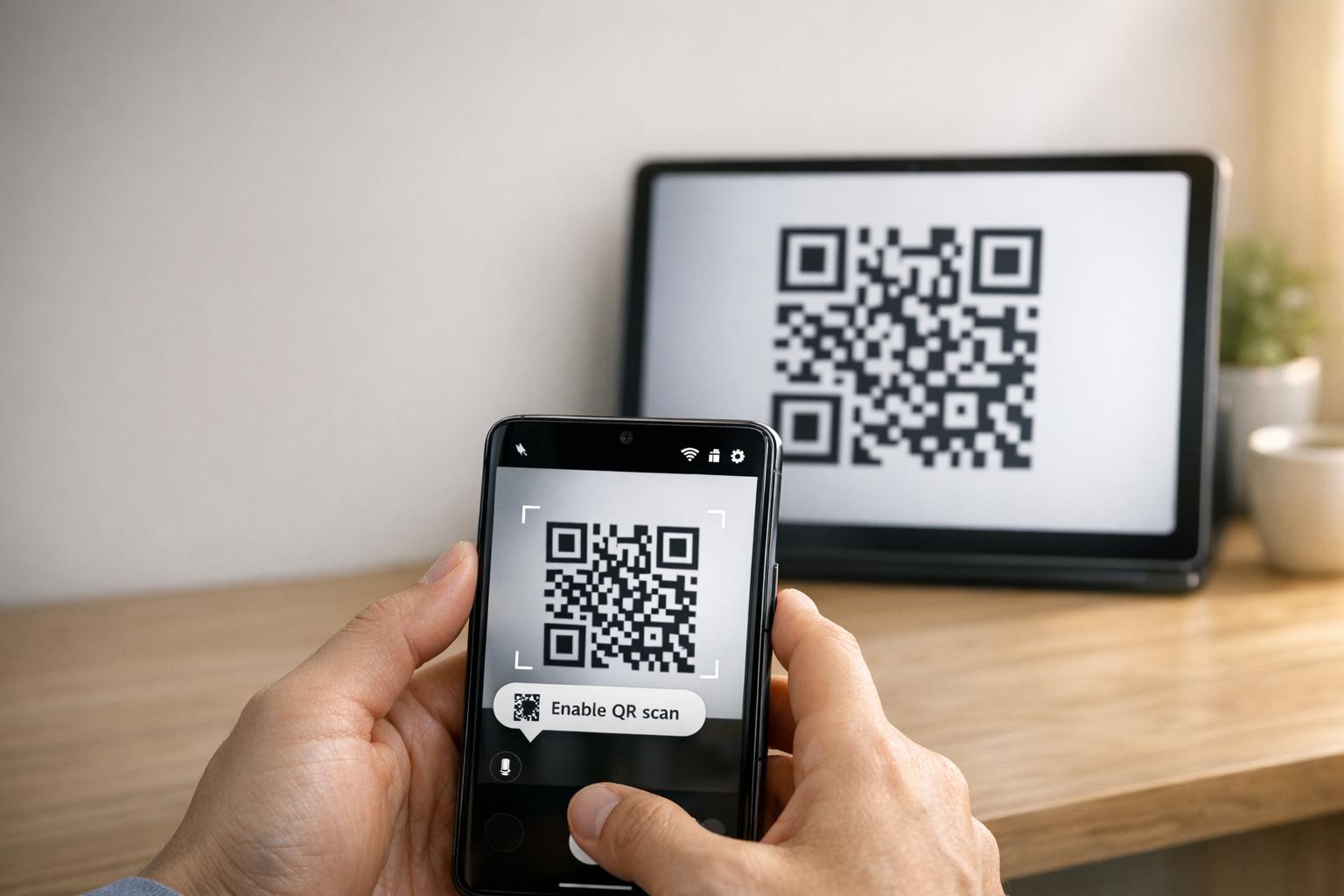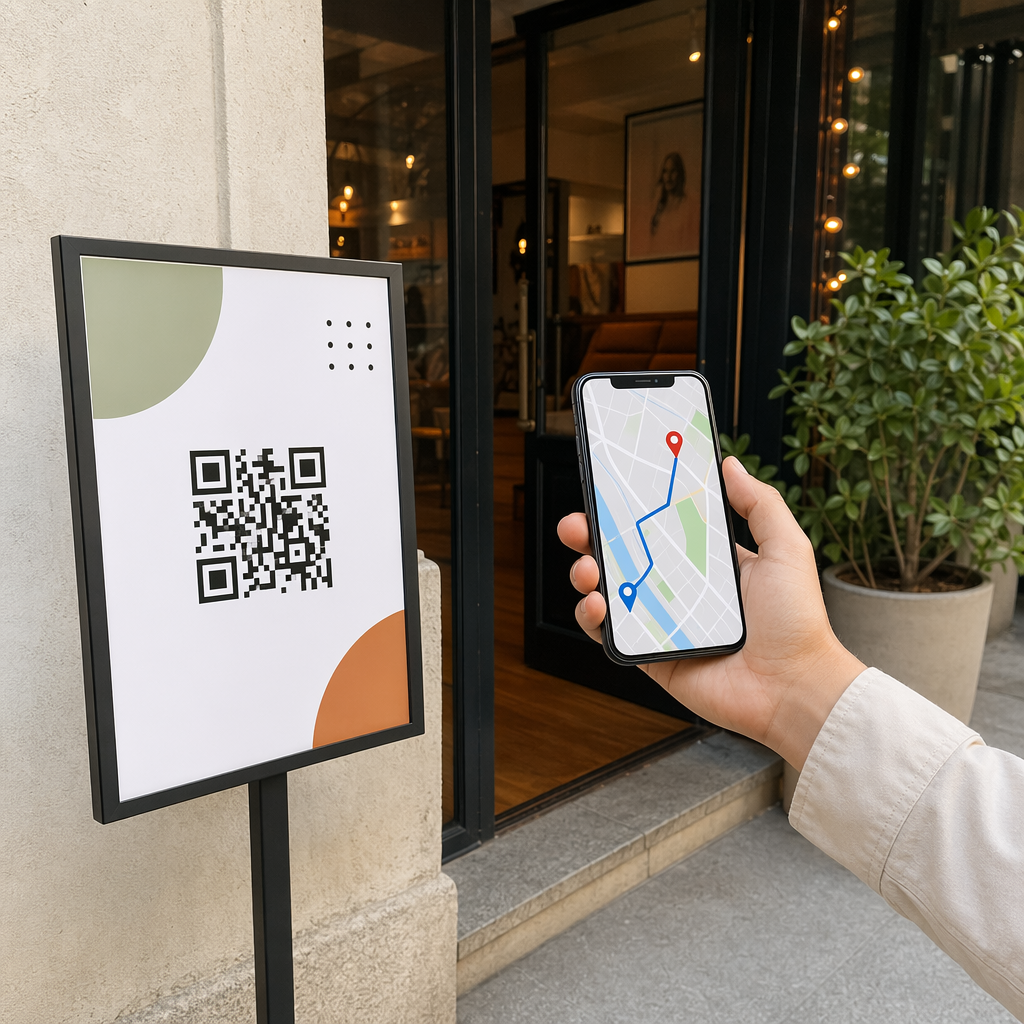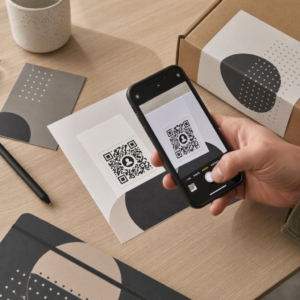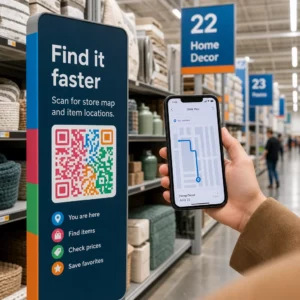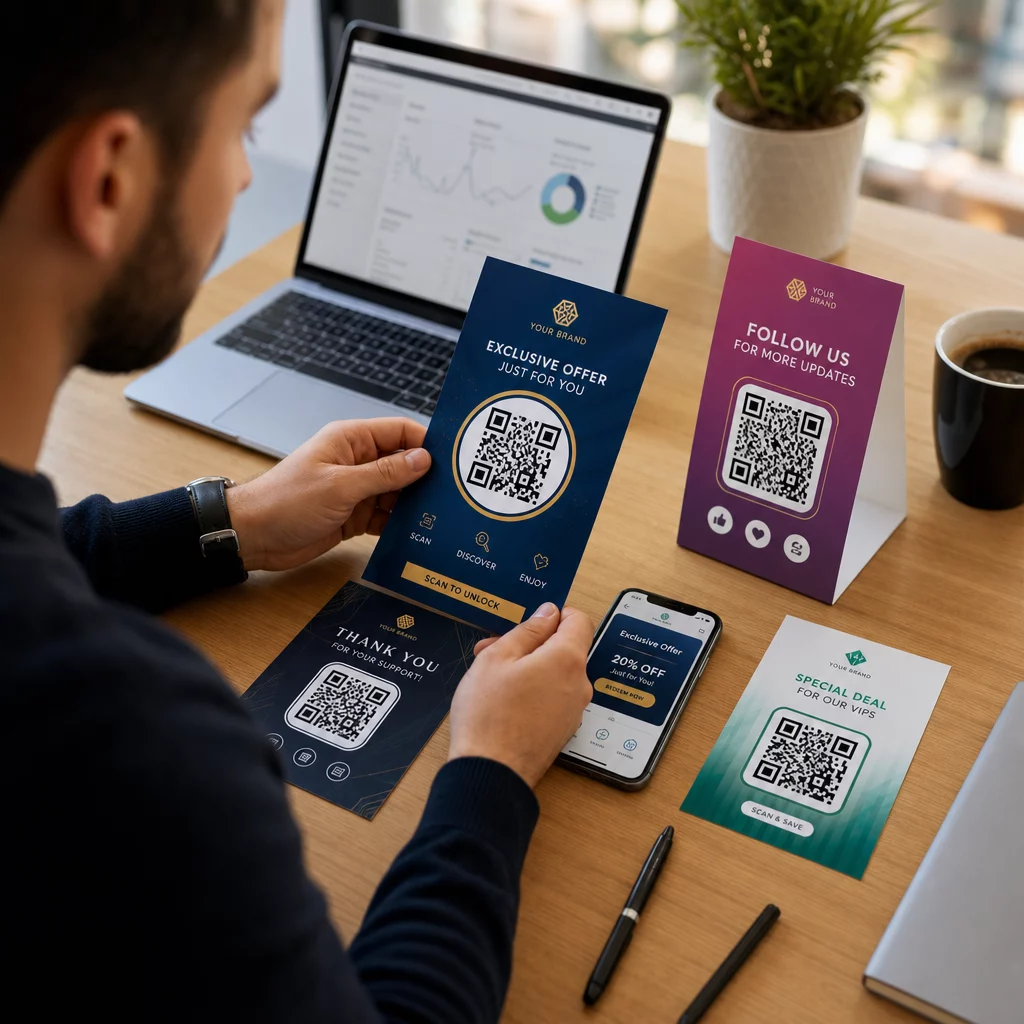
Вашите маркетингови кампании доставят ли едно и също съобщение до всички, независимо кои са те или къде са ви намерили? Общото достигане до клиенти хаби бюджет и разочарова клиентите. Това ръководство ви показва как да използвате QR кодове, за да предоставяте целенасочени, проследими преживявания, които съответстват на контекста и намерението на вашата аудитория.
Защо персонализацията зависи от свързването на физически и дигитални допирни точки
Персонализираният маркетинг се е превърнал от "добре е да го имаме" в бизнес приоритет. Изследване от Contentful показва, че 89% от вземащите решения в маркетинга смятат персонализацията за съществена за успех през следващите три години, а 80% от бизнесите отчитат увеличени потребителски разходи – средно с 38% повече – когато преживяванията са персонализирани. Междувременно 77% от клиентите казват, че се чувстват разочаровани от неподходящи промоционални известия.
Предизвикателството е, че повечето инструменти за персонализация работят в чисто дигитални среди. Имейл платформите сегментират по поведение при отваряне. Рекламните мрежи таргетират по история на сърфиране. Но какво се случва, когато вашият клиент държи продукт в магазин, посещава събитие на живо или чете директна пощенска пратка? Точно там се отваря пропастта между физическото и дигиталното – и там QR кодовете я затварят.
QR код, отпечатан на флаер, опаковка или дисплей, действа като мост. Сканирайте го и клиентът незабавно попада на дигитално преживяване, което сте проектирали специално за него. Ключът е да се уверите, че това преживяване отразява кой е той, откъде идва и какво вероятно ще иска след това.
Разбиране на сегментацията, преди да персонализирате
Ефективната персонализация започва със сегментация – идентифициране на групи клиенти, които споделят релевантни характеристики, така че да можете да говорите с всяка група по различен начин. Сегментацията обикновено се основава на поведенчески, демографски, географски, психографски и технографски критерии. Важният принцип е, че сегментацията трябва да предхожда персонализацията: тя ви казва дали и как да маркетирате на даден клиент на първо място, след което персонализацията оформя съобщението.
По отношение на QR кодовете, сегментацията означава създаване на различни кодове за различни групи аудитории, контексти на кампании или физически местоположения – след което всеки код се насочва към съдържание, съобразено с този сегмент. Ето как това се прилага на практика:
- По тип аудитория: Търговска марка поставя отделни QR кодове на табели в магазина и на директна поща. Сканиращите в магазина попадат на страница за награди за лоялност; получателите на директна поща попадат на отстъпка за първа покупка.
- По местоположение: Регионална кампания използва различни QR кодове за всеки град. Всеки код води до целева страница, която препраща към местни промоции, близки местоположения на магазини или специфични за региона оферти.
- По канал: Компания за събития използва един QR код на билети и друг на публикации в социалните медии. Версията за билет води до персонализиран график на присъстващите; социалната версия води до публична страница на събитието.
- По етап на клиента: SaaS компания отпечатва QR кодове в пакети за добре дошли за нови клиенти и известия за подновяване за съществуващи. Всеки води до напълно различно съдържание за въвеждане или надграждане.
Колкото по-ясно дефинирате сегментите си, преди да изградите кодовете си, толкова по-релевантно става всяко преживяване при сканиране.
Динамични QR кодове: Основата на персонализираните кампании
Не всички QR кодове поддържат персонализация еднакво. Статичните QR кодове кодират фиксиран URL адрес, който никога не може да се промени. Веднъж отпечатани, те са заключени – и не предоставят никакви данни за сканиране. Това ги прави неподходящи за всяка кампания, в която искате да коригирате съдържание, да провеждате тестове или да измервате резултати.
Динамични QR кодове работят по различен начин. Самият код сочи към кратка връзка за пренасочване, управлявана чрез вашата платформа за QR кодове. Можете да актуализирате тази дестинация по всяко време – дори след като кодът е отпечатан и разпространен – без да генерирате или препечатвате нищо. Този слой за пренасочване е и това, което позволява проследяването: всяко сканиране преминава през платформата, регистрирайки данни, преди да изпрати потребителя до неговата дестинация.
За персонализирани кампании динамичните кодове ви дават четири критични възможности:
| Възможност | Защо е важно за персонализацията |
|---|---|
| Редактируема дестинация | Актуализирайте съдържанието на целевата страница за всеки сегмент, без да препечатвате материали |
| Проследяване на сканирането | Знайте колко хора от всеки сегмент са се ангажирали и кога |
| Данни за местоположение и устройство | Разберете географските модели и оптимизирайте за мобилно изживяване |
| A/B тестване | Тествайте различни целеви страници за един и същ сегмент от аудиторията |
За по-задълбочен поглед кога да използвате всеки тип код, изборът на правилния QR код за вашата кампания обхваща компромисите в детайли. Кратката версия: ако вашата кампания включва персонализация, проследяване или каквото и да е съдържание, което може да искате да актуализирате, динамичните кодове са правилният избор. Можете също така да проучите 5 предимства на динамичните QR кодове за маркетинг за по-пълна картина на това, което те правят възможно.
Започнете да проследявате вашата персонализирана кампания Създайте динамични QR кодове за всеки сегмент от аудиторията и наблюдавайте данните от сканиране в реално време. Опитайте Динамичен QR код генератор и достъп до пълни анализи от вашето табло за управление.
Изграждане на сегментирани QR код кампании стъпка по стъпка
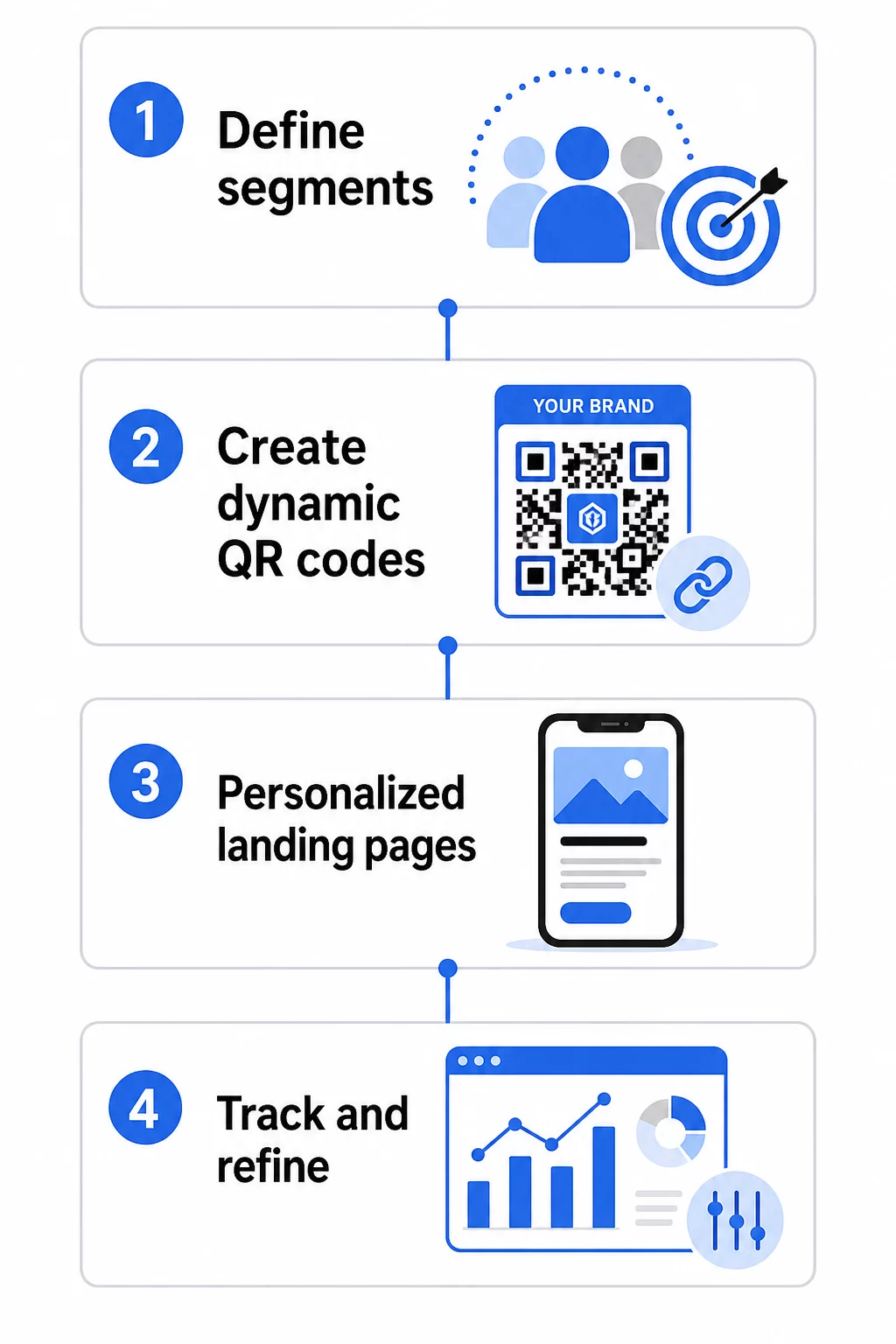
1. Дефинирайте вашите сегменти и цели
Започнете с вашата аудитория, преди да докоснете каквито и да е инструменти. Кои групи клиенти се опитвате да достигнете? Какво действие искате да предприеме всяка група? Целите на вашата кампания трябва да бъдат конкретни и измерими – например, “увеличете процента на осребряване на оферти за директна поща към отпаднали клиенти с 20%”, а не просто “увеличете ангажираността”.”
След като знаете вашите сегменти и цели, планирайте отделен QR код и целева страница за всяка смислена комбинация. Кампания, насочена към три клиентски сегмента в две физически локации, може да се нуждае от шест различни кода.
2. Създайте уникални кодове за всеки сегмент
Използвайки платформа като Генератор на QR кодове Pageloot, генерирайте отделен динамичен код за всеки сегмент. Дайте на всеки код ясно вътрешно име, което идентифицира сегмента, кампанията и разположението – тази дисциплина се отплаща, когато анализирате резултати от десетки кодове.
Ако вашата кампания използва печатни материали, персонализирайте външния вид на всеки код, за да съответства на дизайна. QR кодове с лога и цветове на марката засилват доверието и сигнализират, че сканирането е умишлено, а не случайно. Брандираните QR кодове също се открояват визуално в претрупани среди, което пряко влияе върху това дали някой ще спре да сканира.
3. Изградете персонализирани целеви страници за всеки сегмент
QR кодът е толкова ценен, колкото е ценно преживяването, до което води. Посетител за първи път, който попада на вашата начална страница след сканиране на директна поща, не е персонализирано преживяване – това е пропусната възможност.
Всеки сегмент трябва да попадне на страница, която:
- Признава контекста (“Добре дошли, купувачи от [Град]” или “Ексклузивна оферта за лоялни членове”)
- Представя ясна, релевантна за сегмента оферта или съобщение
- Включва един, фокусиран призив за действие
- Зарежда бързо и работи добре на мобилни устройства
Тъй като повечето QR сканирания се случват на смартфони, мобилната оптимизация е задължителна. Тествайте всяка целева страница както на iOS, така и на Android преди стартиране.
4. Добавете UTM параметри за пълна интеграция с анализи
Динамичните QR кодове предоставят данни за сканиране – брой, времеви отпечатъци, типове устройства и местоположения. Но можете да получите още по-задълбочена информация, като добавите UTM параметри към URL адресите на целевите си страници. Това свързва трафика от QR сканирания с Google Analytics, което ви позволява да измервате поведението след сканиране, като време на страница, процент на отпадане и събития на конверсия, заедно с данните от сканирането.
URL адрес с UTM тагове за кампания с директна поща, насочена към неактивни клиенти в Чикаго, може да изглежда така:
“`
https://yoursite.com/reactivate?utmsource=directmailchicago&utmмедиум=qrкод&utmcampaign=reactivation_q3
“`
За подробно ръководство за настройка на UTM и интеграция с Google Analytics, вижте UTM параметри за QR кодове: Съвети за Google Analytics.
5. Поставете кодовете стратегически за всеки сегмент
Мястото, където се появява QR код, влияе върху това кой го сканира и в какъв контекст. Съобразете разположението с поведението на вашия сегмент:
- Директна поща: Включете кода на видно място близо до офертата, с кратка инструкция като “Сканирайте за вашата ексклузивна отстъпка.” Получателите на директна поща имат достатъчно време да се ангажират целенасочено.
- Опаковка на продукти: Добавете кодове към етикети, благодарствени картички или вложки за доставка, за да ангажирате отново клиентите след покупка.
- Табели в магазина: Позиционирайте кодовете на нивото на очите близо до съответния продукт или отдел. Добавете видим призив за действие (CTA), така че купувачите да разбират какво ще получат.
- Събития и конференции: Използвайте QR кодове върху баджове, билети или отпечатани програми, за да насочите присъстващите към персонализирано съдържание като подробности за сесиите или биографии на лектори.
- Стикери и етикети: За по-малки физически точки на контакт, добре поставен код с ясен призив за действие (CTA) може да стимулира ангажираността на аудитория, която вече държи вашия продукт.
На QR код маркетингов контролен списък за малкия бизнес обхваща допълнителни съображения за разположение и настройка, ако стартирате първата си кампания.
Използване на данни от QR кодове за прецизиране на вашите сегменти
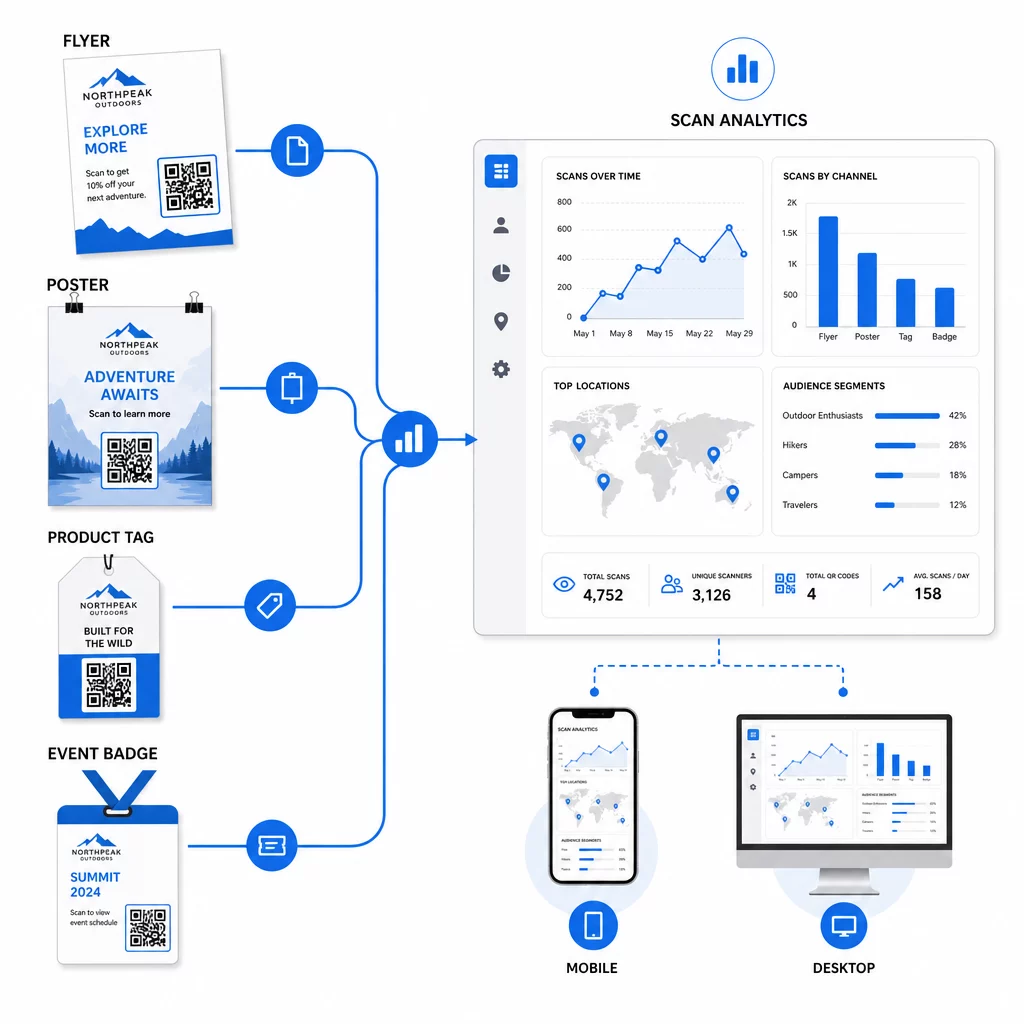
Данните, които генерират вашите динамични QR кодове, сами по себе си са актив за персонализация. Всяко сканиране ви дава сигнал кой е отговорил на кое съобщение, кога и откъде. С течение на времето това изгражда по-ясна картина кои сегменти са най-отзивчиви и кои разположения генерират най-квалифициран трафик.
Основни показатели за наблюдение по сегмент:
- Брой сканирания и уникални сканирания: Показва обхвата и дали едни и същи хора се връщат
- Модели на времето за сканиране: Разкрива кога всеки сегмент е най-активен, полезно за определяне на времето за последваща комуникация
- Географско разпределение: Показва дали кампанията ви достига до целевите региони – полезно за проследяване на кампании с QR кодове по региони и коригиране на местните разходи
- Тип устройство: Ако един сегмент е силно насочен към конкретно устройство, можете да оптимизирате изживяването на целевата страница за тази платформа
- Конверсии след сканиране: Проследявани чрез UTM параметри в Google Analytics, това ви показва кои комбинации от сегменти и разположения всъщност водят до резултатите, които ви интересуват
За структуриран подход към тестване на различни променливи в рамките на сегмент, вижте наръчник за A/B тестване на кампании с QR кодове. Динамичните кодове са особено подходящи за A/B тестване, тъй като можете да сменяте дестинациите на целевите страници, без да докосвате отпечатания код.
Можете също така да използвате данни за местоположението на сканиране и устройството като входни данни за по-дълбока персонализация – например, пренасочване на сканиращи от различни градове към специфични за региона целеви страници или коригиране на съдържанието въз основа на това дали устройството е iOS или Android. ръководство за QR кодове за персонализация, базирана на данни обхваща тези техники в детайли.
Вижте кои сегменти са най-ангажирани Използвай Динамичен QR код генератор за да създадете отделни проследими кодове за всеки сегмент от аудиторията и да сравните ефективността на различните разположения в едно табло за управление.
Съображения за поверителност при персонализирани QR кампании
QR кодовете събират данни от първа страна – информация, генерирана от собственото взаимодействие на вашата аудитория с вашите материали. Това е все по-ценно, тъй като методите за проследяване от трети страни са изправени пред регулаторен натиск и потребителски контрол. Въпреки това, събирането на данни чрез QR кодове все още носи задължения.
Законът за поверителност на САЩ е фрагментиран между федерални секторно-специфични закони и нарастващ брой всеобхватни щатски закони за поверителност, много от които регулират как личната информация се събира и използва за маркетинг. Най-добрата практика е да бъдете прозрачни относно какви данни събират вашите QR кодове и защо.
Практически стъпки за поддържане на съответствие:
- Показвайте кратко известие близо до всеки QR код или на началната целева страница, обясняващо какви данни се проследяват (напр. местоположение на сканиране, тип устройство)
- Предоставете връзка към вашата политика за поверителност на всяка страница, която събира лична информация
- Избягвайте пасивното събиране на лична информация без разкриване
- Използвайте събраните данни само за целите, които сте съобщили на потребителите
Прозрачността също така изгражда доверие при сканиране. Над 80% от потребителите на QR кодове в САЩ казват, че смятат QR кодовете за безопасни, но ясен призив за действие (CTA) и разпознаваем брандиран дизайн допринасят много за успокояването на всеки, който се колебае.
Често срещани тактики за персонализация по канал
| Канал | Тактика за персонализация | Роля на QR кода |
|---|---|---|
| Директна поща | Уникален код за сегмент от получатели с персонализирана оферта | Връзки към целева страница, специфична за сегмента |
| Опаковки на продукти | Повторно ангажиране след покупка по тип продукт | Връзки към съдържание с инструкции, допълнителни продажби или заявки за отзиви |
| Информационни табели в магазините | Промоции, базирани на местоположение | Връзки към местни оферти или страницата на най-близката услуга |
| Събития | Тип присъстващ (лектор, спонсор, общ) | Връзки към графици или съдържание, специфични за ролята |
| Реклами в социалните медии | Сегмент по интереси на аудиторията или за ретаргетиране | Връзки към съдържание, съответстващо на рекламния креатив |
Всеки от тези случаи на употреба се възползва от един и същ основен подход: един уникален динамичен код за сегмент, всеки сочещ към целева дестинация, всеки проследяван независимо, за да можете да измервате резултатите и да повтаряте.
За по-широк поглед върху това как QR кодовете се вписват във вашия цялостен маркетингов инструментариум, Преглед на функциите на Pageloot обхваща пълната гама от типове QR кодове и възможности, налични за използване в кампании.
Прилагане на практика
Персонализираните кампании с QR кодове не изискват сложна инфраструктура – те изискват яснота относно вашите сегменти, дисциплина при създаването на отделни кодове за всеки и платформа, която ви дава данни за проследяване, за да действате въз основа на наученото. Започнете с една кампания, два или три сегмента и ясна цел за конверсия. Използвайте данните от сканирането, за да разберете какво работи, след което мащабирайте подхода към повече канали и аудиторни групи.
На генератор на QR кодове за връзки е добра отправна точка, ако свързвате сегменти към конкретни URL адреси. Когато сте готови за пълно проследяване, актуализиране и управление на кампании, Динамичен QR код генератор ви дава гъвкавостта да провеждате, коригирате и измервате персонализирани кампании, без да препечатвате нито един материал.
Често задавани въпроси
Статичен QR код кодира фиксиран URL адрес, който не може да бъде променян след създаването му и не предоставя данни за сканиране. Динамичен QR код сочи към пренасочващ линк, който можете да актуализирате по всяко време, и регистрира показатели за сканиране, включително брой, местоположение, тип устройство и времеви печат. За персонализиран маркетинг – където трябва да проследявате ефективността по сегменти и потенциално да актуализирате целеви страници – динамичните кодове са подходящият избор.
Имате нужда от един уникален QR код за всяка смислена комбинация от аудиторен сегмент и разположение. Например, ако таргетирате три клиентски групи чрез два физически материала, ще създадете шест кода. Използвайки платформа като Pageloot, можете да управлявате всички тях от едно табло за управление, което прави проследяването и актуализирането лесни дори за по-големи кампании.
Добавете UTM параметри към целевия URL адрес, преди да го кодирате във вашия QR код. Използвайте описателни стойности за utmsource (напр. “directmailnyc”), последователен utmmedium (напр. “qr_code”) и име на кампания, което идентифицира конкретната кампания. След като потребителите сканират и попаднат на вашата страница, Google Analytics записва сесията под тези параметри, което ви позволява да измервате трафика, ангажираността и реализациите по сегменти. Динамичните QR кодове правят това особено гъвкаво, защото можете да актуализирате URL адреса с UTM тагове, без да препечатвате кода.