Merancang upacara peringatan sambil menguruskan kesedihan sudah cukup sukar – memikirkan cara untuk berkongsi obituari, video penghormatan, atau program pengebumian dengan tetamu tidak sepatutnya menambah beban itu. Tanpa jambatan mudah antara bahan bercetak dan kandungan digital, penghormatan bermakna sering tidak dilihat. Panduan ini menunjukkan kepada anda dengan tepat cara menggunakan kod QR untuk menghubungkan perkhidmatan fizikal dengan kenangan digital yang paling penting.
Mengapa Kod QR Sesuai Digunakan di Upacara Peringatan
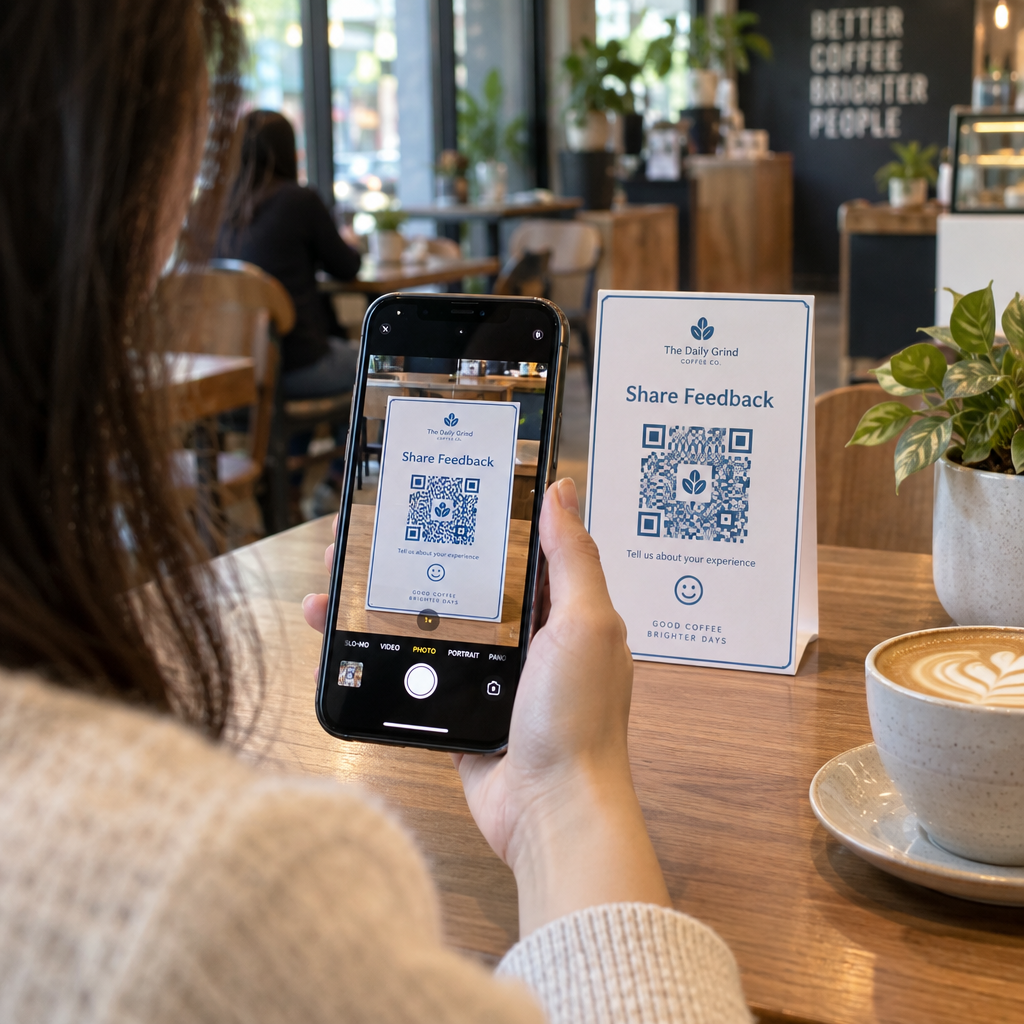
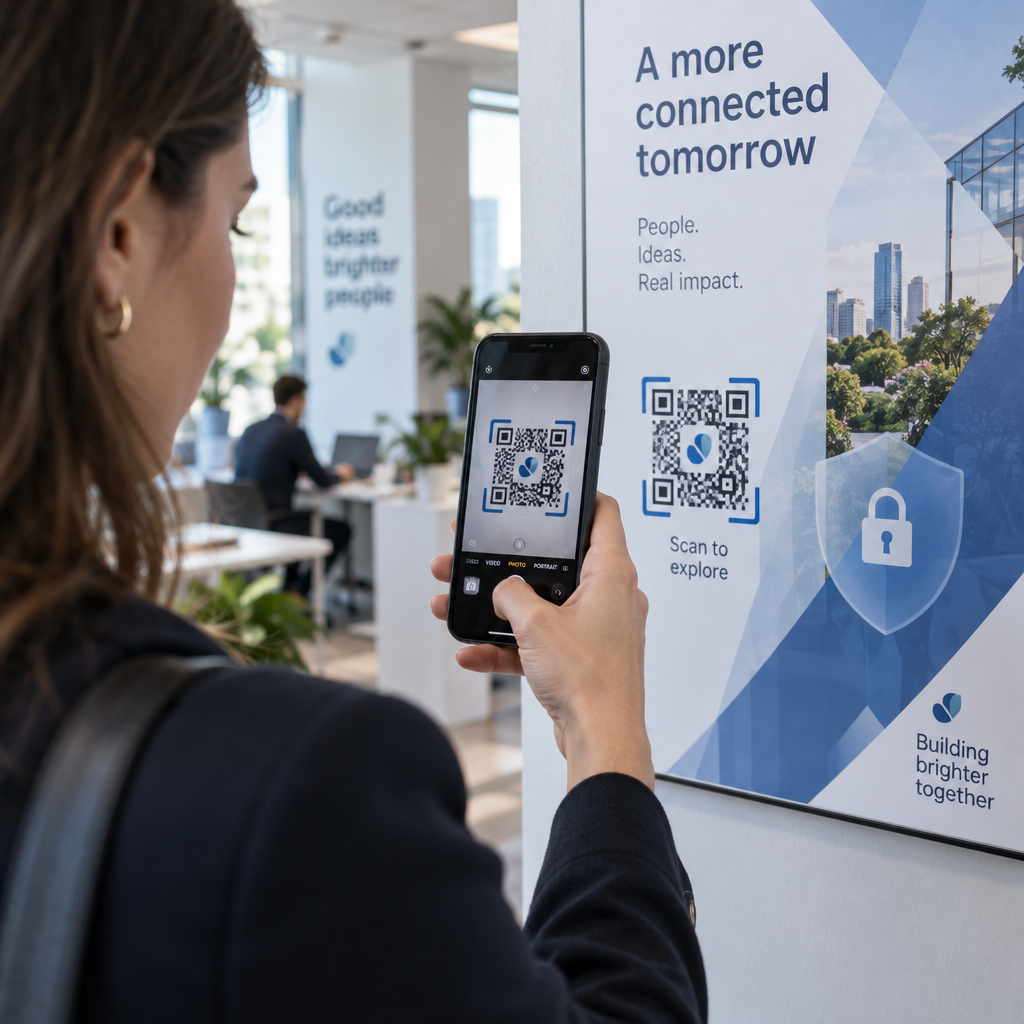
Upacara pengebumian menghimpunkan orang dari semua peringkat umur, ramai yang datang dari luar bandar, semuanya ingin menghormati seseorang yang mereka sayangi. Kod QR yang dicetak pada atur cara perkhidmatan, kad peringatan, atau program pengebumian memberikan setiap tetamu sambungan segera kepada kandungan yang lebih kaya – video penghormatan, galeri foto, obituari dalam talian, atau buku tetamu digital – tanpa memerlukan mereka mencari, menaip, atau meminta pautan.
Pemilikan telefon pintar meluas walaupun di kalangan orang dewasa yang lebih tua: 90% orang dewasa A.S. berumur 50–64 tahun dan 78% daripada mereka yang berumur 65 tahun ke atas memiliki satu. Ini bermakna sebahagian besar tetamu di upacara peringatan sudah dilengkapi untuk mengimbas kod QR menggunakan kamera terbina dalam telefon mereka, tanpa memerlukan aplikasi berasingan.
Selain kemudahan, kod QR menyelesaikan masalah koordinasi sebenar untuk keluarga yang menguruskan kehadiran secara bersemuka dan jarak jauh. Banyak rumah pengebumian kini menawarkan perkhidmatan strim langsung supaya ahli keluarga yang jauh dapat mengambil bahagian secara maya, dengan rakaman sering disimpan sebagai peringatan digital kekal. Kod QR pada kad cenderamata fizikal memberikan mereka yang hadir secara peribadi akses yang sama kepada rakaman itu lama selepas perkhidmatan berakhir – mengubah cenderamata bercetak menjadi sambungan yang berkekalan.
Apa yang Boleh Anda Pautkan Kod QR Peringatan Kepada
Jenis kod QR yang betul bergantung pada kandungan digital apa yang anda mahu tetamu capai. Berikut adalah kes penggunaan yang paling biasa untuk perkhidmatan peringatan.
Obituari dalam talian atau halaman penghormatan. Pautkan tetamu terus ke halaman peringatan di mana keluarga dan rakan-rakan boleh meninggalkan mesej, berkongsi foto, dan menyalakan lilin maya. Gunakan Penjana Kod QR Pautan untuk mengarahkan kod itu ke mana-mana URL, termasuk obituari yang dihoskan oleh rumah pengebumian atau platform peringatan khusus.
Video penghormatan atau peringatan. Video yang meraikan kehidupan seseorang adalah salah satu perkara paling bermakna yang boleh anda kongsi. Jika anda telah memuat naik penghormatan itu ke YouTube, Kod QR YouTube membolehkan tetamu mengimbas dan menonton terus dari telefon mereka. Untuk panduan lengkap, lihat panduan tentang cara membuat kod QR untuk video.
Program pengebumian digital atau atur cara perkhidmatan. Program bercetak adalah cenderamata tradisional, tetapi versi PDF boleh merangkumi lebih banyak – foto, lirik lagu, bacaan, kisah hidup penuh. Muat naik program anda dan jana kod dengan Cara buat QR code untuk dokumen PDF. Tetamu menyimpan kad fizikal; PDF memberikan mereka versi penuh untuk dilawati semula di rumah.
Galeri foto. Mengimbas membuka koleksi gambar yang merangkumi sepanjang hayat. Penjana gambar QR membolehkan anda membuat galeri yang boleh dikongsi yang boleh dilihat dan disimpan oleh tetamu dari telefon mereka.
Pelbagai pautan pada satu halaman. Jika anda mahu tetamu mengakses obituari, video penghormatan, album foto, dan pautan derma semuanya dari satu imbasan, Penjana Kod QR Pautan boleh membina halaman pendaratan mudah yang menyusun segala-galanya di satu tempat.
Kongsi Segala-galanya Dari Satu Imbasan Perlukan tetamu untuk mencapai video penghormatan, galeri foto, dan obituari dalam talian dari satu kod QR? Gunakan Penjana Kod QR Pautan untuk membina halaman pendaratan yang menyatukan semuanya.
Cara Membuat Kod QR untuk Upacara Peringatan
Membuat kod QR peringatan hanya mengambil masa beberapa minit. Berikut adalah proses dari awal hingga akhir.
Pertama, kumpulkan kandungan digital anda. Muat naik video penghormatan anda ke YouTube, hoskan program PDF anda, atau sahkan URL obituari dalam talian yang ingin anda pautkan. Seterusnya, pilih penjana yang betul untuk jenis kandungan anda – penjana PDF untuk dokumen, penjana YouTube untuk video, atau penjana pautan untuk mana-mana URL.

Setelah anda memilih penjana, tampal pautan atau muat naik fail dan alat itu akan mencipta kod yang boleh diimbas dengan serta-merta. Dari situ, sesuaikan penampilan: laraskan warna agar sepadan dengan estetika peringatan, kekalkan ia ringkas dengan hitam klasik di atas putih, atau tambah bingkai kecil dengan teks seperti “Imbas untuk melihat penghormatan” supaya tetamu tahu apa yang diharapkan. Apabila anda berpuas hati, muat turun kod itu dalam format sedia cetak – SVG, EPS, atau PDF – untuk percetakan resolusi tinggi pada program, kad peringatan, atau buletin perkhidmatan.
Sebelum apa-apa dicetak, uji kod itu sendiri pada kedua-dua peranti iPhone dan Android untuk mengesahkan ia membuka kandungan yang betul. Untuk panduan terperinci tentang menukar dokumen menjadi kod QR, lihat panduan tentang cara menukar fail kepada kod QR.
Cipta Kod QR Peringatan Anda Bersedia untuk bermula? Gunakan QR code generator percuma untuk mencipta kod dalam beberapa minit – tiada pengalaman teknikal diperlukan.
Mengapa Kod QR Dinamik Adalah Pilihan Yang Lebih Baik untuk Peringatan
Apabila merancang perkhidmatan di bawah tekanan masa, kesilapan berlaku. Pautan berubah, video dimuat naik semula, atau keluarga memutuskan untuk menukar platform obituari selepas program telah dicetak.
A kod QR dinamik menyelesaikan masalah ini dengan memisahkan kod yang dicetak daripada destinasi yang ditujunya. Kod itu sendiri tidak pernah berubah, tetapi halaman yang dituju kepada tetamu boleh dikemas kini pada bila-bila masa dari papan pemuka. Jika anda mencetak 200 program pengebumian dan kemudian mendapati pautan video penghormatan rosak, anda mengemas kini destinasi dalam beberapa saat – tiada pencetakan semula, tiada pembaziran, tiada pembetulan janggal pada perkhidmatan itu.
Kod QR dinamik juga menyediakan analitik imbasan: berapa ramai orang yang mengimbas kod itu, bila, dan dari mana. Untuk keluarga yang ingin memahami sejauh mana penghormatan dilihat, atau untuk perancang pengebumian yang menyelaraskan perkhidmatan untuk beberapa keluarga, data itu menawarkan pandangan bermakna tentang bagaimana tetamu terlibat dengan kandungan peringatan itu.
Yang Penjana dynamic QR code mengendalikan semua ini dari satu papan pemuka.
Edit Kod QR Peringatan Anda Selepas Mencetak Program dicetak sebelum memuktamadkan pautan video penghormatan? Dengan Kod QR Dinamik, anda boleh mengemas kini destinasi pada bila-bila masa – tiada pencetakan semula diperlukan.
Petua Reka Bentuk untuk Kod QR Peringatan
Penampilan penting dalam konteks pengebumian atau upacara peringatan. Kod QR yang direka dengan baik sebati secara hormat ke dalam bahan bercetak sambil kekal mudah diimbas. Ingatlah garis panduan praktikal ini.

- Gunakan kontras tinggi. Kod gelap pada latar belakang terang adalah kombinasi yang paling boleh dipercayai. Kod hitam pada kertas putih atau krim mengimbas secara konsisten merentasi semua peranti dan keadaan pencahayaan. Untuk panduan warna terperinci, lihat amalan terbaik kontras warna kod QR.
- Pastikan ia cukup besar. Cetak kod QR anda pada minimum 0.8 × 0.8 inci (kira-kira 2 × 2 cm) untuk pengimbasan jarak dekat. Pada program lipat atau kad peringatan, saiz 1 hingga 1.5 inci berfungsi dengan pasti untuk kebanyakan tetamu.
- Pelihara zon senyap. Tinggalkan margin yang jelas, tidak dicetak sekurang-kurangnya empat lebar modul di sekeliling kod pada semua sisi. Meletakkan teks atau sempadan hiasan terlalu dekat dengan tepi menyukarkan pengimbas untuk mengesan di mana kod bermula dan berakhir.
- Tambah label seruan bertindak. Satu baris pendek di bawah kod – “Imbas untuk menonton video penghormatan” atau “Imbas untuk melihat halaman peringatan” – membimbing tetamu yang mungkin tidak biasa dengan kod QR.
- Sertakan URL sebagai sandaran. Cetak pautan destinasi dalam teks kecil berhampiran kod supaya tetamu yang menghadapi kesukaran mengimbas, atau yang lebih suka menaip, masih boleh mengakses kandungan itu.
Untuk rujukan yang lebih lengkap mengenai saiz, zon senyap, dan kontras, lihat amalan terbaik untuk kebolehbacaan kod QR.
Di Mana Meletakkan Kod QR pada Upacara Peringatan
Penempatan menentukan sama ada tetamu benar-benar menggunakan kod itu. Jadual di bawah memetakan lokasi cetakan dan paparan biasa kepada kandungan yang paling sesuai di setiap satu.
| KEDUDUKAN | Apa yang Perlu Dipautkan |
|---|---|
| Susunan perkhidmatan atau program bercetak | Video penghormatan, versi digital program itu |
| Kad peringatan atau kad doa | Obituari dalam talian, galeri foto |
| Kad paparan gubahan bunga | Halaman derma peringatan, penghormatan dalam talian |
| Meja buku tetamu | Buku tetamu dalam talian atau halaman peringatan |
| Meja peringatan dengan gambar | Galeri foto, video kisah hidup |
| Pengumuman e-mel atau laman web peringatan | Semua di atas melalui halaman pendaratan berbilang pautan |
Untuk perkhidmatan dengan kedua-dua hadirin secara peribadi dan jauh, meletakkan kod QR secara menonjol dalam pengumuman e-mel memastikan ahli keluarga yang jauh dapat mengakses kandungan penghormatan yang sama seperti mereka yang hadir di dalam bilik itu.
Menjadikan Kandungan Peringatan Boleh Diakses oleh Semua Tetamu
Tidak setiap tetamu akan selesa mengimbas kod QR, dan kebolehcapaian penting dalam konteks ini lebih daripada kebanyakan. Beberapa langkah mudah memastikan tiada sesiapa yang ketinggalan.
- Paparkan URL di samping kod itu. Cetak alamat web penuh dalam teks yang boleh dibaca supaya tetamu boleh menaipnya ke dalam pelayar jika diperlukan.
- Berikan taklimat kepada pegawai atau ahli keluarga. Minta seseorang untuk membimbing tetamu secara lisan ke kod QR semasa perkhidmatan – sebutan ringkas seperti “program itu termasuk kod QR untuk melihat video penghormatan di rumah” menghilangkan sebarang keraguan.
- Pilih reka bentuk yang besar, kontras tinggi. Tetamu yang lebih tua dengan kamera telefon berkualiti rendah atau penglihatan yang berkurangan mendapat manfaat daripada kod yang lebih besar yang dicetak dengan kontras yang kuat antara kod dan latar belakangnya.
- Uji pada peranti yang lebih lama. Jika anda boleh meminjam telefon yang berusia tiga atau empat tahun, imbas kod itu padanya sebelum mencetak untuk mengesahkan ia berfungsi merentasi pelbagai perkakasan.
Pageloot Penyelesaian kod QR untuk setiap industri meliputi pertimbangan reka bentuk dan kebolehcapaian merentasi pelbagai persekitaran fizikal jika anda ingin meneroka kes penggunaan selanjutnya.
Kod QR pada kad peringatan atau program pengebumian mengubah cenderahati bercetak ringkas menjadi hubungan yang berkekalan kepada penghormatan, gambar-gambar, dan kata-kata yang dikongsi tentang kehidupan seseorang. Pilih kod dinamik supaya anda boleh mengemas kini destinasi dengan bebas selepas mencetak, saizkannya dengan betul untuk bahan yang dipaparkannya, kekalkan kontras yang tinggi, dan sentiasa sertakan URL sebagai sandaran. Apabila dilakukan dengan teliti, ia adalah salah satu perkara paling mudah yang boleh anda lakukan untuk menjadikan upacara peringatan terasa lengkap untuk setiap tetamu – sama ada mereka berada di dalam bilik atau berkabung dari jauh.
Mulakan dengan QR code generator percuma untuk membina kod QR peringatan pertama anda hari ini.
Soalan lazim
Ya, jika anda menggunakan kod QR dinamik. Kod dinamik menunjuk kepada URL ubah hala yang anda kawal dari papan pemuka. Jika pautan video penghormatan berubah atau anda memindahkan obituari ke platform yang berbeza, anda mengemas kini destinasi dan kod yang dicetak terus berfungsi tanpa sebarang pencetakan semula. Penjana Kod QR Dinamik membolehkan anda membuat perubahan ini serta-merta.
Jika video dihoskan di YouTube, gunakan Penjana Kod QR YouTube – salin pautan kongsi video, tampalkannya ke dalam penjana, dan kod itu akan membuka video secara langsung apabila diimbas. Jika video dihoskan di tempat lain, gunakan Penjana Kod QR Pautan dengan URL video langsung, atau jana kod dinamik melalui Penjana Kod QR Dinamik supaya anda boleh mengemas kini destinasi jika video itu pernah dialihkan.
Sentiasa cetak URL destinasi dalam teks kecil di samping kod QR supaya tetamu yang lebih suka menaip alamat boleh mengakses kandungan yang sama secara langsung. Bagi tetamu yang kurang selesa dengan telefon pintar, minta ahli keluarga atau pegawai upacara untuk menyebut kod itu secara ringkas semasa upacara. Menyediakan pelbagai laluan akses – kod QR, URL bercetak, dan e-mel langsung dengan pautan – memastikan semua orang boleh mencapai penghormatan itu tanpa mengira tahap keselesaan teknikal mereka.