Pianificare un memoriale mentre si gestisce il dolore è già abbastanza difficile – capire come condividere un necrologio, un video tributo o un programma funebre con gli ospiti non dovrebbe aggiungere a quel peso. Senza un semplice ponte tra materiali stampati e contenuti digitali, i tributi significativi spesso passano inosservati. Questa guida ti mostra esattamente come utilizzare i codici QR per collegare un servizio fisico con i ricordi digitali che contano di più.
Perché i codici QR hanno senso ai servizi commemorativi
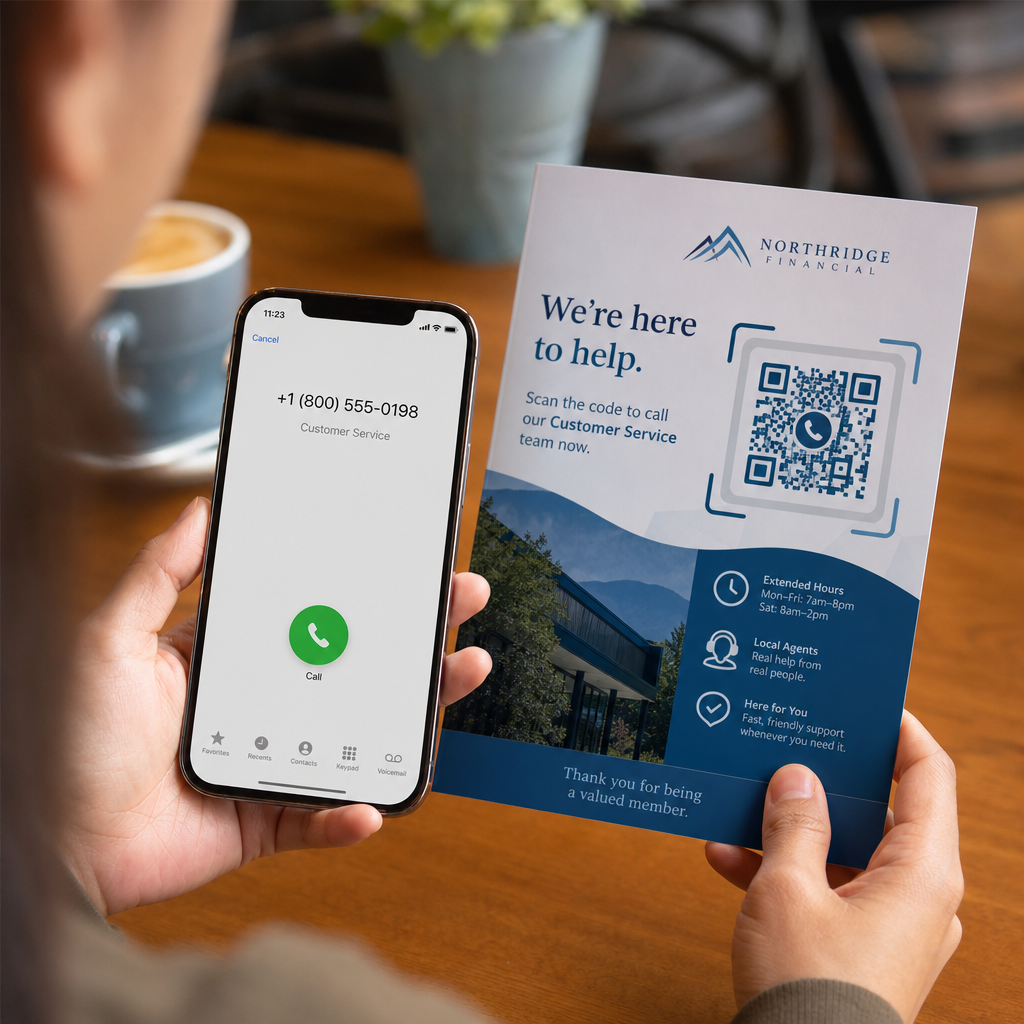
I servizi funebri riuniscono persone di tutte le età, molti in viaggio da fuori città, tutti desiderosi di onorare qualcuno che amano. Un codice QR stampato su un ordine di servizio, una cartolina commemorativa o un programma funebre offre a ogni ospite una connessione istantanea a contenuti più ricchi – un video tributo, una galleria fotografica, un necrologio online o un libro degli ospiti digitale – senza richiedere loro di cercare, digitare o chiedere un link.
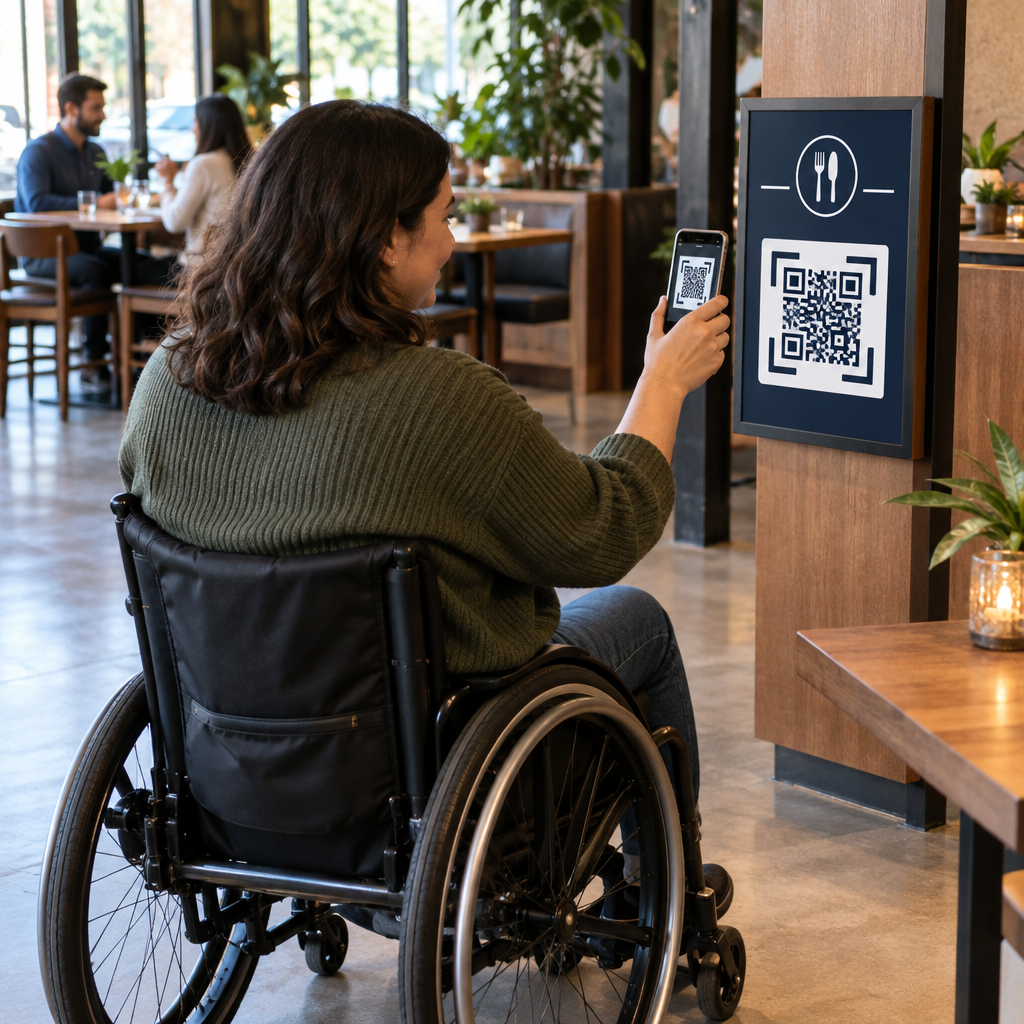
La proprietà di smartphone è diffusa anche tra gli adulti più anziani: il 90% degli adulti statunitensi di età compresa tra 50 e 64 anni e il 78% di quelli di 65 anni e oltre ne possiede uno. Ciò significa che la stragrande maggioranza degli ospiti a un servizio commemorativo è già attrezzata per scansionare un codice QR utilizzando la fotocamera integrata del proprio telefono, senza bisogno di un'app separata.
Oltre alla comodità, i codici QR risolvono un vero problema di coordinamento per le famiglie che gestiscono la partecipazione sia di persona che a distanza. Molte case funerarie ora offrono servizi in live streaming in modo che i membri della famiglia lontani possano partecipare virtualmente, con registrazioni spesso salvate come memoriale digitale permanente. Un codice QR su una cartolina ricordo fisica offre a coloro che partecipano di persona lo stesso accesso a quella registrazione molto tempo dopo la fine del servizio – trasformando un ricordo stampato in una connessione duratura.
A cosa puoi collegare un codice QR commemorativo
Il tipo giusto di codice QR dipende dal contenuto digitale che desideri che gli ospiti raggiungano. Ecco i casi d'uso più comuni per i servizi commemorativi.
Necrologio online o pagina tributo. Collega gli ospiti direttamente a una pagina commemorativa dove familiari e amici possono lasciare messaggi, condividere foto e accendere candele virtuali. Usa il Generatore di codici QR per link per puntare il codice a qualsiasi URL, incluso un necrologio ospitato da una casa funeraria o una piattaforma commemorativa dedicata.
Video tributo o commemorativo. Un video che celebra la vita di qualcuno è una delle cose più significative che puoi condividere. Se hai caricato il tributo su YouTube, il Generatore di QR code YouTube consente agli ospiti di scansionare e guardare direttamente dal proprio telefono. Per una guida completa, consulta la guida su Come creare un codice QR per un video.
Programma funebre digitale o ordine di servizio. Un programma stampato è un ricordo tradizionale, ma una versione PDF può includere di più – foto, testi di inni, letture, una storia di vita completa. Carica il tuo programma e genera un codice con il Generatore di QR code per PDF. Gli ospiti conservano la cartolina fisica; il PDF offre loro la versione completa da rivedere a casa.
Galleria fotografica. La scansione apre una collezione di fotografie che abbracciano una vita intera. Il Generatore di QR code immagine ti consente di creare una galleria condivisibile che gli ospiti possono visualizzare e salvare dai loro telefoni.
Più link su una pagina. Se desideri che gli ospiti accedano al necrologio, al video tributo, all'album fotografico e a un link per le donazioni, tutto da una singola scansione, il Generatore di codici QR per link può costruire una semplice landing page che organizza tutto in un unico posto.
Condividi tutto da una singola scansione Hai bisogno che gli ospiti raggiungano il video tributo, la galleria fotografica e il necrologio online da un unico codice QR? Usa il Generatore di codici QR per link per costruire una landing page che riunisce tutto.
Come creare un codice QR per un servizio commemorativo
Creare un codice QR commemorativo richiede solo pochi minuti. Ecco il processo dall'inizio alla fine.
Innanzitutto, raccogli i tuoi contenuti digitali. Carica il tuo video tributo su YouTube, ospita il tuo programma PDF o conferma l'URL del necrologio online a cui vuoi collegarti. Successivamente, scegli il generatore giusto per il tuo tipo di contenuto – il generatore PDF per i documenti, il generatore YouTube per i video o il generatore di link per qualsiasi URL.

Una volta selezionato un generatore, incolla il link o carica il file e lo strumento crea immediatamente un codice scansionabile. Da lì, personalizza l'aspetto: regola i colori per abbinarli all'estetica del memoriale, mantienilo semplice con il classico nero su bianco, o aggiungi una piccola cornice con testo come “Scansiona per vedere il tributo” in modo che gli ospiti sappiano cosa aspettarsi. Quando sei soddisfatto, scarica il codice in un formato pronto per la stampa – SVG, EPS o PDF – per la stampa ad alta risoluzione su programmi, cartoline commemorative o bollettini di servizio.
Prima che qualcosa vada in stampa, testa tu stesso il codice sia su un dispositivo iPhone che Android per confermare che apra il contenuto corretto. Per una guida dettagliata sulla conversione di un documento in un codice QR, consulta la guida su Come convertire un file in un QR code.
Crea il tuo codice QR commemorativo Pronto per iniziare? Usa il Generatore di QR code gratis per creare un codice in pochi minuti – nessuna esperienza tecnica necessaria.
Perché i codici QR dinamici sono la scelta migliore per i memoriali
Quando si pianifica un servizio sotto pressione di tempo, possono accadere errori. Un link cambia, un video viene ricaricato, o la famiglia decide di cambiare piattaforma per i necrologi dopo che i programmi sono già stati stampati.
UN codice QR dinamico risolve questo problema separando il codice stampato dalla destinazione a cui punta. Il codice stesso non cambia mai, ma la pagina a cui indirizza gli ospiti può essere aggiornata in qualsiasi momento da una dashboard. Se hai stampato 200 programmi funebri e in seguito scopri che il link al video tributo è rotto, aggiorni la destinazione in pochi secondi – nessuna ristampa, nessuno spreco, nessuna correzione imbarazzante durante il servizio.
I codici QR dinamici forniscono anche analisi delle scansioni: quante persone hanno scansionato il codice, quando e da dove. Per le famiglie che vogliono capire quanto ampiamente è stato visualizzato un tributo, o per gli organizzatori di funerali che coordinano servizi per più famiglie, quei dati offrono un'intuizione significativa su come gli ospiti hanno interagito con il contenuto commemorativo.
Il sito Generatore di QR code dinamici gestisce tutto questo da un'unica dashboard.
Modifica il tuo codice QR commemorativo dopo la stampa Programmi stampati prima di finalizzare il link al video tributo? Con un Codice QR dinamico, puoi aggiornare la destinazione in qualsiasi momento – nessuna ristampa richiesta.
Consigli di design per i codici QR commemorativi
L'aspetto è importante nel contesto di un servizio funebre o commemorativo. Un codice QR ben progettato si integra rispettosamente nei materiali stampati pur rimanendo facile da scansionare. Tieni a mente queste linee guida pratiche.

- Usa un contrasto elevato. Un codice scuro su uno sfondo chiaro è la combinazione più affidabile. Un codice nero su carta bianca o crema scansiona in modo coerente su tutti i dispositivi e in tutte le condizioni di illuminazione. Per una guida dettagliata sui colori, vedi migliori pratiche di contrasto cromatico dei codici QR.
- Mantienilo abbastanza grande. Stampa il tuo codice QR con una dimensione minima di 0,8 × 0,8 pollici (circa 2 × 2 cm) per la scansione a distanza ravvicinata. Su un programma piegato o una cartolina commemorativa, una dimensione di 1 a 1,5 pollici funziona in modo affidabile per la maggior parte degli ospiti.
- Preserva la zona di silenzio. Lascia un margine chiaro, non stampato, di almeno quattro larghezze di modulo intorno al codice su tutti i lati. Posizionare testo o bordi decorativi troppo vicino ai bordi rende più difficile per gli scanner rilevare dove il codice inizia e finisce.
- Aggiungi un'etichetta di invito all'azione. Una breve riga sotto il codice – “Scansiona per guardare il video tributo” o “Scansiona per visualizzare la pagina commemorativa” – guida gli ospiti che potrebbero non avere familiarità con i codici QR.
- Includi l'URL come soluzione di riserva. Stampa il link di destinazione in piccolo testo vicino al codice così gli ospiti che hanno difficoltà a scansionare, o che preferiscono digitare, possono comunque accedere al contenuto.
Per un riferimento più completo su dimensionamento, zone di silenzio e contrasto, vedi il le migliori pratiche per la leggibilità dei codici QR.
Dove posizionare i codici QR a un servizio commemorativo
Il posizionamento determina se gli ospiti utilizzano effettivamente il codice. La tabella seguente mappa le posizioni comuni di stampa e visualizzazione al contenuto che funziona meglio in ciascuna di esse.
| posizionamento | Cosa collegare |
|---|---|
| Ordine di servizio stampato o programma | Video tributo, versione digitale del programma |
| Cartolina commemorativa o santino | Necrologio online, galleria fotografica |
| Cartellino per composizione floreale | Pagina di donazione commemorativa, tributo online |
| Tavolo del libro degli ospiti | Libro degli ospiti online o pagina commemorativa |
| Tavolo commemorativo con fotografie | Galleria fotografica, video della storia di vita |
| Annuncio via email o sito web commemorativo | Tutto quanto sopra tramite una landing page multi-link |
Per i servizi con partecipanti sia di persona che a distanza, posizionare il codice QR in modo prominente negli annunci via email assicura che i membri della famiglia lontani possano accedere allo stesso contenuto tributo di coloro che erano presenti nella stanza.
Rendere accessibile il contenuto commemorativo a tutti gli ospiti
Non tutti gli ospiti si sentiranno a proprio agio a scansionare un codice QR, e l'accessibilità è importante in questo contesto più che nella maggior parte. Pochi semplici passaggi assicurano che nessuno venga escluso.
- Visualizza l'URL accanto al codice. Stampa l'indirizzo web completo in testo leggibile così gli ospiti possono digitarlo in un browser se necessario.
- Informa l'officiante o un membro della famiglia. Chiedi a qualcuno di guidare verbalmente gli ospiti al codice QR durante il servizio – una semplice menzione come “il programma include un codice QR per visualizzare il video tributo a casa” rimuove ogni esitazione.
- Scegli design grandi e ad alto contrasto. Gli ospiti più anziani con fotocamere di telefoni di qualità inferiore o visione ridotta beneficiano di codici più grandi stampati con un forte contrasto tra il codice e il suo sfondo.
- Testa su un dispositivo più vecchio. Se puoi prendere in prestito un telefono che ha tre o quattro anni, scansiona il codice su di esso prima di stampare per confermare che funziona su una vasta gamma di hardware.
Pageloot Soluzioni di codici QR per ogni settore copre considerazioni sul design e sull'accessibilità in una serie di ambienti fisici se vuoi esplorare ulteriori casi d'uso.
Un codice QR su una cartolina commemorativa o un programma funebre trasforma un semplice ricordo stampato in una connessione duratura al tributo, alle fotografie e alle parole condivise sulla vita di qualcuno. Scegli un codice dinamico così puoi aggiornare liberamente la destinazione dopo la stampa, dimensiona correttamente per il materiale su cui appare, mantieni il contrasto elevato e includi sempre l'URL come soluzione di riserva. Se fatto con attenzione, è una delle cose più semplici che puoi fare per far sentire completo un servizio commemorativo per ogni ospite – sia che siano nella stanza o in lutto a distanza.
Inizia con il Generatore di QR code gratis per creare il tuo primo codice QR commemorativo oggi.
Domande frequenti
Sì, se usi un codice QR dinamico. I codici dinamici puntano a un URL di reindirizzamento che controlli da una dashboard. Se il link del video tributo cambia o sposti il necrologio su una piattaforma diversa, aggiorni la destinazione e il codice stampato continua a funzionare senza alcuna ristampa. Il Generatore di Codici QR Dinamici ti permette di apportare queste modifiche istantaneamente.
Se il video è ospitato su YouTube, usa il Generatore di codici QR di YouTube – copia il link di condivisione del video, incollalo nel generatore e il codice aprirà il video direttamente quando scansionato. Se il video è ospitato altrove, usa il Generatore di codici QR per link con l'URL diretto del video, o genera un codice dinamico tramite il Generatore di codici QR dinamici così puoi aggiornare la destinazione se il video viene mai spostato.
Stampa sempre l'URL di destinazione in piccolo accanto al codice QR, in modo che gli invitati che preferiscono digitare l'indirizzo possano accedere direttamente allo stesso contenuto. Per gli invitati meno a loro agio con gli smartphone, chiedi a un membro della famiglia o all'officiante di menzionare brevemente il codice durante il servizio. Fornire più percorsi di accesso – codice QR, URL stampato e un'e-mail diretta con il link – assicura che tutti possano raggiungere il tributo indipendentemente dal loro livello di comfort tecnico.