Planificar un memorial mientras se gestiona el duelo ya es bastante difícil – averiguar cómo compartir un obituario, un video de homenaje o un programa funerario con los invitados no debería añadir a esa carga. Sin un puente simple entre los materiales impresos y el contenido digital, los homenajes significativos a menudo pasan desapercibidos. Esta guía le muestra exactamente cómo usar códigos QR para conectar un servicio físico con los recuerdos digitales que más importan.
Por qué los códigos QR tienen sentido en los servicios conmemorativos
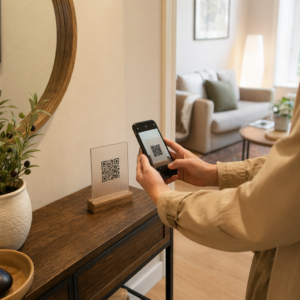
Los servicios funerarios reúnen a personas de todas las edades, muchas viajando desde fuera de la ciudad, todas queriendo honrar a alguien a quien aman. Un código QR impreso en un orden de servicio, una tarjeta conmemorativa o un programa funerario le da a cada invitado una conexión instantánea a contenido más rico – un video de homenaje, una galería de fotos, un obituario en línea o un libro de visitas digital – sin requerirles buscar, escribir o pedir un enlace.
La propiedad de teléfonos inteligentes está muy extendida incluso entre los adultos mayores: el 90% de los adultos estadounidenses de 50 a 64 años y el 78% de los de 65 años o más poseen uno. Eso significa que la gran mayoría de los invitados a un servicio conmemorativo ya están equipados para escanear un código QR usando la cámara incorporada de su teléfono, sin necesidad de una aplicación separada.
Más allá de la conveniencia, los códigos QR resuelven un problema real de coordinación para las familias que gestionan la asistencia tanto en persona como a distancia. Muchas funerarias ahora ofrecen servicios transmitidos en vivo para que los miembros de la familia lejanos puedan participar virtualmente, con grabaciones a menudo guardadas como un memorial digital permanente. Un código QR en una tarjeta de recuerdo física les da a quienes asisten en persona el mismo acceso a esa grabación mucho después de que termine el servicio – convirtiendo un recuerdo impreso en una conexión duradera.
A qué puede vincular un código QR conmemorativo
El tipo correcto de código QR depende del contenido digital al que desea que accedan los invitados. Aquí están los casos de uso más comunes para los servicios conmemorativos.
Obituario en línea o página de homenaje. Vincule a los invitados directamente a una página conmemorativa donde familiares y amigos pueden dejar mensajes, compartir fotos y encender velas virtuales. Use el Generador de códigos QR de enlace para dirigir el código a cualquier URL, incluyendo un obituario alojado por una funeraria o una plataforma conmemorativa dedicada.
Video de homenaje o conmemorativo. Un video que celebra la vida de alguien es una de las cosas más significativas que puede compartir. Si ha subido el homenaje a YouTube, el Generador de código QR de YouTube permite a los invitados escanear y ver directamente desde su teléfono. Para una explicación completa, consulte la guía sobre cómo hacer un código QR para un video.
Programa funerario digital u orden de servicio. Un programa impreso es un recuerdo tradicional, pero una versión en PDF puede incluir más – fotos, letras de himnos, lecturas, una historia de vida completa. Suba su programa y genere un código con el Generador de código QR para PDF. Los invitados conservan la tarjeta física; el PDF les da la versión completa para volver a ver en casa.
Galería de fotos. Escanear abre una colección de fotografías que abarcan toda una vida. El Generador de código QR con imagen le permite crear una galería compartible que los invitados pueden ver y guardar desde sus teléfonos.
Múltiples enlaces en una página. Si desea que los invitados accedan al obituario, al video de homenaje, al álbum de fotos y a un enlace de donación, todo desde un solo escaneo, el Generador de códigos QR de enlace puede construir una página de destino simple que organice todo en un solo lugar.
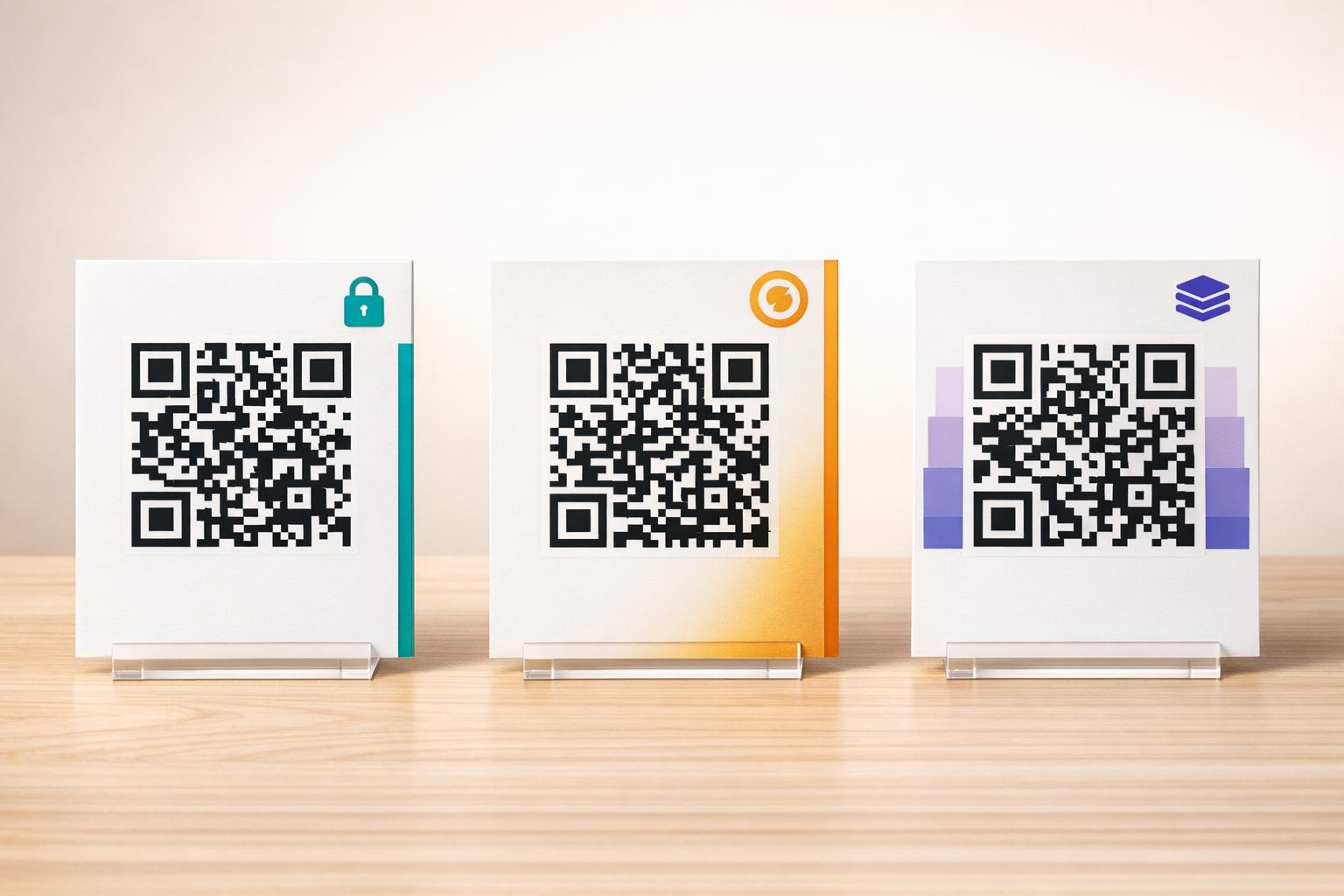
Comparta todo desde un solo escaneo ¿Necesita que los invitados accedan al video de homenaje, la galería de fotos y el obituario en línea desde un solo código QR? Use el Generador de códigos QR de enlace para construir una página de destino que lo reúna todo.
Cómo crear un código QR para un servicio conmemorativo
Crear un código QR conmemorativo toma solo unos minutos. Aquí está el proceso de principio a fin.
Primero, reúna su contenido digital. Suba su video de homenaje a YouTube, aloje su programa en PDF o confirme la URL del obituario en línea al que desea vincular. Luego, elija el generador adecuado para su tipo de contenido – el generador de PDF para documentos, el generador de YouTube para videos o el generador de enlaces para cualquier URL.

Una vez que haya seleccionado un generador, pegue el enlace o suba el archivo y la herramienta creará un código escaneable inmediatamente. A partir de ahí, personalice la apariencia: ajuste los colores para que coincidan con la estética del memorial, manténgalo simple con el clásico negro sobre blanco, o añada un pequeño marco con texto como “Escanear para ver homenaje” para que los invitados sepan qué esperar. Cuando esté satisfecho, descargue el código en un formato listo para imprimir – SVG, EPS o PDF – para impresión de alta resolución en programas, tarjetas conmemorativas o boletines de servicio.
Antes de que algo se imprima, pruebe el código usted mismo tanto en un iPhone como en un dispositivo Android para confirmar que abre el contenido correcto. Para una explicación detallada de cómo convertir un documento en un código QR, consulte la guía sobre Cómo convertir un archivo en un código QR.
Cree su código QR conmemorativo ¿Listo para empezar? Usa el Generador de códigos QR gratis para crear un código en minutos – no se necesita experiencia técnica.
Por qué los Códigos QR Dinámicos Son la Mejor Opción para Memoriales
Al planificar un servicio bajo presión de tiempo, ocurren errores. Un enlace cambia, un video se vuelve a subir, o la familia decide cambiar de plataforma de obituarios después de que los programas ya se hayan impreso.
UNA código QR dinámico resuelve esto separando el código impreso del destino al que apunta. El código en sí nunca cambia, pero la página a la que dirige a los invitados se puede actualizar en cualquier momento desde un panel de control. Si imprimiste 200 programas funerarios y luego descubres que el enlace del video de homenaje está roto, actualizas el destino en segundos – sin reimpresiones, sin desperdicio, sin correcciones incómodas en el servicio.
Los códigos QR dinámicos también proporcionan análisis de escaneo: cuántas personas escanearon el código, cuándo y desde dónde. Para las familias que quieren entender qué tan ampliamente se vio un homenaje, o para los planificadores de funerales que coordinan servicios para múltiples familias, esos datos ofrecen una visión significativa de cómo los invitados interactuaron con el contenido conmemorativo.
El Generador de códigos QR dinámicos maneja todo esto desde un solo panel de control.
Edita tu Código QR Conmemorativo Después de Imprimir ¿Programas impresos antes de finalizar el enlace del video de homenaje? Con un Código QR dinámico, puedes actualizar el destino en cualquier momento – no se requiere reimpresión.
Consejos de Diseño para Códigos QR Conmemorativos
La apariencia importa en el contexto de un servicio funerario o conmemorativo. Un código QR bien diseñado se integra respetuosamente en los materiales impresos mientras sigue siendo fácil de escanear. Ten en cuenta estas pautas prácticas.

- Usa alto contraste. Un código oscuro sobre un fondo claro es la combinación más fiable. Un código negro sobre papel blanco o crema se escanea de forma consistente en todos los dispositivos y condiciones de iluminación. Para una guía de color detallada, consulta mejores prácticas de contraste de color de códigos QR.
- Mantenlo lo suficientemente grande. Imprime tu código QR con un mínimo de 0.8 × 0.8 pulgadas (aproximadamente 2 × 2 cm) para escaneo a corta distancia. En un programa plegado o tarjeta conmemorativa, un tamaño de 1 a 1.5 pulgadas funciona de manera fiable para la mayoría de los invitados.
- Preserva la zona de silencio. Deja un margen claro y sin imprimir de al menos cuatro anchos de módulo alrededor del código por todos los lados. Colocar texto o bordes decorativos demasiado cerca de los bordes dificulta que los escáneres detecten dónde comienza y termina el código.
- Añade una etiqueta de llamada a la acción. Una línea corta debajo del código – “Escanea para ver el video de homenaje” o “Escanea para ver la página conmemorativa” – guía a los invitados que quizás no estén familiarizados con los códigos QR.
- Incluye la URL como alternativa. Imprime el enlace de destino en texto pequeño cerca del código para que los invitados que tengan dificultades para escanear, o que prefieran escribir, aún puedan acceder al contenido.
Para una referencia más completa sobre el tamaño, las zonas de silencio y el contraste, consulta el las mejores prácticas para la legibilidad de los códigos QR.
Dónde Colocar Códigos QR en un Servicio Conmemorativo
La ubicación determina si los invitados realmente usan el código. La tabla a continuación mapea las ubicaciones comunes de impresión y visualización al contenido que funciona mejor en cada una.
| UBICACIÓN DEL CÓDIGO | Qué Enlazar |
|---|---|
| Orden de servicio o programa impreso | Video de homenaje, versión digital del programa |
| Tarjeta conmemorativa o tarjeta de oración | Obituario en línea, galería de fotos |
| Tarjeta de exhibición de arreglo floral | Página de donación conmemorativa, homenaje en línea |
| Mesa del libro de visitas | Libro de visitas en línea o página conmemorativa |
| Mesa conmemorativa con fotografías | Galería de fotos, video de historia de vida |
| Anuncio por correo electrónico o sitio web conmemorativo | Todo lo anterior a través de una página de destino con múltiples enlaces |
Para servicios con asistentes tanto presenciales como remotos, colocar el código QR de manera destacada en los anuncios enviados por correo electrónico asegura que los miembros de la familia lejanos puedan acceder al mismo contenido de homenaje que aquellos que estuvieron presentes en la sala.
Hacer el Contenido Conmemorativo Accesible para Todos los Invitados
No todos los invitados se sentirán cómodos escaneando un código QR, y la accesibilidad importa en este contexto más que en la mayoría. Unos pocos pasos sencillos aseguran que nadie se quede fuera.
- Muestra la URL junto al código. Imprime la dirección web completa en texto legible para que los invitados puedan escribirla en un navegador si es necesario.
- Informa al oficiante o a un miembro de la familia. Pide a alguien que guíe verbalmente a los invitados al código QR durante el servicio – una simple mención como “el programa incluye un código QR para ver el video de homenaje en casa” elimina cualquier duda.
- Elige diseños grandes y de alto contraste. Los invitados mayores con cámaras de teléfono de menor calidad o visión reducida se benefician de códigos más grandes impresos con un fuerte contraste entre el código y su fondo.
- Prueba en un dispositivo antiguo. Si puedes pedir prestado un teléfono de tres o cuatro años, escanea el código en él antes de imprimir para confirmar que funciona en una variedad de hardware.
De Pageloot Soluciones de códigos QR para cada industria cubre consideraciones de diseño y accesibilidad en una variedad de entornos físicos si desea explorar más casos de uso.
Un código QR en una tarjeta conmemorativa o programa funerario convierte un simple recuerdo impreso en una conexión duradera con el tributo, las fotografías y las palabras compartidas sobre la vida de alguien. Elija un código dinámico para que pueda actualizar el destino libremente después de la impresión, ajústelo correctamente al material en el que aparece, mantenga el contraste alto e incluya siempre la URL como respaldo. Cuando se hace con consideración, es una de las cosas más sencillas que puede hacer para que un servicio conmemorativo se sienta completo para cada invitado, ya sea que estén en la sala o de luto desde la distancia.
Empiece con el Generador de códigos QR gratis para construir su primer código QR conmemorativo hoy.
Preguntas frecuentes
Sí, si usa un código QR dinámico. Los códigos dinámicos apuntan a una URL de redireccionamiento que usted controla desde un panel de control. Si el enlace del video de homenaje cambia o usted mueve el obituario a una plataforma diferente, usted actualiza el destino y el código impreso sigue funcionando sin necesidad de reimpresión. El Generador de Códigos QR Dinámicos le permite realizar estos cambios al instante.
Si el video está alojado en YouTube, use el Generador de códigos QR de YouTube – copie el enlace para compartir del video, péguelo en el generador y el código abrirá el video directamente cuando se escanee. Si el video está alojado en otro lugar, use el Generador de códigos QR de enlace con la URL directa del video, o genere un código dinámico a través del Generador de códigos QR dinámicos para que pueda actualizar el destino si el video se mueve alguna vez.
Siempre imprima la URL de destino en texto pequeño junto al código QR para que los invitados que prefieran escribir la dirección puedan acceder al mismo contenido directamente. Para los invitados menos cómodos con los teléfonos inteligentes, pida a un miembro de la familia o al oficiante que mencione brevemente el código durante el servicio. Proporcionar múltiples vías de acceso – código QR, URL impresa y un correo electrónico directo con el enlace – asegura que todos puedan acceder al homenaje independientemente de su nivel de comodidad técnica.