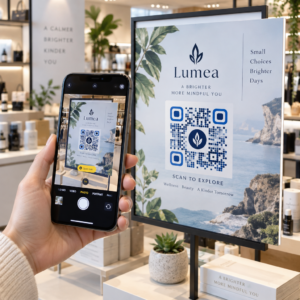
Plánovanie spomienkovej udalosti popri zvládaní smútku je dosť ťažké – zisťovanie, ako zdieľať parte, spomienkové video alebo smútočný program s hosťami by nemalo pridávať k tomuto bremenu. Bez jednoduchého prepojenia medzi tlačenými materiálmi a digitálnym obsahom zostávajú zmysluplné pocty často nepovšimnuté. Táto príručka vám presne ukáže, ako používať QR kódy na prepojenie fyzickej služby s digitálnymi spomienkami, ktoré sú najdôležitejšie.
Prečo QR kódy dávajú zmysel na spomienkových obradoch
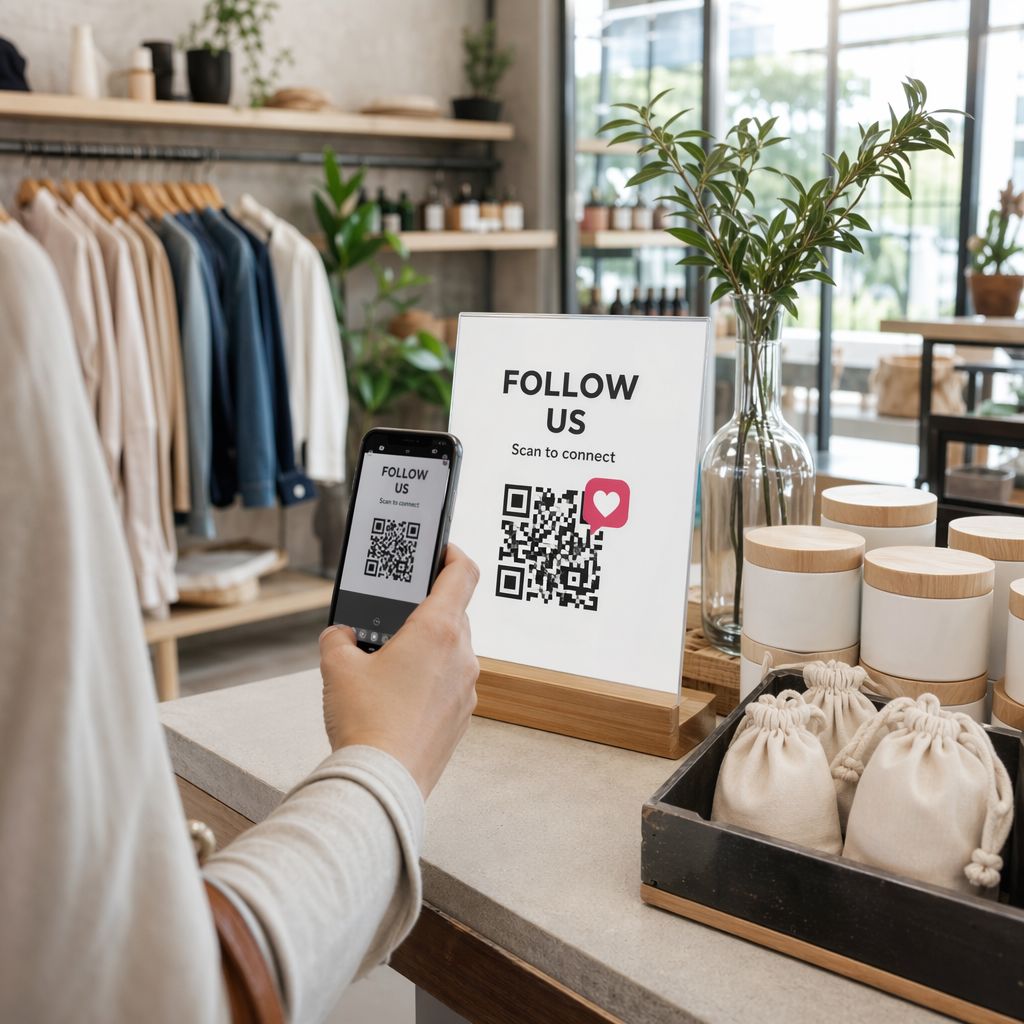
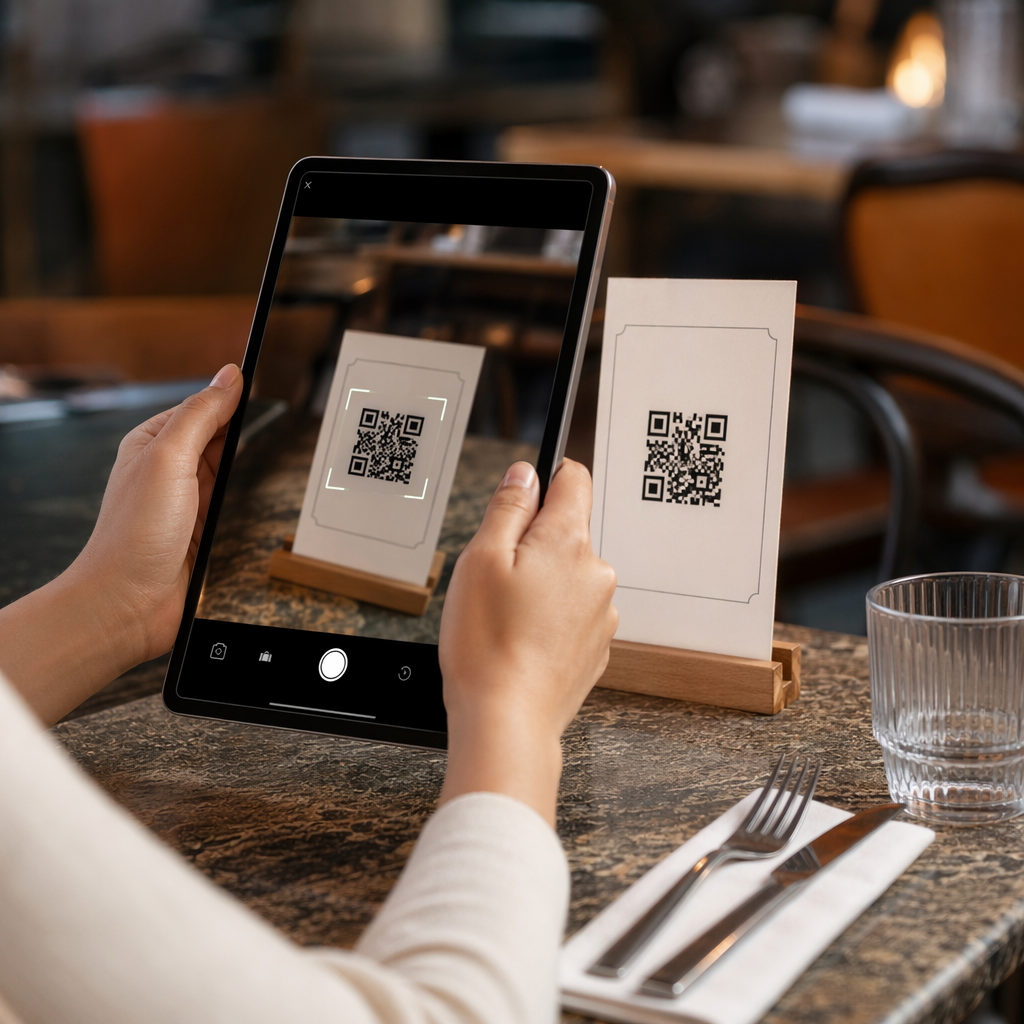
Pohrebné služby spájajú ľudí všetkých vekových kategórií, mnohí cestujúci z iného mesta, všetci chcúci uctiť si niekoho, koho milujú. QR kód vytlačený na smútočnom poriadku, spomienkovej karte alebo smútočnom programe poskytuje každému hosťovi okamžité prepojenie s bohatším obsahom – spomienkovým videom, fotogalériou, online parte alebo digitálnou kondolenčnou knihou – bez toho, aby museli hľadať, písať alebo žiadať o odkaz.
Vlastníctvo smartfónov je rozšírené aj medzi staršími dospelými: 90% dospelých v USA vo veku 50–64 rokov a 78% tých, ktorí majú 65 a viac rokov, vlastnia jeden. To znamená, že drvivá väčšina hostí na spomienkovej udalosti je už vybavená na skenovanie QR kódu pomocou vstavanej kamery svojho telefónu, bez potreby samostatnej aplikácie.
Okrem pohodlia, QR kódy riešia skutočný koordinačný problém pre rodiny, ktoré spravujú osobnú aj vzdialenú účasť. Mnohé pohrebné ústavy teraz ponúkajú živé prenosy služieb, aby sa vzdialení členovia rodiny mohli zúčastniť virtuálne, pričom nahrávky sú často uložené ako trvalá digitálna spomienka. QR kód na fyzickej spomienkovej karte poskytuje tým, ktorí sa zúčastnia osobne, rovnaký prístup k tejto nahrávke dlho po skončení služby – premieňajúc tlačenú pamiatku na trvalé spojenie.
Na čo môžete prepojiť spomienkový QR kód
Správny typ QR kódu závisí od toho, k akému digitálnemu obsahu chcete, aby sa hostia dostali. Tu sú najbežnejšie prípady použitia pre spomienkové služby.
Online parte alebo spomienková stránka. Prepojte hostí priamo na spomienkovú stránku, kde môžu rodina a priatelia zanechať správy, zdieľať fotografie a zapáliť virtuálne sviečky. Použite Generátor QR kódov pre odkazy na nasmerovanie kódu na akúkoľvek URL adresu, vrátane parte hosteného pohrebným ústavom alebo špecializovanou spomienkovou platformou.
Spomienkové alebo pamätné video. Video oslavujúce život niekoho je jednou z najzmysluplnejších vecí, ktoré môžete zdieľať. Ak ste nahrali poctu na YouTube, QR kód YouTube: generátor umožňuje hosťom skenovať a sledovať priamo z ich telefónu. Pre kompletný návod si pozrite príručku o tom, ako vytvoriť QR kód pre video.
Digitálny smútočný program alebo poriadok služby. Tlačený program je tradičná pamiatka, ale verzia PDF môže obsahovať viac – fotografie, texty hymien, čítania, kompletný životný príbeh. Nahrajte svoj program a vygenerujte kód pomocou PDF QR kód generátor. Hostia si ponechajú fyzickú kartu; PDF im poskytne plnú verziu, ktorú si môžu doma znova pozrieť.
Fotogaléria. Skenovanie otvorí zbierku fotografií pokrývajúcich celý život. QR kód tvorba: generátor QR kódu pre obrázok vám umožní vytvoriť zdieľateľnú galériu, ktorú si hostia môžu prezerať a ukladať zo svojich telefónov.
Viacero odkazov na jednej stránke. Ak chcete, aby hostia mali prístup k parte, spomienkovému videu, fotoalbumu a odkazu na darovanie všetko z jedného skenovania, Generátor QR kódov pre odkazy môže vytvoriť jednoduchú vstupnú stránku, ktorá usporiada všetko na jednom mieste.
Zdieľajte všetko z jedného skenovania Potrebujete, aby sa hostia dostali k spomienkovému videu, fotogalérii a online parte z jedného QR kódu? Použite Generátor QR kódov pre odkazy na vytvorenie vstupnej stránky, ktorá to všetko spojí.
Ako vytvoriť QR kód pre spomienkovú udalosť
Vytvorenie spomienkového QR kódu trvá len niekoľko minút. Tu je proces od začiatku do konca.
Najprv zhromaždite svoj digitálny obsah. Nahrajte svoje spomienkové video na YouTube, hostujte svoj PDF program alebo potvrďte URL online parte, na ktoré chcete odkazovať. Ďalej si vyberte správny generátor pre váš typ obsahu – generátor PDF pre dokumenty, generátor YouTube pre videá alebo generátor odkazov pre akúkoľvek URL adresu.

Keď si vyberiete generátor, vložte odkaz alebo nahrajte súbor a nástroj okamžite vytvorí skenovateľný kód. Odtiaľ si prispôsobte vzhľad: upravte farby tak, aby zodpovedali estetike spomienkovej udalosti, udržujte ho jednoduchý s klasickou čiernou na bielom, alebo pridajte malý rámik s textom ako “Naskenujte pre zobrazenie pocty”, aby hostia vedeli, čo očakávať. Keď ste spokojní, stiahnite si kód vo formáte pripravenom na tlač – SVG, EPS alebo PDF – pre vysokokvalitnú tlač na programy, spomienkové karty alebo oznamy o službe.
Predtým, ako sa čokoľvek vytlačí, otestujte kód sami na iPhone aj na zariadení Android, aby ste potvrdili, že otvára správny obsah. Pre podrobný návod na konverziu dokumentu na QR kód si pozrite príručku o tom, ako previesť súbor na QR kód.
Vytvorte si svoj spomienkový QR kód Pripravení začať? Použite Generátor QR kódov zadarmo na vytvorenie kódu za pár minút – nie sú potrebné žiadne technické skúsenosti.
Prečo sú dynamické QR kódy lepšou voľbou pre spomienkové podujatia
Pri plánovaní služby pod časovým tlakom sa stávajú chyby. Odkaz sa zmení, video sa znova nahrá, alebo sa rodina rozhodne zmeniť platformu pre nekrológy po tom, čo boli programy už vytlačené.
A dynamický QR kód to rieši oddelením vytlačeného kódu od cieľa, na ktorý odkazuje. Samotný kód sa nikdy nemení, ale stránka, na ktorú smeruje hostí, môže byť kedykoľvek aktualizovaná z ovládacieho panela. Ak ste vytlačili 200 smútočných programov a neskôr zistíte, že odkaz na spomienkové video je nefunkčný, aktualizujete cieľ za pár sekúnd – žiadna pretlač, žiadny odpad, žiadne nepríjemné opravy na obrade.
Dynamické QR kódy tiež poskytujú analytiku skenovania: koľko ľudí naskenovalo kód, kedy a odkiaľ. Pre rodiny, ktoré chcú pochopiť, ako široko bola pocta videná, alebo pre organizátorov pohrebov koordinujúcich služby pre viacero rodín, tieto údaje ponúkajú zmysluplný pohľad na to, ako hostia interagovali so spomienkovým obsahom.
Ten Dynamický QR kód generátor toto všetko spravuje z jedného ovládacieho panela.
Upravte Váš spomienkový QR kód po vytlačení Vytlačené programy pred dokončením odkazu na spomienkové video? S Dynamický QR kód, môžete kedykoľvek aktualizovať cieľ – nie je potrebná pretlač.
Tipy na dizajn pre spomienkové QR kódy
Vzhľad je dôležitý v kontexte pohrebnej alebo spomienkovej služby. Dobre navrhnutý QR kód úctivo zapadne do tlačených materiálov, pričom zostáva ľahko skenovateľný. Majte na pamäti tieto praktické pokyny.

- Použite vysoký kontrast. Tmavý kód na svetlom pozadí je najspoľahlivejšia kombinácia. Čierny kód na bielom alebo krémovom papieri skenuje konzistentne na všetkých zariadeniach a svetelných podmienkach. Pre podrobné farebné pokyny pozrite osvedčené postupy pre farebný kontrast QR kódov.
- Udržujte ho dostatočne veľký. Vytlačte svoj QR kód s minimálnou veľkosťou 0,8 × 0,8 palca (približne 2 × 2 cm) pre skenovanie zblízka. Na zloženom programe alebo spomienkovej karte veľkosť 1 až 1,5 palca funguje spoľahlivo pre väčšinu hostí.
- Zachovajte tichú zónu. Ponechajte jasný, nevytlačený okraj s minimálne štyrmi šírkami modulu okolo kódu zo všetkých strán. Umiestnenie textu alebo ozdobných okrajov príliš blízko k okrajom sťažuje skenerom detekciu, kde sa kód začína a končí.
- Pridajte štítok s výzvou na akciu. Krátky riadok pod kódom – “Naskenujte pre zhliadnutie spomienkového videa” alebo “Naskenujte pre zobrazenie spomienkovej stránky” – navádza hostí, ktorí nemusia byť oboznámení s QR kódmi.
- Zahrňte URL ako záložnú možnosť. Vytlačte cieľový odkaz malým písmom blízko kódu, aby hostia, ktorí majú problémy so skenovaním, alebo ktorí radšej píšu, mohli stále pristupovať k obsahu.
Pre komplexnejší odkaz o veľkosti, tichých zónach a kontraste, pozrite si osvedčených postupov pre čitateľnosť QR kódov.
Kam umiestniť QR kódy na spomienkovej službe
Umiestnenie určuje, či hostia skutočne použijú kód. Tabuľka nižšie mapuje bežné miesta tlače a zobrazenia k obsahu, ktorý najlepšie funguje na každom z nich.
| UMIESTNENIE | Čo odkázať |
|---|---|
| Vytlačený poriadok služby alebo program | Spomienkové video, digitálna verzia programu |
| Spomienková karta alebo modlitebná karta | Online nekrológ, fotogaléria |
| Karta s vystavením kvetinového aranžmánu | Stránka pre spomienkové dary, online pocta |
| Stôl s knihou hostí | Online kniha hostí alebo spomienková stránka |
| Spomienkový stôl s fotografiami | Fotogaléria, video o životnom príbehu |
| E-mailové oznámenie alebo spomienková webová stránka | Všetko vyššie uvedené prostredníctvom vstupnej stránky s viacerými odkazmi |
Pre služby s osobnými aj vzdialenými účastníkmi, umiestnenie QR kódu viditeľne v e-mailových oznámeniach zabezpečuje, že vzdialení členovia rodiny môžu pristupovať k rovnakému spomienkovému obsahu ako tí, ktorí boli prítomní v miestnosti.
Sprístupnenie spomienkového obsahu všetkým hosťom
Nie každý hosť sa bude cítiť pohodlne pri skenovaní QR kódu, a prístupnosť je v tomto kontexte dôležitejšia ako vo väčšine iných. Niekoľko jednoduchých krokov zabezpečí, že nikto nezostane vynechaný.
- Zobrazte URL vedľa kódu. Vytlačte celú webovú adresu čitateľným textom, aby ju hostia mohli v prípade potreby zadať do prehliadača.
- Poučte obradníka alebo člena rodiny. Požiadajte niekoho, aby slovne naviedol hostí k QR kódu počas služby – jednoduchá zmienka ako “program obsahuje QR kód na zhliadnutie spomienkového videa doma” odstráni akékoľvek váhanie.
- Vyberte si veľké, vysokokontrastné dizajny. Starší hostia s menej kvalitnými fotoaparátmi v telefónoch alebo so zníženým zrakom profitujú z väčších kódov vytlačených so silným kontrastom medzi kódom a jeho pozadím.
- Otestujte na staršom zariadení. Ak si môžete požičať telefón, ktorý je tri alebo štyri roky starý, naskenujte kód na ňom pred tlačou, aby ste potvrdili, že funguje na rôznych hardvéroch.
Pageloot Riešenia QR kódov pre každé odvetvie pokrýva úvahy o dizajne a prístupnosti v rôznych fyzických prostrediach, ak chcete preskúmať ďalšie prípady použitia.
QR kód na pamätnej karte alebo pohrebnom programe premení jednoduchú tlačenú pamiatku na trvalé spojenie s poctou, fotografiami a slovami zdieľanými o živote niekoho. Vyberte si dynamický kód, aby ste mohli voľne aktualizovať cieľ po vytlačení, správne ho dimenzujte pre materiál, na ktorom sa objaví, udržujte vysoký kontrast a vždy zahrňte URL ako záložnú možnosť. Ak sa to urobí premyslene, je to jedna z najjednoduchších vecí, ktoré môžete urobiť, aby sa spomienková bohoslužba cítila kompletná pre každého hosťa – či už sú v miestnosti alebo smútia z diaľky.
Začnite s Generátor QR kódov zadarmo na vytvorenie vášho prvého pamätného QR kódu ešte dnes.
Často kladené otázky
Áno, ak používate dynamický QR kód. Dynamické kódy odkazujú na presmerovaciu URL adresu, ktorú ovládate z ovládacieho panela. Ak sa zmení odkaz na spomienkové video alebo presuniete nekrológ na inú platformu, aktualizujete cieľ a vytlačený kód naďalej funguje bez akéhokoľvek opätovného tlačenia. Generátor dynamických QR kódov vám umožňuje vykonať tieto zmeny okamžite.
Ak je video hostené na YouTube, použite Generátor QR kódov YouTube – skopírujte odkaz na zdieľanie videa, vložte ho do generátora a kód otvorí video priamo po naskenovaní. Ak je video hostené inde, použite Generátor QR kódov odkazov s priamym URL videa, alebo vygenerujte dynamický kód prostredníctvom Generátora dynamických QR kódov, aby ste mohli aktualizovať cieľ, ak sa video niekedy presunie.
Vždy vytlačte cieľovú URL malým písmom vedľa QR kódu, aby hostia, ktorí preferujú zadať adresu, mohli priamo pristupovať k rovnakému obsahu. Pre hostí menej zdatných so smartfónmi, požiadajte člena rodiny alebo obradníka, aby krátko spomenul kód počas služby. Poskytnutie viacerých prístupových ciest – QR kód, vytlačená URL a priamy e-mail s odkazom – zabezpečuje, že každý môže dosiahnuť poctu bez ohľadu na ich úroveň technického pohodlia.