Att planera en minnesstund samtidigt som man hanterar sorg är svårt nog – att lista ut hur man delar en dödsannons, hyllningsvideo eller begravningsprogram med gäster borde inte lägga till den bördan. Utan en enkel brygga mellan tryckt material och digitalt innehåll förblir meningsfulla hyllningar ofta osedda. Denna guide visar dig exakt hur du använder QR-koder för att koppla en fysisk tjänst till de digitala minnen som betyder mest.
Varför QR-koder är logiska vid minnesstunder
Begravningstjänster samlar människor i alla åldrar, många reser från andra städer, alla vill hedra någon de älskar. En QR-kod tryckt på en ordning för tjänsten, ett minneskort eller ett begravningsprogram ger varje gäst en omedelbar koppling till rikare innehåll – en hyllningsvideo, ett fotogalleri, en online-dödsannons eller en digital gästbok – utan att kräva att de söker, skriver eller frågar efter en länk.
Smartphoneägande är utbrett även bland äldre vuxna: 90% av amerikanska vuxna i åldern 50–64 och 78% av dem som är 65 år och äldre äger en. Det betyder att den stora majoriteten av gästerna vid en minnesstund redan är utrustade för att skanna en QR-kod med sin telefons inbyggda kamera, utan att någon separat app krävs.
Utöver bekvämlighet löser QR-koder ett verkligt koordinationsproblem för familjer som hanterar både personlig och fjärrdeltagande. Många begravningsbyråer erbjuder nu livestreamade tjänster så att avlägsna familjemedlemmar kan delta virtuellt, med inspelningar som ofta sparas som ett permanent digitalt minnesmärke. En QR-kod på ett fysiskt minneskort ger dem som deltar personligen samma tillgång till den inspelningen långt efter att tjänsten avslutas – vilket förvandlar ett tryckt minne till en varaktig koppling.
Vad du kan länka en minnes-QR-kod till
Rätt typ av QR-kod beror på vilket digitalt innehåll du vill att gästerna ska nå. Här är de vanligaste användningsfallen för minnesstunder.
Online-dödsannons eller hyllningssida. Länka gäster direkt till en minnessida där familj och vänner kan lämna meddelanden, dela foton och tända virtuella ljus. Använd den Länk QR-kodgenerator för att peka koden mot vilken URL som helst, inklusive en dödsannons som hostas av en begravningsbyrå eller en dedikerad minnesplattform.
Hyllnings- eller minnesvideo. En video som hyllar någons liv är en av de mest meningsfulla sakerna du kan dela. Om du har laddat upp hyllningen till YouTube, låter den QR-kodgenerator för YouTube låter gästerna skanna och titta direkt från sin telefon. För en fullständig genomgång, se guiden om hur man gör en QR-kod för en video.
Digitalt begravningsprogram eller ordning för tjänsten. Ett tryckt program är ett traditionellt minne, men en PDF-version kan inkludera mer – foton, psalmtext, läsningar, en fullständig livshistoria. Ladda upp ditt program och generera en kod med den QR-kodgenerator för PDF. Gästerna behåller det fysiska kortet; PDF:en ger dem den fullständiga versionen att återbesöka hemma.
Fotogalleri. Skanning öppnar en samling fotografier som spänner över en livstid. Den QR-kodgenerator för bild låter dig skapa ett delbart galleri som gäster kan se och spara från sina telefoner.
Flera länkar på en sida. Om du vill att gästerna ska få tillgång till dödsannonsen, hyllningsvideon, fotoalbumet och en donationslänk allt från en enda skanning, kan den Länk QR-kodgenerator bygga en enkel landningssida som organiserar allt på ett ställe.
Dela allt från en enda skanning Behöver gästerna nå hyllningsvideon, fotogalleriet och online-dödsannonsen från en QR-kod? Använd den Länk QR-kodgenerator för att bygga en landningssida som samlar allt.
Hur man skapar en QR-kod för en minnesstund
Att skapa en minnes-QR-kod tar bara några minuter. Här är processen från början till slut.
Först, samla ditt digitala innehåll. Ladda upp din hyllningsvideo till YouTube, hosta ditt PDF-program, eller bekräfta URL:en för den online-dödsannons du vill länka till. Välj sedan rätt generator för din innehållstyp – PDF-generatorn för dokument, YouTube-generatorn för videor, eller länkgeneratorn för valfri URL.

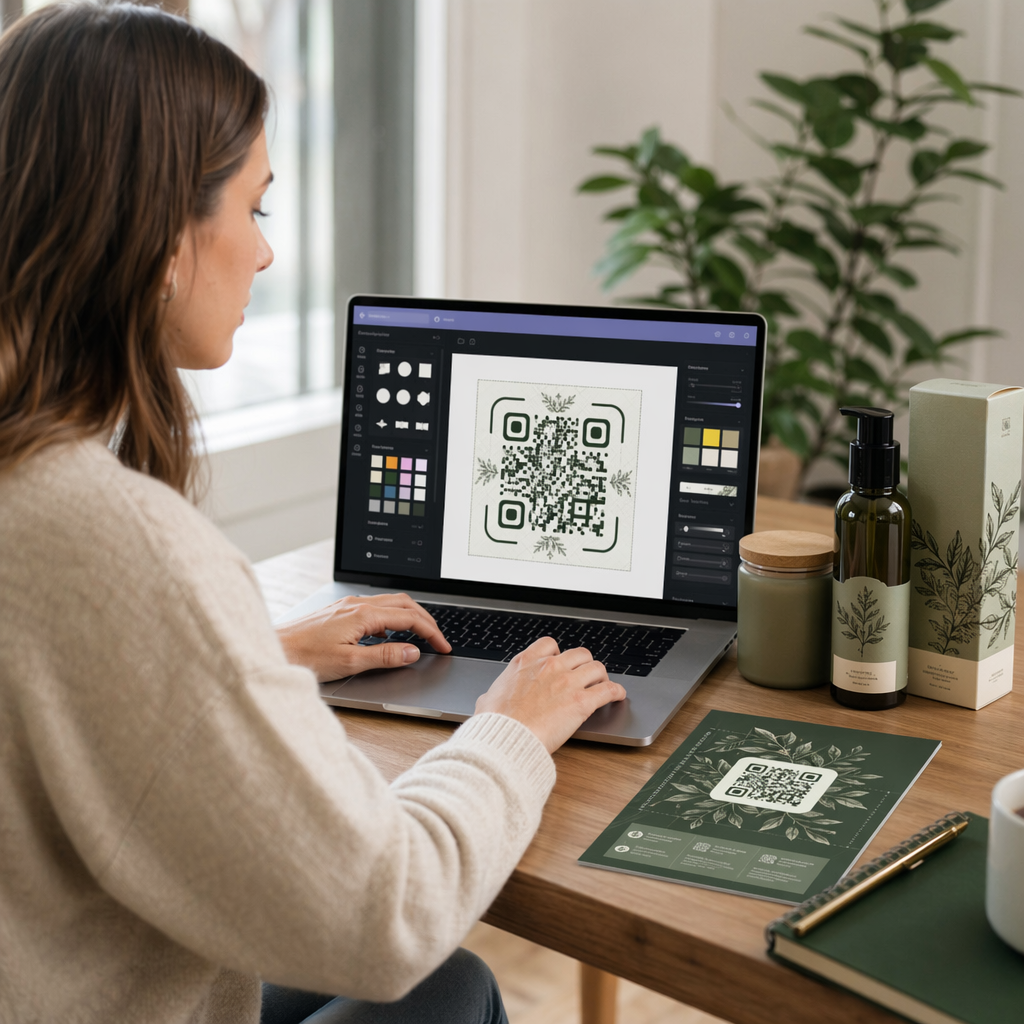
När du har valt en generator, klistra in länken eller ladda upp filen och verktyget skapar omedelbart en skanningsbar kod. Därifrån, anpassa utseendet: justera färger för att matcha minnesstundens estetik, håll det enkelt med klassiskt svart på vitt, eller lägg till en liten ram med text som “Skanna för att se hyllning” så att gästerna vet vad de kan förvänta sig. När du är nöjd, ladda ner koden i ett utskriftsklart format – SVG, EPS eller PDF – för högupplöst utskrift på program, minneskort eller tjänstebulletiner.
Innan något går till tryck, testa koden själv på både en iPhone och en Android-enhet för att bekräfta att den öppnar rätt innehåll. För en detaljerad genomgång av att konvertera ett dokument till en QR-kod, se guiden om Så gör du om en fil till en QR-kod.
Skapa din minnes-QR-kod Redo att komma igång? Använd Gratis QR-kodgenerator att skapa en kod på minuter – ingen teknisk erfarenhet behövs.
Varför dynamiska QR-koder är det bättre valet för minnesstunder
När man planerar en ceremoni under tidspress händer misstag. En länk ändras, en video laddas upp igen, eller familjen bestämmer sig för att byta plattform för dödsannonser efter att programmen redan har tryckts.
A dynamisk QR-kod löser detta genom att separera den tryckta koden från destinationen den pekar på. Koden i sig ändras aldrig, men sidan den leder gästerna till kan uppdateras när som helst från en kontrollpanel. Om du tryckte 200 begravningsprogram och senare upptäcker att länken till hyllningsvideon är trasig, uppdaterar du destinationen på några sekunder – ingen omtryckning, inget slöseri, inga besvärliga korrigeringar vid ceremonin.
Dynamiska QR-koder ger också skanningsstatistik: hur många personer som skannade koden, när och varifrån. För familjer som vill förstå hur brett en hyllning visades, eller för begravningsplanerare som koordinerar tjänster för flera familjer, ger den datan meningsfull insikt i hur gästerna interagerade med minnesinnehållet.
De Dynamisk QR-kodgenerator hanterar allt detta från en enda kontrollpanel.
Redigera din minnes-QR-kod efter tryckning Tryckta program innan länken till hyllningsvideon slutfördes? Med en Dynamisk QR-kod, kan du uppdatera destinationen när som helst – ingen omtryckning krävs.
Designtips för minnes-QR-koder
Utseendet spelar roll i samband med en begravning eller minnesstund. En välutformad QR-kod smälter respektfullt in i tryckt material samtidigt som den förblir lätt att skanna. Tänk på dessa praktiska riktlinjer.

- Använd hög kontrast. Mörk kod på ljus bakgrund är den mest pålitliga kombinationen. En svart kod på vitt eller krämfärgat papper skannas konsekvent på alla enheter och i alla ljusförhållanden. För detaljerad färgguide, se bästa praxis för färgkontrast i QR-koder.
- Håll den tillräckligt stor. Skriv ut din QR-kod med minst 0,8 × 0,8 tum (ungefär 2 × 2 cm) för skanning på nära håll. På ett vikt program eller minneskort fungerar en storlek på 1 till 1,5 tum tillförlitligt för de flesta gäster.
- Bevara den tysta zonen. Lämna en tydlig, otryckt marginal på minst fyra modulbredder runt koden på alla sidor. Att placera text eller dekorativa ramar för nära kanterna gör det svårare för skannrar att upptäcka var koden börjar och slutar.
- Lägg till en uppmanande etikett. En kort rad under koden – “Skanna för att se hyllningsvideon” eller “Skanna för att se minnessidan” – vägleder gäster som kanske inte är bekanta med QR-koder.
- Inkludera URL:en som en reservlösning. Skriv ut destinationslänken i liten text nära koden så att.
For a more complete reference on sizing, quiet zones, and contrast, see the bästa praxis för läsbarhet av QR-koder.
Where to Place QR Codes at a Memorial Service
Placement determines whether guests actually use the code. The table below maps common print and display locations to the content that works best at each one.
| PLACERING | What to Link |
|---|---|
| Printed order of service or program | Tribute video, digital version of the program |
| Memorial card or prayer card | Online obituary, photo gallery |
| Floral arrangement display card | Memorial donation page, online tribute |
| Guest book table | Online guestbook or memorial page |
| Memorial table with photographs | Photo gallery, life story video |
| Emailed announcement or memorial website | All of the above via a multi-link landing page |
For services with both in-person and remote attendees, placing the QR code prominently in emailed announcements ensures distant family members can access the same tribute content as those who were present in the room.
Making Memorial Content Accessible to All Guests
Not every guest will be comfortable scanning a QR code, and accessibility matters in this context more than most. A few straightforward steps ensure no one is left out.
- Display the URL alongside the code. Print the full web address in legible text so guests can type it into a browser if needed.
- Brief the officiant or a family member. Be någon att muntligt vägleda gästerna till QR-koden under ceremonin – ett enkelt omnämnande som “programmet innehåller en QR-kod för att se hyllningsvideon hemma” tar bort all tvekan.
- Välj stora designer med hög kontrast. Äldre gäster med sämre mobilkameror eller nedsatt syn drar nytta av större koder tryckta med stark kontrast mellan koden och dess bakgrund.
- Testa på en äldre enhet. Om du kan låna en telefon som är tre eller fyra år gammal, skanna koden på den innan du skriver ut för att bekräfta att den fungerar på olika typer av hårdvara.
Pageloots QR-kodlösningar för varje bransch täcker design- och tillgänglighetsöverväganden över en rad fysiska miljöer om du vill utforska ytterligare användningsfall.
En QR-kod på ett minneskort eller begravningsprogram förvandlar ett enkelt tryckt minne till en varaktig koppling till hyllningen, fotografierna och orden som delats om någons liv. Välj en dynamisk kod så att du fritt kan uppdatera destinationen efter utskrift, storleksanpassa den korrekt för materialet den visas på, håll kontrasten hög och inkludera alltid URL:en som en reservlösning. När det görs eftertänksamt är det en av de enklaste sakerna du kan göra för att få en minnesstund att kännas komplett för varje gäst – oavsett om de är i rummet eller sörjer på avstånd.
Börja med Gratis QR-kodgenerator för att bygga din första minnes-QR-kod idag.
Vanliga frågor
Ja, om du använder en dynamisk QR-kod. Dynamiska koder pekar på en omdirigerings-URL som du kontrollerar från en kontrollpanel. Om länken till hyllningsvideon ändras eller du flyttar dödsannonsen till en annan plattform, uppdaterar du destinationen och den tryckta koden fortsätter att fungera utan någon omtryckning. Den dynamiska QR-kodgeneratorn låter dig göra dessa ändringar omedelbart.
Om videon finns på YouTube, använd YouTube QR-kodgeneratorn – kopiera videons delningslänk, klistra in den i generatorn, så öppnas videon direkt när koden skannas. Om videon finns någon annanstans, använd Länk QR-kodgeneratorn med den direkta video-URL:en, eller generera en dynamisk kod via den Dynamiska QR-kodgeneratorn så att du kan uppdatera destinationen om videon någonsin flyttas.
Skriv alltid ut destinations-URL:en i liten text bredvid QR-koden så att gäster som föredrar att skriva in adressen kan komma åt samma innehåll direkt. För gäster som är mindre bekväma med smartphones, be en familjemedlem eller vigselförrättaren att kort nämna koden under ceremonin. Att tillhandahålla flera åtkomstvägar – QR-kod, utskriven URL och ett direktmeddelande med länken – säkerställer att alla kan nå hyllningen oavsett deras tekniska komfortnivå.