Planiranje komemoracije dok se nosite s tugom je dovoljno teško – smišljanje kako podijeliti osmrtnicu, video posvete ili program pogreba s gostima ne bi trebalo dodavati tom teretu. Bez jednostavnog mosta između tiskanih materijala i digitalnog sadržaja, značajne posvete često ostanu neviđene. Ovaj vodič vam točno pokazuje kako koristiti QR kodove za povezivanje fizičke usluge s digitalnim uspomenama koje su najvažnije.
Zašto QR kodovi imaju smisla na komemoracijama
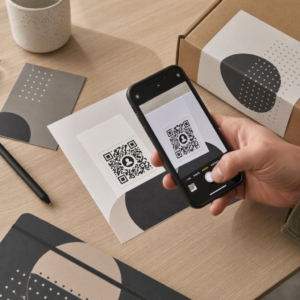
Pogrebne usluge okupljaju ljude svih dobi, mnogi putuju izvan grada, svi želeći odati počast nekome koga vole. QR kod otisnut na redu službe, spomen kartici ili programu pogreba daje svakom gostu trenutnu vezu s bogatijim sadržajem – video posvete, galeriju fotografija, online osmrtnicu ili digitalnu knjigu gostiju – bez potrebe da pretražuju, tipkaju ili traže poveznicu.
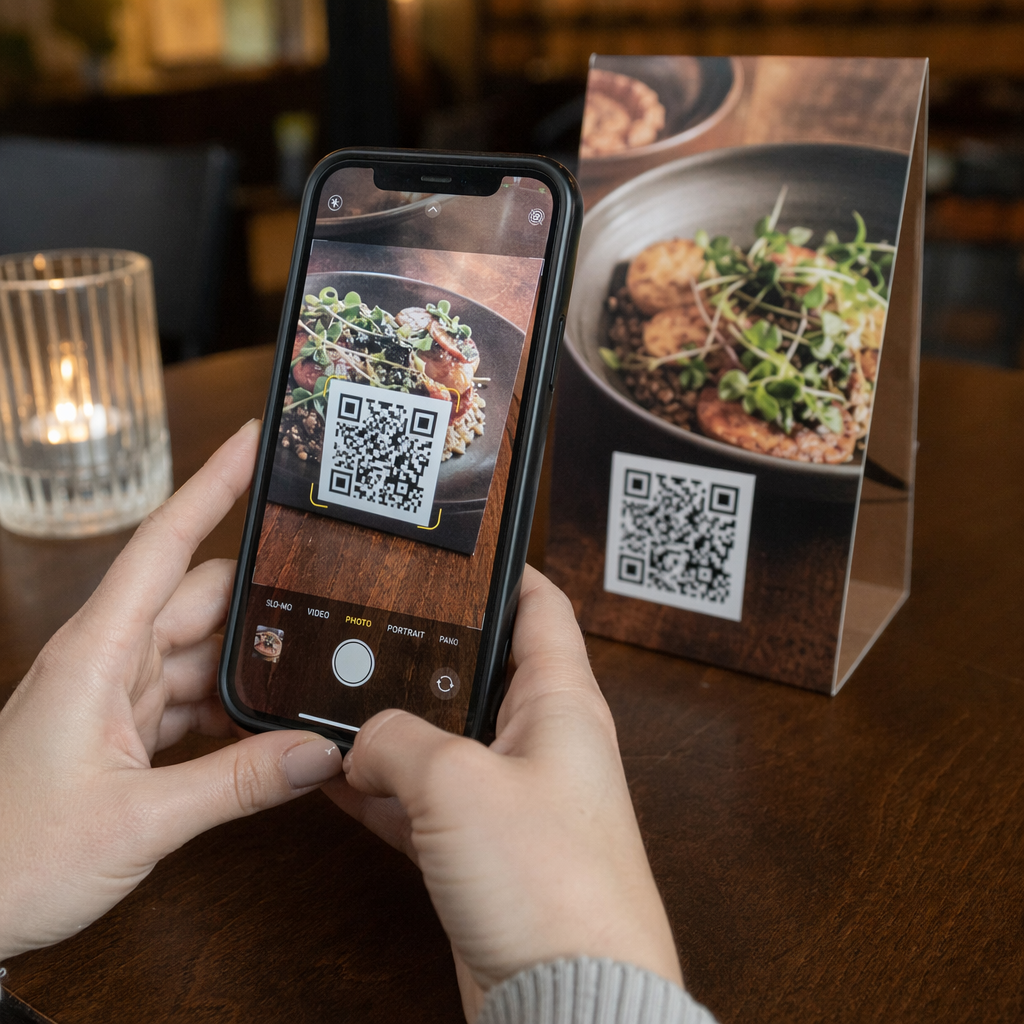
Vlasništvo pametnih telefona je rašireno čak i među starijim odraslim osobama: 90% odraslih osoba u SAD-u u dobi od 50 do 64 godine i 78% onih od 65 i više godina posjeduje jedan. To znači da je velika većina gostiju na komemoraciji već opremljena za skeniranje QR koda koristeći ugrađenu kameru svog telefona, bez potrebe za zasebnom aplikacijom.
Osim praktičnosti, QR kodovi rješavaju stvarni problem koordinacije za obitelji koje upravljaju i osobnim i udaljenim prisustvom. Mnoge pogrebne kuće sada nude usluge prijenosa uživo tako da udaljeni članovi obitelji mogu sudjelovati virtualno, s snimkama koje se često spremaju kao trajni digitalni spomen. QR kod na fizičkoj spomen kartici daje onima koji prisustvuju osobno isti pristup toj snimci dugo nakon završetka službe – pretvarajući tiskani suvenir u trajnu vezu.
S čime možete povezati spomen QR kod
Pravi tip QR koda ovisi o tome koji digitalni sadržaj želite da gosti dosegnu. Evo najčešćih slučajeva upotrebe za komemoracije.
Online osmrtnica ili stranica posvete. Povežite goste izravno na stranicu sjećanja gdje obitelj i prijatelji mogu ostavljati poruke, dijeliti fotografije i paliti virtualne svijeće. Koristite Generator QR kodova za linkove za usmjeravanje koda na bilo koji URL, uključujući osmrtnicu koju hostira pogrebna kuća ili namjensku platformu za sjećanje.
Video posvete ili sjećanja. Video koji slavi nečiji život je jedna od najsmislenijih stvari koje možete podijeliti. Ako ste postavili posvetu na YouTube, YouTube QR kod generator omogućuje gostima skeniranje i gledanje izravno s njihovog telefona. Za potpuni pregled, pogledajte vodič o kako napraviti QR kod za video.
Digitalni program pogreba ili redoslijed službe. Tiskani program je tradicionalni suvenir, ali PDF verzija može uključivati više – fotografije, tekstove himni, čitanja, potpunu životnu priču. Prenesite svoj program i generirajte kod s QR kod PDF generator. Gosti zadržavaju fizičku karticu; PDF im daje punu verziju za ponovno pregledavanje kod kuće.
Galerija fotografija. Skeniranje otvara zbirku fotografija koje obuhvaćaju cijeli život. QR galerija i QR kod za sliku omogućuje vam stvaranje galerije za dijeljenje koju gosti mogu pregledavati i spremati sa svojih telefona.
Više poveznica na jednoj stranici. Ako želite da gosti pristupe osmrtnici, videu posvete, foto albumu i poveznici za donacije, sve iz jednog skeniranja, Generator QR kodova za linkove može izgraditi jednostavnu odredišnu stranicu koja sve organizira na jednom mjestu.
Podijelite sve iz jednog skeniranja Trebate da gosti dođu do videa posvete, galerije fotografija i online osmrtnice s jednog QR koda? Koristite Generator QR kodova za linkove za izgradnju odredišne stranice koja sve to spaja.
Kako stvoriti QR kod za komemoraciju
Stvaranje spomen QR koda traje samo nekoliko minuta. Evo procesa od početka do kraja.
Prvo, prikupite svoj digitalni sadržaj. Prenesite svoj video posvete na YouTube, hostirajte svoj PDF program ili potvrdite URL online osmrtnice na koju se želite povezati. Zatim odaberite pravi generator za vašu vrstu sadržaja – PDF generator za dokumente, YouTube generator za videozapise ili generator poveznica za bilo koji URL.

Nakon što ste odabrali generator, zalijepite poveznicu ili prenesite datoteku i alat odmah stvara skenirajući kod. Odatle, prilagodite izgled: prilagodite boje kako bi odgovarale estetici komemoracije, neka bude jednostavno s klasičnom crnom na bijeloj, ili dodajte mali okvir s tekstom poput “Skenirajte za pregled posvete” kako bi gosti znali što očekivati. Kada ste zadovoljni, preuzmite kod u formatu spremnom za ispis – SVG, EPS ili PDF – za ispis visoke rezolucije na programima, spomen karticama ili biltenima službe.
Prije nego što išta ode u tisak, testirajte kod sami na iPhoneu i Android uređaju kako biste potvrdili da otvara ispravan sadržaj. Za detaljan pregled pretvaranja dokumenta u QR kod, pogledajte vodič o kako pretvoriti datoteku u QR kod.
Stvorite svoj spomen QR kod Spremni za početak? Koristite QR kod generator: besplatno za izradu koda u minutama – nije potrebno tehničko iskustvo.
Zašto su dinamični QR kodovi bolji izbor za sjećanja
Prilikom planiranja obreda pod vremenskim pritiskom, događaju se pogreške. Veza se promijeni, videozapis se ponovno učita ili obitelj odluči promijeniti platformu za osmrtnice nakon što su programi već ispisani.
A dinamički QR kod ovo rješava odvajanjem ispisanog koda od odredišta na koje upućuje. Sam kod se nikada ne mijenja, ali stranica na koju usmjerava goste može se ažurirati bilo kada s nadzorne ploče. Ako ste ispisali 200 pogrebnih programa i kasnije otkrijete da je veza na videozapis s posvetom prekinuta, odredište ažurirate u sekundama – bez ponovnog ispisa, bez otpada, bez neugodnih ispravaka na obredu.
Dinamični QR kodovi također pružaju analitiku skeniranja: koliko je ljudi skeniralo kod, kada i odakle. Za obitelji koje žele razumjeti koliko je široko pregledana posveta, ili za pogrebne planere koji koordiniraju usluge za više obitelji, ti podaci nude značajan uvid u to kako su se gosti angažirali s memorijalnim sadržajem.
The Dinamični QR kod generator sve to obrađuje s jedne nadzorne ploče.
Uredite svoj memorijalni QR kod nakon ispisa Ispisani programi prije finaliziranja veze na videozapis s posvetom? Uz Dinamični QR kod, možete ažurirati odredište bilo kada – nije potrebno ponovno ispisivanje.
Savjeti za dizajn memorijalnih QR kodova
Izgled je važan u kontekstu pogrebnog ili memorijalnog obreda. Dobro dizajniran QR kod diskretno se uklapa u tiskane materijale dok ostaje jednostavan za skeniranje. Imajte na umu ove praktične smjernice.

- Koristite visok kontrast. Tamni kod na svijetloj pozadini najpouzdanija je kombinacija. Crni kod na bijelom ili krem papiru dosljedno se skenira na svim uređajima i u svim uvjetima osvjetljenja. Za detaljne smjernice o bojama, pogledajte najbolje prakse za kontrast boja QR koda.
- Neka bude dovoljno velik. Ispišite svoj QR kod minimalno 0,8 × 0,8 inča (približno 2 × 2 cm) za skeniranje iz blizine. Na presavijenom programu ili memorijalnoj kartici, veličina od 1 do 1,5 inča pouzdano funkcionira za većinu gostiju.
- Sačuvajte tihu zonu. Ostavite jasan, netiskani rub od najmanje četiri širine modula oko koda sa svih strana. Postavljanje teksta ili ukrasnih obruba preblizu rubovima otežava skenerima prepoznavanje gdje kod počinje i završava.
- Dodajte oznaku poziva na akciju. Kratak redak ispod koda – “Skenirajte za gledanje videozapisa posvete” ili “Skenirajte za pregled stranice sjećanja” – usmjerava goste koji možda nisu upoznati s QR kodovima.
- Uključite URL kao rezervnu opciju. Ispišite odredišnu poveznicu malim tekstom blizu koda kako bi gosti koji imaju poteškoća sa skeniranjem, ili koji radije tipkaju, i dalje mogli pristupiti sadržaju.
Za potpuniju referencu o veličini, tihim zonama i kontrastu, pogledajte najbolje prakse za čitljivost QR koda.
Gdje postaviti QR kodove na komemoraciji
Postavljanje određuje hoće li gosti doista koristiti kod. Donja tablica prikazuje uobičajena mjesta ispisa i prikaza s sadržajem koji najbolje funkcionira na svakom od njih.
| SMJEŠTAJ | Što povezati |
|---|---|
| Tiskani redoslijed službe ili program | Video posvete, digitalna verzija programa |
| Kartica sjećanja ili molitvena kartica | Online osmrtnica, galerija fotografija |
| Kartica za izlaganje cvjetnog aranžmana | Stranica za donacije u spomen, online posveta |
| Stol za knjigu gostiju | Online knjiga gostiju ili stranica sjećanja |
| Spomen-stol s fotografijama | Galerija fotografija, video životne priče |
| Obavijest poslana e-poštom ili web stranica sjećanja | Sve navedeno putem odredišne stranice s više poveznica |
Za službe s prisutnim i udaljenim sudionicima, istaknuto postavljanje QR koda u obavijestima poslanim e-poštom osigurava da udaljeni članovi obitelji mogu pristupiti istom sadržaju posvete kao i oni koji su bili prisutni u prostoriji.
Omogućavanje pristupačnosti sadržaja sjećanja svim gostima
Neće se svaki gost osjećati ugodno skenirajući QR kod, a pristupačnost je u ovom kontekstu važnija nego u većini drugih. Nekoliko jednostavnih koraka osigurava da nitko ne bude izostavljen.
- Prikažite URL pored koda. Ispišite punu web adresu čitljivim tekstom kako bi je gosti mogli upisati u preglednik ako je potrebno.
- Uputite službenika ili člana obitelji. Zamolite nekoga da usmeno uputi goste na QR kod tijekom službe – jednostavno spominjanje poput “program uključuje QR kod za gledanje videozapisa posvete kod kuće” uklanja svako oklijevanje.
- Odaberite velike dizajne visokog kontrasta. Stariji gosti s kamerama slabije kvalitete na telefonu ili smanjenim vidom imaju koristi od većih kodova ispisanih s jakim kontrastom između koda i njegove pozadine.
- Testirajte na starijem uređaju. Ako možete posuditi telefon star tri ili četiri godine, skenirajte kod na njemu prije ispisa kako biste potvrdili da radi na različitim hardverima.
Pagelootov Rješenja QR kodova za svaku industriju pokriva razmatranja dizajna i pristupačnosti u nizu fizičkih okruženja ako želite istražiti daljnje slučajeve upotrebe.
QR kod na spomen-kartici ili pogrebnom programu pretvara jednostavnu tiskanu uspomenu u trajnu vezu s počastima, fotografijama i riječima podijeljenim o nečijem životu. Odaberite dinamički kod tako da možete slobodno ažurirati odredište nakon ispisa, ispravno ga dimenzionirajte za materijal na kojem se pojavljuje, održavajte visok kontrast i uvijek uključite URL kao rezervnu opciju. Kada se učini promišljeno, to je jedna od najjednostavnijih stvari koje možete učiniti kako bi se spomen-služba osjećala potpunom za svakog gosta – bilo da su u sobi ili tuguju iz daljine.
Započnite s QR kod generator: besplatno za izradu vašeg prvog spomen-QR koda danas.
Često postavljana pitanja
Da, ako koristite dinamični QR kod. Dinamični kodovi upućuju na URL za preusmjeravanje koji kontrolirate s nadzorne ploče. Ako se veza za video posvete promijeni ili premjestite osmrtnicu na drugu platformu, ažurirate odredište i ispisani kod nastavlja raditi bez ponovnog ispisa. Dinamični generator QR kodova omogućuje vam da ove promjene napravite odmah.
Ako je videozapis hostiran na YouTubeu, upotrijebite YouTube QR Code Generator – kopirajte vezu za dijeljenje videozapisa, zalijepite je u generator i kod će izravno otvoriti videozapis kada se skenira. Ako je videozapis hostiran negdje drugdje, upotrijebite Link QR Code Generator s izravnim URL-om videozapisa, ili generirajte dinamički kod putem Dynamic QR Code Generatora tako da možete ažurirati odredište ako se videozapis ikada premjesti.
Uvijek ispišite odredišni URL malim slovima pored QR koda kako bi gosti koji više vole upisati adresu mogli izravno pristupiti istom sadržaju. Za goste manje vične pametnim telefonima, zamolite člana obitelji ili službenu osobu da kratko spomene kod tijekom obreda. Pružanje više putova pristupa – QR kod, ispisani URL i izravna e-pošta s vezom – osigurava da svatko može doći do posvete bez obzira na njihovu razinu tehničke udobnosti.