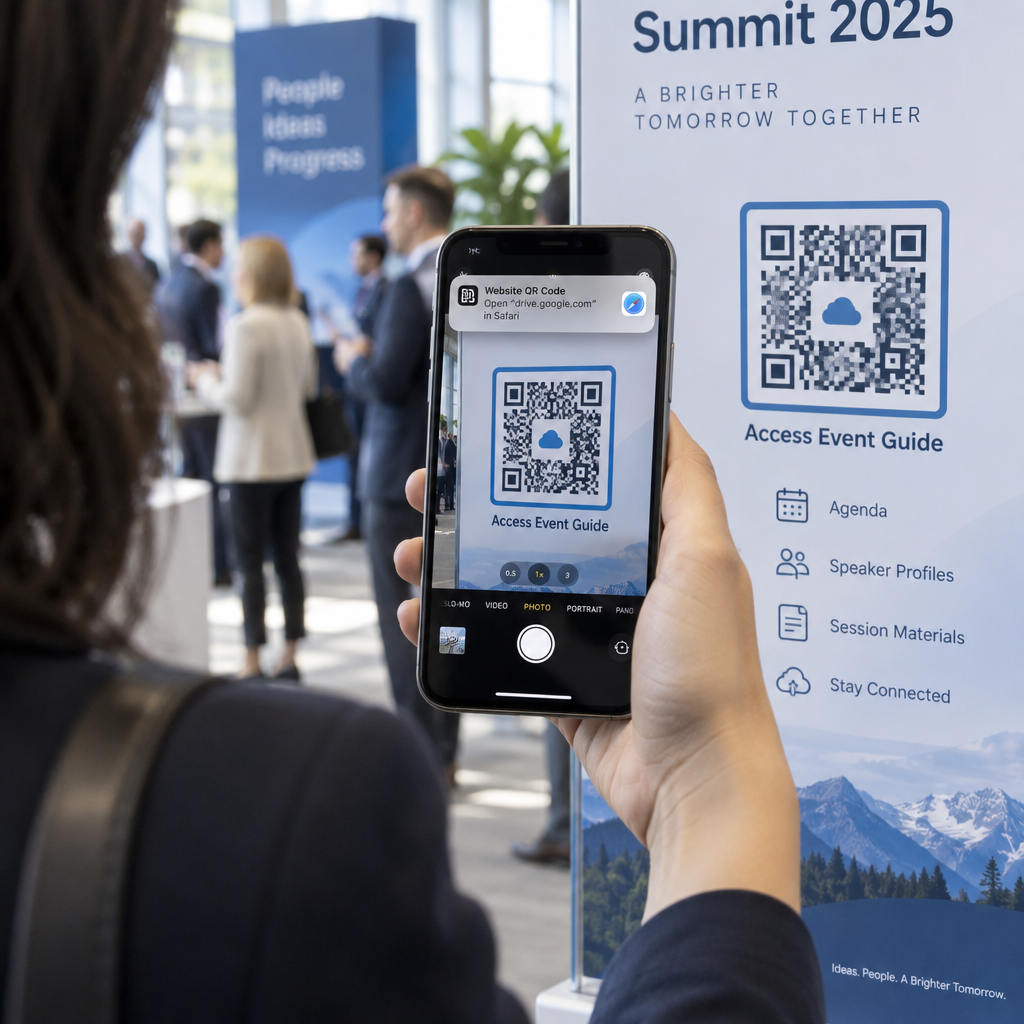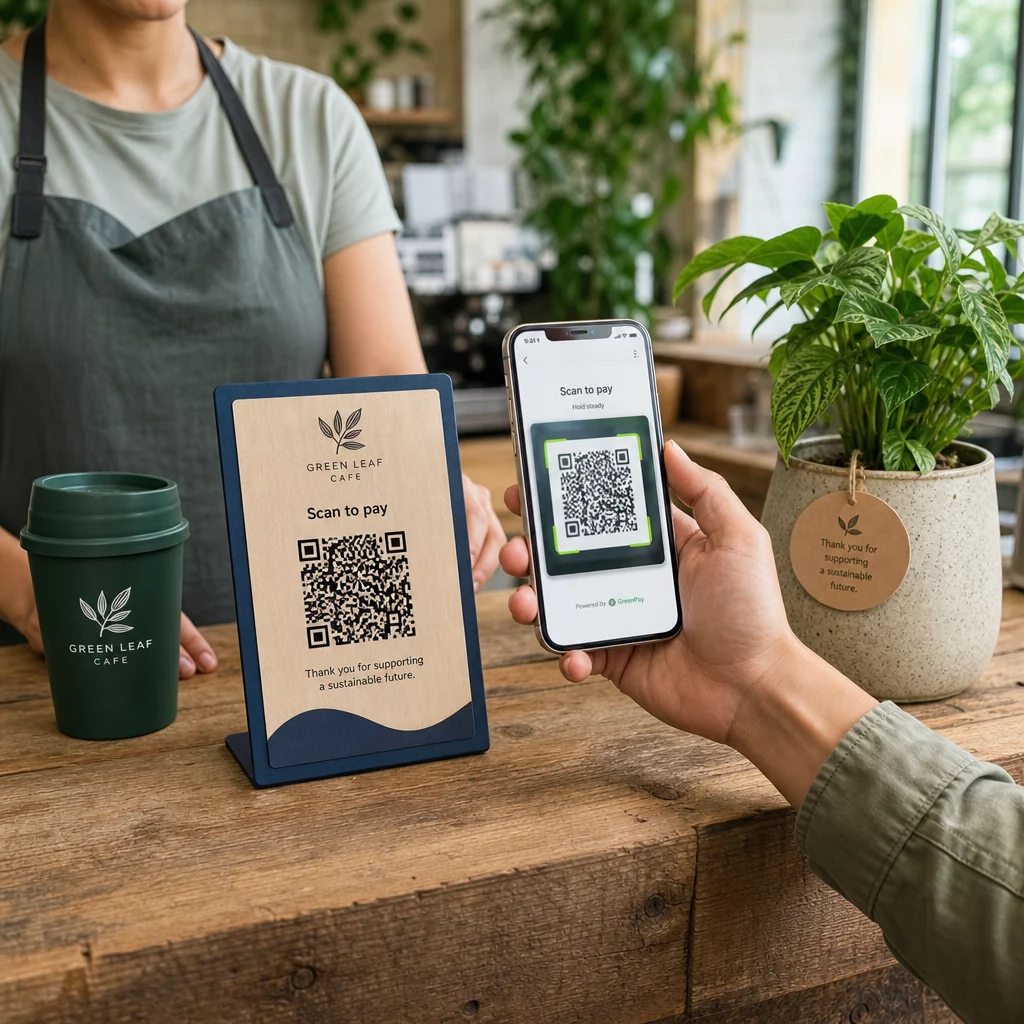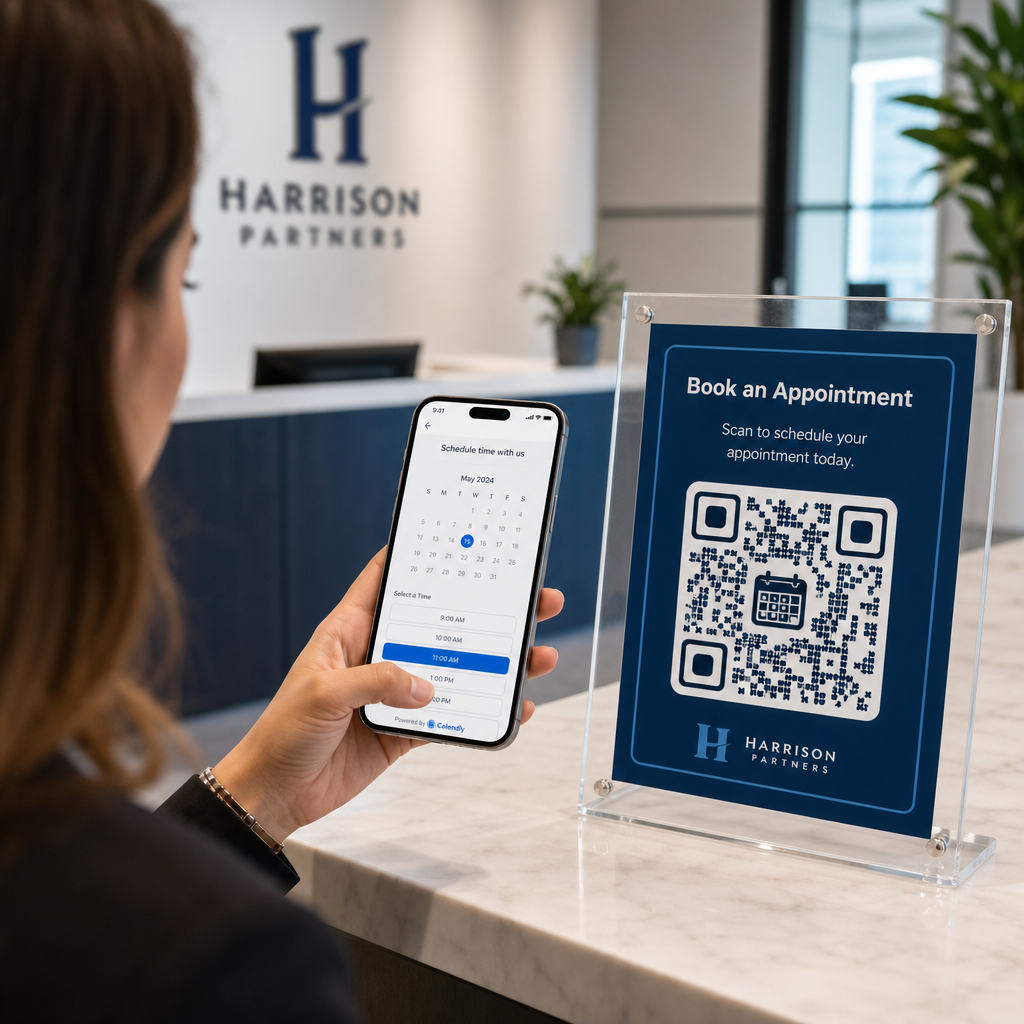
Vai jūsu digitālie displeji rada iesaisti vai tikai rada iespaidus? QR kods pārvērš pasīvu ekrānu par interaktīvu saskares punktu – bet tikai tad, ja tas ir pareizi izstrādāts un novietots. Šajā ceļvedī ir aprakstīts viss, kas jums jāzina, lai QR kodi ekrānos patiešām darbotos.
Kāpēc QR kodi padara digitālos displejus efektīvākus
Digitālās izkārtnes un ekrāni jau ir labi uzmanības piesaistīšanā. Ar ko tie cīnās, ir šīs uzmanības pārvēršana darbībā. Skatītājs izlasa jūsu ziņojumu, jūt interesi un tad… dodas tālāk. Nav mehānisma, kas savienotu intereses brīdi ar nākamo soli.
QR kods aizpilda šo plaisu. Kad kāds skenē kodu jūsu displejā, viņš ir brīvprātīgi izvēlējies iesaistīties tālāk – viņš ir signalizējis par nodomu. Šī viena skenēšana var savienot viņus ar produkta lapu, reklāmas piedāvājumu, reģistrācijas veidlapu vai video, visu no ekrāna, uz kuru viņi jau skatījās.
Tas ir īpaši noderīgi situācijās, kad jūsu auditorijai nav pie rokas pildspalvas vai tā neatcerēsies meklēt vēlāk: izstādēs, mazumtirdzniecības telpās, transporta mezglos un publiskās vietās. Kods veic darbu pat tad, ja jūs neesat klāt.
Kur QR kodi displejos darbojas vislabāk
Ne katra ekrāna vide ir vienlīdz piemērota QR kodiem. Labākajām izvietojuma vietām ir kopīga iezīme: skatītājam ir dabisks brīdis apstāties, izņemt tālruni un skenēt.
- Vitrīnas un veikalu fasādes sniedz vitrīnu pircējiem piekļuvi produkta detaļām, atsauksmēm, cenām vai tiešsaistes pirkuma iespējām pat tad, kad veikals ir slēgts
- Izstāžu un ekspozīciju displeji ir ideāli piemēroti, lai pārvērstu apmeklētāju plūsmu par potenciālajiem klientiem – kodi var saistīt ar digitālām brošūrām, konkursu pieteikumiem, sociālo mediju sekotājiem vai ekskluzīviem izstādes piedāvājumiem
- Veikalu LED ekrāni un kioski sasniedz lielu gājēju plūsmu un var veicināt impulsīvas darbības, piemēram, skenēšanu, lai saņemtu atlaidi, vai jauna produkta palaišanas apskati
- Pārdošanas vietas un kases displeji ir galvenā vieta lojalitātes programmu reģistrācijai, digitālajām kvītīm vai nākamā pirkuma akcijām
- Tranzīta un transportlīdzekļu izkārtnes paplašina jūsu sasniedzamību līdz braucējiem un garāmgājējiem – piemēram, QR kods uz zīmola piegādes furgona darbojas pilnībā pats par sevi, tiklīdz tas ir izvietots
Lai dziļāk aplūkotu, kā veikala izvietojuma stratēģija ietekmē iesaisti, skatiet labākajām QR kodu izvietošanas vietām mazumtirdzniecības veikalos un salīdzinājumu QR kodi uz iepakojuma pret veikalu displejiem.
Pareiza izmēra iegūšana digitālajiem ekrāniem
Izmērs ir visbiežāk pieļautā kļūda ar QR kodiem uz ekrāniem. Kods, kas dizaina failā izskatās liels, var kļūt gandrīz neskenējams, ja tas tiek parādīts monitorā pāri istabai.
Standarta vadlīnija ir 10:1 likumu: jūsu QR kodam jābūt vismaz vienai desmitdaļai no paredzētā skenēšanas attāluma. Ja skatītāji stāvēs 1 metra attālumā no ekrāna, kodam jābūt vismaz 10 cm platam. No 3 metriem mērķējiet uz 22–30 cm. No 10 metriem jums ir nepieciešams kods, kura izmērs ir aptuveni 1 metrs katrā pusē.
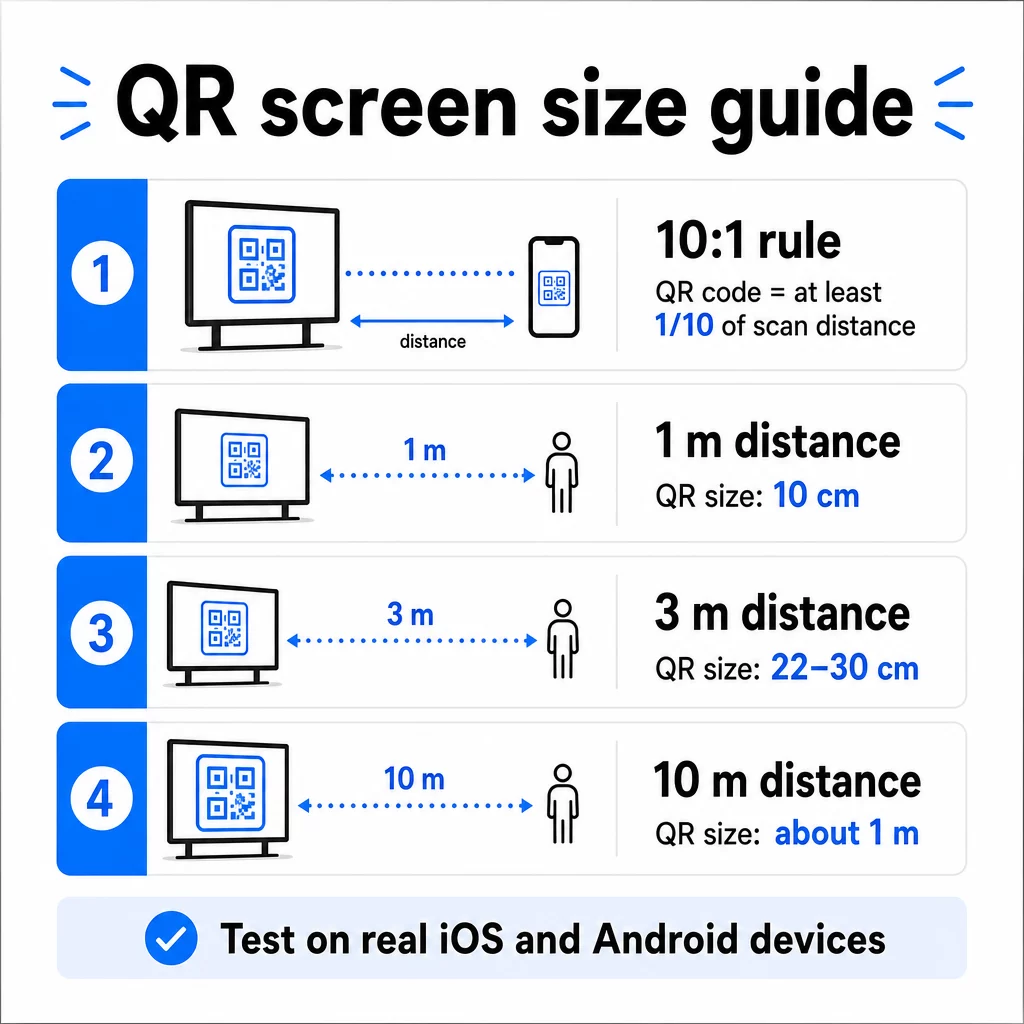
Atsaucei uz 1080p displejiem, minimālais 240 pikseļu izmērs pie 72 dpi ir sākuma bāze tuvskares skenēšanai, taču šim minimumam ir ievērojami jāpalielinās, pieaugot skatīšanās attālumam. Vispārējai digitālajai izkārtnei neviens QR kods nedrīkst būt mazāks par aptuveni 2 × 2 collām – un lielāks vienmēr ir drošāk, ja cilvēki skenē no attāluma.
Vienmēr pārbaudiet izmēru reālos apstākļos. Pirms dizaina pabeigšanas pārbaudiet kodu faktiskajā displeja izmērā, no paredzētā skenēšanas attāluma, gan iOS, gan Android ierīcēs. Skatiet pilnas vadlīnijas par QR koda izmēri dažādiem materiāliem un kontekstiem mērogojot dažādos formātos.
Kontrasts un krāsa: kas padara kodu skenējamu
Viedtālruņa kamera nolasa QR kodu, nosakot kontrastu starp tumšiem moduļiem un gaišu fonu. Ja šis kontrasts ir vājš, kamera cīnās, lai atšķirtu rakstu – un skenēšana neizdodas.
Uzticamais standarts ir tumšu priekšplānu uz gaiša fona, ar melnu uz balta kā visuzticamāko kombināciju. Izmantojot zīmola krāsas, saglabājiet QR rakstu tumšā krāsā un fonu gaišu. Izvairieties no apgrieztām krāsu shēmām (balts kods uz melna fona), jo daudzi QR kodu lasītāji tās nevar uzticami apstrādāt.
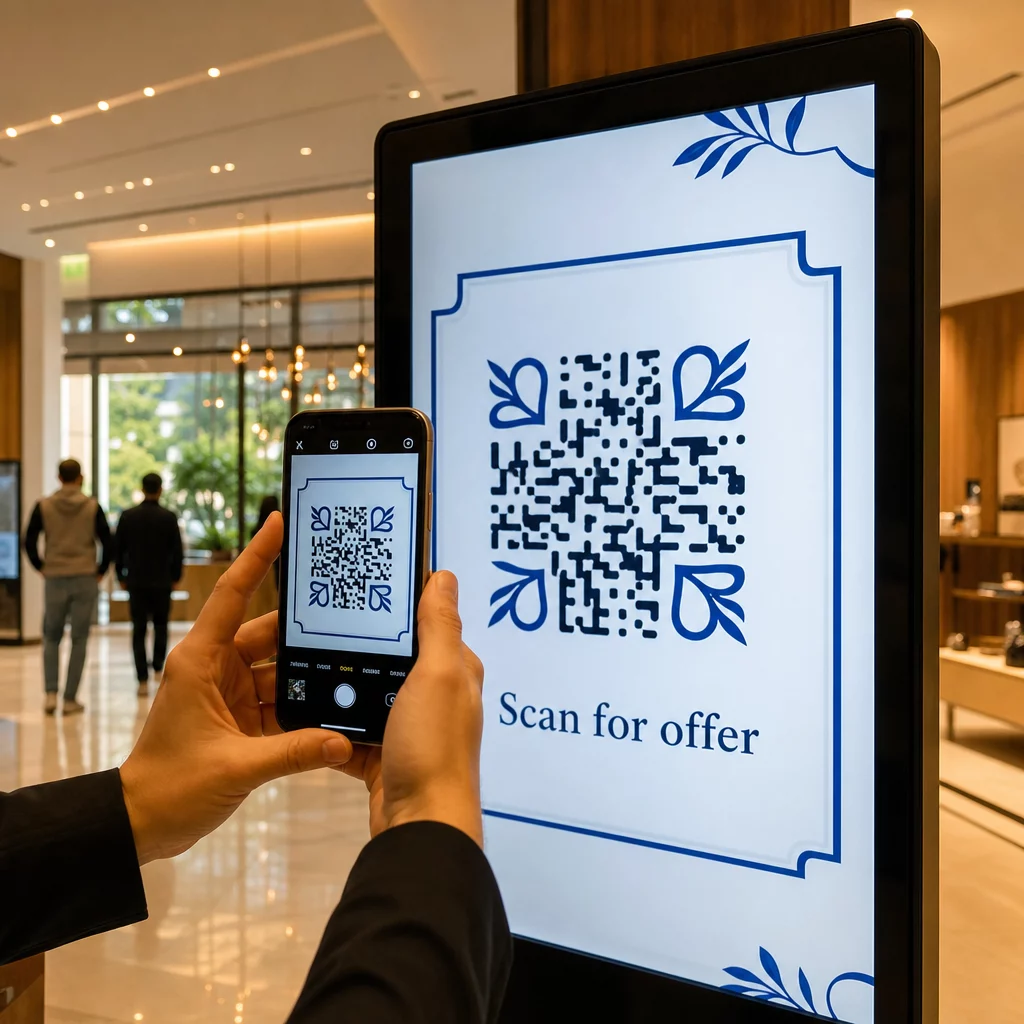
Ekrāniem, konkrēti, kontrasts kļūst sarežģītāks, jo apkārtējais apgaismojums, ekrāna atspīdums un atsvaidzes intensitāte ietekmē to, ko redz kamera. Centieties panākt kontrasta attiecību vismaz 4,5:1 starp jūsu kodu un tā fonu – šis slieksnis atbalsta arī pieejamību lietotājiem ar vāju redzi. Izvairieties no gradientiem un ēnām koda zonā, jo tie rada vidējos toņus, kas mulsina skenerus.
Lai iegūtu pilnīgu krāsu pāru un to skenējamības rezultātu analīzi, skatiet ceļvedi par QR kodu krāsu kontrasta labāko praksi.
Klusā zona: telpa, kas padara skenēšanu iespējamu
Klusā zona ir tukša apmale, kas ieskauj QR kodu no visām četrām pusēm. Tā nav dekoratīva – tā ir funkcionāla. Skeneri izmanto šo tukšo vietu, lai identificētu, kur kods sākas un beidzas, atdalot to no citiem vizuālajiem elementiem, piemēram, teksta, attēliem vai fona rakstiem.
Minimālā klusā zona ir četru moduļu platumā katrā pusē, kur modulis ir mazākā kvadrāta platums kodā. Ja mērogojat kodu, klusajai zonai jābūt proporcionāli mērogotai. Apmales apgriešana vai saīsināšana – pat nedaudz – var izraisīt pastāvīgas skenēšanas kļūmes.
Digitālajos displejos, kur dizaineri bieži strādā ar pārpildītiem izkārtojumiem un ierobežotu ekrāna platību, klusā zona bieži vien ir pirmā, kas tiek saspiesta. Neļaujiet tam notikt. Saglabājiet kluso zonu brīvu no logotipiem, teksta un jebkādiem dizaina elementiem, un pārliecinieties, ka tā atbilst fona krāsai, lai vizuāli atdalītu kodu no tā apkārtnes.
Vairāk par klusās zonas prasībām un ar QR kodu lasāmības labāko praksi ir pieejams, ja optimizējat esošu dizainu.
Izvietojums un izkārtojums ekrānā
Tas, kur kods atrodas displeja izkārtojumā, ietekmē gan redzamību, gan skenēšanas ātrumu. Daži principi tiek piemēroti konsekventi:
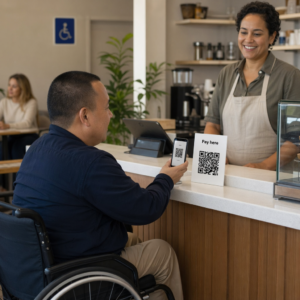
- Novietojiet acu līmenī. Koda novietošana aptuveni 3,5 līdz 4,5 pēdu augstumā no grīdas padara to pieejamu gan stāvošiem pieaugušajiem, gan lietotājiem ratiņkrēslos – nav nepieciešams tupēt vai stiepties
- Novietojiet kodu dabiskajā lasīšanas plūsmā. Ekrāna centrā vai apakšējā centrā izvietojumi parasti darbojas labi; izvairieties no koda paslēpšanas stūrī, kur tas konkurē ar citiem elementiem
- Izmantojiet vienu kodu uz displeja, ja iespējams. Vairāki kodi mulsina skatītājus par to, kuru skenēt, un var izraisīt kameras lietotņu fokusēšanos uz nepareizo
- Saglabājiet apkārtējo dizainu tīru. Pārāk daudz konkurējoša satura ekrānā samazina skenēšanas ātrumu; dodiet kodam vizuālu elpošanas telpu
Digitālajām izkārtnēm, kas rotē saturu, QR kodu rādiet visu tā laika nišas ilgumu. Skatītājiem ir nepieciešams pietiekami daudz laika, lai pamanītu kodu, izlemtu skenēt un pabeigtu skenēšanu pirms slaida maiņas. Lai iegūtu plašāku kontekstu par izvietošanas stratēģijām dažādās vidēs, the galīgais ceļvedis QR kodu izvietošanai mārketingā aptver izkārtojuma lēmumus drukātajos un digitālajos formātos.
Uzrakstīt aicinājumu uz darbību, kas veicina skenēšanu
QR kods bez konteksta tiek ignorēts. Skatītājiem ir jāzina – pirms viņi sniedzas pēc sava tālruņa – ko viņi iegūs, skenējot.
Novietojiet īsu, specifisku aicinājumu uz darbību tieši blakus kodam. “Skenējiet, lai redzētu šodienas ēdienkarti,” “Skenējiet, lai piedalītos izlozē,” vai “Skenējiet, lai saņemtu 20% atlaidi nākamajam pasūtījumam” visi darbojas labāk nekā vispārīgi aicinājumi, piemēram, “Skenējiet šeit.” Jo konkrētāks ieguvums, jo augstāks skenēšanas ātrums.
Saglabājiet tekstu īsu – pietiek ar diviem līdz pieciem vārdiem. Lielāki fonti un augsts kontrasts CTA tekstam piemēro tos pašus principus kā pašam kodam: tam jābūt salasāmam no skatītāja iespējamā attāluma. Skatiet papildu norādījumus par QR kodu lietojamības labākā prakse lai uzzinātu vairāk par efektīvu kadrēšanu.
Kur jāved skenēšanai
Katrs skenējums, kas nekavējoties nesniedz vērtību, ir zaudēta iespēja. Tā kā skatītāji ieradīsies, izmantojot viedtālruni, galamērķim jābūt a mobilajām ierīcēm optimizētu galveno lapu kas ātri ielādējas un izpilda konkrēto aicinājuma uz darbību solījumu.
Izvairieties sūtīt lietotājus uz savu mājaslapu vai vispārīgu produktu katalogu. Ja kods ir uz kases displeja, kas reklamē lojalitātes programmu, galvenajai lapai jābūt lojalitātes reģistrācijas veidlapai – nekas vairāk. Ja tas ir uz izstādes displeja, galamērķis varētu būt potenciālo klientu piesaistes veidlapa vai lejupielādējama specifikāciju lapa.
A Google veidlapas QR kods ir praktiska iespēja atsauksmju vākšanai, pasākumu reģistrācijai vai aptaujām tieši no displeja. A saites QR kodam darbojas jebkuram uz URL balstītam galamērķim un atbalsta pilnīgu pielāgošanu un izsekošanu.
Saglabājiet savus displeja QR kodus elastīgus Vajag atjaunināt, uz ko ved kods, nemainot pašu kodu? Izmantojiet QR kodu ģenerators lai izveidotu dinamiskus kodus, kas ļauj jebkurā laikā rediģēt galamērķi – nav nepieciešama atkārtota drukāšana vai pārveidošana.
Dinamisko QR kodu izmantošana ekrāniem
Statiskie QR kodi kodē fiksētu URL vai datu fragmentu, ko nekad nevar mainīt. Ekrāniem – īpaši digitālajām izkārtnēm, kas maina kampaņas vai reklamē laika ziņā ierobežotus piedāvājumus – tas rada problēmu. Ja saistītais saturs mainās, jums ir jāizveido un atkārtoti jāizvieto kods.
Dinamiskie QR kodi to atrisina, kodējot īsu novirzīšanas URL. Faktisko galamērķi var atjaunināt jebkurā laikā, izmantojot jūsu konta informācijas paneli, savukārt pats kods paliek nemainīgs. Tas nozīmē, ka varat:
- Atjaunināt reklāmas piedāvājumu, nepārveidojot ekrāna izkārtojumu
- Novirzīt vienu kodu uz dažādām kampaņām atkarībā no sezonas vai pasākuma
- Nekavējoties labot bojātu saiti, neveicot nekādas displeja izmaiņas
Dinamiskie kodi arī atbloķē skenēšanas analītiku – datus par to, cik reižu kods tika skenēts, no kuras vietas, ar kādu ierīci un cikos. Šie dati palīdz noteikt, kuri displeja izvietojumi rada reālu iesaisti un kuri tiek ignorēti.
Ekrāniem ar rotējošu saturu dinamiskie kodi ir īpaši vērtīgi, jo viens un tas pats vizuālais elements laika gaitā var kalpot dažādām kampaņām.
Izsekojiet katru skenēšanu no katra ekrāna Vēlaties uzzināt, kuri displeji patiešām veicina iesaisti? Izmantojiet Pageloot dinamisko QR kodu platformu lai reāllaikā uzraudzītu skenēšanas rādītājus, atrašanās vietas un ierīču datus – un pilnveidotu savu displeja stratēģiju, pamatojoties uz datiem.
Testēšana pirms palaišanas
Pat labi izstrādāts QR kods praksē var neizdoties displeja spilgtuma, skata leņķa, ekrāna atsvaidzes intensitātes vai apkārtējā apgaismojuma dēļ. Pirms jebkura displeja palaišanas:
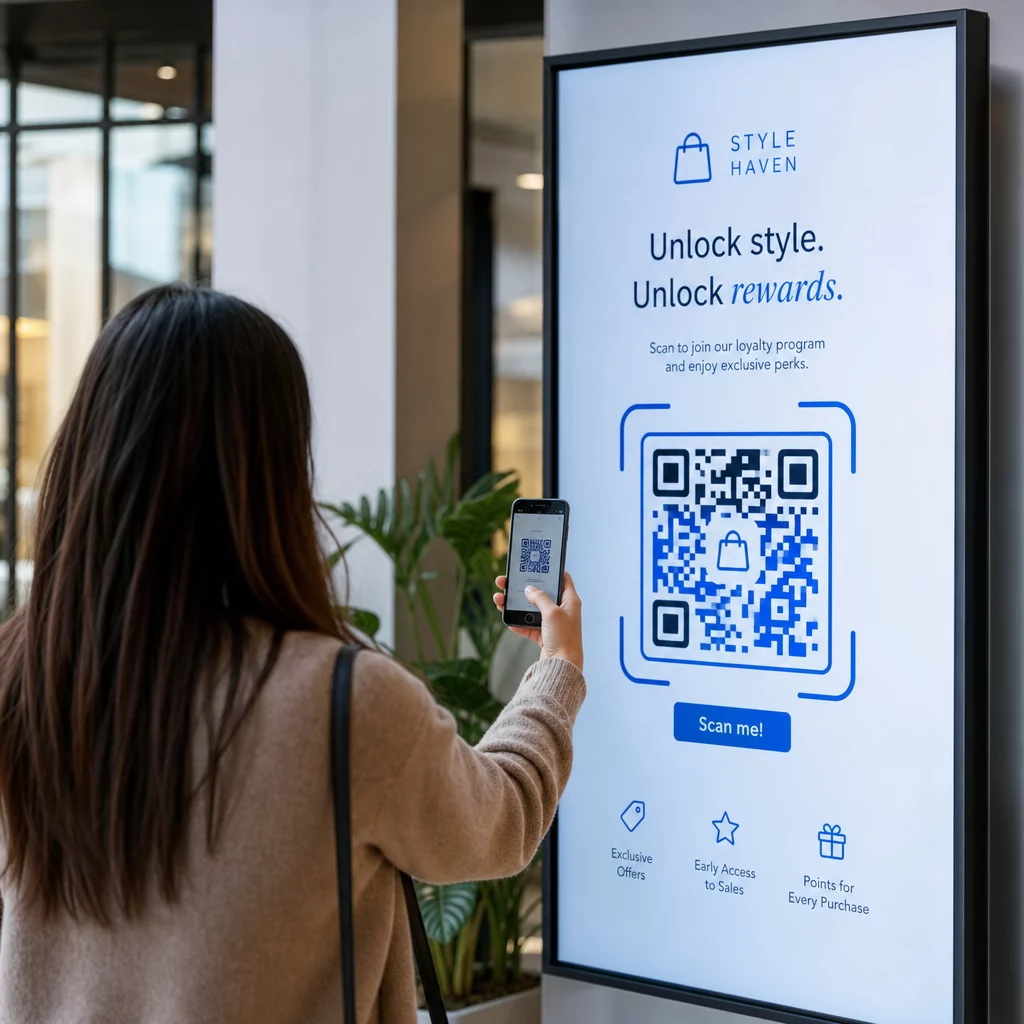
- Pārbaudiet kodu faktiskajā ekrāna izmērā un izšķirtspējā, kādā tas tiks rādīts
- Skenējiet no paredzētajiem minimālajiem un maksimālajiem attālumiem
- Pārbaudiet vairākās ierīcēs – vismaz vienā iOS un vienā Android tālrunī
- Pārbaudiet dažādos diennakts laikos, ja displejs atrodas tuvu dabīgiem gaismas avotiem, kas mainās dienas laikā
- Pārbaudiet, vai galamērķa lapa mobilajā ierīcē ielādējas pareizi un nodrošina paredzēto pieredzi
Portāls QR kodu skenera rīks var izmantot, lai pārbaudītu koda saturu un apstiprinātu, ka tas pareizi atrisinās pirms ieviešanas.
Izpētiet Pageloot funkciju pārskats un nozares risinājumus lai uzzinātu vairāk par to, kā QR kodus var pielietot dažādos displeja kontekstos un biznesa sektoros. Labi novietots, pareiza izmēra QR kods ar skaidru aicinājumu uz darbību var pārvērst jebkuru ekrānu par konversijas punktu. Nodrošiniet pareizu kontrastu, kluso zonu, izmēru un galamērķi – pēc tam izmantojiet dinamiskos kodus un analītiku, lai turpinātu uzlabot. Sāciet ar QR kodu ģenerators lai šodien izveidotu savu pirmo skenējamo displeja kodu.
Biežāk uzdotie jautājumi
Izmantojiet likumu 10:1: kodam jābūt vismaz vienai desmitdaļai no paredzētā skenēšanas attāluma. Displejam, kas tiek skenēts no 1 metra, kodam jābūt vismaz 10 cm platam. Vispārējām digitālajām izkārtnēm minimālais izmērs 2 × 2 collas ir saprātīgs sākumpunkts, izmēram palielinoties līdz ar skatīšanās attāluma pieaugumu. Vienmēr pārbaudiet faktiskajā displeja izmērā un attālumā pirms palaišanas.
Jā, ja izmantojat dinamisku QR kodu. Dinamiskie kodi izmanto pāradresācijas URL, tāpēc jūs jebkurā laikā varat atjaunināt galamērķi savā konta informācijas panelī – pats kods paliek nemainīgs. Tas ir īpaši noderīgi digitālajām izkārtnēm, kas reklamē mainīgas kampaņas vai laika ziņā ierobežotus piedāvājumus, jo tādējādi jūs izvairāties no displeja pārveidošanas vai atkārtotas izvietošanas katru reizi, kad mainās saistītais saturs.
Visbiežākie cēloņi ir nepietiekams kontrasts starp kodu un tā fonu, klusā zona, kas ir apgriezta vai pārpildīta ar apkārtējiem dizaina elementiem, un kods, kas ir pārāk mazs skatīšanās attālumam. Ekrānos traucēt var arī displeja spilgtums un atspīdums. Pārbaudiet, vai jūsu kods izmanto tumšu rakstu uz gaiša fona, saglabā skaidru četru moduļu kluso zonu visās pusēs un atbilst izmēra prasībām jūsu paredzētajam skenēšanas attālumam. Pārbaudiet vairākās ierīcēs, lai apstiprinātu saderību.