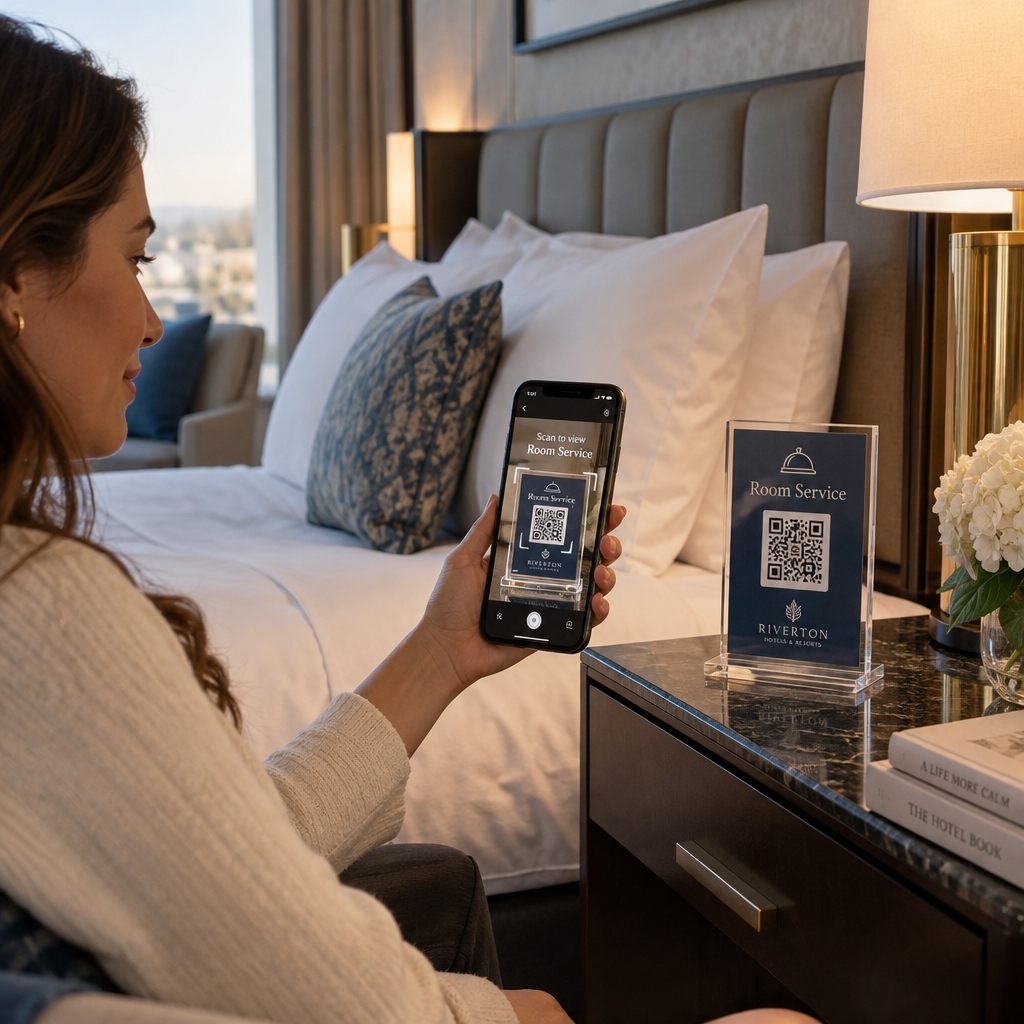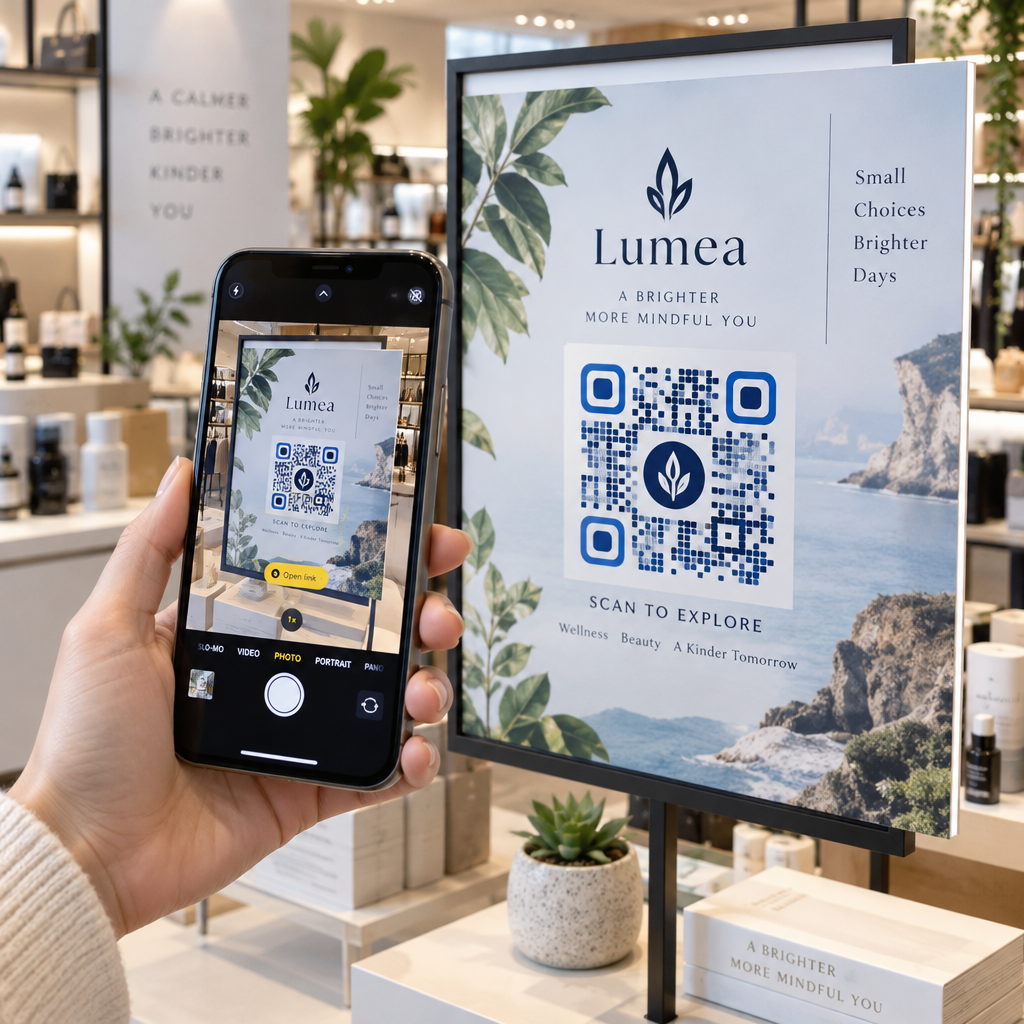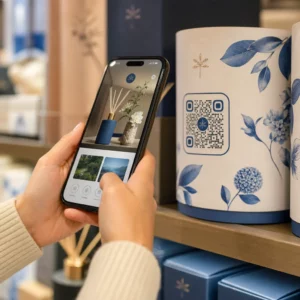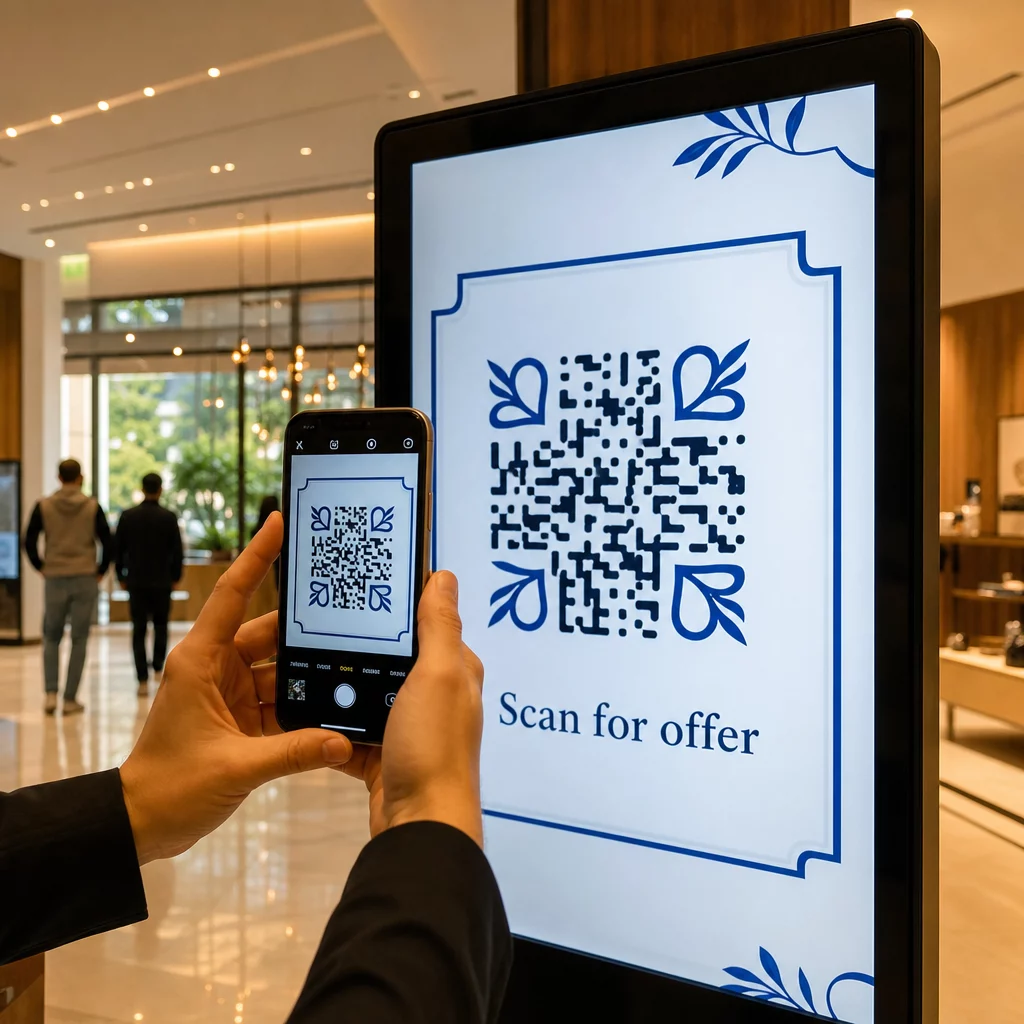
Ar jūsų skaitmeniniai ekranai generuoja įsitraukimą, ar tik parodymus? QR kodas paverčia pasyvų ekraną interaktyviu sąlyčio tašku – bet tik tada, jei jis suprojektuotas ir patalpintas teisingai. Šis vadovas apima viską, ką reikia žinoti, kad QR kodai ekranuose iš tikrųjų veiktų.
Kodėl QR kodai daro skaitmeninius ekranus efektyvesnius
Skaitmeninės iškabos ir ekranai jau dabar puikiai patraukia dėmesį. Tačiau jiems sunku paversti tą dėmesį veiksmu. Žiūrovas perskaito jūsų žinutę, susidomi, o tada... nueina. Nėra mechanizmo, kuris sujungtų susidomėjimo momentą su kitu žingsniu.
QR kodas užpildo šią spragą. Kai kas nors nuskaito kodą jūsų ekrane, jie savanoriškai pasirenka toliau įsitraukti – jie parodė ketinimą. Tas vienas nuskaitymas gali juos sujungti su produkto puslapiu, reklamos pasiūlymu, registracijos forma ar vaizdo įrašu, visa tai iš ekrano, į kurį jie jau žiūrėjo.
Tai ypač naudinga situacijose, kai jūsų auditorija neturi po ranka rašiklio arba neprisimins ieškoti vėliau: parodose, prekybos vietose, transporto mazguose ir viešose vietose. Kodas atlieka darbą net tada, kai jūsų nėra.
Kur QR kodai ekranuose veikia geriausiai
Ne kiekviena ekrano aplinka vienodai tinka QR kodams. Geriausios vietos turi bendrą bruožą: žiūrovas turi natūralų momentą sustoti, išsiimti telefoną ir nuskaityti.
- Vitrinos ir parduotuvių fasadai suteikia vitrinų pirkėjams prieigą prie produkto detalių, atsiliepimų, kainų ar internetinių pirkimo galimybių net tada, kai parduotuvė uždaryta
- Parodų ir ekspozicijų stendai idealiai tinka lankytojų srautui paversti potencialiais klientais – kodai gali nukreipti į skaitmenines brošiūras, konkursų dalyvius, socialinės žiniasklaidos sekėjus ar išskirtinius parodos pasiūlymus
- Parduotuvių LED ekranai ir kioskai pasiekia didelio pėsčiųjų srauto auditorijas ir gali paskatinti impulsyvius veiksmus, tokius kaip nuolaidos nuskaitymas ar naujo produkto pristatymo peržiūra
- Prekybos vietos ir kasos ekranai yra puiki vieta lojalumo programų registracijai, skaitmeniniams kvitams ar kitų pirkimų akcijoms
- Viešojo transporto ir transporto priemonių iškabos išplečia jūsų pasiekiamumą keleiviams ir praeiviams – pavyzdžiui, QR kodas ant firminio pristatymo furgono, kai yra įdiegtas, visiškai veikia pats
Norėdami išsamiau pažvelgti į tai, kaip parduotuvės išdėstymo strategija veikia įsitraukimą, žr. geriausių QR kodų išdėstymo vietų mažmeninės prekybos parduotuvėms ir palyginimą QR kodų ant pakuočių ir parduotuvių vitrinų.
Tinkamo dydžio nustatymas skaitmeniniams ekranams
Dydis yra dažniausia klaida naudojant QR kodus ekranuose. Kodas, kuris atrodo didelis dizaino faile, gali tapti beveik nenuskaitomas, kai rodomas monitoriuje per visą kambarį.
Standartinė gairė yra 10:1 taisyklės: jūsų QR kodas turėtų būti bent dešimtadalis numatyto nuskaitymo atstumo. Jei žiūrovai stovės 1 metrą nuo ekrano, kodas turi būti bent 10 cm pločio. Nuo 3 metrų siekite 22–30 cm. Nuo 10 metrų jums reikės kodo, kuris būtų maždaug 1 metro pločio.
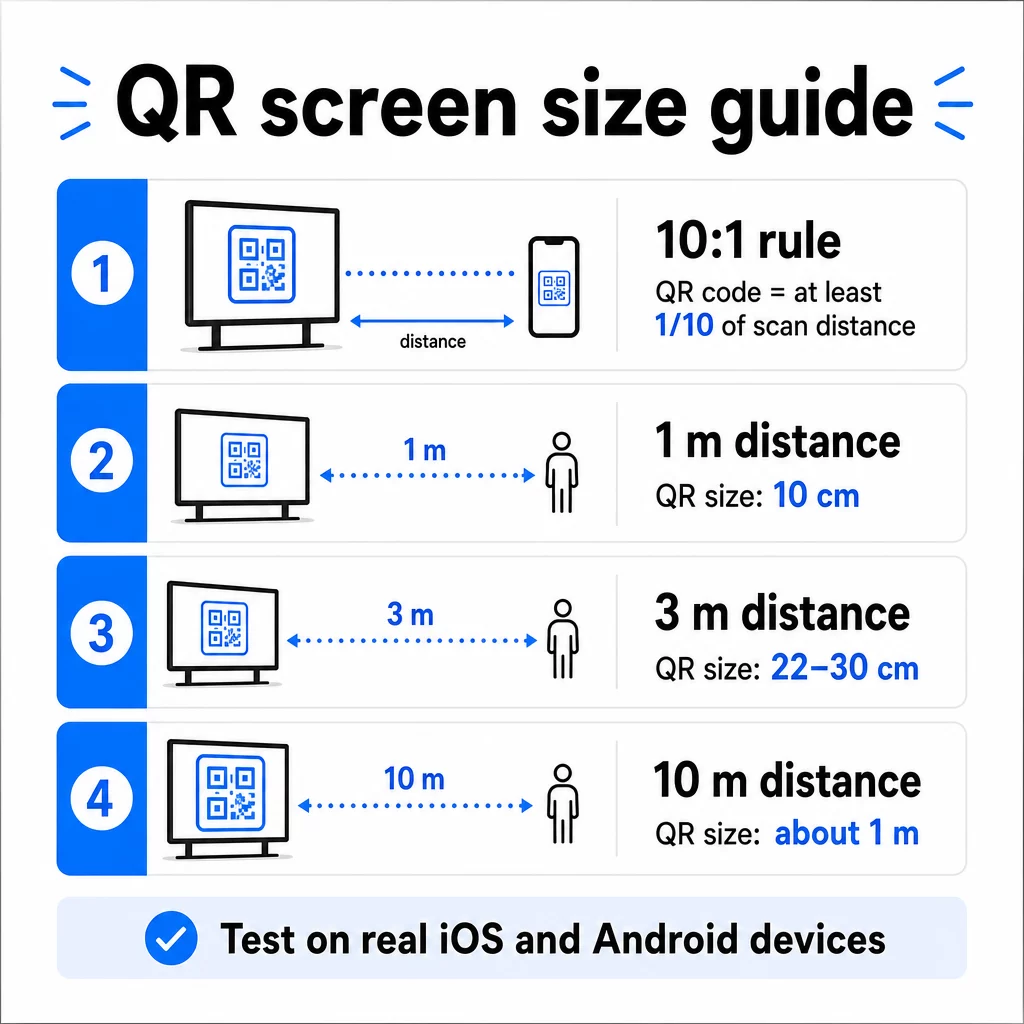
1080p ekranams, mažiausiai 240 pikselių esant 72 dpi yra pradinė bazė artimo nuotolio nuskaitymui, tačiau šis minimumas turi žymiai padidėti didėjant žiūrėjimo atstumui. Bendram skaitmeniniam ženklinimui, joks QR kodas neturėtų būti mažesnis nei maždaug 2 × 2 coliai – o didesnis visada yra saugesnis, kai žmonės nuskaito iš atstumo.
Visada patikrinkite dydį realiomis sąlygomis. Prieš baigdami kurti dizainą, išbandykite kodą tikruoju ekrano dydžiu, iš numatyto nuskaitymo atstumo, tiek iOS, tiek Android įrenginiuose. Peržiūrėkite visas gaires dėl QR kodo dydžio nustatymo skirtingoms medžiagoms ir kontekstams kai keičiate mastelį įvairiuose formatuose.
Kontrastas ir spalva: kas daro kodą nuskaitomu
Išmaniojo telefono kamera nuskaito QR kodą aptikdama kontrastą tarp tamsių modulių ir šviesaus fono. Jei šis kontrastas silpnas, kamera sunkiai atskiria raštą – ir nuskaitymas nepavyksta.
Patikimas standartas yra tamsaus priekinio plano ant šviesaus fono, kai juoda ant balto yra patikimiausias derinys. Naudodami prekės ženklo spalvas, QR raštą palikite tamsios spalvos, o foną – šviesų. Venkite atvirkštinių spalvų schemų (baltas kodas juodame fone), nes daugelis QR kodų skaitytuvų negali jų patikimai apdoroti.
Konkrečiai ekranams kontrastas tampa sudėtingesnis, nes aplinkos apšvietimas, ekrano akinimas ir atnaujinimo dažniai – visa tai veikia tai, ką mato kamera. Siekite bent 4,5:1 kontrasto santykio tarp jūsų kodo ir jo fono – ši riba taip pat palaiko prieinamumą vartotojams su silpnu regėjimu. Venkite gradientų ir šešėlių kodo srityje, nes jie sukuria vidutinius tonus, kurie klaidina skaitytuvus.
Išsamų spalvų derinių ir jų nuskaitymo rezultatų aprašymą rasite vadove apie QR kodo spalvų kontrasto geriausios praktikos.
Tylioji zona: erdvė, kuri leidžia nuskaityti
Tylioji zona yra tuščia kraštinė, supanti QR kodą iš visų keturių pusių. Ji nėra dekoratyvinė – ji funkcinė. Skaitytuvai naudoja šią tuščią erdvę, kad nustatytų, kur kodas prasideda ir baigiasi, atskirdami jį nuo kitų vizualinių elementų, tokių kaip tekstas, vaizdai ar fono raštai.
Minimali tylioji zona yra keturių modulių pločio iš kiekvienos pusės, kur modulis yra mažiausio kvadrato kode plotis. Jei keičiate kodo mastelį, tylioji zona turi keistis proporcingai. Apkirpimas ar kraštinės sumažinimas – net ir šiek tiek – gali sukelti nuolatinius nuskaitymo gedimus.
Skaitmeniniuose ekranuose, kur dizaineriai dažnai dirba su perkrautais išdėstymais ir ribota ekrano erdve, tylioji zona dažnai yra pirmas dalykas, kuris suspaudžiamas. Neleiskite to. Laikykite tyliąją zoną be logotipų, teksto ir bet kokių dizaino elementų, ir įsitikinkite, kad ji atitinka fono spalvą, kad vizualiai atskirtų kodą nuo jo aplinkos.
Daugiau apie tyliosios zonos reikalavimus ir su QR kodų skaitomumo geriausia praktika yra prieinama, jei optimizuojate esamą dizainą.
Išdėstymas ekrane
Tai, kur kodas yra ekrano išdėstyme, veikia tiek matomumą, tiek nuskaitymo greitį. Nuosekliai taikomi keli principai:
- Padėkite akių lygyje. Kodo padėtis maždaug 3,5–4,5 pėdų atstumu nuo grindų užtikrina jo prieinamumą tiek stovintiems suaugusiems, tiek neįgaliųjų vežimėliuose sėdintiems vartotojams – nereikia nei pritūpti, nei pasitempti
- Įdėkite kodą į natūralų skaitymo srautą. Ekrano centre arba apačios centre esančios vietos paprastai veikia gerai; venkite paslėpti kodą kampe, kur jis konkuruoja su kitais elementais
- Kai įmanoma, naudokite vieną kodą vienam ekranui. Keli kodai klaidina žiūrovus, kurį nuskaityti, ir gali priversti kameros programas sufokusuoti į neteisingą.
- Išlaikykite aplinkinį dizainą švarų. Per daug konkuruojančio turinio ekrane sumažina nuskaitymo dažnį; suteikite kodui vizualinės erdvės
Skaitmeniniams ženklams, kurie keičia turinį, QR kodą rodykite visą jo laiko tarpo trukmę. Žiūrovams reikia pakankamai laiko pastebėti kodą, nuspręsti nuskaityti ir užbaigti nuskaitymą, kol pasikeis skaidrė. Daugiau informacijos apie išdėstymo strategijas įvairiose aplinkose rasite išsamus QR kodo išdėstymo rinkodaroje vadovas apima išdėstymo sprendimus spausdintiniuose ir skaitmeniniuose formatuose.
Kaip parašyti raginimą veikti, kuris skatina nuskaitymus
QR kodas be konteksto ignoruojamas. Žiūrovai turi žinoti – prieš paimdami telefoną – ką jie gaus nuskaitydami.
Pateikite trumpą, konkretų raginimą veikti tiesiai šalia kodo. “Nuskaitykite, kad pamatytumėte šiandienos meniu”, “Nuskaitykite, kad dalyvautumėte loterijoje” arba “Nuskaitykite, kad gautumėte 20% nuolaidą kitam užsakymui” veikia geriau nei bendriniai raginimai, tokie kaip “Nuskaitykite čia”. Kuo konkretesnė nauda, tuo didesnis nuskaitymo dažnis.
Tekstas turi būti trumpas – pakanka dviejų ar penkių žodžių. Didesni šriftai ir didelis kontrastingumas raginimo veikti tekstui taiko tuos pačius principus kaip ir pačiam kodui: jis turi būti įskaitomas iš tikėtino žiūrovo atstumo. Daugiau patarimų rasite geriausios QR kodo naudojimo praktikos apie efektyvų įrėminimą.
Kur turėtų nuvesti nuskaitymas
Kiekvienas nuskaitymas, kuris iš karto nesuteikia vertės, yra prarasta galimybė. Kadangi žiūrovai prisijungs per išmanųjį telefoną, paskirties vieta turi būti mobiliesiems pritaikytą nukreipimo puslapį kuri greitai įkeliama ir įvykdo konkretų raginimo veikti pažadą.
Venkite siųsti vartotojus į savo pagrindinį puslapį ar bendrą produktų katalogą. Jei kodas yra kasos ekrane, reklamuojančiame lojalumo programą, nukreipimo puslapis turėtų būti lojalumo registracijos forma – nieko daugiau. Jei jis yra parodos stende, paskirties vieta gali būti potencialių klientų surinkimo forma arba atsisiunčiamas specifikacijų lapas.
A "Google" formos QR kodas yra praktiškas pasirinkimas atsiliepimų rinkimui, renginių registracijai ar apklausoms tiesiai iš ekrano. A nuorodos QR kodui veikia bet kuriai URL pagrindu veikiančiai paskirties vietai ir palaiko visišką pritaikymą bei stebėjimą.
Išlaikykite savo ekrano QR kodus lanksčius Reikia atnaujinti, į ką nukreipia kodas, nekeičiant paties kodo? Naudokite QR kodo generatorius kurti dinaminius kodus, kurie leidžia bet kada redaguoti paskirties vietą – nereikia pakartotinai spausdinti ar perdaryti.
Dinaminių QR kodų naudojimas ekranams
Statiniai QR kodai užkoduoja fiksuotą URL arba duomenų dalį, kuri niekada negali pasikeisti. Ekranams – ypač skaitmeniniams ženklams, kurie keičia kampanijas arba reklamuoja laiko atžvilgiu jautrius pasiūlymus – tai sukelia problemą. Jei susietas turinys pasikeičia, reikia iš naujo sukurti ir įdiegti kodą.
Dinaminiai QR kodai išspręsti tai užkoduojant trumpą nukreipimo URL. Tikrąją paskirties vietą galima bet kada atnaujinti per savo paskyros prietaisų skydelį, o pats kodas išlieka toks pat. Tai reiškia, kad galite:
- Atnaujinti reklaminį pasiūlymą neperkuriant ekrano išdėstymo
- Nukreipti vieną kodą į skirtingas kampanijas pagal sezoną ar įvykį
- Akimirksniu pataisyti neveikiančią nuorodą be jokių ekrano pakeitimų
Dinaminiai kodai taip pat atrakina nuskaitymo analizę – duomenis apie tai, kiek kartų kodas buvo nuskaitytas, iš kurios vietos, kuriame įrenginyje ir kokiu laiku. Šie duomenys padeda nustatyti, kurie ekrano išdėstymai generuoja realų įsitraukimą, o kurie yra ignoruojami.
Ekranams su besikeičiančiu turiniu dinaminiai kodai yra ypač vertingi, nes tas pats vizualinis elementas laikui bėgant gali būti naudojamas skirtingoms kampanijoms.
Stebėkite kiekvieną nuskaitymą iš kiekvieno ekrano Norite sužinoti, kurie ekranai iš tikrųjų skatina įsitraukimą? Naudokite Pageloot dinaminę QR kodų platformą kad realiuoju laiku stebėtumėte nuskaitymo dažnius, vietas ir įrenginių duomenis – ir patobulintumėte savo ekrano strategiją, remdamiesi duomenimis.
Testavimas prieš paleidžiant
Net ir gerai suprojektuotas QR kodas praktikoje gali sugesti dėl ekrano ryškumo, žiūrėjimo kampo, ekrano atnaujinimo dažnio ar aplinkos apšvietimo. Prieš paleidžiant bet kokį ekraną:
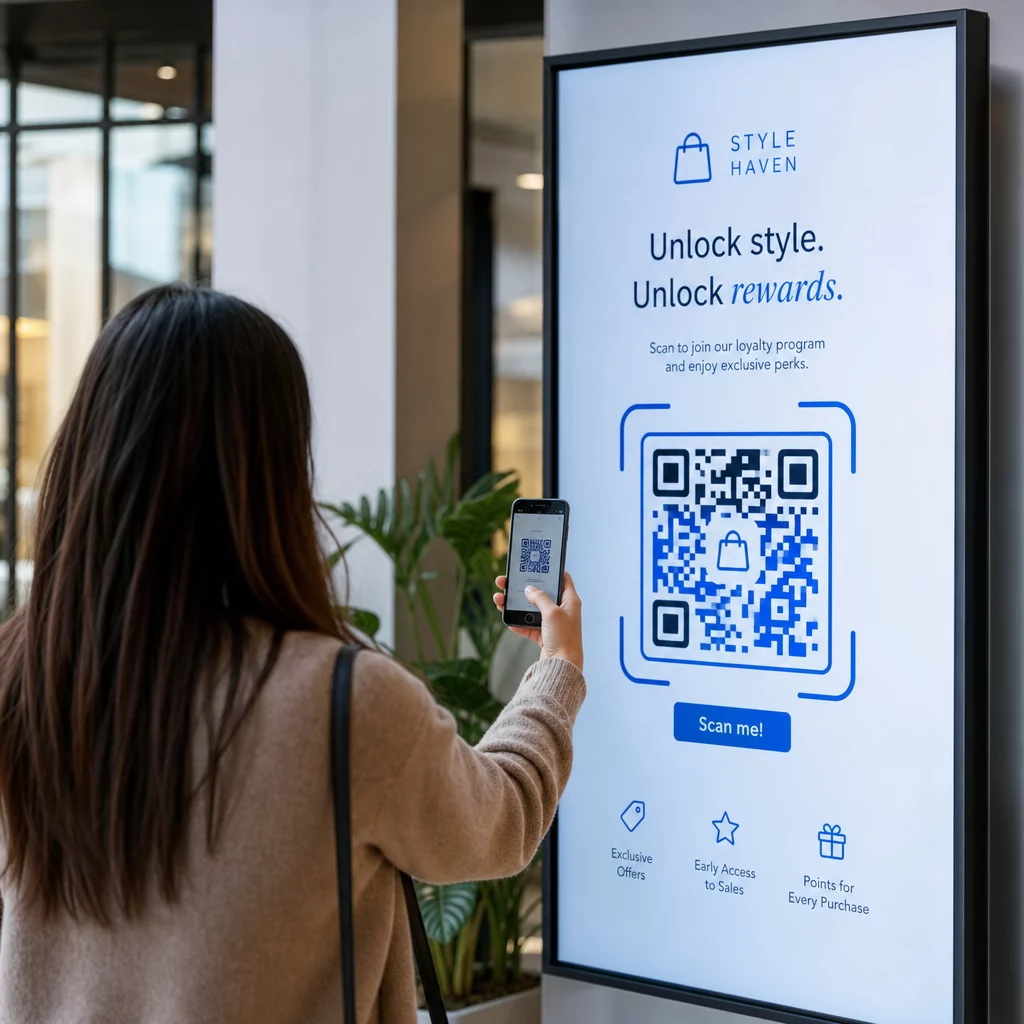
- Išbandykite kodą tikruoju ekrano dydžiu ir raiška, kuria jis bus rodomas
- Nuskaitykite iš numatytų minimalių ir maksimalių atstumų
- Išbandykite su keliais įrenginiais – bent vienu iOS ir vienu Android telefonu
- Išbandykite skirtingu paros metu, jei ekranas yra šalia natūralių šviesos šaltinių, kurie keičiasi visą dieną
- Patikrinkite, ar paskirties puslapis tinkamai įkeliamas mobiliajame telefone ir suteikia laukiamą patirtį
Tas QR kodo skaitytuvo įrankis gali būti naudojamas kodo turiniui patikrinti ir patvirtinti, kad jis tinkamai veikia prieš diegimą.
Išnagrinėkite Pageloot funkcijų apžvalga ir pramonės sprendimus kad sužinotumėte daugiau apie tai, kaip QR kodai gali būti taikomi įvairiuose rodymo kontekstuose ir verslo sektoriuose. Gerai patalpintas, tinkamo dydžio QR kodas su aiškiu raginimu veikti gali paversti bet kurį ekraną konversijos tašku. Tinkamai nustatykite kontrastą, ramiąją zoną, dydį ir paskirties vietą – tada naudokite dinaminius kodus ir analizę, kad nuolat tobulintumėte. Pradėkite nuo QR kodo generatorius kad šiandien sukurtumėte savo pirmąjį nuskaitomą ekrano kodą.
Dažniausiai užduodami klausimai
Naudokite 10:1 taisyklę: kodas turėtų būti bent dešimtadalio numatomo nuskaitymo atstumo.
Taip, jei naudojate dinaminį QR kodą. Dinaminiai kodai naudoja nukreipimo URL, todėl galite bet kada atnaujinti paskirties vietą savo paskyros prietaisų skydelyje – pats kodas lieka toks pat. Tai ypač naudinga skaitmeniniams ženklams, kurie reklamuoja besikeičiančias kampanijas ar laiko požiūriu jautrius pasiūlymus, nes išvengiate ekrano perdarymo ar pakartotinio diegimo kiekvieną kartą, kai pasikeičia susietas turinys.
Dažniausios priežastys yra nepakankamas kontrastas tarp kodo ir jo fono, rami zona, kuri buvo apkarpyta arba užpildyta aplinkiniais dizaino elementais, ir kodas, kuris yra per mažas žiūrėjimo atstumui. Ekranuose ekrano ryškumas ir akinimas taip pat gali trukdyti. Patikrinkite, ar jūsų kodas naudoja tamsų raštą šviesiame fone, palaiko aiškią keturių modulių ramią zoną iš visų pusių ir atitinka dydžio reikalavimus jūsų numatomam nuskaitymo atstumui. Išbandykite keliuose įrenginiuose, kad patvirtintumėte suderinamumą.