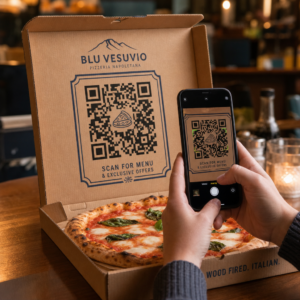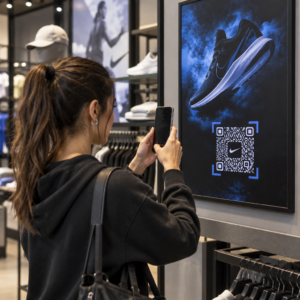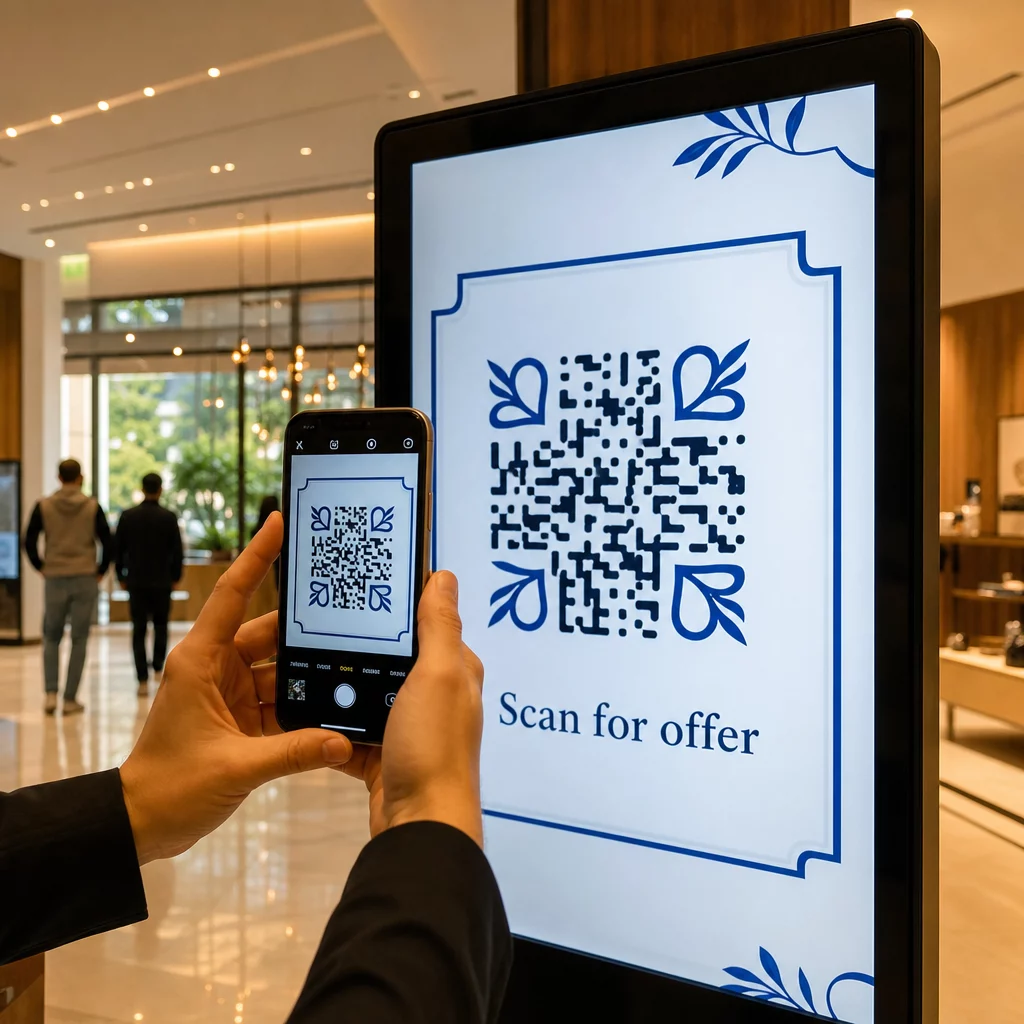
I tuoi display digitali stanno generando coinvolgimento, o solo impressioni? Un codice QR trasforma uno schermo passivo in un punto di contatto interattivo – ma solo se è progettato e posizionato correttamente. Questa guida copre tutto ciò che devi sapere per far sì che i codici QR sugli schermi funzionino davvero.
Perché i codici QR rendono i display digitali più efficaci
La segnaletica digitale e gli schermi sono già bravi ad attirare l'attenzione. Ciò con cui faticano è convertire quell'attenzione in azione. Uno spettatore legge il tuo messaggio, si sente interessato, e poi… va avanti. Non esiste un meccanismo per collegare il momento di interesse con il passo successivo.
Un codice QR colma questa lacuna. Quando qualcuno scansiona un codice sul tuo display, ha scelto volontariamente di interagire ulteriormente – ha segnalato l'intenzione. Quella singola scansione può collegarli a una pagina di prodotto, un'offerta promozionale, un modulo di iscrizione o un video, tutto dallo schermo che stavano già guardando.
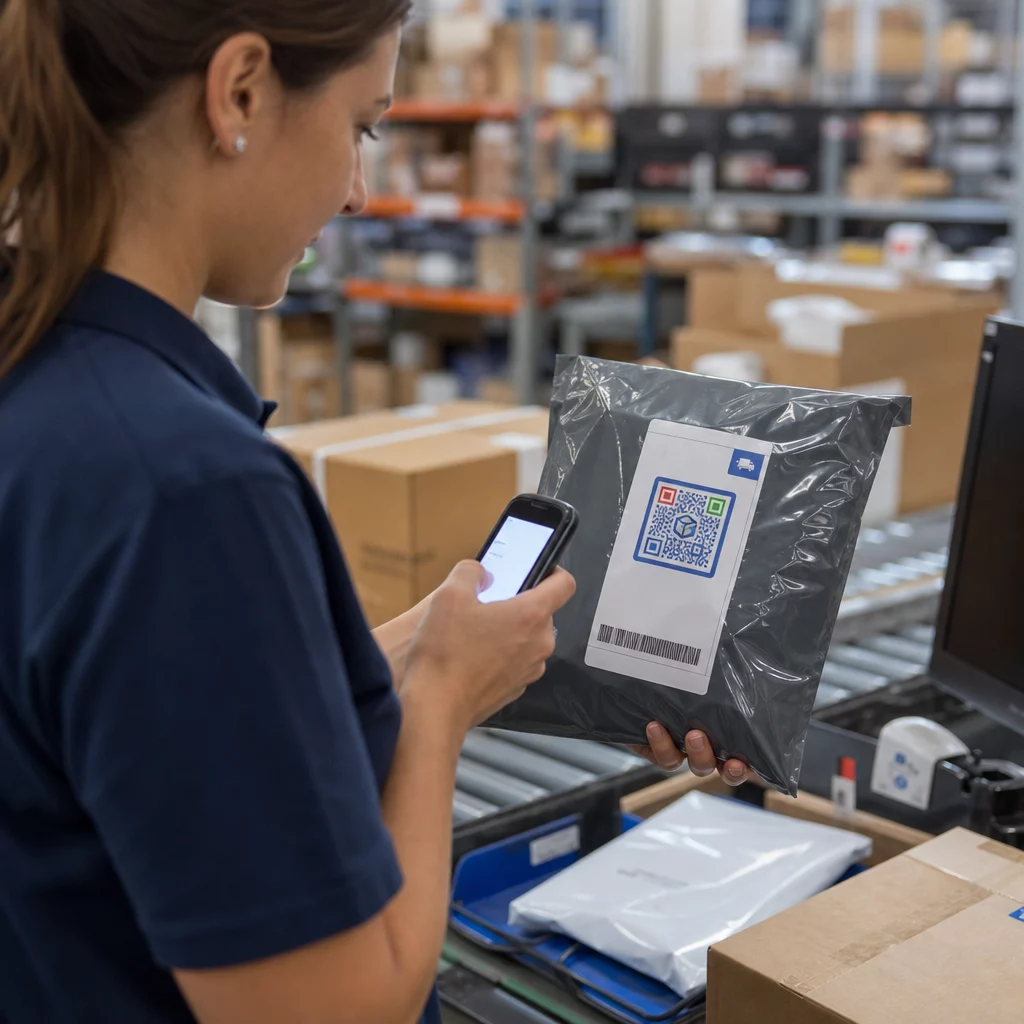
Questo è particolarmente utile in situazioni in cui il tuo pubblico non ha una penna a portata di mano o non si ricorderà di cercare più tardi: fiere, negozi al dettaglio, snodi di trasporto e luoghi pubblici. Il codice fa il lavoro anche quando non sei presente.
Dove i codici QR sui display funzionano meglio
Non tutti gli ambienti con schermi sono ugualmente adatti ai codici QR. I posizionamenti migliori condividono una caratteristica comune: lo spettatore ha un momento naturale per fermarsi, tirare fuori il telefono e scansionare.
- Vetrine e facciate dei negozi offrono ai passanti l'accesso a dettagli del prodotto, recensioni, prezzi o opzioni di acquisto online anche quando il negozio è chiuso
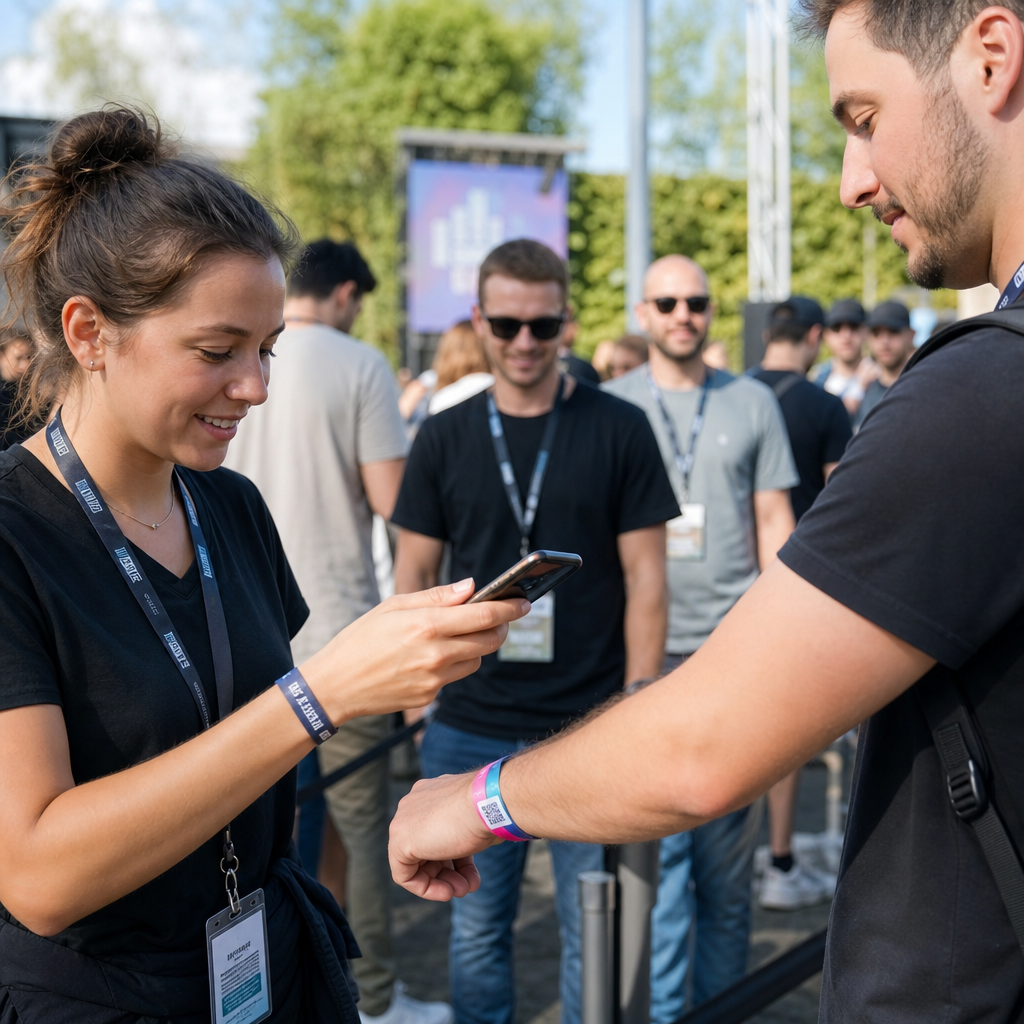
- Display per fiere ed esposizioni sono ideali per convertire il traffico in fiera in lead – i codici possono collegarsi a brochure digitali, iscrizioni a concorsi, follow sui social media o offerte esclusive della fiera
- Schermi LED e chioschi in negozio raggiungono un pubblico con alto traffico pedonale e possono guidare azioni d'impulso come la scansione per uno sconto o la visualizzazione di un nuovo lancio di prodotto
- Display per punti vendita e casse sono un'ottima posizione per iscrizioni a programmi fedeltà, scontrini digitali o promozioni per il prossimo acquisto
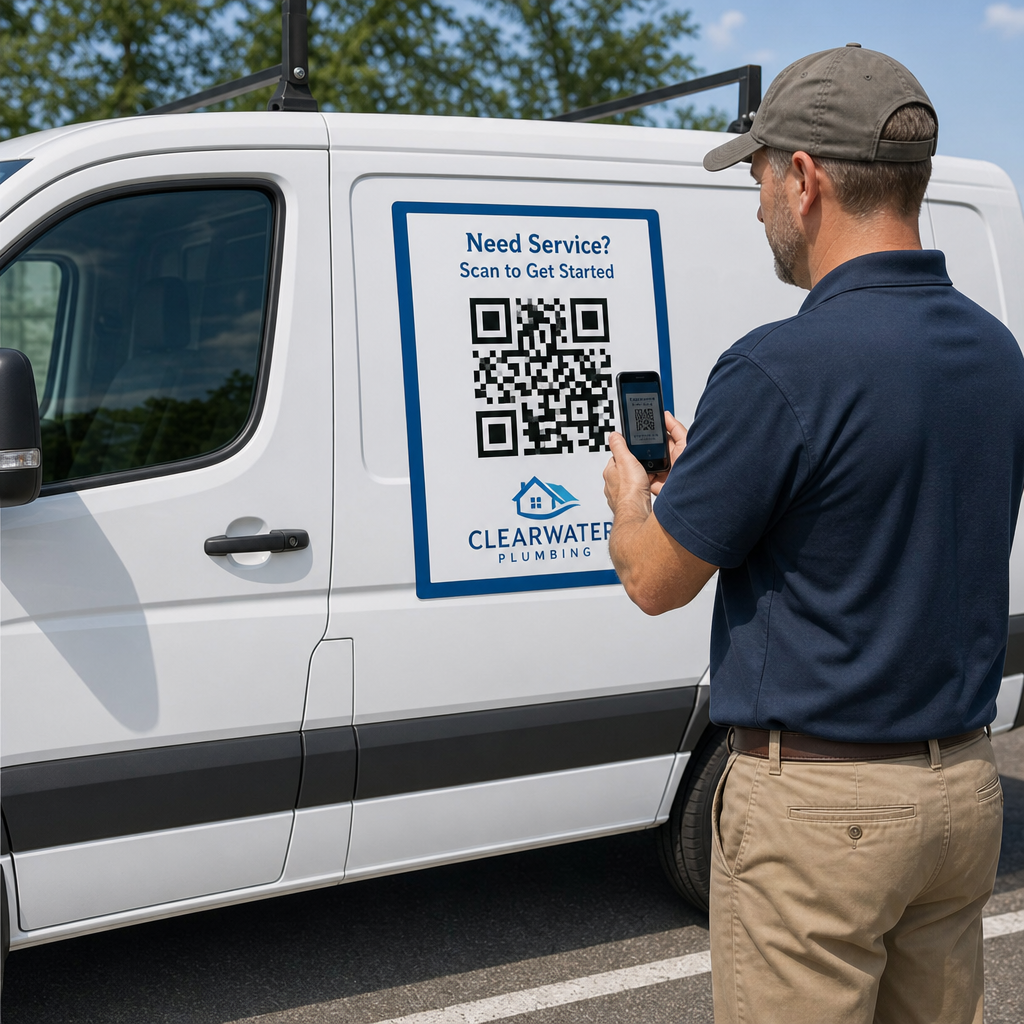
- Segnaletica per trasporti e veicoli estende la tua portata a pendolari e passanti – un codice QR su un furgone per le consegne brandizzato, per esempio, funziona interamente da solo una volta implementato
Per uno sguardo più approfondito su come la strategia di posizionamento in negozio influisce sul coinvolgimento, vedi efficaci per i codici QR nei negozi al dettaglio e il confronto tra codici QR su imballaggi rispetto a display in negozio.
Ottenere la Dimensione Giusta per gli Schermi Digitali
La dimensione è l'errore più comune con i codici QR sugli schermi. Un codice che sembra grande in un file di progettazione può diventare quasi illeggibile quando visualizzato su un monitor dall'altra parte di una stanza.
La linea guida standard è la regola 10:1: il tuo codice QR dovrebbe essere almeno un decimo della distanza di scansione prevista. Se gli spettatori si troveranno a 1 metro dallo schermo, il codice deve essere largo almeno 10 cm. Da 3 metri, punta a 22–30 cm. Da 10 metri, stai cercando un codice che deve essere di circa 1 metro per lato.
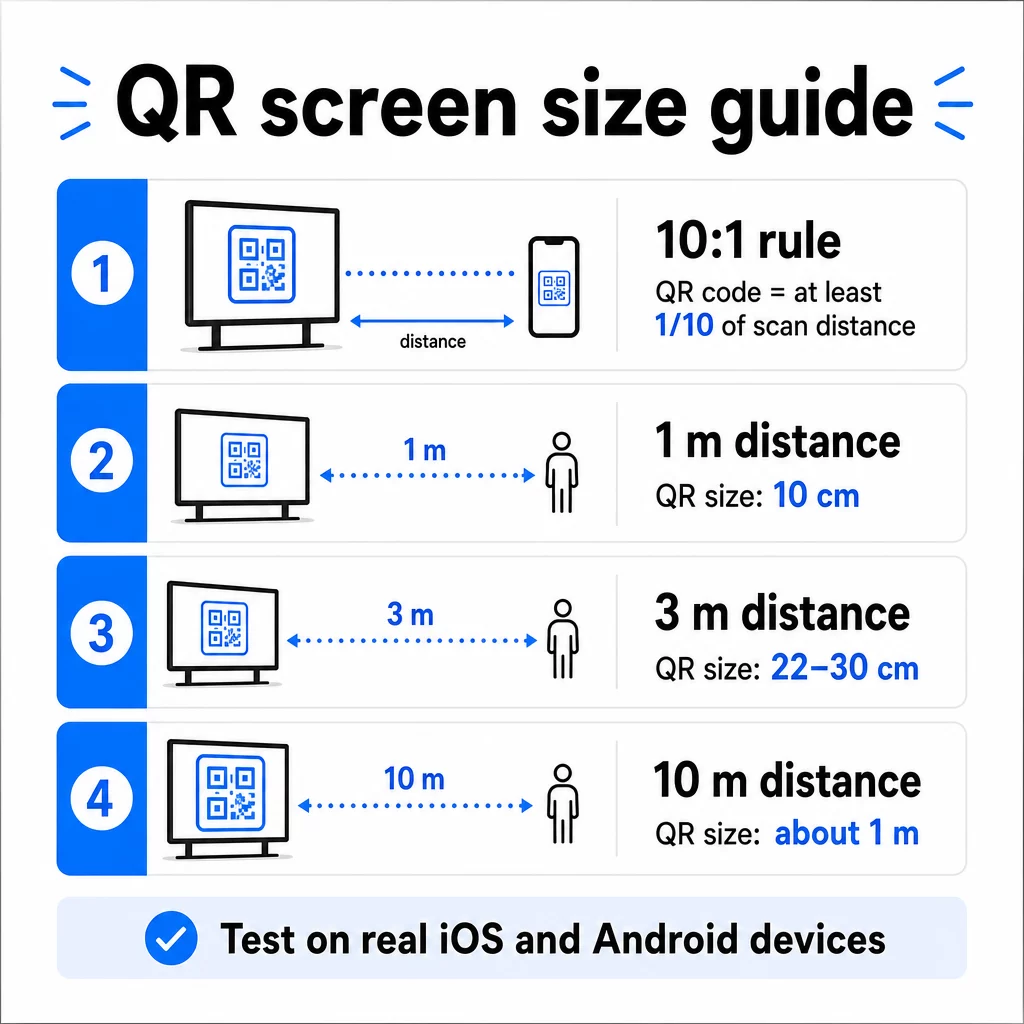
Per riferimento sui display 1080p, un minimo di 240 pixel a 72 dpi è una base di partenza per la scansione a distanza ravvicinata, ma tale minimo deve aumentare significativamente all'aumentare della distanza di visualizzazione. Per la segnaletica digitale generale, nessun codice QR dovrebbe essere più piccolo di circa 2 × 2 pollici – e più grande è sempre più sicuro quando le persone scansionano da lontano.
Convalida sempre le dimensioni in condizioni reali. Testa il codice alla dimensione effettiva del display, dalla distanza di scansione prevista, su dispositivi iOS e Android, prima di finalizzare il tuo design. Consulta la guida completa su dimensionamento dei codici QR per diversi materiali e contesti quando si scala tra i formati.
Contrasto e Colore: Cosa Rende un Codice Scansionabile
La fotocamera di uno smartphone legge un codice QR rilevando il contrasto tra moduli scuri e uno sfondo chiaro. Se il contrasto è debole, la fotocamera fatica a distinguere il modello – e la scansione fallisce.
Lo standard affidabile è primo piano scuro su uno sfondo chiaro, con il nero su bianco che è la combinazione più affidabile. Quando si usano i colori del marchio, mantieni il motivo QR in un colore scuro e lo sfondo chiaro. Evita schemi di colori invertiti (codice bianco su sfondo nero), poiché molti lettori di codici QR non riescono a elaborarli in modo affidabile.
Per gli schermi in particolare, il contrasto diventa più complicato perché l'illuminazione ambientale, il riverbero dello schermo e le frequenze di aggiornamento influenzano ciò che la fotocamera vede. Punta a un rapporto di contrasto di almeno 4.5:1 tra il tuo codice e il suo sfondo – questa soglia supporta anche l'accessibilità per gli utenti con problemi di vista. Evita sfumature e ombre all'interno dell'area del codice, poiché queste creano mezzitoni che confondono gli scanner.
Per una ripartizione completa degli abbinamenti di colori e dei loro risultati di scansionabilità, consulta la guida su migliori pratiche di contrasto cromatico dei codici QR.
La Zona Silenziosa: Lo Spazio Che Rende Possibile la Scansione
La zona silenziosa è il bordo vuoto che circonda un codice QR su tutti e quattro i lati. Non è decorativa, è funzionale. Gli scanner usano questo spazio vuoto per identificare dove il codice inizia e finisce, separandolo da altri elementi visivi come testo, immagini o motivi di sfondo.
La zona di silenzio minima è largo quattro moduli su ogni lato, dove un modulo è la larghezza del quadrato più piccolo nel codice. Se stai scalando il codice, la zona silenziosa deve scalare proporzionalmente. Ritagliare o tagliare il bordo – anche leggermente – può causare fallimenti di scansione costanti.
Sui display digitali, dove i designer spesso lavorano con layout affollati e spazio limitato sullo schermo, la zona silenziosa è spesso la prima cosa a essere compressa. Non permetterlo. Mantieni la zona silenziosa libera da loghi, testo e qualsiasi elemento di design, e assicurati che corrisponda al colore di sfondo in modo da separare visivamente il codice dall'ambiente circostante.
Maggiori informazioni sui requisiti della zona silenziosa e le migliori pratiche di leggibilità dei codici QR sono disponibili se stai ottimizzando un design esistente.
Posizionamento e Layout sullo Schermo
La posizione del codice all'interno del layout del display influisce sia sulla visibilità che sulla velocità di scansione. Alcuni principi si applicano costantemente:
- Posiziona all'altezza degli occhi. Posizionare il codice a circa 3.5 a 4.5 piedi dal pavimento lo rende accessibile sia per gli adulti in piedi che per gli utenti in sedia a rotelle – senza bisogno di accovacciarsi o allungarsi
- Inserisci il codice nel flusso di lettura naturale. I posizionamenti al centro dello schermo o in basso al centro tendono a funzionare bene; evita di nascondere il codice in un angolo dove compete con altri elementi
- Usa un codice per display quando possibile. Codici multipli confondono gli spettatori su quale scansionare e possono far sì che le app della fotocamera si concentrino su quello sbagliato
- Mantieni pulito il design circostante. Troppi contenuti concorrenti sullo schermo riducono i tassi di scansione; dai al codice spazio visivo per respirare
Per la segnaletica digitale che ruota i contenuti, visualizza il codice QR per l'intera durata del suo slot temporale. Gli spettatori hanno bisogno di tempo sufficiente per notare il codice, decidere di scansionare e completare la scansione prima che la diapositiva cambi. Per maggiori informazioni sulle strategie di posizionamento in diversi ambienti, il guida definitiva al posizionamento dei codici QR nel marketing copre le decisioni di layout per i formati di stampa e digitali.
Scrivere una Call to Action che Genera Scansioni
Un codice QR senza contesto viene ignorato. Gli spettatori devono sapere – prima di prendere il telefono – cosa otterranno scansionando.
Posiziona una call to action breve e specifica direttamente accanto al codice. “Scansiona per il menu di oggi”, “Scansiona per partecipare al concorso” o “Scansiona per il 20% di sconto sul tuo prossimo ordine” funzionano tutti meglio di inviti generici come “Scansiona qui”. Più concreto è il beneficio, maggiore è il tasso di scansione.
Mantieni il testo breve – da due a cinque parole sono sufficienti. Caratteri più grandi e un contrasto elevato per il testo della CTA applicano gli stessi principi del codice stesso: deve essere leggibile dalla probabile distanza dello spettatore. Vedi ulteriori indicazioni su le migliori pratiche di usabilità dei codici QR per maggiori informazioni su un inquadramento efficace.
Dove la Scansione Dovrebbe Portare
Ogni scansione che non offre immediatamente valore è un'opportunità persa. Poiché gli spettatori arriveranno tramite smartphone, la destinazione deve essere una landing page ottimizzata per dispositivi mobili che si carichi rapidamente e mantenga la promessa specifica della call to action.
Evita di inviare gli utenti alla tua homepage o a un catalogo prodotti generico. Se il codice si trova su un display alla cassa che promuove un programma fedeltà, la landing page dovrebbe essere il modulo di iscrizione al programma fedeltà – niente di più. Se si trova su un display di una fiera, la destinazione potrebbe essere un modulo di acquisizione lead o una scheda tecnica scaricabile.
UN Codice QR del modulo Google è un'opzione pratica per la raccolta di feedback, la registrazione a eventi o sondaggi direttamente da un display. Un QR code da link funziona per qualsiasi destinazione basata su URL e supporta la personalizzazione completa e il tracciamento.
Mantieni Flessibili i Tuoi Codici QR per Display Hai bisogno di aggiornare a cosa si collega un codice senza cambiare il codice stesso? Usa il Generatore di codici QR per creare codici dinamici che ti permettono di modificare la destinazione in qualsiasi momento – senza bisogno di ristampare o riprogettare.
Utilizzo di codici QR dinamici per schermi
I codici QR statici codificano un URL fisso o un pezzo di dati che non può mai cambiare. Per i display – specialmente la segnaletica digitale che ruota le campagne o promuove offerte a tempo limitato – questo crea un problema. Se il contenuto collegato cambia, è necessario ricreare e ridistribuire il codice.
Codici QR dinamici risolvono questo problema codificando un breve URL di reindirizzamento. La destinazione effettiva può essere aggiornata in qualsiasi momento tramite la dashboard del tuo account, mentre il codice stesso rimane invariato. Questo significa che puoi:
- Aggiornare un'offerta promozionale senza riprogettare il layout dello schermo
- Reindirizzare un singolo codice a diverse campagne per stagione o evento
- Correggere un link interrotto istantaneamente senza modifiche al display
I codici dinamici sbloccano anche le analisi delle scansioni – dati su quante volte un codice è stato scansionato, da quale posizione, su quale dispositivo e a che ora. Questi dati ti aiutano a determinare quali posizionamenti del display stanno generando un reale coinvolgimento rispetto a quelli che vengono trascurati.
Per gli schermi con contenuti rotanti, i codici dinamici sono particolarmente preziosi perché lo stesso asset visivo può servire diverse campagne nel tempo.
Traccia ogni scansione da ogni schermo Vuoi sapere quali display stanno effettivamente generando coinvolgimento? Usa la piattaforma di Pageloot di codici QR dinamici per monitorare i tassi di scansione, le posizioni e i dati dei dispositivi in tempo reale – e affinare la tua strategia di visualizzazione in base a ciò che i dati mostrano.
Test prima di andare online
Anche un codice QR ben progettato può fallire nella pratica a causa della luminosità del display, dell'angolo di visione, della frequenza di aggiornamento dello schermo o dell'illuminazione ambientale. Prima che qualsiasi display vada online:
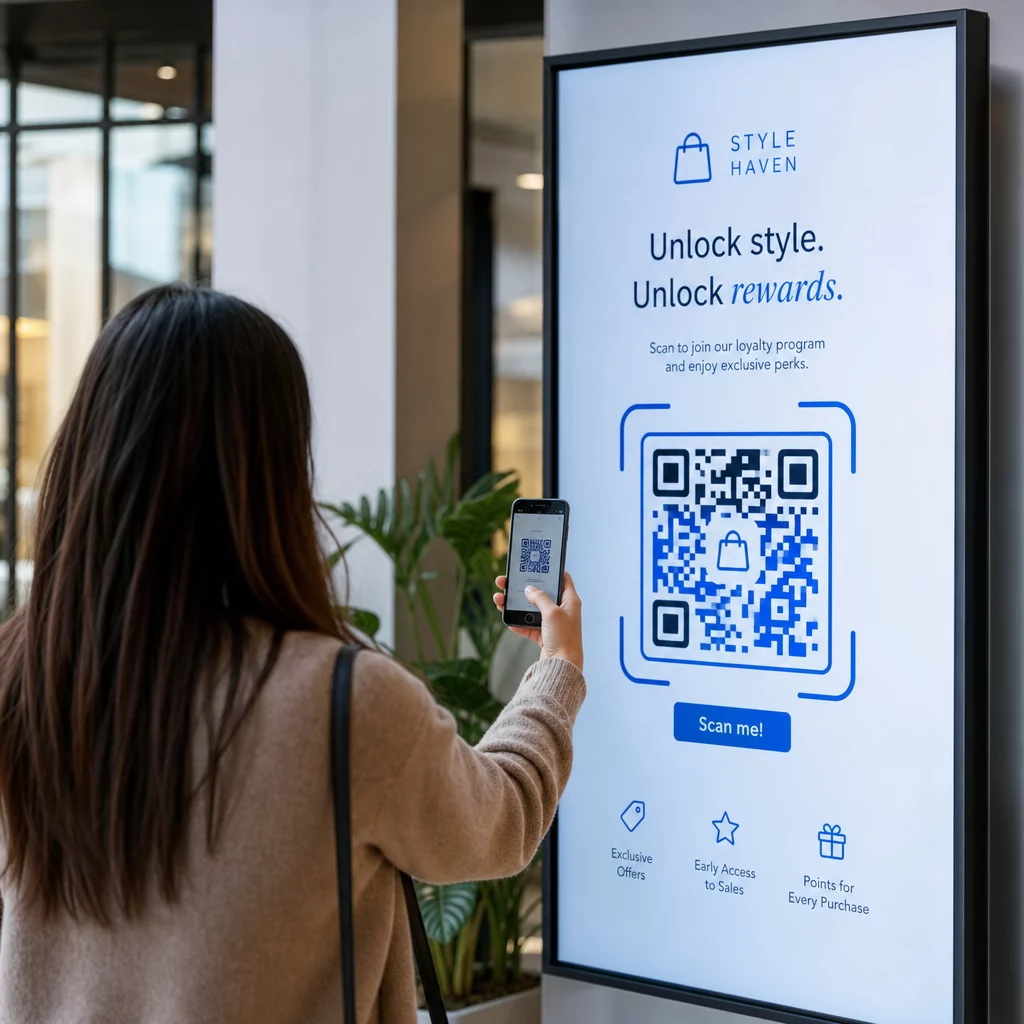
- Testa il codice alla dimensione e risoluzione effettiva dello schermo su cui verrà mostrato
- Scansiona dalle distanze minime e massime previste
- Testa su più dispositivi – almeno un telefono iOS e uno Android
- Testa in diversi momenti della giornata se il display è vicino a fonti di luce naturale che cambiano durante il giorno
- Verifica che la pagina di destinazione si carichi correttamente su mobile e offra l'esperienza attesa
Il sito Strumento scanner di codici QR può essere utilizzato per verificare il contenuto di un codice e confermare che si risolva correttamente prima del deployment.
Esplora le Panoramica delle funzionalità di Pageloot e soluzioni di settore per saperne di più su come i codici QR possono essere applicati in diversi contesti di visualizzazione e settori aziendali. Un codice QR ben posizionato, di dimensioni corrette e con una chiara call to action può trasformare qualsiasi schermo in un punto di conversione. Ottieni il contrasto, la zona di silenzio, le dimensioni e la destinazione giusti – quindi usa codici dinamici e analisi per continuare a migliorare. Inizia con il Generatore di codici QR per creare oggi il tuo primo codice display scansionabile.
Domande frequenti
Usa la regola 10:1: il codice dovrebbe essere almeno un decimo della distanza di scansione prevista. Per un display scansionato da 1 metro, il codice dovrebbe essere largo almeno 10 cm. Per la segnaletica digitale generale, un minimo di 2 × 2 pollici è un ragionevole punto di partenza, con la dimensione che aumenta man mano che la distanza di visualizzazione cresce. Testa sempre alle dimensioni e alla distanza effettive del display prima di andare online.
Sì, se usi un codice QR dinamico. I codici dinamici utilizzano un URL di reindirizzamento, quindi puoi aggiornare la destinazione nella dashboard del tuo account in qualsiasi momento – il codice stesso rimane lo stesso. Questo è particolarmente utile per la segnaletica digitale che promuove campagne a rotazione o offerte a tempo limitato, poiché eviti di riprogettare o ridistribuire il display ogni volta che il contenuto collegato cambia.
Le cause più comuni sono il contrasto insufficiente tra il codice e il suo sfondo, una zona di silenzio che è stata ritagliata o affollata da elementi di design circostanti, e un codice troppo piccolo per la distanza di visualizzazione. Sugli schermi, la luminosità del display e il riverbero possono anche interferire. Verifica che il tuo codice utilizzi un motivo scuro su uno sfondo chiaro, mantenga una chiara zona di silenzio di quattro moduli su tutti i lati, e soddisfi i requisiti di dimensione per la distanza di scansione prevista. Esegui test su più dispositivi per confermare la compatibilità.