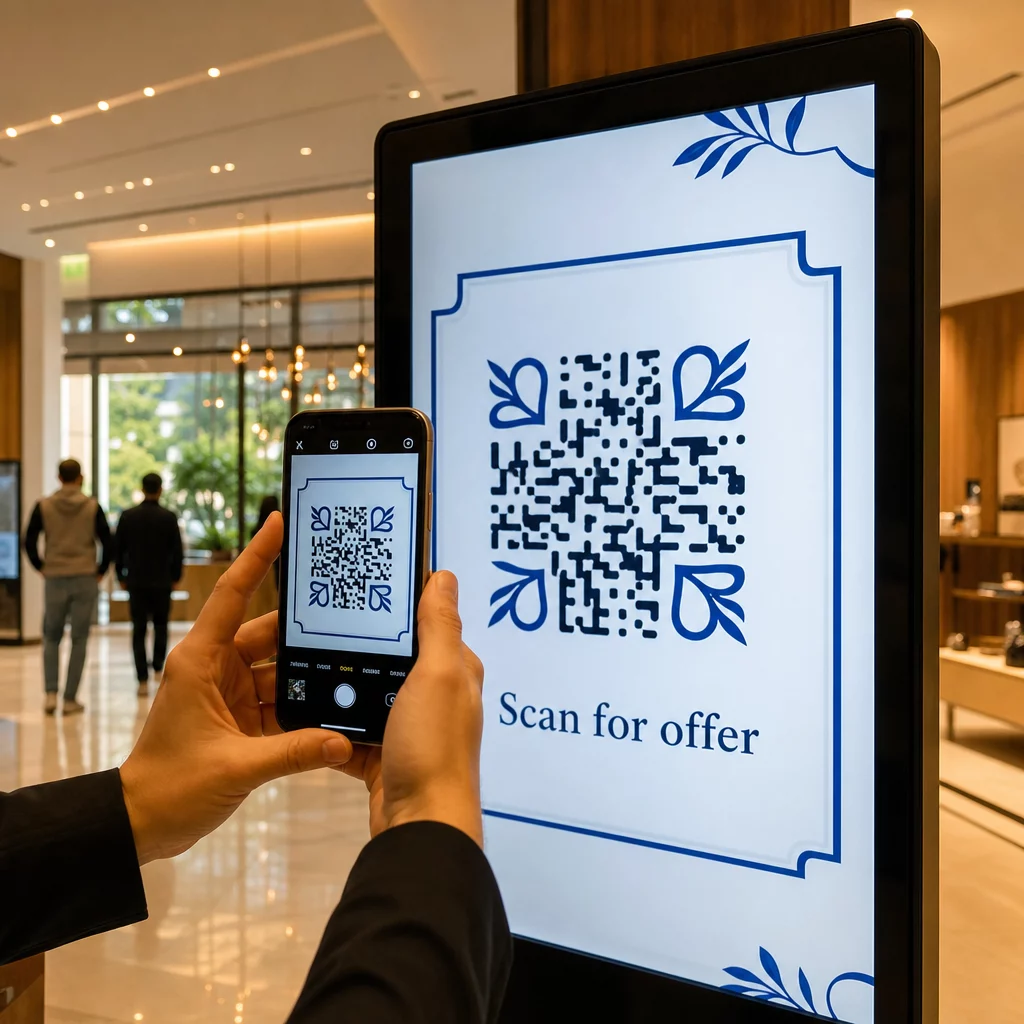
Vos affichages numériques génèrent-ils de l'engagement, ou seulement des impressions ? Un code QR transforme un écran passif en un point de contact interactif – mais seulement s'il est conçu et placé correctement. Ce guide couvre tout ce que vous devez savoir pour que les codes QR sur les écrans fonctionnent réellement.
Pourquoi les codes QR rendent les affichages numériques plus efficaces
L'affichage numérique et les écrans sont déjà efficaces pour attirer l'attention. Ce avec quoi ils ont du mal, c'est de convertir cette attention en action. Un spectateur lit votre message, se sent intéressé, et puis… passe à autre chose. Il n'y a pas de mécanisme pour relier le moment d'intérêt à l'étape suivante.
Un code QR comble cette lacune. Lorsqu'une personne scanne un code sur votre affichage, elle a volontairement choisi de s'engager davantage – elle a signalé son intention. Ce simple scan peut la connecter à une page produit, une offre promotionnelle, un formulaire d'inscription ou une vidéo, le tout depuis l'écran qu'elle regardait déjà.
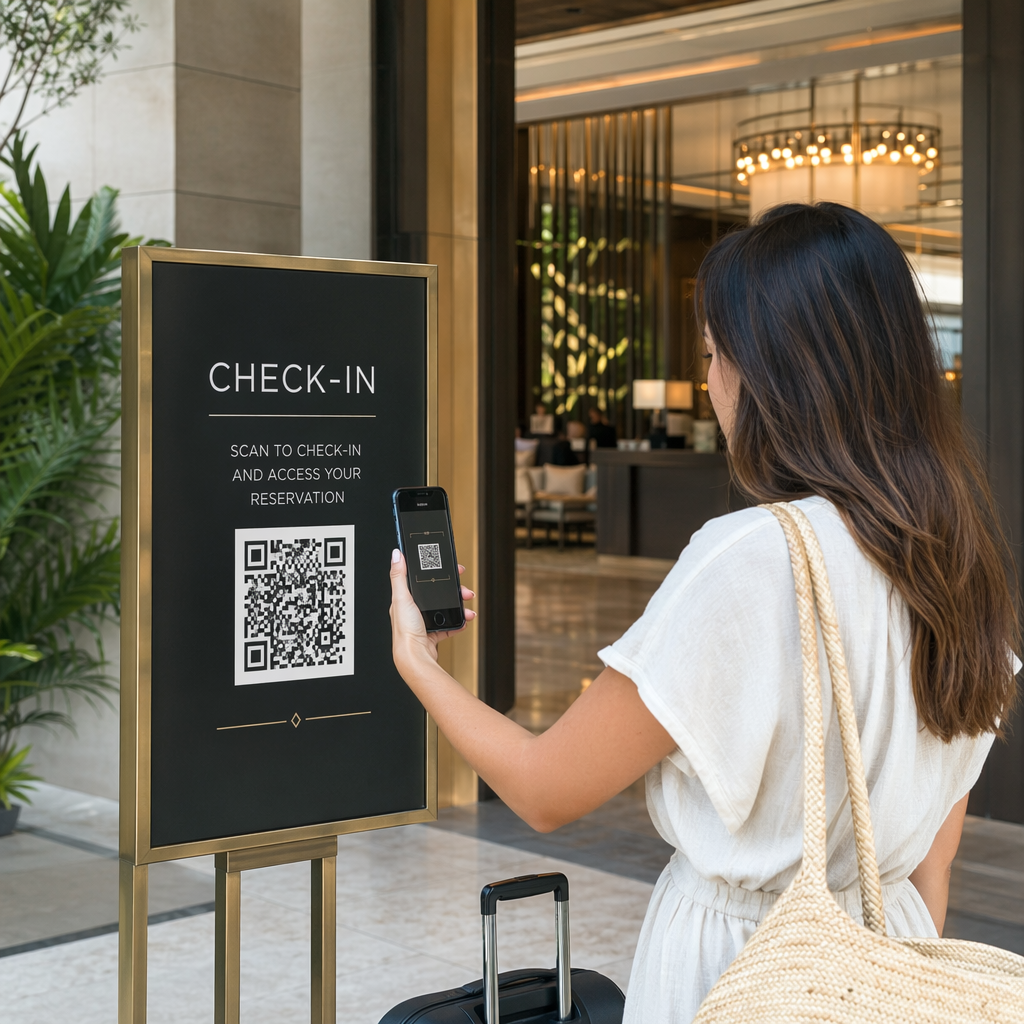
C'est particulièrement utile dans les situations où votre public n'a pas de stylo sous la main ou ne se souviendra pas de chercher plus tard : salons professionnels, surfaces de vente, pôles de transport et lieux publics. Le code fait le travail même lorsque vous n'êtes pas présent.
Où les codes QR sur les écrans fonctionnent le mieux
Tous les environnements d'écran ne sont pas également adaptés aux codes QR. Les meilleurs emplacements partagent un trait commun : le spectateur a un moment naturel pour faire une pause, sortir son téléphone et scanner.
- Vitrines et devantures de magasins donnent aux lèche-vitrines accès aux détails des produits, aux avis, aux prix ou aux options d'achat en ligne même lorsque le magasin est fermé
- Affichages de salons professionnels et d'expositions sont idéaux pour convertir le trafic en prospects – les codes peuvent renvoyer à des brochures numériques, des participations à des concours, des suivis sur les réseaux sociaux ou des offres exclusives de salon
- Écrans LED et bornes interactives en magasin atteignent des publics à fort trafic piétonnier et peuvent générer des actions impulsives comme scanner pour une réduction ou visualiser le lancement d'un nouveau produit
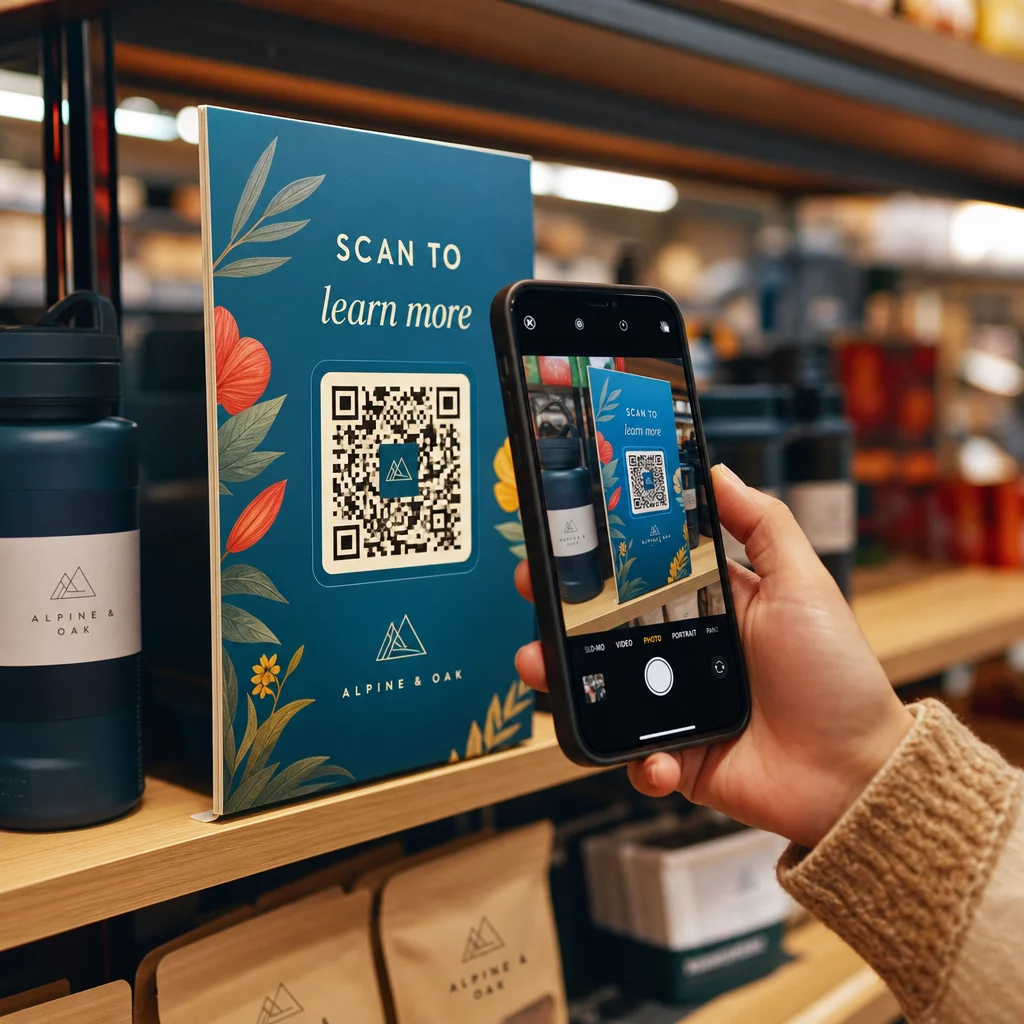
- Affichages de point de vente et de caisse sont des emplacements de choix pour les inscriptions de fidélité, les reçus numériques ou les promotions pour le prochain achat
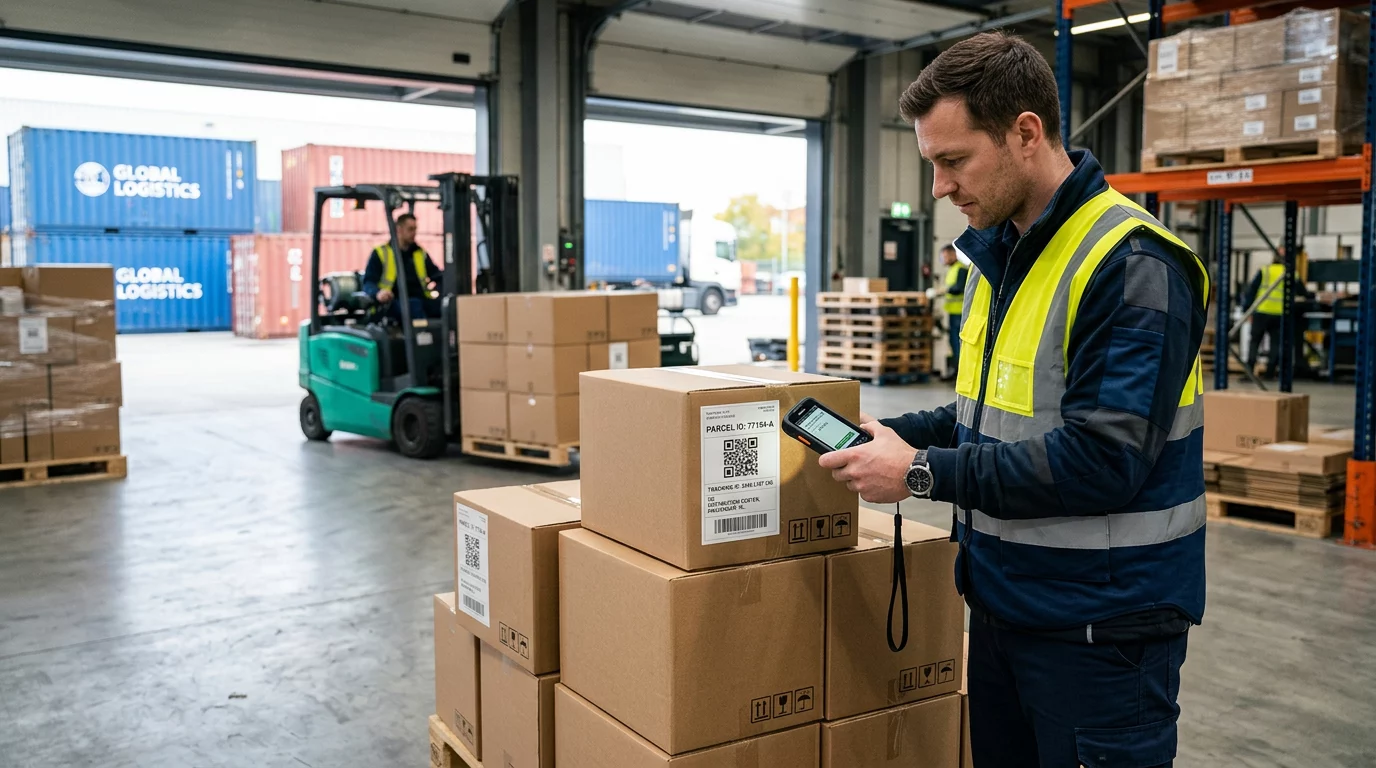
- Signalisation de transport et de véhicule étend votre portée aux navetteurs et aux passants – un code QR sur un fourgon de livraison de marque, par exemple, fonctionne entièrement seul une fois déployé
Pour un examen plus approfondi de la façon dont la stratégie de placement en magasin affecte l'engagement, voir meilleurs emplacements de codes QR pour les magasins de détail et la comparaison de codes QR sur les emballages versus les présentoirs en magasin.
Obtenir la bonne taille pour les écrans numériques
La taille est l'erreur la plus courante avec les codes QR sur les écrans. Un code qui semble grand dans un fichier de conception peut devenir presque illisible lorsqu'il est affiché sur un moniteur à travers une pièce.
La directive standard est la suivante : règle du 10:1: votre code QR doit être au moins un dixième de la distance de balayage prévue. Si les spectateurs se tiennent à 1 mètre de l'écran, le code doit mesurer au moins 10 cm de large. À 3 mètres, visez 22 à 30 cm. À 10 mètres, vous recherchez un code qui doit mesurer environ 1 mètre de côté.
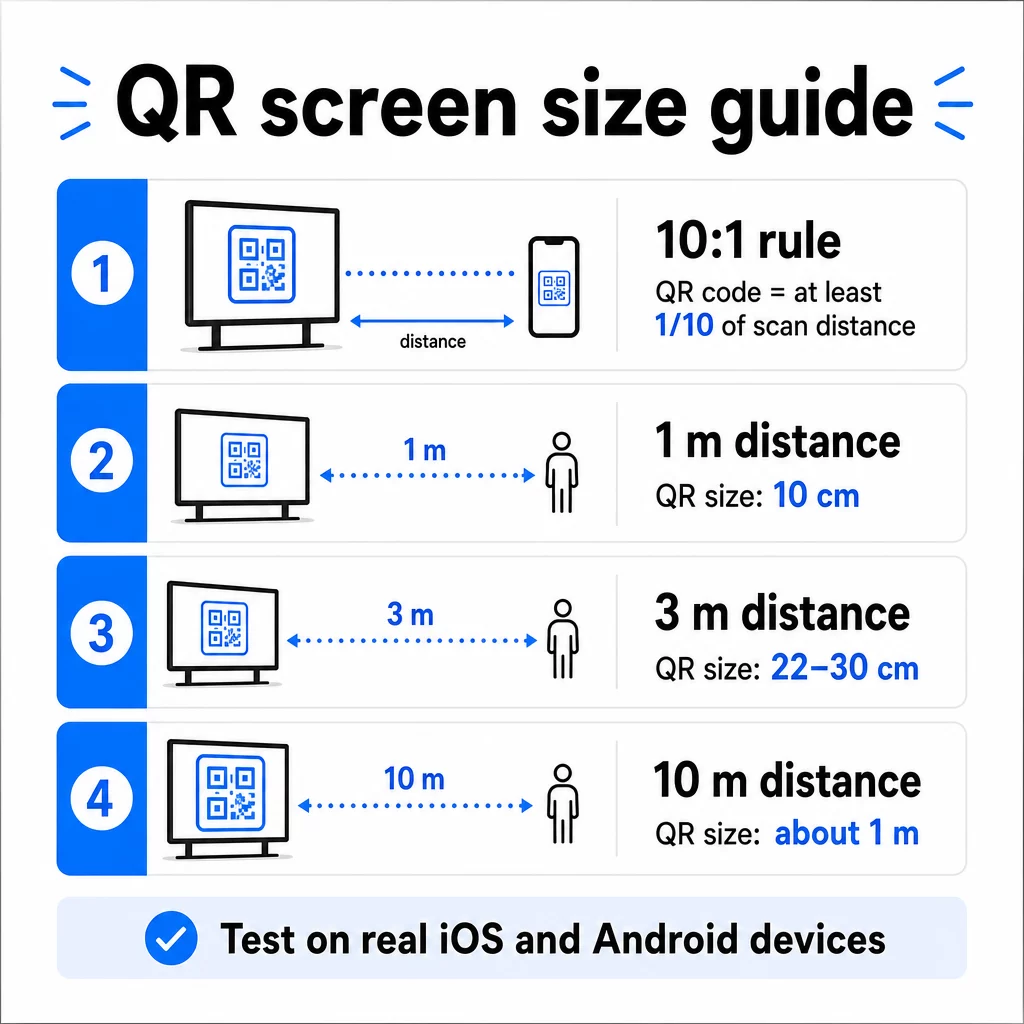
Pour référence sur les écrans 1080p, un minimum de 240 pixels à 72 dpi est une base de départ pour le balayage à courte portée, mais ce minimum doit augmenter considérablement à mesure que la distance de visualisation augmente. Pour l'affichage numérique général, aucun code QR ne doit être plus petit qu'environ 2 × 2 pouces – et plus grand est toujours plus sûr lorsque les gens scannent à distance.
Validez toujours la taille dans des conditions réelles. Testez le code à la taille d'affichage réelle, à la distance de balayage prévue, sur les appareils iOS et Android, avant de finaliser votre conception. Consultez les directives complètes sur le dimensionnement des codes QR pour différents matériaux et contextes lors de la mise à l'échelle entre les formats.
Contraste et couleur : ce qui rend un code scannable
L'appareil photo d'un smartphone lit un code QR en détectant le contraste entre les modules sombres et un arrière-plan clair. Si ce contraste est faible, l'appareil photo a du mal à distinguer le motif – et le balayage échoue.
La norme fiable est premier plan sombre sur un arrière-plan clair, le noir sur blanc étant la combinaison la plus fiable. Lorsque vous utilisez les couleurs de la marque, gardez le motif QR dans une couleur foncée et l'arrière-plan clair. Évitez les schémas de couleurs inversés (code blanc sur fond noir), car de nombreux lecteurs de codes QR ne peuvent pas les traiter de manière fiable.
Pour les écrans spécifiquement, le contraste devient plus compliqué car l'éclairage ambiant, l'éblouissement de l'écran et les taux de rafraîchissement affectent tous ce que la caméra voit. Visez un rapport de contraste d'au moins 4,5:1 entre votre code et son arrière-plan – ce seuil prend également en charge l'accessibilité pour les utilisateurs malvoyants. Évitez les dégradés et les ombres dans la zone du code, car ceux-ci créent des tons moyens qui perturbent les scanners.
Pour une analyse complète des combinaisons de couleurs et de leurs résultats en matière de scannabilité, consultez le guide sur meilleures pratiques de contraste des couleurs des codes QR.
La zone de silence : L'espace qui rend le scan possible
La zone de silence est la bordure vide qui entoure un code QR sur les quatre côtés. Elle n'est pas décorative – elle est fonctionnelle. Les scanners utilisent cet espace vide pour identifier où le code commence et se termine, le séparant des autres éléments visuels comme le texte, les images ou les motifs d'arrière-plan.
La zone de silence minimale est de quatre modules de large de chaque côté, où un module est la largeur du plus petit carré du code. Si vous mettez le code à l'échelle, la zone de silence doit s'adapter proportionnellement. Recadrer ou rogner la bordure – même légèrement – peut entraîner des échecs de scan constants.
Sur les écrans numériques, où les designers travaillent souvent avec des mises en page encombrées et un espace d'écran limité, la zone de silence est fréquemment la première chose à être compressée. Ne le permettez pas. Gardez la zone de silence exempte de logos, de texte et de tout élément de design, et assurez-vous qu'elle corresponde à la couleur de l'arrière-plan afin de séparer visuellement le code de son environnement.
Plus d'informations sur les exigences de la zone de silence et les meilleures pratiques de lisibilité des codes QR est disponible si vous optimisez un design existant.
Placement et disposition à l'écran
L'emplacement du code dans la disposition de l'affichage affecte à la fois la visibilité et le taux de scan. Quelques principes s'appliquent de manière cohérente :
- Placer à hauteur des yeux. Positionner le code à environ 1,05 à 1,35 mètre du sol le rend accessible aussi bien aux adultes debout qu'aux utilisateurs en fauteuil roulant – sans avoir besoin de s'accroupir ou de s'étirer.
- Placer le code dans le flux de lecture naturel. Les placements au centre de l'écran ou en bas au centre ont tendance à bien fonctionner ; évitez d'enfouir le code dans un coin où il entre en concurrence avec d'autres éléments.
- Utiliser un code par affichage lorsque c'est possible. Plusieurs codes peuvent dérouter les utilisateurs quant à celui à scanner et peuvent amener les applications d'appareil photo à se concentrer sur le mauvais.
- Gardez le design environnant épuré. Trop de contenu concurrentiel à l'écran réduit les taux de scan ; donnez au code un espace visuel pour respirer
Pour l'affichage numérique qui fait pivoter le contenu, affichez le code QR pendant toute la durée de son créneau horaire. Les spectateurs ont besoin de suffisamment de temps pour remarquer le code, décider de le scanner et terminer le scan avant que la diapositive ne change. Pour plus de contexte sur les stratégies de placement dans différents environnements, le guide ultime sur le placement des codes QR en marketing couvre les décisions de mise en page pour les formats imprimés et numériques.
Rédiger un appel à l'action qui incite aux scans
Un code QR sans contexte est ignoré. Les spectateurs doivent savoir – avant de prendre leur téléphone – ce qu'ils obtiendront en scannant.
Placez un appel à l'action court et spécifique directement à côté du code. “ Scannez pour le menu du jour ”, “ Scannez pour participer au concours ” ou “ Scannez pour 20% de réduction sur votre prochaine commande ” fonctionnent tous mieux que des invites génériques comme “ Scannez ici ”. Plus le bénéfice est concret, plus le taux de scan est élevé.
Gardez le texte bref – deux à cinq mots suffisent. Des polices plus grandes et un contraste élevé pour le texte de l'appel à l'action appliquent les mêmes principes que le code lui-même : il doit être lisible depuis la distance probable du spectateur. Voir des conseils supplémentaires sur meilleures pratiques d'utilisation des codes QR pour en savoir plus sur le cadrage efficace.
Où le scan doit mener
Chaque scan qui ne délivre pas immédiatement de la valeur est une opportunité perdue. Puisque les spectateurs arriveront via smartphone, la destination doit être une page de destination optimisée pour mobile qui se charge rapidement et tient la promesse spécifique de l'appel à l'action.
Évitez d'envoyer les utilisateurs vers votre page d'accueil ou un catalogue de produits générique. Si le code se trouve sur un écran de caisse faisant la promotion d'un programme de fidélité, la page de destination doit être le formulaire d'inscription au programme de fidélité – rien de plus. S'il s'agit d'un affichage de salon professionnel, la destination pourrait être un formulaire de capture de leads ou une fiche technique téléchargeable.
UNE Code QR du formulaire Google est une option pratique pour la collecte de commentaires, l'inscription à des événements ou des sondages directement depuis un écran. Un QR code de lien fonctionne pour toute destination basée sur une URL et prend en charge la personnalisation complète et le suivi.
Gardez vos codes QR d'affichage flexibles Besoin de mettre à jour ce à quoi un code renvoie sans modifier le code lui-même ? Utilisez le Générateur de codes QR pour créer des codes dynamiques qui vous permettent de modifier la destination à tout moment – sans réimpression ni refonte nécessaire.
Utilisation des codes QR dynamiques pour les écrans
Les codes QR statiques encodent une URL fixe ou une donnée qui ne peut jamais changer. Pour les affichages – en particulier la signalisation numérique qui alterne les campagnes ou promeut des offres limitées dans le temps – cela crée un problème. Si le contenu lié change, vous devez recréer et redéployer le code.
Codes QR dynamiques résolvent ce problème en encodant une courte URL de redirection. La destination réelle peut être mise à jour à tout moment via le tableau de bord de votre compte, tandis que le code lui-même reste le même. Cela signifie que vous pouvez :
- Mettre à jour une offre promotionnelle sans redessiner la mise en page de l'écran
- Rediriger un seul code vers différentes campagnes par saison ou événement
- Corriger un lien brisé instantanément sans aucune modification de l'affichage
Les codes dynamiques débloquent également l'analyse des scans – des données sur le nombre de fois qu'un code a été scanné, depuis quel emplacement, sur quel appareil et à quelle heure. Ces données vous aident à déterminer quels emplacements d'affichage génèrent un réel engagement par rapport à ceux qui sont ignorés.
Pour les écrans avec du contenu rotatif, les codes dynamiques sont particulièrement précieux car le même actif visuel peut servir différentes campagnes au fil du temps.
Suivez chaque scan depuis chaque écran Vous voulez savoir quels affichages génèrent réellement de l'engagement ? Utilisez la plateforme de codes QR dynamiques pour surveiller les taux de scan, les emplacements et les données des appareils en temps réel – et affiner votre stratégie d'affichage en fonction de ce que les données révèlent.
Tests avant la mise en ligne
Même un code QR bien conçu peut échouer en pratique en raison de la luminosité de l'écran, de l'angle de vision, du taux de rafraîchissement de l'écran ou de l'éclairage ambiant. Avant la mise en ligne de tout affichage :
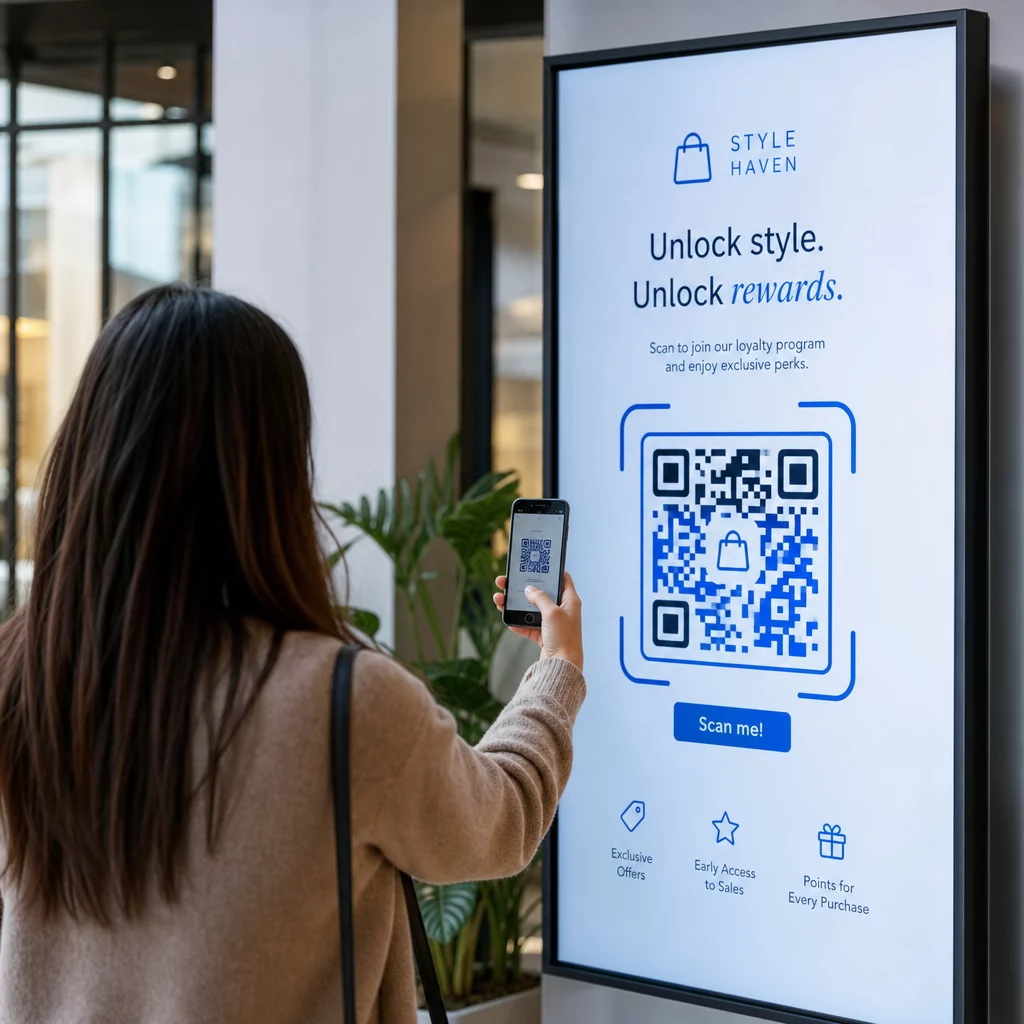
- Testez le code à la taille et à la résolution d'écran réelles auxquelles il sera affiché
- Scannez depuis les distances minimales et maximales prévues
- Testez sur plusieurs appareils – au minimum un téléphone iOS et un Android
- Testez à différents moments de la journée si l'affichage est proche de sources de lumière naturelle qui changent au cours de la journée
- Vérifiez que la page de destination se charge correctement sur mobile et offre l'expérience attendue
Le Outil de balayage du code QR peut être utilisé pour vérifier le contenu d'un code et confirmer qu'il se résout correctement avant le déploiement.
Explorez les Vue d'ensemble des fonctionnalités de Pageloot et solutions sectorielles pour en savoir plus sur la façon dont les codes QR peuvent être appliqués dans différents contextes d'affichage et secteurs d'activité. Un code QR bien placé, de taille correcte et avec un appel à l'action clair peut transformer n'importe quel écran en point de conversion. Assurez-vous que le contraste, la zone de silence, la taille et la destination sont corrects – puis utilisez des codes dynamiques et des analyses pour continuer à vous améliorer. Commencez par le Générateur de codes QR pour créer votre premier code d'affichage scannable dès aujourd'hui.
Questions fréquentes
Appliquez la règle du 10:1 : le code doit représenter au moins un dixième de la distance de balayage prévue. Pour un affichage scanné à 1 mètre, le code doit mesurer au moins 10 cm de large. Pour l'affichage numérique général, un minimum de 2 × 2 pouces est un point de départ raisonnable, la taille augmentant avec la distance de visualisation. Testez toujours à la taille et à la distance réelles de l'affichage avant de le mettre en ligne.
Oui, si vous utilisez un code QR dynamique. Les codes dynamiques utilisent une URL de redirection, vous pouvez donc mettre à jour la destination dans le tableau de bord de votre compte à tout moment – le code lui-même reste le même. C'est particulièrement utile pour l'affichage numérique qui promeut des campagnes tournantes ou des offres à durée limitée, car vous évitez de redessiner ou de redéployer l'affichage chaque fois que le contenu lié change.
Les causes les plus courantes sont un contraste insuffisant entre le code et son arrière-plan, une zone de silence qui a été rognée ou encombrée par des éléments de design environnants, et un code trop petit pour la distance de visualisation. Sur les écrans, la luminosité de l'affichage et l'éblouissement peuvent également interférer. Vérifiez que votre code utilise un motif sombre sur un fond clair, maintient une zone de silence claire de quatre modules sur tous les côtés, et respecte les exigences de taille pour votre distance de balayage prévue. Testez sur plusieurs appareils pour confirmer la compatibilité.