Вашите дигитални дисплеи генерират ли ангажираност, или просто генерират импресии? QR кодът превръща пасивния екран в интерактивна точка за контакт – но само ако е проектиран и поставен правилно. Това ръководство обхваща всичко, което трябва да знаете, за да накарате QR кодовете на екраните наистина да работят.
Защо QR кодовете правят дигиталните дисплеи по-ефективни
Дигиталните табели и екрани вече са добри в привличането на внимание. Това, с което се борят, е превръщането на това внимание в действие. Зрителят прочита вашето съобщение, проявява интерес и след това… продължава напред. Няма механизъм, който да свърже момента на интерес със следващата стъпка.
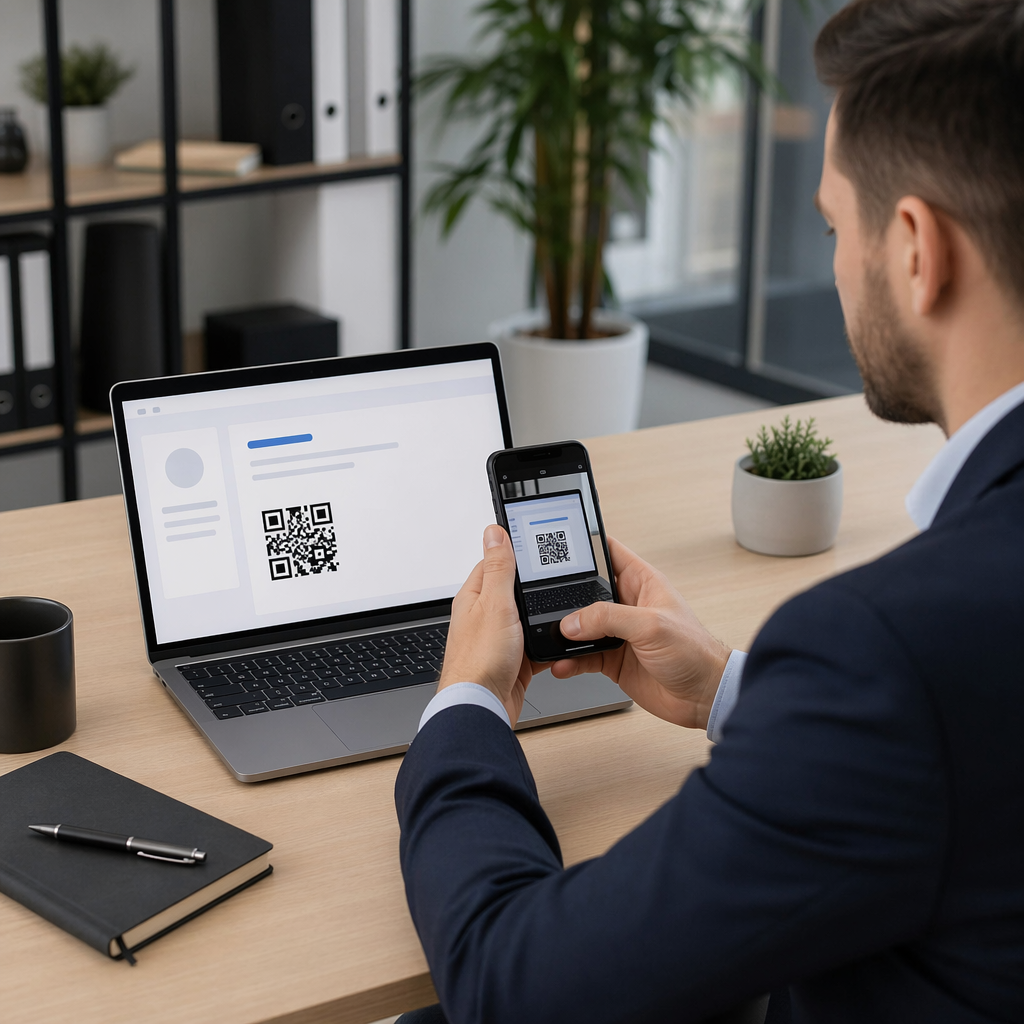
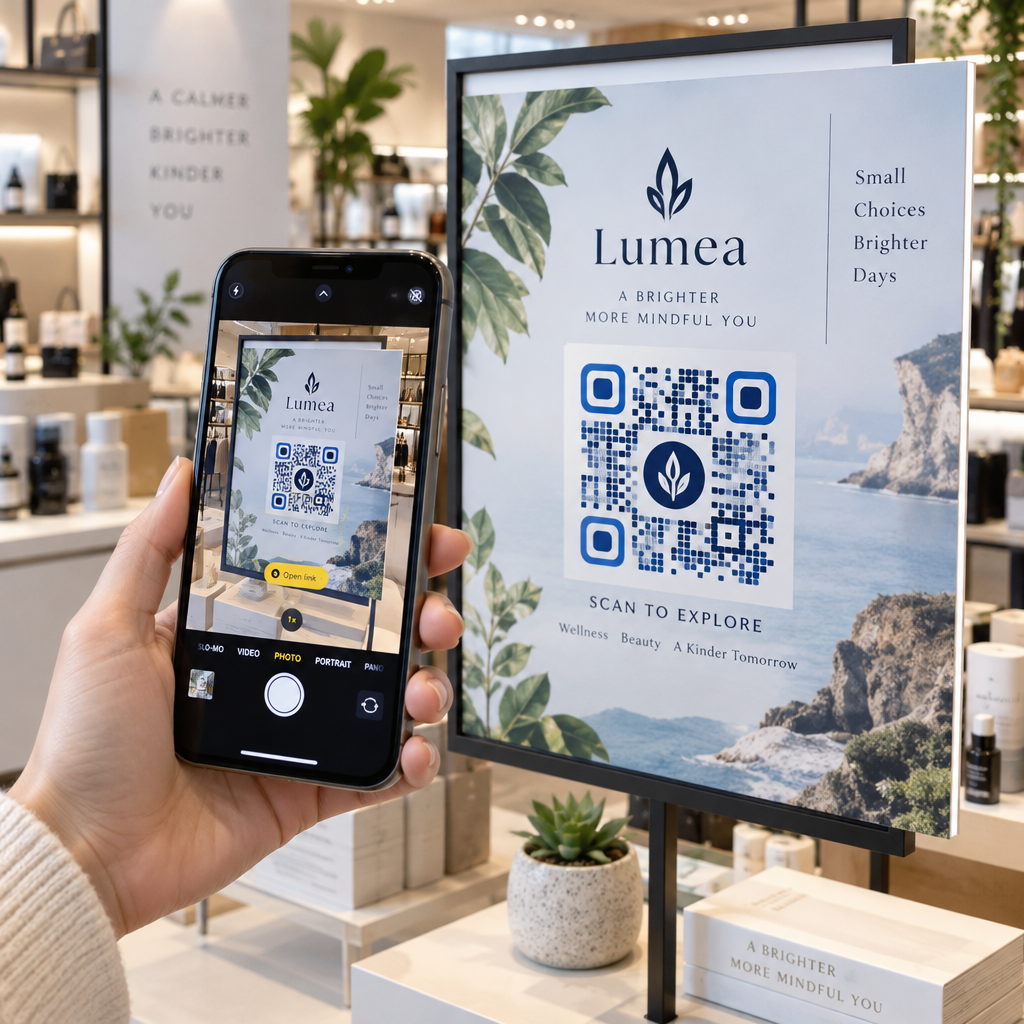
QR кодът затваря тази празнина. Когато някой сканира код на вашия дисплей, той доброволно е избрал да се ангажира допълнително – той е сигнализирал намерение. Това еднократно сканиране може да ги свърже със страница на продукт, промоционална оферта, формуляр за регистрация или видео, всичко това от екрана, който вече са гледали.
Това е особено полезно в ситуации, когато вашата аудитория няма под ръка химикал или няма да си спомни да търси по-късно: търговски изложения, търговски обекти, транспортни центрове и обществени места. Кодът върши работата, дори когато не сте налице.
Къде QR кодовете на дисплеите работят най-добре
Не всяка екранна среда е еднакво подходяща за QR кодове. Най-добрите места за поставяне споделят обща черта: зрителят има естествен момент да спре, да извади телефона си и да сканира.
- Витрини и фасади на магазини дават на разглеждащите витрини достъп до детайли за продукти, ревюта, цени или опции за онлайн покупка, дори когато магазинът е затворен
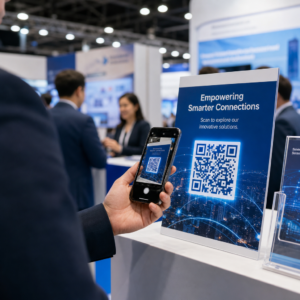
- Дисплеи за търговски изложения и изложби са идеални за превръщане на посетителите в потенциални клиенти – кодовете могат да водят към дигитални брошури, участия в конкурси, следвания в социални медии или ексклузивни оферти за изложението
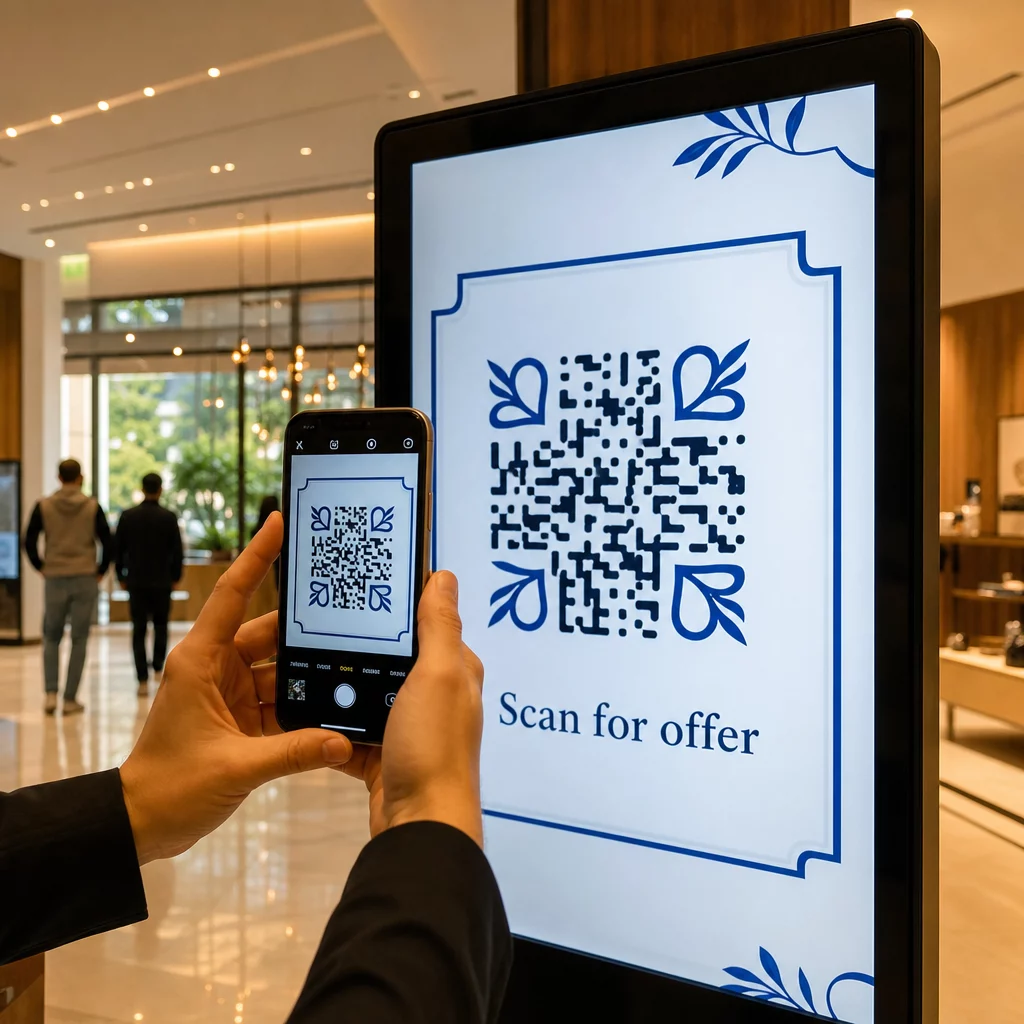
- LED екрани и павилиони в магазини достигат до аудитории с голям пешеходен трафик и могат да стимулират импулсивни действия като сканиране за отстъпка или преглед на нов продукт
- Дисплеи на мястото на продажба и на касата са първокласно място за регистрации за лоялност, дигитални касови бележки или промоции за следваща покупка
- Табели в транзит и превозни средства разширява обхвата ви до пътуващи и минувачи – QR код на брандиран доставен ван, например, работи изцяло сам, след като бъде разположен
За по-задълбочен поглед върху това как стратегията за разположение в магазина влияе на ангажираността, вижте най-добри места за поставяне на QR кодове за магазини за търговия на дребно и сравнението на QR кодове върху опаковки срещу дисплеи в магазина.
Определяне на правилния размер за цифрови екрани
Размерът е най-честата грешка при QR кодовете на екрани. Код, който изглежда голям във файл за дизайн, може да стане почти несканируем, когато се покаже на монитор от другата страна на стаята.
Стандартното ръководство е правилото 10:1: вашият QR код трябва да бъде поне една десета от предвиденото разстояние за сканиране. Ако зрителите ще стоят на 1 метър от екрана, кодът трябва да е широк поне 10 см. От 3 метра се стремете към 22–30 см. От 10 метра търсите код, който трябва да е приблизително 1 метър отстрани.
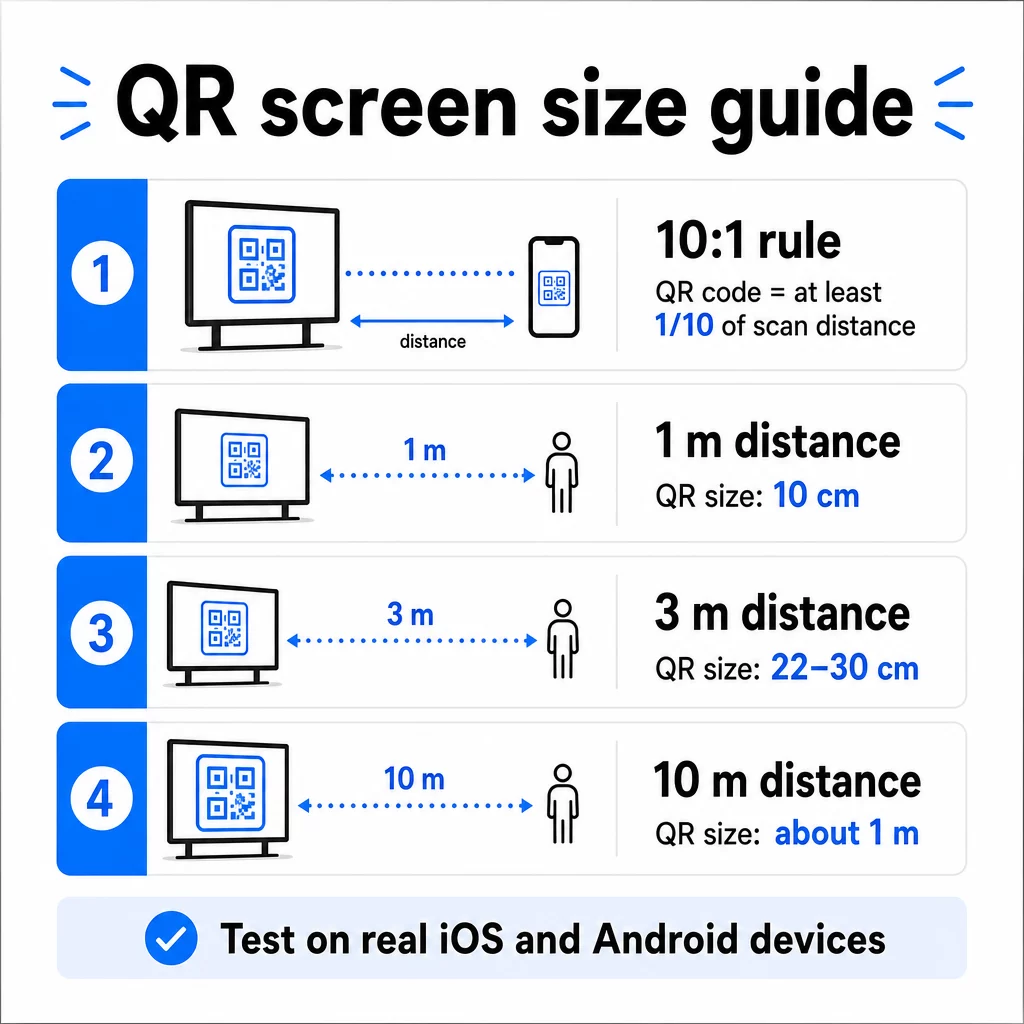
За справка при 1080p дисплеи, минимум от 240 пиксела при 72 dpi е начална база за сканиране от близко разстояние, но този минимум трябва да се увеличи значително с нарастването на разстоянието за гледане. За общи цифрови табели, никой QR код не трябва да бъде по-малък от приблизително 2 × 2 инча – и по-голямото винаги е по-безопасно, когато хората сканират от разстояние.
Винаги проверявайте размера в реални условия. Тествайте кода при действителния размер на дисплея, от предвиденото разстояние за сканиране, както на iOS, така и на Android устройства, преди да финализирате дизайна си. Консултирайте се с пълните указания относно оразмеряване на QR код за различни материали и контексти при мащабиране между формати.
Контраст и цвят: Какво прави един код сканируем
Камерата на смартфон чете QR код, като открива контраста между тъмни модули и светъл фон. Ако този контраст е слаб, камерата се затруднява да различи шаблона – и сканирането се проваля.
Надеждният стандарт е тъмен преден план на светъл фон, като черно върху бяло е най-надеждната комбинация. Когато използвате цветове на марката, запазете QR шаблона в тъмен цвят, а фона светъл. Избягвайте обърнати цветови схеми (бял код на черен фон), тъй като много четци на QR кодове не могат надеждно да ги обработват.
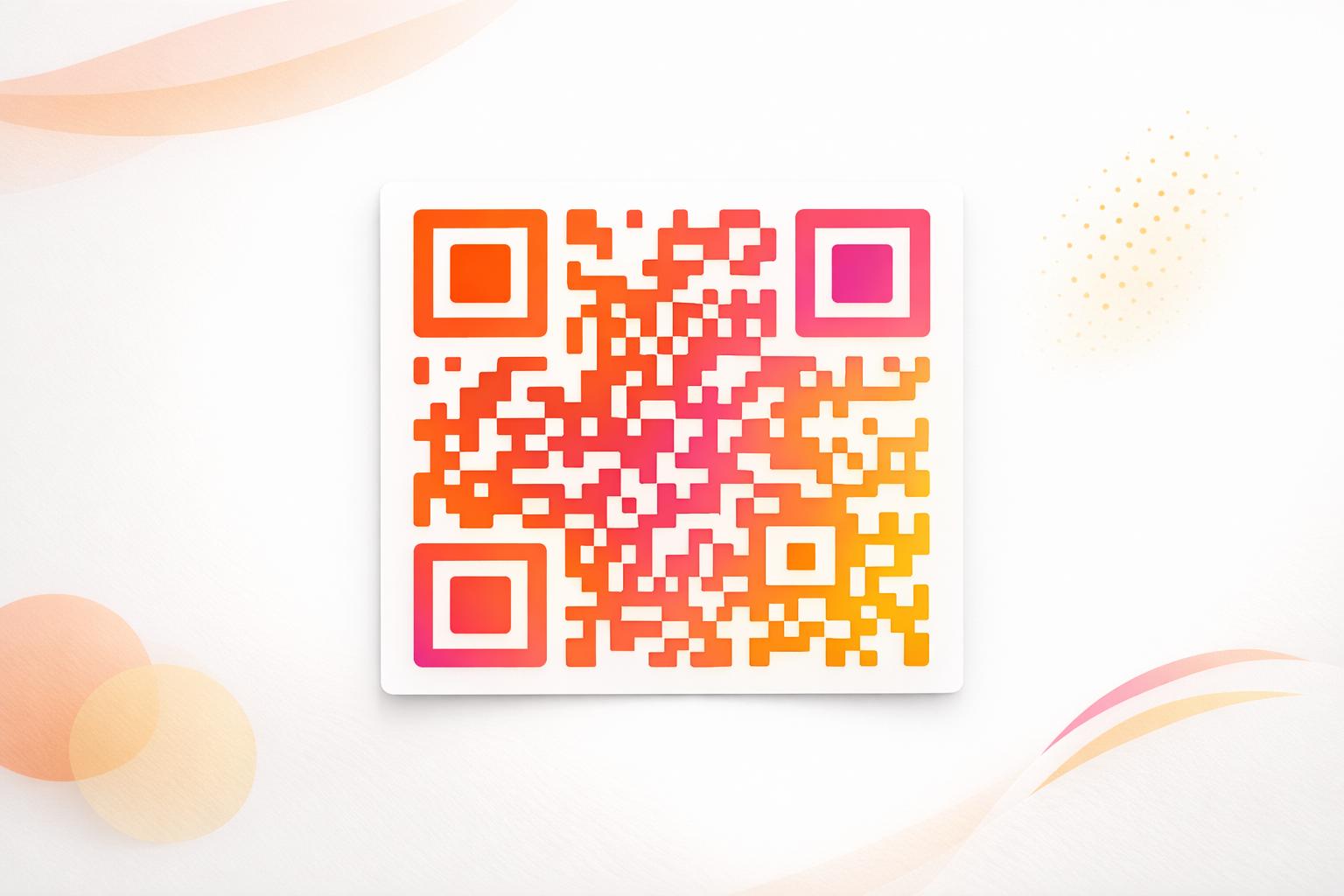
За екрани по-специално, контрастът става по-сложен, защото околното осветление, отблясъците от екрана и честотата на опресняване влияят на това, което камерата вижда. Стремете се към контрастно съотношение от поне 4.5:1 между вашия код и неговия фон – този праг също така поддържа достъпността за потребители с лошо зрение. Избягвайте градиенти и сенки в областта на кода, тъй като те създават средни тонове, които объркват скенерите.
За пълен анализ на цветовите комбинации и техните резултати за сканиране, вижте ръководството за най-добрите практики за цветови контраст на QR кодове.
Тихата зона: Пространството, което прави сканирането възможно
Тихата зона е празният кант, обграждащ QR код от всичките четири страни. Тя не е декоративна – тя е функционална. Скенерите използват това празно пространство, за да идентифицират къде започва и свършва кодът, отделяйки го от други визуални елементи като текст, изображения или фонови шарки.
Минималната тиха зона е четири модула широк от всяка страна, където модулът е ширината на най-малкия квадрат в кода. Ако мащабирате кода, тихата зона трябва да се мащабира пропорционално. Изрязването или подрязването на канта – дори леко – може да доведе до постоянни грешки при сканиране.
При цифровите дисплеи, където дизайнерите често работят срещу претрупани оформления и ограничено екранно пространство, тихата зона често е първото нещо, което се свива. Не го допускайте. Дръжте тихата зона чиста от лога, текст и всякакви дизайнерски елементи и се уверете, че тя съответства на цвета на фона, така че визуално да отделя кода от заобикалящата го среда.
Повече за изискванията за тихата зона и най-добрите практики за четливост на QR кодове е налично, ако оптимизирате съществуващ дизайн.
Разположение и оформление на екрана
Къде се намира кодът в оформлението на дисплея, влияе както на видимостта, така и на скоростта на сканиране. Няколко принципа се прилагат последователно:
- Поставете на нивото на очите. Позиционирането на кода на приблизително 3.5 до 4.5 фута от пода го прави достъпен както за изправени възрастни, така и за потребители в инвалидни колички – не се изисква навеждане или разтягане
- Поставете кода в естествения поток на четене. Разположенията в центъра на екрана или в долния център обикновено се представят добре; избягвайте да заравяте кода в ъгъл, където той се конкурира с други елементи
- Използвайте един код на дисплей, когато е възможно. Множество кодове объркват зрителите кой да сканират и могат да накарат приложенията на камерата да се фокусират върху грешния
- Поддържайте околния дизайн изчистен. Твърде много конкуриращо се съдържание на екрана намалява процента на сканиране; дайте на кода визуално пространство за дишане
За дигитални табели, които ротират съдържание, показвайте QR кода за цялата продължителност на неговия времеви слот. Зрителите се нуждаят от достатъчно време, за да забележат кода, да решат да сканират и да завършат сканирането, преди слайдът да се смени. За повече контекст относно стратегиите за разположение в различни среди, пълно ръководство за поставяне на QR кодове в маркетинга обхваща решенията за оформление в печатни и дигитални формати.
Писане на призив за действие, който стимулира сканирането
QR код без контекст остава игнориран. Зрителите трябва да знаят – преди да посегнат към телефона си – какво ще получат чрез сканиране.
Поставете кратък, конкретен призив за действие непосредствено до кода. “Сканирайте за днешното меню”, “Сканирайте, за да участвате в томболата” или “Сканирайте за 20% отстъпка от следващата си поръчка” работят по-добре от общи подкани като “Сканирайте тук”. Колкото по-конкретна е ползата, толкова по-висок е процентът на сканиране.
Дръжте текста кратък – две до пет думи са достатъчни. По-големите шрифтове и високият контраст за текста на призива за действие прилагат същите принципи като самия код: той трябва да е четим от вероятното разстояние на зрителя. Вижте допълнителни указания относно най-добрите практики за използваемост на QR кодове за повече информация относно ефективното рамкиране.
Къде трябва да води сканирането
Всяко сканиране, което не доставя незабавна стойност, е пропусната възможност. Тъй като зрителите ще пристигнат чрез смартфон, дестинацията трябва да бъде мобилно оптимизирана целева страница което се зарежда бързо и изпълнява конкретното обещание на призива за действие.
Избягвайте да изпращате потребители към вашата начална страница или общ продуктов каталог. Ако кодът е на касов дисплей, рекламиращ програма за лоялност, целевата страница трябва да бъде формулярът за регистрация за лоялност – нищо повече. Ако е на дисплей на търговско изложение, дестинацията може да бъде формуляр за събиране на потенциални клиенти или спецификация за изтегляне.
A QR код на формуляра на Google е практична опция за събиране на обратна връзка, регистрация за събития или проучвания директно от дисплей. А QR код за линк работи за всяка URL-базирана дестинация и поддържа пълна персонализация и проследяване.
Поддържайте вашите дисплейни QR кодове гъвкави Трябва да актуализирате към какво води даден код, без да променяте самия код? Използвайте Генератор на QR кодове за да създадете динамични кодове, които ви позволяват да редактирате дестинацията по всяко време – без нужда от препечатване или препроектиране.
Използване на динамични QR кодове за екрани
Статичните QR кодове кодират фиксиран URL адрес или част от данни, които никога не могат да се променят. За дисплеи – особено дигитални табели, които редуват кампании или промотират времево ограничени оферти – това създава проблем. Ако свързаното съдържание се промени, трябва да пресъздадете и преразположите кода.
Динамични QR кодове решават това чрез кодиране на кратък URL адрес за пренасочване. Действителната дестинация може да бъде актуализирана по всяко време чрез таблото за управление на акаунта ви, докато самият код остава същият. Това означава, че можете:
- Актуализирайте промоционална оферта, без да препроектирате оформлението на екрана
- Пренасочете един код към различни кампании по сезон или събитие
- Поправете счупена връзка незабавно, без никакви промени в дисплея
Динамичните кодове също така отключват анализи на сканиранията – данни за това колко пъти е сканиран даден код, от кое местоположение, на кое устройство и по кое време. Тези данни ви помагат да определите кои места на дисплея генерират реална ангажираност спрямо тези, които се пренебрегват.
За екрани с ротиращо съдържание, динамичните кодове са особено ценни, защото едно и също визуално съдържание може да обслужва различни кампании с течение на времето.
Проследявайте всяко сканиране от всеки екран Искате ли да знаете кои дисплеи всъщност стимулират ангажираност? Използвайте платформа за динамични QR кодове за да наблюдавате нивата на сканиране, местоположенията и данните за устройствата в реално време – и да прецизирате стратегията си за дисплеи въз основа на това, което показват данните.
Тестване преди пускане на живо
Дори добре проектиран QR код може да се провали на практика поради яркостта на дисплея, ъгъла на гледане, честотата на опресняване на екрана или околното осветление. Преди всеки дисплей да бъде пуснат на живо:
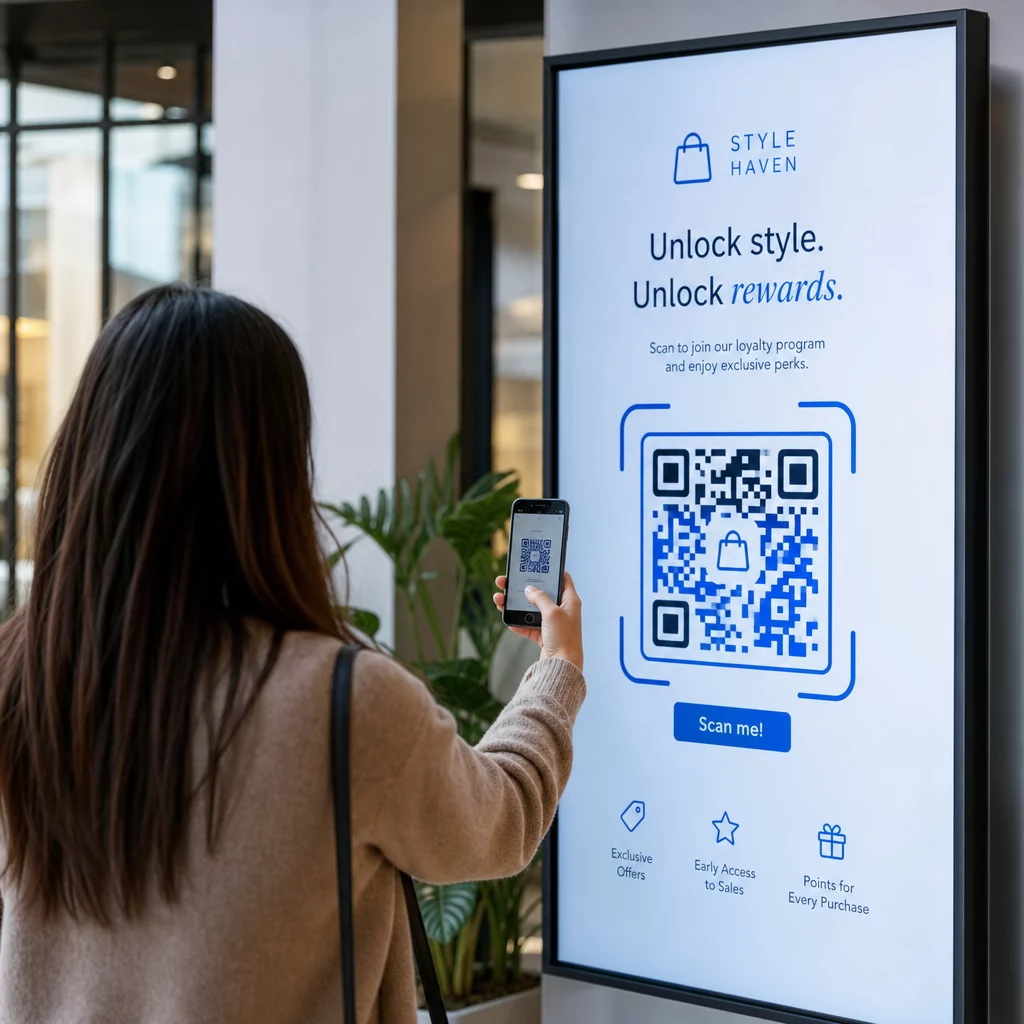
- Тествайте кода при действителния размер и резолюция на екрана, на който ще бъде показан
- Сканирайте от предвидените минимални и максимални разстояния
- Тествайте на множество устройства – минимум един iOS и един Android телефон
- Тествайте по различно време на деня, ако дисплеят е близо до естествени източници на светлина, които се променят през деня
- Проверете дали целевата страница се зарежда правилно на мобилно устройство и предоставя очакваното изживяване
На Инструмент за скенер на QR код може да се използва за проверка на съдържанието на кода и потвърждение, че се разрешава правилно преди внедряване.
Разгледайте Преглед на функциите на Pageloot и индустриални решения за повече информация как QR кодовете могат да бъдат приложени в различни контексти на показване и бизнес сектори. Добре позициониран, правилно оразмерен QR код с ясен призив за действие може да превърне всеки екран в точка за конверсия. Настройте правилно контраста, тихата зона, размера и дестинацията – след това използвайте динамични кодове и анализи, за да продължите да подобрявате. Започнете с Генератор на QR кодове за да създадете първия си сканируем дисплей код днес.
Често задавани въпроси
Използвайте правилото 10:1: кодът трябва да бъде поне една десета от очакваното разстояние за сканиране. За дисплей, сканиран от 1 метър, кодът трябва да е широк поне 10 см. За общи цифрови табели, минимум 2 × 2 инча е разумна начална точка, като размерът се увеличава с нарастването на разстоянието за гледане. Винаги тествайте при действителния размер и разстояние на дисплея, преди да пуснете на живо.
Да, ако използвате динамичен QR код. Динамичните кодове използват URL за пренасочване, така че можете да актуализирате дестинацията в таблото за управление на акаунта си по всяко време – самият код остава същият. Това е особено полезно за дигитални табели, които рекламират ротационни кампании или чувствителни към времето оферти, тъй като избягвате препроектиране или повторно разполагане на дисплея всеки път, когато свързаното съдържание се промени.
Най-честите причини са недостатъчен контраст между кода и неговия фон, тиха зона, която е била изрязана или претрупана от заобикалящи дизайнерски елементи, и код, който е твърде малък за разстоянието на гледане. На екрани, яркостта на дисплея и отблясъците също могат да пречат. Проверете дали вашият код използва тъмен шаблон на светъл фон, поддържа ясна тиха зона от четири модула от всички страни и отговаря на изискванията за размер за очакваното разстояние на сканиране. Тествайте на множество устройства, за да потвърдите съвместимостта.