¿Le cuesta recoger comentarios de los clientes que tiene justo delante? Los formularios en papel se ignoran y las URL de encuestas largas nunca se escriben. Esta guía le explica cómo crear una encuesta con código QR desde cero, cubriendo la elección de la plataforma, la generación del código, el diseño, la ubicación y el seguimiento, para que pueda empezar a recopilar respuestas de inmediato.
Por qué las encuestas con código QR funcionan para audiencias sin conexión y móviles
El problema central de las encuestas tradicionales es la fricción. Escribir una URL en un teclado móvil es lo suficientemente molesto como para que la mayoría de la gente lo omita. Un código QR elimina esa barrera por completo: un escaneo abre la encuesta directamente en un navegador, sin necesidad de una aplicación.
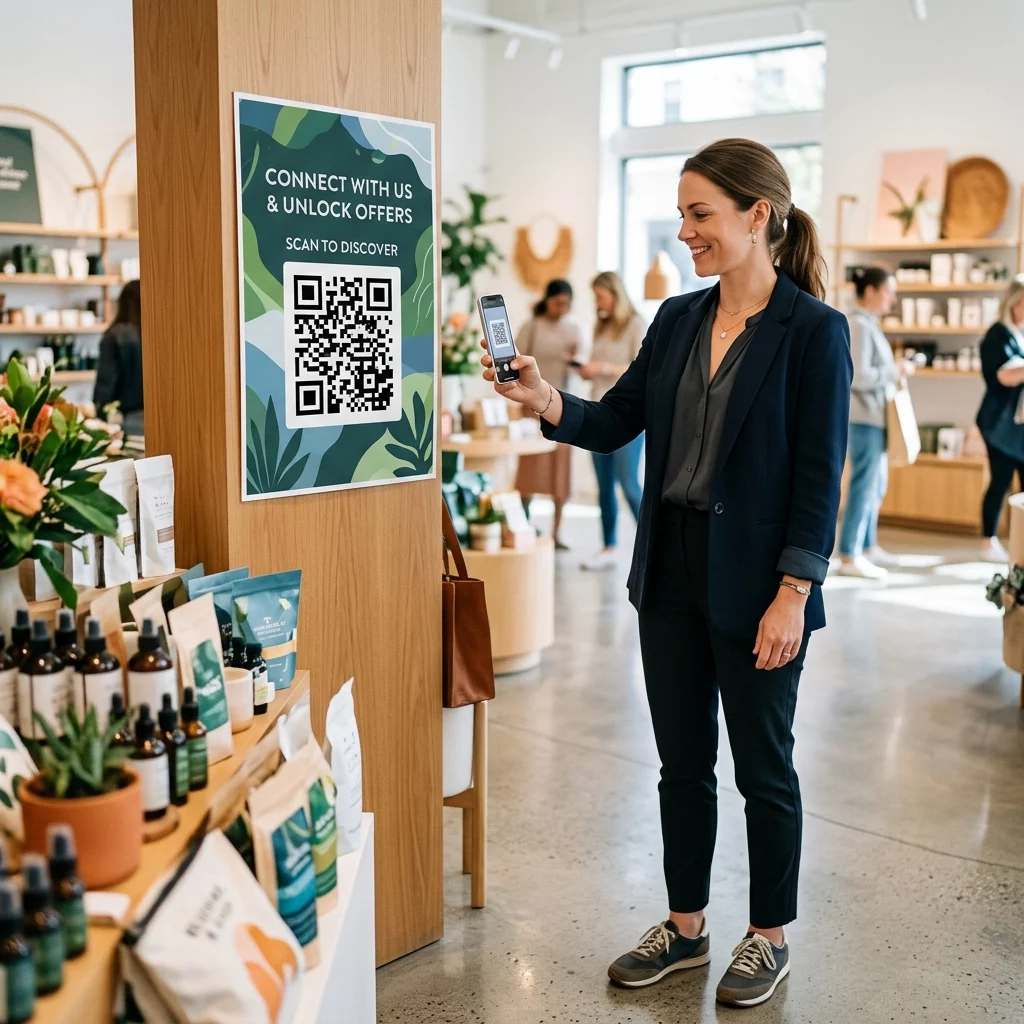
Esto es especialmente importante en entornos físicos: restaurantes, tiendas minoristas, eventos, clínicas y aulas. Su audiencia ya está presente y comprometida. Un código QR bien colocado captura ese momento antes de que pase.
Algunas razones por las que las encuestas con código QR superan consistentemente a las alternativas en papel y por correo electrónico:
- Velocidad: Los tiempos de finalización de la encuesta son notablemente más rápidos porque no hay entrada manual de URL ni paso de distribución de formularios.
- Alcance: El uso de códigos QR sigue creciendo en EE. UU., con volúmenes de escaneo aumentando año tras año, lo que significa que su audiencia ya sabe cómo interactuar con ellos.
- Datos en tiempo real: Las respuestas llegan al instante, por lo que puede actuar sobre los comentarios el mismo día en lugar de esperar una exportación por lotes.
- Rastreabilidad: Códigos QR dinámicos registra el número de escaneos, los tipos de dispositivos, las ubicaciones geográficas y las marcas de tiempo, lo que le proporciona un contexto de comportamiento junto con las propias respuestas de la encuesta.
Cómo crear una encuesta con código QR: Paso a paso
Paso 1: Defina los objetivos de su encuesta
Antes de construir cualquier cosa, aclare qué quiere aprender y cómo medirá el éxito. Los objetivos vagos producen preguntas vagas. Pregúntese:
- ¿Está midiendo la satisfacción después de una compra o interacción de servicio?
- ¿Estás recopilando opiniones durante o después de un evento?
- ¿Estás realizando una investigación de producto para informar una decisión futura?
Tu objetivo también determina el momento y el formato de la encuesta. Una encuesta post-compra en un recibo necesita preguntas diferentes a una encuesta de evento en vivo proyectada en una pantalla. Decide de antemano cómo se ve una tasa de respuesta o un conocimiento exitoso para que puedas evaluar la campaña más tarde.
Paso 2: Crea la encuesta en una plataforma de encuestas
Utiliza una plataforma de encuestas fiable para construir tus preguntas. Formularios de Google es una opción sencilla y gratuita que se integra con Google Sheets para una fácil revisión de datos. Para una lógica más avanzada, marca personalizada o análisis detallados a nivel de formulario, Typeform o SurveyMonkey son alternativas sólidas.
Al diseñar tus preguntas, ten en cuenta a los usuarios de dispositivos móviles, que son casi todos los que escanearán el código. Sigue estos principios:
- Mantenla corta. Intenta que se complete en menos de dos minutos. Las encuestas más largas pierden encuestados en dispositivos móviles antes de que lleguen al final.
- Una idea por pregunta. Evita las preguntas de doble barril que preguntan dos cosas a la vez (por ejemplo, “¿Fue nuestro servicio rápido y amable?” deberían ser dos preguntas separadas).
- Usa un lenguaje sencillo. Reduce el número de palabras en cada pregunta sin sacrificar el significado.
- Mantente neutral. Evita frases que dirijan a los encuestados hacia una respuesta particular.
- Equilibra tus escalas. Si utiliza escalas de calificación, incluya un número igual de opciones positivas y negativas y un punto medio claramente definido.
Una vez completada la encuesta, genere un enlace para compartir. En Google Forms, haga clic en Envía, luego seleccione el icono de enlace para copiar la URL.
Paso 3: Convierta el enlace de la encuesta en un código QR
Con la URL de su encuesta lista, péguela en un generador de códigos QR. El de Pageloot Generador de códigos QR de enlace lo maneja en segundos: pegue la URL y aparecerá un código escaneable inmediatamente.
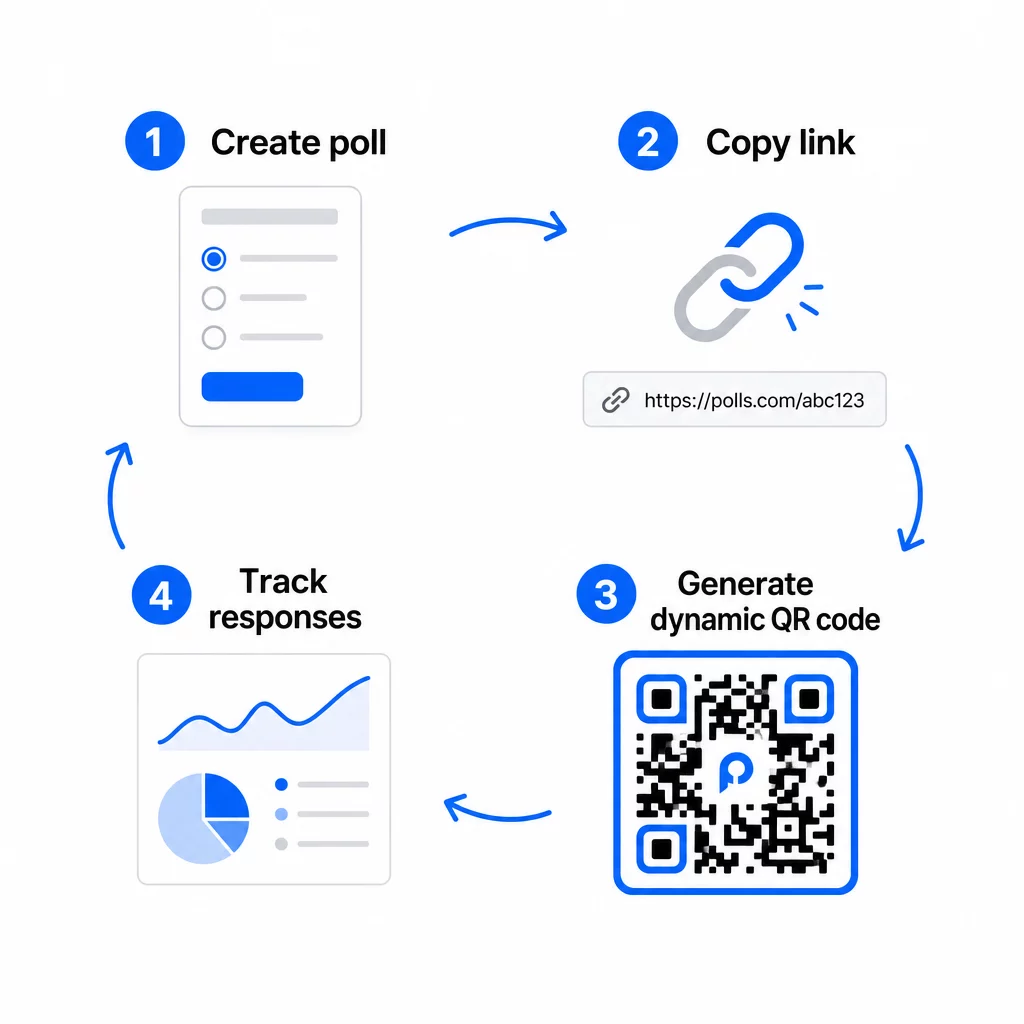
En esta etapa, también debe decidir entre un código QR estático y uno dinámico.
| FUNCIÓN | Códigos QR Estáticos | Códigos QR dinámicos |
|---|---|---|
| Editable después de la creación | No | Sí |
| Seguimiento y análisis de escaneo | No | Sí |
| Longitud de la URL en el patrón | Largo, denso | Corto, limpio |
| Velocidad de escaneo | Más lento | Más rápido |
| Actualizaciones de campaña | Requiere nuevo código | Actualizar destino en cualquier momento |
Para la mayoría de las campañas de encuestas, los códigos QR dinámicos son la mejor opción. Puede actualizar la URL de destino una vez que el código ya esté impreso, lo que es útil si necesita cambiar una encuesta cerrada por una nueva, extender una fecha límite o redirigir a una encuesta de seguimiento. Los códigos dinámicos también desbloquean análisis de escaneo incluyendo el recuento de escaneos, la ubicación, el tipo de dispositivo y la hora del escaneo.
Rastree cada escaneo de su encuesta con código QR ¿Quiere ver qué ubicaciones generan más respuestas y cuándo alcanza su punto máximo la participación? Utilice el de Pageloot Generador de códigos QR para crear un código de encuesta dinámico con seguimiento integrado y un panel de análisis centralizado.
Paso 4: Personalice el código QR para su marca
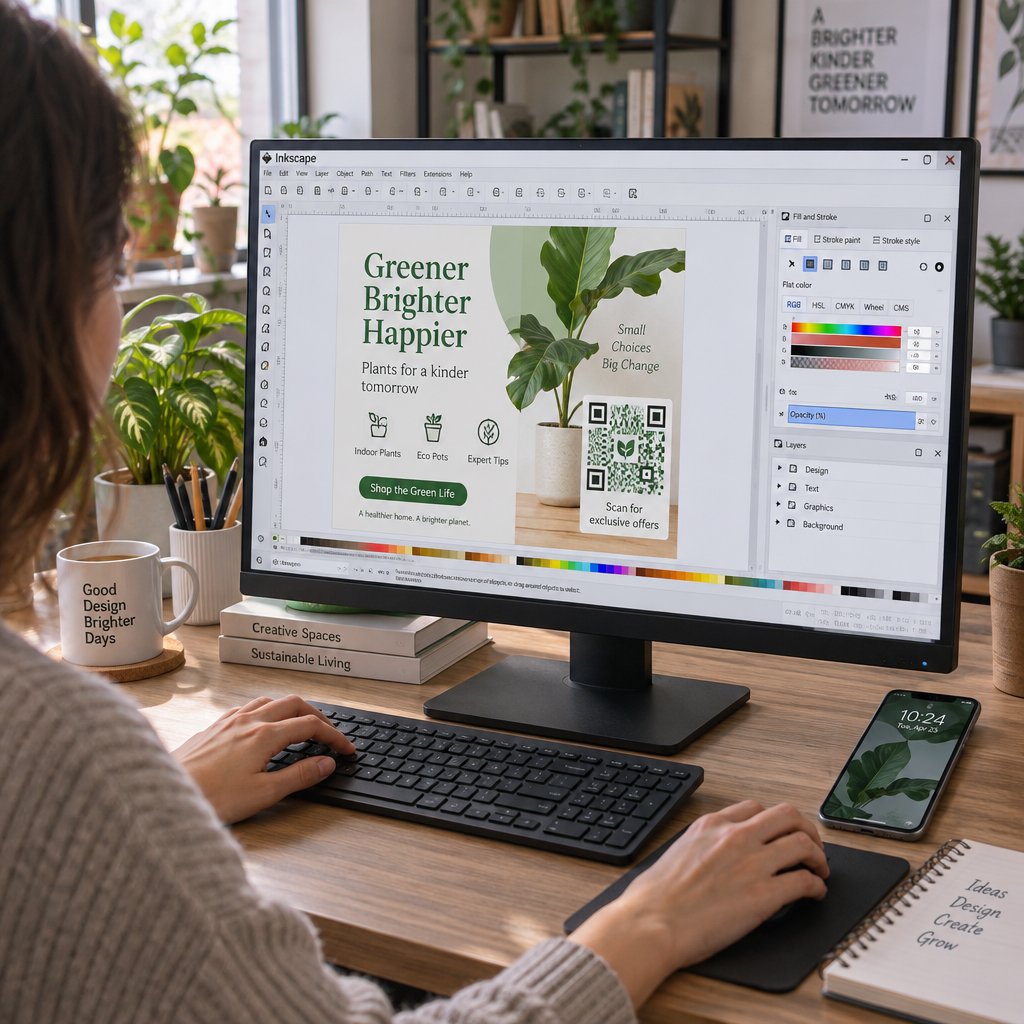
Un código QR simple en blanco y negro funciona, pero uno de marca funciona mejor. Agregar su logotipo y los colores de su marca indica que el código es legítimo, lo que aumenta la probabilidad de que alguien lo escanee.
Pautas de diseño prácticas:
- Utilice un primer plano oscuro sobre un fondo claro. El negro sobre blanco es el más fiable. El azul oscuro o el verde oscuro sobre blanco también funcionan bien. Nunca invierta esto: claro sobre oscuro provoca fallos de escaneo.
- Mantenga alto contraste en todo momento. El bajo contraste es una de las razones más comunes por las que los códigos QR no se escanean.
- Agregue su logotipo de la empresa al centro del código. Esto genera confianza a primera vista sin afectar la escaneabilidad, siempre y cuando el logotipo no cubra más de aproximadamente el 30% del patrón.
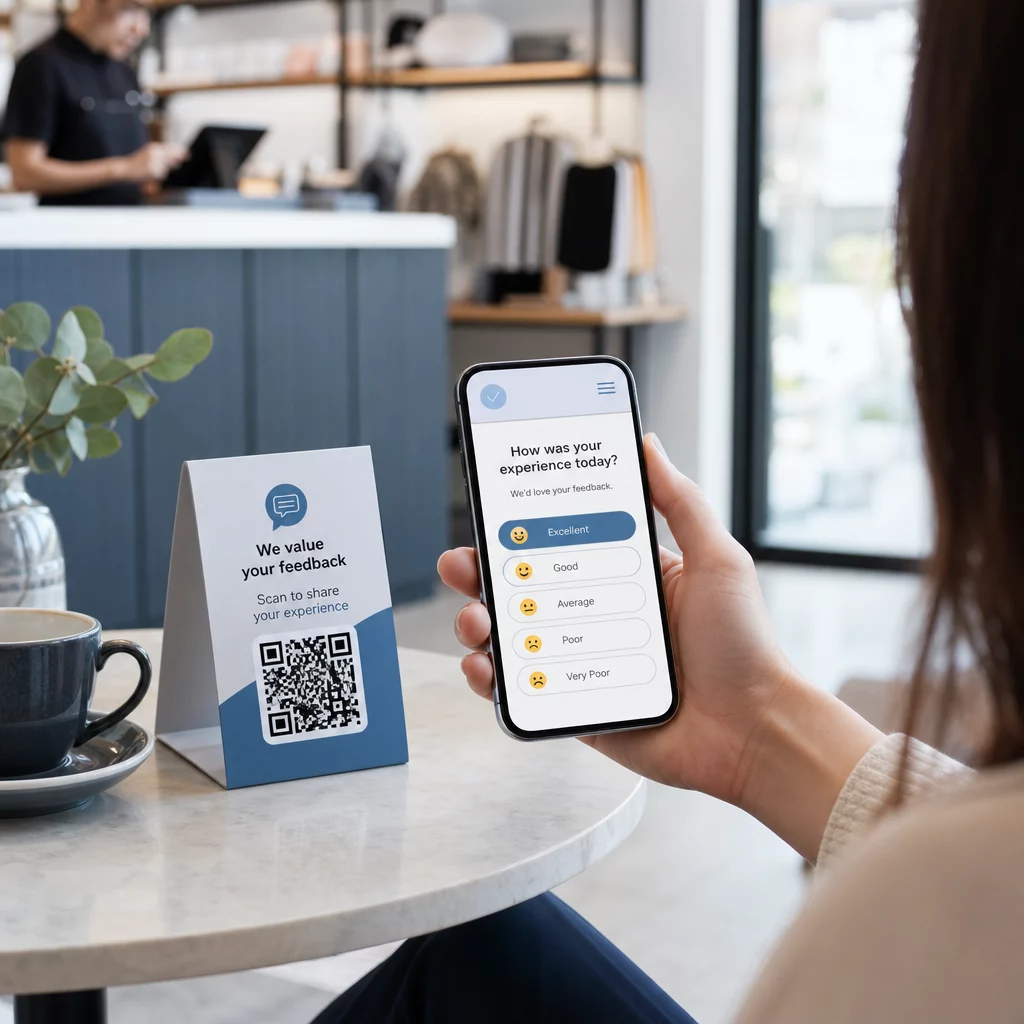
- Incluya un llamada a la acción cerca (no dentro) del código – algo como “Escanee para compartir sus comentarios” o “Participe en nuestra encuesta de 60 segundos”. Esto le dice a la gente por qué deben escanear y qué esperar.
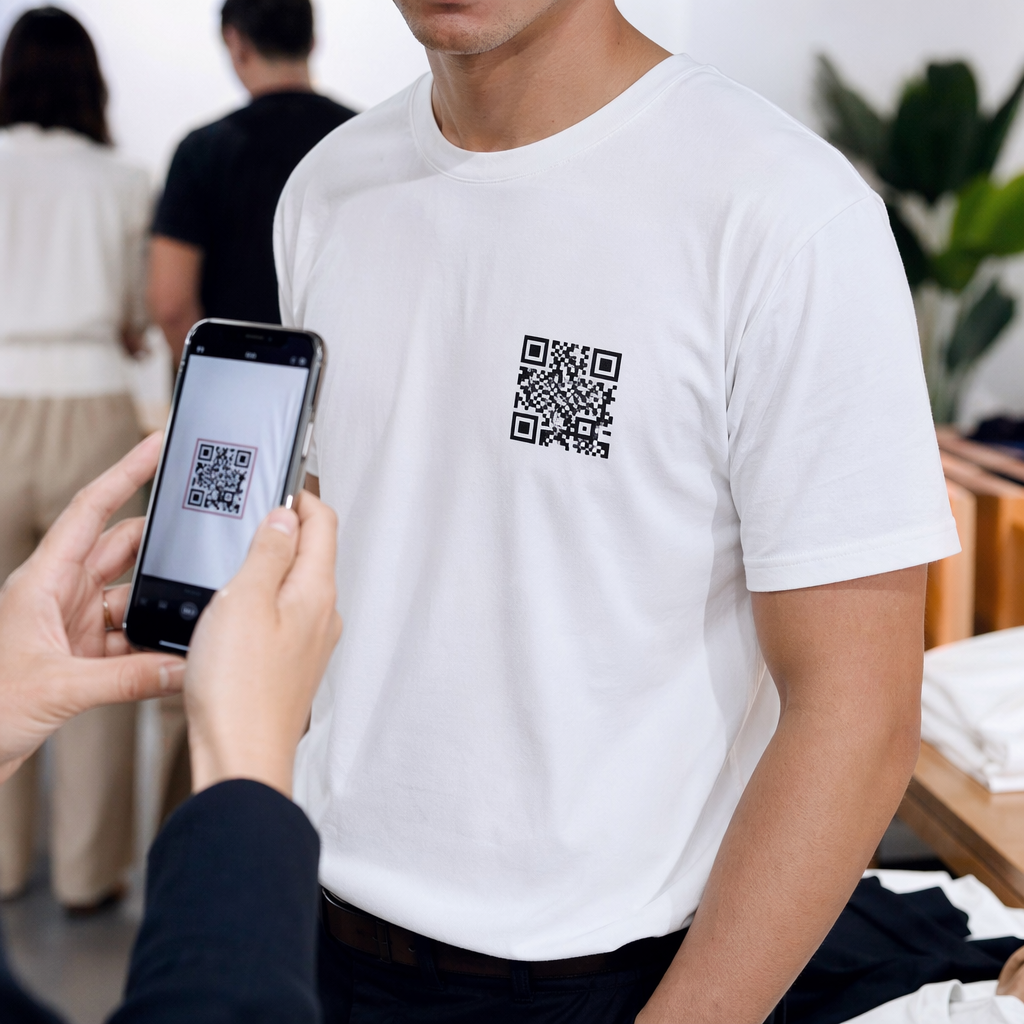
- Para materiales impresos, mantenga el código al menos 0.8 × 0.8 pulgadas (2 × 2 cm) para escaneo a corta distancia. Para carteles o señalización vistos desde más lejos, aplique la regla 10:1: el ancho del código debe ser al menos una décima parte de la distancia de escaneo esperada.
- Conserve un zona tranquila – al menos cuatro módulos en blanco en todos los lados del código. Ningún texto, logotipo o sangrado de color debe invadir este borde.
Para más información sobre la colocación y el tamaño, el Guía de colocación de códigos QR para marketing cubre cada formato principal en detalle.
Paso 5: Pruebe el Código Antes de Implementarlo
Las pruebas no son negociables. Un código QR que no se escanea en el campo desperdicia su presupuesto de impresión y frustra a las personas a las que intenta llegar.
Pruebe en:
- Múltiples dispositivos: Tanto iOS como Android, y al menos un modelo de smartphone antiguo.
- Múltiples aplicaciones: Aplicaciones de cámara integradas y aplicaciones de escáner de terceros.
- Múltiples condiciones: Iluminación diferente (incluido el deslumbramiento exterior), diferentes distancias y diferentes ángulos.
- Múltiples navegadores: Confirme que la encuesta se carga y se muestra correctamente en Safari, Chrome y otros navegadores comunes.
Si está utilizando un código dinámico, verifique que la URL de destino esté activa y que el formulario se envíe correctamente desde un navegador móvil antes de implementarlo.
Paso 6: Implementar en los lugares correctos
El lugar donde coloque el código QR determina directamente cuántas respuestas recopila. códigos QR para comentarios de clientes funcionan mejor cuando aparecen en puntos de pausa naturales en el recorrido del cliente, momentos en los que alguien tiene tiempo, contexto y motivación para responder.
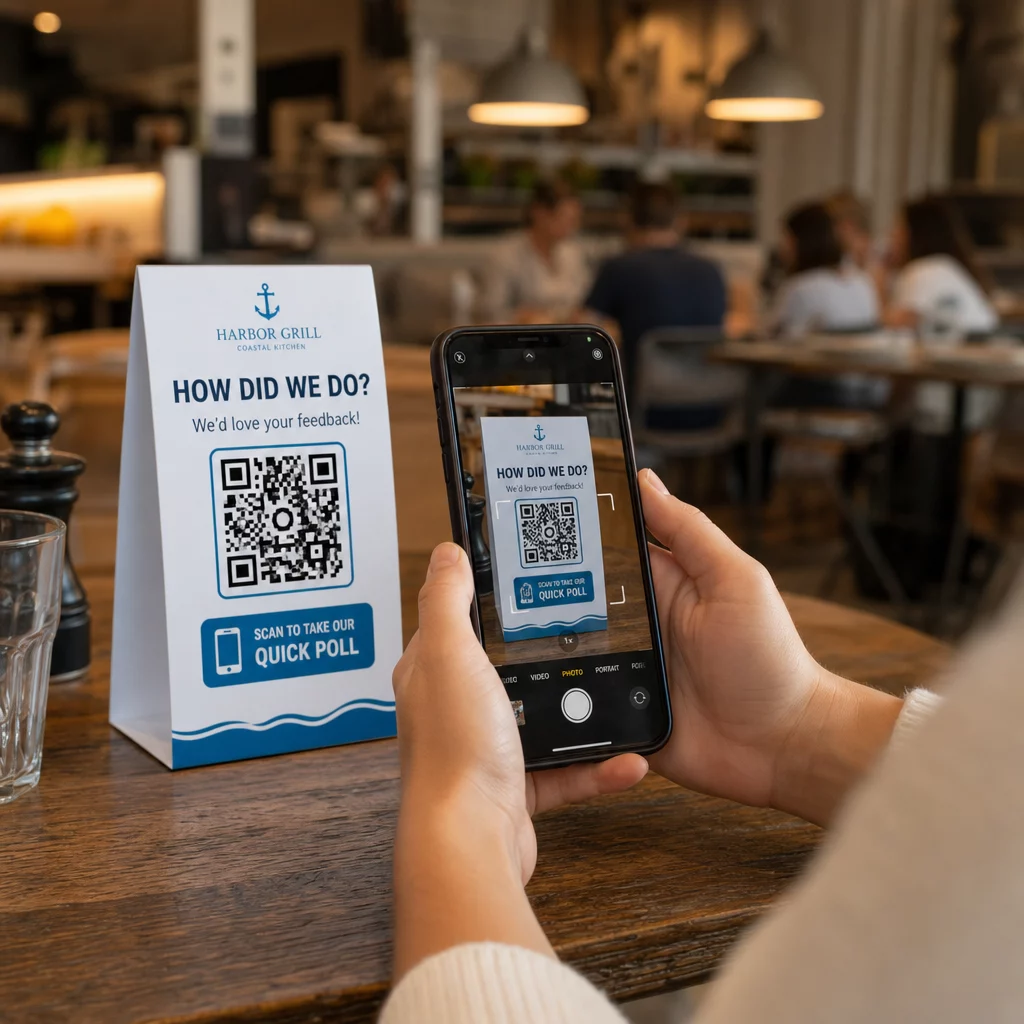
Ejemplos de ubicaciones estratégicas:
- Carteles de mesa o manteles individuales en restaurantes, colocados donde los comensales miran naturalmente durante o después de una comida
- Recibos o empaques incluidos con una compra, solicitando comentarios mientras la experiencia está fresca
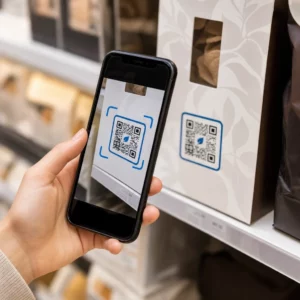
- Señalización cerca de las salidas de tiendas minoristas o lugares de eventos, capturando impresiones al salir
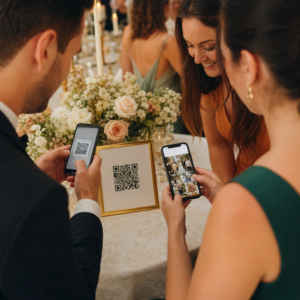
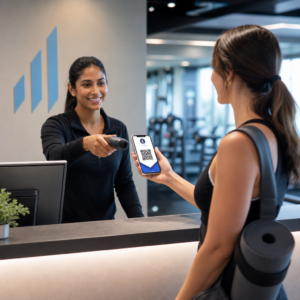
- Mostradores de registro o áreas de check-in en eventos, donde los asistentes tienen un momento antes de seguir adelante
- Diapositivas de presentación en conferencias, mostrados durante 15 a 20 segundos con una indicación verbal para escanear
Mantenga los códigos a la altura de los ojos (aproximadamente de 3.5 a 5.5 pies del suelo) y lejos de superficies reflectantes o curvas que distorsionen el escaneo. Evite colocar códigos en áreas con poca luz, detrás de un cristal o en ángulos incómodos. Cada ubicación debe incluir una breve explicación del propósito de la encuesta y una estimación honesta de cuánto tiempo lleva completarla.
Privacidad y Consentimiento de Datos
Cuando su encuesta recopila datos personales – nombres, correos electrónicos o cualquier respuesta que pueda identificar a un individuo – usted tiene obligaciones legales y éticas. La ley de privacidad de EE. UU. es un mosaico de regulaciones federales y estatales, pero los requisitos comunes incluyen obtener el consentimiento antes de recopilar datos, explicar cómo se utilizarán y asegurarlos adecuadamente.
Pasos prácticos para mantener el cumplimiento:
- Agregue una pregunta de consentimiento al inicio de la encuesta que explique qué datos se están recopilando, por qué, cuánto tiempo se retendrán y a quién contactar con preguntas. Dirija los rechazos para que no se recopilen datos de quienes declinen.
- Utilice solo enlaces HTTPS. El prefijo “https://” confirma que los datos se transmiten con cifrado SSL/TLS.
- Elija plataformas de encuestas y generadores de códigos QR que no almacenen datos de usuario innecesarios.
- Si su encuesta se muestra públicamente, revise los códigos periódicamente para asegurarse de que no hayan sido manipulados o reemplazados.
- Para temas delicados, considere proteger la encuesta con contraseña o usar controles de acceso. Los códigos QR dinámicos le permiten actualizar estas configuraciones sin reimprimir materiales.
Medición del Rendimiento de la Encuesta
Una vez que su campaña esté activa, utilice análisis para comprender qué funciona y qué necesita ajuste. Los códigos QR dinámicos le dan acceso a métricas que van mucho más allá de un simple recuento de respuestas.
Métricas clave a monitorear:
- Escaneos totales vs. escaneos únicos: Una gran diferencia entre estos sugiere visitantes repetidos o reescaneos accidentales en lugar de nuevos encuestados.
- Tasa de escaneo a finalización: Si las tasas de escaneo son altas pero las finalizaciones de la encuesta son bajas, su encuesta puede ser demasiado larga o la primera pregunta está causando el abandono.
- Horas pico de escaneo: Las marcas de tiempo muestran cuándo la participación es más alta, lo que puede informar cuándo ejecutar futuras campañas o cuándo asignar personal para las respuestas de seguimiento.
- Desglose geográfico: Si la mayoría de los escaneos provienen de una ubicación pero usted está apuntando a múltiples sitios, ajuste la ubicación o la señalización en los lugares con bajo rendimiento.
- Datos del dispositivo: Confirma si su diseño 'mobile-first' está sirviendo correctamente a su audiencia real.
Agregar parámetros UTM a la URL de su encuesta antes de generar el código le permite extraer estos datos a Google Analytics junto con sus métricas de marketing más amplias, conectando la participación en la encuesta QR con el resto de los informes de su campaña.
Si está ejecutando múltiples ubicaciones simultáneamente, trátelas como una prueba A/B natural. Compare las tasas de escaneo y finalización en diferentes ubicaciones para identificar qué contextos impulsan la participación más fuerte, luego concentre los esfuerzos futuros allí.
Conecte los Datos de la Encuesta a su Pila de Marketing Utilice el de Pageloot funciones de seguimiento y análisis para monitorear el comportamiento de escaneo en todas sus ubicaciones de códigos QR, luego ajuste las campañas en tiempo real, sin reimprimir un solo material.
Armándolo todo
Las encuestas con código QR son más efectivas cuando cada elemento es intencional: un objetivo enfocado, un formulario corto y compatible con dispositivos móviles, un código dinámico bien diseñado, una ubicación que se ajuste al recorrido del cliente y análisis que le digan cómo mejorar la próxima campaña.
El Generador de códigos QR de Pageloot le brinda todo lo que necesita en una sola plataforma: códigos dinámicos, opciones de marca y datos de escaneo en tiempo real. Comience con una cuenta gratuita y tenga su primera encuesta en vivo en menos de quince minutos.
Preguntas frecuentes
Un código QR estático incrusta la URL de destino permanentemente en el patrón del código. Una vez impreso, no se puede cambiar y no rastrea los escaneos. Un código QR dinámico utiliza una URL de redirección corta, lo que significa que puedes actualizar el destino de la encuesta en cualquier momento – incluso después de que los materiales ya estén impresos – y acceder a análisis como el número de escaneos, la ubicación, el tipo de dispositivo y la hora del escaneo. Para la mayoría de las campañas de encuestas, los códigos dinámicos son la mejor opción porque permiten ediciones y proporcionan los datos que necesitas para medir y mejorar el rendimiento.
Utilice únicamente enlaces de encuestas protegidos con HTTPS para garantizar que los datos estén cifrados en tránsito. Añada una pregunta de consentimiento al inicio de la encuesta explicando qué datos se recopilan, por qué y durante cuánto tiempo se retienen. Elija plataformas de encuestas y generadores de códigos QR que minimicen el almacenamiento innecesario de datos. Si la encuesta se muestra en un espacio público, compruebe periódicamente que el código no ha sido manipulado. Para encuestas que aborden temas delicados, utilice protección con contraseña o controles de acceso – los códigos QR dinámicos le permiten actualizar estas configuraciones sin necesidad de reimprimir.
El tamaño mínimo recomendado para el escaneo de corto alcance es de 0.8 × 0.8 pulgadas (2 × 2 cm). Para materiales vistos desde una mayor distancia, use la regla 10:1: el ancho del código QR debe ser al menos una décima parte de la distancia de escaneo esperada. Un código visto desde cinco pies de distancia debe tener al menos seis pulgadas de ancho. Siempre preserve una zona tranquila de al menos cuatro módulos en blanco en todos los lados del código, y pruebe el escaneo en condiciones reales antes de implementarlo a gran escala.