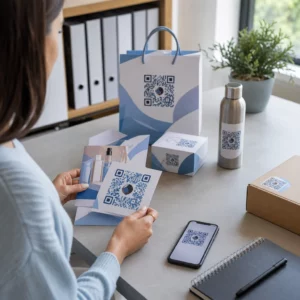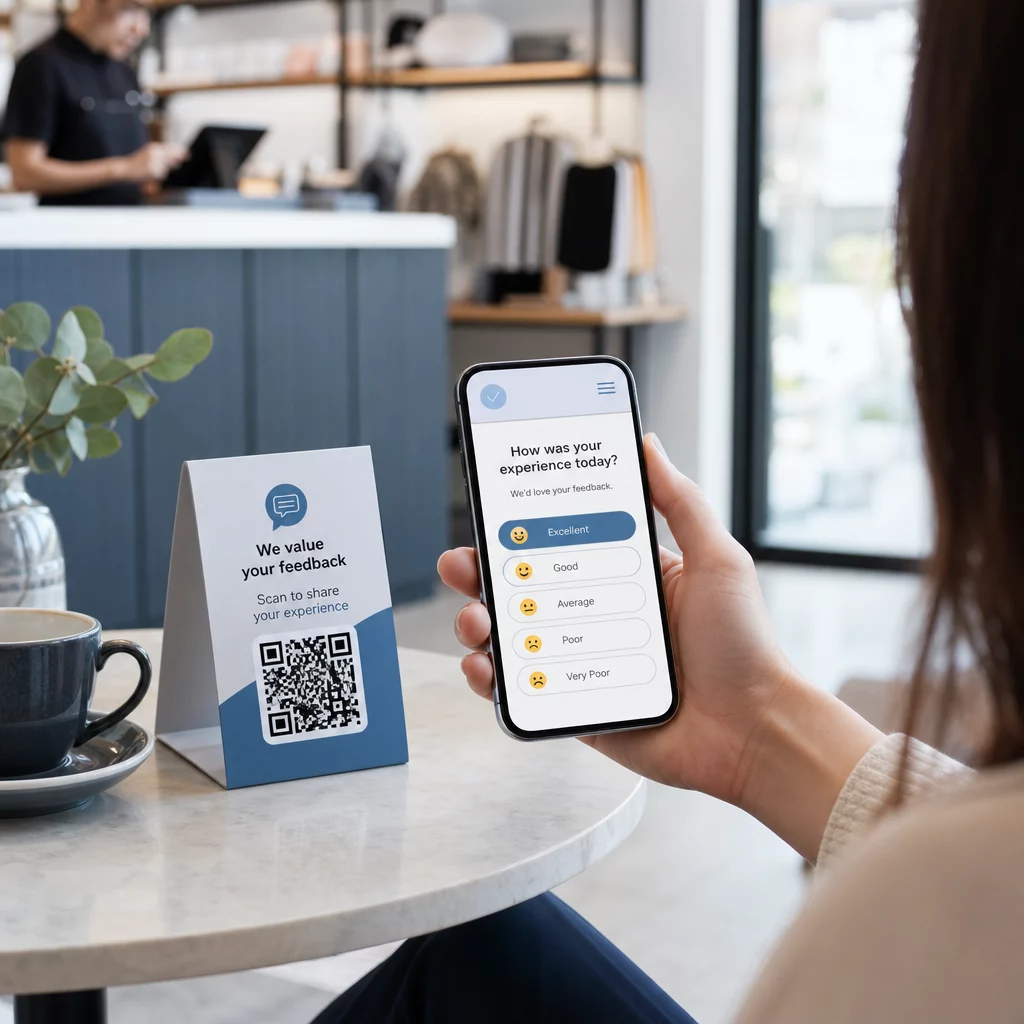
Боретесь со сбором отзывов от клиентов, которые стоят прямо перед вами? Бумажные формы игнорируются, а длинные URL-адреса опросов никогда не вводятся. Это руководство проведет вас через процесс создания опроса с QR-кодом с нуля – охватывая выбор платформы, генерацию кода, дизайн, размещение и отслеживание – чтобы вы могли немедленно начать собирать ответы.
Почему опросы с QR-кодом работают для офлайн- и мобильной аудитории
Основная проблема традиционных опросов – это трение. Ввод URL-адреса на мобильной клавиатуре достаточно раздражает, чтобы большинство людей пропускали его. QR-код полностью устраняет этот барьер – одно сканирование открывает опрос прямо в браузере, приложение не требуется.
Это особенно важно в физических условиях: ресторанах, розничных магазинах, на мероприятиях, в клиниках и классах. Ваша аудитория уже присутствует и вовлечена. Хорошо размещенный QR-код захватывает этот момент, прежде чем он пройдет.
Несколько причин, по которым опросы с QR-кодом постоянно превосходят бумажные и электронные альтернативы:
- Скорость: Время заполнения опроса заметно быстрее, потому что нет ручного ввода URL-адреса или шага распространения формы.
- Охват: Использование QR-кодов продолжает расти в США, объемы сканирования увеличиваются из года в год – это означает, что ваша аудитория уже знает, как с ними взаимодействовать.
- Данные в реальном времени: Ответы поступают мгновенно, поэтому вы можете действовать на основе обратной связи в тот же день, а не ждать пакетного экспорта.
- Возможность отслеживания: Динамические QR-коды записывать количество сканирований, типы устройств, географические местоположения и временные метки, предоставляя вам поведенческий контекст наряду с самими ответами на опрос.
Как создать опрос с QR-кодом: Пошаговое руководство
Шаг 1: Определите цели вашего опроса
Прежде чем что-либо создавать, уточните, что вы хотите узнать и как будете измерять успех. Расплывчатые цели приводят к расплывчатым вопросам. Спросите себя:
- Измеряете ли вы удовлетворенность после покупки или взаимодействия с услугой?
- Вы собираете мнения во время или после мероприятия?
- Вы проводите исследование продукта для принятия будущего решения?
Ваша цель также определяет время и формат опроса. Опрос после покупки на чеке требует других вопросов, чем опрос на живом мероприятии, проецируемый на экран. Заранее решите, как выглядит успешный показатель отклика или понимание, чтобы вы могли оценить кампанию позже.
Шаг 2: Создайте опрос на платформе для опросов
Используйте надежную платформу для опросов, чтобы составить свои вопросы. Формы Google является простым, бесплатным вариантом, который интегрируется с Google Таблицами для удобного просмотра данных. Для более сложной логики, индивидуального брендинга или детальной аналитики на уровне формы, Typeform или SurveyMonkey являются сильными альтернативами.
При разработке вопросов помните о мобильных пользователях – это почти все, кто будет сканировать код. Следуйте этим принципам:
- Делайте его коротким. Стремитесь к завершению менее чем за две минуты. Более длинные опросы теряют респондентов на мобильных устройствах до того, как они дойдут до конца.
- Одна идея на вопрос. Избегайте двойных вопросов, которые спрашивают две вещи одновременно (например, “Было ли наше обслуживание быстрым и дружелюбным?” должно быть двумя отдельными вопросами).
- Используйте простой язык. Сократите количество слов в каждом вопросе, не жертвуя смыслом.
- Сохраняйте нейтралитет. Избегайте формулировок, которые направляют респондентов к определенному ответу.
- Сбалансируйте свои шкалы. Если вы используете шкалы оценок, включите равное количество положительных и отрицательных вариантов и четко определенную среднюю точку.
После завершения опроса сгенерируйте ссылку для обмена. В Google Формах нажмите Отправка, затем выберите значок ссылки, чтобы скопировать URL-адрес.
Шаг 3: Преобразуйте ссылку на опрос в QR-код
Когда URL-адрес вашего опроса готов, вставьте его в генератор QR-кодов. Pageloot’s Генератор QR-кодов для ссылок справляется с этим за секунды – вставьте URL-адрес, и сканируемый код появится немедленно.
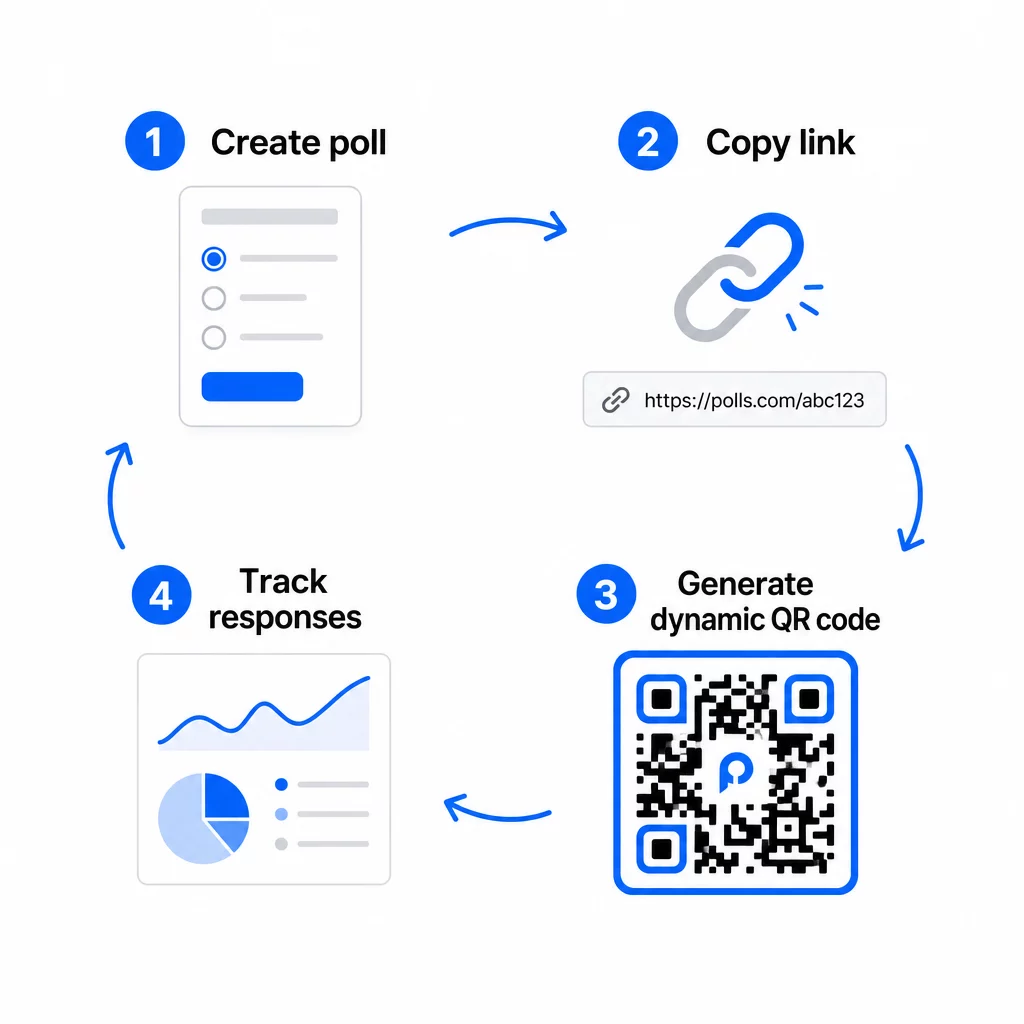
На этом этапе вам также необходимо выбрать между статическим и динамическим QR-кодом.
| ФУНКЦИЯ | Статические QR-коды | Динамические QR-коды |
|---|---|---|
| Редактируемо после создания | Нет | Да |
| Отслеживание и анализ сканирования | Нет | Да |
| Длина URL в шаблоне | Длинный, плотный | Короткий, чистый |
| Скорость сканирования | Медленнее | Быстрее |
| Обновления кампании | Требует нового кода | Обновляйте назначение в любое время |
Для большинства кампаний по опросам, динамические QR-коды являются лучшим выбором. Вы можете обновить целевой URL после того, как код уже напечатан – полезно, если вам нужно заменить закрытый опрос новым, продлить срок или перенаправить на последующий опрос. Динамические коды также открывают аналитика сканирования включая количество сканирований, местоположение, тип устройства и время сканирования.
Отслеживайте каждое сканирование вашего опроса по QR-коду Хотите узнать, какие местоположения приносят больше всего ответов и когда пик вовлеченности? Используйте Pageloot Генератор QR-кодов чтобы создать динамический код опроса со встроенным отслеживанием и централизованной аналитической панелью.
Шаг 4: Настройте QR-код для вашего бренда
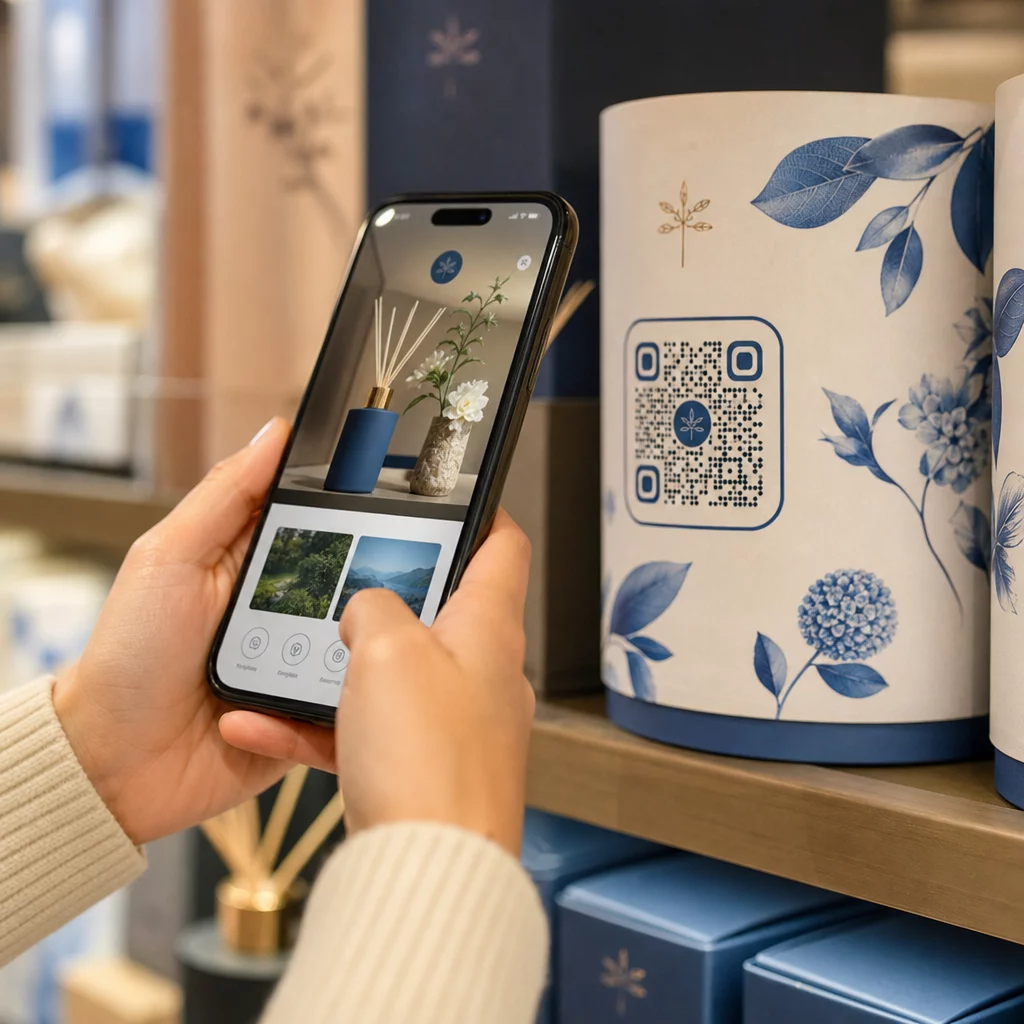
Обычный черно-белый QR-код работает, но брендированный работает лучше. Добавление вашего логотипа и фирменных цветов сигнализирует о легитимности кода, что увеличивает вероятность того, что кто-то его отсканирует.
Практические рекомендации по дизайну:
- Используйте темному переднему плану на светлом фоне. Черный на белом — самый надежный. Темно-синий или темно-зеленый на белом также хорошо работают. Никогда не инвертируйте это – светлое на темном вызывает сбои сканирования.
- Поддерживайте высокий контраст на протяжении всего. Низкий контраст — одна из самых распространенных причин, по которой QR-коды не сканируются.
- Добавьте свой логотип компании в центр кода. Это создает доверие с первого взгляда, не влияя на сканируемость, при условии, что логотип не закрывает более примерно 30% шаблона.
- Включите призыв к действию рядом (не внутри) с кодом – что-то вроде “Отсканируйте, чтобы поделиться своим мнением” или “Пройдите наш 60-секундный опрос”. Это объясняет людям, почему они должны сканировать и чего ожидать.
- Для печатных материалов сохраняйте код размером не менее 0,8 × 0,8 дюйма (2 × 2 см) для сканирования с близкого расстояния. Для плакатов или вывесок, просматриваемых издалека, применяйте правило 10:1: ширина кода должна составлять не менее одной десятой от ожидаемого расстояния сканирования.
- Сохраняйте тихой зоны – не менее четырех пустых модулей со всех сторон кода. Никакой текст, логотипы или растекание цвета не должны вторгаться в эту границу.
Подробнее о размещении и размере см. в Руководство по размещению QR-кодов для маркетинга подробно описывает каждый основной формат.
Шаг 5: Протестируйте код перед развертыванием
Тестирование не подлежит обсуждению. QR-код, который не сканируется на месте, тратит ваш бюджет на печать и расстраивает людей, до которых вы пытаетесь достучаться.
Тестируйте на:
- Нескольких устройствах: Как iOS, так и Android, а также хотя бы на одной старой модели смартфона.
- Нескольких приложениях: Встроенных приложениях камеры и сторонних приложениях-сканерах.
- Нескольких условиях: Разное освещение (включая блики на улице), разные расстояния и разные углы.
- Несколько браузеров: Убедитесь, что опрос загружается и отображается корректно в Safari, Chrome и других распространенных браузерах.
Если вы используете динамический код, убедитесь, что целевой URL-адрес активен и что форма успешно отправляется с мобильного браузера, прежде чем вы развернете его.
Шаг 6: Размещайте в правильных местах
Место размещения QR-кода напрямую определяет количество собранных ответов. QR-коды для обратной связи с клиентами работают лучше всего, когда они появляются в естественных точках паузы в пути клиента – моментах, когда у кого-то есть время, контекст и мотивация для ответа.
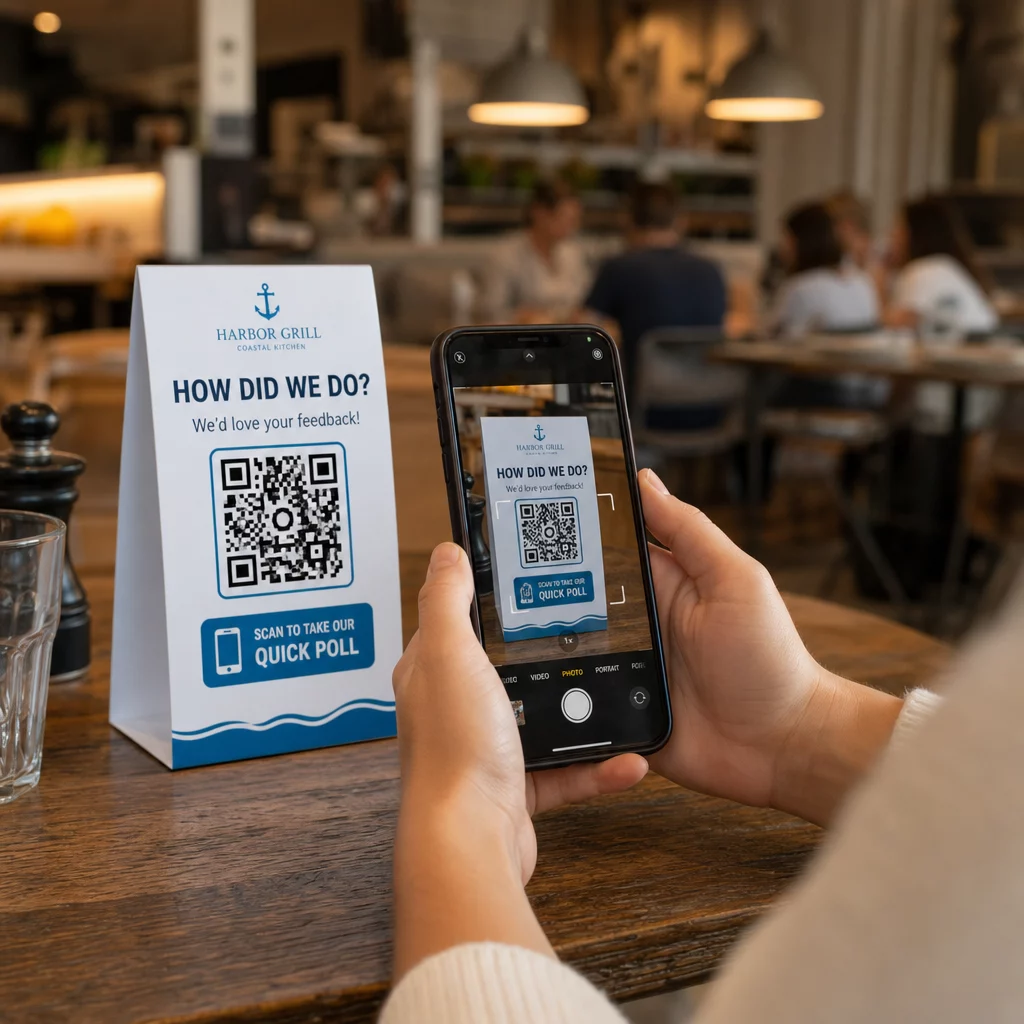
Примеры удачного размещения:
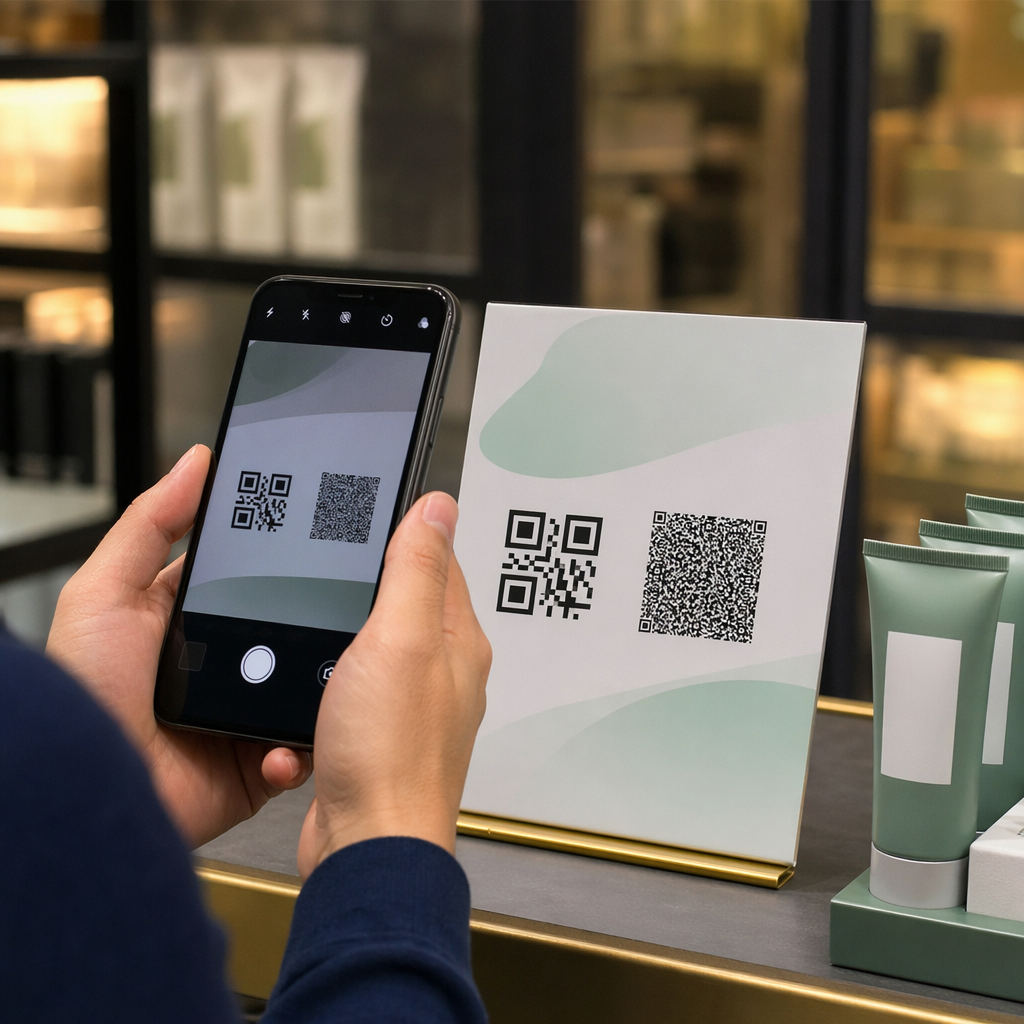
- Настольные таблички или подставки под тарелки в ресторанах, размещенные там, куда посетители естественно смотрят во время или после еды
- Чеки или упаковка прилагаются к покупке, побуждая оставить отзыв, пока впечатление свежо
- Вывески у выходов из розничных магазинов или мест проведения мероприятий, собирая впечатления на выходе
- Стойки регистрации или зоны регистрации на мероприятиях, где у участников есть момент перед тем, как двигаться дальше
- Презентационные слайды на конференциях, демонстрируются в течение 15–20 секунд с устным призывом к сканированию
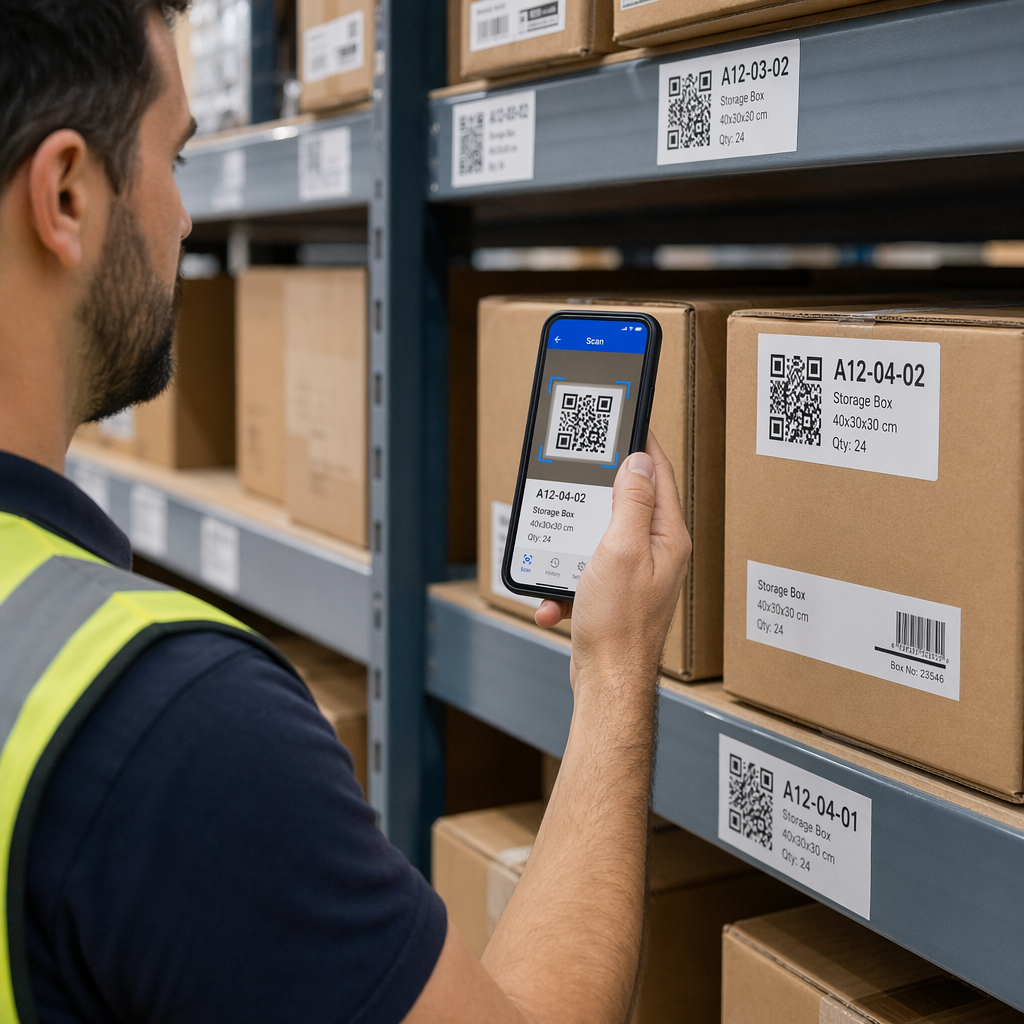
Размещайте коды на уровне глаз (примерно 1–1,7 метра от земли) и вдали от отражающих или изогнутых поверхностей, которые искажают сканирование. Избегайте размещения кодов в плохо освещенных местах, за стеклом или под неудобными углами. Каждое место размещения должно включать краткое объяснение цели опроса и честную оценку времени, необходимого для его завершения.
Конфиденциальность и согласие на обработку данных
Если ваш опрос собирает персональные данные – имена, адреса электронной почты или любые ответы, которые могут идентифицировать человека, – у вас возникают юридические и этические обязательства. Законодательство США о конфиденциальности представляет собой совокупность федеральных и государственных норм, но общие требования включают получение согласия перед сбором данных, объяснение того, как они будут использоваться, и их надлежащую защиту.
Практические шаги для соблюдения требований:
- Добавьте вопрос о согласии в начале опроса, который объясняет, какие данные собираются, почему, как долго они будут храниться и к кому обращаться с вопросами. Отклоняйте запросы таким образом, чтобы данные не собирались от тех, кто отказывается.
- Используйте только ссылки HTTPS. Префикс “https://” подтверждает, что данные передаются с использованием шифрования SSL/TLS.
- Выбирайте платформы для опросов и генераторы QR-кодов, которые не хранят ненужные пользовательские данные.
- Если ваш опрос отображается публично, периодически проверяйте коды, чтобы убедиться, что они не были подделаны или заменены.
- Для конфиденциальных тем рассмотрите возможность защиты опроса паролем или использования контроля доступа. Динамические QR-коды позволяют обновлять эти настройки без перепечатки материалов.
Измерение эффективности опроса
Как только ваша кампания запущена, используйте аналитику, чтобы понять, что работает, а что требует корректировки. Динамические QR-коды предоставляют доступ к метрикам, которые выходят далеко за рамки простого подсчета ответов.
Ключевые метрики для отслеживания:
- Общее количество сканирований против уникальных сканирований: Большая разница между ними указывает на повторных посетителей или случайные повторные сканирования, а не на новых респондентов.
- Коэффициент сканирования до завершения: Если количество сканирований высокое, но завершений опроса мало, ваш опрос может быть слишком длинным или первый вопрос вызывает отток.
- Пиковое время сканирования: Временные метки показывают, когда вовлеченность наиболее высока, что может помочь определить, когда запускать будущие кампании или когда выделять персонал для последующих ответов.
- Географическая разбивка: Если большинство сканирований происходит из одного места, но вы нацелены на несколько объектов, скорректируйте размещение или вывески в местах с низкой эффективностью.
- Данные об устройствах: Подтверждает, правильно ли ваш дизайн, ориентированный на мобильные устройства, обслуживает вашу фактическую аудиторию.
Добавление UTM-параметров к URL-адресу вашего опроса перед генерацией кода позволяет вам переносить эти данные в Google Analytics вместе с более широкими маркетинговыми показателями, связывая вовлеченность в QR-опрос с остальной отчетностью по вашей кампании.
Если вы одновременно используете несколько размещений, рассматривайте их как естественное A/B-тестирование. Сравните показатели сканирования и завершения в разных местах, чтобы определить, какие контексты обеспечивают наибольшее участие, а затем сосредоточьте будущие усилия там.
Подключите данные опросов к вашему маркетинговому стеку Используйте Pageloot’s функции отслеживания и аналитики для мониторинга поведения при сканировании во всех ваших размещениях QR-кодов, а затем корректируйте кампании в режиме реального времени – без перепечатки единого материала.
Собираем все воедино
Опросы с QR-кодами наиболее эффективны, когда каждый элемент продуман: сфокусированная цель, короткая и удобная для мобильных устройств форма, хорошо разработанный динамический код, размещение, соответствующее пути клиента, и аналитика, которая подсказывает, как улучшить следующую кампанию.
В Генератор QR-кодов предоставляет вам все необходимое на одной платформе – динамические коды, опции брендинга и данные сканирования в реальном времени. Начните с бесплатного аккаунта и запустите свой первый опрос менее чем за пятнадцать минут.
Часто задаваемые вопросы
Статический QR-код постоянно встраивает целевой URL-адрес в шаблон кода. После печати его нельзя изменить, и он не отслеживает сканирования. Динамический QR-код использует короткий URL-адрес перенаправления, что означает, что вы можете обновить место назначения опроса в любое время – даже после того, как материалы уже напечатаны – и получить доступ к аналитике, такой как количество сканирований, местоположение, тип устройства и время сканирования. Для большинства кампаний опросов динамические коды являются лучшим выбором, поскольку они позволяют вносить изменения и предоставляют данные, необходимые вам для измерения и улучшения производительности.
Используйте только HTTPS-защищенные ссылки для опросов, чтобы гарантировать шифрование данных при передаче. Добавьте вопрос о согласии в начале опроса, объясняющий, какие данные собираются, почему и как долго они хранятся. Выбирайте платформы для опросов и генераторы QR-кодов, которые минимизируют ненужное хранение данных. Если опрос отображается в общественном месте, периодически проверяйте, не был ли код подделан. Для опросов, затрагивающих конфиденциальные темы, используйте защиту паролем или контроль доступа – динамические QR-коды позволяют обновлять эти настройки без перепечатки.
Минимальный рекомендуемый размер для сканирования с близкого расстояния составляет 0,8 × 0,8 дюйма (2 × 2 см). Для материалов, просматриваемых с большего расстояния, используйте правило 10:1: ширина QR-кода должна составлять не менее одной десятой от ожидаемого расстояния сканирования. Код, просматриваемый с расстояния пяти футов, должен быть не менее шести дюймов в ширину. Всегда сохраняйте тихую зону не менее четырех пустых модулей со всех сторон кода и тестируйте сканирование в реальных условиях перед массовым развертыванием.