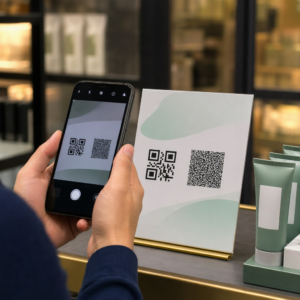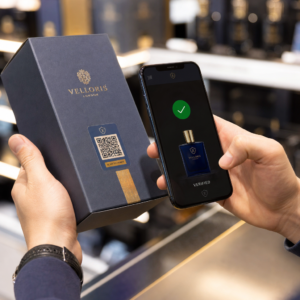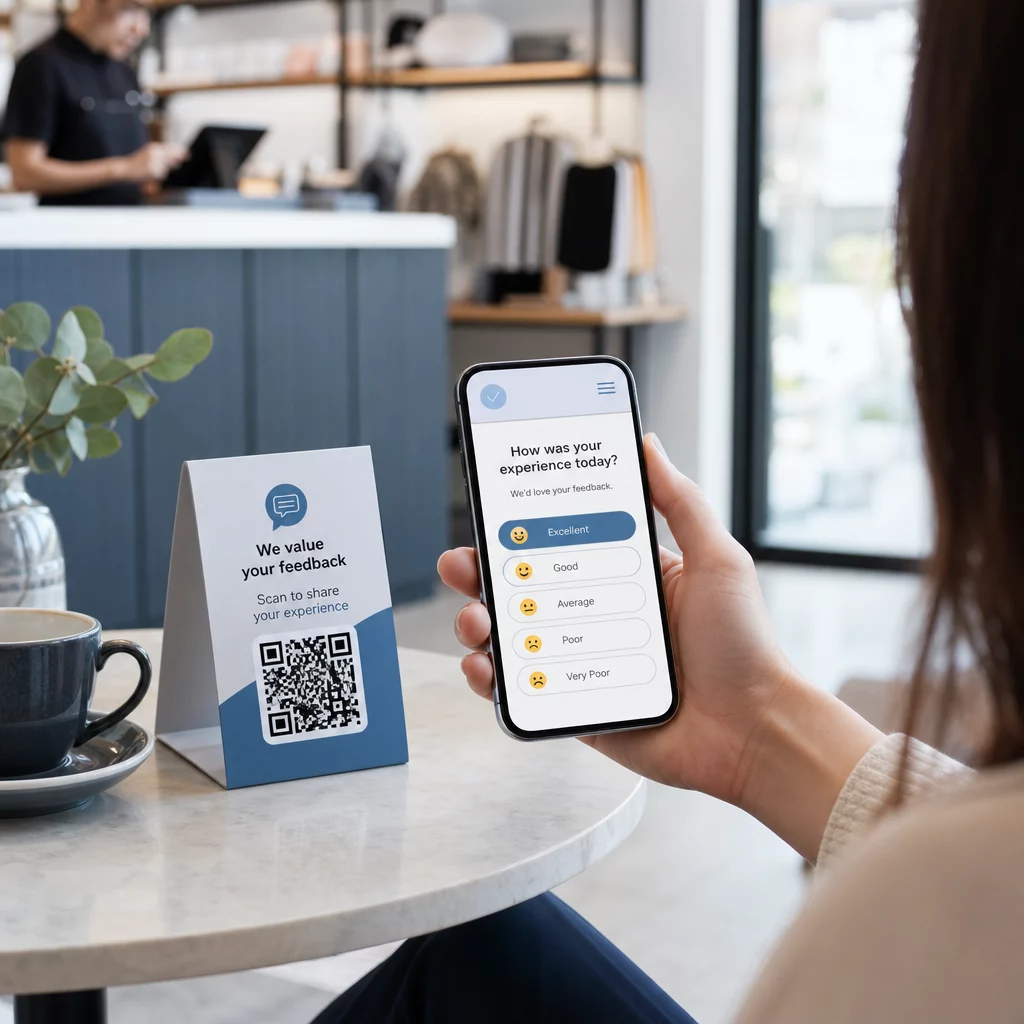
Se trudite zbirati povratne informacije od strank, ki stojijo tik pred vami? Papirni obrazci so prezrti, dolgi URL-ji anket pa nikoli niso vpisani. Ta vodnik vas popelje skozi postopek ustvarjanja ankete s QR kodo od začetka – zajema izbiro platforme, generiranje kode, oblikovanje, postavitev in sledenje – tako da lahko takoj začnete zbirati odgovore.
Zakaj ankete s QR kodami delujejo za offline in mobilno občinstvo
Glavni problem tradicionalnih anket je trenje. Tipkanje URL-ja na mobilni tipkovnici je dovolj nadležno, da ga večina ljudi preskoči. QR koda popolnoma odstrani to oviro – eno skeniranje odpre anketo neposredno v brskalniku, brez potrebe po aplikaciji.
To je še posebej pomembno v fizičnih okoljih: restavracijah, maloprodajnih trgovinah, dogodkih, klinikah in učilnicah. Vaše občinstvo je že prisotno in angažirano. Dobro postavljena QR koda ujame ta trenutek, preden mine.
Nekaj razlogov, zakaj ankete s QR kodami dosledno prekašajo papirne in e-poštne alternative:
- Hitrost: Časi izpolnjevanja anket so merljivo hitrejši, ker ni ročnega vnosa URL-ja ali koraka distribucije obrazca.
- Doseg: Uporaba QR kod v ZDA še naprej raste, s količino skeniranj, ki se povečuje iz leta v leto – kar pomeni, da vaše občinstvo že ve, kako z njimi komunicirati.
- Podatki v realnem času: Odgovori prispejo takoj, tako da lahko ukrepate na podlagi povratnih informacij še isti dan, namesto da čakate na skupinski izvoz.
- Sledljivost: Dinamične kode QR beležite število skeniranj, vrste naprav, geografske lokacije in časovne žige, kar vam daje vedenjski kontekst poleg samih odgovorov na anketo.
Kako ustvariti anketo s QR kodo: Korak za korakom
1. korak: Določite cilje vaše ankete
Preden karkoli ustvarite, pojasnite, kaj želite izvedeti in kako boste merili uspeh. Nejasni cilji ustvarjajo nejasna vprašanja. Vprašajte se:
- Ali merite zadovoljstvo po nakupu ali interakciji s storitvijo?
- Ali zbirate mnenja med dogodkom ali po njem?
- Ali izvajate raziskavo izdelkov za informiranje prihodnje odločitve?
Vaš cilj določa tudi čas in obliko ankete. Poprodajna anketa na računu potrebuje drugačna vprašanja kot anketa v živo, prikazana na zaslonu. Vnaprej se odločite, kaj pomeni uspešna stopnja odziva ali vpogled, da boste lahko kampanjo pozneje ocenili.
2. korak: Izdelajte anketo na platformi za raziskave
Za oblikovanje vprašanj uporabite zanesljivo platformo za raziskave. Google Obrazci je preprosta, brezplačna možnost, ki se integrira z Google Preglednicami za enostaven pregled podatkov. Za naprednejšo logiko, prilagojeno blagovno znamko ali podrobno analitiko na ravni obrazca sta Typeform ali SurveyMonkey močni alternativi.
Pri oblikovanju vprašanj imejte v mislih mobilne uporabnike – kar je skoraj vsakdo, ki bo skeniral kodo. Upoštevajte naslednja načela:
- Naj bo kratko. Ciljajte na manj kot dve minuti za dokončanje. Daljše ankete izgubijo anketirance na mobilnih napravah, preden dosežejo konec.
- Ena ideja na vprašanje. Izogibajte se dvojnim vprašanjem, ki sprašujejo dve stvari hkrati (na primer, “Ali je bila naša storitev hitra in prijazna?” bi morali biti dve ločeni vprašanji).
- Uporabite preprost jezik. Zmanjšajte število besed v vsakem vprašanju, ne da bi žrtvovali pomen.
- Ostanite nevtralni. Izogibajte se besednim zvezam, ki anketirance usmerjajo k določenemu odgovoru.
- Uravnotežite svoje lestvice. Če uporabljate ocenjevalne lestvice, vključite enako število pozitivnih in negativnih možnosti ter jasno določeno sredinsko točko.
Ko je anketa končana, ustvarite povezavo za skupno rabo. V Google Obrazcih kliknite Pošljite, nato izberite ikono povezave, da kopirate URL.
Korak 3: Pretvorite povezavo ankete v QR kodo
Ko je URL vaše ankete pripravljen, ga prilepite v generator QR kod. Pagelootov Generator QR kod za povezave to opravi v nekaj sekundah – prilepite URL in takoj se prikaže koda, ki jo je mogoče skenirati.
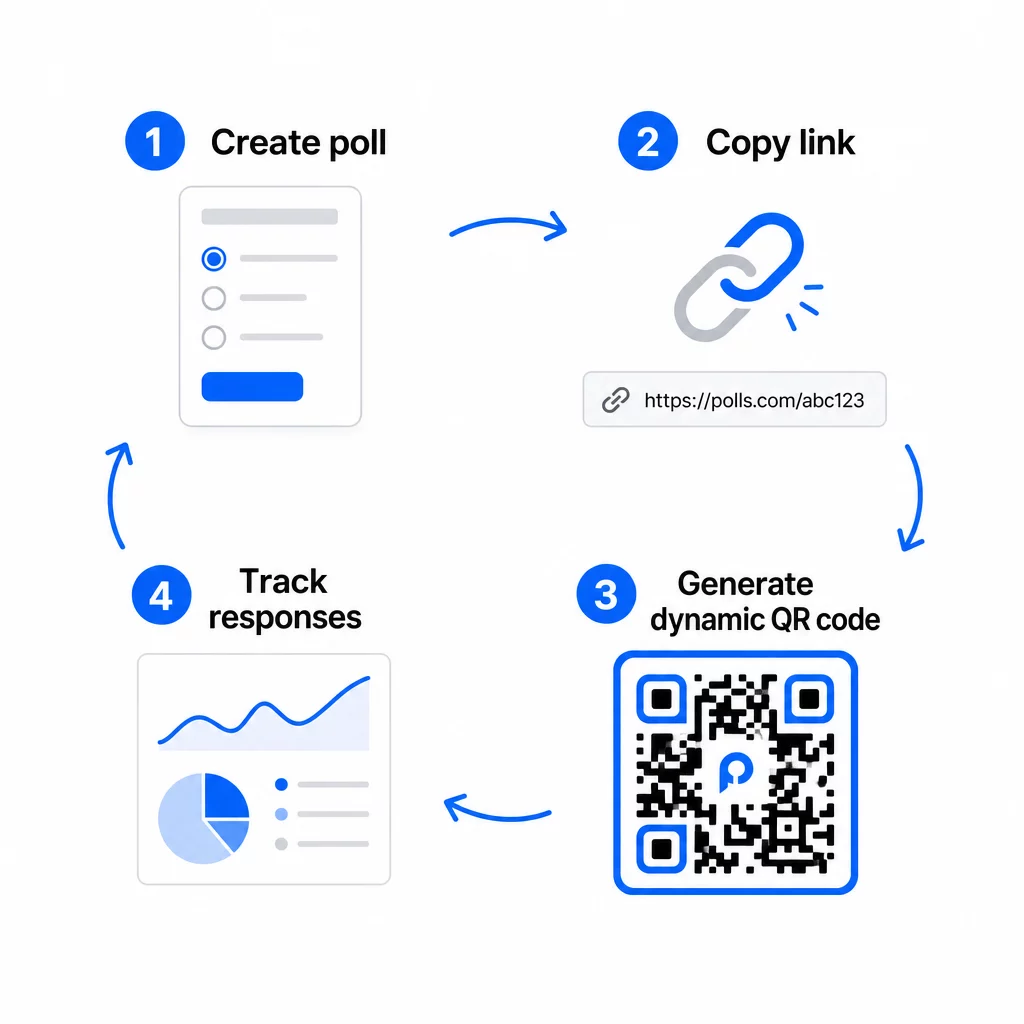
Na tej stopnji se morate odločiti tudi med statično in dinamično QR kodo.
| FUNKCIJA | Statične QR kode | Dinamične kode QR |
|---|---|---|
| Uredljivo po ustvarjanju | Ne | Da |
| Sledenje in analitika skeniranja | Ne | Da |
| Dolžina URL-ja v vzorcu | Dolgo, gosto | Kratko, čisto |
| Hitrost skeniranja | Počasnejše | Hitrejše |
| Posodobitve kampanje | Zahteva novo kodo | Posodobite cilj kadar koli |
Za večino anketnih kampanj, so dinamične QR kode boljša izbira. URL destinacije lahko posodobite, ko je koda že natisnjena – uporabno, če morate zamenjati zaprto anketo z novo, podaljšati rok ali preusmeriti na nadaljnjo raziskavo. Dinamične kode tudi omogočajo analitiko skeniranja vključno s številom skeniranj, lokacijo, vrsto naprave in časom skeniranja.
Sledite vsakemu skeniranju vaše ankete s QR kodo Želite videti, katere lokacije prinašajo največ odzivov in kdaj je angažiranost največja? Uporabite Pagelootovo Generator QR kod za ustvarjanje dinamične kode ankete z vgrajenim sledenjem in centralizirano analitično nadzorno ploščo.
Korak 4: Prilagodite QR kodo svoji blagovni znamki
Navadna črno-bela QR koda deluje, vendar blagovna znamka deluje bolje. Dodajanje vašega logotipa in barv blagovne znamke signalizira, da je koda legitimna, kar poveča verjetnost, da jo bo nekdo dejansko skeniral.
Praktične smernice za oblikovanje:
- Uporabi temno ospredje na svetlem ozadju. Črna na beli je najbolj zanesljiva. Temno modra ali temno zelena na beli prav tako dobro delujeta. Nikoli ne obrnite tega – svetlo na temnem povzroča napake pri skeniranju.
- Ohranjajte visok kontrast ves čas. Nizek kontrast je eden najpogostejših razlogov, zakaj se QR kode ne skenirajo.
- Dodajte svoj logotip podjetja v sredino kode. To na prvi pogled gradi zaupanje, ne da bi vplivalo na možnost skeniranja, dokler logotip ne pokriva več kot približno 30% vzorca.
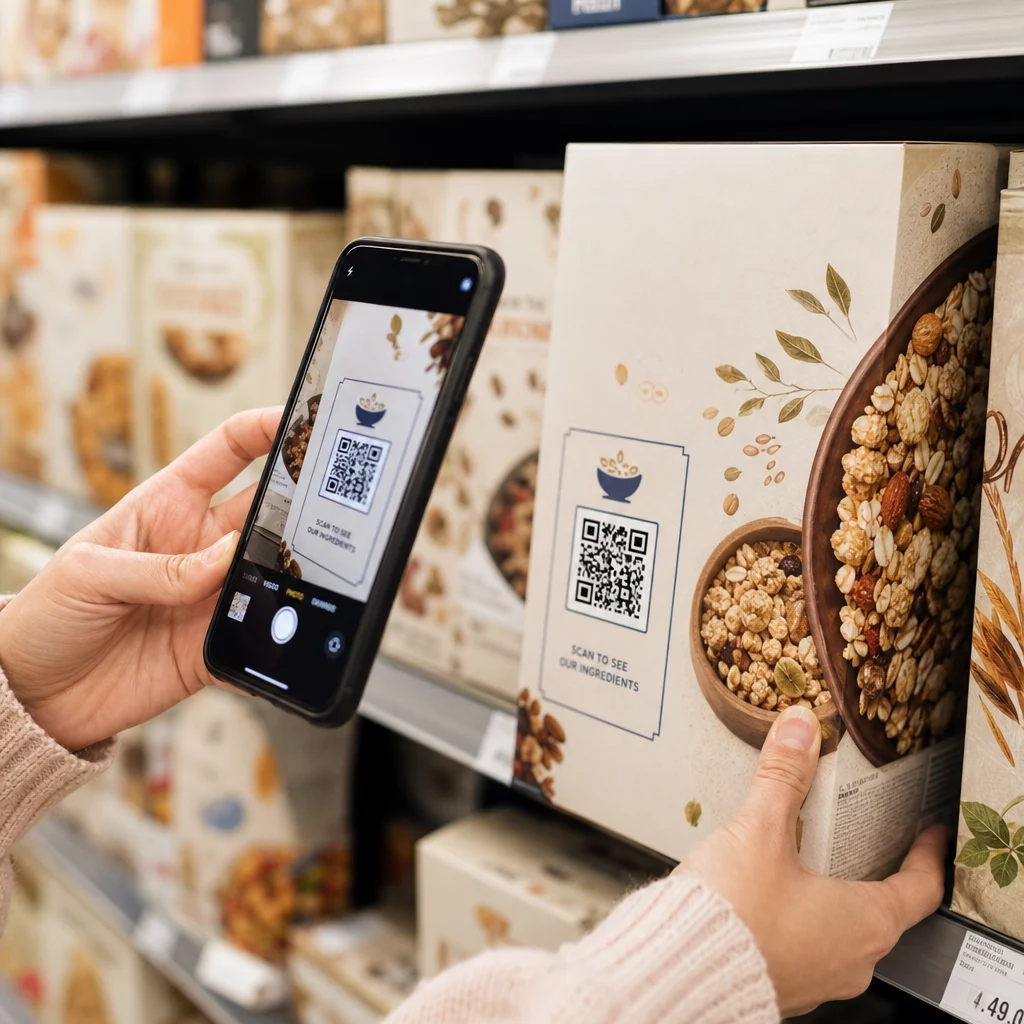
- Vključite a poziv k akciji blizu (ne znotraj) kode – nekaj podobnega kot “Skenirajte, da delite svoje povratne informacije” ali “Rešite našo 60-sekundno anketo.” To ljudem pove, zakaj naj skenirajo in kaj lahko pričakujejo.
- Za tiskane materiale naj bo koda velika vsaj 0,8 × 0,8 palca (2 × 2 cm) za skeniranje od blizu. Za plakate ali oznake, ki so vidne od daleč, uporabite pravilo 10:1: širina kode naj bo vsaj ena desetina pričakovane razdalje skeniranja.
- Ohranite tiho cono – vsaj štiri prazne module na vseh straneh kode. V to obrobo ne smejo posegati besedilo, logotipi ali prelivanje barv.
Za več informacij o postavitvi in velikosti, glejte Vodnik za namestitev kode QR za trženje podrobno pokriva vsak glavni format.
Korak 5: Preizkusite kodo pred uporabo
Testiranje je nujno. QR koda, ki se ne skenira na terenu, zapravlja vaš proračun za tiskanje in frustrira ljudi, ki jih poskušate doseči.
Preizkusite na:
- Več napravah: Tako iOS kot Android, in vsaj en starejši model pametnega telefona.
- Več aplikacijah: Vgrajene aplikacije za kamero in aplikacije za skeniranje tretjih oseb.
- Več pogojih: Različna osvetlitev (vključno z zunanjim bleščanjem), različne razdalje in različni koti.
- Več brskalnikov: Preverite, ali se anketa pravilno naloži in prikaže v brskalnikih Safari, Chrome in drugih pogostih brskalnikih.
Če uporabljate dinamično kodo, preverite, ali je ciljni URL aktiven in ali se obrazec uspešno odda iz mobilnega brskalnika, preden ga namestite.
Korak 6: Namestite na pravih lokacijah
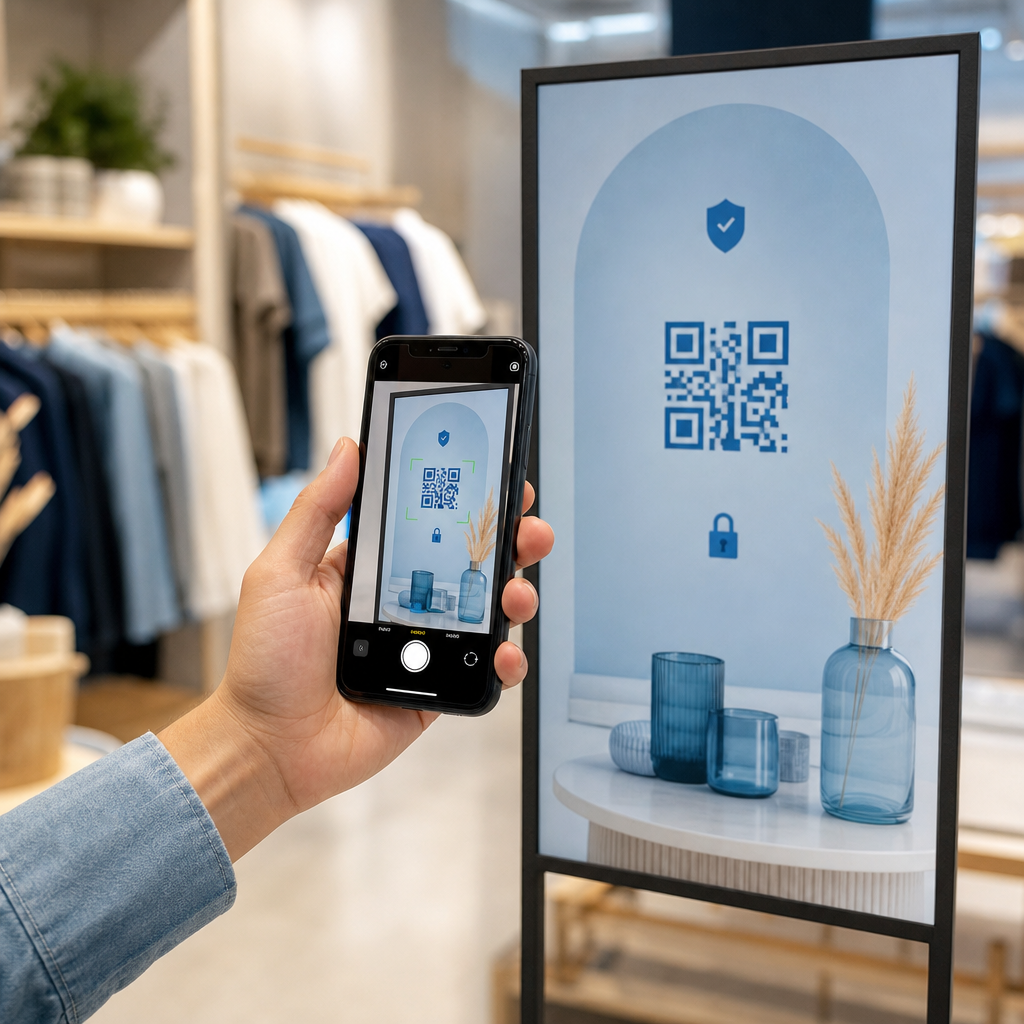
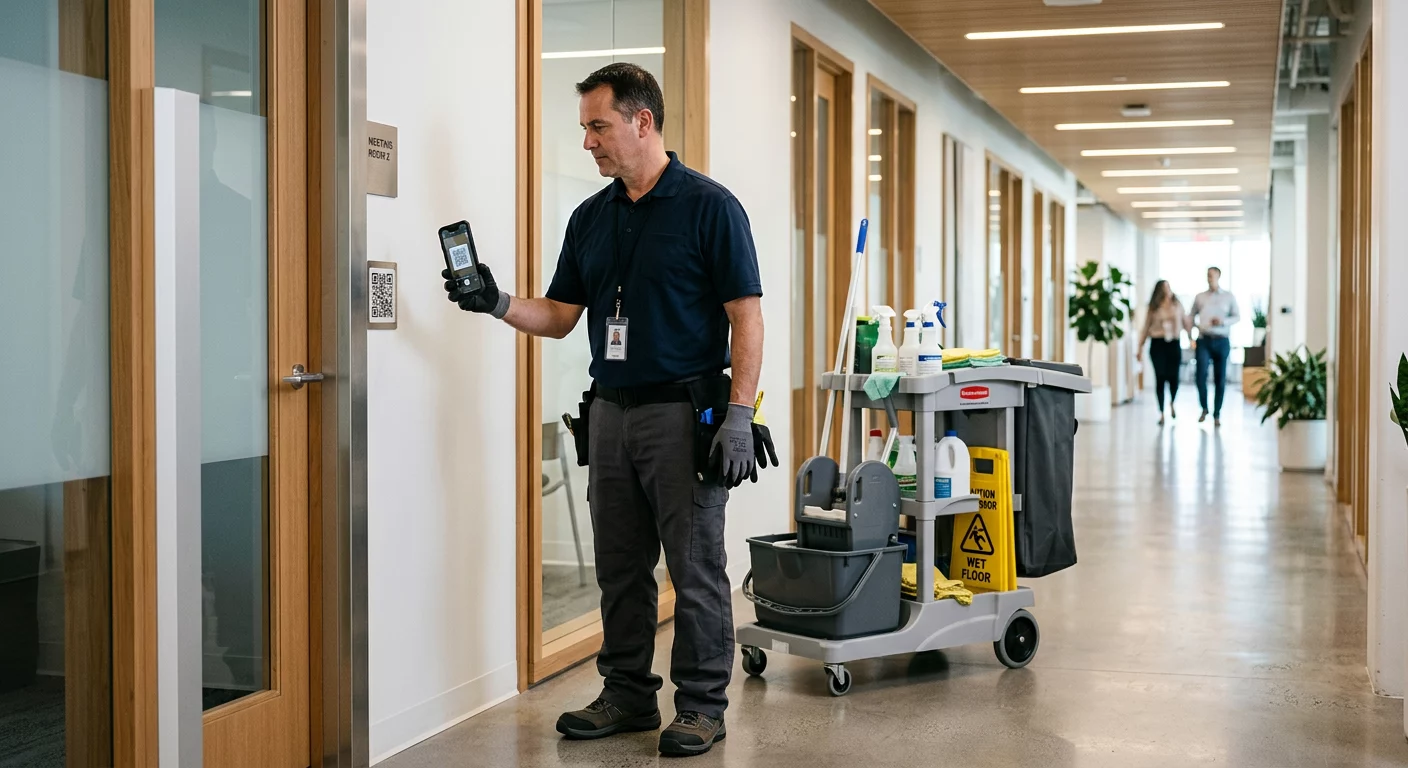
Kje postavite QR kodo, neposredno določa, koliko odgovorov zberete. kode QR za povratne informacije strank najbolje delujejo, ko se pojavijo na naravnih točkah premora na poti stranke – v trenutkih, ko ima nekdo čas, kontekst in motivacijo za odgovor.
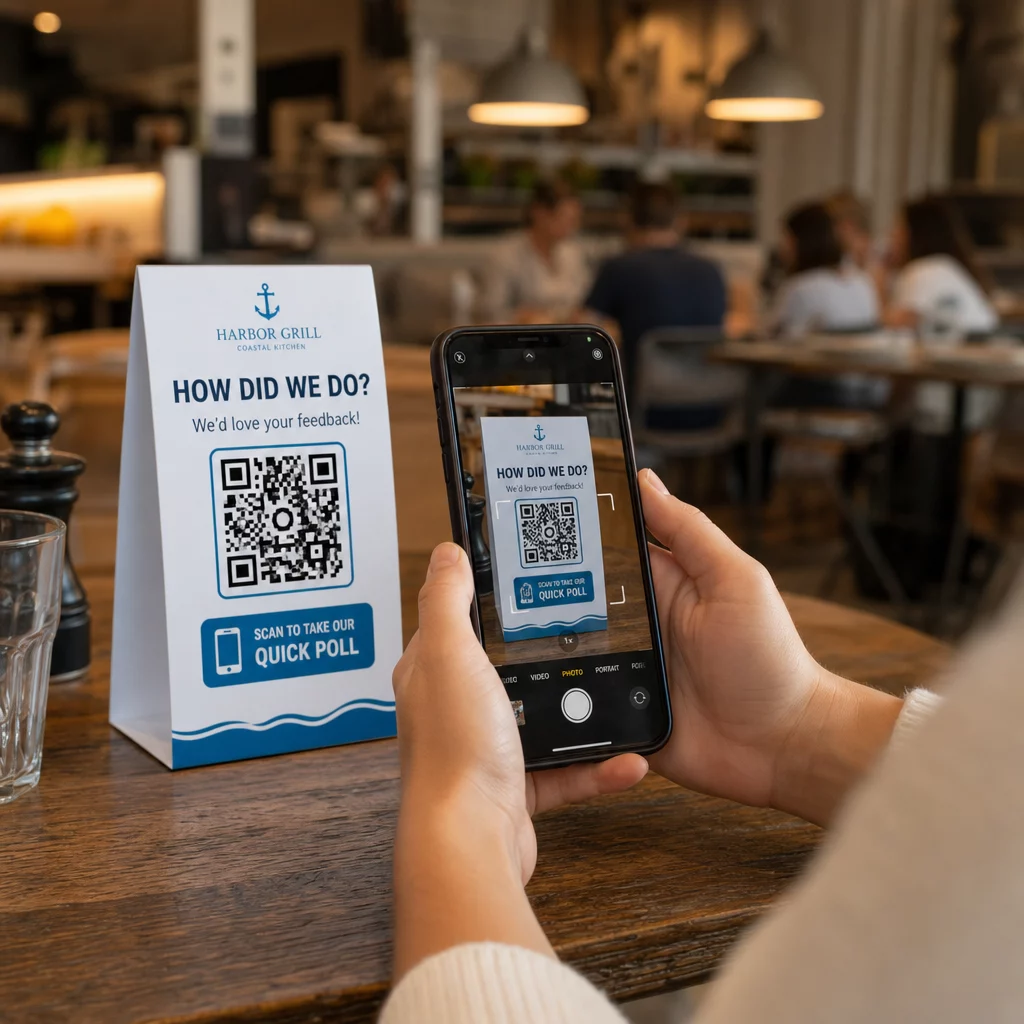
Primeri močne postavitve:
- Namizni šotori ali pogrinjki v restavracijah, postavljeni tam, kamor gostje naravno pogledajo med obrokom ali po njem
- Računi ali embalaža priloženi nakupu, spodbujajo povratne informacije, dokler je izkušnja sveža
- Oznake blizu izhodov maloprodajnih trgovin ali prizorišč dogodkov, ki zajemajo vtise ob odhodu
- Registracijske mize ali prijavna mesta na dogodkih, kjer imajo udeleženci trenutek, preden se premaknejo naprej
- Predstavitvene diapozitive na konferencah, prikazani za 15–20 sekund z ustnim pozivom k skeniranju
Kode naj bodo v višini oči (približno 1,07–1,68 metra od tal) in stran od odsevnih ali ukrivljenih površin, ki izkrivljajo skeniranje. Izogibajte se postavljanju kod v slabo osvetljenih prostorih, za steklom ali pod neprimernimi koti. Vsaka lokacija postavitve mora vsebovati kratko razlago namena ankete in pošteno oceno, koliko časa traja njeno izpolnjevanje.
Zasebnost in soglasje za podatke
Ko vaša anketa zbira osebne podatke – imena, e-poštne naslove ali kakršne koli odgovore, ki bi lahko identificirali posameznika – imate pravne in etične obveznosti. Ameriška zakonodaja o zasebnosti je mozaik zveznih in državnih predpisov, vendar skupne zahteve vključujejo pridobitev soglasja pred zbiranjem podatkov, razlago, kako se bodo uporabljali, in njihovo ustrezno varovanje.
Praktični koraki za ohranjanje skladnosti:
- Na začetku ankete dodajte vprašanje o soglasju, ki pojasnjuje, kateri podatki se zbirajo, zakaj, kako dolgo se bodo hranili in koga kontaktirati z vprašanji. Zavrnitve usmerite tako, da se od tistih, ki zavrnejo, ne zbirajo podatki.
- Uporabljajte samo povezave HTTPS. Predpona “https://” potrjuje, da se podatki prenašajo z šifriranjem SSL/TLS.
- Izberite anketne platforme in generatorje QR kod, ki ne shranjujejo nepotrebnih uporabniških podatkov.
- Če je vaša anketa javno prikazana, redno preverjajte kode, da se prepričate, da niso bile spremenjene ali zamenjane.
- Za občutljive teme razmislite o zaščiti ankete z geslom ali uporabi nadzora dostopa. Dinamične QR kode vam omogočajo posodabljanje teh nastavitev brez ponovnega tiskanja materialov.
Merjenje uspešnosti ankete
Ko je vaša kampanja aktivna, uporabite analitiko, da razumete, kaj deluje in kaj je treba prilagoditi. Dinamične QR kode vam omogočajo dostop do metrik, ki presegajo preprosto štetje odgovorov.
Ključne metrike za spremljanje:
- Skupno število skeniranj proti edinstvenim skeniranjem: Velika razlika med tema dvema kaže na ponavljajoče se obiskovalce ali naključna ponovna skeniranja namesto na nove anketirance.
- Stopnja skeniranja do dokončanja: Če so stopnje skeniranja visoke, vendar je število dokončanih anket nizko, je vaša anketa morda predolga ali pa prvo vprašanje povzroča opustitev.
- Časi največjega števila skeniranj: Časovni žigi kažejo, kdaj je angažiranost najvišja, kar lahko pomaga pri odločitvi, kdaj izvajati prihodnje kampanje ali kdaj zagotoviti osebje za nadaljnje odzive.
- Geografska razčlenitev: Če večina skeniranj prihaja z ene lokacije, vi pa ciljate na več mest, prilagodite postavitev ali označbe na lokacijah s slabšimi rezultati.
- Podatki o napravi: Potrjuje, ali vaša zasnova, ki je najprej optimizirana za mobilne naprave, pravilno služi vašemu dejanskemu občinstvu.
Dodajanje parametrov UTM v URL vaše ankete pred generiranjem kode vam omogoča, da te podatke povlečete v Google Analytics skupaj z vašimi širšimi marketinškimi metrikami, s čimer povežete angažiranost QR ankete s preostalim poročanjem o kampanji.
Če izvajate več postavitev hkrati, jih obravnavajte kot naravni A/B test. Primerjajte stopnje skeniranja in dokončanja na različnih lokacijah, da ugotovite, kateri konteksti spodbujajo najmočnejšo udeležbo, nato pa tam osredotočite prihodnja prizadevanja.
Povežite podatke ankete z vašim marketinškim skladom Uporabite Pagelootov funkcije sledenja in analitike za spremljanje vedenja skeniranja na vseh vaših mestih QR kod, nato pa prilagodite kampanje v realnem času – brez ponovnega tiskanja enega samega materiala.
Združevanje vsega
Ankete s QR kodami so najučinkovitejše, ko je vsak element nameren: osredotočen cilj, kratka in mobilnim napravam prijazna oblika, dobro zasnovana dinamična koda, postavitev, ki ustreza poti stranke, in analitika, ki vam pove, kako izboljšati naslednjo kampanjo.
Vprašanje Generator QR kode Pageloot vam ponuja vse, kar potrebujete na eni platformi – dinamične kode, možnosti blagovne znamke in podatke o skeniranju v realnem času. Začnite z brezplačnim računom in vaša prva anketa bo aktivna v manj kot petnajstih minutah.
Pogosta vprašanja
Statična QR koda trajno vgradi ciljni URL v vzorec kode. Ko je enkrat natisnjena, je ni mogoče spremeniti in ne sledi skeniranjem. Dinamična QR koda uporablja kratek preusmeritveni URL, kar pomeni, da lahko cilj ankete posodobite kadar koli – tudi ko so materiali že natisnjeni – in dostopate do analitike, kot so število skeniranj, lokacija, vrsta naprave in čas skeniranja. Za večino anketnih kampanj so dinamične kode boljša izbira, ker omogočajo urejanje in zagotavljajo podatke, ki jih potrebujete za merjenje in izboljšanje uspešnosti.
Uporabljajte samo anketne povezave, zavarovane s HTTPS, da zagotovite šifriranje podatkov med prenosom. Na začetku ankete dodajte vprašanje o soglasju, ki pojasnjuje, kateri podatki se zbirajo, zakaj in kako dolgo se hranijo. Izberite anketne platforme in generatorje QR kod, ki zmanjšujejo nepotrebno shranjevanje podatkov. Če je anketa prikazana na javnem mestu, redno preverjajte, ali koda ni bila spremenjena. Za ankete, ki zajemajo občutljive teme, uporabite zaščito z geslom ali nadzor dostopa – dinamične QR kode vam omogočajo posodobitev teh nastavitev brez ponovnega tiskanja.
Najmanjša priporočena velikost za skeniranje od blizu je 0,8 × 0,8 palca (2 × 2 cm). Za materiale, ki se gledajo z večje razdalje, uporabite pravilo 10:1: širina QR kode mora biti vsaj ena desetina pričakovane razdalje skeniranja. Koda, ki se gleda z razdalje petih čevljev, mora biti široka vsaj šest palcev. Vedno ohranite tiho območje vsaj štirih praznih modulov na vseh straneh kode in preizkusite skeniranje v realnih pogojih, preden jo uvedete v velikem obsegu.