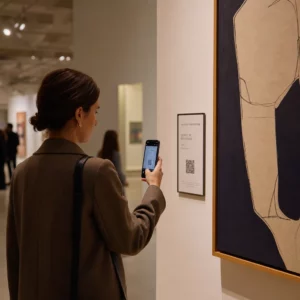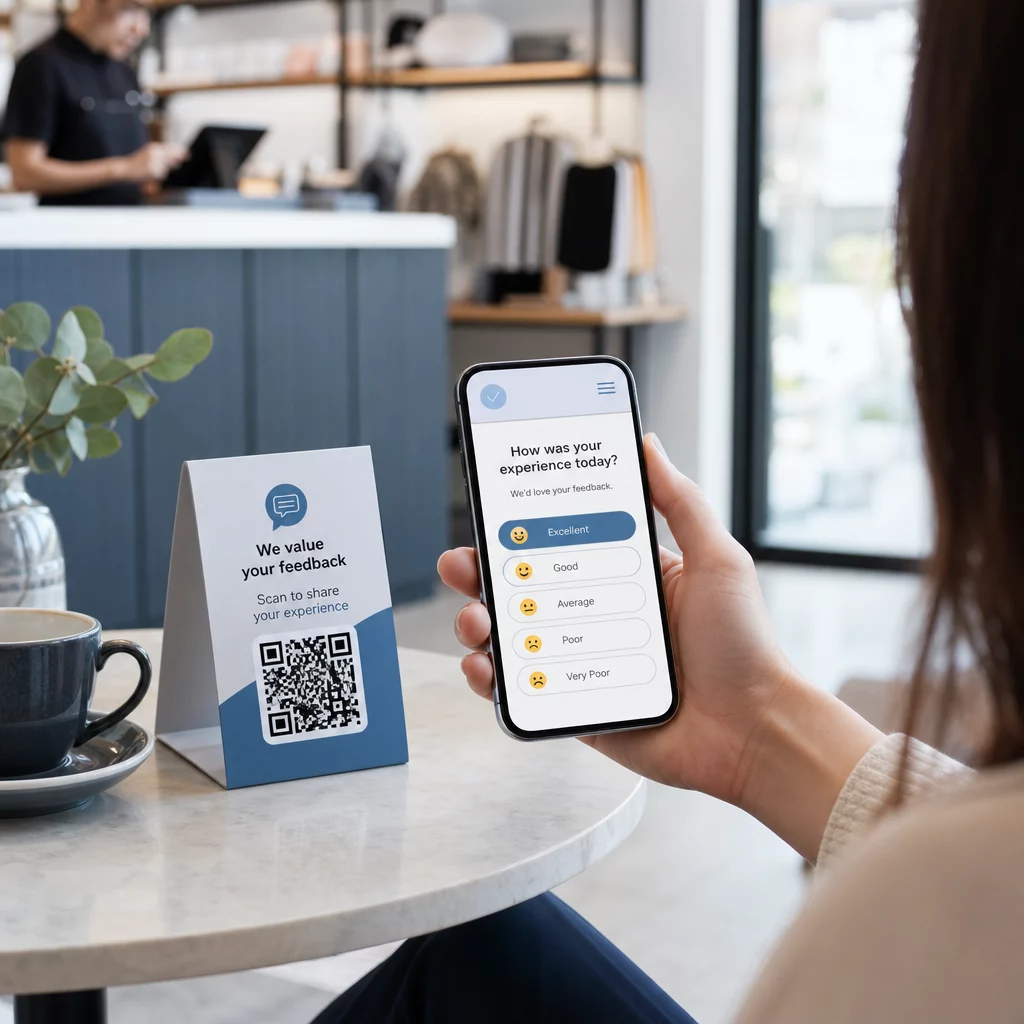
Com dificuldade para coletar feedback de clientes que estão bem na sua frente? Formulários de papel são ignorados, e URLs de pesquisa longas nunca são digitadas. Este guia te orienta sobre como criar uma enquete com código QR do zero – cobrindo escolha de plataforma, geração de código, design, posicionamento e rastreamento – para que você possa começar a coletar respostas imediatamente.
Por que as Enquetes com Código QR Funcionam para Públicos Offline e Móveis
O problema central com as pesquisas tradicionais é o atrito. Digitar uma URL em um teclado móvel é irritante o suficiente para que a maioria das pessoas pule essa etapa. Um código QR remove essa barreira completamente – uma única leitura abre a enquete diretamente em um navegador, sem a necessidade de aplicativo.
Isso é especialmente importante em ambientes físicos: restaurantes, lojas de varejo, eventos, clínicas e salas de aula. Seu público já está presente e engajado. Um código QR bem posicionado captura esse momento antes que ele passe.
Algumas razões pelas quais as enquetes com código QR superam consistentemente as alternativas de papel e e-mail:
- Velocidade: Os tempos de conclusão da pesquisa são visivelmente mais rápidos porque não há entrada manual de URL ou etapa de distribuição de formulário.
- Alcance: O uso de códigos QR continua a crescer nos EUA, com os volumes de leitura aumentando ano após ano – o que significa que seu público já sabe como interagir com eles.
- Dados em tempo real: As respostas chegam instantaneamente, para que você possa agir com base no feedback no mesmo dia, em vez de esperar por uma exportação em lote.
- Rastreabilidade: Códigos QR dinâmicos registram contagens de leitura, tipos de dispositivo, localizações geográficas e carimbos de data/hora, fornecendo contexto comportamental juntamente com as próprias respostas da pesquisa.
Como Criar uma Enquete com Código QR: Passo a Passo
Passo 1: Defina os Objetivos da Sua Enquete
Antes de construir qualquer coisa, esclareça o que você quer aprender e como medirá o sucesso. Metas vagas produzem perguntas vagas. Pergunte a si mesmo:
- Você está medindo a satisfação após uma compra ou interação de serviço?
- Está a recolher opiniões durante ou após um evento?
- Está a realizar pesquisa de produto para informar uma decisão futura?
O seu objetivo também molda o momento e o formato da sondagem. Um inquérito pós-compra num recibo necessita de perguntas diferentes de uma sondagem de evento ao vivo projetada num ecrã. Decida antecipadamente como será uma taxa de resposta ou um insight bem-sucedido para que possa avaliar a campanha mais tarde.
Passo 2: Crie a Sondagem numa Plataforma de Inquéritos
Utilize uma plataforma de inquéritos fiável para construir as suas perguntas. Formulários do Google é uma opção simples e gratuita que se integra com o Google Sheets para uma fácil revisão de dados. Para lógica mais avançada, branding personalizado ou análises detalhadas ao nível do formulário, Typeform ou SurveyMonkey são fortes alternativas.
Ao desenhar as suas perguntas, tenha os utilizadores móveis em mente – que são quase todos os que irão digitalizar o código. Siga estes princípios:
- Mantenha-o curto. Procure que seja concluído em menos de dois minutos. Sondagens mais longas perdem respondentes em dispositivos móveis antes de chegarem ao fim.
- Uma ideia por pergunta. Evite perguntas duplas que pedem duas coisas ao mesmo tempo (por exemplo, “O nosso serviço foi rápido e amigável?” deveriam ser duas perguntas separadas).
- Use linguagem simples. Reduza a contagem de palavras em cada pergunta sem sacrificar o significado.
- Mantenha-se neutro. Evite frases que direcionem os respondentes para uma resposta específica.
- Equilibre as suas escalas. Se você usa escalas de avaliação, inclua um número igual de opções positivas e negativas e um ponto médio claramente definido.
Assim que a enquete estiver completa, gere um link compartilhável. No Google Forms, clique Enviar, então selecione o ícone de link para copiar o URL.
Passo 3: Converter o Link da Enquete em um Código QR
Com seu URL da enquete pronto, cole-o em um gerador de código QR. O da Pageloot Gerador de Código QR de Link faz isso em segundos – cole o URL, e um código escaneável aparece imediatamente.
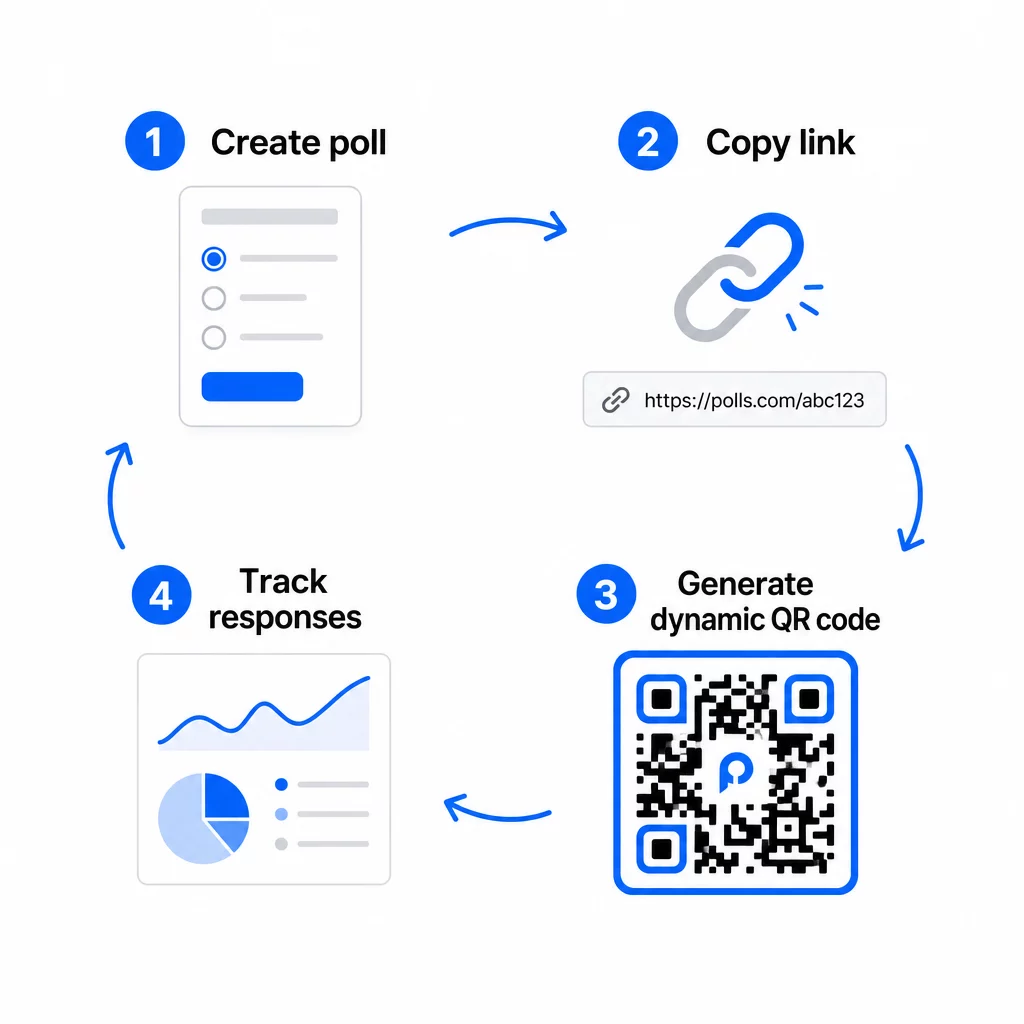
Nesta fase, você também precisa decidir entre um código QR estático e um dinâmico.
| RECURSO | Códigos QR Estáticos | Códigos QR Dinâmicos |
|---|---|---|
| Editável após a criação | Não | Sim |
| Rastreamento e análise de varreduras | Não | Sim |
| Comprimento do URL no padrão | Longo, denso | Curto, limpo |
| Velocidade de escaneamento | Mais lento | Mais rápido |
| Atualizações de campanha | Requer novo código | Atualizar destino a qualquer momento |
Para a maioria das campanhas de enquete, códigos QR dinâmicos são a melhor escolha. Você pode atualizar o URL de destino depois que o código já estiver impresso – útil se você precisar trocar uma enquete fechada por uma nova, estender um prazo ou redirecionar para uma pesquisa de acompanhamento. Códigos dinâmicos também desbloqueiam dados de análise de digitalização incluindo contagem de scans, localização, tipo de dispositivo e hora do scan.
Rastreie Cada Scan da Sua Enquete de Código QR Quer ver quais locais geram mais respostas e quando o engajamento atinge o pico? Use o da Pageloot Gerador de Código QR para criar um código de enquete dinâmico com rastreamento integrado e um painel de análise centralizado.
Passo 4: Personalize o Código QR para Sua Marca
Um código QR simples em preto e branco funciona, mas um com a marca tem melhor desempenho. Adicionar seu logotipo e cores da marca sinaliza que o código é legítimo, o que aumenta a probabilidade de alguém realmente escaneá-lo.
Diretrizes práticas de design:
- Use um primeiro plano escuro em um fundo claro. Preto no branco é o mais confiável. Azul escuro ou verde escuro no branco também funcionam bem. Nunca inverta isso – claro no escuro causa falhas de leitura.
- Mantenha alto contraste em toda a parte. Baixo contraste é uma das razões mais comuns para códigos QR falharem na leitura.
- Adicione seu logotipo da empresa ao centro do código. Isso gera confiança à primeira vista sem afetar a capacidade de leitura, desde que o logotipo não cubra mais do que aproximadamente 30% do padrão.
- Inclua um chamada para ação perto (não dentro) do código – algo como “Digitalize para partilhar o seu feedback” ou “Participe na nossa sondagem de 60 segundos.” Isto diz às pessoas porque devem digitalizar e o que esperar.
- Para materiais impressos, mantenha o código com pelo menos 0.8 × 0.8 polegadas (2 × 2 cm) para digitalização de perto. Para cartazes ou sinalização vistos de mais longe, aplique a regra 10:1: a largura do código deve ser pelo menos um décimo da distância de digitalização esperada.
- Preserve uma zona de silêncio – pelo menos quatro módulos em branco em todos os lados do código. Nenhum texto, logótipos ou sangramento de cor deve invadir esta borda.
Para mais informações sobre posicionamento e dimensionamento, o Guia de posicionamento de código QR para marketing abrange todos os principais formatos em detalhe.
Passo 5: Teste o Código Antes de Implementar
O teste é inegociável. Um código QR que não digitaliza no campo desperdiça o seu orçamento de impressão e frustra as pessoas que está a tentar alcançar.
Teste em:
- Vários dispositivos: Tanto iOS como Android, e pelo menos um modelo de smartphone mais antigo.
- Várias aplicações: Aplicações de câmara incorporadas e aplicações de scanner de terceiros.
- Várias condições: Diferentes iluminações (incluindo brilho externo), diferentes distâncias e diferentes ângulos.
- Vários navegadores: Confirme se a pesquisa carrega e é exibida corretamente no Safari, Chrome e outros navegadores comuns.
Se estiver usando um código dinâmico, verifique se o URL de destino está ativo e se o formulário é enviado com sucesso de um navegador móvel antes de implantar.
Passo 6: Implante nos Locais Certos
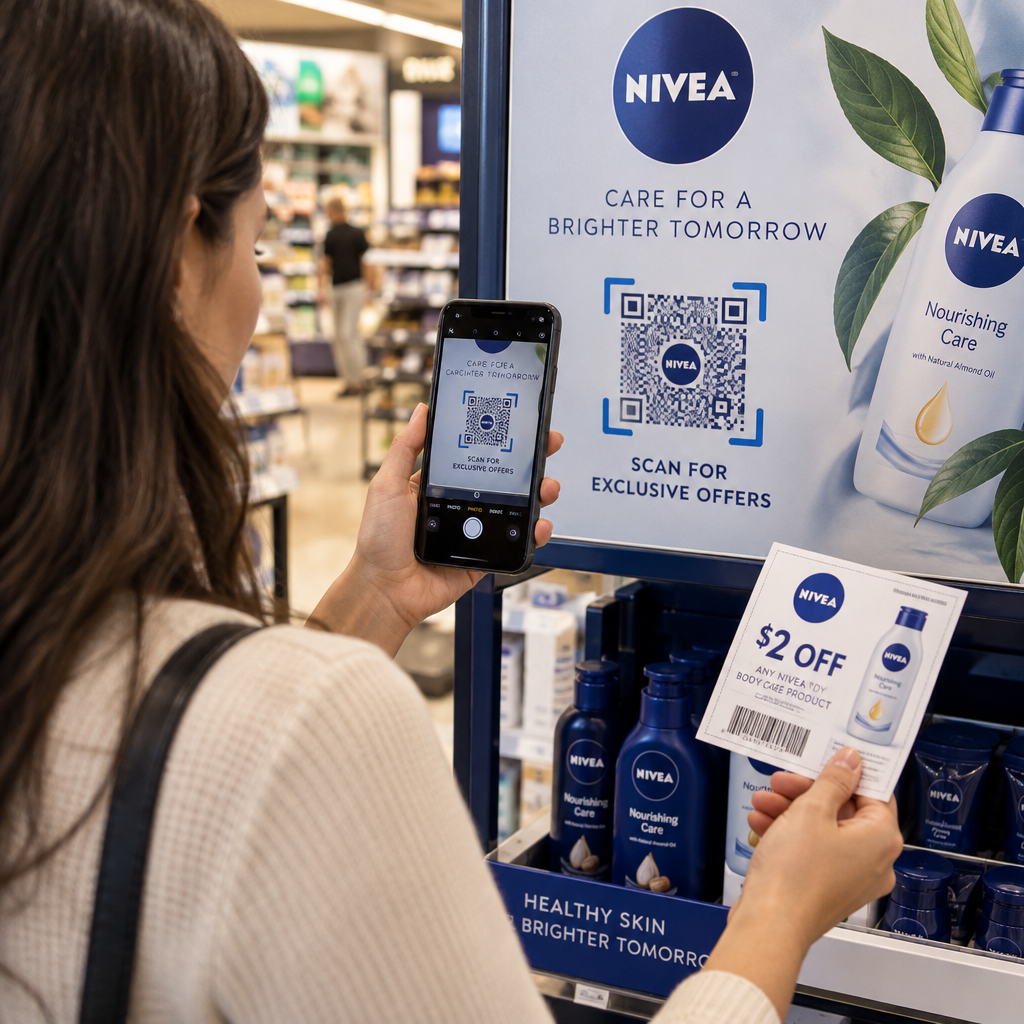
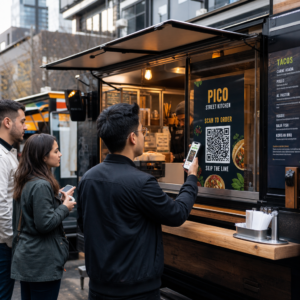
Onde você posiciona o código QR determina diretamente quantas respostas você coleta. Códigos QR para feedback do cliente funcionam melhor quando aparecem em pontos de pausa naturais na jornada do cliente – momentos em que alguém tem tempo, contexto e motivação para responder.
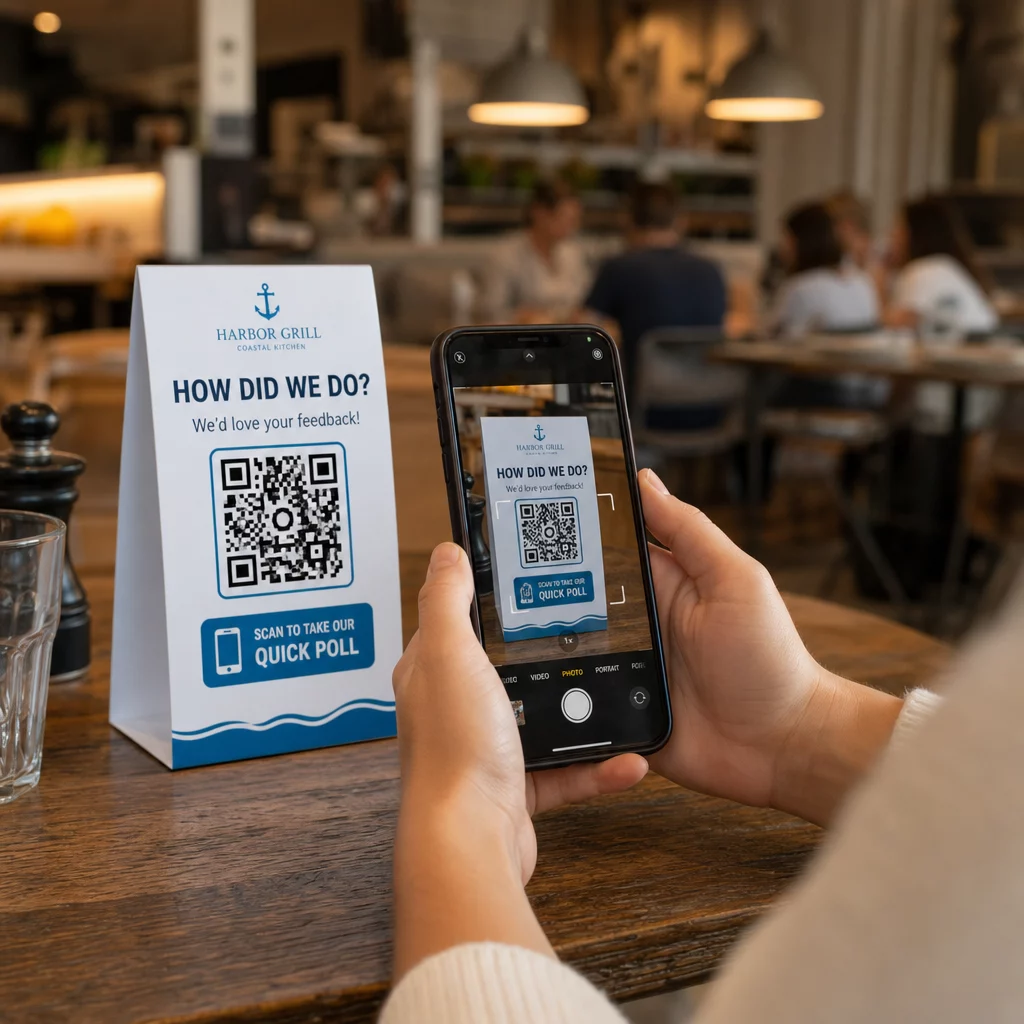
Exemplos de posicionamento eficaz:
- Tendas de mesa ou jogos americanos em restaurantes, colocados onde os clientes olham naturalmente durante ou após uma refeição
- Recibos ou embalagens incluídos com uma compra, solicitando feedback enquanto a experiência está fresca
- Sinalização perto das saídas de lojas de varejo ou locais de eventos, capturando impressões na saída
- Balcões de registro ou áreas de check-in em eventos, onde os participantes têm um momento antes de seguir em frente
- Slides de apresentação em conferências, exibidos por 15–20 segundos com um aviso verbal para digitalizar
Mantenha os códigos ao nível dos olhos (aproximadamente 1,07–1,68 metros do chão) e longe de superfícies refletoras ou curvas que distorçam a digitalização. Evite colocar códigos em áreas com pouca luz, atrás de vidro ou em ângulos estranhos. Cada local de colocação deve incluir uma breve explicação do propósito da pesquisa e uma estimativa honesta de quanto tempo leva para ser concluída.
Privacidade e Consentimento de Dados
Quando sua pesquisa coleta dados pessoais – nomes, e-mails ou quaisquer respostas que possam identificar um indivíduo – você tem obrigações legais e éticas. A lei de privacidade dos EUA é um mosaico de regulamentações federais e estaduais, mas os requisitos comuns incluem a obtenção de consentimento antes de coletar dados, explicar como eles serão usados e protegê-los adequadamente.
Passos práticos para manter a conformidade:
- Adicione uma pergunta de consentimento no início da pesquisa que explique quais dados estão sendo coletados, por que, por quanto tempo serão retidos e quem contatar em caso de dúvidas. Direcione as recusas para que nenhum dado seja coletado daqueles que recusarem.
- Use apenas links HTTPS. O prefixo “https://” confirma que os dados são transmitidos com criptografia SSL/TLS.
- Escolha plataformas de pesquisa e geradores de código QR que não armazenem dados desnecessários do usuário.
- Se sua pesquisa for exibida publicamente, verifique os códigos periodicamente para garantir que não foram adulterados ou substituídos.
- Para tópicos sensíveis, considere proteger a pesquisa com senha ou usar controles de acesso. Códigos QR dinâmicos permitem atualizar essas configurações sem reimprimir materiais.
Medindo o Desempenho da Pesquisa
Assim que sua campanha estiver ativa, use análises para entender o que está funcionando e o que precisa de ajuste. Códigos QR dinâmicos dão acesso a métricas que vão muito além de uma simples contagem de respostas.
Principais métricas a monitorizar:
- Total de digitalizações vs. digitalizações únicas: Uma grande diferença entre estes sugere visitantes repetidos ou redigitalizações acidentais, em vez de novos respondentes.
- Taxa de digitalização para conclusão: Se as taxas de digitalização são altas, mas as conclusões da pesquisa são baixas, sua pesquisa pode ser muito longa ou a primeira pergunta está causando desistências.
- Horários de pico de leitura: Os carimbos de data/hora mostram quando o engajamento é mais alto, o que pode informar quando executar campanhas futuras ou quando alocar pessoal para respostas de acompanhamento.
- Distribuição geográfica: Se a maioria das leituras vier de um local, mas você estiver segmentando vários sites, ajuste o posicionamento ou a sinalização em locais com baixo desempenho.
- Dados do dispositivo: Confirma se o seu design mobile-first está atendendo corretamente ao seu público real.
Adicionar parâmetros UTM ao URL da sua pesquisa antes de gerar o código permite que você puxe esses dados para o Google Analytics junto com suas métricas de marketing mais amplas, conectando o engajamento da pesquisa QR ao restante do relatório da sua campanha.
Se você estiver executando vários posicionamentos simultaneamente, trate-os como um teste A/B natural. Compare as taxas de leitura e conclusão entre os locais para identificar quais contextos impulsionam a participação mais forte e, em seguida, concentre os esforços futuros lá.
Conecte os Dados da Pesquisa à Sua Pilha de Marketing Use o da Pageloot recursos de rastreamento e análise para monitorar o comportamento de leitura em todos os seus posicionamentos de código QR e, em seguida, ajustar as campanhas em tempo real – sem reimprimir um único material.
Juntando Tudo
As pesquisas com código QR são mais eficazes quando cada elemento é intencional: um objetivo focado, um formulário curto e otimizado para celular, um código dinâmico bem projetado, um posicionamento que se encaixa na jornada do cliente e análises que informam como melhorar a próxima campanha.
O Gerador de Código QR Pageloot oferece tudo o que você precisa em uma única plataforma – códigos dinâmicos, opções de branding e dados de leitura em tempo real. Comece com uma conta gratuita e tenha sua primeira pesquisa ativa em menos de quinze minutos.
Perguntas frequentes
Um código QR estático incorpora o URL de destino permanentemente no padrão do código. Uma vez impresso, não pode ser alterado e não rastreia as leituras. Um código QR dinâmico usa um URL de redirecionamento curto, o que significa que você pode atualizar o destino da pesquisa a qualquer momento – mesmo depois que os materiais já foram impressos – e acessar análises como contagem de leituras, localização, tipo de dispositivo e hora da leitura. Para a maioria das campanhas de pesquisa, os códigos dinâmicos são a melhor escolha porque permitem edições e fornecem os dados de que você precisa para medir e melhorar o desempenho.
Use apenas links de pesquisa protegidos por HTTPS para garantir que os dados sejam criptografados em trânsito. Adicione uma pergunta de consentimento no início da pesquisa explicando quais dados são coletados, por que e por quanto tempo são retidos. Escolha plataformas de pesquisa e geradores de código QR que minimizem o armazenamento desnecessário de dados. Se a pesquisa for exibida em um espaço público, verifique periodicamente se o código não foi adulterado. Para pesquisas que abordam tópicos sensíveis, use proteção por senha ou controles de acesso – códigos QR dinâmicos permitem que você atualize essas configurações sem reimprimir.
O tamanho mínimo recomendado para leitura de perto é de 0,8 × 0,8 polegadas (2 × 2 cm). Para materiais visualizados a uma distância maior, use a regra 10:1: a largura do código QR deve ser de pelo menos um décimo da distância de leitura esperada. Um código visualizado a cinco pés de distância deve ter pelo menos seis polegadas de largura. Sempre preserve uma zona de silêncio de pelo menos quatro módulos em branco em todos os lados do código e teste a leitura em condições reais antes de implantar em escala.