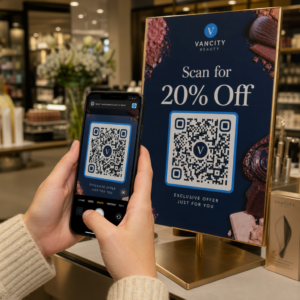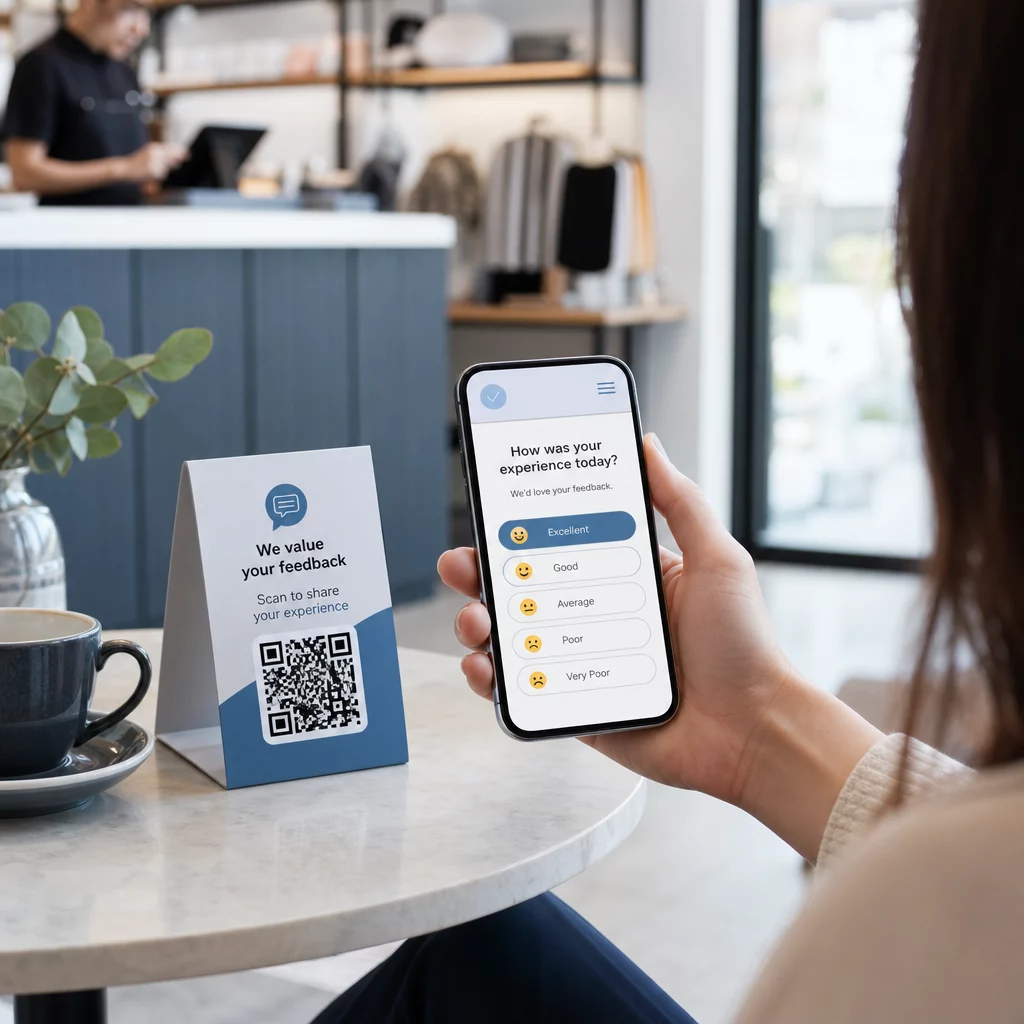
Vous avez du mal à recueillir les commentaires de clients qui se trouvent juste devant vous ? Les formulaires papier sont ignorés et les longues URL de sondage ne sont jamais saisies. Ce guide vous explique comment créer un sondage par code QR de A à Z – couvrant le choix de la plateforme, la génération du code, la conception, le placement et le suivi – afin que vous puissiez commencer à recueillir des réponses immédiatement.
Pourquoi les sondages par code QR fonctionnent pour les publics hors ligne et mobiles
Le problème fondamental des sondages traditionnels est la friction. Taper une URL sur un clavier mobile est suffisamment agaçant pour que la plupart des gens l'ignorent. Un code QR supprime entièrement cette barrière – un seul scan ouvre le sondage directement dans un navigateur, aucune application n'est requise.
Ceci est particulièrement important dans les environnements physiques : restaurants, magasins de détail, événements, cliniques et salles de classe. Votre public est déjà présent et engagé. Un code QR bien placé capture ce moment avant qu'il ne passe.
Quelques raisons pour lesquelles les sondages par code QR surpassent constamment les alternatives papier et e-mail :
- Rapidité : Les temps de complétion des sondages sont mesurablement plus rapides car il n'y a pas de saisie manuelle d'URL ou d'étape de distribution de formulaire.
- Portée : L'utilisation des codes QR continue de croître aux États-Unis, avec des volumes de scan en augmentation d'année en année – ce qui signifie que votre public sait déjà comment interagir avec eux.
- Données en temps réel : Les réponses arrivent instantanément, vous pouvez donc agir sur les commentaires le jour même plutôt que d'attendre une exportation par lots.
- Traçabilité : Codes QR dynamiques enregistrer les nombres de scans, les types d'appareils, les emplacements géographiques et les horodatages, vous donnant un contexte comportemental en plus des réponses au sondage elles-mêmes.
Comment créer un sondage par code QR : Étape par étape
Étape 1 : Définissez les objectifs de votre sondage
Avant de construire quoi que ce soit, clarifiez ce que vous voulez apprendre et comment vous mesurerez le succès. Des objectifs vagues produisent des questions vagues. Demandez-vous :
- Mesurez-vous la satisfaction après un achat ou une interaction de service ?
- Recueillez-vous des opinions pendant ou après un événement ?
- Menez-vous des recherches sur les produits pour éclairer une décision future ?
Votre objectif détermine également le moment et le format du sondage. Une enquête post-achat sur un reçu nécessite des questions différentes d'un sondage en direct projeté sur un écran. Décidez à l'avance ce à quoi ressemble un taux de réponse ou une information réussie afin de pouvoir évaluer la campagne plus tard.
Étape 2 : Créez le sondage sur une plateforme d'enquête
Utilisez une plateforme d'enquête fiable pour créer vos questions. Google Forms est une option simple et gratuite qui s'intègre à Google Sheets pour une révision facile des données. Pour une logique plus avancée, une personnalisation de la marque ou des analyses détaillées au niveau du formulaire, Typeform ou SurveyMonkey sont de solides alternatives.
Lors de la conception de vos questions, gardez les utilisateurs mobiles à l'esprit – ce qui représente presque toutes les personnes qui scanneront le code. Suivez ces principes :
- Soyez concis. Visez moins de deux minutes pour le compléter. Les sondages plus longs perdent des répondants sur mobile avant qu'ils n'atteignent la fin.
- Une idée par question. Évitez les questions à double sens qui demandent deux choses à la fois (par exemple, “ Notre service était-il rapide et amical ? ” devrait être deux questions distinctes).
- Utilisez un langage simple. Réduisez le nombre de mots dans chaque question sans sacrifier le sens.
- Restez neutre. Évitez les formulations qui orientent les répondants vers une réponse particulière.
- Équilibrez vos échelles. Si vous utilisez des échelles d'évaluation, incluez un nombre égal d'options positives et négatives et un point médian clairement défini.
Une fois le sondage terminé, générez un lien partageable. Dans Google Forms, cliquez sur Envoyer, puis sélectionnez l'icône de lien pour copier l'URL.
Étape 3 : Convertir le lien du sondage en code QR
Une fois votre URL de sondage prête, collez-la dans un générateur de code QR. Celui de Pageloot Générateur de codes QR de liens s'en charge en quelques secondes – collez l'URL, et un code scannable apparaît immédiatement.
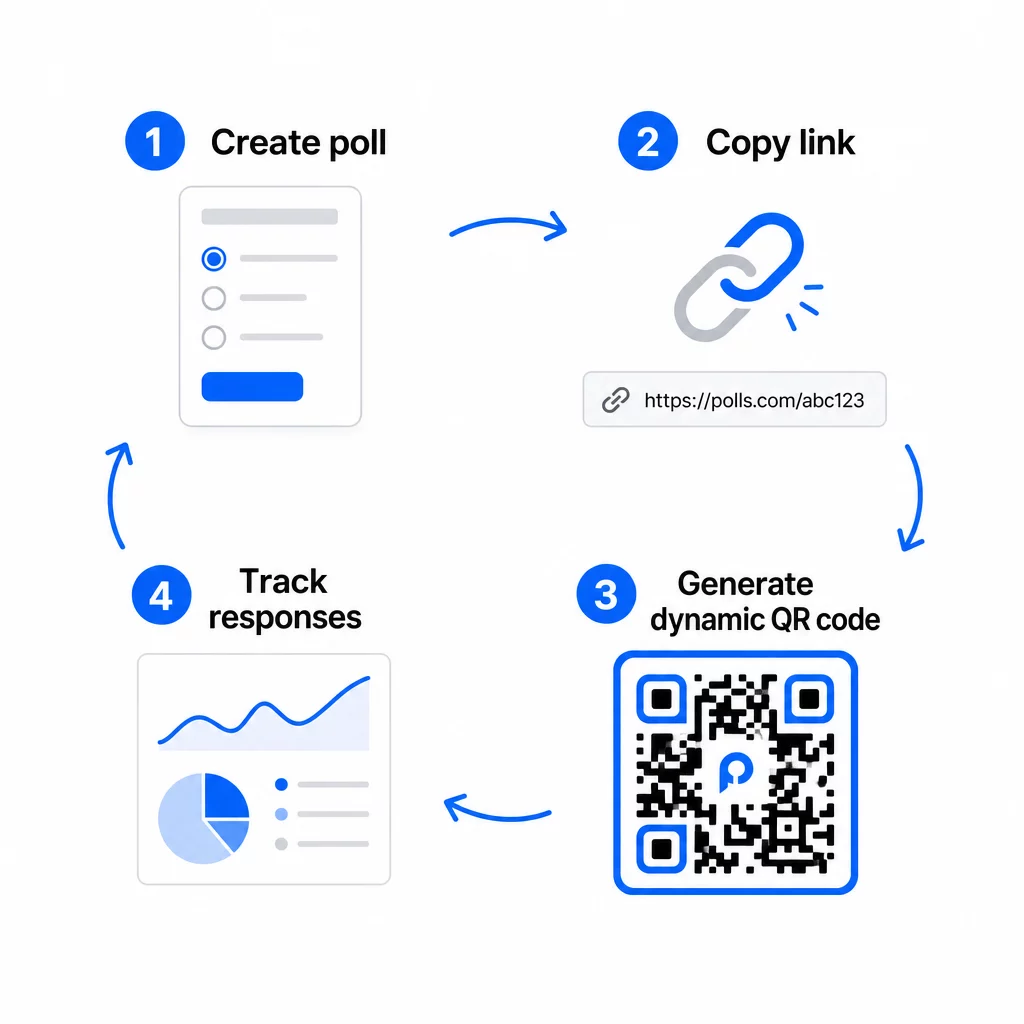
À ce stade, vous devez également choisir entre un code QR statique et un code QR dynamique.
| FONCTIONNALITÉ | Codes QR statiques | Dynamic QR Codes |
|---|---|---|
| Modifiable après création | Non | Oui |
| Suivi et analyse des scans | Non | Oui |
| Longueur de l'URL dans le motif | Long, dense | Court, propre |
| Vitesse de scan | Plus lent | Plus rapide |
| Mises à jour de campagne | Nécessite un nouveau code | Mettre à jour la destination à tout moment |
Pour la plupart des campagnes de sondage, les codes QR dynamiques sont le meilleur choix. Vous pouvez mettre à jour l'URL de destination une fois le code déjà imprimé – utile si vous devez remplacer un sondage fermé par un nouveau, prolonger une date limite ou rediriger vers une enquête de suivi. Les codes dynamiques débloquent également analyses de scan y compris le nombre de scans, l'emplacement, le type d'appareil et l'heure du scan.
Suivez chaque scan de votre sondage par code QR Vous voulez savoir quels emplacements génèrent le plus de réponses et quand l'engagement atteint son apogée ? Utilisez l'outil de Pageloot Générateur de codes QR pour créer un code de sondage dynamique avec suivi intégré et un tableau de bord d'analyse centralisé.
Étape 4 : Personnalisez le code QR pour votre marque
Un code QR noir et blanc simple fonctionne, mais un code de marque est plus performant. L'ajout de votre logo et des couleurs de votre marque signale que le code est légitime, ce qui augmente la probabilité que quelqu'un le scanne réellement.
Directives de conception pratiques :
- Utilisez un premier plan sombre sur un arrière-plan clair. Le noir sur blanc est le plus fiable. Le bleu foncé ou le vert foncé sur blanc fonctionnent également bien. Ne jamais inverser cela – le clair sur foncé provoque des échecs de scan.
- Maintenez un contraste élevé partout. Un faible contraste est l'une des raisons les plus courantes pour lesquelles les codes QR ne parviennent pas à être scannés.
- Ajoutez votre logo d'entreprise au centre du code. Cela renforce la confiance au premier coup d'œil sans affecter la scannabilité, tant que le logo ne couvre pas plus d'environ 30% du motif.
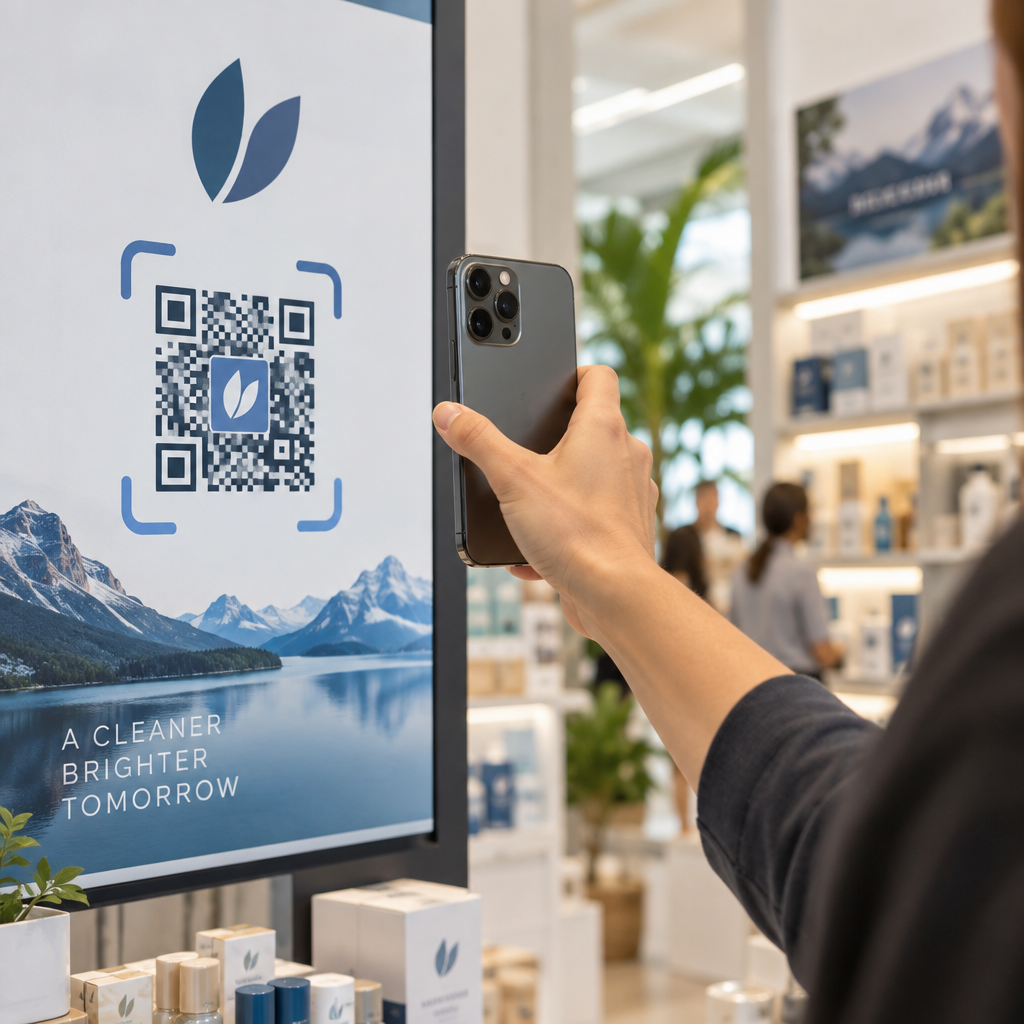
- Incluez un appel à l'action près (pas à l'intérieur) du code – quelque chose comme “ Scannez pour partager vos commentaires ” ou “ Participez à notre sondage de 60 secondes ”. Cela indique aux gens pourquoi ils devraient scanner et à quoi s'attendre.
- Pour les supports imprimés, gardez le code au moins 0,8 × 0,8 pouces (2 × 2 cm) pour un balayage à courte portée. Pour les affiches ou la signalisation vues de plus loin, appliquez la règle 10:1 : la largeur du code doit être au moins un dixième de la distance de balayage prévue.
- Préservez une zone de silence – au moins quatre modules vierges sur tous les côtés du code. Aucun texte, logo ou débordement de couleur ne doit empiéter sur cette bordure.
Pour en savoir plus sur le placement et le dimensionnement, le Guide de placement des codes QR pour le marketing couvre chaque format majeur en détail.
Étape 5 : Testez le code avant le déploiement
Les tests sont non négociables. Un code QR qui ne parvient pas à être scanné sur le terrain gaspille votre budget d'impression et frustre les personnes que vous essayez d'atteindre.
Testez sur :
- Plusieurs appareils : À la fois iOS et Android, et au moins un modèle de smartphone plus ancien.
- Plusieurs applications : Applications d'appareil photo intégrées et applications de scanner tierces.
- Plusieurs conditions : Éclairage différent (y compris l'éblouissement extérieur), différentes distances et différents angles.
- Plusieurs navigateurs : Confirmez que le sondage se charge et s'affiche correctement dans Safari, Chrome et d'autres navigateurs courants.
Si vous utilisez un code dynamique, vérifiez que l'URL de destination est active et que le formulaire est soumis avec succès depuis un navigateur mobile avant de le déployer.
Étape 6 : Déployer aux bons endroits
L'endroit où vous placez le code QR détermine directement le nombre de réponses que vous recueillez. Les codes QR pour le feedback client fonctionnent mieux lorsqu'ils apparaissent aux points de pause naturels du parcours client – des moments où quelqu'un a le temps, le contexte et la motivation de répondre.
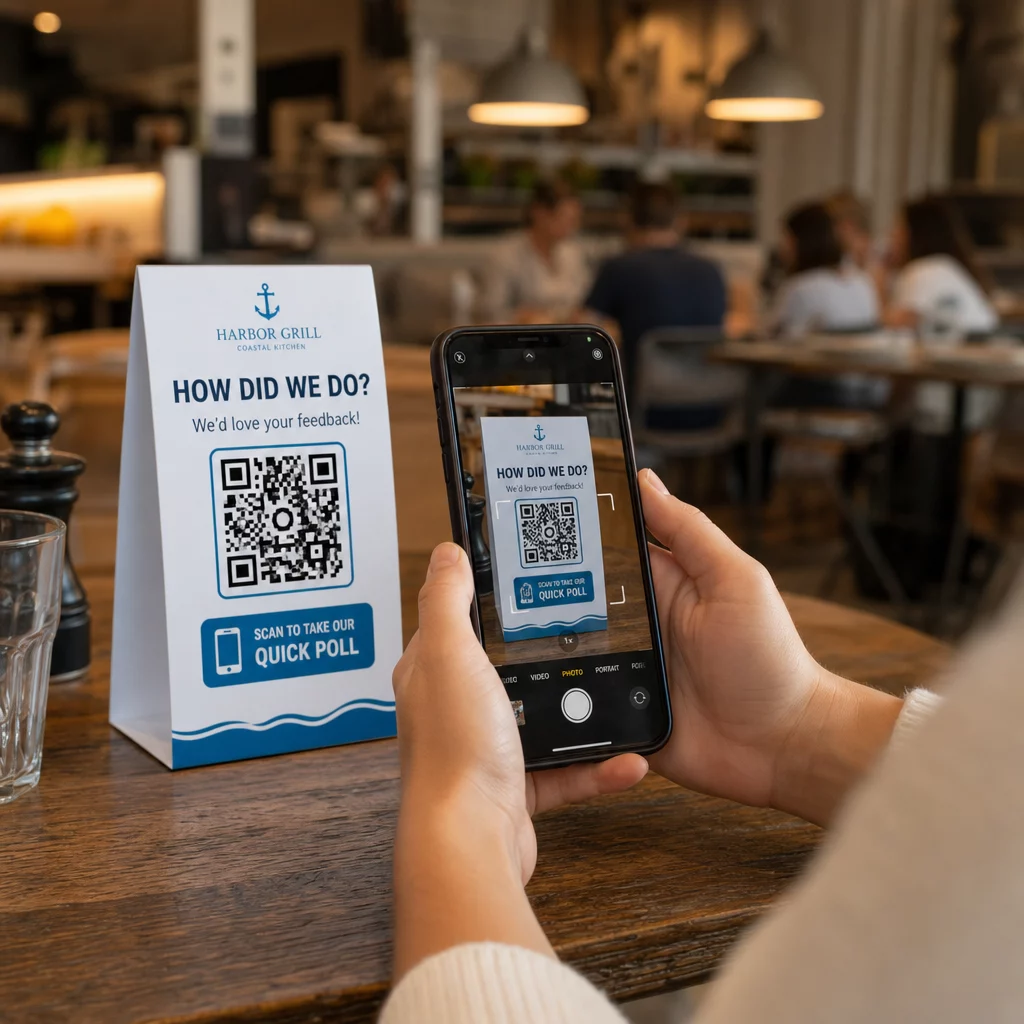
Exemples de placements efficaces :
- Chevalets de table ou sets de table dans les restaurants, placés là où les convives regardent naturellement pendant ou après un repas
- Reçus ou emballages inclus avec un achat, incitant à donner un avis tant que l'expérience est fraîche
- Signalisation près des sorties des magasins de détail ou des lieux d'événements, capturant les impressions en sortant
- Bureaux d'inscription ou zones d'enregistrement lors d'événements, où les participants ont un moment avant de passer à autre chose
- Diapositives de présentation lors de conférences, affichés pendant 15 à 20 secondes avec une incitation verbale à scanner
Gardez les codes à hauteur des yeux (environ 1 à 1,7 mètre du sol) et éloignés des surfaces réfléchissantes ou incurvées qui déforment le scan. Évitez de placer les codes dans des zones peu éclairées, derrière une vitre ou à des angles difficiles. Chaque emplacement doit inclure une brève explication de l'objectif du sondage et une estimation honnête du temps nécessaire pour le compléter.
Confidentialité et consentement aux données
Lorsque votre sondage recueille des données personnelles – noms, e-mails ou toute réponse pouvant identifier un individu – vous avez des obligations légales et éthiques. La loi américaine sur la confidentialité est un ensemble disparate de réglementations fédérales et étatiques, mais les exigences courantes incluent l'obtention du consentement avant de collecter des données, l'explication de la manière dont elles seront utilisées et leur sécurisation appropriée.
Étapes pratiques pour rester conforme :
- Ajoutez une question de consentement au début du sondage qui explique quelles données sont collectées, pourquoi, combien de temps elles seront conservées et qui contacter pour toute question. Orientez les refus de manière à ce qu'aucune donnée ne soit collectée auprès de ceux qui déclinent.
- Utilisez uniquement des liens HTTPS. Le préfixe “ https:// ” confirme que les données sont transmises avec un chiffrement SSL/TLS.
- Choisissez des plateformes de sondage et des générateurs de codes QR qui ne stockent pas de données utilisateur inutiles.
- Si votre sondage est affiché publiquement, vérifiez périodiquement les codes pour vous assurer qu'ils n'ont pas été altérés ou remplacés.
- Pour les sujets sensibles, envisagez de protéger le sondage par mot de passe ou d'utiliser des contrôles d'accès. Les codes QR dynamiques vous permettent de mettre à jour ces paramètres sans réimprimer les supports.
Mesurer la performance du sondage
Une fois votre campagne lancée, utilisez les analyses pour comprendre ce qui fonctionne et ce qui doit être ajusté. Les codes QR dynamiques vous donnent accès à des métriques qui vont bien au-delà d'un simple nombre de réponses.
Métriques clés à surveiller :
- Scans totaux vs. scans uniques : Un écart important entre ces deux chiffres suggère des visiteurs récurrents ou des rescans accidentels plutôt que de nouveaux répondants.
- Taux de scan à la complétion : Si les taux de scan sont élevés mais que les complétions de sondage sont faibles, votre sondage est peut-être trop long ou la première question provoque un abandon.
- Heures de pointe des scans : Les horodatages indiquent les moments où l'engagement est le plus élevé, ce qui peut vous aider à décider quand lancer de futures campagnes ou quand affecter du personnel aux réponses de suivi.
- Répartition géographique : Si la plupart des scans proviennent d'un seul endroit mais que vous ciblez plusieurs sites, ajustez le placement ou la signalisation dans les emplacements sous-performants.
- Données de l'appareil : Confirme si votre conception axée sur le mobile sert correctement votre public réel.
L'ajout de paramètres UTM à l'URL de votre sondage avant de générer le code vous permet d'intégrer ces données dans Google Analytics, parallèlement à vos métriques marketing plus larges, reliant ainsi l'engagement du sondage QR au reste de votre rapport de campagne.
Si vous utilisez plusieurs emplacements simultanément, traitez-les comme un test A/B naturel. Comparez les taux de scan et d'achèvement entre les emplacements pour identifier les contextes qui génèrent la plus forte participation, puis concentrez vos efforts futurs là-bas.
Connectez les données de sondage à votre pile marketing Utilisez de Pageloot fonctionnalités de suivi et d'analyse pour surveiller le comportement de scan sur tous vos emplacements de codes QR, puis ajuster les campagnes en temps réel – sans réimprimer un seul support.
Tout mettre en œuvre
Les sondages par code QR sont plus efficaces lorsque chaque élément est intentionnel : un objectif ciblé, un formulaire court et adapté aux mobiles, un code dynamique bien conçu, un placement qui correspond au parcours client, et des analyses qui vous indiquent comment améliorer la prochaine campagne.
Le Générateur de code QR Pageloot vous offre tout ce dont vous avez besoin sur une seule plateforme – codes dynamiques, options de marque et données de scan en temps réel. Commencez avec un compte gratuit et mettez votre premier sondage en ligne en moins de quinze minutes.
Questions fréquentes
Un code QR statique intègre l'URL de destination de manière permanente dans le motif du code. Une fois imprimé, il ne peut pas être modifié et ne suit pas les scans. Un code QR dynamique utilise une URL de redirection courte, ce qui signifie que vous pouvez mettre à jour la destination du sondage à tout moment – même après que les supports sont déjà imprimés – et accéder à des analyses telles que le nombre de scans, l'emplacement, le type d'appareil et l'heure du scan. Pour la plupart des campagnes de sondage, les codes dynamiques sont le meilleur choix car ils permettent des modifications et fournissent les données dont vous avez besoin pour mesurer et améliorer les performances.
Utilisez uniquement des liens de sondage sécurisés par HTTPS pour garantir que les données sont chiffrées en transit. Ajoutez une question de consentement au début de l'enquête expliquant quelles données sont collectées, pourquoi, et combien de temps elles sont conservées. Choisissez des plateformes de sondage et des générateurs de codes QR qui minimisent le stockage inutile de données. Si le sondage est affiché dans un espace public, vérifiez périodiquement que le code n'a pas été altéré. Pour les sondages couvrant des sujets sensibles, utilisez une protection par mot de passe ou des contrôles d'accès – les codes QR dynamiques vous permettent de mettre à jour ces paramètres sans réimpression.
La taille minimale recommandée pour un scan à courte portée est de 0,8 × 0,8 pouces (2 × 2 cm). Pour les matériaux vus de plus loin, utilisez la règle du 10:1 : la largeur du code QR doit être au moins un dixième de la distance de scan prévue. Un code vu à cinq pieds de distance doit avoir au moins six pouces de large. Préservez toujours une zone de silence d'au moins quatre modules vierges sur tous les côtés du code, et testez le scan dans des conditions réelles avant de le déployer à grande échelle.