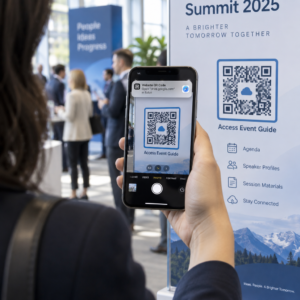
Nejste si jisti, jak skutečně používat QR kódy ve vaší posilovně nebo fitness studiu nad rámec základního odkazu na webové stránky? Fitness podniky, které strategicky nasazují QR kódy, snižují administrativní tření, udržují členy více zapojené a přeměňují více náhodných návštěvníků na platící klienty. Tento průvodce pokrývá praktické, okamžitě implementovatelné nápady uspořádané podle toho, jak zapadají do vašich každodenních operací.
Proč fitness podniky přijímají QR kódy
Fitness průmysl provedl trvalý posun směrem k digitálním kontaktním bodům. Členové očekávají rychlý, samoobslužný přístup k rozvrhům lekcí, průvodcům cvičením a správě účtu – a vše chtějí mít na svých telefonech. QR kódy překlenují propast mezi fyzickým prostředím posilovny a digitálním obsahem, který členové chtějí, aniž by personál musel ručně řešit každou interakci.
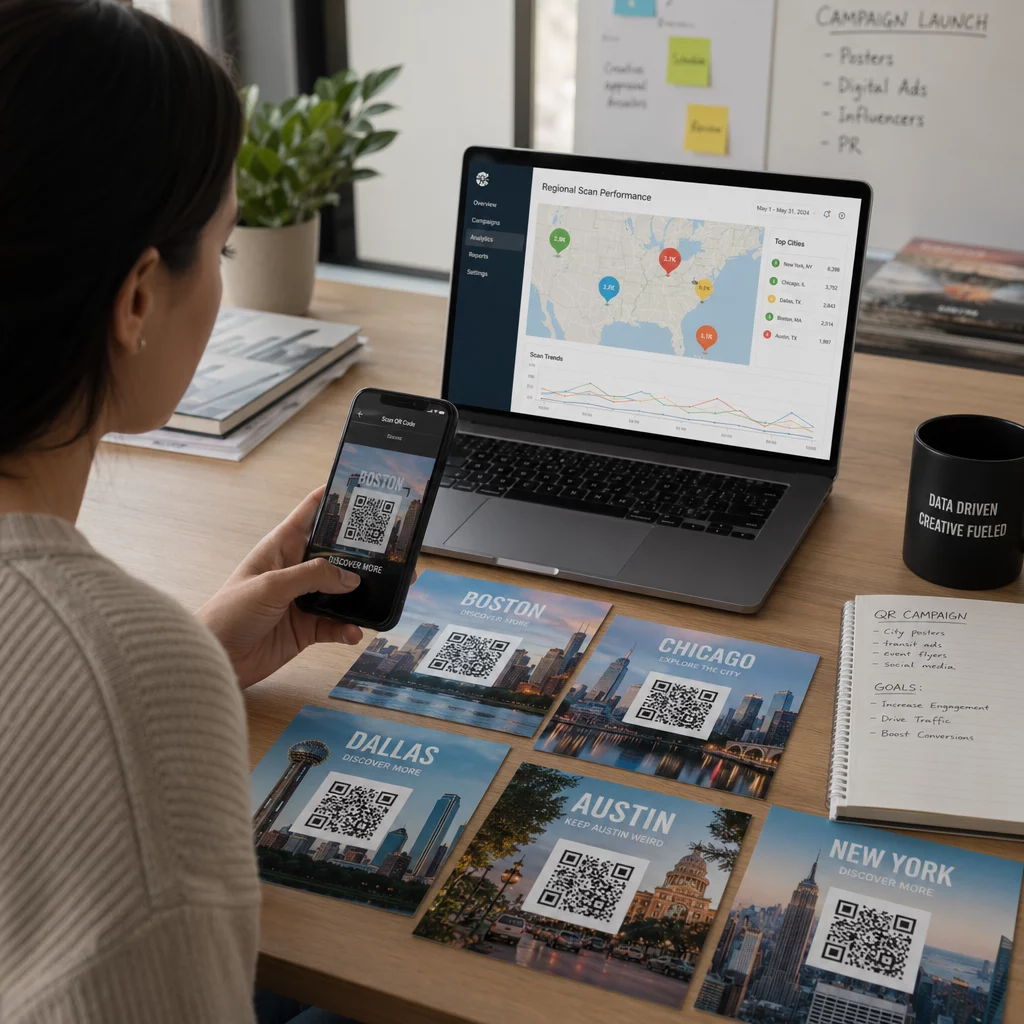
Dynamické QR kódy jsou obzvláště vhodné pro fitness podniky. Na rozdíl od statických kódů, kde je cílová URL adresa trvale zakódována, dynamické kódy vám umožňují aktualizovat propojený obsah kdykoli bez opětovného tisku fyzického kódu. To znamená, že můžete vyměnit sezónní propagaci, aktualizovat rozvrh lekcí nebo vyměnit video s cvičením – a kód na vaší zdi bude nadále fungovat. Dynamické kódy také podporují sledování skenování, takže můžete monitorovat, kolikrát byl kód naskenován, z jakého místa, na jakém zařízení a v jakém čase.
Pro přehled, jak jsou QR kódy konkrétně používány v provozu posiloven, viz QR kódy pro posilovny a wellness podniky.
Přihlášení členů a kontrola přístupu
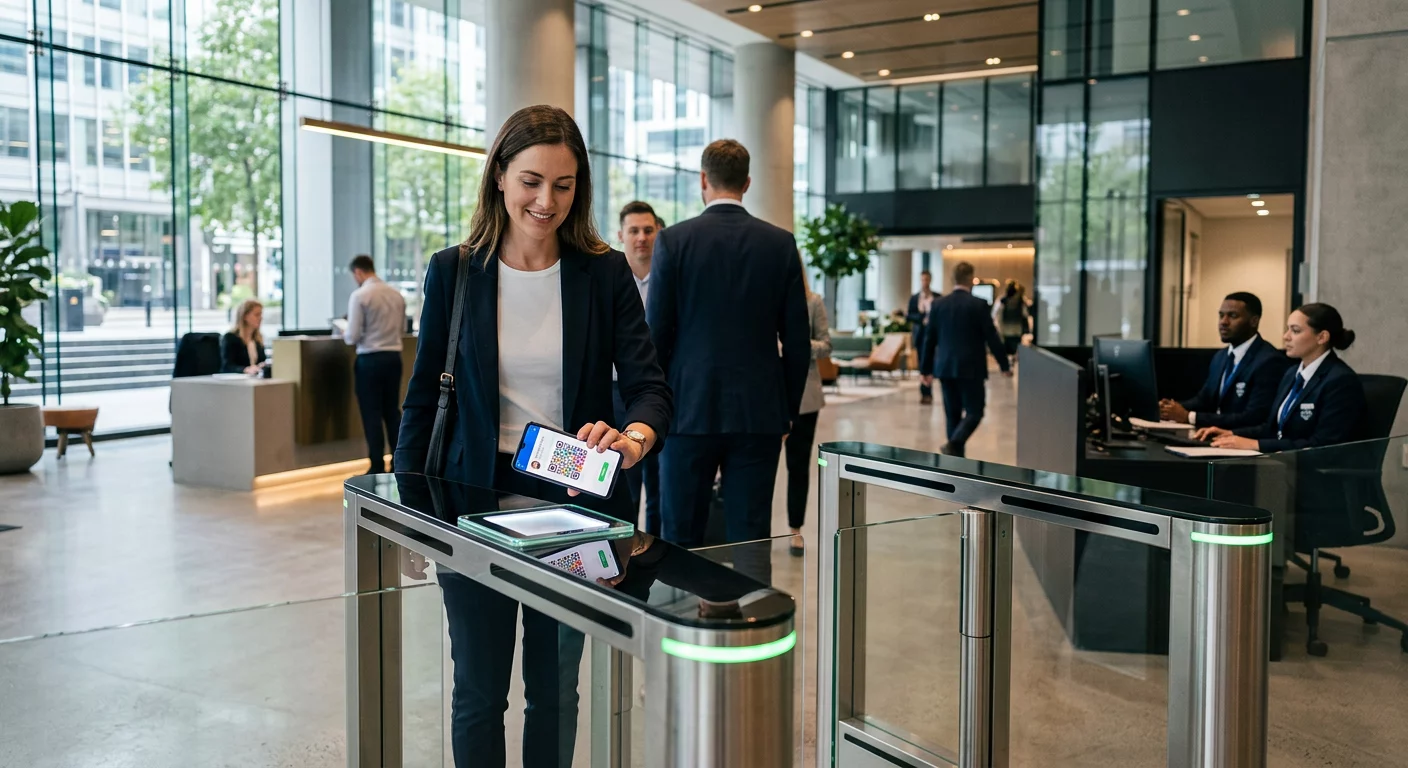
Nahrazení fyzických členských karet nebo prezenčních listin přihlášením pomocí QR kódů je jedním z nejvíce provozně účinných způsobů použití. Členové naskenují kód u vchodu, aby zaznamenali svou docházku nebo odemkli turniket, čímž eliminují fronty a snižují pracovní zátěž recepce.
Můžete si vytvořit jednoduchý systém sledování docházky pomocí QR kód z odkazu který se připojuje k formuláři nebo stránce pro přihlášení. Dynamické kódy jsou zde lepší volbou, protože můžete kód přesměrovat na novou URL adresu pro přihlášení, pokud se vaše platforma změní, aniž byste museli měnit tištěné značení.
Kam umístit kódy pro přihlášení:
- Vstup do posilovny nebo turniket
- Pult recepce
- Dveře jednotlivých studií nebo učeben
Registrace a onboarding nových členů
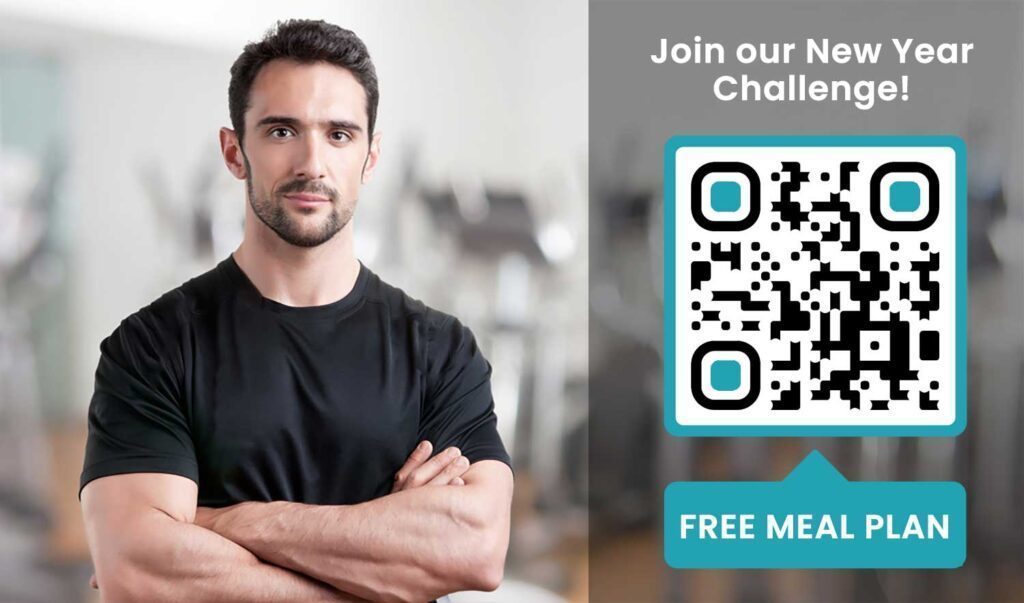
QR kód na okně, letáku nebo displeji recepce může potenciálního člena zavést přímo k registračnímu formuláři, prohlášení o zřeknutí se odpovědnosti nebo registraci na zkušební lekci – aniž by musel pomáhat zaměstnanec. To je obzvláště užitečné mimo provozní dobu nebo v rušných špičkách, kdy je personál recepce zaneprázdněn.
Použijte a QR kód formuláře Google aby potenciálním zákazníkům poskytli okamžitý přístup k dotazům, registracím členství nebo odevzdání prohlášení o zřeknutí se odpovědnosti z jejich vlastního zařízení. Pro zapojení stávajících nových členů, jediný PDF QR kód může sdružit váš kodex chování, rozvrh lekcí a úvodní cvičební plán do jednoho skenovatelného dokumentu.
Zjednodušte registraci nových členů Vytvořte skenovatelný registrační formulář, který potenciální členové mohou vyplnit na svých vlastních telefonech. Použijte Google formulář QR kód generátor pro přímé propojení s vaším registračním formulářem nebo formulářem pro zřeknutí se odpovědnosti – žádný papír, žádné ruční zadávání dat.
Návody k vybavení a průvodci cvičením
Umístění QR kódu přímo na kus vybavení je jedním z nejjasnějších přínosů pro zážitek členů. Členové naskenují kód a okamžitě získají přístup ke krátkému instruktážnímu videu, ukázce správné formy nebo bezpečnostním pokynům pro konkrétní stroj. To snižuje riziko zranění a snižuje počet případů, kdy trenéři musí někoho provádět základním používáním vybavení.
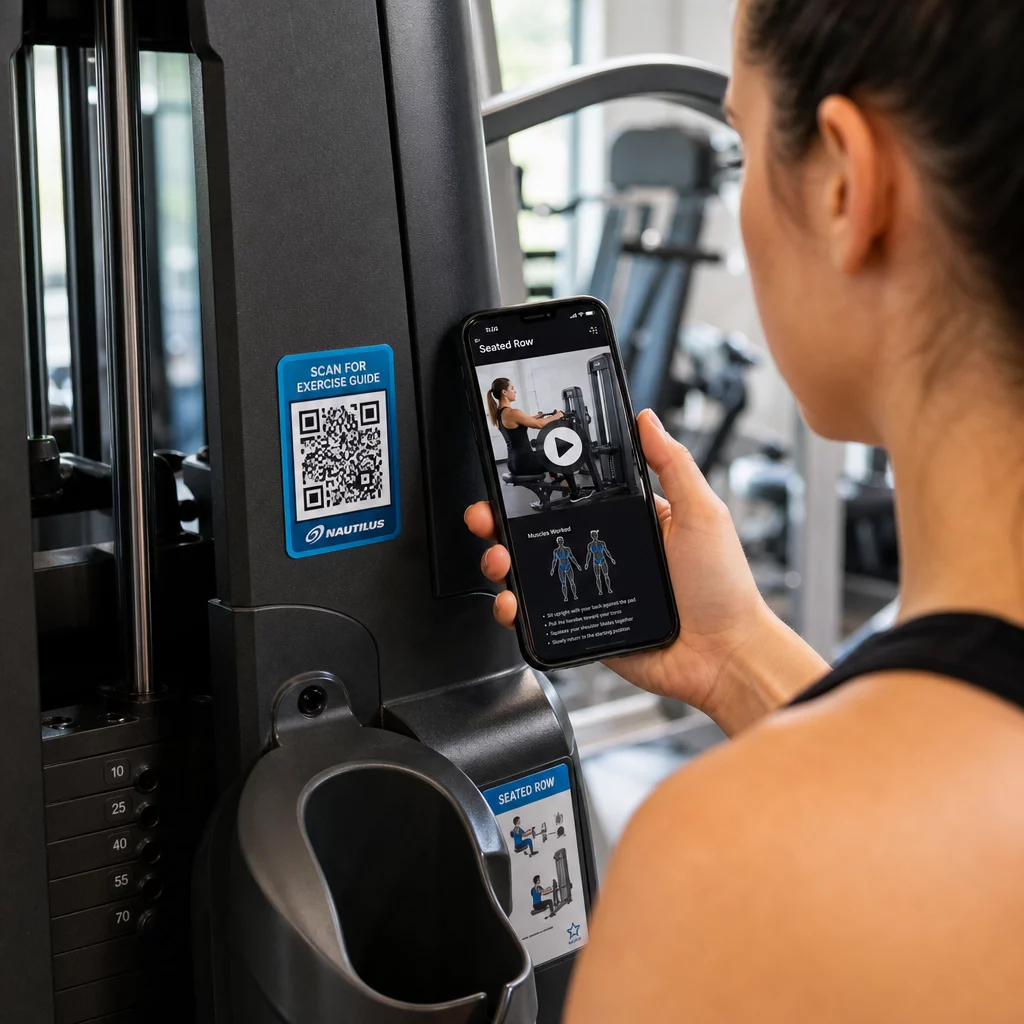
Používejte dynamické kódy pro štítky vybavení. Když aktualizujete svůj video obsah nebo změníte platformu, jednoduše aktualizujete cíl – není třeba přetiskovat a přelepovat každý stroj ve vašem zařízení.
Osobní trenéři mohou také použít PDF QR kódy k poskytování personalizovaných cvičebních plánů. Vytiskněte kód na kartu pro každého klienta a aktualizujte propojený plán, jak jejich program postupuje.
Rozvrhy lekcí a rezervace
QR kód umístěný poblíž vašeho studiového sálu, na displeji v hale nebo zahrnutý v letáku poskytuje členům přístup jedním klepnutím k vašemu aktuálnímu rozvrhu lekcí a rezervační stránce. To funguje obzvláště dobře pro studia provozující více typů lekcí nebo instruktorů, kde se rozvrhy mění týdně.
Protože dynamické kódy umožňují aktualizace obsahu bez opětovného tisku, můžete mít stejný vytištěný kód na zdi po celý rok a jednoduše aktualizovat propojený rozvrh každý týden. Přečtěte si více o tom, jak to aplikovat v praxi v jak QR kódy posilují marketing posiloven.
Akce a časově omezené nabídky
QR kódy na letácích, plakátech a příspěvcích na sociálních sítích mohou odkazovat přímo na nabídku členství, registraci na zkušební lekci nebo stránku s kupóny. Když akce skončí, aktualizujte cíl namísto opětovného tisku materiálů.
Některá praktická umístění:
- Nálepky na okna s výzvou “Naskenujte pro 7denní volný vstup”
- Letáky na místních akcích nebo veletrzích zdraví
- Plakáty u vchodu během hlavních náborových sezón
Dynamické kódy jsou doporučenou volbou pro propagaci, protože URL nabídky se mění, ale tištěný materiál nemusí. Pokyny, kde a jak umístit tyto kódy pro maximální viditelnost, naleznete v průvodce umístěním QR kódů v marketingu.
Zpětná vazba od členů a recenze na Google
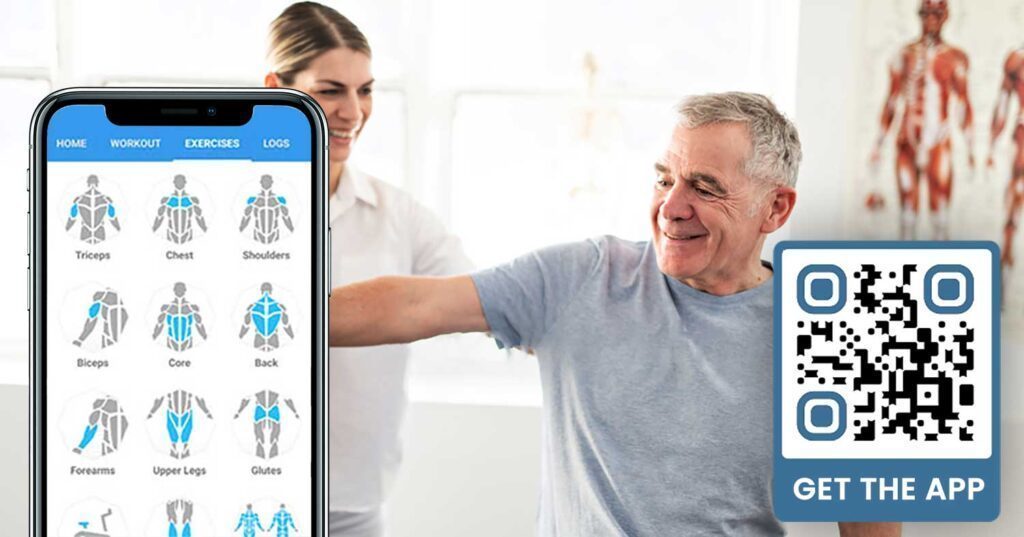
Důsledné shromažďování zpětné vazby je obtížné, když členové spěchají dovnitř a ven. QR kód umístěný u východu, v šatně nebo u džusového baru poskytuje členům bezproblémový způsob, jak zanechat rychlou recenzi nebo vyplnit průzkum spokojenosti.
A QR kód Google recenzí umístěný ve vysoce frekventovaných oblastech směruje členy přímo na vaši stránku pro recenze na Google Business – není nutné vyhledávání. Více recenzí zlepšuje vaše místní hodnocení ve vyhledávání a poskytuje potenciálním členům sociální důkaz, který potřebují k výběru vaší posilovny.
Pro průzkumy zpětné vazby, a QR kód formuláře Google vám umožní shromažďovat strukturované vstupy o kurzech, vybavení, personálu a zařízeních.
Automaticky sbírejte více recenzí na Google Umístěte QR kód u východu nebo v šatně a sledujte, jak vaše recenze rostou. Použijte Google recenze QR kód generátor k vytvoření značkového kódu, který členy zavede přímo na vaši stránku s recenzemi.
Přístup k Wi-Fi pro členy a hosty
Nabídka Wi-Fi se očekává ve většině moderních posiloven. QR kód Wi-Fi zobrazený na recepci, u džusového baru nebo na stěnách šaten umožňuje členům okamžité připojení skenováním – není nutné hledání hesla ani ruční zadávání. Tato malá vymoženost přispívá k celkovému zážitku členů, aniž by vyžadovala jakoukoli účast personálu.
Zapojení na sociálních sítích
QR kódy umístěné ve vysoce frekventovaných oblastech – zrcadla, vodní stanice, lobby – se mohou přímo odkazovat na váš Instagram, kanál YouTube nebo sociální profil. Členové, kteří jsou již zapojeni do vašeho prostoru, s největší pravděpodobností budou sledovat a sdílet. To funguje dobře vedle fitness výzev nebo událostí, kde chcete budovat online účast komunity.
Fitness výzvy a události
QR kódy usnadňují pozvání členů k účasti na strukturovaných výzvách, workshopech nebo událostech v posilovně. Umístěte kód na plakát nebo nástěnku, který odkazuje na registrační formulář nebo stránku s podrobnostmi o události. Aktualizujte propojený cíl, jak se události v průběhu roku mění – bez opětovného tisku plakátu.
Tipy pro umístění, které platí pro všechny případy použití
Kvalita umístění přímo ovlivňuje počet skenů, které získáte. Dobře navržený kód na špatném místě bude mít horší výkon než jednodušší kód umístěný tam, kde se členové přirozeně zastavují.
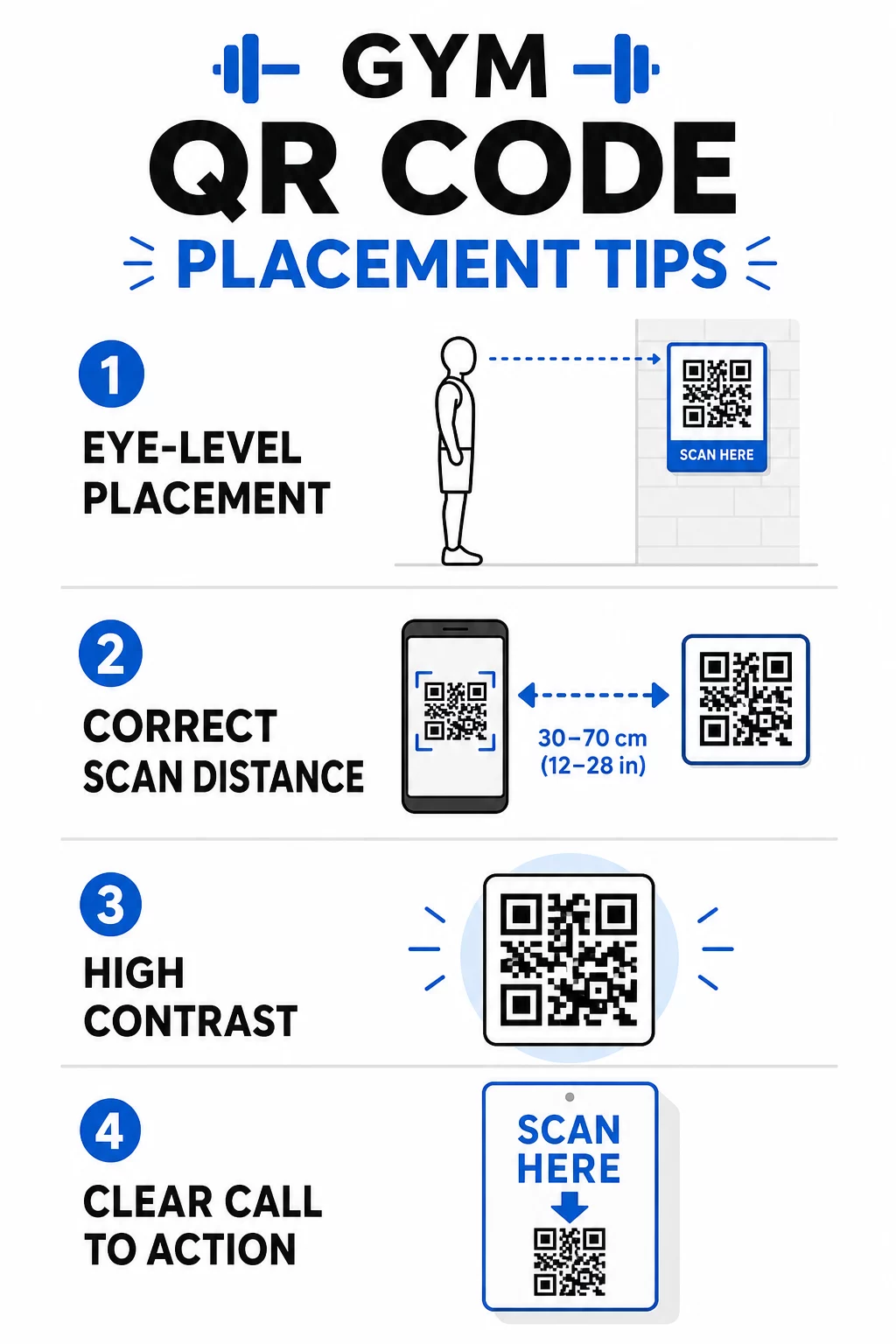
- Umístěte kódy do úrovně očí, zhruba mezi 3,5 a 5,5 stopy od podlahy
- Použijte pravidlo velikosti 10:1: na každých 10 palců očekávané skenovací vzdálenosti by měl být kód široký alespoň 1 palec
- Upřednostněte vysoce kontrastní design: tmavé vzory na světlém pozadí se spolehlivě skenují za podmínek osvětlení posilovny
- Přidejte jasnou výzvu k akci vedle každého kódu (“Skenujte pro tipy na cvičení,” “Skenujte pro přihlášení,” “Zanechte nám recenzi”)
Podrobné technické pokyny k velikosti a čitelnosti naleznete zde osvědčené postupy pro čitelnost QR kódů. Každý QR kód, který nasadíte ve své posilovně, je příležitostí ke snížení tření pro členy a snížení manuální práce pro váš tým. Začněte s jedním nebo dvěma vysoce účinnými umístěními – přihlášení, průvodci vybavením nebo recenze Google – a sledujte výsledky před rozšířením. Použijte generátor QR kódů k vytvoření značkových, dynamických kódů, které můžete aktualizovat bez opětovného tisku, a použijte vestavěnou analytiku k zjištění, která umístění generují největší zapojení.
Často kladené otázky
Statický QR kód trvale kóduje cílovou URL – jakmile je vytištěn, nemůžete změnit, kam odkazuje. Dynamický QR kód ukládá krátkou přesměrovací URL, takže můžete cíl kdykoli aktualizovat, aniž byste museli kód znovu tisknout. Pro fitness podniky jsou dynamické kódy lepší volbou, protože rozvrhy lekcí, akce a obsah cvičení se často mění, a dynamické kódy navíc poskytují analytiku skenování, takže můžete sledovat výkon.
Nejúčinnější umístění jsou u vchodu pro odbavení, přímo na vybavení pro tutoriály, blízko východů a šaten pro recenze a zpětnou vazbu, na recepci pro registrace a ve vysoce frekventovaných oblastech, jako jsou vodní stanice nebo džusový bar, pro sociální média a propagaci. Umístěte kódy do úrovně očí (přibližně 3,5 až 5,5 stopy od podlahy) s jasnou výzvou k akci vedle každého z nich.
Ano, každý QR kód by měl odkazovat na jeden konkrétní cíl, aby byla zkušenost člena jasná a soustředěná. Kód pro přihlášení by měl vést na vaši stránku pro přihlášení, kód pro vybavení by měl vést na tutoriál daného stroje a kód pro recenzi by měl vést přímo na vaši stránku s recenzemi Google. Použití platformy pro správu QR kódů vám umožní organizovat všechny vaše kódy na jednom panelu, nezávisle aktualizovat cíle a sledovat výkon každého kódu samostatně.