Niet zeker hoe je QR-codes daadwerkelijk kunt gebruiken in je sportschool of fitnessstudio, verder dan een simpele websitelink? Fitnessbedrijven die QR-codes strategisch inzetten, verminderen administratieve frictie, houden leden meer betrokken en zetten meer spontane bezoekers om in betalende klanten. Deze gids behandelt praktische, direct implementeerbare ideeën, georganiseerd op basis van hoe ze passen in je dagelijkse bedrijfsvoering.
Waarom fitnessbedrijven QR-codes adopteren
De fitnessindustrie heeft een blijvende verschuiving gemaakt naar digitale contactpunten. Leden verwachten snelle, zelfbedienings toegang tot lesroosters, trainingsgidsen en accountbeheer – en ze willen dit alles op hun telefoon. QR-codes overbruggen de kloof tussen de fysieke sportschoolomgeving en de digitale inhoud die leden willen, zonder dat personeel elke interactie handmatig hoeft af te handelen.
Dynamische QR codes zijn bijzonder geschikt voor fitnessbedrijven. In tegenstelling tot statische codes, waarbij de bestemmings-URL permanent is gecodeerd, laten dynamische codes je de gekoppelde inhoud op elk moment bijwerken zonder de fysieke code opnieuw af te drukken. Dat betekent dat je een seizoenspromotie kunt wisselen, een lesrooster kunt bijwerken of een trainingsvideo kunt vervangen – en de code aan je muur blijft werken. Dynamische codes ondersteunen ook scan-tracking, zodat je kunt bijhouden hoe vaak een code is gescand, vanaf welke locatie, op welk apparaat en op welk tijdstip.
Voor een overzicht van hoe QR-codes specifiek worden gebruikt in sportschoolactiviteiten, zie QR-codes voor sportscholen en wellnessbedrijven.
Ledenregistratie en toegangscontrole
Het vervangen van fysieke lidmaatschapskaarten of inschrijflijsten door QR-gebaseerde check-in is een van de meest operationeel impactvolle toepassingen. Leden scannen een code bij de ingang om hun aanwezigheid te registreren of een tourniquet te ontgrendelen, waardoor wachtrijen worden geëlimineerd en de werkdruk aan de receptie wordt verminderd.
Je kunt een eenvoudig aanwezigheidsregistratiesysteem bouwen met behulp van een link-QR-code dat verbinding maakt met een formulier of check-in pagina. Dynamische codes zijn hier de betere keuze, omdat je de code kunt omleiden naar een nieuwe check-in URL als je platform verandert, zonder de gedrukte bewegwijzering aan te raken.
Waar check-in codes te plaatsen:
- Sportschoolingang of tourniquet
- Receptiebalie
- Deuren van individuele studio's of leslokalen
Aanmelding en onboarding van nieuwe leden
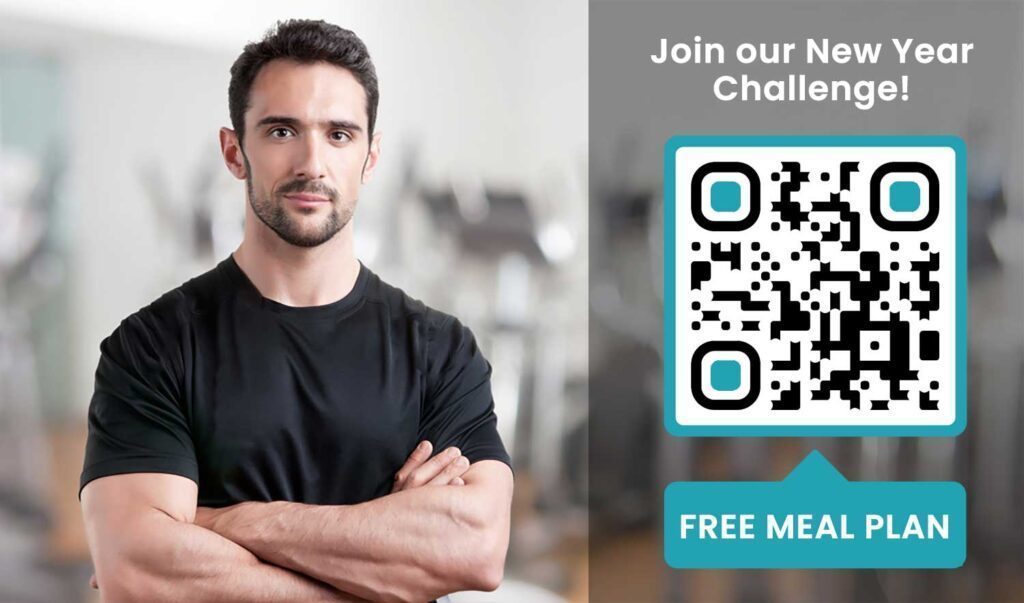
Een QR-code op een raam, flyer of receptiedisplay kan een toekomstig lid direct naar een aanmeldingsformulier, vrijwaringsverklaring of proeflesregistratie leiden – zonder dat een medewerker hoeft te assisteren. Dit is vooral handig tijdens daluren of drukke piekuren wanneer het receptiepersoneel bezet is.
Gebruik een Google formulier QR code om prospects direct toegang te geven tot vragen, lidmaatschapsregistraties of vrijwaringsverklaringen vanaf hun eigen apparaat. Voor het onboarden van bestaande nieuwe leden, kan een enkele PDF QR-code uw gedragscode, lesrooster en een startend trainingsplan bundelen in één scanbaar document.
Stroomlijn de registratie van nieuwe leden Maak een scanbaar aanmeldingsformulier dat potentiële leden op hun eigen telefoon kunnen invullen. Gebruik de Google Forms QR code maken om direct te linken naar uw registratie- of vrijwaringsformulier – geen papier, geen handmatige gegevensinvoer.
Handleidingen voor apparatuur en trainingsgidsen
Het plaatsen van een QR-code direct op een apparaat is een van de duidelijkste voordelen voor de ledenervaring. Leden scannen de code en krijgen direct toegang tot een korte instructievideo, demonstratie van de juiste vorm, of veiligheidsrichtlijnen voor die specifieke machine. Dit vermindert het risico op blessures en vermindert het aantal keren dat trainers iemand door het basisgebruik van apparatuur moeten leiden.
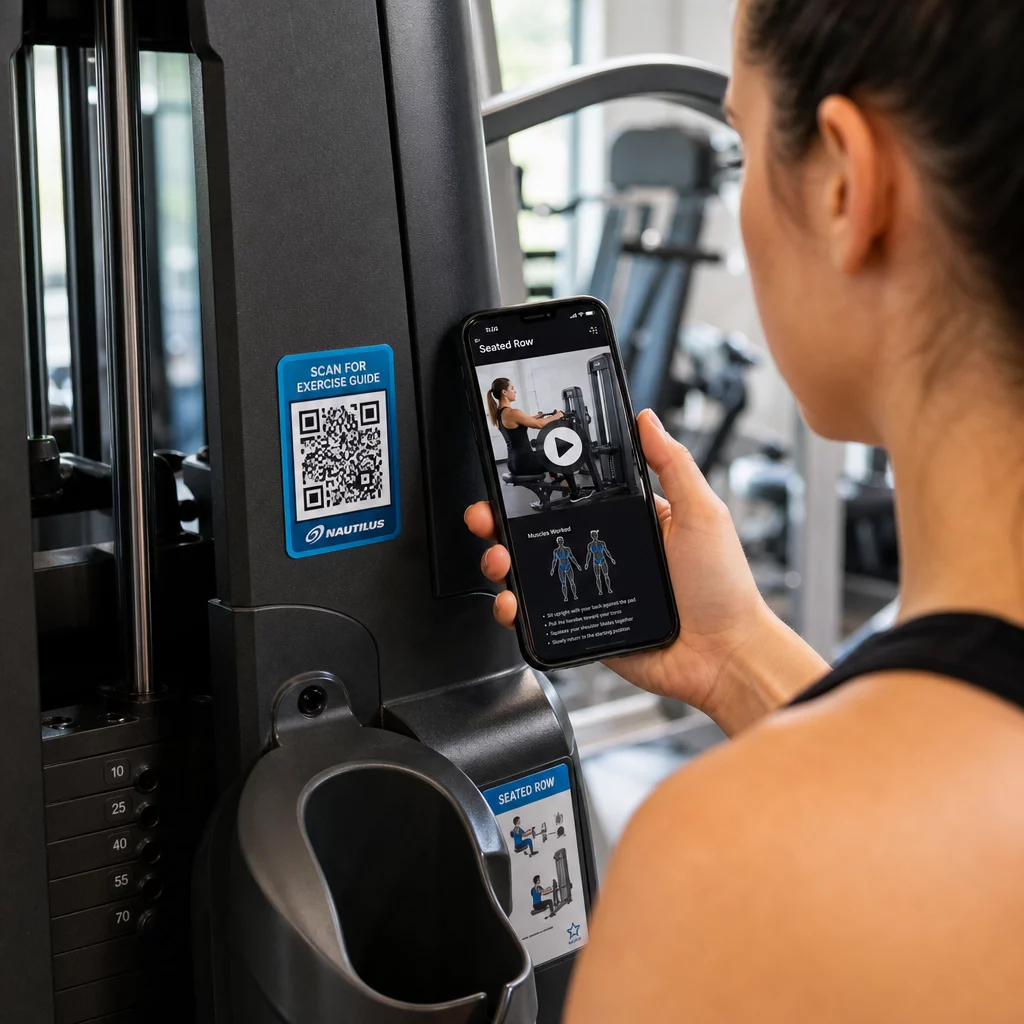
Gebruik dynamische codes voor apparatuurlabels. Wanneer u uw video-inhoud bijwerkt of van platform wisselt, werkt u eenvoudigweg de bestemming bij – u hoeft niet elke machine in uw faciliteit opnieuw af te drukken en te labelen.
Personal trainers kunnen ook gebruiken PDF QR-codes om gepersonaliseerde trainingsplannen te leveren. Print de code op een kaart voor elke cliënt en werk het gekoppelde plan bij naarmate hun programma vordert.
Lesroosters en boekingen
Een QR-code die bij uw lesstudio, op een lobbydisplay of op een flyer is geplaatst, geeft leden met één tik toegang tot uw huidige lesrooster en boekingspagina. Dit werkt bijzonder goed voor studio's met meerdere lestypen of instructeurs, waar roosters wekelijks veranderen.
Omdat dynamische codes inhoudsupdates mogelijk maken zonder opnieuw af te drukken, kunt u dezelfde afgedrukte code het hele jaar door aan uw muur houden en eenvoudigweg het gekoppelde rooster elke week bijwerken. Lees meer over hoe u dit in de praktijk kunt toepassen in hoe QR-codes de marketing van sportscholen stimuleren.
Promoties en tijdelijke aanbiedingen
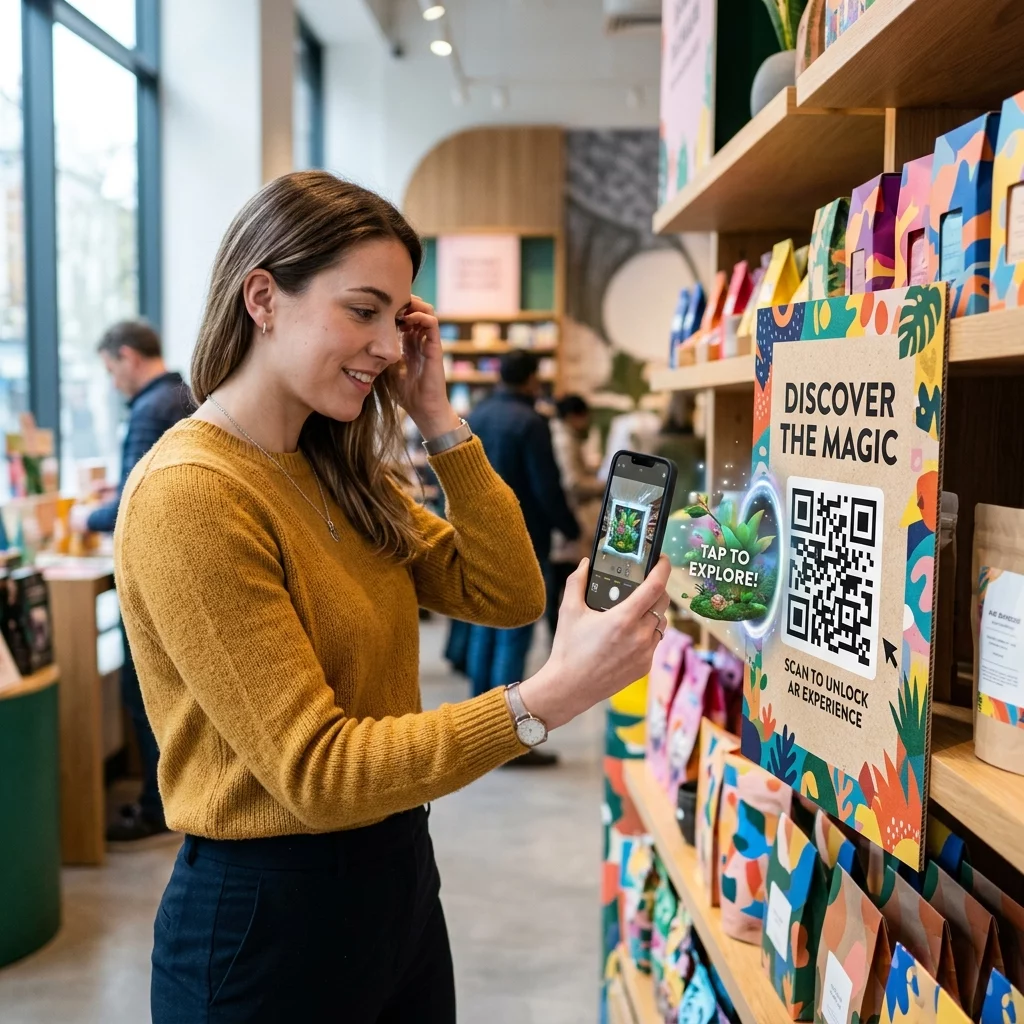
QR-codes op flyers, posters en social media posts kunnen direct linken naar een lidmaatschapsaanbieding, proeflesaanmelding of couponpagina. Wanneer de promotie eindigt, werkt u de bestemming bij in plaats van materialen opnieuw af te drukken.
Enkele praktische plaatsingen:
- Raamstickers met een “Scan voor een 7-daagse gratis pas” prompt
- Hand-outs op lokale evenementen of gezondheidsbeurzen
- Posters bij de ingang tijdens piekperiodes voor aanmeldingen
Dynamische codes zijn de aanbevolen keuze voor promoties, omdat de aanbiedings-URL verandert, maar het gedrukte materiaal niet. Voor richtlijnen over waar en hoe u deze codes kunt plaatsen voor maximale zichtbaarheid, zie de gids voor de plaatsing van QR-codes in marketing.
Ledenfeedback en Google Reviews
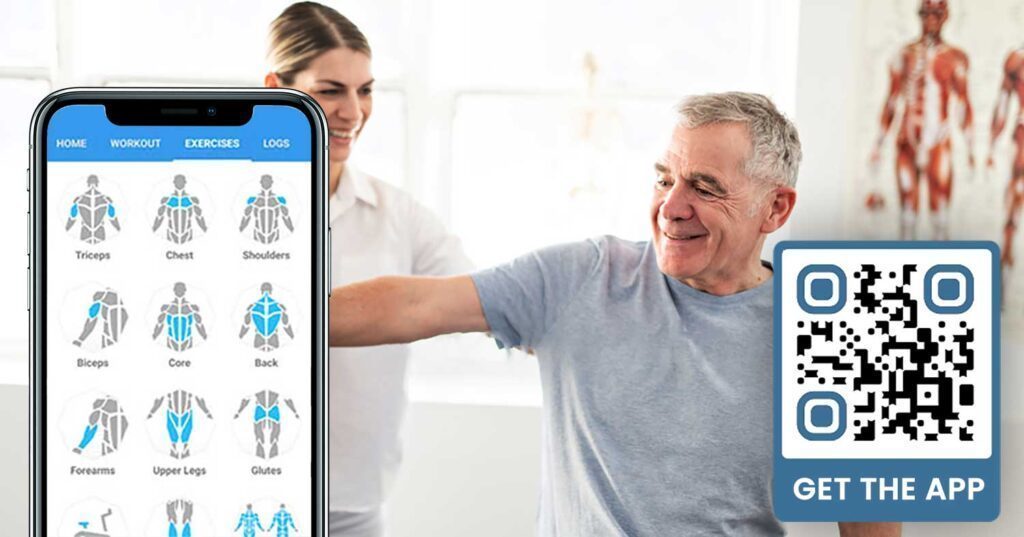
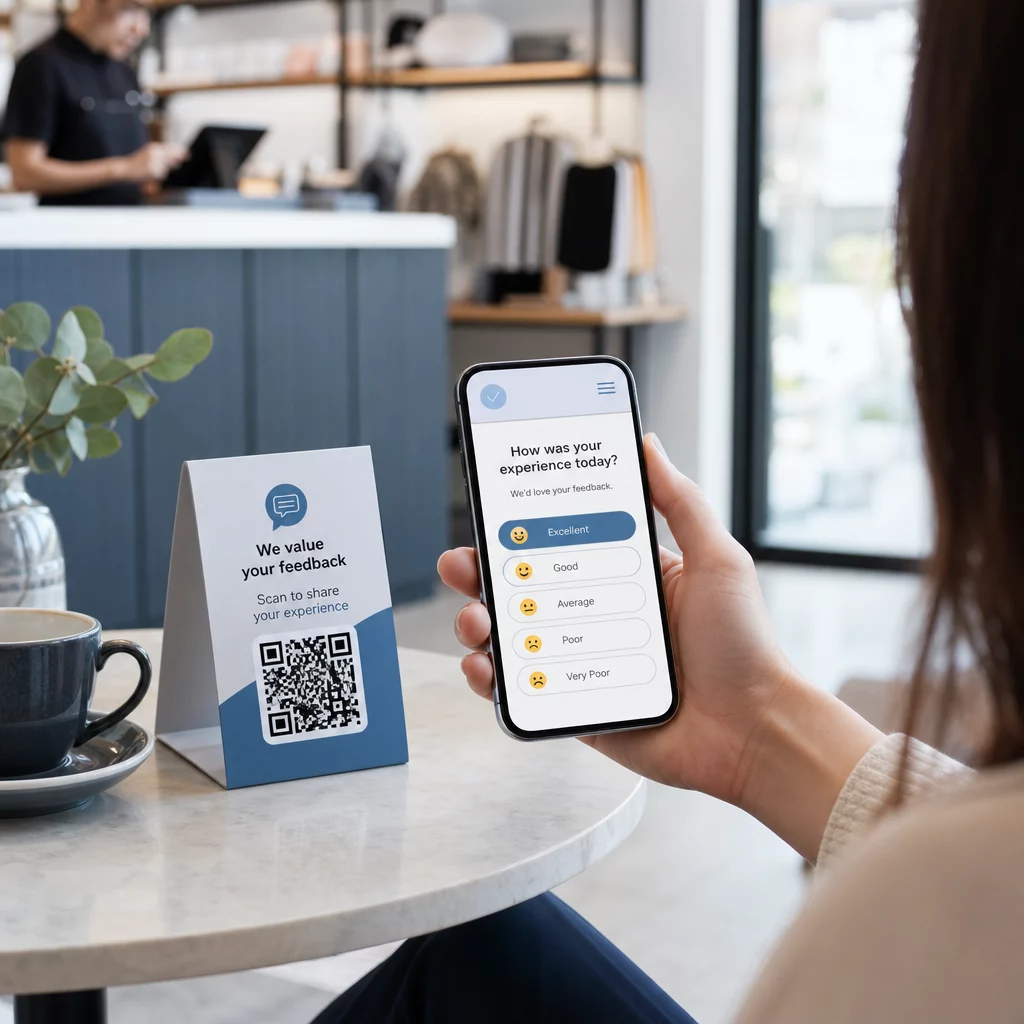
Het consequent verzamelen van feedback is moeilijk wanneer leden in en uit haasten. Een QR-code geplaatst bij de uitgang, in de kleedkamer of bij de sapbar geeft leden een wrijvingsloze manier om snel een recensie achter te laten of een tevredenheidsonderzoek in te vullen.
EEN Google review QR-code geplaatst op drukbezochte plaatsen leidt leden direct naar uw Google Mijn Bedrijf-recensiepagina – zoeken is niet nodig. Meer recensies verbeteren uw lokale zoekrangschikking en geven potentiële leden het sociale bewijs dat ze nodig hebben om uw sportschool te kiezen.
Voor feedbackenquêtes, een Google formulier QR code laat u gestructureerde input verzamelen over lessen, apparatuur, personeel en faciliteiten.
Verzamel automatisch meer Google Reviews Plaats een QR-code bij uw uitgang of in de kleedkamer en zie uw recensies groeien. Gebruik de Google review QR code maken om een merkcode te maken die leden rechtstreeks naar uw recensiepagina leidt.
Wi-Fi-toegang voor leden en gasten
Het aanbieden van Wi-Fi wordt verwacht in de meeste moderne sportscholen. Een Wi-Fi QR-code die wordt weergegeven bij de receptie, bij de sapbar of op de muren van de kleedkamer, stelt leden in staat direct verbinding te maken door te scannen – geen wachtwoord zoeken of handmatige invoer vereist. Dit kleine gemak draagt bij aan de algehele ledenervaring zonder enige personeelsbetrokkenheid.
Betrokkenheid op sociale media
QR-codes geplaatst op drukbezochte plaatsen – spiegels, waterpunten, de lobby – kunnen direct linken naar uw Instagram, YouTube-kanaal of sociaal profiel. Leden die al betrokken zijn bij uw ruimte, zullen het meest waarschijnlijk volgen en delen. Dit werkt goed naast fitnessuitdagingen of evenementen waarbij u online gemeenschapsdeelname wilt opbouwen.
Fitnessuitdagingen en Evenementen
QR-codes maken het gemakkelijk om leden uit te nodigen deel te nemen aan gestructureerde uitdagingen, workshops of evenementen in de sportschool. Plaats een code op een poster of displaybord die linkt naar een aanmeldingsformulier of een pagina met evenementdetails. Werk de gelinkte bestemming bij naarmate evenementen gedurende het jaar veranderen – zonder de poster opnieuw af te drukken.
Plaatsingstips die van toepassing zijn op alle gebruiksscenario's
De kwaliteit van de plaatsing heeft direct invloed op het aantal scans dat u krijgt. Een goed ontworpen code op de verkeerde locatie zal minder goed presteren dan een eenvoudigere code die is geplaatst waar leden van nature pauzeren.
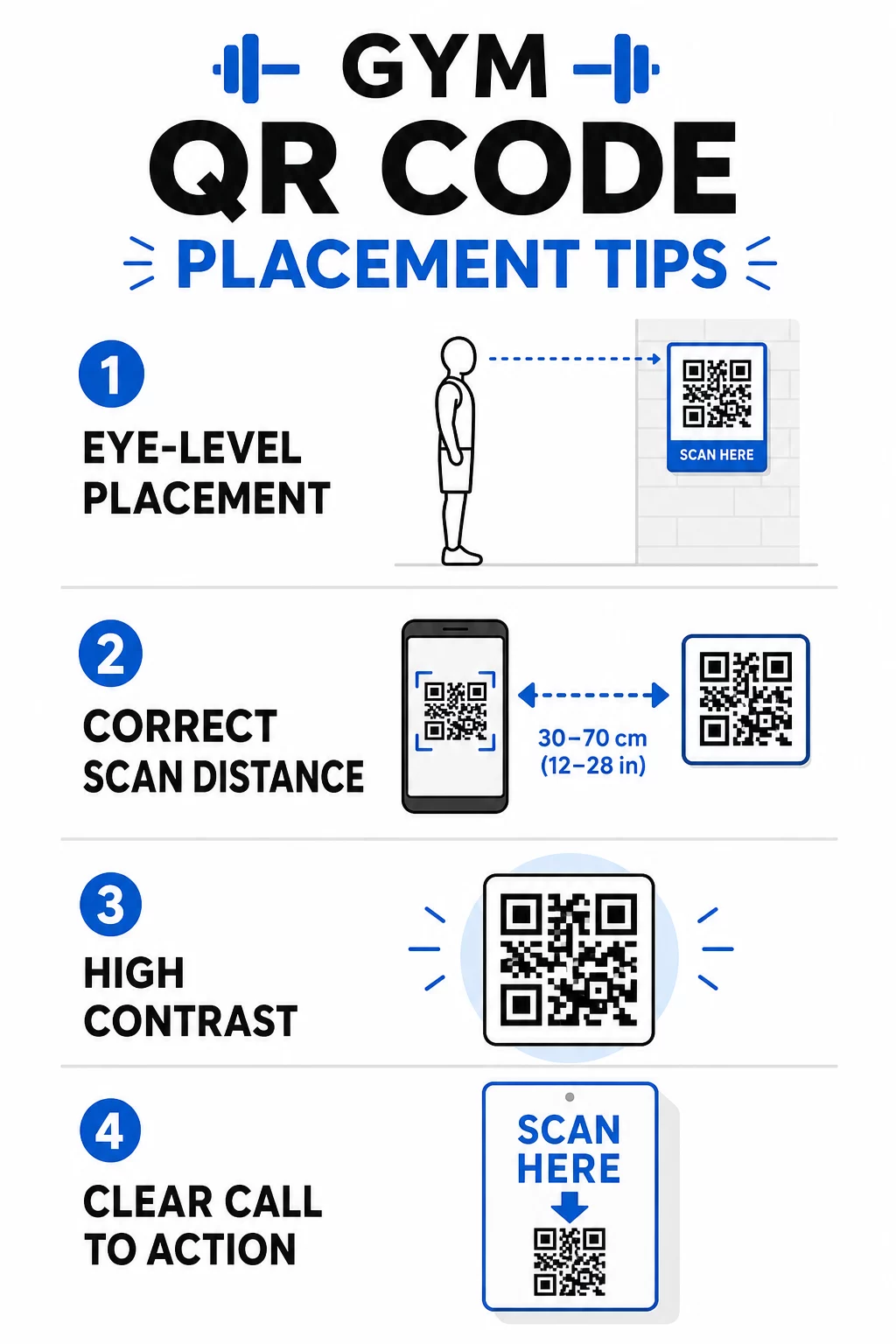
- Plaats codes op ooghoogte, ruwweg tussen 1,05 en 1,65 meter van de vloer
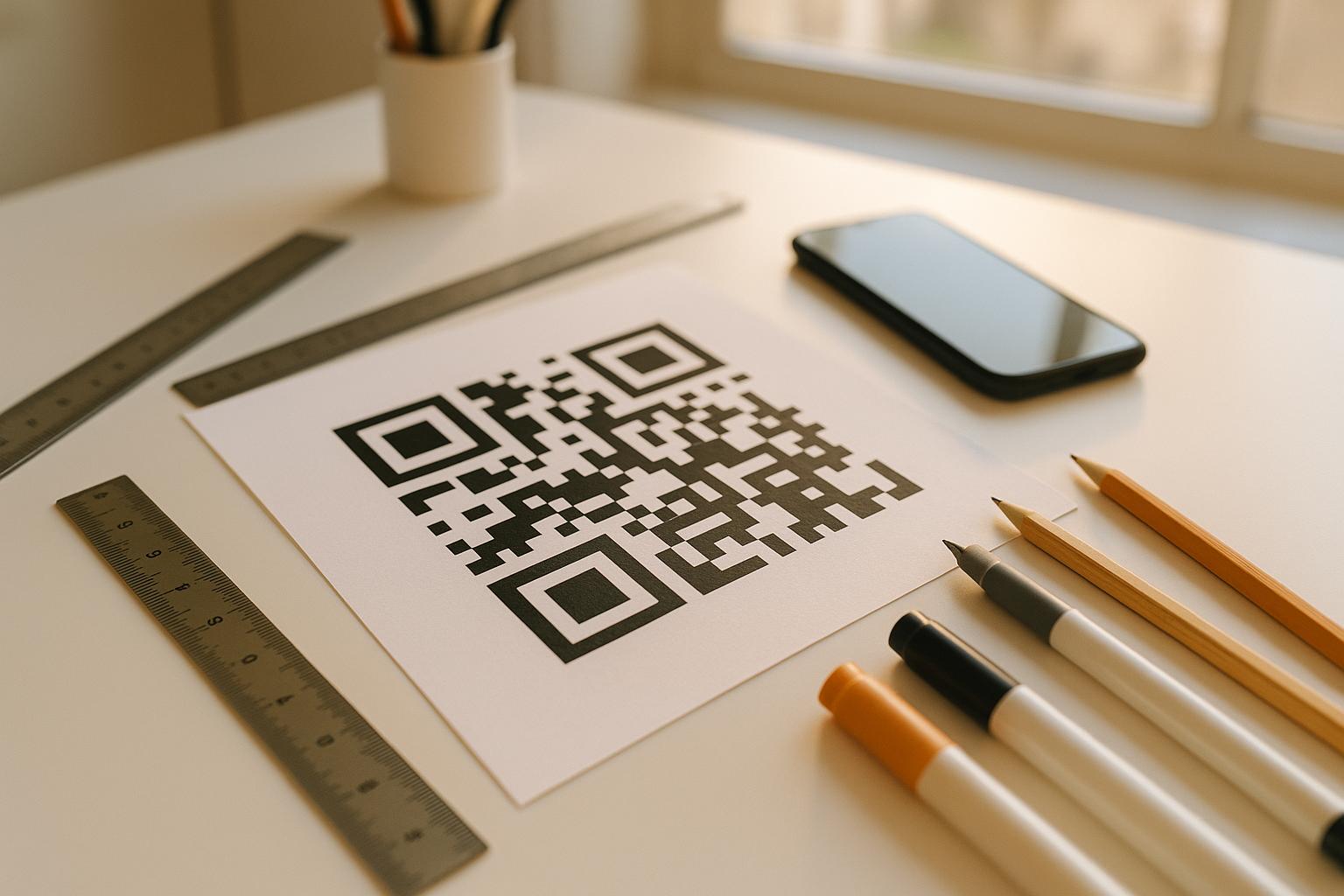
- Gebruik de 10:1 maatregelregel: voor elke 10 inch verwachte scanafstand moet de code minstens 1 inch breed zijn
- Geef prioriteit aan een ontwerp met hoog contrast: donkere patronen op lichte achtergronden scannen betrouwbaar onder de verlichtingsomstandigheden van de sportschool
- Voeg een duidelijke call-to-action toe naast elke code (“Scan voor trainingstips”, “Scan om in te checken”, “Laat ons een recensie achter”)
Voor gedetailleerde technische richtlijnen over formaat en leesbaarheid, zie best practices voor de leesbaarheid van QR-codes. Elke QR-code die u in uw sportschool implementeert, is een kans om de frictie voor leden te verminderen en handmatig werk voor uw team te reduceren. Begin met één of twee impactvolle plaatsingen – inchecken, handleidingen voor apparatuur of Google-recensies – en volg de resultaten voordat u uitbreidt. Gebruik de QR-codegenerator om branded, dynamische codes te creëren die u kunt bijwerken zonder opnieuw af te drukken, en gebruik de ingebouwde analyses om te zien welke plaatsingen de meeste betrokkenheid genereren.
Veelgestelde vragen
Een statische QR-code codeert permanent de bestemmings-URL – eenmaal afgedrukt, kunt u niet meer wijzigen waar deze naartoe verwijst. Een dynamische QR-code slaat een korte omleidings-URL op, zodat u de bestemming op elk moment kunt bijwerken zonder de code opnieuw af te drukken. Voor fitnessbedrijven zijn dynamische codes de betere keuze, omdat lesroosters, promoties en trainingsinhoud regelmatig veranderen, en dynamische codes bieden ook scananalyses zodat u de prestaties kunt volgen.
De meest effectieve plaatsen zijn bij de ingang voor het inchecken, direct op apparatuur voor tutorials, bij uitgangen en kleedkamers voor recensies en feedback, bij de receptie voor aanmeldingen, en in drukbezochte gebieden zoals waterpunten of de sapbar voor sociale media en promoties. Plaats codes op ooghoogte (ongeveer 3,5 tot 5,5 voet van de vloer) met een duidelijke call-to-action naast elke.
Ja, elke QR-code moet linken naar één enkele, specifieke bestemming om de ledenervaring duidelijk en gericht te houden. Een incheckcode moet naar uw incheckpagina leiden, een apparatuurcode naar de tutorial van die machine, en een recensiecode moet direct naar uw Google-recensiepagina leiden. Het gebruik van een QR-codemanagementplatform stelt u in staat al uw codes in één dashboard te organiseren, bestemmingen onafhankelijk bij te werken en de prestaties van elke code afzonderlijk te volgen.