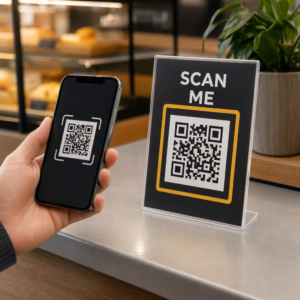
Не уверены, как на самом деле использовать QR-коды в вашем тренажерном зале или фитнес-студии, помимо простой ссылки на веб-сайт? Фитнес-компании, которые стратегически внедряют QR-коды, снижают административные трудности, поддерживают более высокую вовлеченность участников и превращают больше случайных посетителей в платящих клиентов. Это руководство охватывает практические, готовые к реализации идеи, организованные по тому, как они вписываются в вашу повседневную деятельность.
Почему фитнес-компании внедряют QR-коды
Фитнес-индустрия совершила устойчивый переход к цифровым точкам взаимодействия. Участники ожидают быстрого, самостоятельного доступа к расписанию занятий, руководствам по тренировкам и управлению учетными записями – и они хотят, чтобы все это было доступно на их телефонах. QR-коды устраняют разрыв между физической средой тренажерного зала и цифровым контентом, который нужен участникам, не требуя от персонала ручной обработки каждого взаимодействия.
Динамические QR-коды особенно хорошо подходят для фитнес-компаний. В отличие от статических кодов, где URL-адрес назначения закодирован навсегда, динамические коды позволяют обновлять связанный контент в любое время без перепечатки физического кода. Это означает, что вы можете заменить сезонную акцию, обновить расписание занятий или поменять видео с тренировкой – и код на вашей стене продолжит работать. Динамические коды также поддерживают отслеживание сканирований, поэтому вы можете отслеживать, сколько раз код был отсканирован, из какого места, на каком устройстве и в какое время.
Для обзора того, как QR-коды используются в работе тренажерных залов, см. QR-коды для тренажерных залов и велнес-центров.
Регистрация участников и контроль доступа
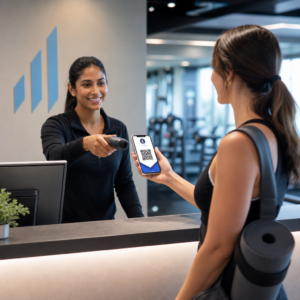
Замена физических членских карт или листов регистрации на QR-регистрацию является одним из наиболее значимых с операционной точки зрения применений. Участники сканируют код на входе, чтобы зарегистрировать свое присутствие или разблокировать турникет, что устраняет очереди и снижает нагрузку на стойку регистрации.
Вы можете создать простую систему отслеживания посещаемости, используя QR-кода ссылки который подключается к форме или странице регистрации. Динамические коды здесь являются лучшим выбором, потому что вы можете перенаправить код на новый URL-адрес регистрации, если ваша платформа изменится, не затрагивая печатную вывеску.
Куда размещать коды регистрации:
- Вход в тренажерный зал или турникет
- Стойка регистрации
- Двери отдельных студий или классов
Регистрация и адаптация новых участников
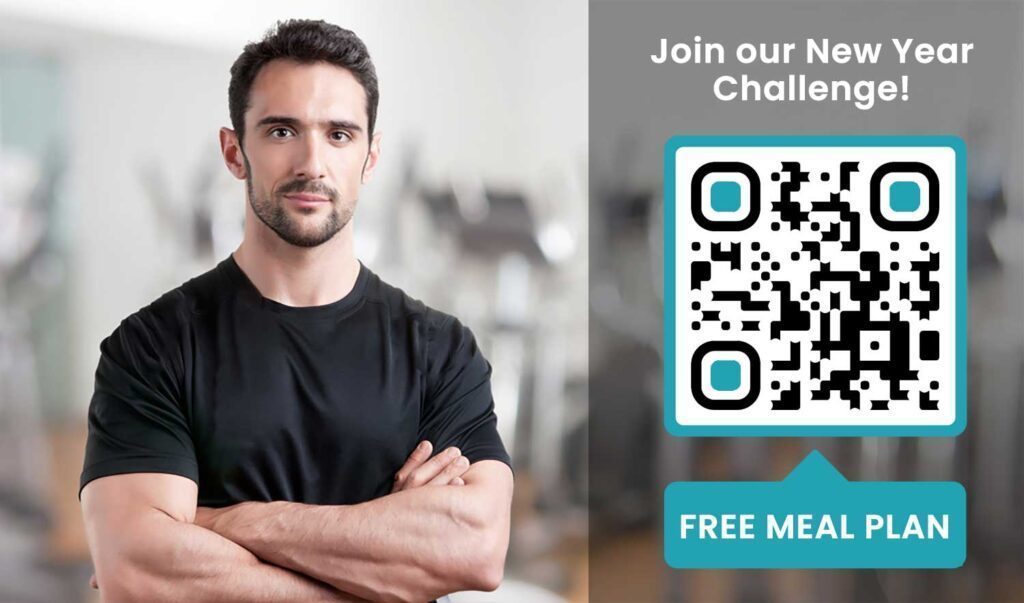
QR-код на окне, флаере или дисплее на стойке регистрации может направить потенциального участника непосредственно к форме регистрации, отказу от ответственности или регистрации на пробное занятие – без необходимости помощи со стороны сотрудника. Это особенно полезно в нерабочее время или в часы пик, когда персонал на стойке регистрации занят.
Используйте QR-код формы Google чтобы предоставить потенциальным клиентам мгновенный доступ к запросам, регистрации членства или подаче заявлений об отказе от ответственности с их собственного устройства. Для адаптации существующих новых членов, один PDF QR-код может объединить ваш кодекс поведения, расписание занятий и стартовый план тренировок в один сканируемый документ.
Оптимизируйте регистрацию новых членов Создайте сканируемую форму регистрации, которую потенциальные члены могут заполнить на своих телефонах. Используйте Как создать QR код для гугл формы для прямой ссылки на вашу форму регистрации или отказа от ответственности – без бумаги, без ручного ввода данных.
Руководства по оборудованию и тренировкам
Размещение QR-кода непосредственно на тренажере — одно из самых очевидных преимуществ для удобства членов. Члены сканируют код и немедленно получают доступ к короткому обучающему видео, демонстрации правильной формы или рекомендациям по безопасности для этого конкретного тренажера. Это снижает риск травм и уменьшает количество раз, когда тренерам приходится объяснять кому-либо основы использования оборудования.
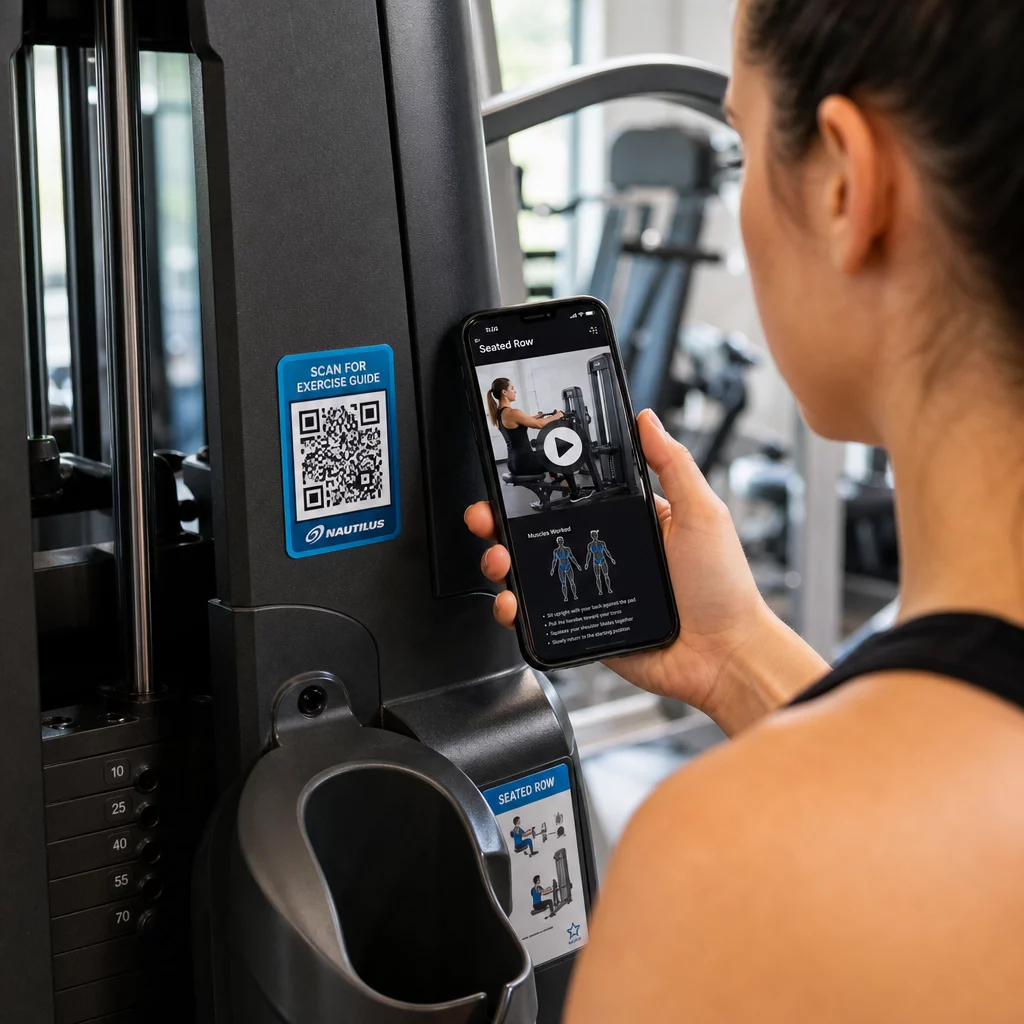
Используйте динамические коды для маркировки оборудования. Когда вы обновляете видеоконтент или меняете платформы, вы просто обновляете пункт назначения – нет необходимости перепечатывать и перемаркировывать каждый тренажер в вашем заведении.
Персональные тренеры также могут использовать PDF QR-коды для предоставления персонализированных планов тренировок. Распечатайте код на карточке для каждого клиента и обновляйте связанный план по мере выполнения их программы.
Расписание занятий и бронирование
QR-код, размещенный рядом с вашей студией занятий, на дисплее в вестибюле или включенный в листовку, предоставляет членам доступ в одно касание к вашему текущему расписанию занятий и странице бронирования. Это особенно хорошо работает для студий, проводящих несколько типов занятий или с несколькими инструкторами, где расписание меняется еженедельно.
Поскольку динамические коды позволяют обновлять контент без перепечатки, вы можете круглый год держать один и тот же напечатанный код на стене и просто обновлять связанное расписание каждую неделю. Подробнее о том, как применить это на практике, читайте в как QR-коды улучшают маркетинг спортзалов.
Акции и ограниченные по времени предложения
QR-коды на листовках, плакатах и в сообщениях в социальных сетях могут напрямую ссылаться на предложение членства, регистрацию на пробное занятие или страницу купонов. Когда акция заканчивается, обновите пункт назначения вместо перепечатки материалов.
Некоторые практические места размещения:
- Наклейки на окна с призывом “Сканируйте для получения 7-дневного бесплатного абонемента”
- Раздаточные материалы на местных мероприятиях или ярмарках здоровья
- Плакаты у входа в пиковые сезоны набора
Динамические коды являются рекомендуемым выбором для акций, потому что URL предложения меняется, но печатные материалы не должны. Рекомендации по тому, где и как размещать эти коды для максимальной видимости, см. в руководство по размещению QR-кодов в маркетинге.
Отзывы участников и отзывы Google
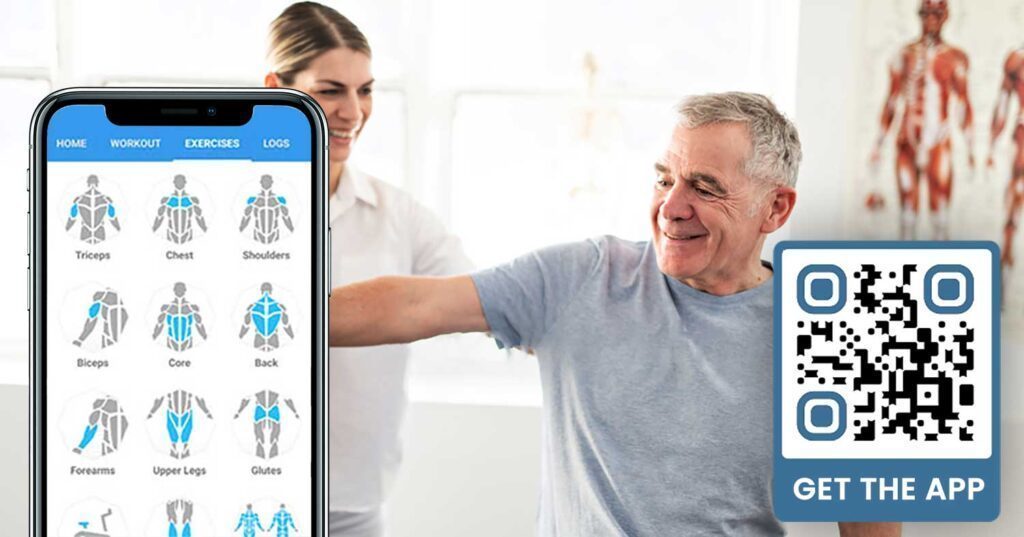
Последовательный сбор отзывов затруднен, когда участники спешат войти и выйти. QR-код, размещенный у выхода, в раздевалке или в соковом баре, дает участникам простой способ оставить быстрый отзыв или заполнить опрос удовлетворенности.
A QR-кода отзывов Google размещенный в местах с высокой проходимостью, направляет участников прямо на страницу отзывов вашего Google Business – поиск не требуется. Больше отзывов улучшают ваш рейтинг в локальном поиске и дают потенциальным участникам социальное доказательство, необходимое для выбора вашего спортзала.
Для опросов обратной связи, QR-код формы Google позволяет собирать структурированные данные о занятиях, оборудовании, персонале и помещениях.
Собирайте больше отзывов Google автоматически Разместите QR-код у выхода или в раздевалке и наблюдайте, как растут ваши отзывы. Используйте QR код для отзывов Google чтобы создать фирменный код, который ведет участников прямо на вашу страницу отзывов.
Доступ к Wi-Fi для участников и гостей
Предложение Wi-Fi ожидается в большинстве современных спортзалов. QR-код Wi-Fi, отображаемый на стойке регистрации, рядом с соковым баром или на стенах раздевалки, позволяет участникам мгновенно подключиться путем сканирования – не требуется поиск пароля или ручной ввод. Это небольшое удобство улучшает общее впечатление участников, не требуя участия персонала.
Вовлеченность в социальные сети
QR-коды, размещенные в местах с высокой проходимостью – зеркала, станции водоснабжения, вестибюль – могут напрямую ссылаться на ваш Instagram, канал YouTube или социальный профиль. Участники, которые уже взаимодействуют с вашим пространством, с наибольшей вероятностью подпишутся и поделятся. Это хорошо работает наряду с фитнес-челленджами или мероприятиями, где вы хотите создать онлайн-участие сообщества.
Фитнес-челленджи и мероприятия
QR-коды позволяют легко приглашать участников к участию в структурированных челленджах, мастер-классах или мероприятиях в спортзале. Разместите код на плакате или информационном стенде, который ведет к форме регистрации или странице с подробностями мероприятия. Обновляйте связанное назначение по мере изменения событий в течение года – без перепечатки плаката.
Советы по размещению, применимые ко всем сценариям использования
Качество размещения напрямую влияет на количество сканирований. Хорошо разработанный код в неправильном месте будет работать хуже, чем более простой код, размещенный там, где участники естественно останавливаются.
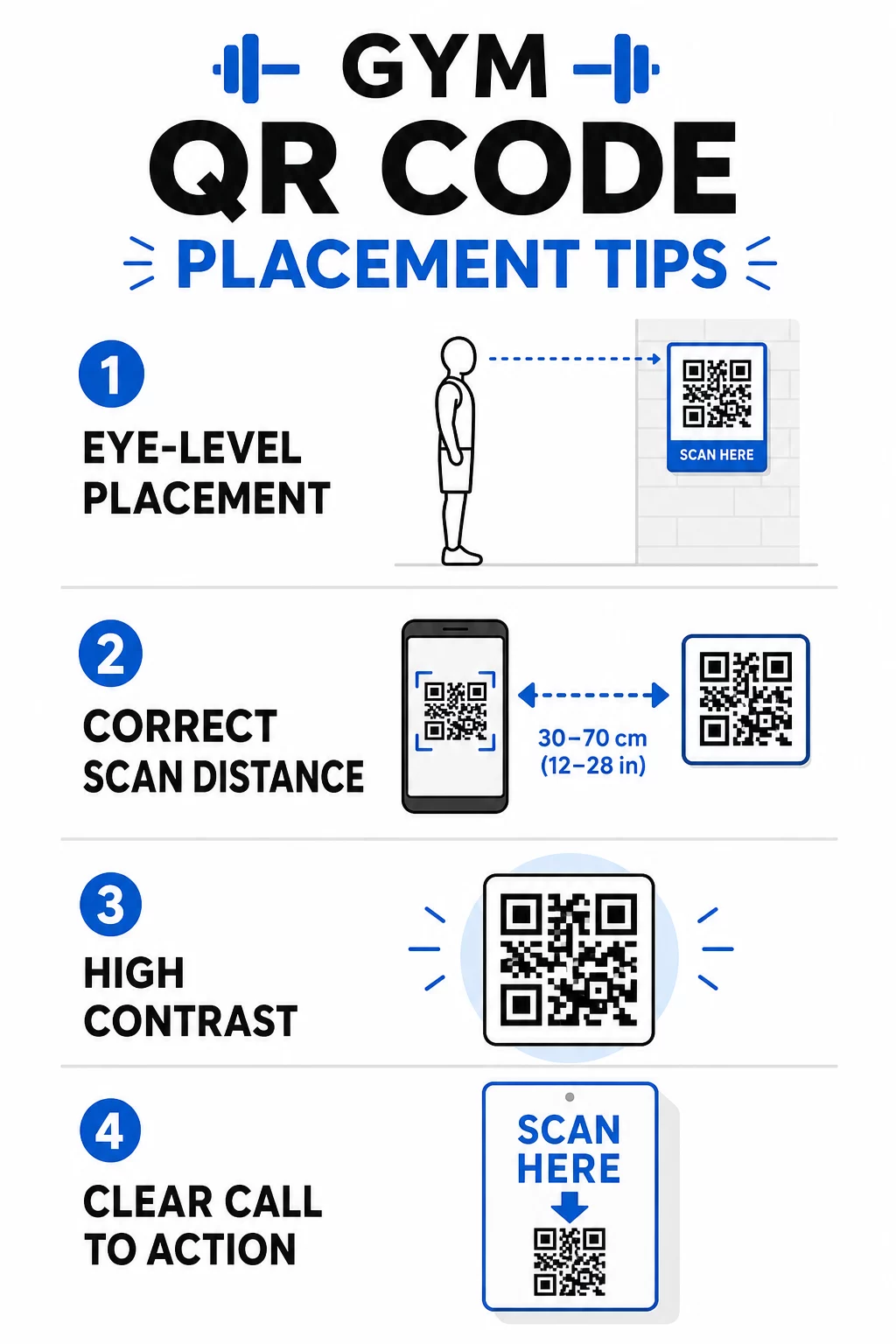
- Размещайте коды на уровне глаз, примерно на высоте от 3,5 до 5,5 футов от пола
- Используйте правило масштабирования 10:1: на каждые 10 дюймов ожидаемого расстояния сканирования код должен быть не менее 1 дюйма в ширину
- Отдавайте предпочтение высококонтрастному дизайну: темные узоры на светлом фоне надежно сканируются при освещении спортзала
- Добавьте четкий призыв к действию рядом с каждым кодом (“Сканируйте для советов по тренировкам”, “Сканируйте для регистрации”, “Оставьте нам отзыв”)
Для подробных технических рекомендаций по размеру и читаемости см. лучшим практикам читаемости QR-кодов. Каждый QR-код, который вы размещаете в своем спортзале, — это возможность уменьшить трудности для участников и сократить ручную работу для вашей команды. Начните с одного или двух высокоэффективных размещений – регистрация, руководства по оборудованию или отзывы в Google – и отслеживайте результаты, прежде чем расширяться. Используйте генератор QR-кодов для создания фирменных, динамических кодов, которые вы можете обновлять без перепечатки, и используйте встроенную аналитику, чтобы увидеть, какие размещения приносят наибольшее вовлечение.
Часто задаваемые вопросы
Статический QR-код постоянно кодирует целевой URL-адрес – после печати вы не можете изменить, куда он ведет. Динамический QR-код хранит короткий URL-адрес перенаправления, поэтому вы можете обновить пункт назначения в любое время без перепечатки кода. Для фитнес-бизнеса динамические коды являются лучшим выбором, потому что расписания занятий, акции и контент тренировок часто меняются, а динамические коды также предоставляют аналитику сканирований, чтобы вы могли отслеживать производительность.
Наиболее эффективные размещения: у входа для регистрации, непосредственно на оборудовании для обучающих материалов, возле выходов и раздевалок для отзывов и обратной связи, на стойке регистрации для записи, и в местах с высокой проходимостью, таких как станции с водой или соковый бар, для социальных сетей и рекламных акций. Размещайте коды на уровне глаз (примерно от 3,5 до 5,5 футов от пола) с четким призывом к действию рядом с каждым из них.
Да, каждый QR-код должен ссылаться на одно, конкретное место назначения, чтобы опыт участника был ясным и сфокусированным. Код для регистрации должен вести на вашу страницу регистрации, код для оборудования должен вести на учебное пособие по этой машине, а код для отзыва должен вести непосредственно на вашу страницу отзывов в Google. Использование платформы управления QR-кодами позволяет вам организовывать все ваши коды на одной панели, обновлять места назначения независимо и отслеживать производительность каждого кода отдельно.