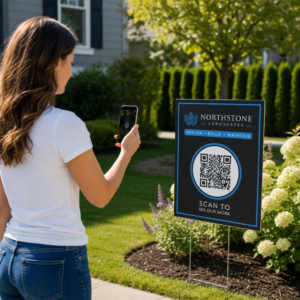
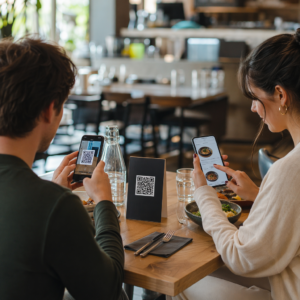
Etkö ole varma, miten QR-koodeja todella käytetään kuntosalilla tai kuntostudiossa pelkän perusverkkosivulinkin lisäksi? Kuntoliiketoiminnat, jotka ottavat QR-koodit käyttöön strategisesti, vähentävät hallinnollista kitkaa, pitävät jäsenet sitoutuneempina ja muuttavat useammat sisäänkävelijät maksaviksi asiakkaiksi. Tämä opas kattaa käytännöllisiä, valmiita toteutettavaksi olevia ideoita, jotka on järjestetty sen mukaan, miten ne sopivat päivittäiseen toimintaasi.
Miksi kuntoliiketoiminnat ottavat käyttöön QR-koodeja
Kuntoiluala on siirtynyt pysyvästi kohti digitaalisia kosketuspisteitä. Jäsenet odottavat nopeaa, itsepalveluperiaatteella toimivaa pääsyä tuntiaikatauluihin, harjoitusoppaisiin ja tilinhallintaan – ja he haluavat kaiken tämän puhelimiinsa. QR-koodit yhdistävät fyysisen kuntosaliympäristön ja jäsenten haluaman digitaalisen sisällön ilman, että henkilökunnan tarvitsee käsitellä jokaista vuorovaikutusta manuaalisesti.
Dynaamiset QR-koodit sopivat erityisen hyvin kuntoliiketoimintaan. Toisin kuin staattiset koodit, joissa kohde-URL on pysyvästi koodattu, dynaamiset koodit antavat sinun päivittää linkitettyä sisältöä milloin tahansa ilman fyysisen koodin uudelleenpainamista. Tämä tarkoittaa, että voit vaihtaa kausiluonteisen kampanjan, päivittää tuntiaikataulun tai vaihtaa harjoitusvideon – ja seinälläsi oleva koodi toimii edelleen. Dynaamiset koodit tukevat myös skannausten seurantaa, joten voit seurata, kuinka monta kertaa koodi skannattiin, mistä sijainnista, millä laitteella ja mihin aikaan.
Yleiskatsauksen siitä, miten QR-koodeja käytetään erityisesti kuntosalien toiminnassa, löydät kohdasta QR-koodit kuntosaleille ja hyvinvointiyrityksille.
Jäsenten sisäänkirjautuminen ja kulunvalvonta
Fyysisten jäsenkorttien tai sisäänkirjautumislomakkeiden korvaaminen QR-pohjaisella sisäänkirjautumisella on yksi toiminnallisesti vaikuttavimmista käyttötavoista. Jäsenet skannaavat koodin sisäänkäynnillä merkitäkseen läsnäolonsa tai avatakseen portin, mikä poistaa jonot ja vähentää vastaanoton työmäärää.
Voit rakentaa yksinkertaisen läsnäoloseurantajärjestelmän käyttämällä linkin QR-koodi joka yhdistyy lomakkeeseen tai sisäänkirjautumissivulle. Dynaamiset koodit ovat tässä parempi valinta, koska voit ohjata koodin uudelle sisäänkirjautumis-URL-osoitteelle, jos alustasi muuttuu, koskematta painettuun kylttiin.
Minne sijoittaa sisäänkirjautumiskoodit:
- Kuntosalin sisäänkäynti tai portti
- Vastaanottotiski
- Yksittäisten studioiden tai luokkahuoneiden ovet
Uusien jäsenten rekisteröinti ja perehdytys
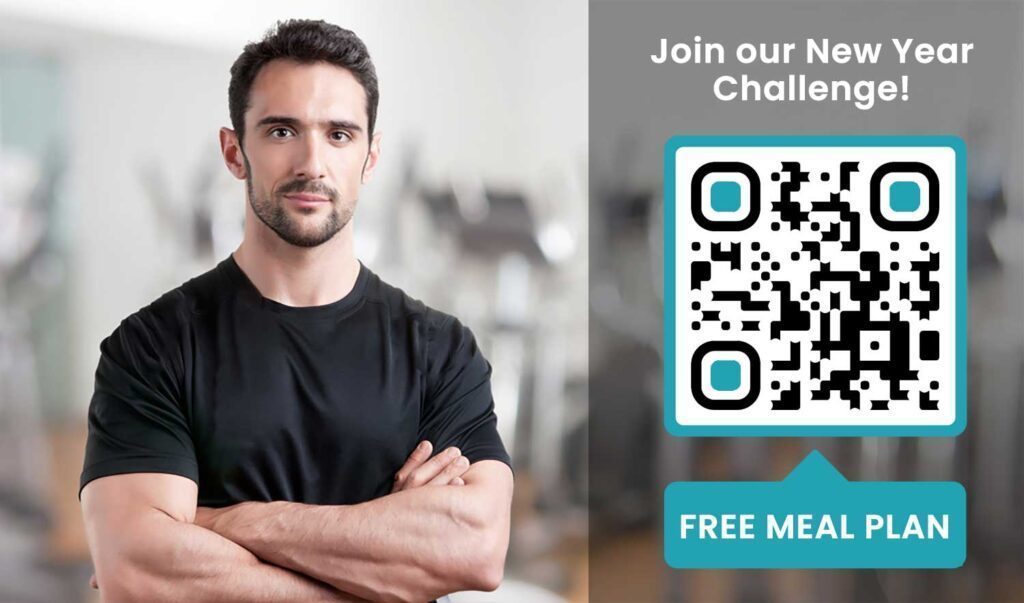
Ikkunassa, esitteessä tai vastaanoton näytöllä oleva QR-koodi voi ohjata potentiaalisen jäsenen suoraan rekisteröitymislomakkeeseen, vastuuvapauslausekkeeseen tai kokeilutunnin ilmoittautumiseen – ilman, että henkilökunnan tarvitsee auttaa. Tämä on erityisen hyödyllistä aukioloaikojen ulkopuolella tai kiireisinä ruuhka-aikoina, kun vastaanoton henkilökunta on varattu.
Käytä Google Form QR-koodi antaa potentiaalisille asiakkaille välittömän pääsyn tiedusteluihin, jäsenrekisteröinteihin tai vastuuvapauslausekkeiden lähettämiseen omalta laitteeltaan. Olemassa olevien uusien jäsenten perehdyttämiseen yksi PDF QR-koodi voi niputtaa käytännesäännöt, tuntiaikataulun ja aloittelijan treeniohjelman yhdeksi skannattavaksi asiakirjaksi.
Virtaviivaista uusien jäsenten rekisteröinti Luo skannattava ilmoittautumislomake, jonka potentiaaliset jäsenet voivat täyttää omilla puhelimillaan. Käytä Google Forms QR-koodi generaattori linkittääksesi suoraan rekisteröinti- tai vastuuvapauslomakkeeseesi – ei paperia, ei manuaalista tiedonsyöttöä.
Laitteiden opetusohjelmat ja treenioppaat
QR-koodin sijoittaminen suoraan laitteeseen on yksi selkeimmistä eduista jäsenkokemuksen kannalta. Jäsenet skannaavat koodin ja pääsevät välittömästi katsomaan lyhyen opetusvideon, oikean tekniikan esittelyn tai turvallisuusohjeet kyseiselle laitteelle. Tämä vähentää loukkaantumisriskiä ja vähentää sitä, kuinka monta kertaa ohjaajien tarvitsee opastaa joku peruslaitteen käytössä.
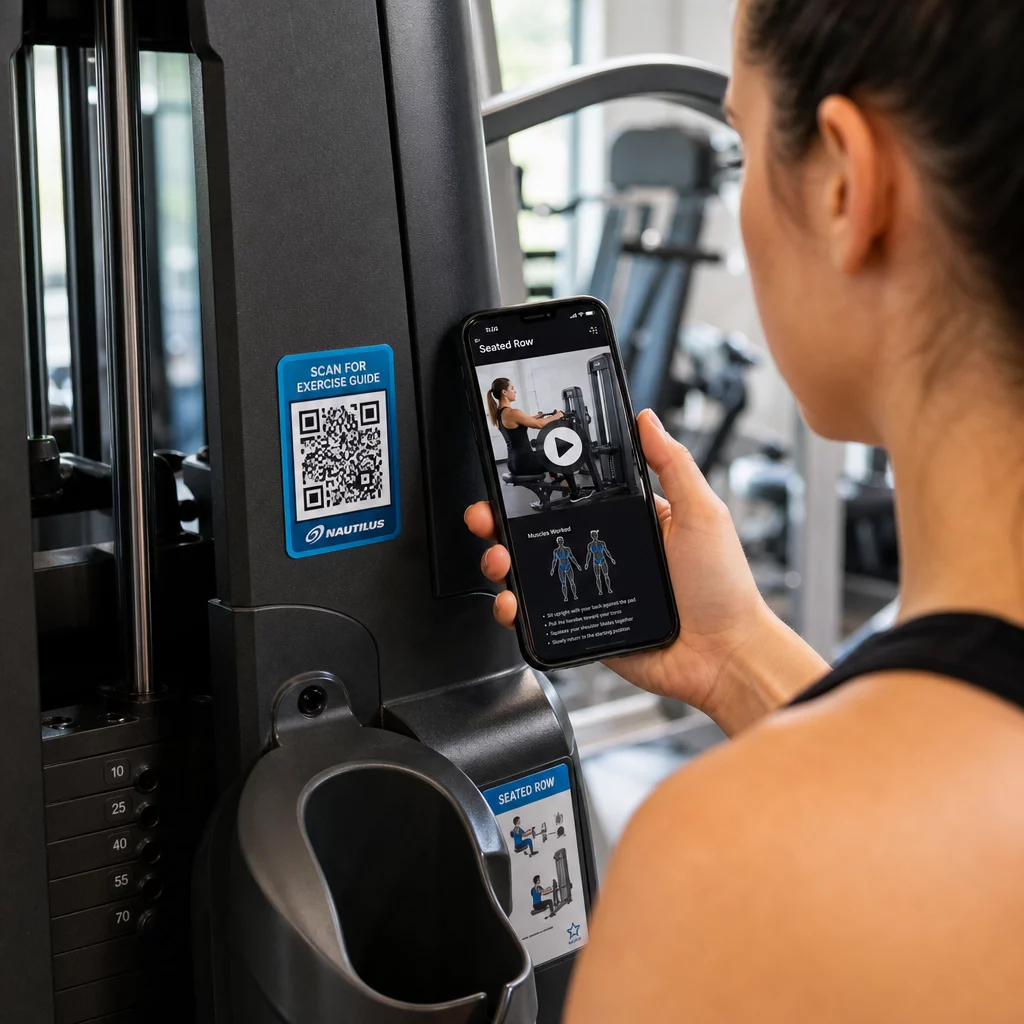
Käytä dynaamisia koodeja laitteiden merkintöihin. Kun päivität videosisältöäsi tai vaihdat alustaa, päivität vain kohteen – ei tarvetta tulostaa uudelleen ja merkitä jokaista laitetta tiloissasi.
Personal trainerit voivat myös käyttää PDF QR-koodit toimittaakseen henkilökohtaisia treeniohjelmia. Tulosta koodi korttiin jokaiselle asiakkaalle ja päivitä linkitettyä suunnitelmaa ohjelman edetessä.
Tuntiaikataulut ja varaukset
Tuntistudion lähelle, aulassa olevaan näyttöön tai esitteeseen sijoitettu QR-koodi antaa jäsenille yhden napautuksen pääsyn nykyiseen tuntiaikatauluun ja varausssivulle. Tämä toimii erityisen hyvin studioissa, joissa on useita tuntityyppejä tai ohjaajia ja joissa aikataulut muuttuvat viikoittain.
Koska dynaamiset koodit mahdollistavat sisällön päivittämisen ilman uudelleenpainatusta, voit pitää saman painetun koodin seinälläsi ympäri vuoden ja päivittää linkitetyn aikataulun yksinkertaisesti joka viikko. Lue lisää tämän soveltamisesta käytännössä kohdassa miten QR-koodit tehostavat kuntosalin markkinointia.
Kampanjat ja rajoitetun ajan tarjoukset
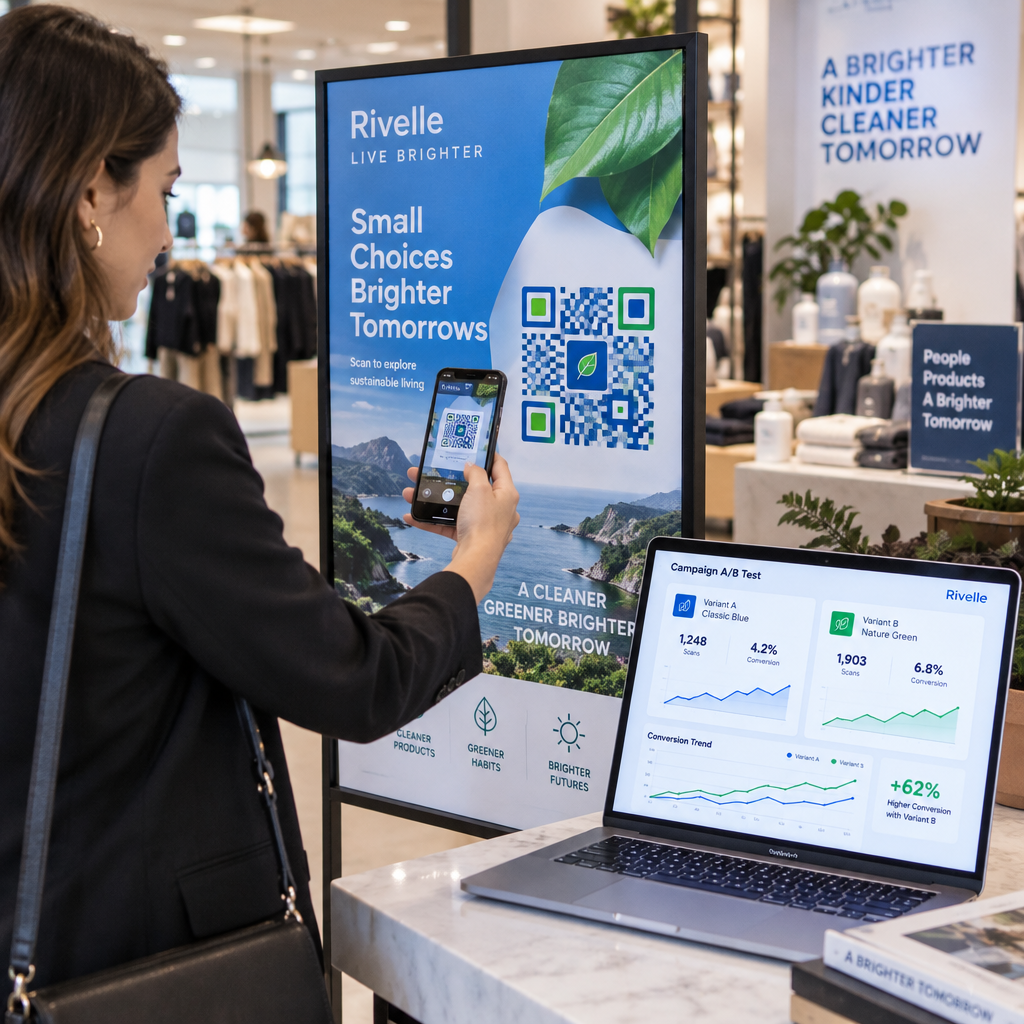
QR-koodit esitteissä, julisteissa ja sosiaalisen median julkaisuissa voivat linkittää suoraan jäsentarjoukseen, kokeilutunnin ilmoittautumiseen tai kuponkisivulle. Kun kampanja päättyy, päivitä kohde sen sijaan, että painaisit materiaalit uudelleen.
Joitakin käytännön sijoituspaikkoja:
- Ikkunatarrat, joissa on kehotus “Skannaa 7 päivän ilmainen passi”
- Esitteet paikallisissa tapahtumissa tai terveysmessuilla
- Julisteet sisäänkäynnin lähellä vilkkaimpina ilmoittautumisaikoina
Dynaamiset koodit ovat suositeltava valinta kampanjoihin, koska tarjouksen URL-osoite muuttuu, mutta painomateriaalin ei tarvitse. Ohjeita näiden koodien sijoitteluun maksimaalisen näkyvyyden saavuttamiseksi löydät kohdasta opas QR-koodien sijoitteluun markkinoinnissa.
Jäsenpalautteet ja Google-arvostelut
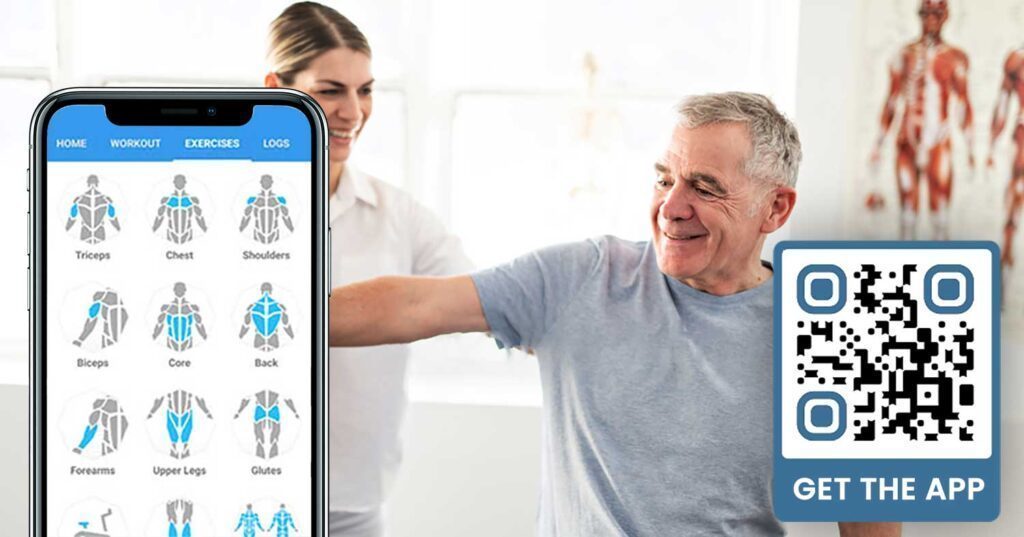
Palautteen kerääminen johdonmukaisesti on vaikeaa, kun jäsenet kiirehtivät sisään ja ulos. QR-koodi, joka on sijoitettu uloskäynnin lähelle, pukuhuoneeseen tai mehubaariin, antaa jäsenille vaivattoman tavan jättää nopea arvostelu tai täyttää tyytyväisyyskysely.
A Google-arvostelun QR-koodia vilkkaasti liikennöidyille alueille sijoitettuna ohjaa jäsenet suoraan Google My Business -arvostelusivullesi – ilman hakua. Useammat arvostelut parantavat paikallista hakusijoitustasi ja antavat potentiaalisille jäsenille sosiaalisen todisteen, jota he tarvitsevat kuntosalisi valitsemiseen.
Palautekyselyihin Google Form QR-koodi voit kerätä jäsenneltyä tietoa tunneista, laitteista, henkilökunnasta ja tiloista.
Kerää lisää Google-arvosteluja automaattisesti Aseta QR-koodi uloskäynnillesi tai pukuhuoneeseen ja seuraa arvostelujesi kasvua. Käytä Google-arvostelun QR-koodi generaattori luodaksesi brändätyn koodin, joka vie jäsenet suoraan arvostelusivullesi.
Wi-Fi-yhteys jäsenille ja vieraille
Wi-Fi-yhteyden tarjoaminen on odotettua useimmissa moderneissa kuntosaleissa. Vastaanotossa, mehubaarin lähellä tai pukuhuoneen seinillä näkyvä Wi-Fi QR-koodi antaa jäsenille mahdollisuuden muodostaa yhteys välittömästi skannaamalla – ilman salasanan etsimistä tai manuaalista syöttöä. Tämä pieni mukavuus lisää yleistä jäsenkokemusta ilman henkilökunnan osallistumista.
Sosiaalisen median sitoutuminen
Vilkkaasti liikennöidyille alueille – peileihin, vesipisteisiin, aulaan – sijoitetut QR-koodit voivat linkittää suoraan Instagram-tiliisi, YouTube-kanavaasi tai sosiaaliseen profiiliisi. Jäsenet, jotka ovat jo sitoutuneet tilaasi, seuraavat ja jakavat todennäköisimmin. Tämä toimii hyvin kuntoiluhaasteiden tai tapahtumien rinnalla, joissa haluat rakentaa yhteisön osallistumista verkossa.
Kuntohaasteet ja -tapahtumat
QR-koodien avulla on helppo kutsua jäseniä osallistumaan jäsenneltyihin haasteisiin, työpajoihin tai kuntosalitapahtumiin. Aseta koodi julisteeseen tai ilmoitustaululle, joka linkittää ilmoittautumislomakkeeseen tai tapahtuman tietosivulle. Päivitä linkitetty kohde tapahtumien muuttuessa vuoden mittaan – ilman julisteen uudelleenpainatusta.
Sijoitusvinkkejä, jotka soveltuvat kaikkiin käyttötapauksiin
Sijoituksen laatu vaikuttaa suoraan skannausten määrään. Hyvin suunniteltu koodi väärässä paikassa alisuoriutuu yksinkertaisemmasta koodista, joka on sijoitettu paikkaan, jossa jäsenet luonnollisesti pysähtyvät.
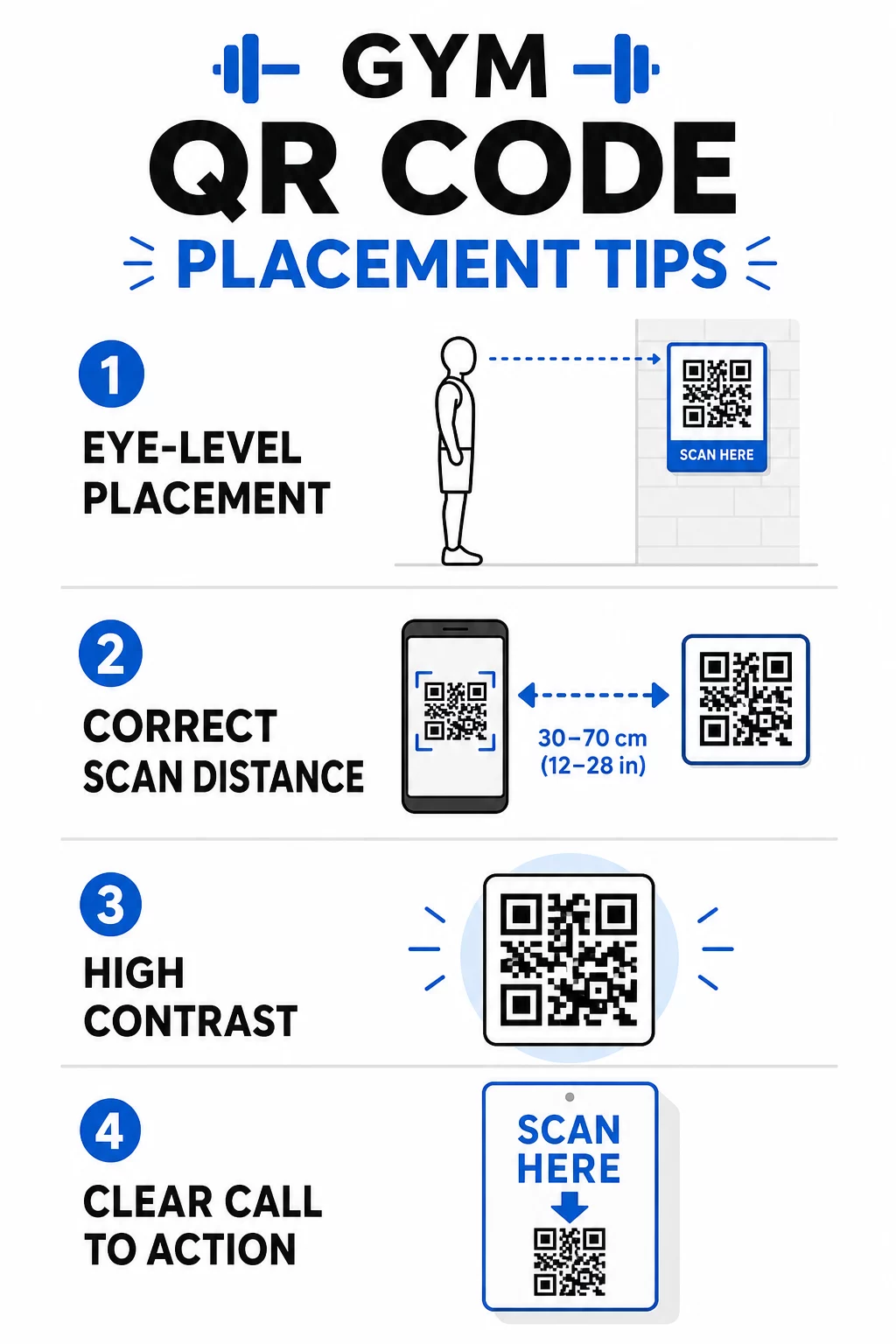
- Sijoita koodit silmien korkeudelle, noin 105–165 senttimetrin korkeudelle lattiasta
- Käytä 10:1-kokosääntöä: jokaista 10 tuumaa kohden odotettua skannausetäisyyttä koodin tulisi olla vähintään 1 tuuman levyinen
- Priorisoi korkeakontrastinen muotoilu: tummat kuviot vaaleilla taustoilla skannautuvat luotettavasti kuntosalin valaistusolosuhteissa
- Lisää selkeä toimintakehote jokaisen koodin viereen (“Skannaa treenivinkkejä varten”, “Skannaa sisäänkirjautumista varten”, “Jätä meille arvostelu”)
Yksityiskohtaiset tekniset ohjeet koon ja luettavuuden osalta löytyvät parhaita käytäntöjä QR-koodin luettavuudelle. Jokainen kuntosalillesi sijoittamasi QR-koodi on mahdollisuus vähentää jäsenten kitkaa ja tiimisi manuaalista työtä. Aloita yhdellä tai kahdella vaikuttavalla sijoituksella – sisäänkirjautuminen, laiteoppaat tai Google-arvostelut – ja seuraa tuloksia ennen laajentamista. Käytä QR-koodigeneraattori luodaksesi brändättyjä, dynaamisia koodeja, joita voit päivittää ilman uudelleenpainatusta, ja käytä sisäänrakennettua analytiikkaa nähdäksesi, mitkä sijoitukset tuottavat eniten sitoutumista.
Usein kysytyt kysymykset
Staattinen QR-koodi koodaa kohde-URL-osoitteen pysyvästi – kun se on kerran tulostettu, et voi muuttaa sen osoittamaa paikkaa. Dynaaminen QR-koodi tallentaa lyhyen uudelleenohjaus-URL-osoitteen, joten voit päivittää kohteen milloin tahansa tulostamatta koodia uudelleen. Kuntoilualan yrityksille dynaamiset koodit ovat parempi valinta, koska tuntiaikataulut, kampanjat ja harjoitussisältö muuttuvat usein, ja dynaamiset koodit tarjoavat myös skannausanalytiikkaa, jotta voit seurata suorituskykyä.
Tehokkaimmat sijoittelut ovat sisäänkäynnillä sisäänkirjautumista varten, suoraan laitteissa opetusohjeita varten, lähellä uloskäyntejä ja pukuhuoneita arvosteluja ja palautetta varten, vastaanotossa ilmoittautumisia varten, ja vilkkaasti liikennöidyillä alueilla, kuten vesipisteillä tai mehubaarissa sosiaalista mediaa ja kampanjoita varten. Sijoita koodit silmien tasolle (noin 3,5–5,5 jalkaa lattiasta) selkeän toimintakehotteen kera jokaisen viereen.
Kyllä, jokaisen QR-koodin tulisi linkittää yhteen, tiettyyn kohteeseen, jotta jäsenkokemus pysyy selkeänä ja keskittyneenä. Sisäänkirjautumiskoodin tulisi viedä sisäänkirjautumissivullesi, laitekoodin kyseisen laitteen opetusohjelmaan ja arvostelukoodin suoraan Google-arvostelusivullesi. QR-koodien hallintajärjestelmän avulla voit järjestää kaikki koodisi yhdelle hallintapaneelille, päivittää kohteita itsenäisesti ja seurata kunkin koodin suorituskykyä erikseen.