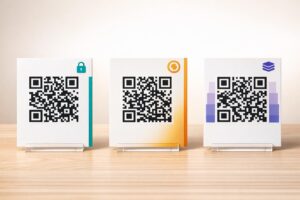
Nem tudja, hogyan használja a QR-kódokat edzőtermében vagy fitneszstúdiójában egy alapvető weboldal-linken túl? Azok a fitneszválalkozások, amelyek stratégiailag telepítenek QR-kódokat, csökkentik az adminisztratív súrlódást, jobban lekötik a tagokat, és több betérő vendéget fizető ügyféllé alakítanak. Ez az útmutató gyakorlati, azonnal megvalósítható ötleteket tartalmaz, amelyek aszerint vannak rendszerezve, hogy hogyan illeszkednek a mindennapi működésébe.
Miért alkalmazzák a fitneszválalkozások a QR-kódokat
A fitneszipar tartósan elmozdult a digitális érintkezési pontok felé. A tagok gyors, önkiszolgáló hozzáférést várnak az órarendekhez, edzésútmutatókhoz és fiókkezeléshez – és mindezt a telefonjukon akarják. A QR-kódok áthidalják a szakadékot a fizikai edzőtermi környezet és a tagok által kívánt digitális tartalom között, anélkül, hogy a személyzetnek minden interakciót manuálisan kellene kezelnie.
Dinamikus QR-kódok különösen alkalmasak fitneszválalkozások számára. A statikus kódokkal ellentétben, ahol a cél URL véglegesen kódolva van, a dinamikus kódok lehetővé teszik a linkelt tartalom bármikori frissítését anélkül, hogy újra kellene nyomtatni a fizikai kódot. Ez azt jelenti, hogy lecserélhet egy szezonális promóciót, frissíthet egy órarendet, vagy kicserélhet egy edzésvideót – és a falon lévő kód továbbra is működni fog. A dinamikus kódok támogatják a szkennelés nyomon követését is, így figyelemmel kísérheti, hányszor szkenneltek be egy kódot, melyik helyről, melyik eszközön és mikor.
Áttekintésért arról, hogy a QR-kódokat hogyan használják az edzőtermi műveletekben, lásd QR-kódok edzőtermek és wellness vállalkozások számára.
Tagok bejelentkezése és beléptetés
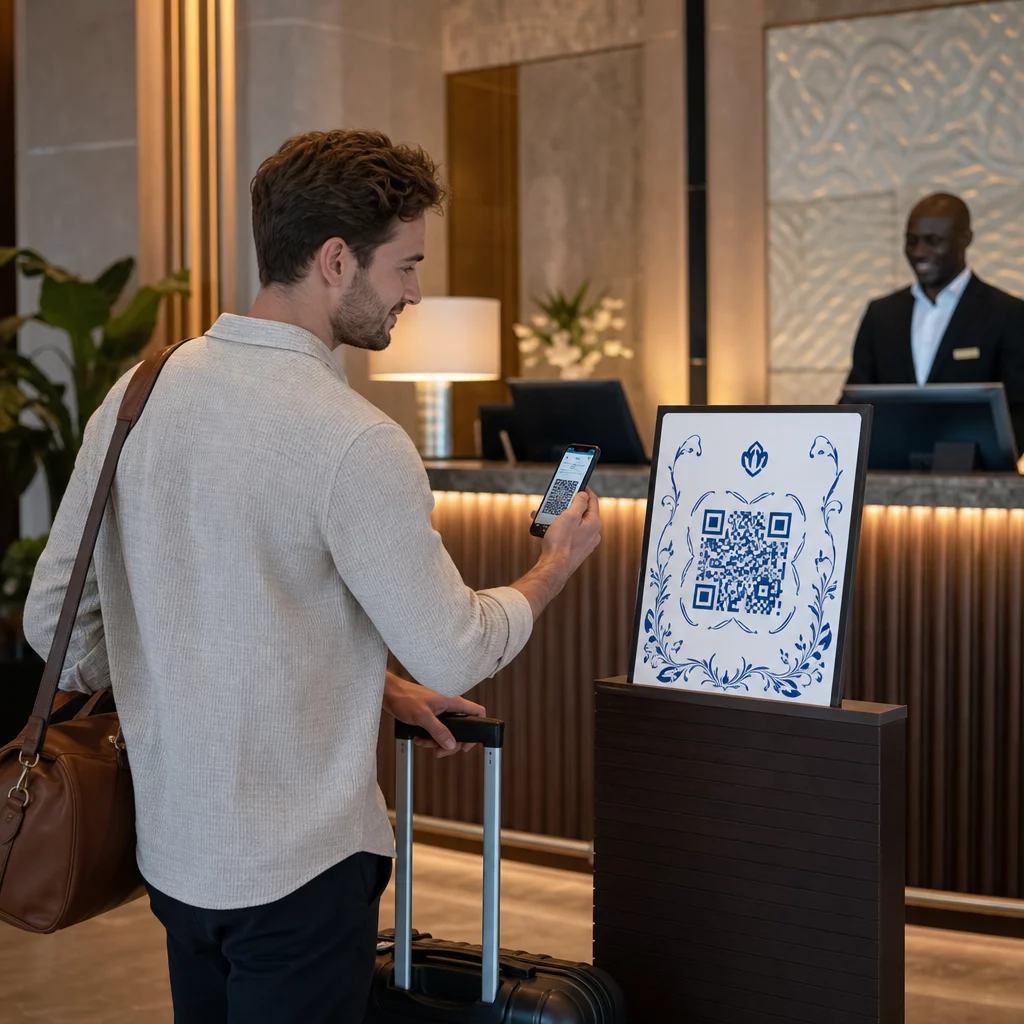
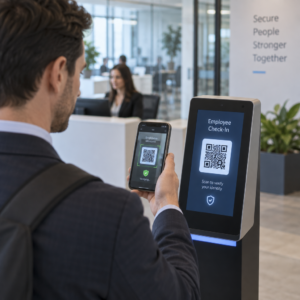
A fizikai tagsági kártyák vagy bejelentkezési lapok QR-alapú bejelentkezéssel való felváltása az egyik leginkább operatívan hatékony felhasználási mód. A tagok a bejáratnál beolvasnak egy kódot, hogy rögzítsék jelenlétüket vagy feloldjanak egy forgókaput, ezzel megszüntetve a sorban állást és csökkentve a recepció terhelését.
Építhet egy egyszerű jelenléti nyomon követő rendszert egy link QR-kóddal amely egy űrlaphoz vagy bejelentkezési oldalhoz kapcsolódik. A dinamikus kódok itt a jobb választás, mert átirányíthatja a kódot egy új bejelentkezési URL-re, ha a platformja megváltozik, anélkül, hogy hozzá kellene nyúlnia a nyomtatott táblához.
Hova helyezze el a bejelentkezési kódokat:
- Edzőterem bejárata vagy forgókapu
- Recepciós pult
- Egyedi stúdió- vagy osztályterem ajtók
Új tagok regisztrációja és bevezetése
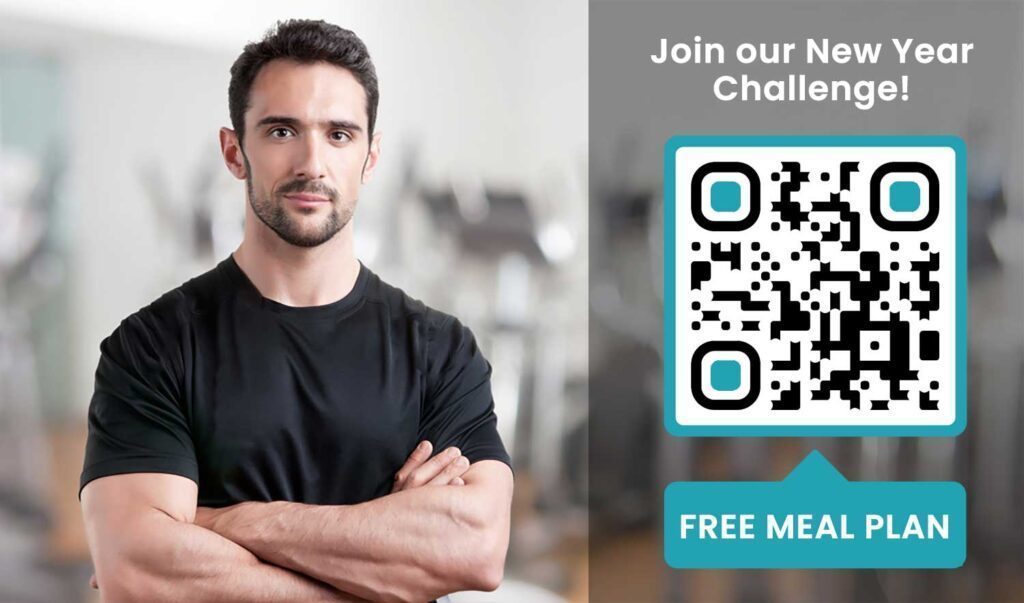
Egy ablakon, szórólapon vagy recepciós kijelzőn elhelyezett QR-kód közvetlenül egy regisztrációs űrlapra, lemondó nyilatkozatra vagy próbaóra-regisztrációra irányíthatja a leendő tagot – anélkül, hogy egy munkatársnak segítenie kellene. Ez különösen hasznos munkaidőn kívül vagy forgalmas csúcsidőben, amikor a recepciós személyzet foglalt.
Használj Google Form QR-kód azonnali hozzáférést biztosítson a potenciális ügyfeleknek a lekérdezésekhez, tagsági regisztrációkhoz vagy lemondó nyilatkozatokhoz a saját eszközükről. A meglévő új tagok bevezetéséhez egyetlen PDF QR-kód összefoglalhatja az Ön magatartási kódexét, órarendjét és egy kezdő edzéstervet egyetlen szkennelhető dokumentumba.
Egyszerűsítse az új tagok regisztrációját Hozzon létre egy szkennelhető regisztrációs űrlapot, amelyet a potenciális tagok kitölthetnek a saját telefonjukon. Használja a Google Forms kérdőív QR kód generátor közvetlenül a regisztrációs vagy lemondó nyilatkozat űrlapjára mutató linket – nincs papír, nincs kézi adatbevitel.
Felszerelés oktatóanyagok és edzés útmutatók
Egy QR-kód közvetlen elhelyezése egy berendezésen az egyik legnyilvánvalóbb előny a tagi élmény szempontjából. A tagok beolvassák a kódot, és azonnal hozzáférnek egy rövid oktatóvideóhoz, a helyes forma bemutatásához vagy biztonsági útmutatóhoz az adott géphez. Ez csökkenti a sérülés kockázatát, és csökkenti azon alkalmak számát, amikor az edzőknek végig kell vezetniük valakit az alapvető felszerelés használatán.
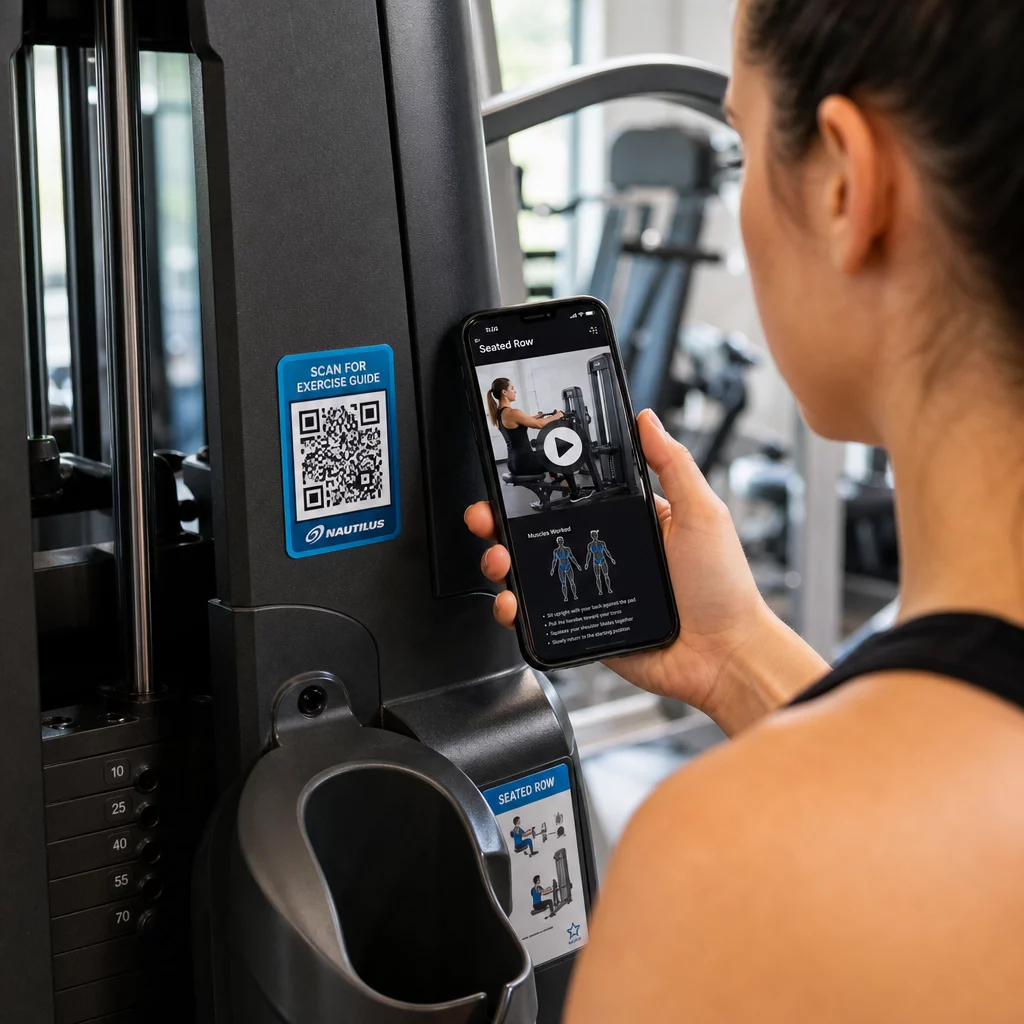
Használjon dinamikus kódokat a berendezések címkéihez. Amikor frissíti a videótartalmat vagy platformot vált, egyszerűen frissíti a célhelyet – nem kell újra kinyomtatni és újra címkézni minden gépet a létesítményében.
A személyi edzők is használhatják PDF QR kódok személyre szabott edzéstervek biztosítására. Nyomtassa ki a kódot egy kártyára minden ügyfél számára, és frissítse a linkelt tervet, ahogy a programjuk halad.
Órarendek és foglalások
Az órarendi stúdiója közelében, egy lobby kijelzőn vagy egy szórólapon elhelyezett QR-kód egyetlen érintéssel hozzáférést biztosít a tagoknak az aktuális órarendhez és foglalási oldalhoz. Ez különösen jól működik olyan stúdiók esetében, amelyek többféle óratípust vagy oktatót alkalmaznak, ahol az órarendek hetente változnak.
Mivel a dinamikus kódok lehetővé teszik a tartalom frissítését újranyomtatás nélkül, ugyanazt a nyomtatott kódot tarthatja a falán egész évben, és egyszerűen frissítheti a linkelt órarendet minden héten. Olvasson többet arról, hogyan alkalmazhatja ezt a gyakorlatban a hogyan növelik a QR-kódok az edzőtermi marketinget.
Promóciók és korlátozott idejű ajánlatok
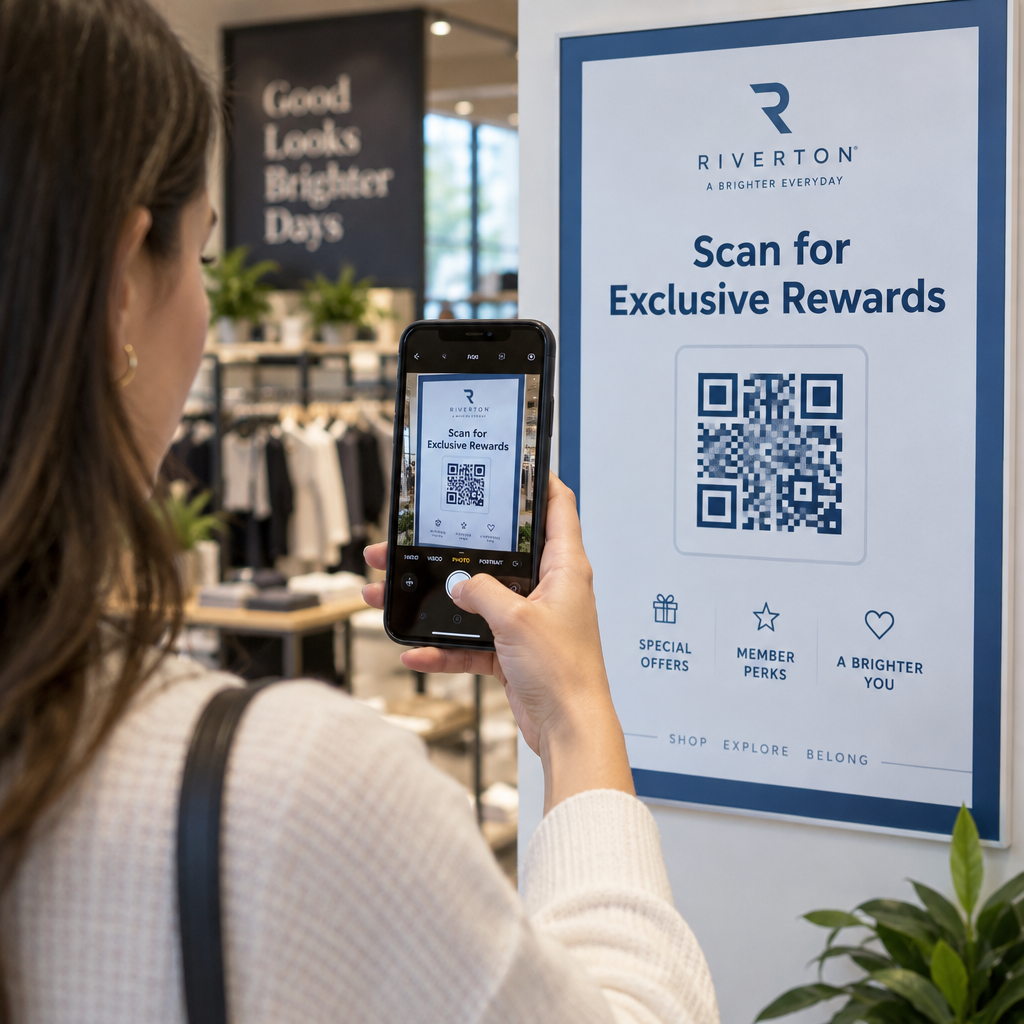
A szórólapokon, posztereken és közösségi média bejegyzéseken található QR-kódok közvetlenül egy tagsági ajánlatra, próbaóra regisztrációra vagy kuponoldalra mutathatnak. Amikor a promóció véget ér, frissítse a célhelyet az anyagok újranyomtatása helyett.
Néhány gyakorlati elhelyezés:
- Ablakmatricák “Szkenneld be egy 7 napos ingyenes bérletért” felirattal
- Szórólapok helyi rendezvényeken vagy egészségügyi vásárokon
- Plakátok a bejárat közelében a csúcsidőszakokban
A dinamikus kódok az ajánlott választás promóciókhoz, mert az ajánlat URL-je változik, de a nyomtatott anyagnak nem kell. Útmutatásért, hogy hol és hogyan helyezze el ezeket a kódokat a maximális láthatóság érdekében, lásd a útmutató a QR-kód elhelyezéséhez a marketingben.
Tagi visszajelzések és Google vélemények
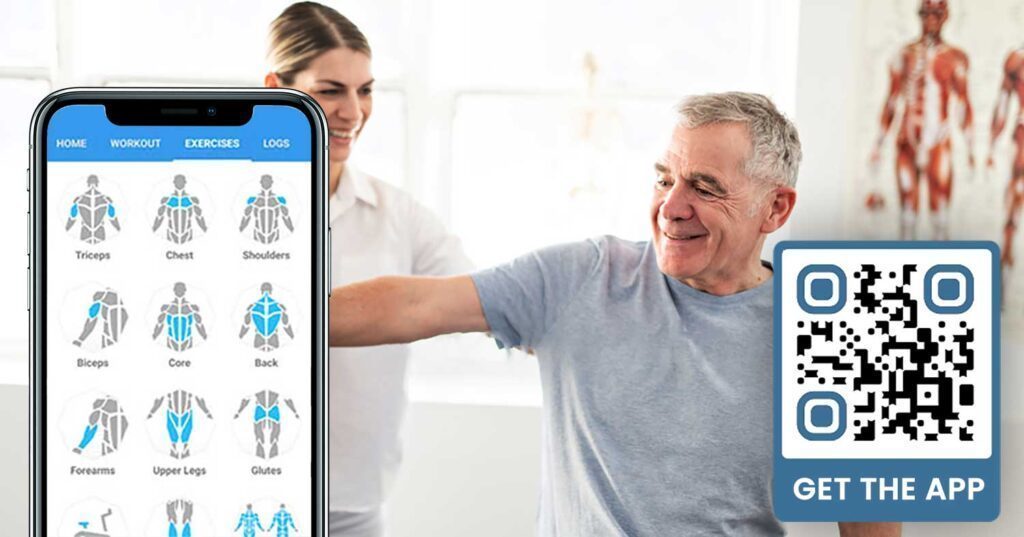
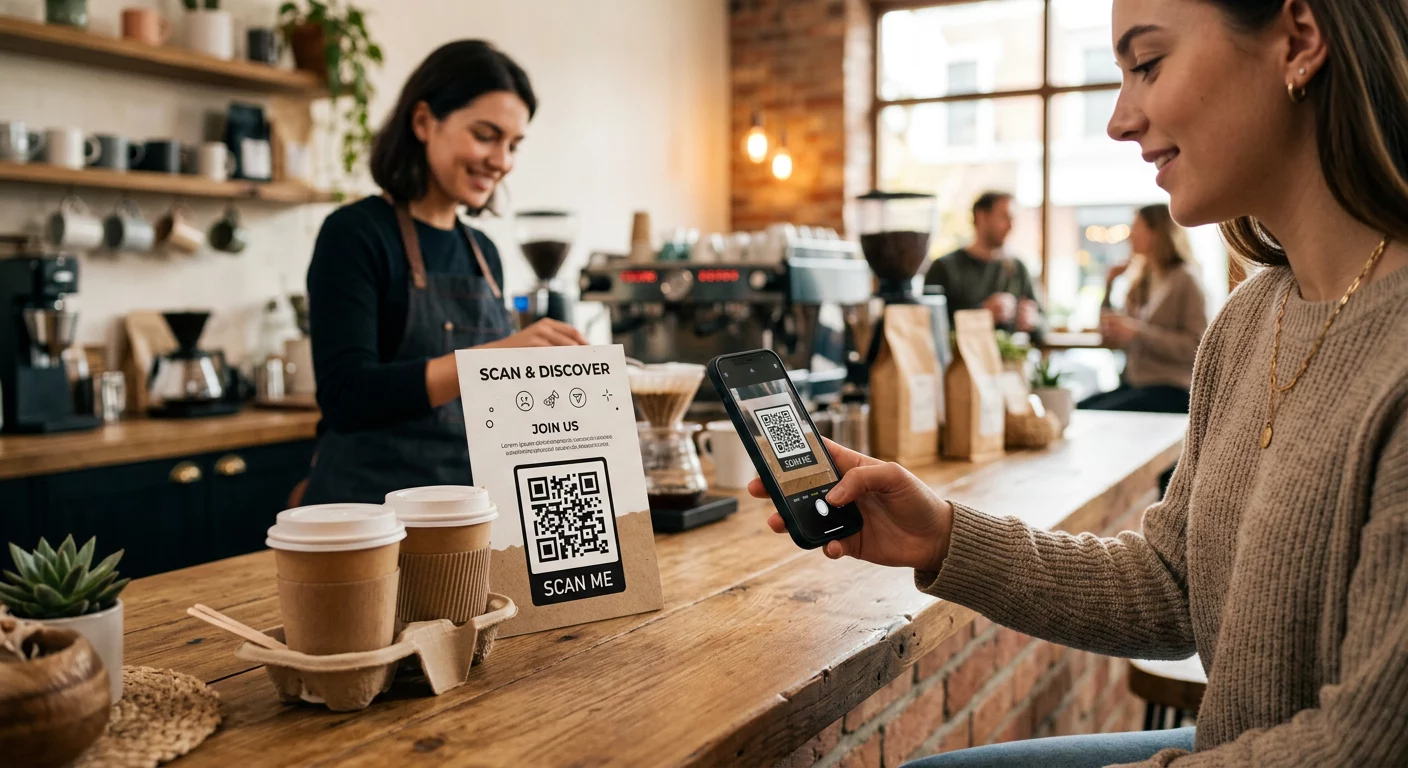
A következetes visszajelzésgyűjtés nehéz, amikor a tagok rohannak be és ki. A kijárat közelében, az öltözőben vagy a juice bárban elhelyezett QR-kód súrlódásmentes módot biztosít a tagoknak, hogy gyors véleményt írjanak vagy kitöltsenek egy elégedettségi felmérést.
A Google értékelés QR-kóddal a nagy forgalmú helyeken elhelyezve közvetlenül a Google Cégem véleményezési oldalára irányítja a tagokat – nincs szükség keresésre. A több vélemény javítja a helyi keresési rangsorolást, és megadja a leendő tagoknak azt a társadalmi bizonyítékot, amire szükségük van az edzőterem kiválasztásához.
Visszajelzési felmérésekhez egy Google Form QR-kód lehetővé teszi strukturált adatok gyűjtését az órákról, felszerelésekről, személyzetről és létesítményekről.
Gyűjtsön több Google véleményt automatikusan Helyezzen el egy QR-kódot a kijáratnál vagy az öltözőben, és nézze, ahogy nőnek a véleményei. Használja a Google értékelés QR kód generátor hogy márkás kódot hozzon létre, amely közvetlenül a véleményezési oldalára viszi a tagokat.
Wi-Fi hozzáférés tagok és vendégek számára
A Wi-Fi biztosítása elvárás a legtöbb modern edzőteremben. A recepción, a juice bár közelében vagy az öltöző falain elhelyezett Wi-Fi QR-kód lehetővé teszi a tagok számára, hogy azonnal csatlakozzanak szkenneléssel – nincs szükség jelszókeresésre vagy manuális bevitelre. Ez a kis kényelem hozzájárul az általános tagi élményhez anélkül, hogy személyzeti beavatkozást igényelne.
Közösségi média elkötelezettség
A nagy forgalmú helyeken – tükrök, vízadagolók, előtér – elhelyezett QR-kódok közvetlenül az Instagram, YouTube csatornájára vagy közösségi profiljára mutathatnak. Azok a tagok, akik már elkötelezettek az Ön terével, a legvalószínűbbek, hogy követni és megosztani fogják. Ez jól működik fitnesz kihívások vagy események mellett, ahol online közösségi részvételt szeretne építeni.
Fitnesz kihívások és események
A QR-kódok megkönnyítik a tagok meghívását strukturált kihívásokra, workshopokra vagy edzőtermi eseményekre. Helyezzen el egy kódot egy plakáton vagy kijelzőtáblán, amely egy regisztrációs űrlapra vagy eseményrészletek oldalra mutat. Frissítse a hivatkozott célállomást, ahogy az események változnak az év során – anélkül, hogy újra kellene nyomtatni a plakátot.
Elhelyezési tippek, amelyek minden felhasználási esetre érvényesek
Az elhelyezés minősége közvetlenül befolyásolja a beolvasások számát. Egy rossz helyen elhelyezett, jól megtervezett kód rosszabbul teljesít, mint egy egyszerűbb kód, amelyet ott helyeztek el, ahol a tagok természetesen megállnak.
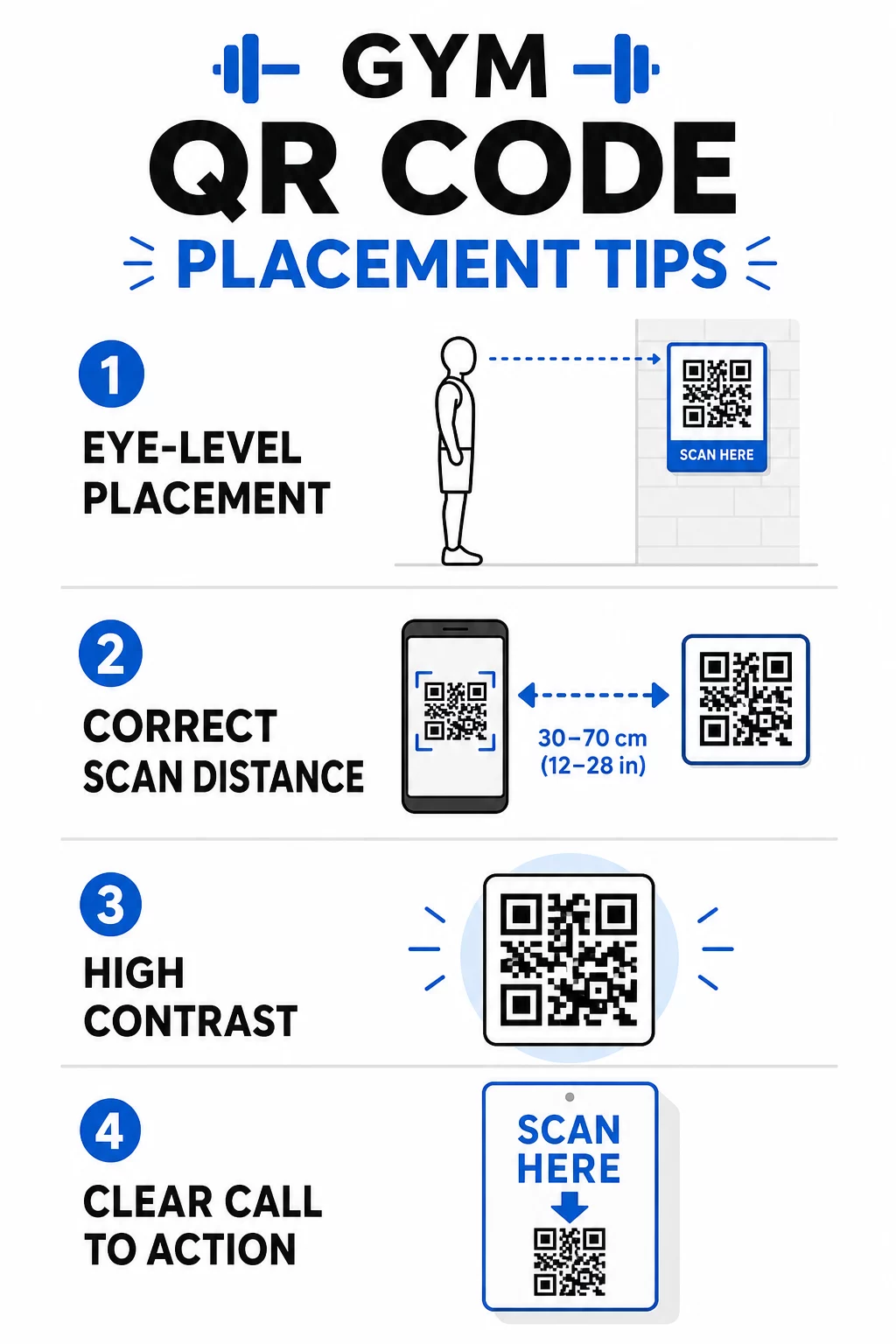
- Helyezze a kódokat szemmagasságba, nagyjából 3,5 és 5,5 láb (kb. 106-167 cm) magasságban a padlótól
- Használja a 10:1 méretezési szabályt: minden 10 hüvelyk (kb. 25 cm) várható szkennelési távolságra a kódnak legalább 1 hüvelyk (kb. 2,5 cm) szélesnek kell lennie
- Prioritás a nagy kontrasztú design: sötét minták világos háttéren megbízhatóan beolvashatók edzőtermi fényviszonyok között
- Adjon hozzá egy világos cselekvésre ösztönzést minden kód mellé (“Szkenneljen edzéstippekért,” “Szkenneljen a bejelentkezéshez,” “Hagyjon nekünk véleményt”)
Részletes technikai útmutatóért a méretezésről és olvashatóságról lásd a QR-kód olvashatóságára vonatkozó legjobb gyakorlatokat. Minden QR-kód, amelyet az edzőtermében telepít, lehetőséget teremt a tagok számára a súrlódás csökkentésére és a csapat manuális munkájának mérséklésére. Kezdje egy-két nagy hatású elhelyezéssel – bejelentkezés, felszerelés útmutatók vagy Google vélemények – és kövesse nyomon az eredményeket a bővítés előtt. Használja a QR-kód generátorunk felfedezésével kezdheti. márkás, dinamikus kódok létrehozásához, amelyeket újranyomtatás nélkül frissíthet, és használja a beépített analitikát, hogy lássa, mely elhelyezések generálják a legnagyobb elkötelezettséget.
Gyakori kérdések
A statikus QR-kód véglegesen kódolja a cél URL-t – kinyomtatás után nem módosíthatja, hová mutat. A dinamikus QR-kód egy rövid átirányítási URL-t tárol, így bármikor frissítheti a célt anélkül, hogy újra kellene nyomtatnia a kódot. Fitneszvállalkozások számára a dinamikus kódok a jobb választás, mert az órarendek, promóciók és edzési tartalmak gyakran változnak, és a dinamikus kódok szkennelési analitikát is biztosítanak, így nyomon követheti a teljesítményt.
A leghatékonyabb elhelyezések a bejáratnál a bejelentkezéshez, közvetlenül a felszerelésen az oktatóanyagokhoz, a kijáratok és öltözők közelében az értékelésekhez és visszajelzésekhez, a recepción a feliratkozásokhoz, valamint nagy forgalmú területeken, mint például vízadagolók vagy a juice bár a közösségi média és promóciók számára. Helyezze el a kódokat szemmagasságban (körülbelül 3,5-5,5 lábnyira a padlótól) egyértelmű cselekvésre ösztönző felhívással mindegyik mellett.
Igen, minden QR-kódnak egyetlen, specifikus célállomásra kell mutatnia, hogy a tagi élmény tiszta és fókuszált maradjon. Egy bejelentkezési kódnak a bejelentkezési oldalra kell mutatnia, egy felszerelés kódnak az adott gép oktatóanyagára, és egy véleményezési kódnak közvetlenül a Google véleményezési oldalára. Egy QR-kód kezelő platform használatával az összes kódját egyetlen irányítópulton rendszerezheti, függetlenül frissítheti a célállomásokat, és külön-külön nyomon követheti az egyes kódok teljesítményét.