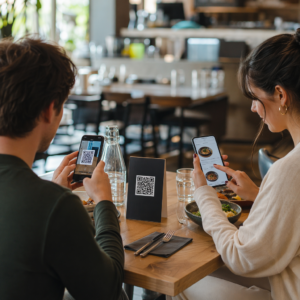
Är du osäker på hur du faktiskt använder QR-koder i ditt gym eller din träningsstudio utöver en grundläggande webbplatslänk? Träningsföretag som strategiskt använder QR-koder minskar administrativ friktion, håller medlemmarna mer engagerade och omvandlar fler spontanbesökare till betalande kunder. Denna guide täcker praktiska, färdiga idéer organiserade efter hur de passar in i din dagliga verksamhet.
Varför träningsföretag anammar QR-koder
Träningsbranschen har gjort en varaktig övergång mot digitala kontaktpunkter. Medlemmar förväntar sig snabb, självbetjänande tillgång till klasscheman, träningsguider och kontohantering – och de vill ha allt på sina telefoner. QR-koder överbryggar klyftan mellan den fysiska gymmiljön och det digitala innehåll medlemmarna vill ha, utan att personal behöver hantera varje interaktion manuellt.
Dynamiska QR-koder är särskilt väl lämpade för träningsföretag. Till skillnad från statiska koder, där destinations-URL:en är permanent kodad, låter dynamiska koder dig uppdatera det länkade innehållet när som helst utan att skriva ut den fysiska koden igen. Det betyder att du kan byta ut en säsongskampanj, uppdatera ett klasschema eller byta en träningsvideo – och koden på din vägg fortsätter att fungera. Dynamiska koder stöder också skanningsspårning, så att du kan övervaka hur många gånger en kod skannades, från vilken plats, på vilken enhet och vid vilken tidpunkt.
För en översikt över hur QR-koder används specifikt inom gymverksamhet, se QR-koder för gym och friskvårdsföretag.
Medlemsincheckning och åtkomstkontroll
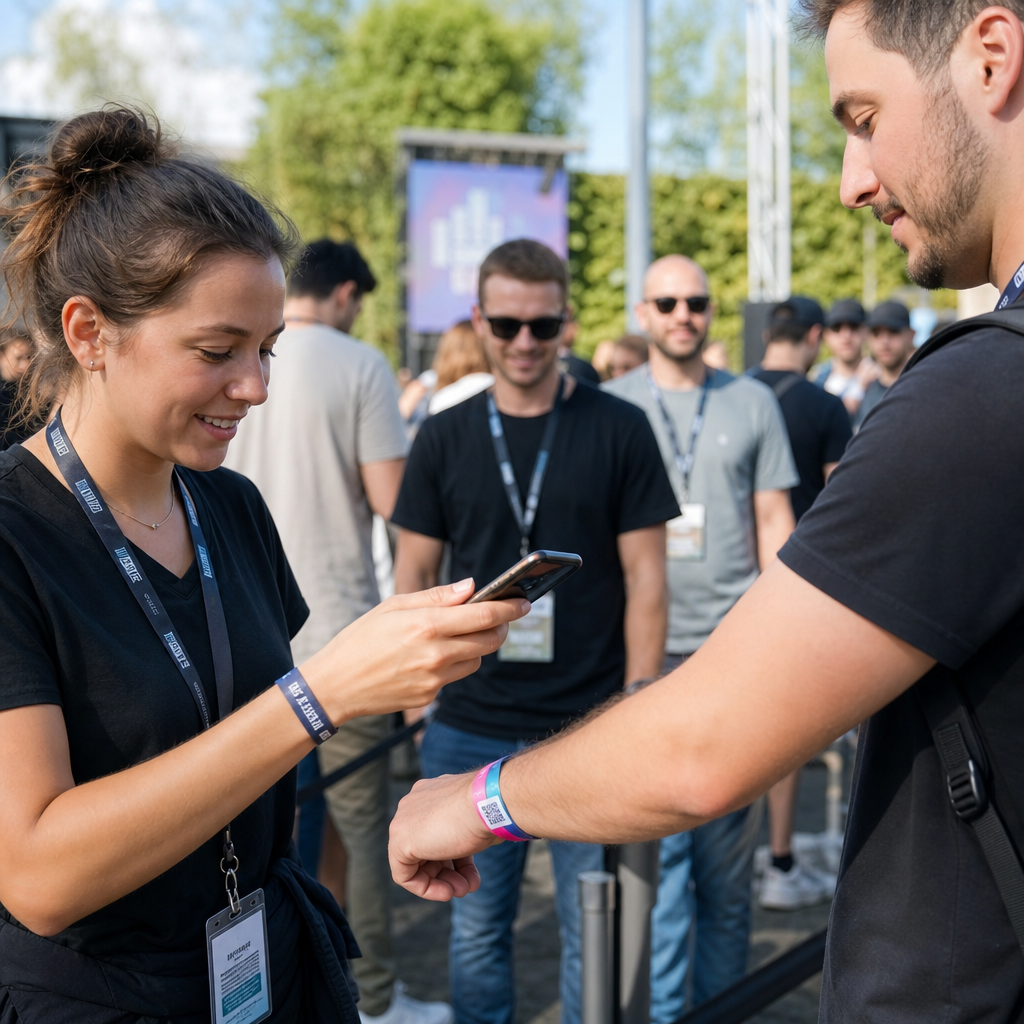
Att ersätta fysiska medlemskort eller incheckningslistor med QR-baserad incheckning är en av de mest operationellt effektiva användningarna. Medlemmar skannar en kod vid ingången för att registrera sin närvaro eller låsa upp en vändkors, vilket eliminerar köer och minskar arbetsbelastningen i receptionen.
Du kan bygga ett enkelt närvarospårningssystem med hjälp av en QR-kod för länk som ansluter till ett formulär eller en incheckningssida. Dynamiska koder är det bättre valet här eftersom du kan omdirigera koden till en ny inchecknings-URL om din plattform ändras, utan att röra den tryckta skyltningen.
Var du ska placera incheckningskoder:
- Gymingång eller vändkors
- Receptionens disk
- Dörrar till enskilda studior eller klassrum
Nya medlemmar: Registrering och introduktion
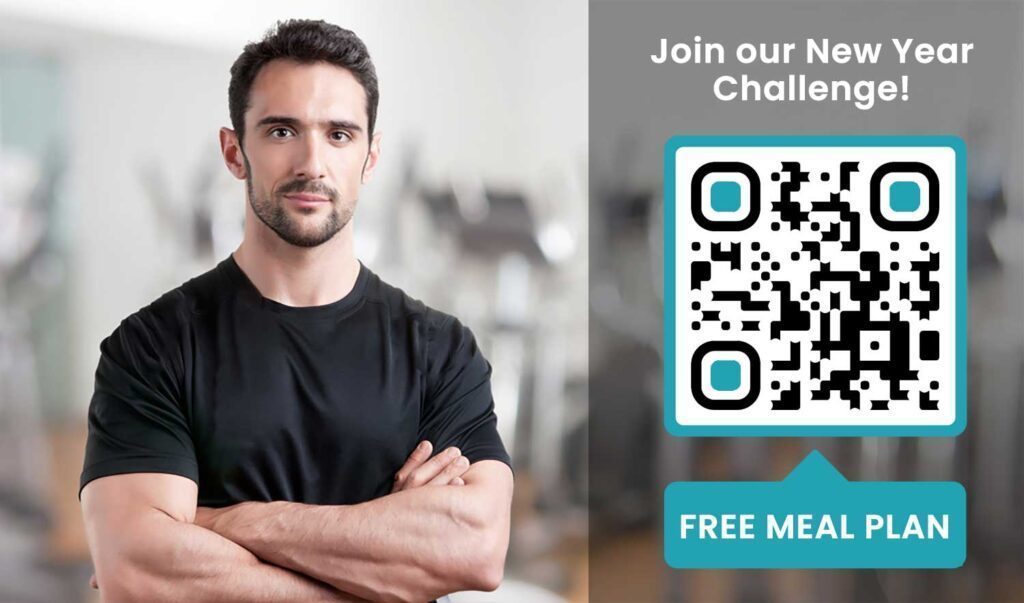
En QR-kod på ett fönster, en flyer eller en receptionsskärm kan ta en potentiell medlem direkt till ett registreringsformulär, en ansvarsfriskrivning eller en provklassregistrering – utan att en personal behöver hjälpa till. Detta är särskilt användbart under obemannade tider eller hektiska topptimmar när receptionspersonalen är upptagen.
Använda en QR-kod för Google-formulär för att ge potentiella kunder omedelbar tillgång till förfrågningar, medlemsregistreringar eller ansvarsfriskrivningar från sin egen enhet. För att introducera befintliga nya medlemmar, en enda PDF QR-kod kan samla din uppförandekod, klassschema och en träningsplan för nybörjare i ett skanningsbart dokument.
Effektivisera registrering av nya medlemmar Skapa ett skanningsbart anmälningsformulär som potentiella medlemmar kan fylla i på sina egna telefoner. Använd QR-kodgenerator för Google Formulär för att länka direkt till ditt registrerings- eller ansvarsfriskrivningsformulär – inget papper, ingen manuell datainmatning.
Utrustningshandledningar och träningsguider
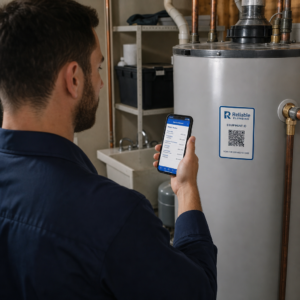
Att placera en QR-kod direkt på en utrustning är en av de tydligaste vinsterna för medlemsupplevelsen. Medlemmar skannar koden och får omedelbart tillgång till en kort instruktionsvideo, demonstration av korrekt form eller säkerhetsvägledning för den specifika maskinen. Detta minskar skaderisken och minskar antalet gånger tränare behöver visa någon hur man använder grundläggande utrustning.
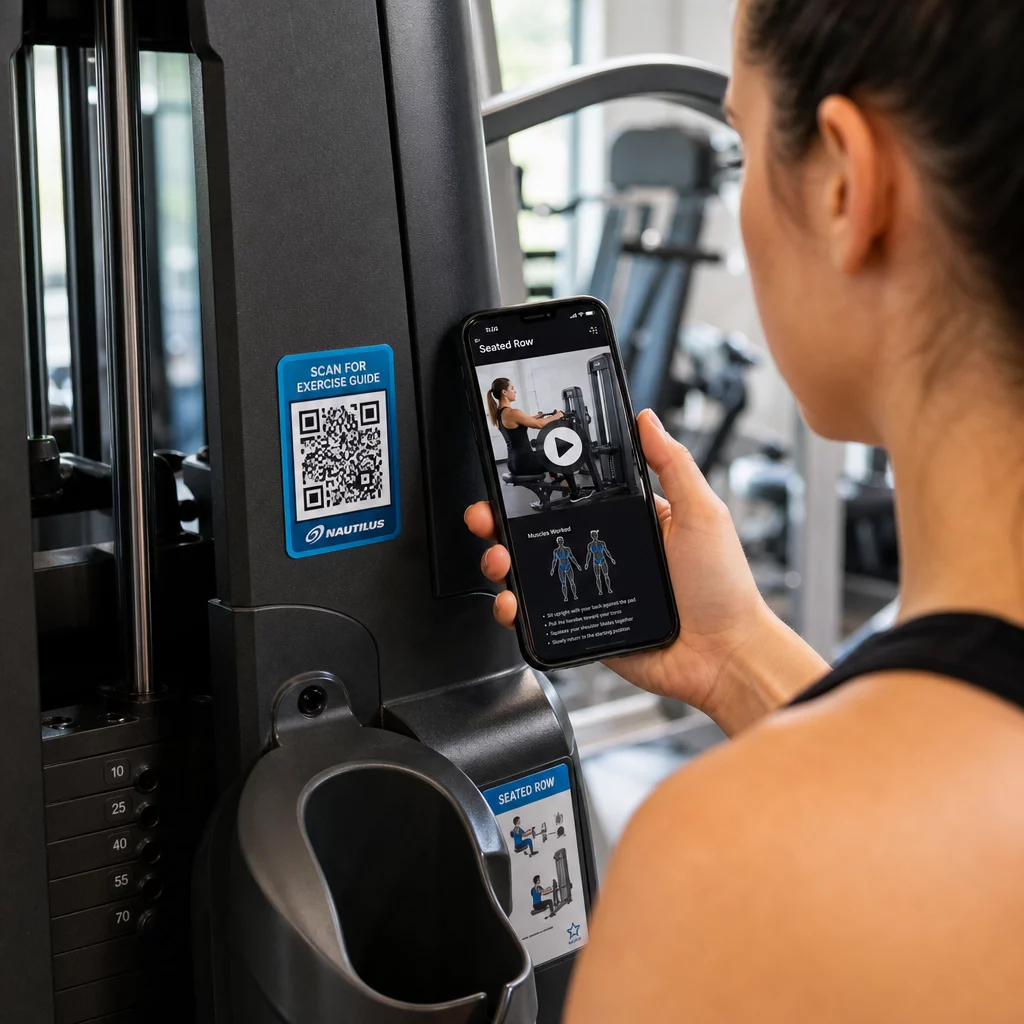
Använd dynamiska koder för utrustningsetiketter. När du uppdaterar ditt videoinnehåll eller byter plattform, uppdaterar du helt enkelt destinationen – du behöver inte trycka om och märka om varje maskin i din anläggning.
Personliga tränare kan också använda PDF QR-koder för att leverera personliga träningsplaner. Skriv ut koden på ett kort för varje klient och uppdatera den länkade planen allt eftersom deras program fortskrider.
Klasscheman och bokningar
En QR-kod placerad nära din klassstudio, på en lobbyskärm eller inkluderad på en flyer ger medlemmar en-trycksåtkomst till ditt aktuella klasschema och bokningssida. Detta fungerar särskilt bra för studior som kör flera klasstyper eller instruktörer, där scheman ändras varje vecka.
Eftersom dynamiska koder tillåter innehållsuppdateringar utan att trycka om, kan du behålla samma tryckta kod på din vägg året runt och helt enkelt uppdatera det länkade schemat varje vecka. Läs mer om hur du tillämpar detta i praktiken i hur QR-koder förstärker gymmarknadsföring.
Kampanjer och tidsbegränsade erbjudanden
QR-koder på flygblad, affischer och inlägg i sociala medier kan länka direkt till ett medlemskapserbjudande, anmälan till en provklass eller en kupongsida. När kampanjen avslutas, uppdatera destinationen istället för att trycka om material.
Några praktiska placeringar:
- Fönsterdekaler med en uppmaning om att “Skanna för ett 7-dagars gratispass”
- Utdelning vid lokala evenemang eller hälsomässor
- Affischer nära entrén under högsäsong för registrering
Dynamiska koder är det rekommenderade valet för kampanjer eftersom erbjudande-URL:en ändras men det tryckta materialet inte behöver. För vägledning om var och hur du placerar dessa koder för maximal synlighet, se guide för placering av QR-koder i marknadsföring.
Medlemsfeedback och Google-recensioner
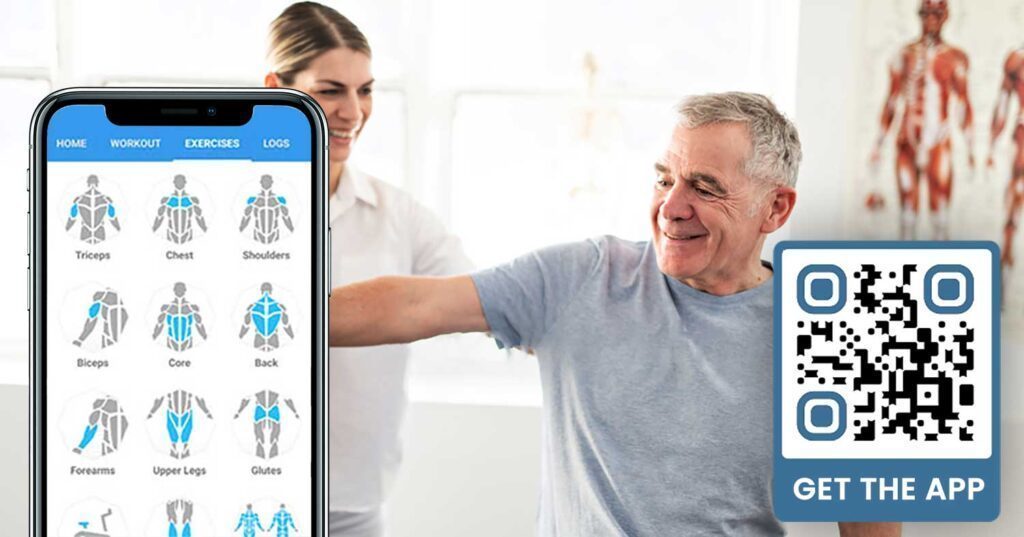
Att samla in feedback konsekvent är svårt när medlemmar skyndar in och ut. En QR-kod placerad nära utgången, i omklädningsrummet eller vid juicebaren ger medlemmarna ett friktionsfritt sätt att lämna en snabb recension eller fylla i en nöjdhetsundersökning.
A QR-kod för Google-recensioner placerad i högtrafikerade områden leder medlemmar direkt till din Google Business-recensionssida – ingen sökning krävs. Fler recensioner förbättrar din lokala sökrankning och ger potentiella medlemmar det sociala bevis de behöver för att välja ditt gym.
För feedbackundersökningar, en QR-kod för Google-formulär låter dig samla in strukturerad input om klasser, utrustning, personal och faciliteter.
Samla in fler Google-recensioner automatiskt Placera en QR-kod vid din utgång eller i omklädningsrummet och se dina recensioner växa. Använd QR-kodgenerator för Google-recensioner för att skapa en märkeskod som tar medlemmar direkt till din recensionssida.
Wi-Fi-åtkomst för medlemmar och gäster
Att erbjuda Wi-Fi förväntas på de flesta moderna gym. En Wi-Fi QR-kod som visas i receptionen, nära juicebaren eller på omklädningsrumsväggarna låter medlemmar ansluta direkt genom att skanna – ingen lösenordsjakt eller manuell inmatning krävs. Denna lilla bekvämlighet bidrar till den övergripande medlemsupplevelsen utan att kräva någon personalinblandning.
Engagemang i sociala medier
QR-koder placerade i högtrafikerade områden – speglar, vattenstationer, lobbyn – kan länka direkt till din Instagram, YouTube-kanal eller sociala profil. Medlemmar som redan är engagerade i ditt utrymme är mest benägna att följa och dela. Detta fungerar bra tillsammans med träningsutmaningar eller evenemang där du vill bygga upp online-gemenskapsdeltagande.
Träningstävlingar och evenemang
QR-koder gör det enkelt att bjuda in medlemmar att delta i strukturerade utmaningar, workshops eller evenemang på gymmet. Placera en kod på en affisch eller anslagstavla som länkar till ett anmälningsformulär eller en sida med evenemangsdetaljer. Uppdatera den länkade destinationen när evenemang ändras under året – utan att trycka om affischen.
Placeringsråd som gäller för alla användningsområden
Placeringskvaliteten påverkar direkt hur många skanningar du får. En välutformad kod på fel plats kommer att underprestera en enklare kod placerad där medlemmar naturligt stannar upp.
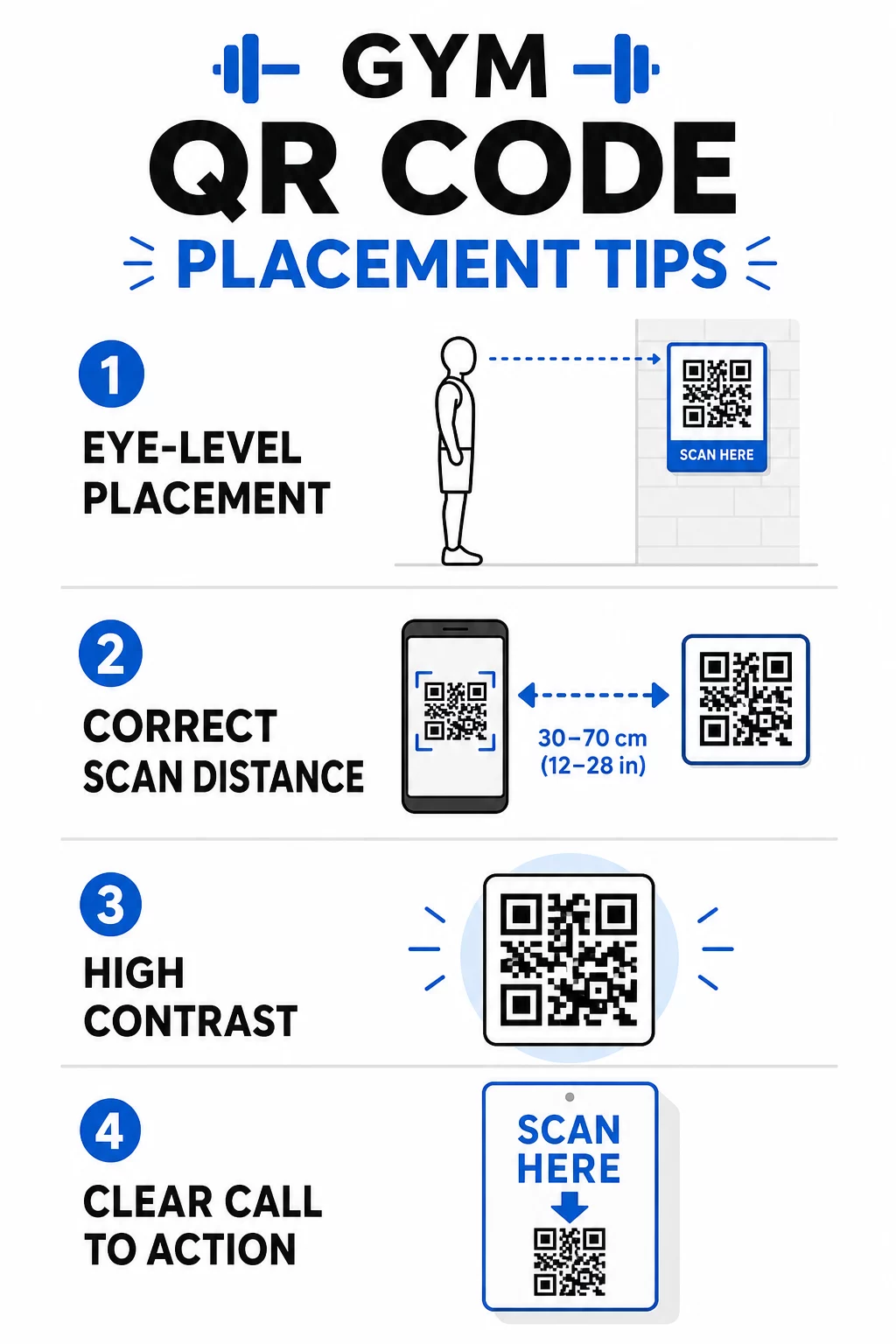
- Placera koder i ögonhöjd, ungefär mellan 3,5 och 5,5 fot från golvet
- Använd storleksregeln 10:1: för varje 10 tum förväntat skanningsavstånd bör koden vara minst 1 tum bred
- Prioritera design med hög kontrast: mörka mönster på ljusa bakgrunder skannas tillförlitligt under gymbelysning
- Lägg till en tydlig uppmaning till handling bredvid varje kod (“Skanna för träningstips”, “Skanna för att checka in”, “Lämna oss en recension”)
För detaljerad teknisk vägledning om storlek och läsbarhet, se bästa praxis för läsbarhet av QR-koder. Varje QR-kod du distribuerar i ditt gym är en möjlighet att minska friktionen för medlemmar och minska manuellt arbete för ditt team. Börja med en eller två placeringar med hög effekt – incheckning, utrustningsguider eller Google-recensioner – och spåra resultaten innan du expanderar. Använd QR-kodgenerator för att skapa varumärkesanpassade, dynamiska koder som du kan uppdatera utan att trycka om, och använd den inbyggda analysen för att se vilka placeringar som driver mest engagemang.
Vanliga frågor
En statisk QR-kod kodar permanent destinations-URL:en – när den väl är utskriven kan du inte ändra vart den pekar. En dynamisk QR-kod lagrar en kort omdirigerings-URL, så du kan uppdatera destinationen när som helst utan att skriva ut koden igen. För träningsföretag är dynamiska koder det bättre valet eftersom klasscheman, kampanjer och träningsinnehåll ändras ofta, och dynamiska koder ger också skanningsanalys så att du kan spåra prestanda.
De mest effektiva placeringarna är vid entrén för incheckning, direkt på utrustning för handledningar, nära utgångar och omklädningsrum för recensioner och feedback, vid receptionen för registreringar, och i högtrafikerade områden som vattenstationer eller juicebaren för sociala medier och kampanjer. Placera koder i ögonhöjd (ungefär 3,5 till 5,5 fot från golvet) med en tydlig uppmaning till handling bredvid varje.
Ja, varje QR-kod bör länka till en enda, specifik destination för att hålla medlemsupplevelsen tydlig och fokuserad. En incheckningskod bör gå till din incheckningssida, en utrustningskod bör gå till den maskinens handledning, och en recensionskod bör gå direkt till din Google-recensionssida. Att använda en plattform för QR-kodhantering låter dig organisera alla dina koder i en instrumentpanel, uppdatera destinationer oberoende av varandra och spåra prestandan för varje kod separat.