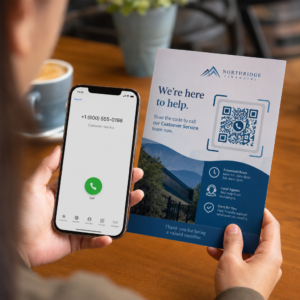
Не впевнені, як насправді використовувати QR-коди у вашому тренажерному залі чи фітнес-студії, окрім простого посилання на веб-сайт? Фітнес-компанії, які стратегічно впроваджують QR-коди, зменшують адміністративні труднощі, підтримують залученість учасників та перетворюють більше випадкових відвідувачів на платних клієнтів. Цей посібник охоплює практичні, готові до впровадження ідеї, організовані за тим, як вони вписуються у вашу повсякденну діяльність.
Чому фітнес-компанії впроваджують QR-коди
Фітнес-індустрія зробила стійкий перехід до цифрових точок взаємодії. Учасники очікують швидкого, самостійного доступу до розкладів занять, посібників з тренувань та управління обліковим записом – і вони хочуть мати все це на своїх телефонах. QR-коди долають розрив між фізичним середовищем тренажерного залу та цифровим контентом, який потрібен учасникам, не вимагаючи від персоналу ручного оброблення кожної взаємодії.
Динамічні QR-коди особливо добре підходять для фітнес-компаній. На відміну від статичних кодів, де URL-адреса призначення закодована назавжди, динамічні коди дозволяють оновлювати пов'язаний контент у будь-який час без повторного друку фізичного коду. Це означає, що ви можете замінити сезонну акцію, оновити розклад занять або замінити відео з тренуванням – і код на вашій стіні продовжуватиме працювати. Динамічні коди також підтримують відстеження сканувань, тому ви можете контролювати, скільки разів код був відсканований, з якого місця, на якому пристрої та в який час.
Для огляду того, як QR-коди використовуються в роботі тренажерних залів, дивіться QR-коди для тренажерних залів та велнес-компаній.
Реєстрація учасників та контроль доступу
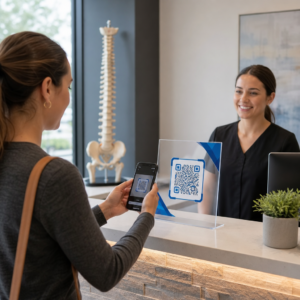
Заміна фізичних членських карток або листів реєстрації на реєстрацію за допомогою QR-кодів є одним з найбільш операційно ефективних способів використання. Учасники сканують код на вході, щоб зареєструвати свою присутність або розблокувати турнікет, що усуває черги та зменшує навантаження на рецепцію.
Ви можете створити просту систему відстеження відвідуваності за допомогою QR-коду посилання яка підключається до форми або сторінки реєстрації. Динамічні коди є кращим вибором тут, оскільки ви можете перенаправити код на нову URL-адресу реєстрації, якщо ваша платформа зміниться, не торкаючись надрукованих вивісок.
Де розмістити коди для реєстрації:
- Вхід до тренажерного залу або турнікет
- Стійка рецепції
- Двері окремих студій або класних кімнат
Реєстрація та адаптація нових учасників
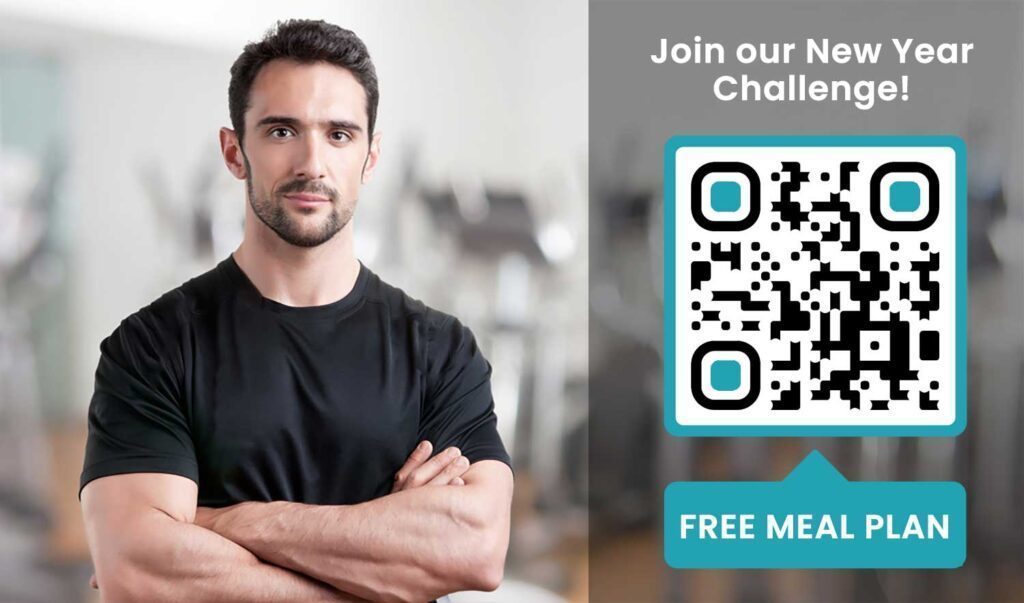
QR-код на вікні, флаєрі або дисплеї на рецепції може направити потенційного учасника безпосередньо до форми реєстрації, відмови від відповідальності або реєстрації на пробне заняття – без необхідності допомоги співробітника. Це особливо корисно в неробочий час або в години пік, коли персонал рецепції зайнятий.
Використовуйте a QR-код Google Form щоб надати потенційним клієнтам миттєвий доступ до запитів, реєстрації членства або подання відмов зі свого власного пристрою. Для адаптації існуючих нових членів, єдиний PDF QR код може об'єднати ваш кодекс поведінки, розклад занять та початковий план тренувань в один сканований документ.
Оптимізуйте реєстрацію нових членів Створіть скановану форму реєстрації, яку потенційні члени можуть заповнити на своїх телефонах. Використовуйте Google Form QR: генератор для Google Форм щоб посилатися безпосередньо на вашу форму реєстрації або відмови – без паперу, без ручного введення даних.
Посібники з обладнання та Посібники з тренувань
Розміщення QR-коду безпосередньо на одиниці обладнання є одним з найочевидніших переваг для досвіду членів. Члени сканують код і негайно отримують доступ до короткого навчального відео, демонстрації правильної форми або рекомендацій з безпеки для цієї конкретної машини. Це зменшує ризик травм і скорочує кількість разів, коли тренерам потрібно пояснювати комусь базове використання обладнання.
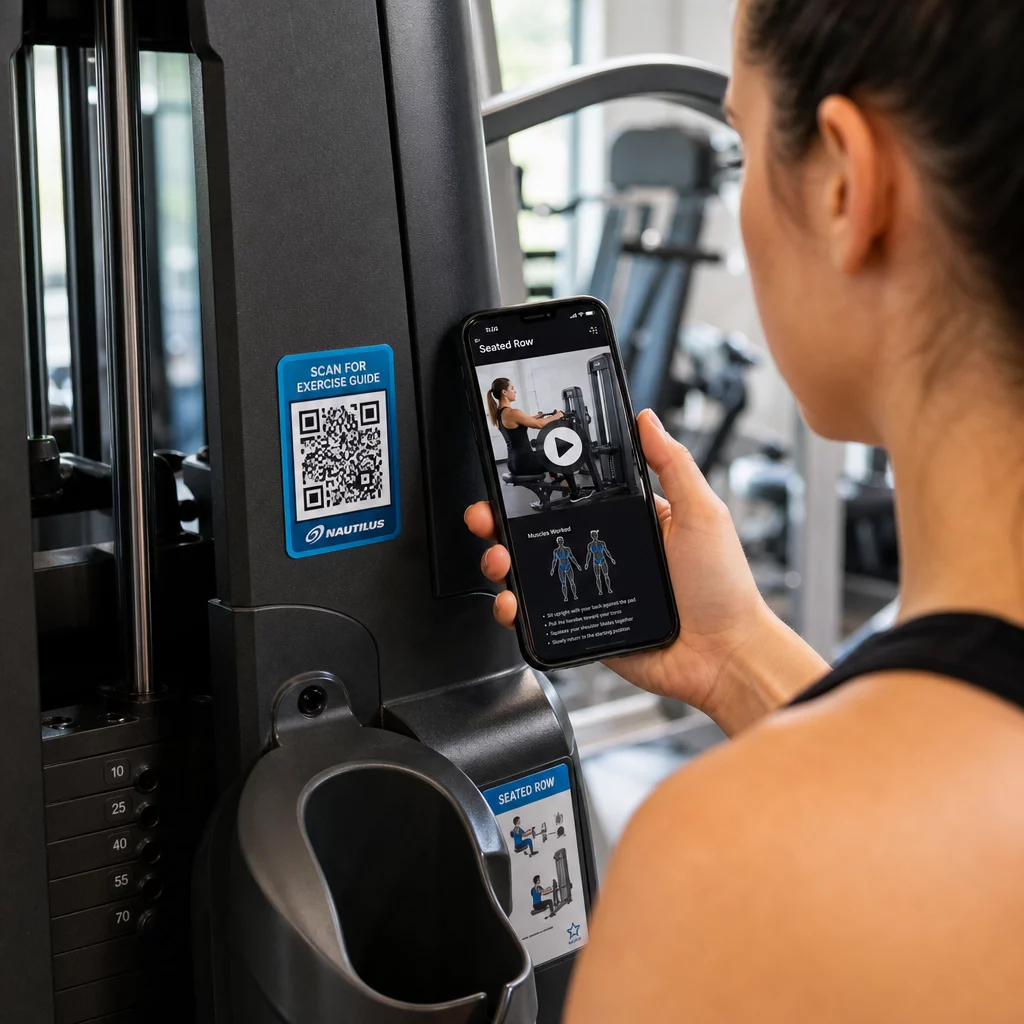
Використовуйте динамічні коди для маркування обладнання. Коли ви оновлюєте свій відеоконтент або змінюєте платформи, ви просто оновлюєте призначення – без необхідності передруковувати та перемарковувати кожну машину у вашому закладі.
Персональні тренери також можуть використовувати QR-коди PDF для надання персоналізованих планів тренувань. Надрукуйте код на картці для кожного клієнта, та оновлюйте пов'язаний план у міру просування їхньої програми.
Розклад занять та Бронювання
QR-код, розміщений біля вашої студії занять, на дисплеї в холі або включений у флаєр, надає членам доступ одним дотиком до вашого поточного розкладу занять та сторінки бронювання. Це особливо добре працює для студій, що проводять кілька типів занять або мають кількох інструкторів, де розклад змінюється щотижня.
Оскільки динамічні коди дозволяють оновлювати вміст без передруку, ви можете тримати той самий надрукований код на стіні цілий рік і просто оновлювати пов'язаний розклад щотижня. Дізнайтеся більше про те, як застосувати це на практиці в як QR-коди покращують маркетинг спортзалів.
Акції та Обмежені за часом пропозиції
QR-коди на флаєрах, плакатах та публікаціях у соціальних мережах можуть посилатися безпосередньо на пропозицію членства, реєстрацію на пробне заняття або сторінку купонів. Коли акція закінчується, оновіть призначення, а не передруковуйте матеріали.
Деякі практичні місця розміщення:
- Наклейки на вікна з підказкою “Скануйте для отримання 7-денного безкоштовного абонемента”
- Роздаткові матеріали на місцевих заходах або ярмарках здоров'я
- Плакати біля входу під час пікових сезонів реєстрації
Динамічні коди є рекомендованим вибором для акцій, оскільки URL-адреса пропозиції змінюється, але друковані матеріали не обов'язково. Щоб отримати вказівки щодо того, де і як розміщувати ці коди для максимальної видимості, дивіться посібник з розміщення QR-кодів у маркетингу.
Відгуки учасників та відгуки Google
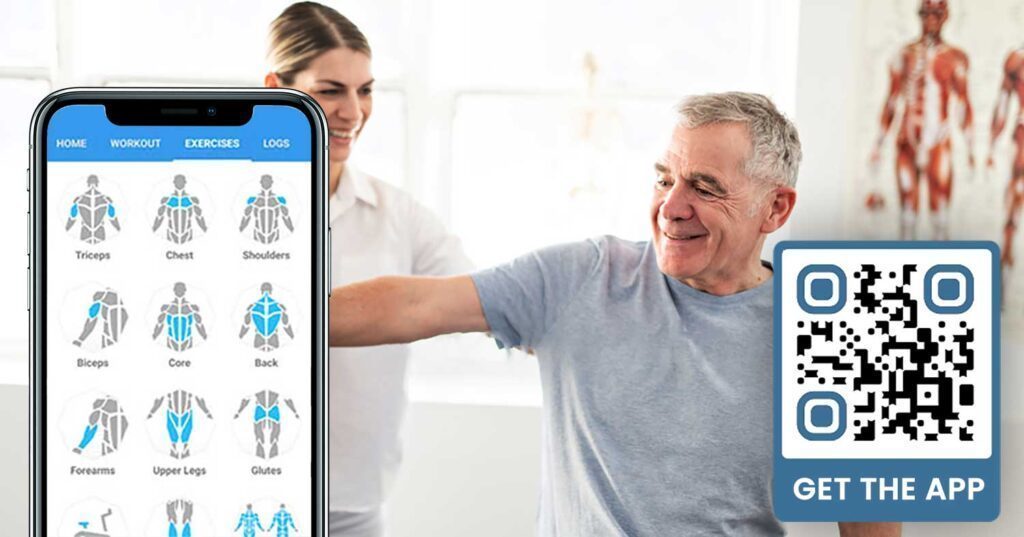
Постійний збір відгуків є складним, коли учасники поспішають входити та виходити. QR-код, розміщений біля виходу, у роздягальні або біля сокового бару, дає учасникам безперешкодний спосіб залишити швидкий відгук або заповнити опитування задоволеності.
A QR-коду відгуків Google розміщений у місцях з високою відвідуваністю, направляє учасників безпосередньо на вашу сторінку відгуків Google My Business – пошук не потрібен. Більше відгуків покращують ваш місцевий рейтинг у пошуку та надають потенційним учасникам соціальний доказ, необхідний для вибору вашого спортзалу.
Для опитувань зворотного зв'язку, QR-код Google Form дозволяє збирати структуровані дані про заняття, обладнання, персонал та приміщення.
Збирайте більше відгуків Google автоматично Розмістіть QR-код біля виходу або в роздягальні та спостерігайте, як зростають ваші відгуки. Використовуйте QR код гугл для відгуків щоб створити брендований код, який переведе учасників безпосередньо на вашу сторінку відгуків.
Доступ до Wi-Fi для учасників та гостей
Надання Wi-Fi очікується в більшості сучасних спортзалів. QR-код Wi-Fi, розміщений на рецепції, біля сокового бару або на стінах роздягальні, дозволяє учасникам миттєво підключатися шляхом сканування – не потрібно шукати пароль або вводити його вручну. Ця невелика зручність додає до загального досвіду учасників, не вимагаючи залучення персоналу.
Залучення в соціальних мережах
QR-коди, розміщені в місцях з високою відвідуваністю – дзеркала, станції з водою, лобі – можуть посилатися безпосередньо на ваш Instagram, канал YouTube або соціальний профіль. Учасники, які вже взаємодіють з вашим простором, найімовірніше підпишуться та поділяться. Це добре працює разом із фітнес-викликами або подіями, де ви хочете побудувати участь спільноти онлайн.
Фітнес-виклики та події
QR-коди полегшують запрошення учасників до участі в структурованих викликах, майстер-класах або подіях у спортзалі. Розмістіть код на плакаті або інформаційній дошці, який посилається на форму реєстрації або сторінку з деталями події. Оновлюйте пов'язане призначення, коли події змінюються протягом року – без повторного друку плаката.
Поради щодо розміщення, які застосовуються до всіх випадків використання
Якість розміщення безпосередньо впливає на кількість сканувань, які ви отримуєте. Добре розроблений код у неправильному місці буде менш ефективним, ніж простіший код, розміщений там, де учасники природно зупиняються.
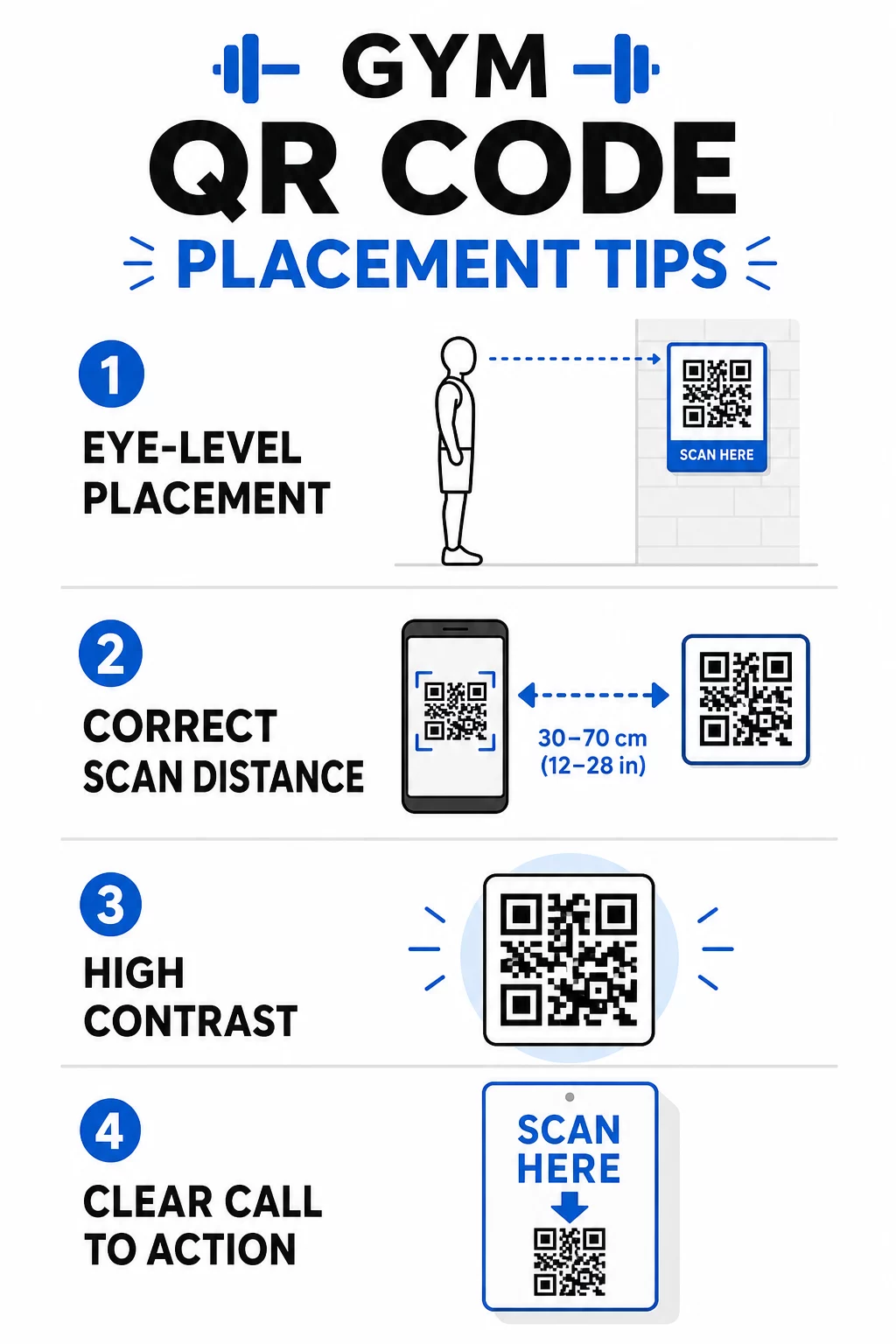
- Розміщуйте коди на рівні очей, приблизно на висоті від 3,5 до 5,5 футів від підлоги
- Використовуйте правило розміру 10:1: на кожні 10 дюймів очікуваної відстані сканування код повинен бути щонайменше 1 дюйм завширшки
- Пріоритет висококонтрастному дизайну: темні візерунки на світлому фоні надійно скануються за умов освітлення спортзалу
- Додайте чіткий заклик до дії поруч із кожним кодом (“Скануйте для порад щодо тренувань”, “Скануйте для реєстрації”, “Залиште нам відгук”)
Для детальних технічних рекомендацій щодо розміру та читабельності дивіться найкращих практик для читабельності QR-кодів. Кожен QR-код, який ви розгортаєте у своєму спортзалі, є можливістю зменшити труднощі для учасників та зменшити ручну роботу для вашої команди. Почніть з одного-двох високоефективних розміщень – реєстрація, посібники з обладнання або відгуки Google – і відстежуйте результати, перш ніж розширюватися. Використовуйте генератор QR-кодів для створення брендованих, динамічних кодів, які ви можете оновлювати без повторного друку, та використовуйте вбудовану аналітику, щоб побачити, які розміщення забезпечують найбільшу залученість.
Поширені запитання
Статичний QR-код назавжди кодує цільову URL-адресу – після друку ви не можете змінити, куди він вказує. Динамічний QR-код зберігає коротку URL-адресу перенаправлення, тому ви можете оновлювати цільову адресу в будь-який час без повторного друку коду. Для фітнес-бізнесу динамічні коди є кращим вибором, оскільки розклад занять, акції та вміст тренувань часто змінюються, а динамічні коди також надають аналітику сканувань, щоб ви могли відстежувати ефективність.
Найефективніші місця розміщення – біля входу для реєстрації, безпосередньо на обладнанні для навчальних посібників, біля виходів та роздягалень для відгуків та зворотного зв'язку, на стійці реєстрації для запису, та в місцях з високою прохідністю, таких як станції з водою або фреш-бар, для соціальних мереж та акцій. Розміщуйте коди на рівні очей (приблизно від 3,5 до 5,5 футів від підлоги) з чітким закликом до дії поруч із кожним.
Так, кожен QR-код повинен посилатися на одне, конкретне призначення, щоб досвід учасника був чітким і сфокусованим. Код для реєстрації повинен вести на вашу сторінку реєстрації, код для обладнання – на навчальний посібник цієї машини, а код для відгуку – безпосередньо на вашу сторінку відгуків Google. Використання платформи для керування QR-кодами дозволяє організувати всі ваші коди на одній панелі, оновлювати призначення незалежно та відстежувати ефективність кожного коду окремо.