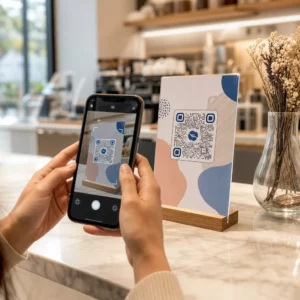
Spor salonunuzda veya fitness stüdyonuzda QR kodlarını temel bir web sitesi bağlantısının ötesinde nasıl kullanacağınızdan emin değil misiniz? QR kodlarını stratejik olarak kullanan fitness işletmeleri, idari sürtünmeyi azaltır, üyeleri daha ilgili tutar ve daha fazla gelen müşteriyi ödeme yapan müşterilere dönüştürür. Bu rehber, günlük operasyonlarınıza nasıl uyduklarına göre düzenlenmiş pratik, uygulamaya hazır fikirleri kapsar.
Fitness İşletmeleri Neden QR Kodlarını Benimseiyor?
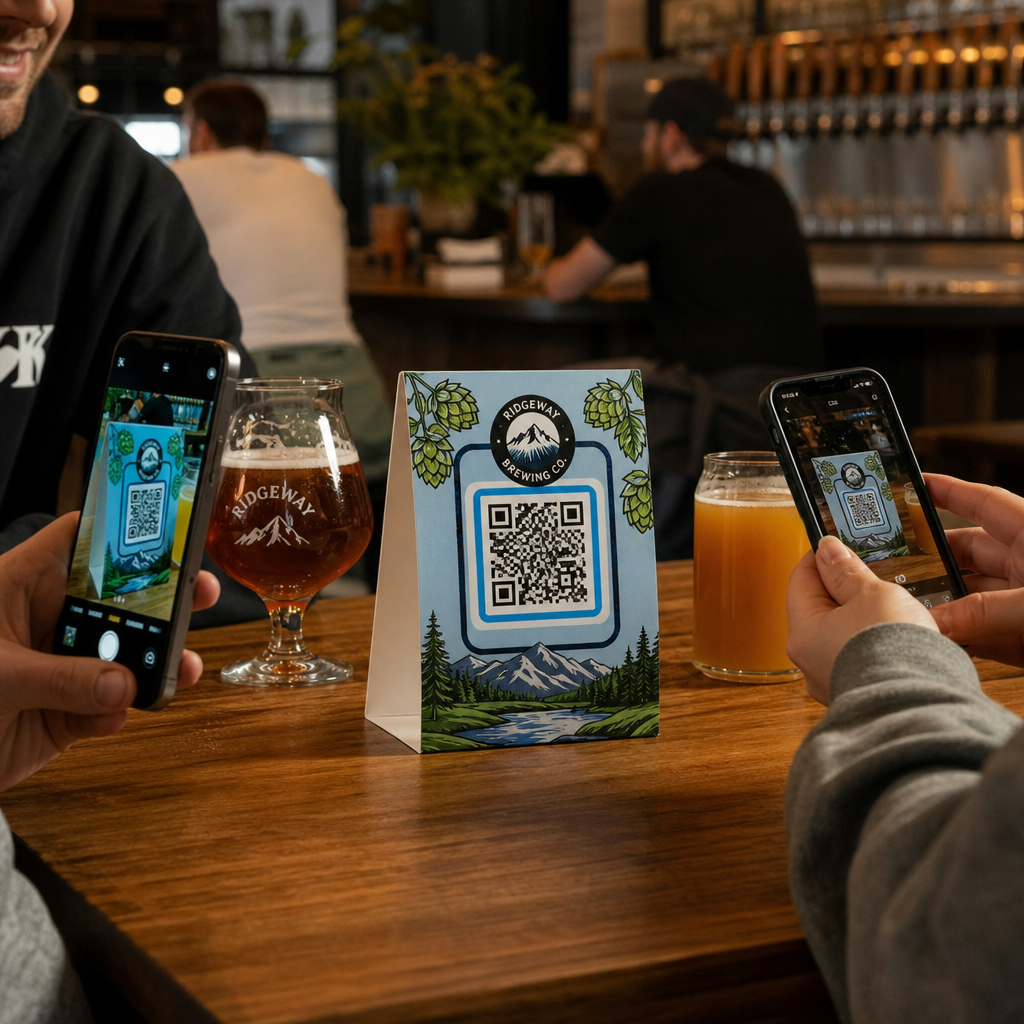
Fitness endüstrisi, dijital temas noktalarına kalıcı bir geçiş yaptı. Üyeler, ders programlarına, antrenman rehberlerine ve hesap yönetimine hızlı, kendi kendine hizmet erişimi bekliyorlar – ve tüm bunları telefonlarında istiyorlar. QR kodları, fiziksel spor salonu ortamı ile üyelerin istediği dijital içerik arasındaki boşluğu, personelin her etkileşimi manuel olarak yönetmesini gerektirmeden kapatır.
Dinamik QR kodları fitness işletmeleri için özellikle uygundur. Hedef URL'nin kalıcı olarak kodlandığı statik kodların aksine, dinamik kodlar, fiziksel kodu yeniden yazdırmanıza gerek kalmadan bağlantılı içeriği istediğiniz zaman güncellemenize olanak tanır. Bu, mevsimlik bir promosyonu değiştirebileceğiniz, bir ders programını güncelleyebileceğiniz veya bir antrenman videosunu değiştirebileceğiniz anlamına gelir – ve duvarınızdaki kod çalışmaya devam eder. Dinamik kodlar ayrıca tarama takibini de destekler, böylece bir kodun kaç kez, hangi konumdan, hangi cihazda ve saat kaçta tarandığını izleyebilirsiniz.
QR kodlarının spor salonu operasyonlarında özel olarak nasıl kullanıldığına dair genel bir bakış için bkz. Spor salonları ve sağlıklı yaşam işletmeleri için QR kodları.
Üye Girişi ve Erişim Kontrolü
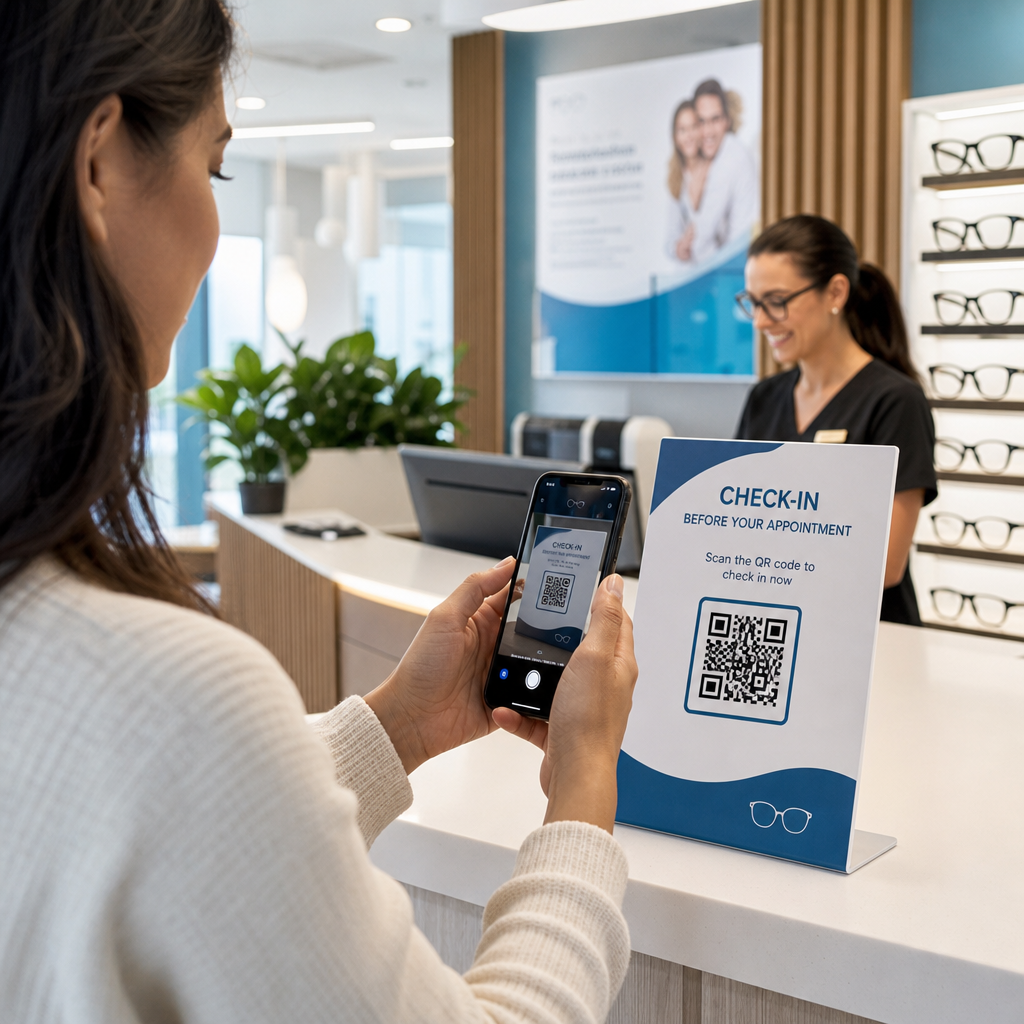
Fiziksel üyelik kartlarını veya giriş formlarını QR tabanlı girişle değiştirmek, operasyonel olarak en etkili kullanımlardan biridir. Üyeler, giriş kapısında bir kodu tarayarak katılımlarını kaydeder veya turnikeyi açar, böylece kuyrukları ortadan kaldırır ve resepsiyon iş yükünü azaltır.
Basit bir katılım takip sistemi oluşturabilirsiniz. için taramaları takip edin ve artırın bir forma veya giriş sayfasına bağlanan. Dinamik kodlar burada daha iyi bir seçimdir çünkü platformunuz değişirse, basılı tabelaya dokunmadan kodu yeni bir giriş URL'sine yönlendirebilirsiniz.
Giriş kodlarını nereye yerleştirmeli:
- Spor salonu girişi veya turnike
- Resepsiyon bankosu
- Bireysel stüdyo veya sınıf kapıları
Yeni Üye Kaydı ve Oryantasyon

Bir pencerede, el ilanında veya resepsiyon ekranındaki bir QR kodu, potansiyel bir üyeyi doğrudan bir kayıt formuna, feragatnameye veya deneme dersi kaydına yönlendirebilir – bir personel üyesinin yardımına gerek kalmadan. Bu, özellikle mesai saatleri dışında veya resepsiyon personelinin meşgul olduğu yoğun zamanlarda kullanışlıdır.
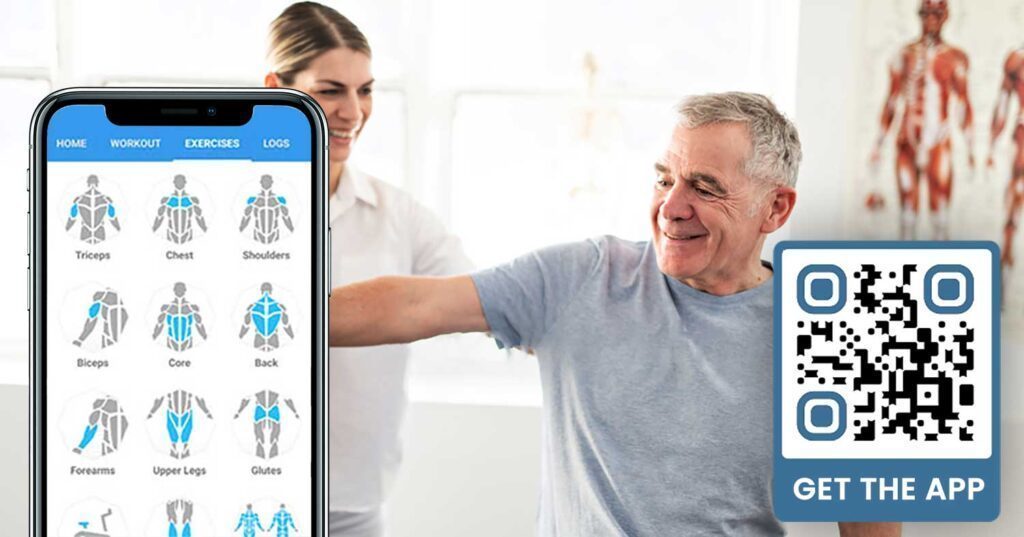
Kullanın Google Form QR kodu potansiyel müşterilere kendi cihazlarından anında sorgulara, üyelik kayıtlarına veya feragatname gönderimlerine erişim sağlamak için. Mevcut yeni üyeleri dahil etmek için, tek bir PDF QR kodu davranış kurallarınızı, ders programınızı ve başlangıç antrenman planınızı tek bir taranabilir belgede bir araya getirebilir.
Yeni Üye Kaydını Kolaylaştırın Potansiyel üyelerin kendi telefonlarından doldurabileceği taranabilir bir kayıt formu oluşturun. Google Form QR Kod Oluşturucu doğrudan kayıt veya feragatname formunuza bağlantı vermek için – kağıt yok, manuel veri girişi yok.
Ekipman Eğitimleri ve Antrenman Rehberleri
Bir ekipman parçasına doğrudan bir QR kodu yerleştirmek, üye deneyimi için en açık kazanımlardan biridir. Üyeler kodu tarar ve o belirli makine için kısa bir eğitim videosuna, doğru form gösterimine veya güvenlik rehberliğine anında erişir. Bu, yaralanma riskini azaltır ve antrenörlerin birine temel ekipman kullanımını anlatma ihtiyacını azaltır.
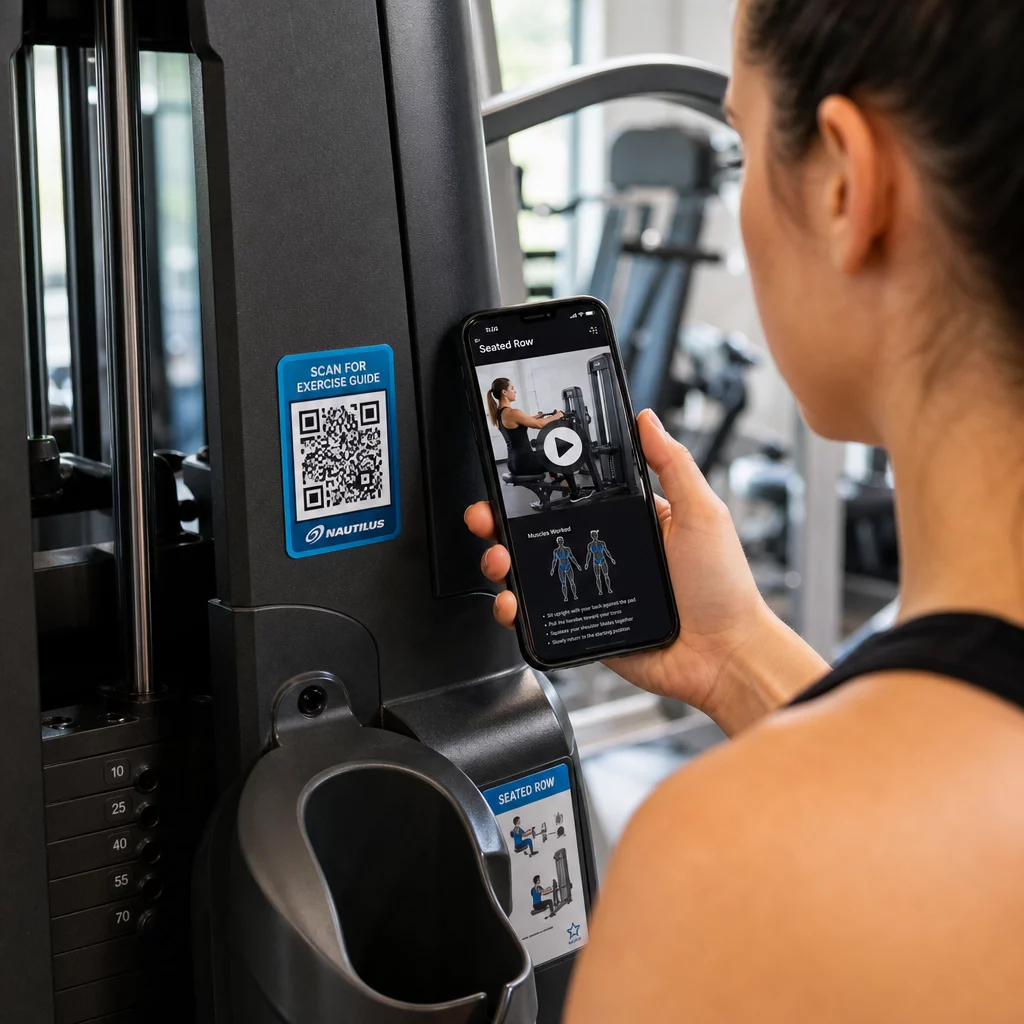
Ekipman etiketleri için dinamik kodlar kullanın. Video içeriğinizi güncellediğinizde veya platform değiştirdiğinizde, sadece hedefi güncellersiniz – tesisinizdeki her makineyi yeniden basmaya ve etiketlemeye gerek kalmaz.
Kişisel antrenörler de kullanabilir PDF QR kodları kişiselleştirilmiş antrenman planları sunmak için. Kodu her müşteri için bir karta yazdırın ve programları ilerledikçe bağlantılı planı güncelleyin.
Ders Programları ve Rezervasyonlar
Ders stüdyonuzun yakınına, lobi ekranına asılan veya bir broşüre dahil edilen bir QR kodu, üyelere mevcut ders programınıza ve rezervasyon sayfanıza tek dokunuşla erişim sağlar. Bu, özellikle birden fazla ders türü veya eğitmenle çalışan ve programların haftalık olarak değiştiği stüdyolar için çok iyi çalışır.
Dinamik kodlar yeniden basım yapmadan içerik güncellemelerine izin verdiği için, aynı basılı kodu yıl boyunca duvarınızda tutabilir ve bağlantılı programı her hafta güncelleyebilirsiniz. Bunun pratikte nasıl uygulanacağı hakkında daha fazla bilgiyi şurada okuyun: QR kodlarının spor salonu pazarlamasını nasıl artırdığı.
Promosyonlar ve Sınırlı Süreli Teklifler
Broşürlerdeki, posterlerdeki ve sosyal medya gönderilerindeki QR kodları doğrudan bir üyelik teklifine, deneme dersi kaydına veya kupon sayfasına bağlantı verebilir. Promosyon sona erdiğinde, materyalleri yeniden basmak yerine hedefi güncelleyin.
Bazı pratik yerleşimler:
- “7 Günlük Ücretsiz Geçiş İçin Tara” uyarısı içeren pencere çıkartmaları
- Yerel etkinliklerde veya sağlık fuarlarında dağıtılan el ilanları
- Yoğun kayıt dönemlerinde girişin yakınındaki posterler
Dinamik kodlar, promosyonlar için önerilen seçimdir çünkü teklif URL'si değişse de basılı materyalin değişmesi gerekmez. Bu kodları maksimum görünürlük için nereye ve nasıl yerleştireceğinize dair rehberlik için şuraya bakın: pazarlamada QR kod yerleşimi rehberi.
Üye Geri Bildirimi ve Google Yorumları
Üyeler aceleyle girip çıkarken sürekli geri bildirim toplamak zordur. Çıkışın yakınına, soyunma odasına veya meyve suyu barına yerleştirilen bir QR kodu, üyelere hızlı bir yorum bırakma veya memnuniyet anketi tamamlama konusunda sorunsuz bir yol sunar.
Bir için daha fazla tarama nasıl alınır? yoğun trafikli alanlara yerleştirilen kodlar üyeleri doğrudan Google İşletme yorum sayfanıza yönlendirir – arama yapmaya gerek yok. Daha fazla yorum yerel arama sıralamanızı iyileştirir ve potansiyel üyelere spor salonunuzu seçmeleri için ihtiyaç duydukları sosyal kanıtı verir.
Geri bildirim anketleri için, bir Google Form QR kodu dersler, ekipman, personel ve tesisler hakkında yapılandırılmış girdi toplamanızı sağlar.
Daha Fazla Google Yorumu Otomatik Olarak Toplayın Çıkışınıza veya soyunma odanıza bir QR kodu yerleştirin ve yorumlarınızın arttığını izleyin. Şunu kullanın: Google Yorum QR Kod Oluşturucu üyeleri doğrudan yorum sayfanıza götüren markalı bir kod oluşturmak için.
Üyeler ve Misafirler İçin Wi-Fi Erişimi
Wi-Fi sunmak çoğu modern spor salonunda beklenen bir durumdur. Resepsiyonda, meyve suyu barının yakınında veya soyunma odası duvarlarında sergilenen bir Wi-Fi QR kodu, üyelerin tarayarak anında bağlanmasını sağlar – şifre arama veya manuel giriş gerektirmez. Bu küçük kolaylık, herhangi bir personel katılımı gerektirmeden genel üye deneyimine katkıda bulunur.
Sosyal Medya Etkileşimi
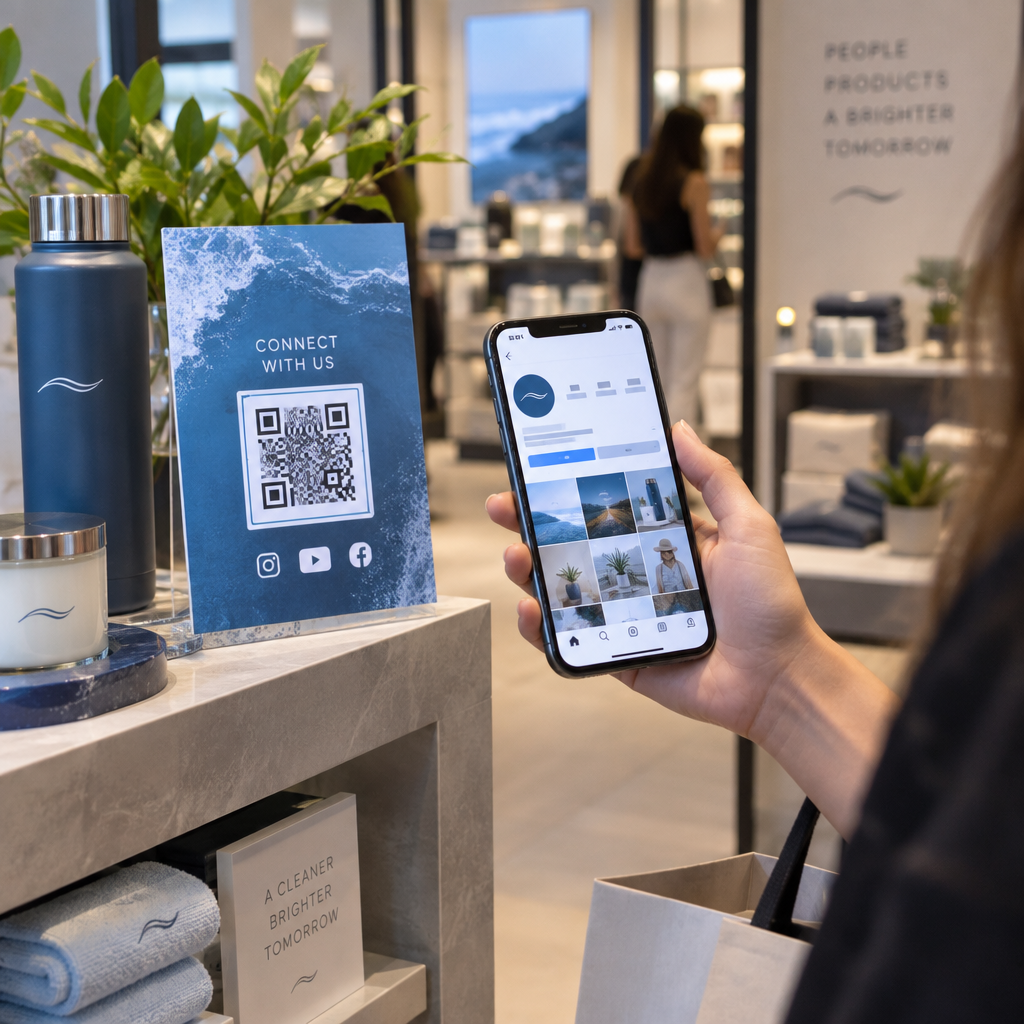
Yoğun trafikli alanlara – aynalar, su istasyonları, lobi – yerleştirilen QR kodları doğrudan Instagram'ınıza, YouTube kanalınıza veya sosyal profilinize bağlanabilir. Alanınızla zaten etkileşimde olan üyeler, takip etme ve paylaşma olasılığı en yüksek olanlardır. Bu, çevrimiçi topluluk katılımı oluşturmak istediğiniz fitness mücadeleleri veya etkinliklerle birlikte iyi çalışır.
Fitness Yarışmaları ve Etkinlikleri
QR kodları, üyeleri yapılandırılmış yarışmalara, atölye çalışmalarına veya spor salonu içi etkinliklere katılmaya davet etmeyi kolaylaştırır. Bir kayıt formuna veya etkinlik detayları sayfasına bağlanan bir kodu bir poster veya ekran panosuna yerleştirin. Yıl boyunca etkinlikler değiştikçe bağlantılı hedefi güncelleyin – posteri yeniden basmanıza gerek kalmadan.
Tüm Kullanım Durumlarında Geçerli Yerleştirme İpuçları
Yerleştirme kalitesi, aldığınız tarama sayısını doğrudan etkiler. Yanlış yere yerleştirilmiş iyi tasarlanmış bir kod, üyelerin doğal olarak durakladığı bir yere yerleştirilmiş daha basit bir koddan daha düşük performans gösterecektir.
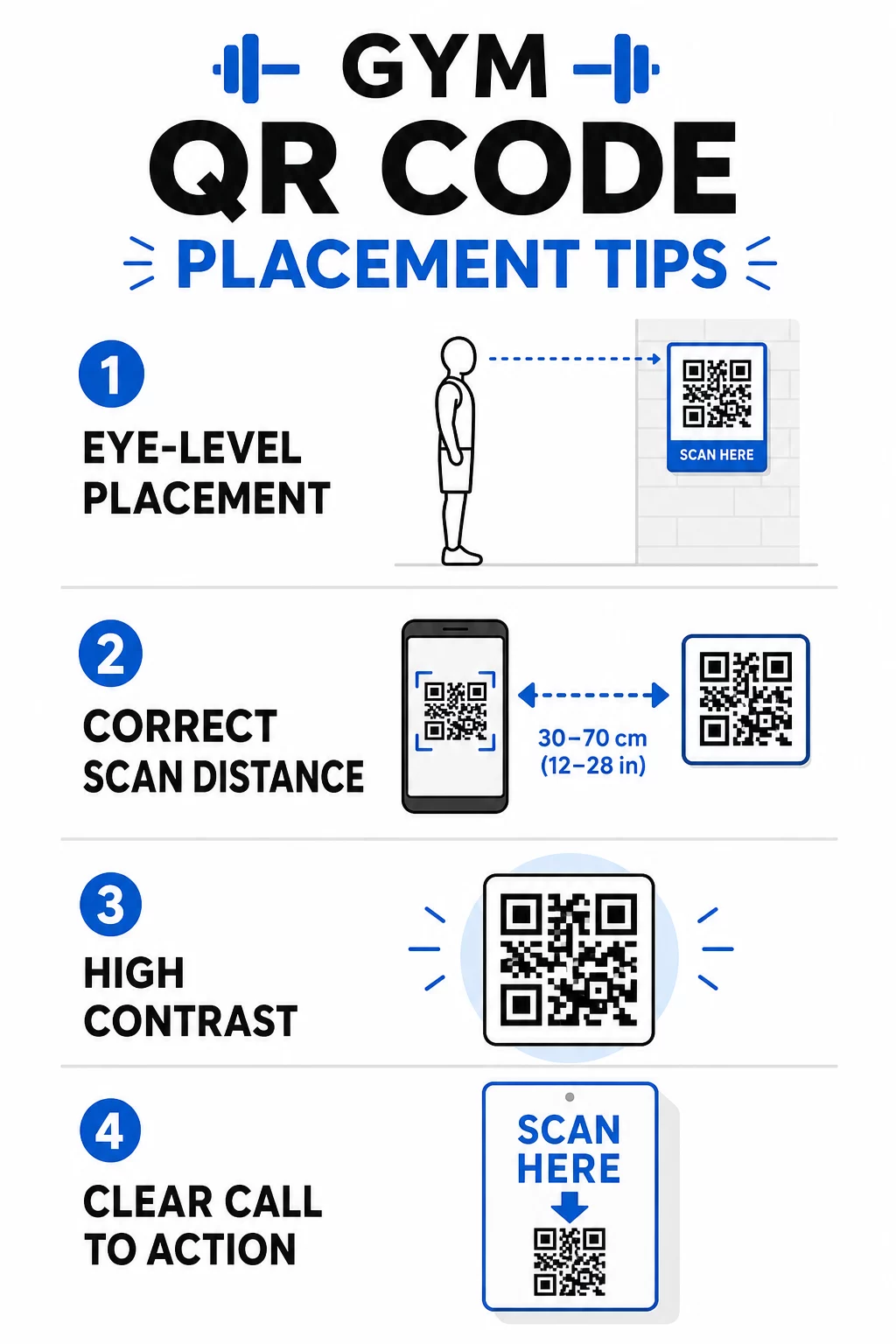
- Kodları göz hizasında konumlandırın, yerden yaklaşık 3,5 ila 5,5 fit (106-167 cm) arasında
- 10:1 boyutlandırma kuralını kullanın: beklenen tarama mesafesinin her 10 inç'i (25,4 cm) için kod en az 1 inç (2,54 cm) genişliğinde olmalıdır
- Yüksek kontrastlı tasarımı önceliklendirin: açık arka planlar üzerindeki koyu desenler, spor salonu aydınlatma koşullarında güvenilir bir şekilde taranır
- Açık bir harekete geçirici mesaj ekleyin her kodun yanına (“Antrenman ipuçları için tarayın,” “Giriş yapmak için tarayın,” “Bize bir yorum bırakın”)
Boyutlandırma ve okunabilirlik hakkında ayrıntılı teknik rehberlik için bkz. QR kodu okunabilirliği için en iyi uygulamaları. Spor salonunuzda kullandığınız her QR kodu, üyeler için sürtünmeyi azaltma ve ekibiniz için manuel iş yükünü azaltma fırsatıdır. Bir veya iki yüksek etkili yerleşimle başlayın – giriş, ekipman rehberleri veya Google yorumları – ve genişletmeden önce sonuçları takip edin. Kullanın QR kod oluşturucu markalı, yeniden basmadan güncelleyebileceğiniz dinamik kodlar oluşturmak ve hangi yerleşimlerin en çok etkileşim sağladığını görmek için yerleşik analizleri kullanın.
Sıkça sorulan sorular
Statik bir QR kodu, hedef URL'yi kalıcı olarak kodlar – bir kez basıldığında, nereye işaret ettiğini değiştiremezsiniz. Dinamik bir QR kodu, kısa bir yönlendirme URL'si depolar, böylece kodu yeniden basmadan hedefi istediğiniz zaman güncelleyebilirsiniz. Fitness işletmeleri için dinamik kodlar daha iyi bir seçimdir çünkü ders programları, promosyonlar ve antrenman içerikleri sık sık değişir ve dinamik kodlar ayrıca tarama analizi sağlayarak performansı takip etmenize olanak tanır.
En etkili yerleşimler, girişlerde check-in için, doğrudan ekipman üzerinde eğitimler için, çıkışlar ve soyunma odaları yakınında incelemeler ve geri bildirimler için, ön büroda kayıtlar için ve su istasyonları veya meyve suyu barı gibi yoğun trafikli alanlarda sosyal medya ve promosyonlar içindir. Kodları göz hizasında (yerden yaklaşık 3,5 ila 5,5 fit yükseklikte) ve her birinin yanında net bir eylem çağrısı ile konumlandırın.
Evet, üye deneyimini net ve odaklanmış tutmak için her QR kodu tek, belirli bir hedefe bağlanmalıdır. Bir giriş kodu giriş sayfanıza, bir ekipman kodu o makinenin eğitimine ve bir yorum kodu doğrudan Google yorum sayfanıza gitmelidir. Bir QR kodu yönetim platformu kullanmak, tüm kodlarınızı tek bir panoda düzenlemenize, hedefleri bağımsız olarak güncellemenize ve her kodun performansını ayrı ayrı izlemenize olanak tanır.