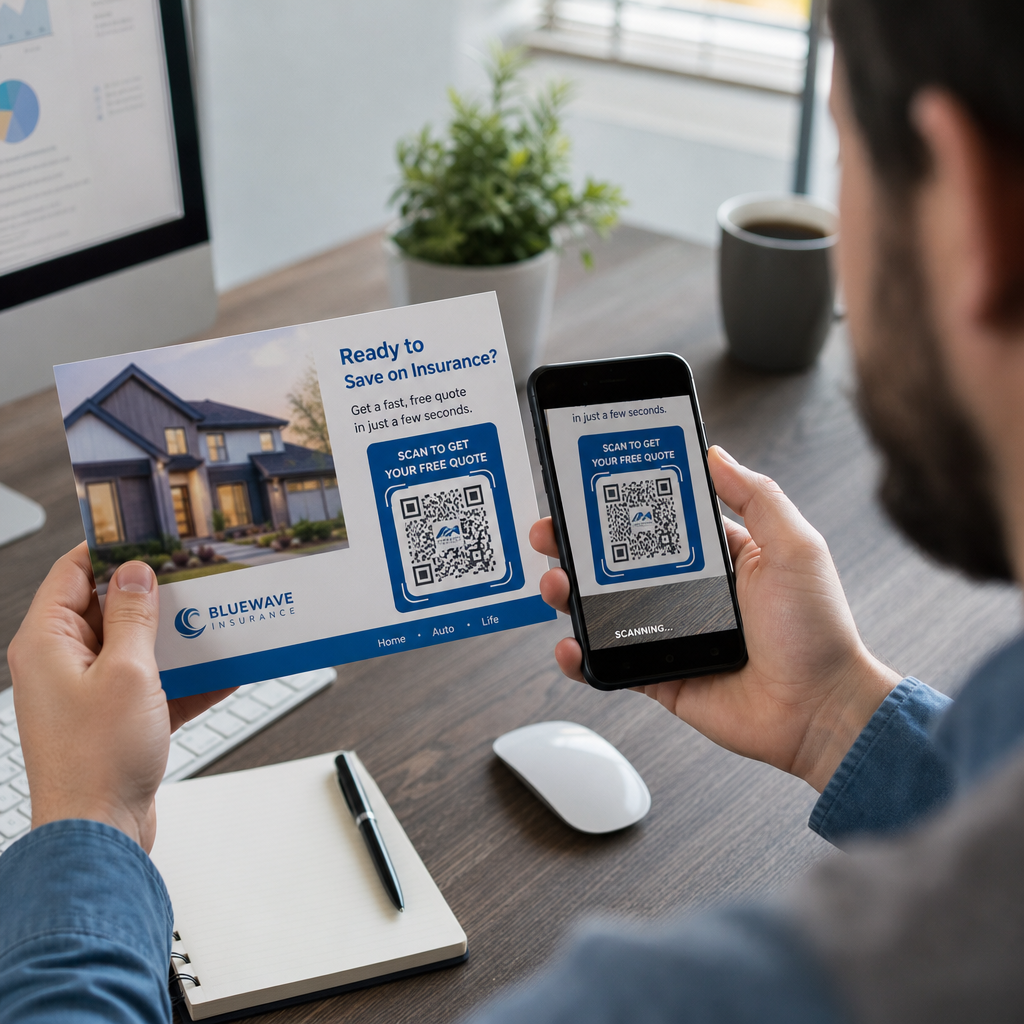
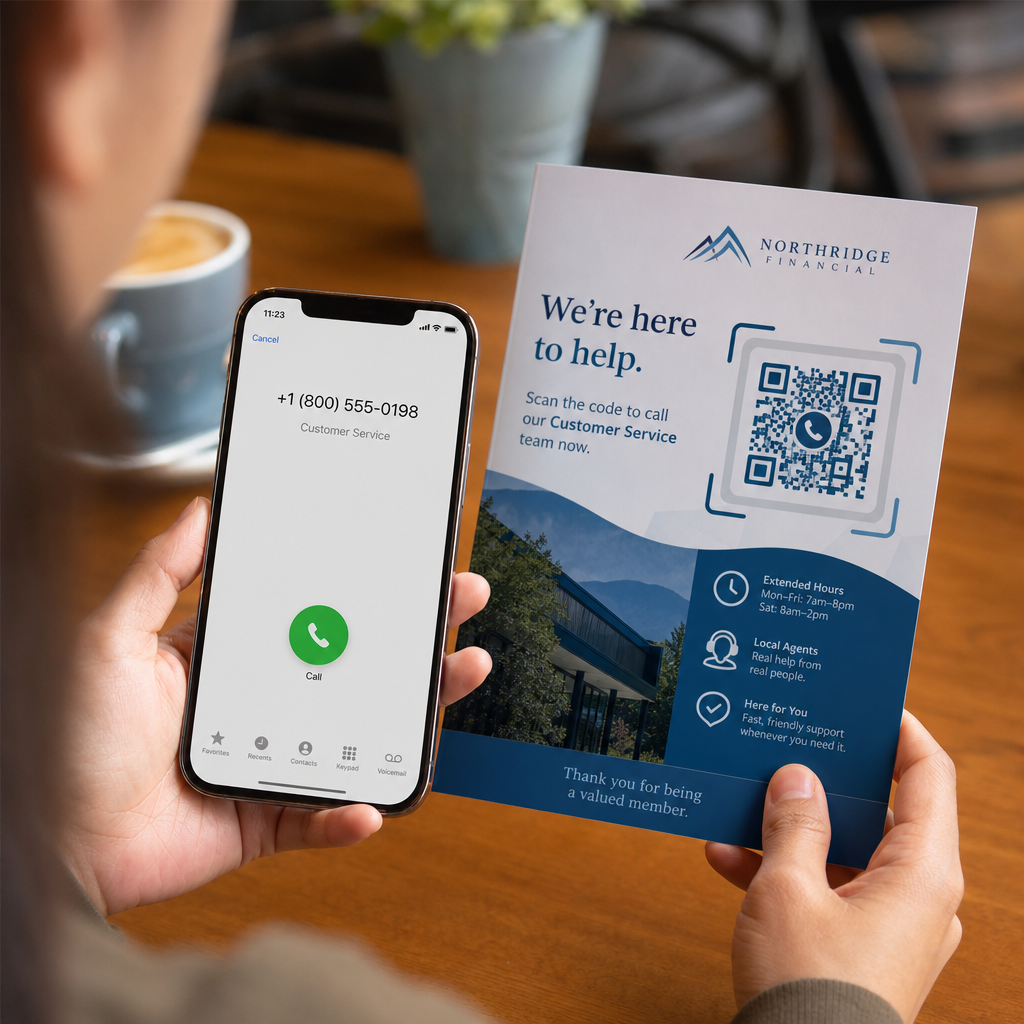
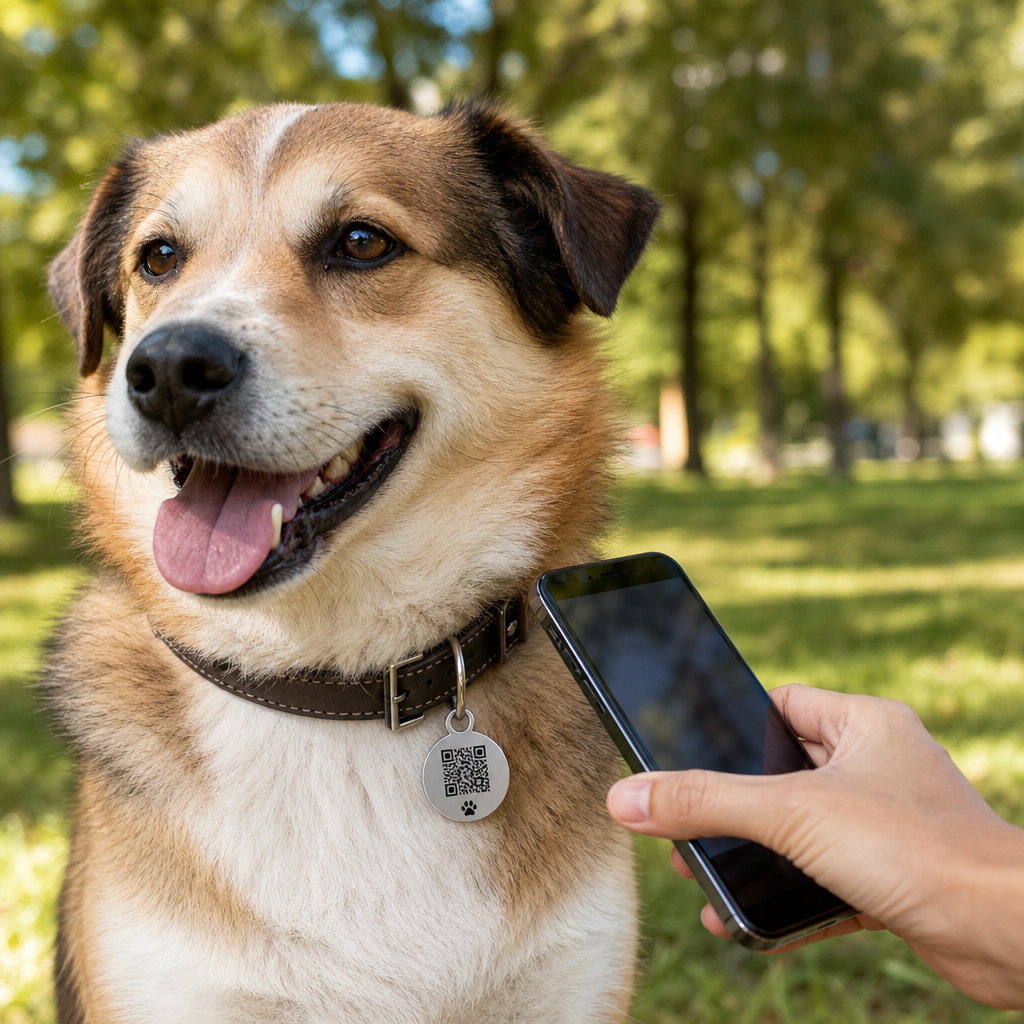
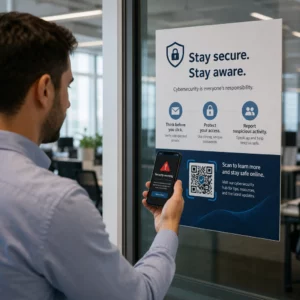
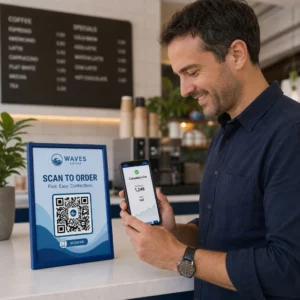
Neesat pārliecināts, kā faktiski izmantot QR kodus savā sporta zālē vai fitnesa studijā, izņemot pamata vietnes saiti? Fitnesa uzņēmumi, kas stratēģiski izmanto QR kodus, samazina administratīvo berzi, uztur biedrus vairāk iesaistītus un pārvērš vairāk apmeklētāju par maksājošiem klientiem. Šajā rokasgrāmatā ir aplūkotas praktiskas, gatavas idejas, kas sakārtotas atbilstoši tam, kā tās iekļaujas jūsu ikdienas darbībā.
Kāpēc fitnesa uzņēmumi ievieš QR kodus
Fitnesa nozare ir veikusi ilgstošu pāreju uz digitālajiem saskares punktiem. Biedri sagaida ātru, pašapkalpošanās piekļuvi nodarbību grafikiem, treniņu ceļvežiem un konta pārvaldībai – un viņi vēlas to visu savos tālruņos. QR kodi savieno plaisu starp fizisko sporta zāles vidi un digitālo saturu, ko biedri vēlas, neprasot personālam manuāli apstrādāt katru mijiedarbību.
Dinamiskie QR kodi ir īpaši piemēroti fitnesa uzņēmumiem. Atšķirībā no statiskajiem kodiem, kur galamērķa URL ir pastāvīgi kodēts, dinamiskie kodi ļauj jebkurā laikā atjaunināt saistīto saturu, nepārprintējot fizisko kodu. Tas nozīmē, ka varat nomainīt sezonas akciju, atjaunināt nodarbību grafiku vai nomainīt treniņu video – un kods uz jūsu sienas turpinās darboties. Dinamiskie kodi atbalsta arī skenēšanas izsekošanu, lai jūs varētu uzraudzīt, cik reižu kods tika skenēts, no kuras vietas, ar kādu ierīci un cikos.
Lai iegūtu pārskatu par to, kā QR kodi tiek izmantoti sporta zāles darbībā, skatiet QR kodi sporta zālēm un labsajūtas uzņēmumiem.
Biedru reģistrācija un piekļuves kontrole
Fizisko biedru karšu vai reģistrācijas lapu aizstāšana ar QR kodu reģistrāciju ir viens no visietekmīgākajiem lietojumiem. Biedri skenē kodu pie ieejas, lai reģistrētu savu apmeklējumu vai atbloķētu turniketu, tādējādi novēršot rindas un samazinot reģistratūras darba slodzi.
Varat izveidot vienkāršu apmeklējumu uzskaites sistēmu, izmantojot saites QR kodam kas savienojas ar veidlapu vai reģistrācijas lapu. Dinamiskie kodi šeit ir labāka izvēle, jo varat novirzīt kodu uz jaunu reģistrācijas URL, ja jūsu platforma mainās, nepieskaroties drukātajām zīmēm.
Kur novietot reģistrācijas kodus:
- Sporta zāles ieeja vai turnikets
- Reģistratūras lete
- Individuālas studijas vai klases telpu durvis
Jaunu biedru reģistrācija un ievadīšana
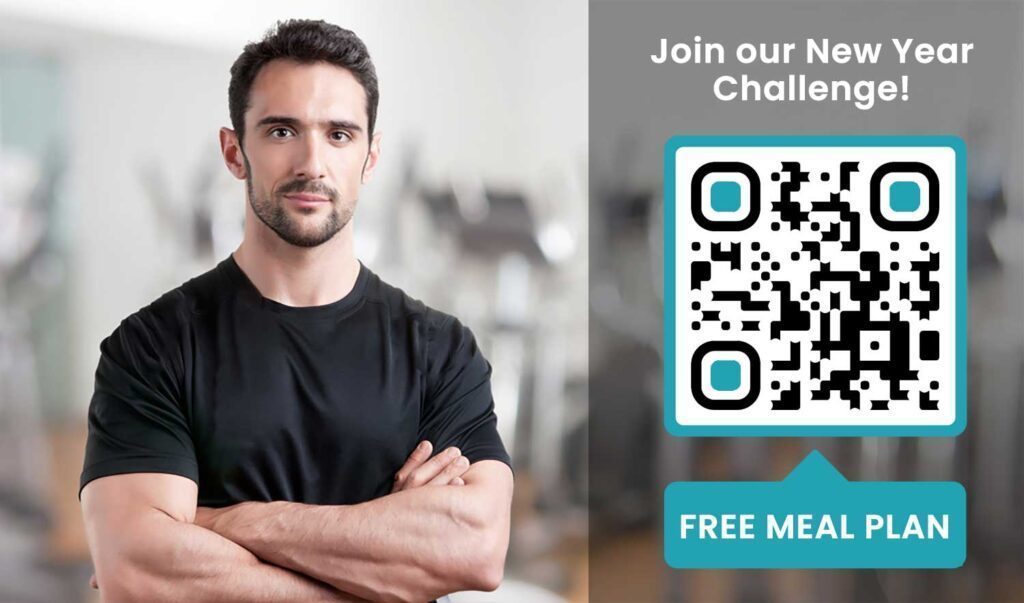
QR kods uz loga, skrejlapas vai reģistratūras displeja var novirzīt potenciālo biedru tieši uz reģistrācijas veidlapu, atteikuma veidlapu vai izmēģinājuma nodarbības reģistrāciju – bez personāla palīdzības. Tas ir īpaši noderīgi ārpus darba laika vai noslogotās stundās, kad reģistratūras personāls ir aizņemts.
Izmantojiet Google veidlapas QR kods lai potenciālajiem klientiem nodrošinātu tūlītēju piekļuvi jautājumiem, dalības reģistrācijai vai atteikuma iesniegšanai no savas ierīces. Lai iekļautu esošos jaunos dalībniekus, viens PDF QR kods var apvienot jūsu uzvedības kodeksu, nodarbību grafiku un sākuma treniņu plānu vienā skenējamā dokumentā.
Vienkāršojiet jaunu dalībnieku reģistrāciju Izveidojiet skenējamu reģistrācijas veidlapu, ko potenciālie dalībnieki var aizpildīt savos tālruņos. Izmantojiet Google Form QR koda ģenerators lai tieši saistītu ar jūsu reģistrācijas vai atteikuma veidlapu – bez papīra, bez manuālas datu ievades.
Aprīkojuma pamācības un treniņu ceļveži
QR koda novietošana tieši uz aprīkojuma ir viens no skaidrākajiem ieguvumiem dalībnieku pieredzei. Dalībnieki skenē kodu un nekavējoties piekļūst īsam mācību video, pareizas formas demonstrācijai vai drošības norādījumiem par konkrēto iekārtu. Tas samazina traumu risku un samazina reižu skaitu, kad treneriem ir jāizskaidro kādam pamata aprīkojuma lietošana.
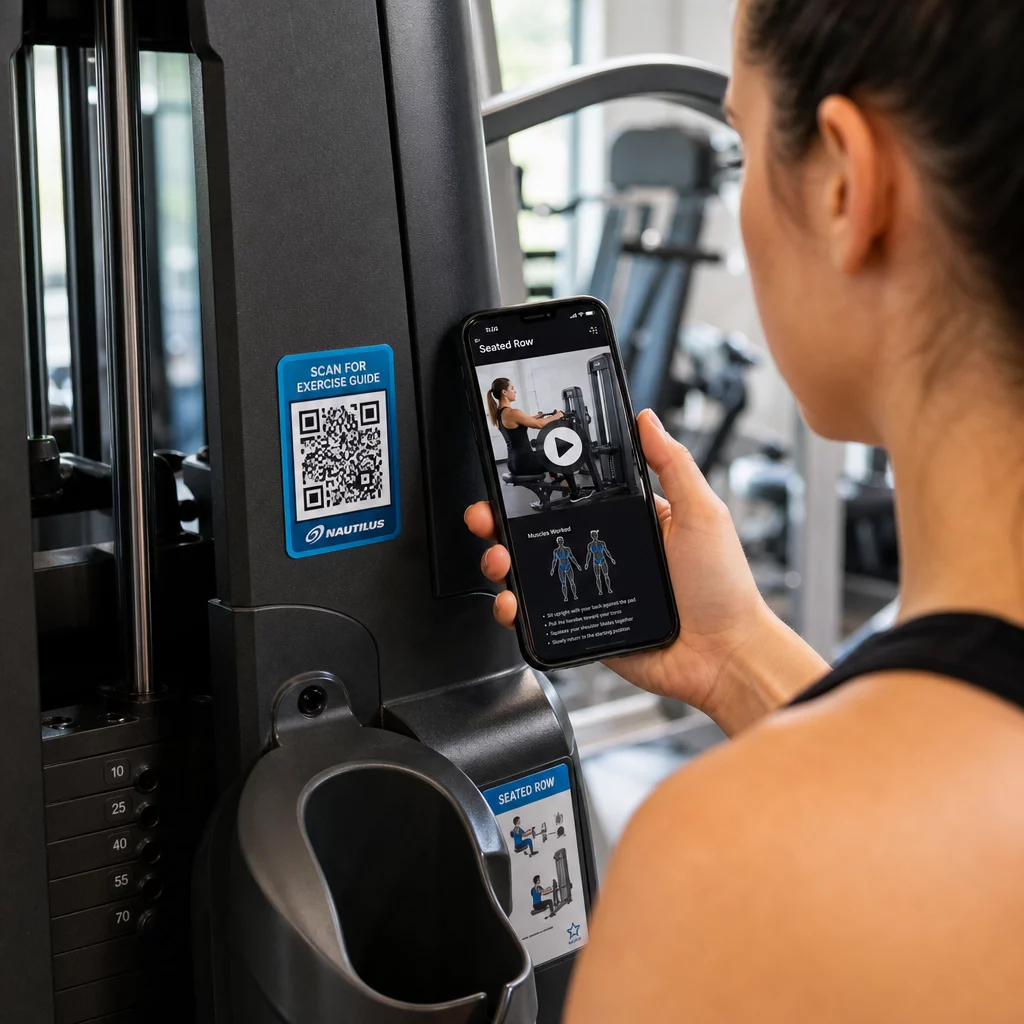
Izmantojiet dinamiskos kodus aprīkojuma etiķetēm. Kad atjaunināt video saturu vai maināt platformas, jūs vienkārši atjaunināt galamērķi – nav nepieciešams pārdrukāt un pāretiketēt katru iekārtu jūsu iestādē.
Personīgie treneri var arī izmantot PDF QR kodi lai piegādātu personalizētus treniņu plānus. Izdrukājiet kodu uz kartītes katram klientam un atjauniniet saistīto plānu, programmai progresējot.
Nodarbību grafiki un rezervācijas
QR kods, kas izvietots pie jūsu nodarbību studijas, vestibila displejā vai iekļauts skrejlapā, nodrošina dalībniekiem vienu pieskārienu piekļuvi jūsu pašreizējam nodarbību grafikam un rezervācijas lapai. Tas īpaši labi darbojas studijām, kas piedāvā vairāku veidu nodarbības vai instruktorus, kur grafiki mainās katru nedēļu.
Tā kā dinamiskie kodi ļauj atjaunināt saturu bez atkārtotas drukāšanas, jūs varat saglabāt to pašu izdrukāto kodu uz sienas visu gadu un vienkārši atjaunināt saistīto grafiku katru nedēļu. Lasiet vairāk par to, kā to pielietot praksē kā QR kodi uzlabo sporta zāles mārketingu.
Akcijas un ierobežota laika piedāvājumi
QR kodi uz skrejlapām, plakātiem un sociālo mediju ierakstiem var tieši saistīt ar dalības piedāvājumu, izmēģinājuma nodarbības reģistrāciju vai kuponu lapu. Kad akcija beidzas, atjauniniet galamērķi, nevis pārdrukājiet materiālus.
Dažas praktiskas izvietošanas vietas:
- Logu uzlīmes ar uzvedni “Skenēt, lai saņemtu 7 dienu bezmaksas abonementu”
- Materiāli vietējos pasākumos vai veselības gadatirgos
- Plakāti pie ieejas aktīvās reģistrācijas sezonās
Dinamiskie kodi ir ieteicamā izvēle akcijām, jo piedāvājuma URL mainās, bet drukātajiem materiāliem nav jāmainās. Norādījumus par to, kur un kā izvietot šos kodus maksimālai redzamībai, skatiet QR kodu izvietošanas ceļvedis mārketingā.
Biedru atsauksmes un Google atsauksmes
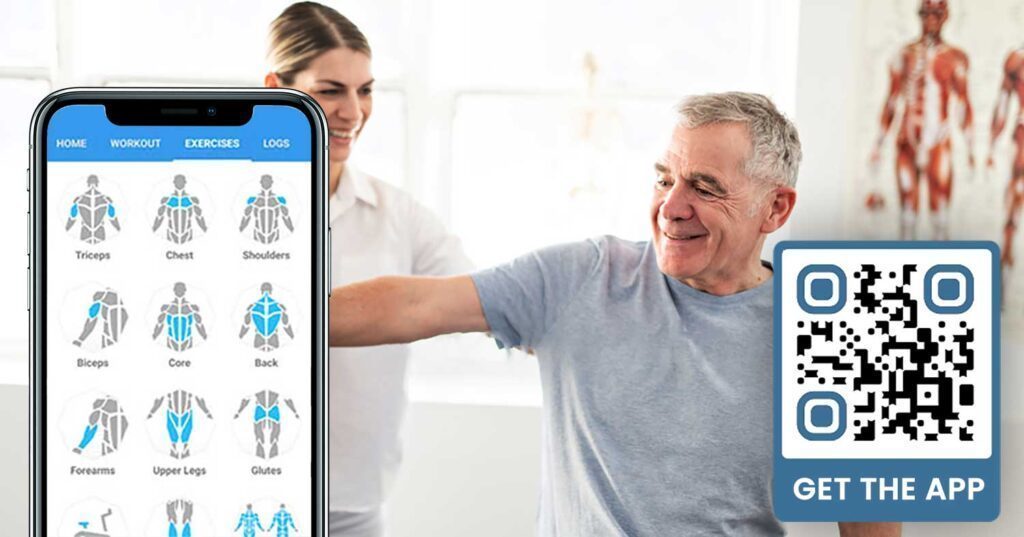
Pastāvīga atsauksmju vākšana ir sarežģīta, kad biedri steidzas iekšā un ārā. QR kods, kas novietots pie izejas, ģērbtuvē vai sulu bārā, dod biedriem vieglu veidu, kā atstāt ātru atsauksmi vai aizpildīt apmierinātības aptauju.
A Google atsauksmju QR kodam novietots intensīvas satiksmes zonās novirza biedrus tieši uz jūsu Google uzņēmuma atsauksmju lapu – nav nepieciešama meklēšana. Vairāk atsauksmju uzlabo jūsu vietējo meklēšanas reitingu un sniedz potenciālajiem biedriem sociālo pierādījumu, kas viņiem nepieciešams, lai izvēlētos jūsu sporta zāli.
Atsauksmju aptaujām, Google veidlapas QR kods ļauj apkopot strukturētu informāciju par nodarbībām, aprīkojumu, personālu un telpām.
Automātiski vākt vairāk Google atsauksmju Novietojiet QR kodu pie izejas vai ģērbtuvē un vērojiet, kā pieaug jūsu atsauksmes. Izmantojiet Google atsauksmju QR koda ģenerators lai izveidotu zīmola kodu, kas novirza biedrus tieši uz jūsu atsauksmju lapu.
Wi-Fi piekļuve biedriem un viesiem
Wi-Fi piedāvāšana ir sagaidāma lielākajā daļā mūsdienu sporta zāļu. Wi-Fi QR kods, kas tiek parādīts reģistratūrā, pie sulu bāra vai ģērbtuvju sienām, ļauj biedriem nekavējoties pieslēgties, skenējot – nav nepieciešama paroles meklēšana vai manuāla ievadīšana. Šī nelielā ērtība papildina kopējo biedru pieredzi, neprasot personāla iesaisti.
Sociālo mediju iesaiste
QR kodi, kas novietoti intensīvas satiksmes zonās – spoguļi, ūdens stacijas, vestibils – var tieši saistīties ar jūsu Instagram, YouTube kanālu vai sociālo profilu. Biedri, kuri jau ir iesaistīti jūsu telpā, visticamāk sekos un dalīsies. Tas labi darbojas kopā ar fitnesa izaicinājumiem vai pasākumiem, kur vēlaties veidot kopienas līdzdalību tiešsaistē.
Fitnesa izaicinājumi un pasākumi
QR kodi atvieglo dalībnieku uzaicināšanu piedalīties strukturētos izaicinājumos, semināros vai sporta zāles pasākumos. Novietojiet kodu uz plakāta vai displeja dēļa, kas ved uz reģistrācijas veidlapu vai pasākuma detaļu lapu. Atjauniniet saistīto galamērķi, mainoties pasākumiem gada laikā – bez plakāta atkārtotas drukāšanas.
Izvietošanas padomi, kas attiecas uz visiem lietošanas gadījumiem
Izvietojuma kvalitāte tieši ietekmē skenējumu skaitu. Labi izstrādāts kods nepareizā vietā darbosies sliktāk nekā vienkāršāks kods, kas novietots tur, kur dalībnieki dabiski apstājas.
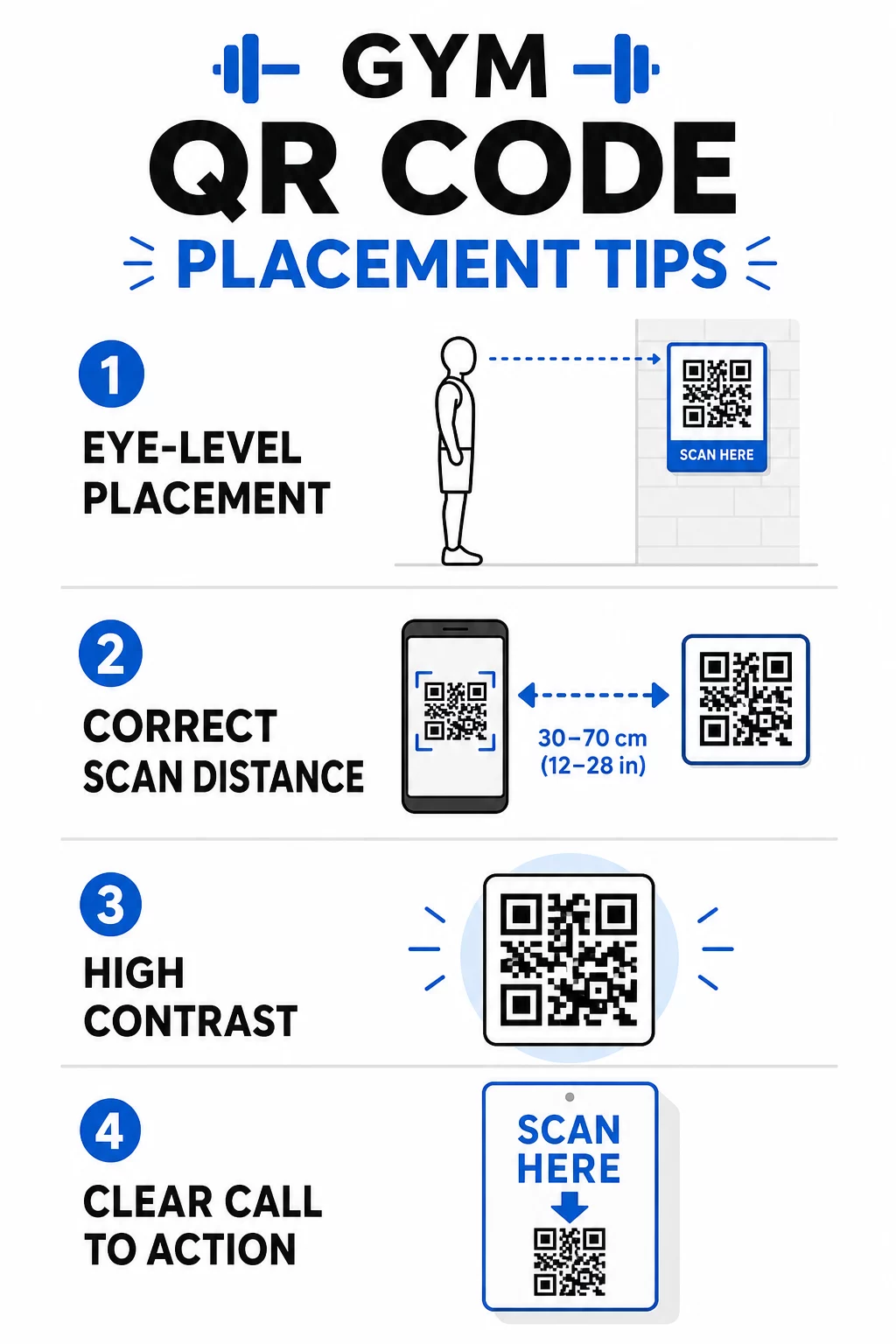
- Novietojiet kodus acu līmenī, aptuveni 3,5 līdz 5,5 pēdu augstumā no grīdas
- Izmantojiet 10:1 izmēru noteikumu: uz katrām 10 collām paredzamā skenēšanas attāluma kodam jābūt vismaz 1 collu platam
- Prioritāte ir augsta kontrasta dizains: tumši raksti uz gaiša fona uzticami skenējas sporta zāles apgaismojuma apstākļos
- Pievienojiet skaidru aicinājumu uz darbību blakus katram kodam (“Skenēt, lai iegūtu treniņu padomus,” “Skenēt, lai reģistrētos,” “Atstājiet mums atsauksmi”)
Detalizētus tehniskos norādījumus par izmēriem un lasāmību skatiet labāko praksi QR kodu lasāmībā. Katrs QR kods, ko izvietojat savā sporta zālē, ir iespēja samazināt berzi dalībniekiem un samazināt manuālo darbu jūsu komandai. Sāciet ar vienu vai diviem augstas ietekmes izvietojumiem – reģistrāciju, aprīkojuma ceļvežiem vai Google atsauksmēm – un izsekojiet rezultātus pirms paplašināšanas. Izmantojiet QR kodu ģenerators , lai izveidotu zīmolotus, dinamiskus kodus, kurus varat atjaunināt bez atkārtotas drukāšanas, un izmantojiet iebūvēto analītiku, lai redzētu, kuri izvietojumi nodrošina vislielāko iesaisti.
Biežāk uzdotie jautājumi
Statisks QR kods pastāvīgi kodē galamērķa URL – kad tas ir izdrukāts, jūs nevarat mainīt, uz kurieni tas norāda. Dinamisks QR kods glabā īsu novirzīšanas URL, lai jūs varētu atjaunināt galamērķi jebkurā laikā bez koda atkārtotas drukāšanas. Fitnesa uzņēmumiem dinamiskie kodi ir labāka izvēle, jo nodarbību grafiki, akcijas un treniņu saturs bieži mainās, un dinamiskie kodi nodrošina arī skenēšanas analītiku, lai jūs varētu izsekot veiktspējai.
Visefektīvākās izvietošanas vietas ir pie ieejas reģistrācijai, tieši uz aprīkojuma apmācībām, pie izejām un ģērbtuvēm atsauksmēm un atgriezeniskajai saitei, pie reģistratūras reģistrācijai, un intensīvas satiksmes zonās, piemēram, pie ūdens stacijām vai sulu bāra sociālajiem medijiem un akcijām. Novietojiet kodus acu līmenī (aptuveni 3,5 līdz 5,5 pēdu augstumā no grīdas) ar skaidru aicinājumu uz darbību blakus katram.
Jā, katram QR kodam jābūt saistītam ar vienu, konkrētu galamērķi, lai dalībnieku pieredze būtu skaidra un fokusēta. Reģistrācijas kodam jāved uz jūsu reģistrācijas lapu, aprīkojuma kodam jāved uz šīs mašīnas apmācību, un atsauksmes kodam jāved tieši uz jūsu Google atsauksmju lapu. Izmantojot QR kodu pārvaldības platformu, varat organizēt visus savus kodus vienā informācijas panelī, neatkarīgi atjaunināt galamērķus un atsevišķi izsekot katra koda veiktspējai.