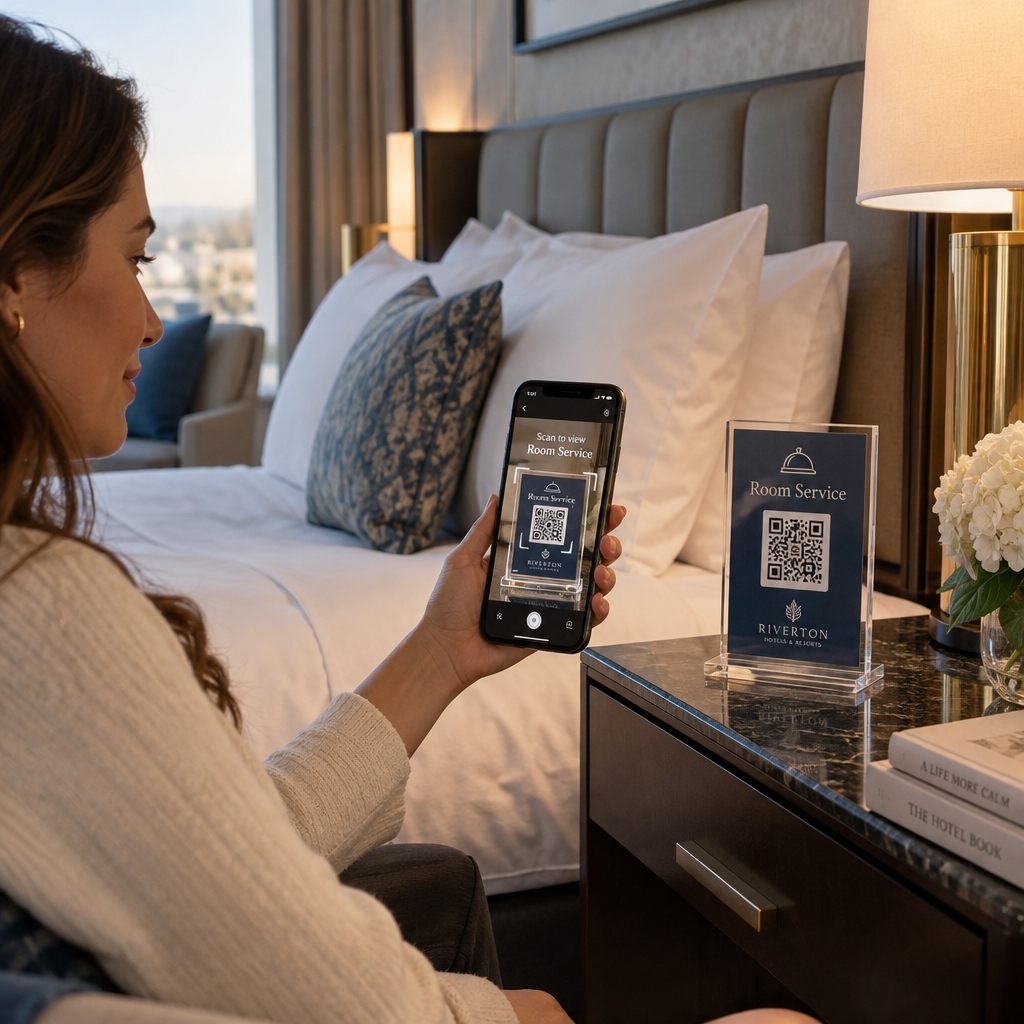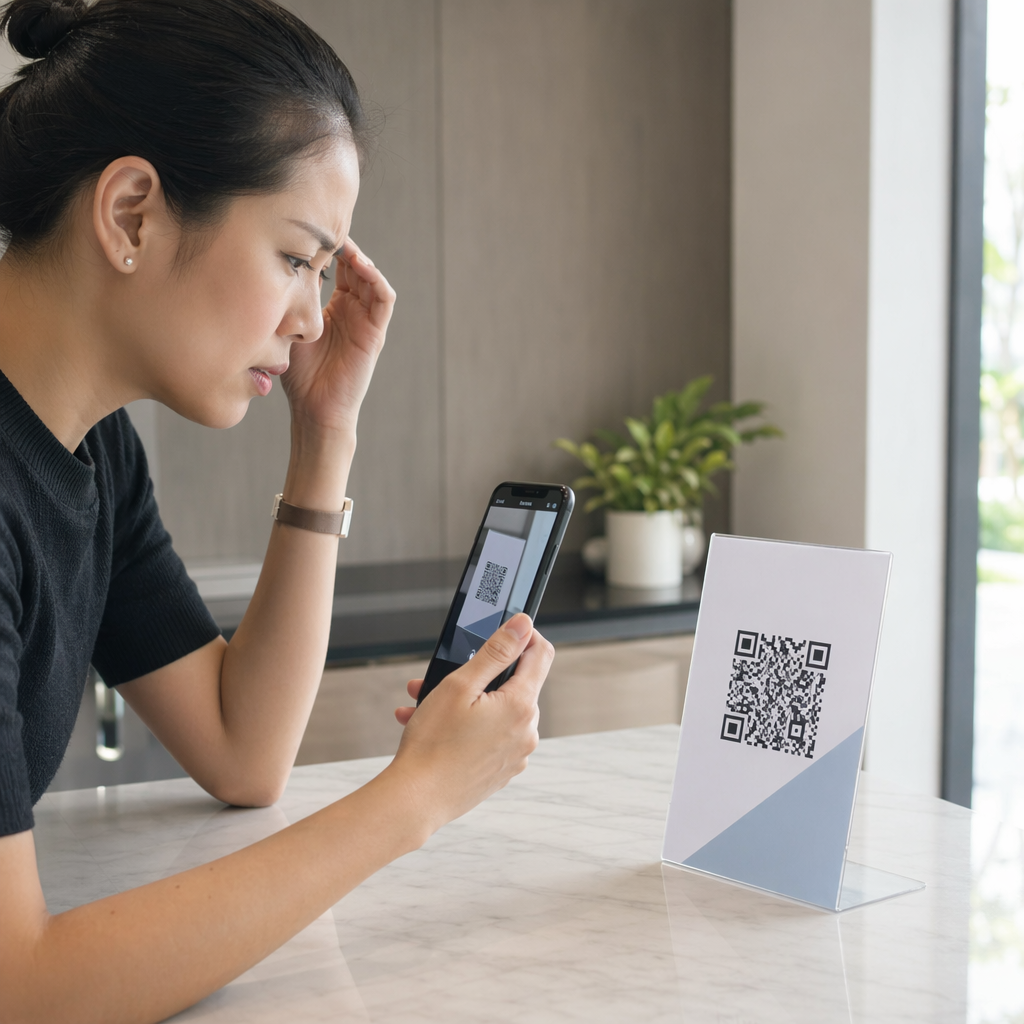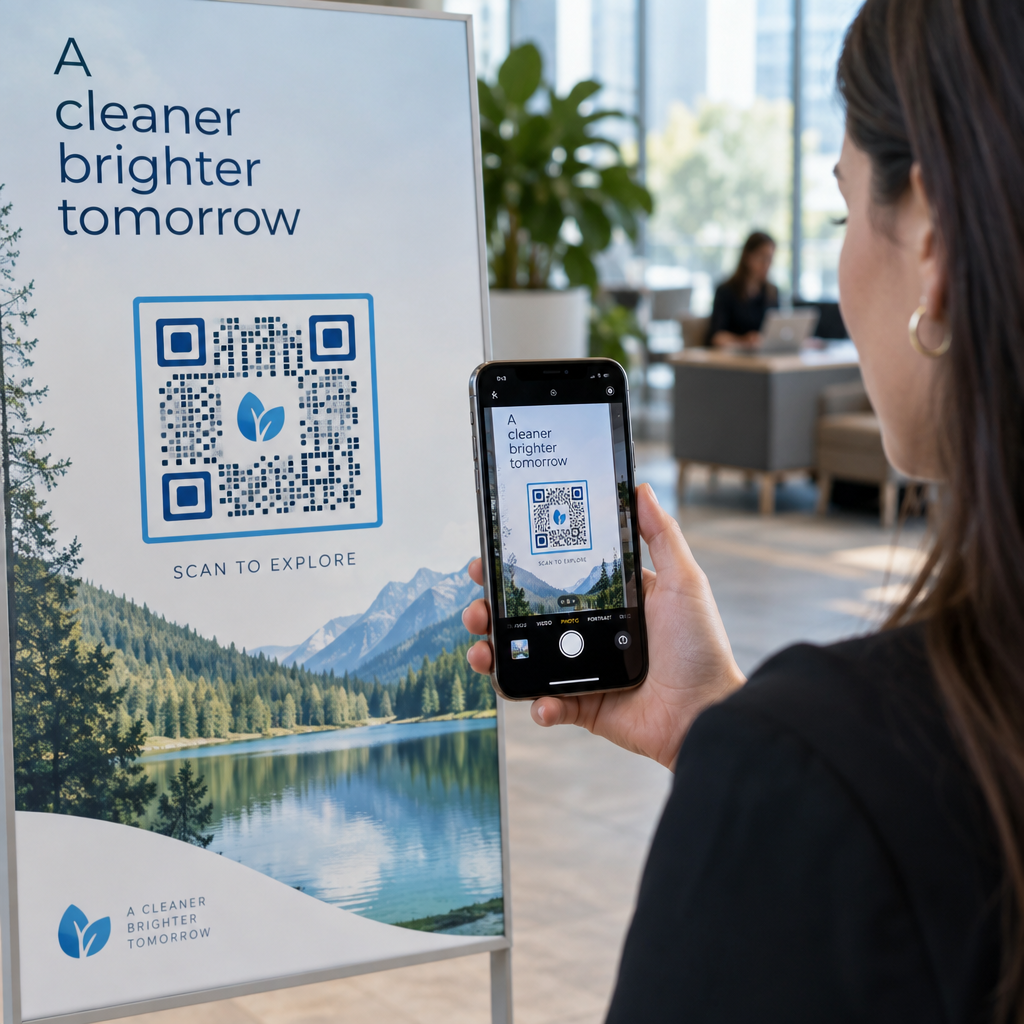
Притеснявате ли се, че добавянето на лого към вашия QR код ще го направи невъзможен за сканиране? Нефункционалният код разочарова клиентите и пропилява маркетингови ресурси за нечетими разпечатки. Това ръководство ви показва как да използвате корекция на грешки и дизайнерски стандарти, за да създадете брандирани, надеждни QR кодове.
Как корекцията на грешки позволява брандирани дизайни
The technical foundation that allows you to overlay an image is Reed-Solomon error correction. This mathematical algorithm embeds redundant data into the code, allowing a scanner to reconstruct the destination URL even when a portion of the grid is obscured or damaged. Understanding как работи корекцията на грешки в редактируемите QR кодове helps you balance visual customization with scanning reliability.
The ISO/IEC 18004 standard defines four distinct error correction levels:
- Recover approximately 7% of data with Level L, designed for basic codes without customization.
- Restore around 15% of data with Level M, balanced for standard marketing applications.
- Reconstruct roughly 25% of data with Level Q, suitable for harsh environments or small icons.
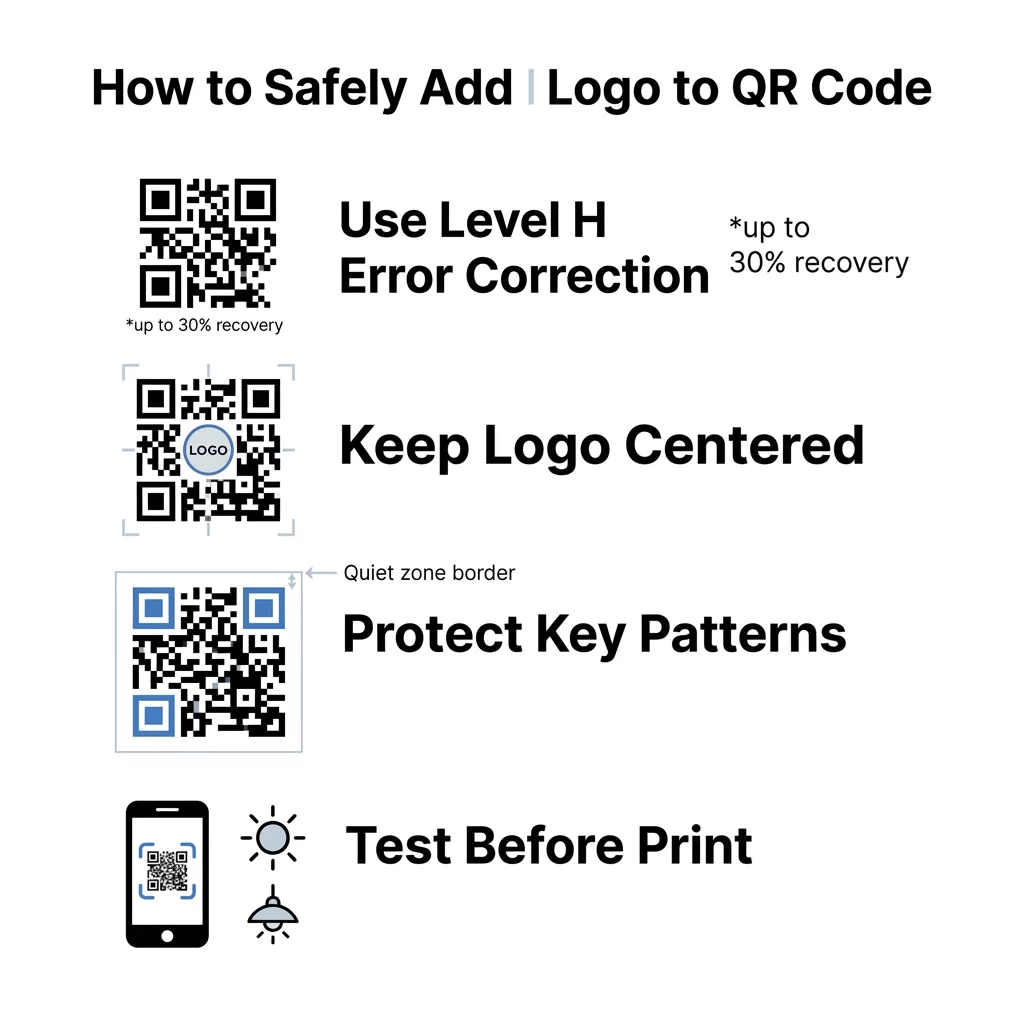
- Rebuild up to 30% of data with Level H, required when overlaying a central logo.
When placing an icon or brand asset in the center of your code, always configure error correction to Level H (or at minimum Level Q). Because your graphic covers functional modules in the center, Level H ensures the remaining 70% of the visible grid contains sufficient redundant data for smartphone cameras to reconstruct the missing information instantly.
Основни правила за дизайн при поставяне на лого
Error correction provides structural tolerance, but arbitrary placement can easily break your code. Successful примери за брандирани QR кодове follow strict positioning rules to protect core navigational markers that scanners use for spatial orientation.
- Center your logo within the grid to avoid interfering with edge alignment.
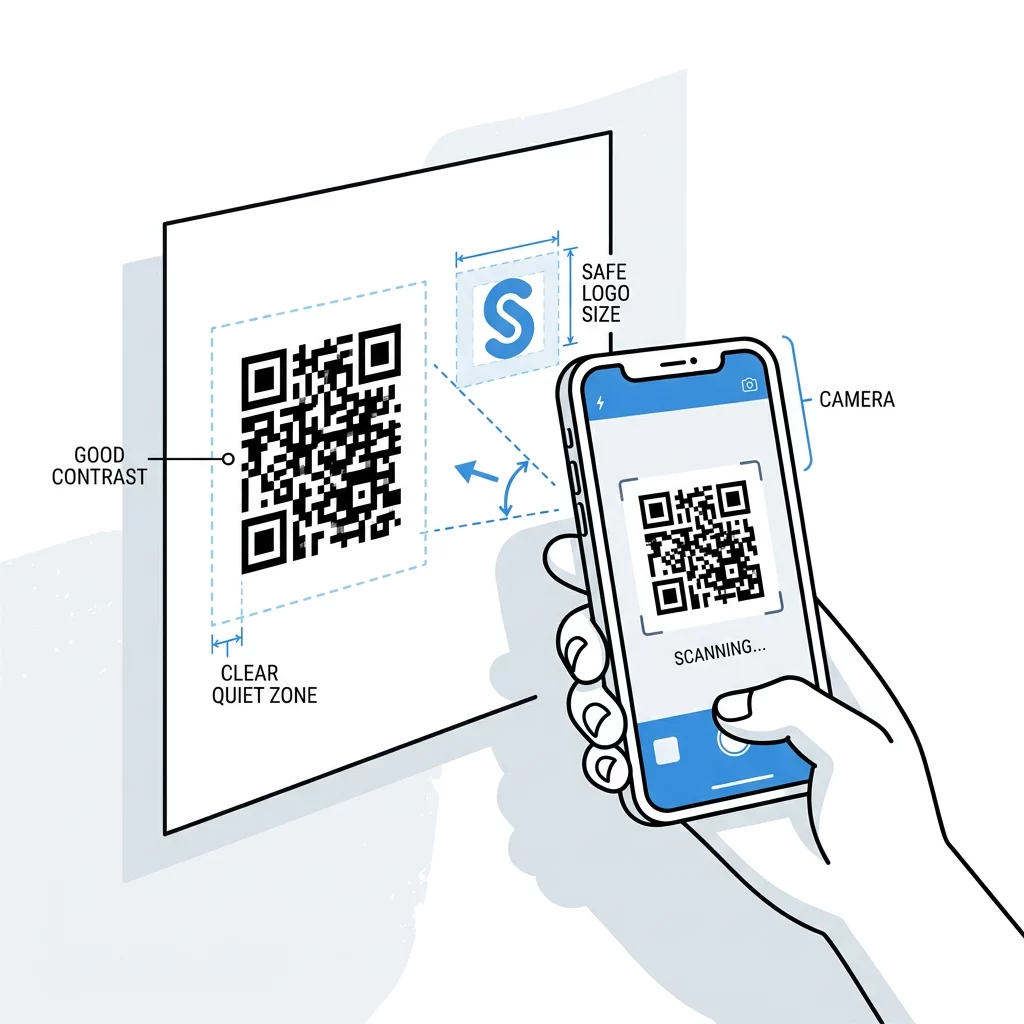
- Keep the logo dimensions to no more than 25% of the total QR code area.
- Leave the three large corner finder patterns completely unobstructed.
- Maintain a blank quiet zone of at least four modules around the perimeter.
The quiet zone functions like a physical picture frame, separating the data grid from nearby text, graphics, or packaging margins. If background graphics bleed into this border, mobile cameras cannot determine where the data matrix begins and ends.
Create Branded QR Codes in Minutes Looking to integrate your brand icon without risking scan failures? Use the QR code generator с лого to customize colors, add frames, and download print-ready vector files.
Contrast and Sizing Standards for Clean Scans
Smartphone cameras read QR codes by detecting light reflection differences between individual modules. Dark modules absorb light while lighter backgrounds reflect it back to the lens sensor. Following най-добрите практики за цветови контраст на QR кодове prevents reading errors caused by uneven lighting or low-grade camera sensors.
- Select dark foreground modules over a light background to ensure camera sensors detect the grid.
- Maintain a contrast ratio of at least 4.5:1 between modules and background surfaces.
- Eliminate gradients and drop shadows that introduce ambiguous mid-tones.
- Print codes at a minimum size of 0.8 x 0.8 inches (2 x 2 cm) for close-range scanning.
Physical size directly affects scanning performance. As detailed in our guide on най-добрите практики за четливост на QR кодовете, you should apply a 10:1 ratio between scanning distance and code width. A business card scanned from 8 inches away requires at least a 0.8-inch code, while a poster viewed from 10 feet requires a code at least 12 inches wide. For physical printing, always export your design in vector formats such as SVG or EPS to prevent pixelation during resizing.
Validating and Testing Before Printing
Never commit a branded QR code design to mass production without testing physical proofs. On-screen monitors emit their own light, making codes appear easier to read than on matte paper, curved bottles, or glossy signs.
- Scan the code across different devices using native iOS and Android camera apps.
- Evaluate readability under varied lighting conditions, including direct sunlight and dim environments.
- Check scans from multiple distances and tilted angles to replicate real user behavior.
- Verify that the destination link loads correctly without manual camera zooming.
You can also test visual files by uploading a digital proof directly into an online Сканиране на QR код to confirm module alignment before sending materials to the press.
Deploying Reliable Branded QR Codes
Integrating a central logo turns a generic black-and-white grid into an attractive branded asset that drives consumer trust and higher engagement. Protecting your scan rates simply requires adhering to Level H error correction, keeping your logo under 25% of the surface area, and maintaining distinct color contrast.
When you are ready to build a reliable, customized code for your next campaign, use the Pageloot генератор на QR кодове to design, test, and manage your dynamic assets in one centralized dashboard.
Често задавани въпроси
Square or circular logos work best because they sit naturally in the center of the code grid. Rectangular or elongated logos often stretch toward the corner finder patterns, which can block vital orientation markers and cause scan failures.
You can add a logo to most QR codes as long as you generate them with Level Q or Level H error correction. For codes containing extensive text or complex URLs, use dynamic QR codes to keep module density low and preserve scannability.
Adding a logo is a graphic customization that does not affect the lifespan of your QR code. Static codes never expire, while dynamic QR codes remain active as long as your account subscription hosting the redirect URL stays active.