Bạn đã bao giờ quét mã QR tại máy đỗ xe hoặc trên một tấm áp phích, nhưng lại do dự trước khi chạm vào liên kết chưa? Những kẻ lừa đảo thường xuyên thao túng các ô vuông đen trắng này để đánh cắp mật khẩu, thu thập thông tin thanh toán hoặc cài đặt phần mềm độc hại vào các thiết bị không nghi ngờ. Học cách kiểm tra mã vật lý, xác minh bản xem trước URL và nhận biết các chiến thuật lừa đảo phổ biến sẽ giúp bạn quét mã một cách hoàn toàn tự tin.
Cách thức hoạt động của các trò lừa đảo mã QR giả mạo
Mã QR vốn dĩ không rõ ràng. Không giống như các liên kết văn bản tiêu chuẩn, mắt người không thể giải mã mẫu pixel đen trắng để biết nó dẫn đến đâu trước khi quét. Tội phạm mạng khai thác điểm mù này thông qua hình thức lừa đảo bằng mã QR, thường được gọi là quishing.
Những kẻ tấn công triển khai mã QR giả mạo tại một số điểm tiếp xúc phổ biến:
- Dán nhãn dán đè lên biển báo hợp pháp: Những kẻ lừa đảo dán mã giả lên các máy đỗ xe, máy bán vé hoặc thực đơn nhà hàng hiện có để chuyển hướng nạn nhân đến các cổng thanh toán giả mạo. Kỹ thuật này đã gây ra tổn thất tài chính lớn trong thời gian gần đây Các vụ lừa đảo đỗ xe bằng mã QR.
- Gửi thông báo gói hàng không mong muốn: Những kẻ lừa đảo gửi các gói hàng không mong muốn hoặc thư vật lý chứa mã QR yêu cầu người nhận xác minh thông tin cá nhân hoặc tùy chọn giao hàng trên các trang web đánh cắp danh tính lừa đảo.
- Nhúng mã bên trong tệp đính kèm email độc hại: Tội phạm mạng đặt mã QR trong hóa đơn PDF hoặc email thông báo khẩn cấp để vượt qua các bộ lọc bảo mật email tiêu chuẩn tìm kiếm liên kết văn bản thuần túy, gây ra những rủi ro kinh doanh từ lừa đảo mã QR.
- Phân phát tờ rơi quảng cáo giả mạo: Các tờ rơi lừa đảo cung cấp giảm giá giả hoặc thông báo công cộng khẩn cấp để gây áp lực buộc người dùng quét mã, từ đó kích hoạt việc tải xuống tệp nguy hiểm hoặc thu thập thông tin đăng nhập.
Trong mọi trường hợp, những kẻ tấn công lợi dụng sự quen thuộc và tốc độ của các tương tác QR tiêu chuẩn để vượt qua sự thận trọng bảo mật thông thường của bạn.
Các Dấu Hiệu Cảnh Báo Phổ Biến của Mã QR Độc Hại
Phát hiện mã QR giả mạo đòi hỏi phải kiểm tra cả môi trường vật lý nơi mã xuất hiện và cấu trúc liên kết kỹ thuật số đằng sau nó.
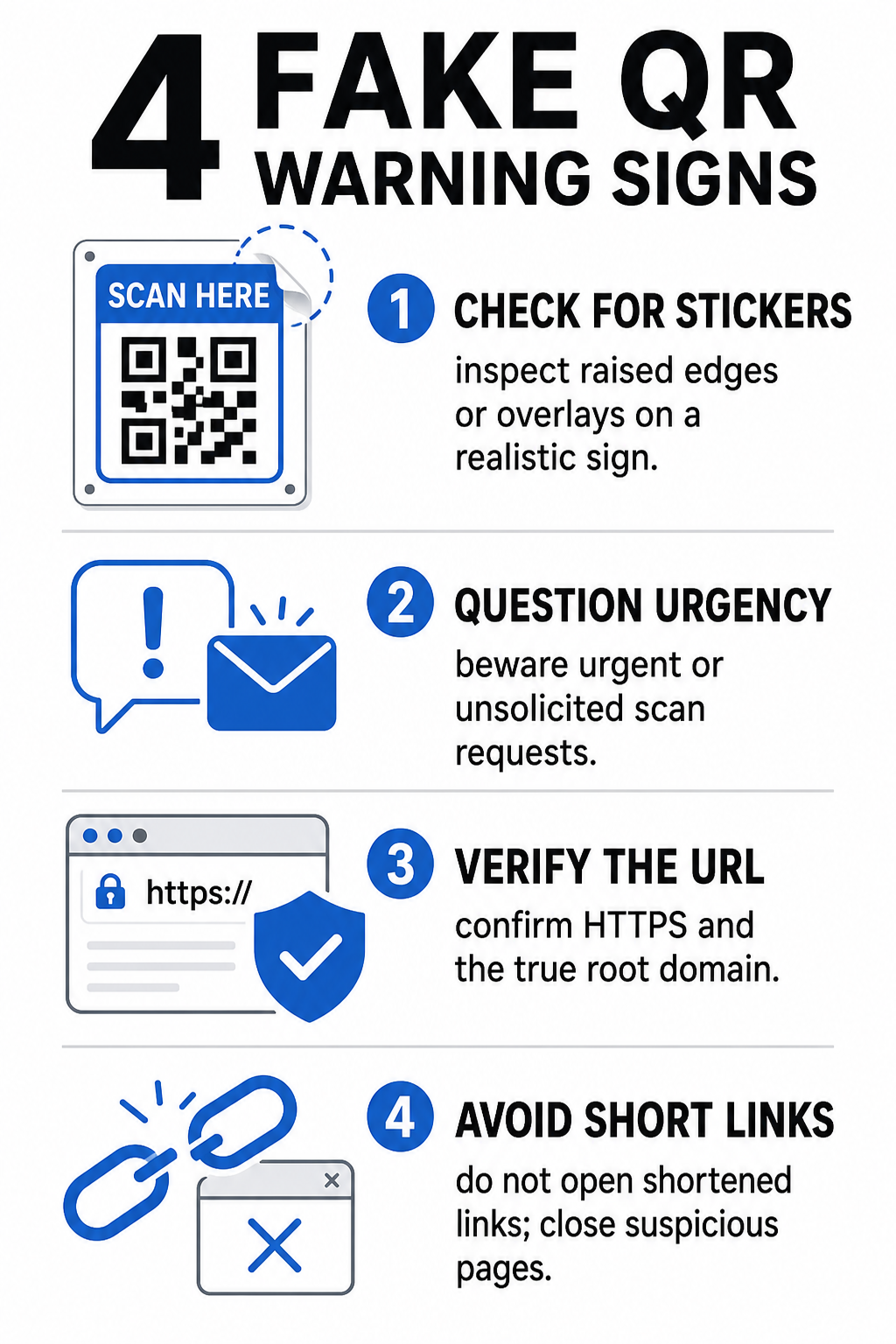
| Danh Mục Rủi Ro | Những Điều Cần Tìm | Mối Đe Dọa Tiềm Ẩn |
|---|---|---|
| Can Thiệp Vật Lý | Các cạnh nhãn dán bị nhô lên, nhãn bị bong tróc hoặc đồ họa không căn chỉnh trên các biển báo vật lý. | Lừa đảo chồng chéo (overlay) hướng bạn đi xa khỏi các hệ thống hợp pháp hệ thống thanh toán đậu xe. |
| Tin Nhắn Không Mong Muốn | Email, tin nhắn hoặc thư khẩn cấp yêu cầu thanh toán ngay lập tức qua mã QR. | Âm mưu lừa đảo (phishing) được thiết kế để lừa bạn nhập thông tin đăng nhập dưới áp lực. |
| Giao Thức Không An Toàn | URL bắt đầu bằng `http://` không được mã hóa thay vì `https://` an toàn. | Đánh chặn dữ liệu hoặc các trang đăng nhập giả mạo thu thập thông tin đăng nhập. |
| Giả Mạo Tên Miền | Tên thương hiệu bị viết sai chính tả, các chữ cái bị đặt sai vị trí hoặc các tên miền cấp cao nhất không quen thuộc. | Trang web giả mạo được nhân bản để bắt chước các cổng thông tin công ty thật. |
| Liên Kết Rút Gọn | Các công cụ rút gọn liên kết chung chung che khuất tên miền trang đích thực. | Điểm đến bị ẩn giấu phần mềm độc hại hoặc các chuyển hướng bất hợp pháp. |
Nếu bạn phát hiện bất kỳ dấu hiệu cảnh báo nào trong số này, hãy tránh quét mã hoặc đóng ngay tab trình duyệt nếu liên kết đã mở. Việc hiểu rộng hơn rủi ro riêng tư của mã QR giúp làm rõ cách các liên kết độc hại thu thập siêu dữ liệu cá nhân và thông tin theo dõi.
Cách Xác Minh An Toàn URL Đích Trước Khi Nhấn
Dành vài giây để kiểm tra đích đến của mã QR trước khi mở nó sẽ cung cấp sự bảo vệ mạnh mẽ chống lại các cuộc tấn công lừa đảo.
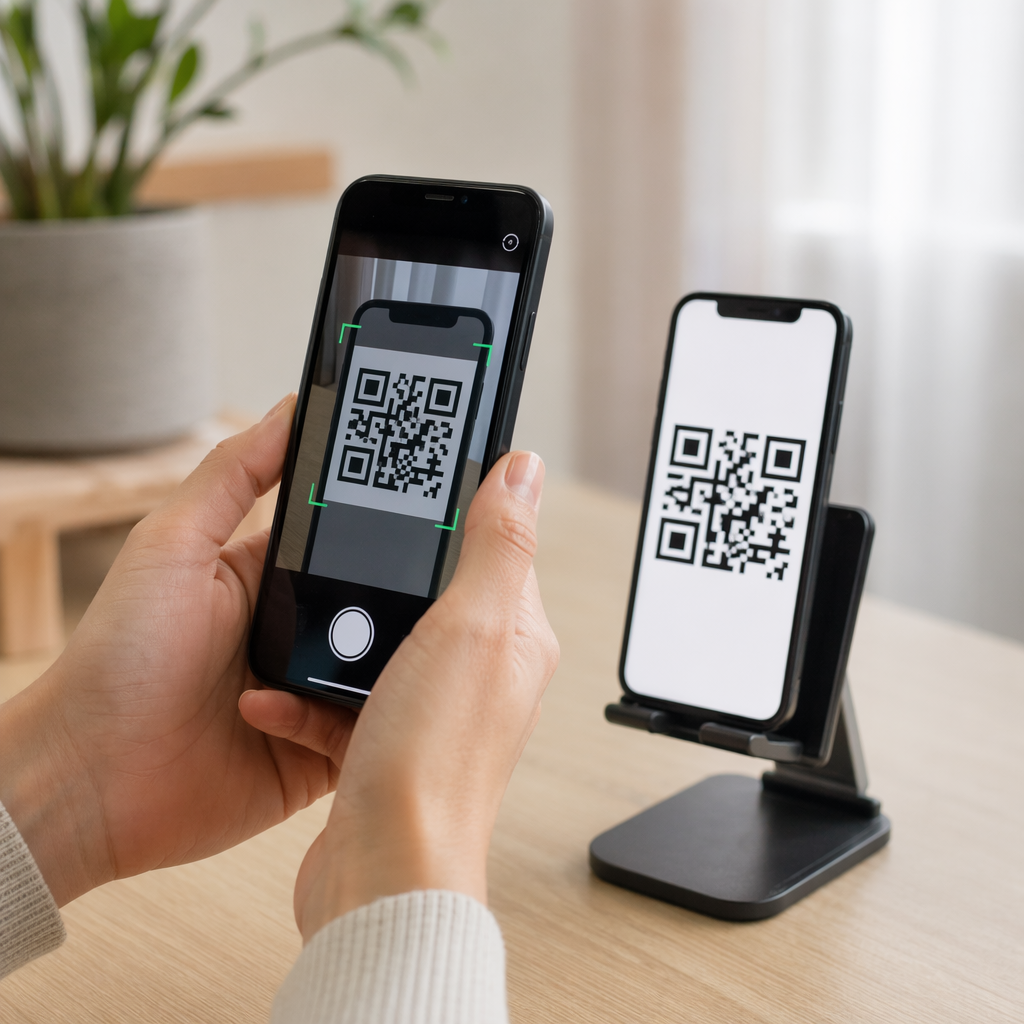
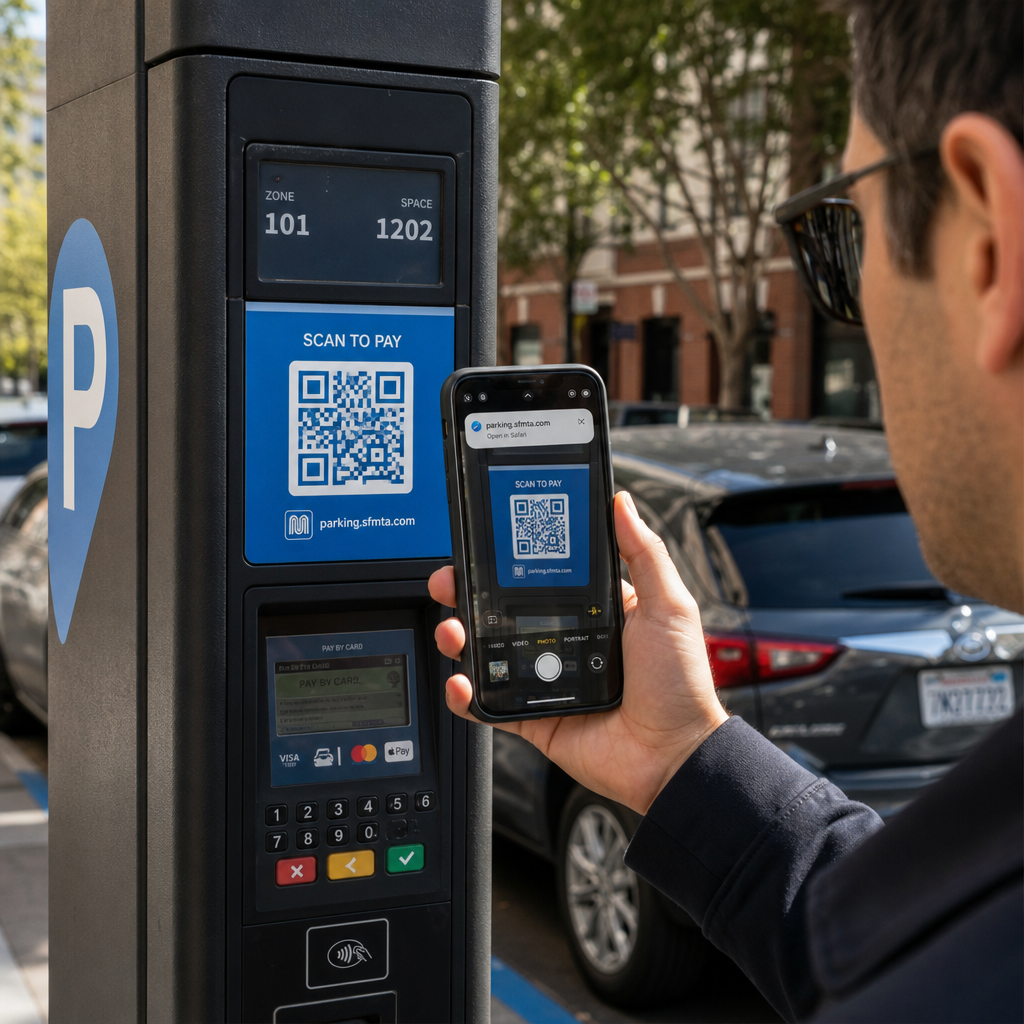
- Kiểm tra bản xem trước camera hoặc biểu ngữ của máy quét: Đặt camera điện thoại thông minh của bạn lên mã và đọc kỹ tên miền URL được xem trước trước khi chạm để mở nó.
- Kiểm tra tên miền gốc để phát hiện giả mạo: Hãy xem tên miền chính trước bất kỳ dấu gạch chéo hoặc tên miền phụ nào. Ví dụ, `brandname.com.attacker-site.com` bị kiểm soát bởi kẻ tấn công, không phải thương hiệu chính thức. Hãy chú ý đến các hoán đổi ký tự tinh vi, chẳng hạn như thay thế chữ cái `l` viết thường bằng số `1`.
- Tránh tải xuống ứng dụng trực tiếp từ các chuyển hướng QR: Tìm kiếm và tải ứng dụng trực tiếp từ cửa hàng ứng dụng chính thức của thiết bị thay vì tin tưởng một liên kết được cung cấp bởi mã QR.
- Truy cập trực tiếp các cổng thông tin web đáng tin cậy để thanh toán: Tránh nhập mật khẩu hoặc thông tin thẻ tín dụng trên các trang được truy cập thông qua mã QR không được yêu cầu. Thay vào đó, hãy mở trình duyệt di động của bạn và nhập địa chỉ trang web chính thức theo cách thủ công.
Kiểm tra mã đáng ngờ trực tuyến Bạn muốn xem trước và xác minh an toàn các liên kết đích trước khi mở chúng trên điện thoại thông minh của mình? Sử dụng công cụ miễn phí Máy quét mã QR Pageloot để tải lên hình ảnh mã và kiểm tra nội dung đích một cách an toàn.
Các Bước Thực Tế để Ngăn Chặn Lừa Đảo Mã QR
Cả người tiêu dùng cá nhân và chủ doanh nghiệp đều có thể thực hiện các biện pháp bảo mật có cấu trúc để giữ an toàn cho các điểm tiếp xúc vật lý và kỹ thuật số.
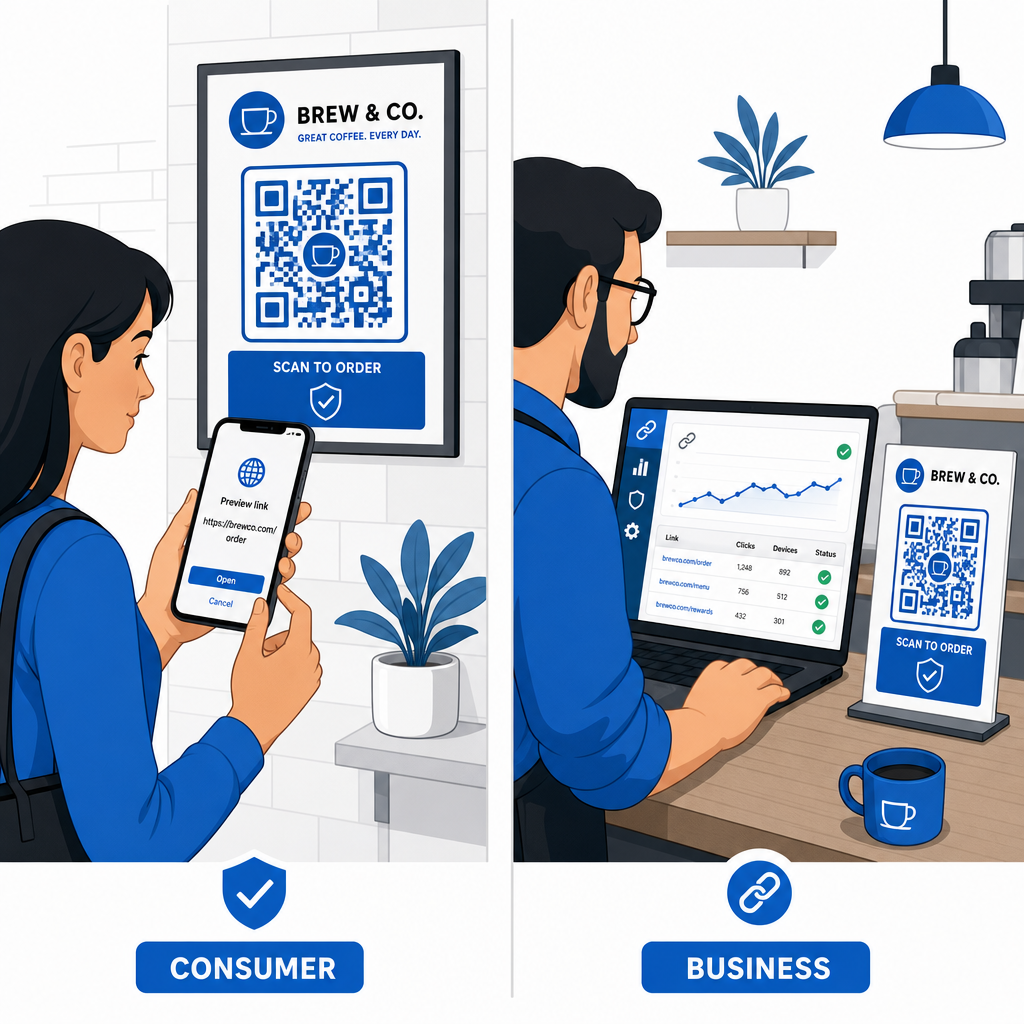
Hướng Dẫn Dành Cho Người Tiêu Dùng Hàng Ngày
- Kiểm tra biển báo vật lý xem có lớp phủ nào không: Sờ bề mặt của máy đỗ xe, bộ sạc công cộng hoặc áp phích để đảm bảo không có nhãn dán nào che mã gốc.
- Nhập địa chỉ web thủ công cho các giao dịch: Mở trình duyệt web của bạn và nhập trực tiếp các địa chỉ URL chính thức khi thanh toán hóa đơn tiện ích hoặc nhập thông tin tài chính.
- Bật xác thực hai yếu tố cho tất cả các tài khoản: Bảo vệ thông tin đăng nhập trực tuyến bằng một bước xác minh bổ sung để mật khẩu bị đánh cắp một mình không thể cấp quyền truy cập tài khoản.
- Báo cáo hoạt động gian lận lên các cổng thông tin chính thức: Gửi báo cáo về mã gian lận hoặc lừa đảo cho chính quyền địa phương và các cổng thông tin báo cáo chính thức như Trung tâm Khiếu nại Tội phạm Internet của FBI (IC3) hoặc Ủy ban Thương mại Liên bang (FTC).
Hướng Dẫn Dành Cho Chủ Doanh Nghiệp
- Triển khai mã QR động trong các chiến dịch: Sử dụng mã QR động để duy trì toàn quyền kiểm soát các liên kết đích, cho phép cập nhật ngay lập tức hoặc hủy kích hoạt liên kết nếu phát hiện mối đe dọa.
- Áp dụng thương hiệu tùy chỉnh và logo trực quan: Tùy chỉnh thiết kế mã với logo công ty và màu sắc thương hiệu cụ thể, giúp mã của bạn khó bị kẻ lừa đảo sao chép bằng các nhãn dán chung chung hơn đáng kể.
- Triển khai các công cụ giám sát bảo mật đa lớp: Kết hợp quản lý mã QR an toàn với các công cụ bảo mật doanh nghiệp chuyên biệt để đánh giá các liên kết đến và phát hiện các mối đe dọa lừa đảo trên các kênh công ty. Bạn có thể xem xét các công cụ phòng thủ chuyên dụng trong hướng dẫn của chúng tôi về cách công cụ chuyên biệt để phát hiện lừa đảo mã QR.
- Kiểm tra định kỳ các điểm tiếp xúc vật lý: Thường xuyên kiểm tra các biển hiệu vật lý, các bảng để bàn và ki-ốt để phát hiện các lớp dán nhãn hoặc sự can thiệp vật lý. Việc kết hợp kiểm tra vật lý với các biện pháp tốt nhất về bảo mật thanh toán bằng mã QR giúp duy trì lòng tin của khách hàng. Để có một chiến lược tổ chức hoàn chỉnh, hãy khám phá phân tích chi tiết của chúng tôi về cách bảo vệ doanh nghiệp của bạn khỏi các trò lừa đảo mã QR.
Bảo vệ tương tác kỹ thuật số của bạn bằng tính năng quét thông minh
Việc phát hiện mã QR giả mạo tùy thuộc vào việc nhận biết sự can thiệp vật lý, xác minh tên miền đích và tránh nhập thông tin đăng nhập hoặc gửi thanh toán một cách bốc đồng. Bằng cách kiểm tra các bản xem trước URL và dựa vào các địa chỉ web đã được xác minh, bạn có thể an toàn tận hưởng sự tiện lợi của mã QR mà không ảnh hưởng đến bảo mật của mình.
Khi phân tích các mã QR không xác định trên điện thoại thông minh hoặc máy tính để bàn của bạn, hãy xác minh nội dung của chúng một cách an toàn trước khi thực hiện hành động. Hãy sử dụng công cụ dựa trên nền tảng web Máy quét mã QR Pageloot để xem trước các điểm đến được mã hóa và xác nhận an toàn liên kết ngay lập tức.
Câu hỏi thường gặp
Quét mã QR đơn thuần đọc văn bản được mã hóa, thường là một địa chỉ web. Việc đơn thuần quét mã hiếm khi lây nhiễm trực tiếp vào thiết bị; tuy nhiên, việc chạm vào liên kết đã được xem trước để truy cập một trang web độc hại hoặc tải xuống một tệp không đáng tin cậy từ trang đích đó có thể cài đặt phần mềm độc hại trên điện thoại của bạn.
Ngay lập tức thay đổi mật khẩu của bạn trên trang web bị ảnh hưởng và bất kỳ tài khoản nào khác sử dụng chung thông tin đăng nhập đó. Bật xác thực hai yếu tố ngay lập tức, thông báo cho ngân hàng của bạn nếu thông tin tài chính bị lộ, và theo dõi báo cáo tín dụng của bạn để phát hiện hoạt động không được nhận dạng.
Mã QR động định tuyến lưu lượng truy cập qua một nền tảng quản lý an toàn thay vì nhúng dữ liệu đích cố định. Nếu một trang web đích bị xâm nhập hoặc cần cập nhật, quản trị viên có thể sửa đổi URL đích hoặc vô hiệu hóa liên kết từ xa mà không cần thay thế các tài liệu in vật lý.