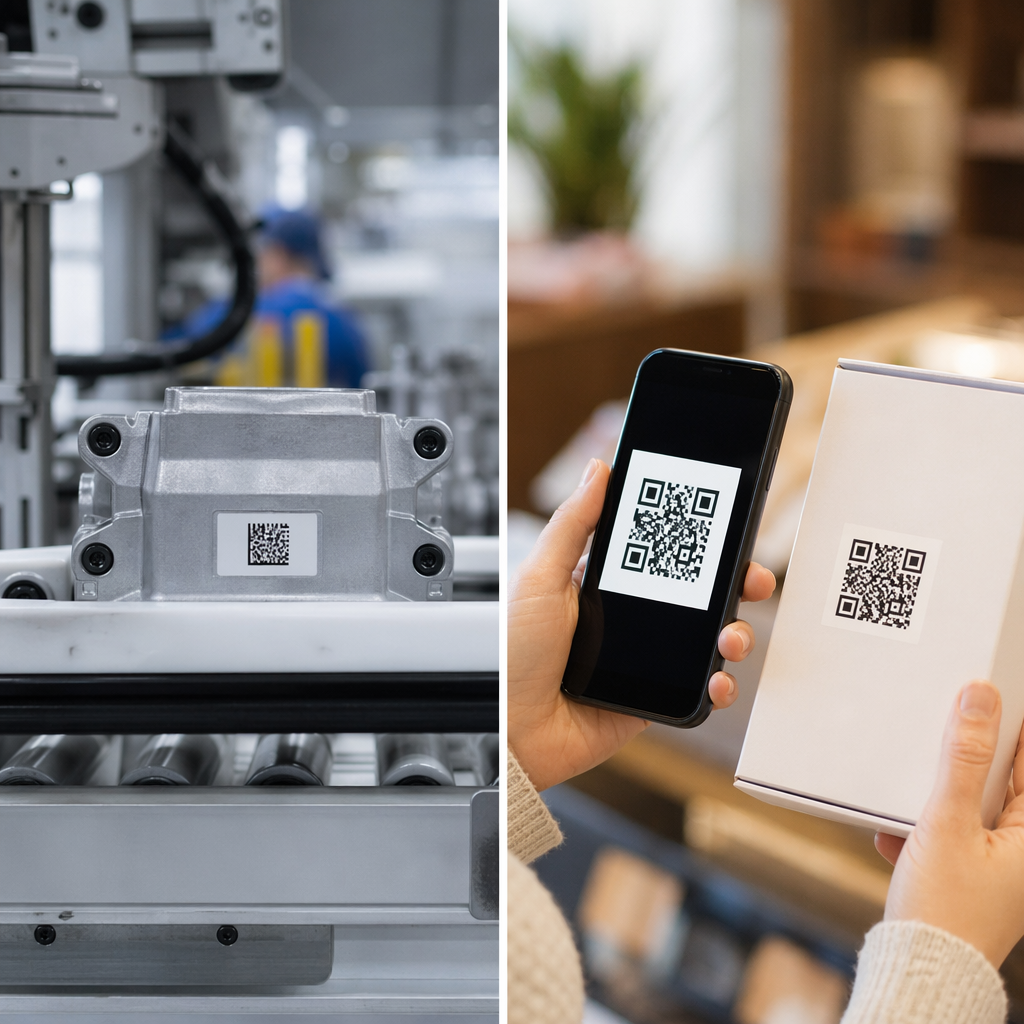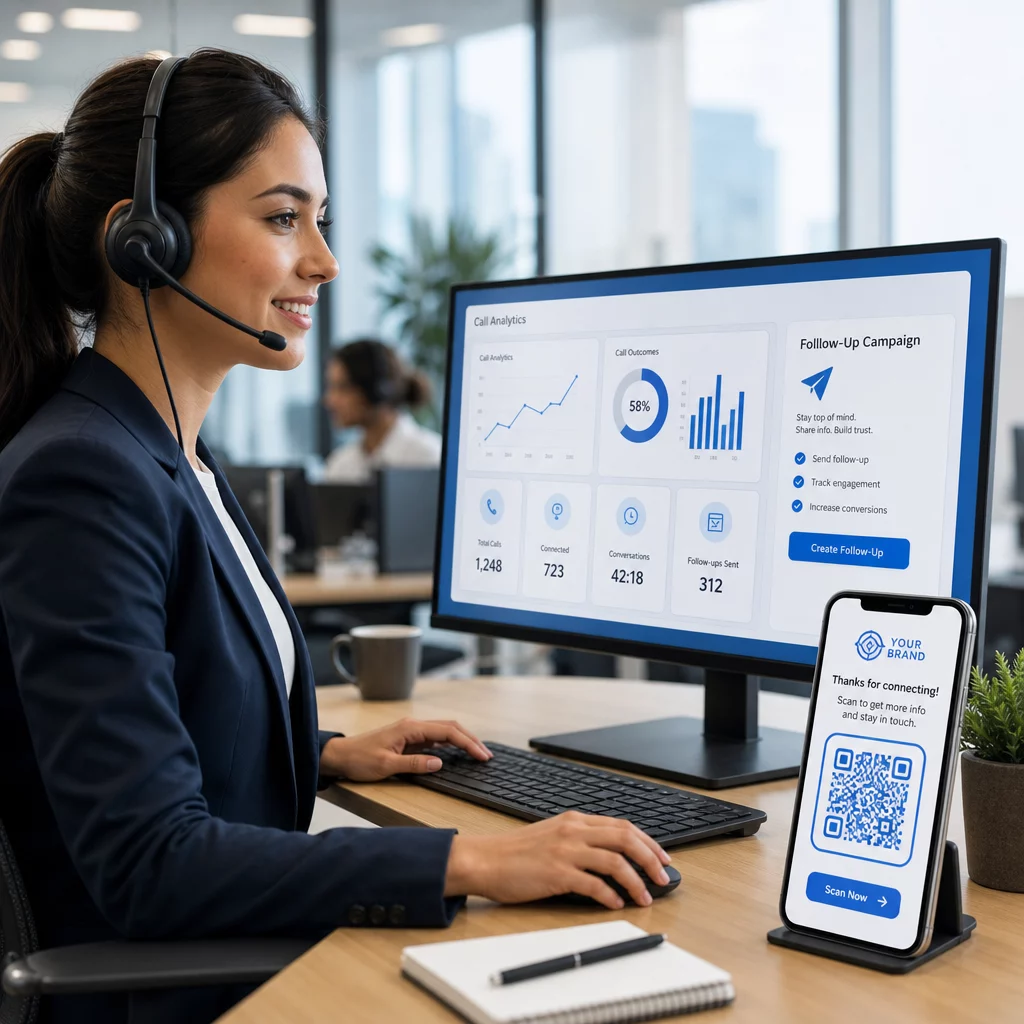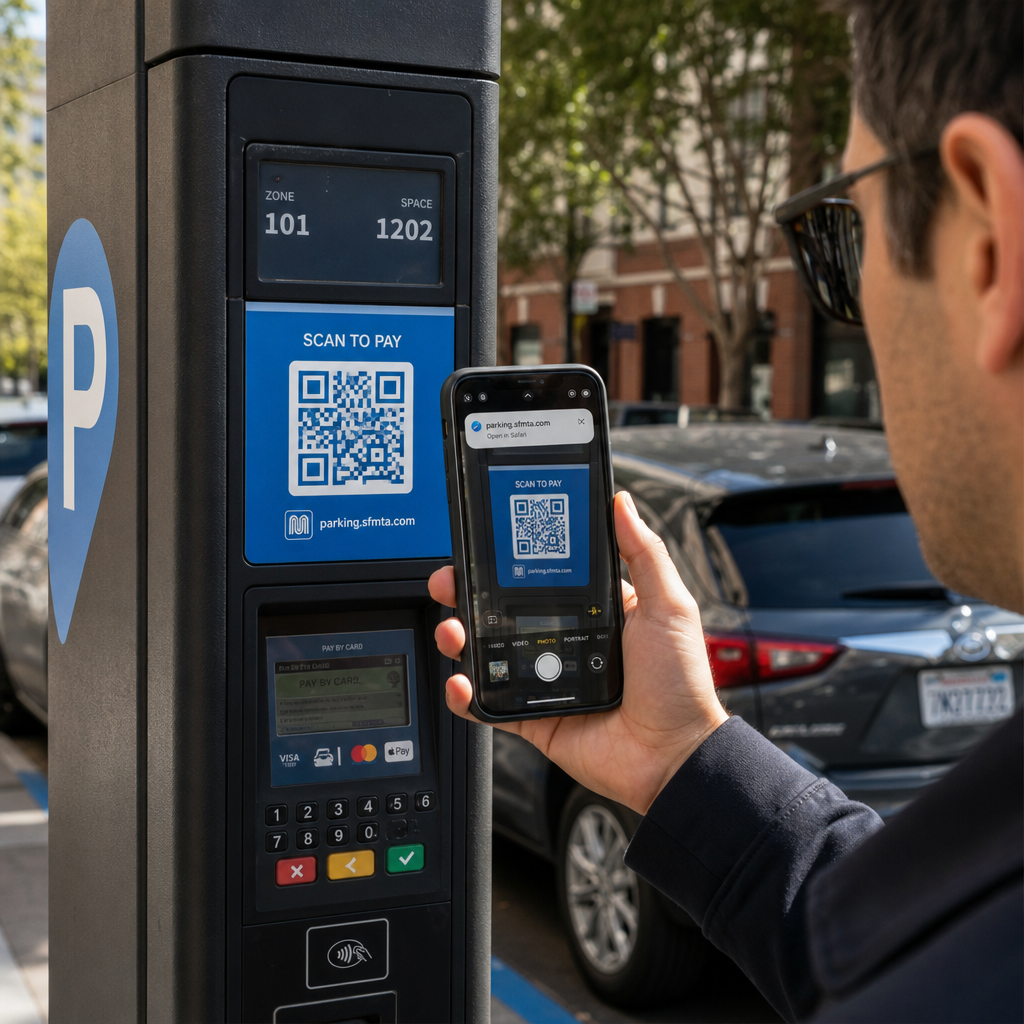
Kas olete kunagi parkimisautomaadi või plakati QR-koodi skanninud, kuid kõhklesite enne lingile klõpsamist? Kelmid manipuleerivad rutiinselt neid mustvalgeid ruute, et varastada paroole, koguda makseandmeid või installida pahavara pahaaimamatutele seadmetele. Füüsiliste koodide kontrollimise, URL-i eelvaadete kontrollimise ja tavaliste pettustaktikate äratundmise õppimine aitab teil skannida täie kindlusega.
Kuidas võltsitud QR-koodi pettused toimivad
QR-koodid on oma olemuselt läbipaistmatud. Erinevalt tavalistest tekstilinkidest ei suuda inimene mustvalget pikslite mustrit dešifreerida, et näha, kuhu see enne skannimist viib. Küberkurjategijad kasutavad seda pimeala ära QR-koodi andmepüügi kaudu, mida sageli nimetatakse quishingiks.
Ründajad paigutavad võltsitud QR-koode mitmesse levinud kontaktpunkti:
- Kleebiste asetamine legitiimsete siltide peale: Kelmid katavad võltsitud koodidega olemasolevaid parkimisautomaate, piletiautomaate või restoranimenüüsid, et suunata ohvrid kloonitud makseportaalidesse. See tehnika on viimasel ajal põhjustanud laialdasi rahalisi kahjusid. QR-koodi parkimispettused.
- Soovimatute pakiteadete saatmine: Kelmid toimetavad ootamatuid pakke või füüsilisi kirju, mis sisaldavad QR-koode, paludes saajatel isikuandmeid või tarneeelistusi kontrollida petturlikel identiteedivarguse saitidel.
- Koodide manustamine pahatahtlikesse meilimanustesse: Küberkurjategijad paigutavad QR-koode PDF-arvetesse või kiireloomulistesse teavituskirjadesse, et mööda hiilida tavalistest e-posti turvafiltritest, mis otsivad tavalisi tekstilinke, tuues kaasa tõsiseid QR-koodi andmepüügi äririskid.
- Võltsitud reklaamlehtede levitamine: Petturlikud flaierid pakuvad võltsitud allahindlusi või kiireloomulisi avalikke teateid, et survestada kasutajaid skannima koode, mis käivitavad ohtlikke failide allalaadimisi või koguvad sisselogimisandmeid.
Igal juhul kasutavad ründajad ära standardsete QR-interaktsioonide tuttavlikkust ja kiirust, et mööda hiilida teie tavapärasest turvalisusest.
Pahatahtliku QR-koodi tavalised hoiatusmärgid
Võlts-QR-koodi tuvastamine nõuab nii füüsilise keskkonna, kus kood ilmub, kui ka selle taga oleva digitaalse lingistruktuuri kontrollimist.
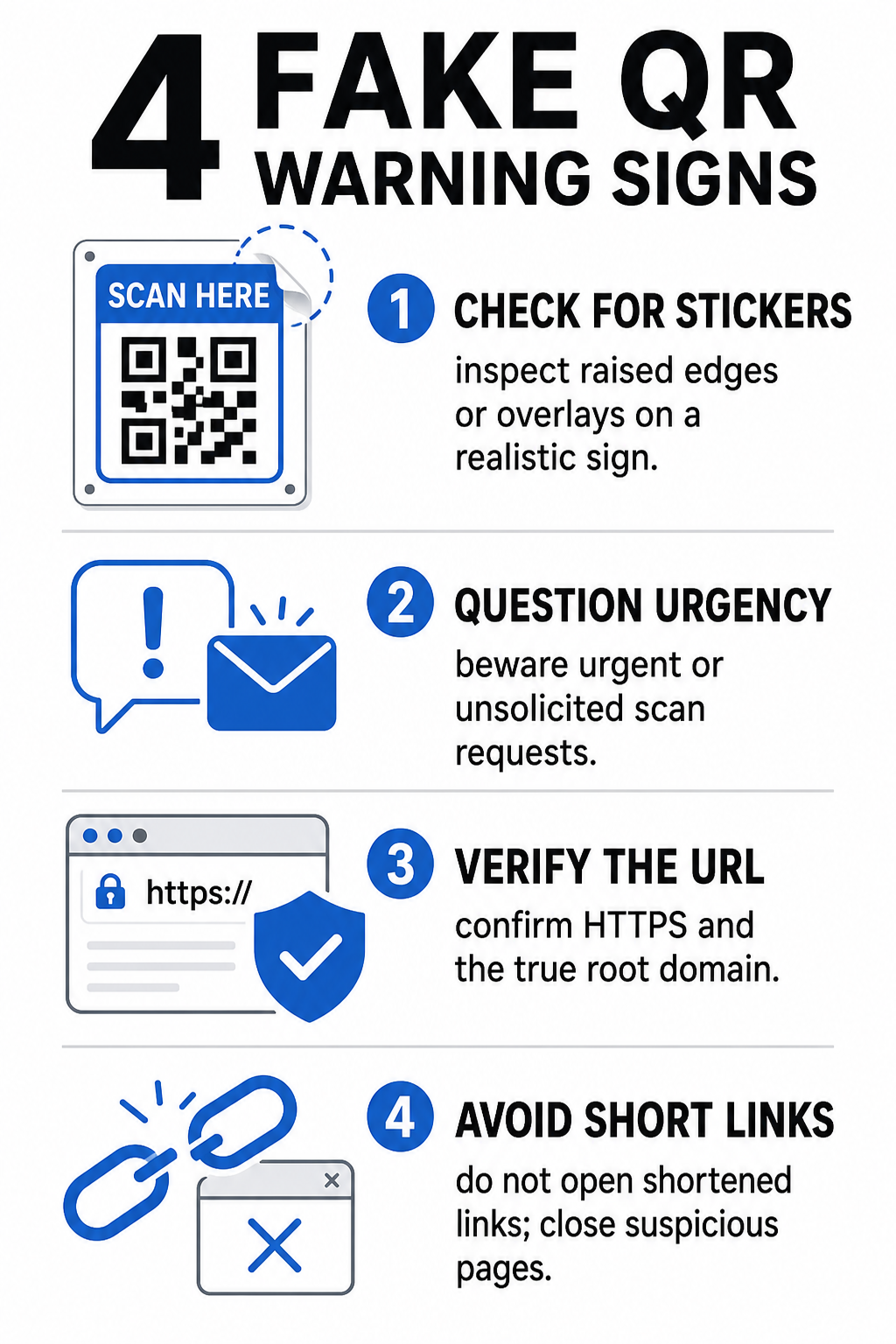
| Riski kategooria | Mida otsida | Potentsiaalne oht |
|---|---|---|
| Füüsiline võltsimine | Üleskerkinud kleebise servad, kooruvad sildid või valesti joondatud graafika füüsilistel siltidel. | Ülekatteskämm, mis suunab teid eemale seaduslikest parkimismaksete süsteemidest. |
| Soovimatud sõnumid | Kiireloomulised e-kirjad, tekstsõnumid või kirjad, mis nõuavad viivitamatut makset QR-koodi kaudu. | Andmepüügi katse, mille eesmärk on teid surve all mandaate sisestama petta. |
| Turvamata protokollid | URL-id, mis algavad krüpteerimata `http://` asemel turvalise `https://`-ga. | Andmete pealtkuulamine või võltsitud sisselogimislehed mandaatide kogumiseks. |
| Domeeni võltsimine | Valesti kirjutatud brändinimed, valesti paigutatud tähed või tundmatud tippdomeenid. | Võltsitud veebisait, mis on kloonitud autentseid ettevõtteportaale jäljendama. |
| Lühendatud lingid | Üldised lingilühendajad, mis varjavad tegelikku sihtlehe domeeni. | Varjatud sihtkoht, mis peidab pahavara või ebaseaduslikke ümbersuunamisi. |
Kui märkate mõnda neist ohumärkidest, vältige koodi skaneerimist või sulgege brauseri vaheleht koheselt, kui link on juba avanenud. Laiema mõistmine QR-koodi privaatsusriske aitab selgitada, kuidas pahatahtlikud lingid koguvad isiklikke metaandmeid ja jälgimisteavet.
Kuidas siht-URL-i enne puudutamist turvaliselt kontrollida
Mõne sekundi kulutamine QR-koodi sihtkoha kontrollimisele enne selle avamist pakub tugevat kaitset andmepüügirünnakute vastu.
- Kontrollige kaamera eelvaadet või skanneri ribareklaami: Asetage nutitelefoni kaamera koodi kohale ja lugege hoolikalt eelvaates näidatud URL-i domeeni enne selle avamiseks puudutamist.
- Kontrollige juurdomeeni võltsimise suhtes: Vaadake peamist domeeninime enne kaldkriipse või alamdomeene. Näiteks `brandname.com.attacker-site.com` on ründaja kontrolli all, mitte ametliku brändi. Jälgige peeneid märgivihjeid, näiteks väiketähe `l` asendamist numbriga `1`.
- Vältige rakenduste allalaadimist otse QR-ümbersuunamistest: Otsige ja laadige rakendusi alla otse oma seadme ametlikust rakendustepoest, selle asemel et usaldada QR-koodiga pakutavat linki.
- Navigeerige maksete tegemiseks otse usaldusväärsetele veebiportaalidele: Vältige paroolide või krediitkaardiandmete sisestamist soovimatute QR-koodide kaudu avatud lehtedel. Selle asemel avage oma mobiilibrauser ja tippige ametlik veebisaidi aadress käsitsi.
Testige kahtlaseid koode veebis Kas soovite sihtlinke turvaliselt eelvaadata ja kontrollida enne nende nutitelefonis avamist? Kasutage tasuta Pagelooti QR-koodi skanner koodipiltide üleslaadimiseks ja sihtsisu turvaliseks kontrollimiseks.
Praktilised sammud QR-koodi pettuste ennetamiseks
Nii üksiktarbiad kui ka ettevõtete omanikud saavad rakendada struktureeritud turvapraktikaid, et hoida füüsilised ja digitaalsed kokkupuutepunktid turvalisena.
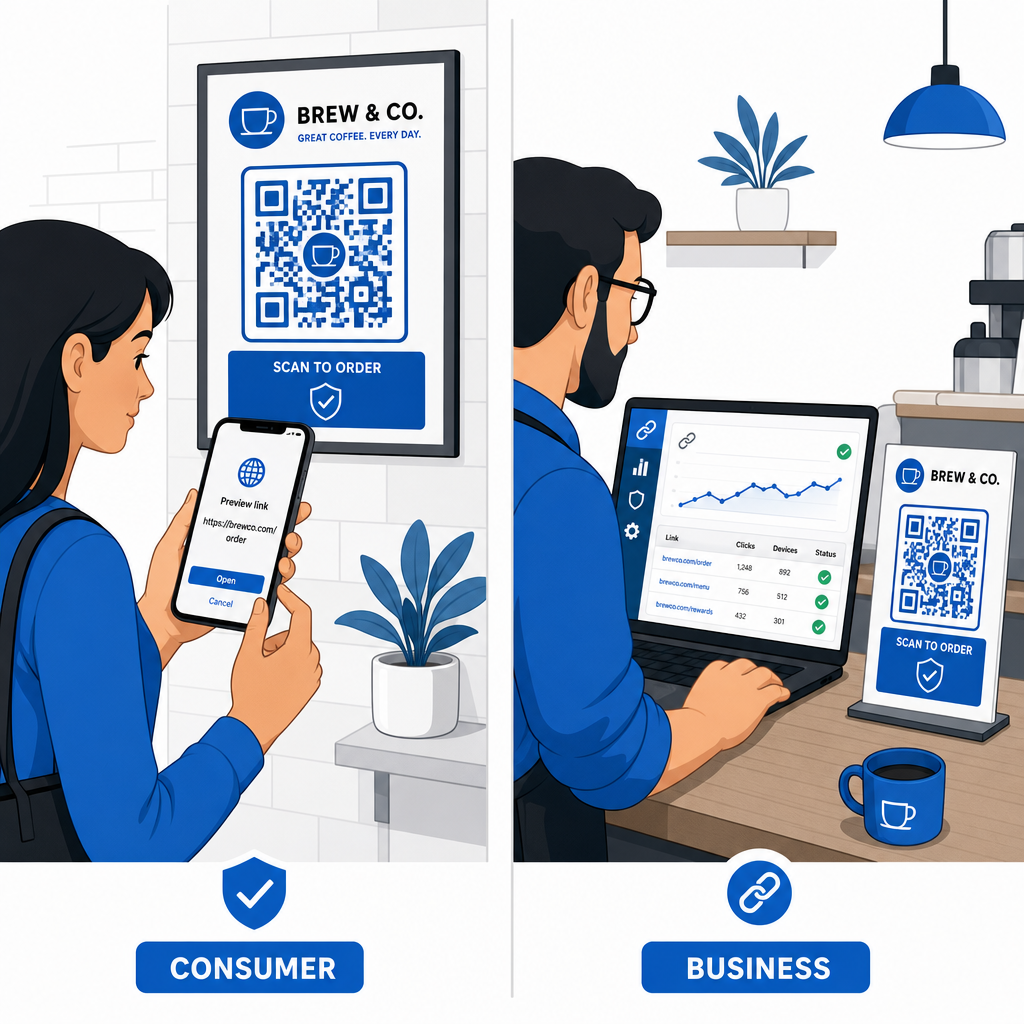
Juhised igapäevatarbijatele
- Kontrollige füüsilisi märgistusi ülekatete osas: Katsu parkimismõõturite, avalike laadijate või plakatite pinda, et veenduda, et ükski kleebis ei kata algset koodi.
- Sisestage tehingute jaoks veebiaadressid käsitsi: Avage oma veebibrauser ja tippige ametlikud URL-aadressid otse kommunaalmaksete tasumisel või finantsandmete sisestamisel.
- Lubage kõikidel kontodel kahefaktoriline autentimine: Kaitske veebipõhiseid sisselogimisi täiendava kinnitusetapiga, nii et varastatud paroolid üksi ei anna konto juurdepääsu.
- Teatage petturlikust tegevusest ametlikele portaalidele: Esitage teated petturlikest koodidest või kelmustest kohalikele ametivõimudele ja ametlikele aruandlusportaalidele, nagu FBI Interneti Kuritegevuse Kaebuste Keskus (IC3) või Föderaalse Kaubanduskomisjoni (FTC).
Juhised ettevõtete omanikele
- Rakendage dünaamilisi QR-koode kampaaniates: Kasutage dünaamilisi QR-koode, et säilitada täielik kontroll sihtlinkide üle, võimaldades koheseid värskendusi või linkide deaktiveerimist, kui oht avastatakse.
- Rakendage kohandatud brändingut ja visuaalseid logosid: Kohandage koodikujundusi ettevõtte logode ja spetsiifiliste brändivärvidega, muutes teie koodid petturitele oluliselt raskemini kopeeritavaks geneeriliste kleebistega.
- Rakendage mitmekihilisi turvaseiretööriistu: Ühendage turvaline QR-koodi haldus spetsialiseeritud ettevõtte turvatööriistadega, et hinnata saabuvaid linke ja tuvastada andmepüügiriske ettevõtte kanalites. Pühendatud kaitsvaid tööriistu saate vaadata meie juhendis tööriistu QR-koodi andmepüügi tuvastamiseks.
- Auditige füüsilisi kontaktpunkte rutiinselt: Kontrollige regulaarselt füüsilisi silte, lauatelke ja kioskeid, et tuvastada kleepsu ülekatteid või füüsilist rikkumist. Füüsiliste kontrollide kombineerimine QR-koodiga maksete turvalisuse parimad praktikad säilitab klientide usalduse. Täieliku organisatsioonilise strateegia saamiseks uurige meie jaotust teemal, kuidas kaitsta oma ettevõtet QR-koodi pettuste eest.
Kaitske oma digitaalset suhtlust nutika skannimisega
Võlts-QR-koodide tuvastamine taandub füüsilise rikkumise äratundmisele, sihtdomenide kontrollimisele ning impulsiivse mandaadi sisestamise või maksete esitamise vältimisele. URL-i eelvaateid kontrollides ja kinnitatud veebiaadressidele tuginedes saate turvaliselt nautida QR-koodide mugavust oma turvalisust ohustamata.
Nutitelefonis või lauaarvutis tundmatute QR-koodide analüüsimisel kontrollige nende sisu turvaliselt enne tegutsemist. Kasutage veebipõhist Pagelooti QR-koodi skanner , et koheselt eelvaadata kodeeritud sihtkohti ja kinnitada lingi turvalisust.
Korduma kippuvad küsimused
QR-koodi skannimine lihtsalt loeb kodeeritud teksti, tavaliselt veebiaadressi. Pelgalt koodi skannimine nakatab seadet otse harva; kuid eelvaates olevale lingile vajutamine pahatahtliku veebisaidi külastamiseks või usaldamatu faili allalaadimine sellelt sihtlehelt võib teie telefoni pahavara installida.
Muutke koheselt oma parool mõjutatud veebisaidil ja kõigil teistel kontodel, mis neid mandaate jagavad. Lülitage kohe sisse kaheastmeline autentimine, teavitage oma panka, kui finantsandmed on paljastatud, ja jälgige oma krediidiaruandeid tundmatu tegevuse osas.
Dünaamilised QR-koodid suunavad liiklust turvalise haldusplatvormi kaudu, selle asemel, et manustada fikseeritud sihtkoha andmeid. Kui sihtkoha veebileht on ohustatud või vajab uuendamist, saavad administraatorid eemalt muuta sihtkoha URL-i või linki deaktiveerida, füüsilisi trükimaterjale välja vahetamata.