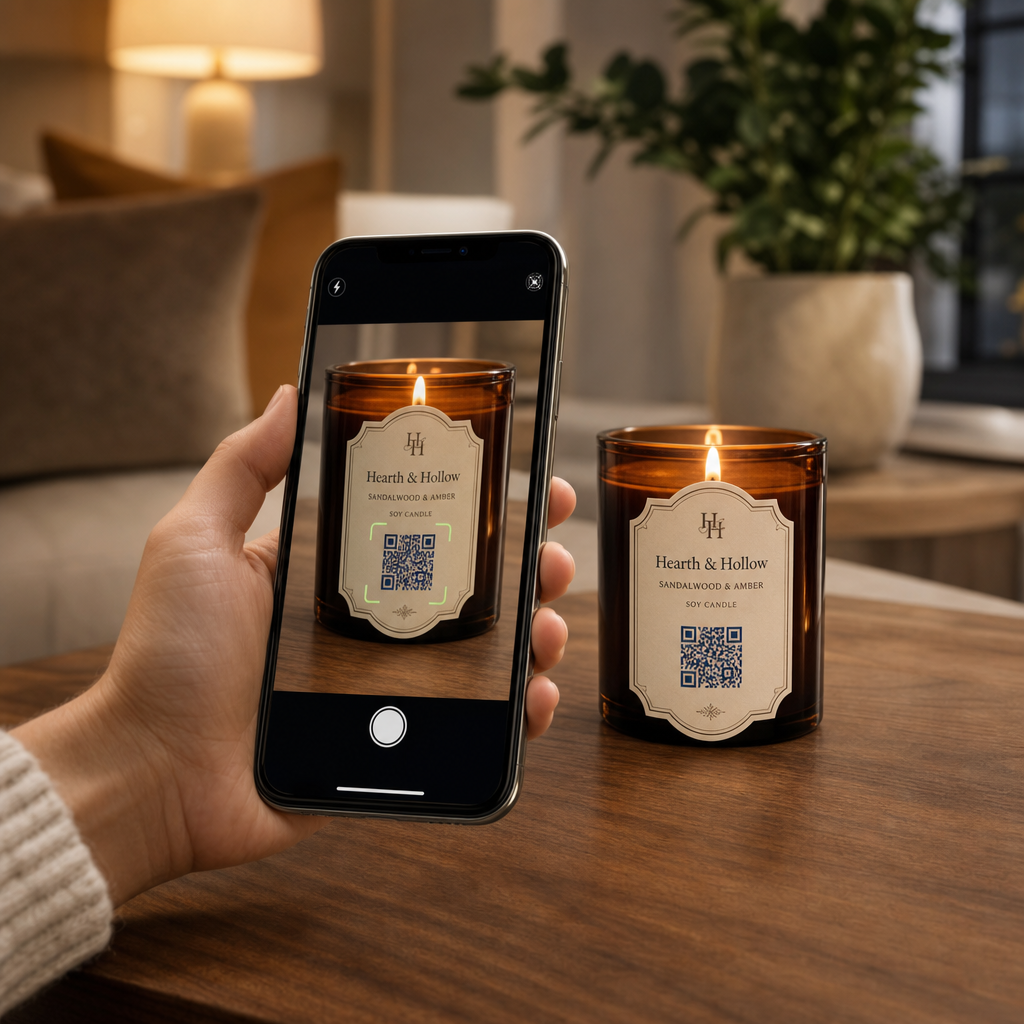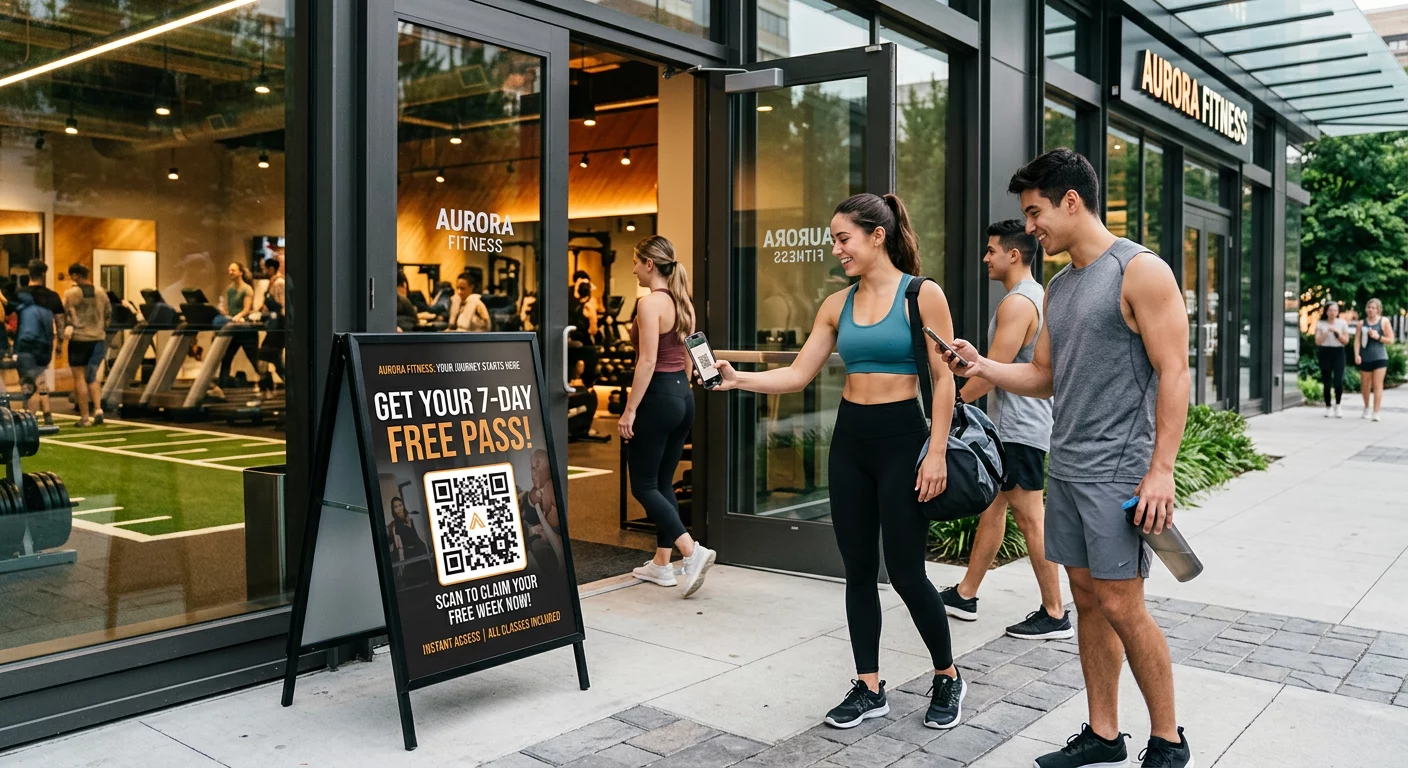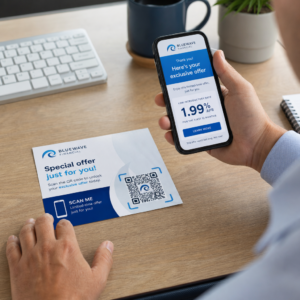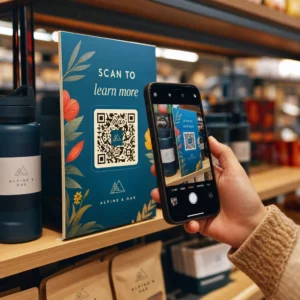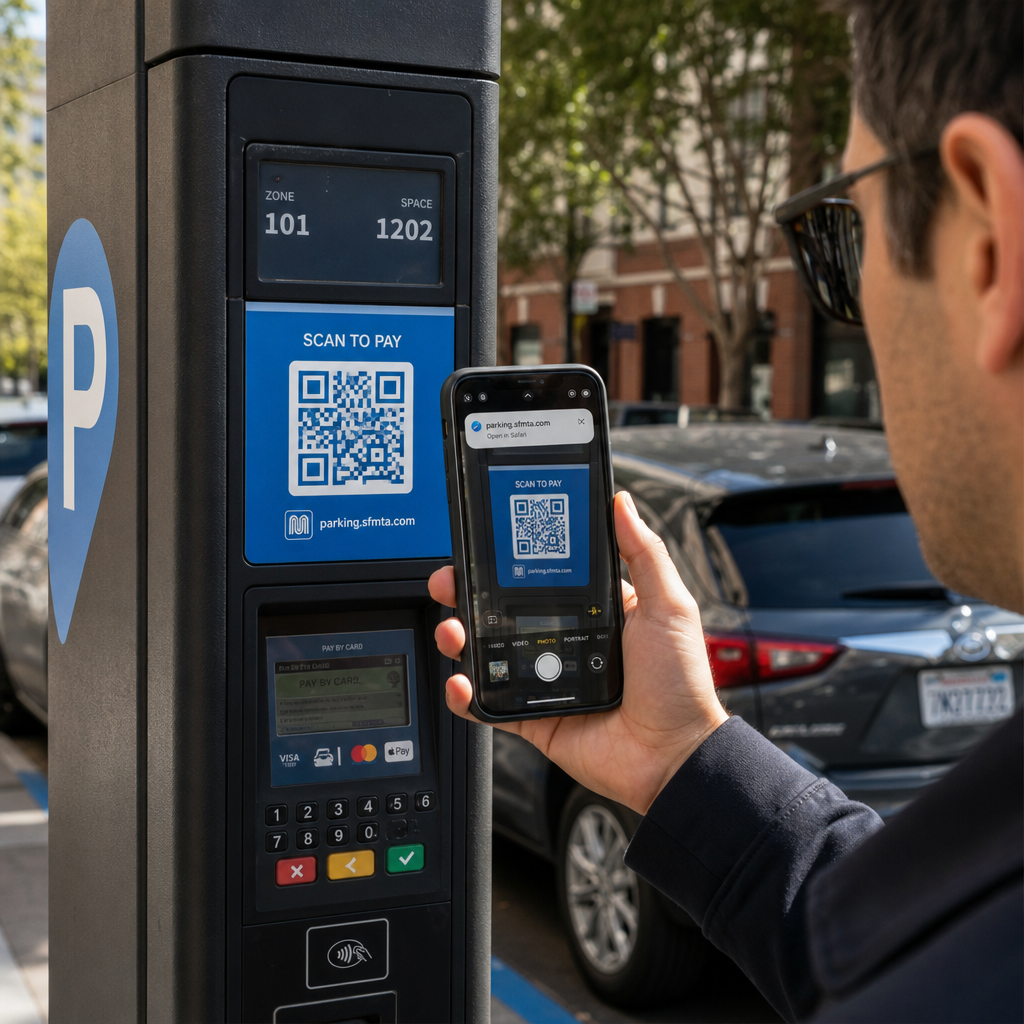
Oletko koskaan skannannut QR-koodia parkkimittarissa tai julisteessa, vain epäröidäksesi ennen linkin napauttamista? Huijarit manipuloivat rutiininomaisesti näitä mustavalkoisia neliöitä varastaakseen salasanoja, kerätäkseen maksutietoja tai asentaakseen haittaohjelmia tietämättömiin laitteisiin. Oppimalla tarkastamaan fyysisiä koodeja, vahvistamaan URL-esikatseluita ja tunnistamaan yleisiä huijaustaktiikoita voit skannata täysin luottavaisesti.
Miten väärennetyt QR-koodihuijaukset toimivat
QR-koodit ovat luonnostaan läpinäkymättömiä. Toisin kuin tavalliset tekstilinkit, ihmissilmät eivät voi purkaa mustavalkoista pikselikuvioita nähdäkseen, mihin se johtaa ennen skannausta. Kyberrikolliset hyödyntävät tätä sokeaa pistettä QR-koodi-tietojenkalastelun, jota usein kutsutaan quishingiksi, avulla.
Hyökkääjät levittävät väärennettyjä QR-koodeja useisiin yleisiin kosketuspisteisiin:
- Tarrojen asettaminen aitojen opasteiden päälle: Huijarit peittävät väärennetyillä koodeilla olemassa olevia parkkimittareita, lippuautomaatteja tai ravintoloiden ruokalistoja ohjatakseen uhreja kloonattuihin maksusivustoihin. Tämä tekniikka on aiheuttanut laajoja taloudellisia menetyksiä viime aikoina QR-koodipysäköintihuijaukset.
- Ei-toivottujen paketti-ilmoitusten lähettäminen: Huijarit toimittavat odottamattomia paketteja tai fyysistä postia, jotka sisältävät QR-koodeja, jotka pyytävät vastaanottajia vahvistamaan henkilökohtaisia tietoja tai toimitusehtoja vilpillisillä identiteettivarkaussivustoilla.
- Koodien upottaminen haitallisiin sähköpostiliitteisiin: Kyberrikolliset sijoittavat QR-koodeja PDF-laskuihin tai kiireellisiin ilmoitussähköposteihin ohittaakseen tavalliset sähköpostin suojaussuodattimet, jotka etsivät pelkkiä tekstilinkkejä, mikä aiheuttaa vakavia QR-koodi-tietojenkalastelun liiketoimintariskit.
- Väärennettyjen mainoslehtisten jakelu: Vilpilliset lentolehtiset tarjoavat väärennettyjä alennuksia tai kiireellisiä julkisia ilmoituksia painostaakseen käyttäjiä skannaamaan koodeja, jotka käynnistävät vaarallisia tiedostolatauksia tai keräävät kirjautumistietoja.
Kaikissa tapauksissa hyökkääjät hyödyntävät tavallisten QR-vuorovaikutusten tuttuutta ja nopeutta ohittaakseen normaalin turvallisuusharkintasi.
Haitallisen QR-koodin yleisiä varoitusmerkkejä
Valekoodin tunnistaminen edellyttää sekä koodin fyysisen ympäristön että sen takana olevan digitaalisen linkkirakenteen tarkastelua.
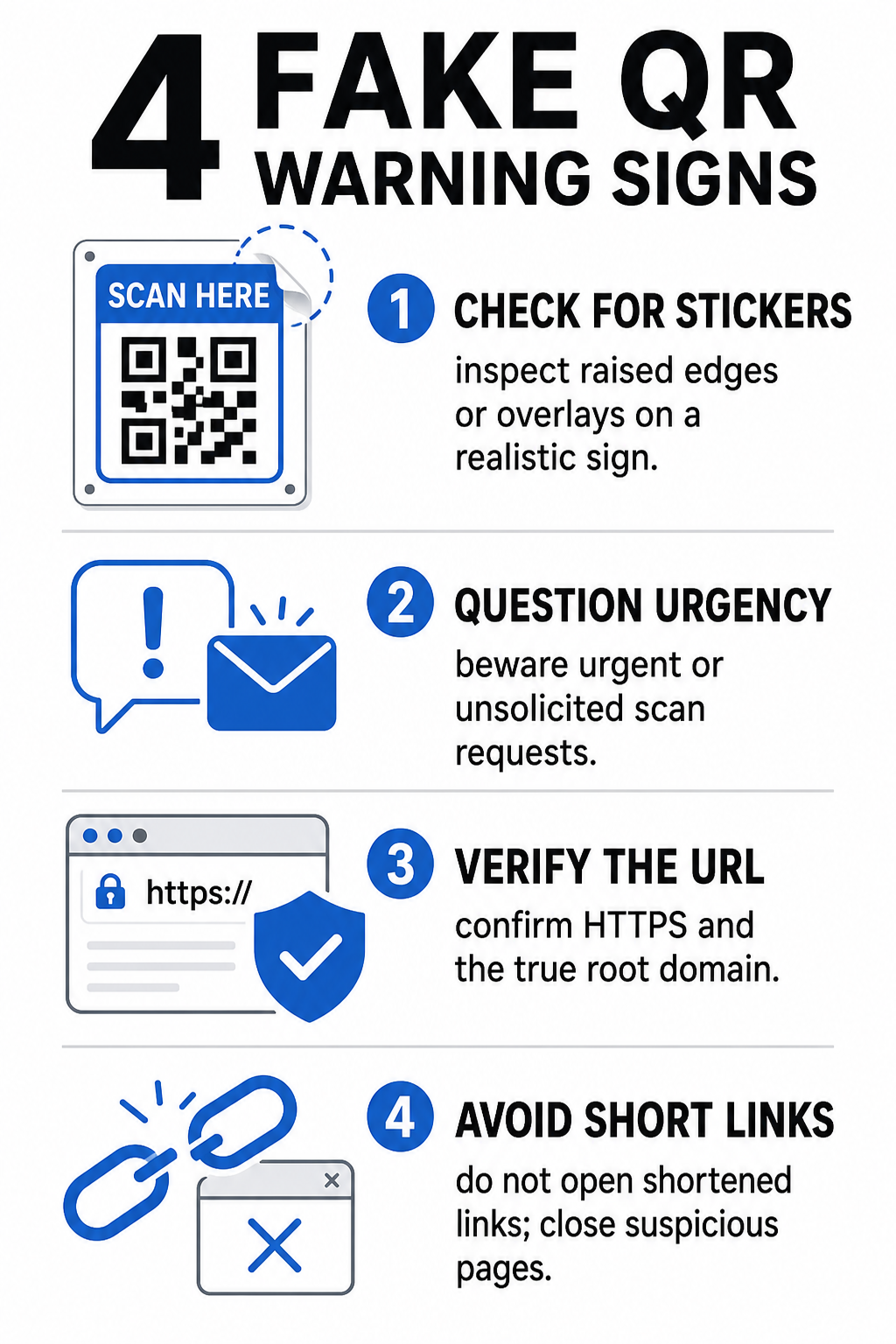
| Riskiluokka | Mitä etsiä | Mahdollinen uhka |
|---|---|---|
| Fyysinen manipulointi | Nousevat tarran reunat, irtoavat etiketit tai vinossa olevat grafiikat fyysisissä kylteissä. | Peitehuijaus, joka ohjaa sinut pois laillisista pysäköinnin maksujärjestelmistä. |
| Ei-toivotut viestit | Kiireelliset sähköpostit, tekstit tai kirjeet, jotka vaativat välitöntä maksua QR-koodilla. | Tietojenkalasteluyritys, joka on suunniteltu huijaamaan sinua syöttämään tunnuksia painostuksen alla. |
| Turvaamattomat protokollat | URL-osoitteet, jotka alkavat salaamattomalla `http://` eivätkä turvallisella `https://`. | Tiedon sieppaus tai väärennetyt kirjautumissivut, jotka keräävät tunnuksia. |
| Verkkotunnuksen huijaus | Väärin kirjoitetut tuotemerkin nimet, väärin sijoitetut kirjaimet tai tuntemattomat ylätason verkkotunnukset. | Väärennetty verkkosivusto kloonattu jäljittelemään aitoja yritysportaaleja. |
| Lyhennetyt linkit | Yleiset linkkien lyhentäjät, jotka peittävät todellisen kohdesivun verkkotunnuksen. | Piilotettu kohde, joka kätkee haittaohjelmia tai laittomia uudelleenohjauksia. |
Jos havaitset jonkin näistä varoitusmerkeistä, vältä koodin skannaamista tai sulje selainvälilehti välittömästi, jos linkki on jo avautunut. Laajemman ymmärtäminen QR-koodien tietosuojariskit auttaa selventämään, miten haitalliset linkit keräävät henkilökohtaista metatietoa ja seurantatietoja.
Kuinka varmistaa kohde-URL turvallisesti ennen napauttamista
Muutaman sekunnin käyttäminen QR-koodin kohteen tarkasteluun ennen sen avaamista tarjoaa vahvan suojan tietojenkalasteluhyökkäyksiä vastaan.
- Tarkista kameran esikatselu tai skannerin banneri: Kohdista älypuhelimesi kamera koodin ylle ja lue esikatseltu URL-verkkotunnus huolellisesti ennen napauttamista avataksesi sen.
- Tarkista pääverkkotunnus huijausten varalta: Tarkastele ensisijaista verkkotunnusta ennen kenoviivoja tai aliverkkotunnuksia. Esimerkiksi `brandname.com.attacker-site.com` on hyökkääjän hallinnassa, ei virallisen brändin. Varo hienovaraisia merkkien vaihtoja, kuten pienen kirjaimen `l` korvaamista numerolla `1`.
- Vältä sovellusten lataamista suoraan QR-ohjauksista: Hae ja lataa sovelluksia suoraan laitteesi virallisesta sovelluskaupasta sen sijaan, että luottaisit QR-koodin kautta annettuun linkkiin.
- Siirry suoraan luotettuihin verkkomaksupalveluihin: Vältä salasanojen tai luottokorttitietojen syöttämistä sivuille, joille pääsee pyytämättömien QR-koodien kautta. Avaa sen sijaan mobiiliselaimesi ja kirjoita virallinen verkkosivuston osoite käsin.
Testaa epäilyttäviä koodeja verkossa Haluatko esikatsella ja varmistaa kohdelinkit turvallisesti ennen niiden avaamista älypuhelimellasi? Käytä ilmaista Pageloot QR-koodinlukija ladataksesi koodikuvia ja tarkastaaksesi kohdesisällön turvallisesti.
Käytännön toimet QR-koodihuijausten estämiseksi
Sekä yksittäiset kuluttajat että yritysten omistajat voivat ottaa käyttöön jäsenneltyjä turvallisuuskäytäntöjä pitääkseen fyysiset ja digitaaliset kosketuspisteet turvassa.
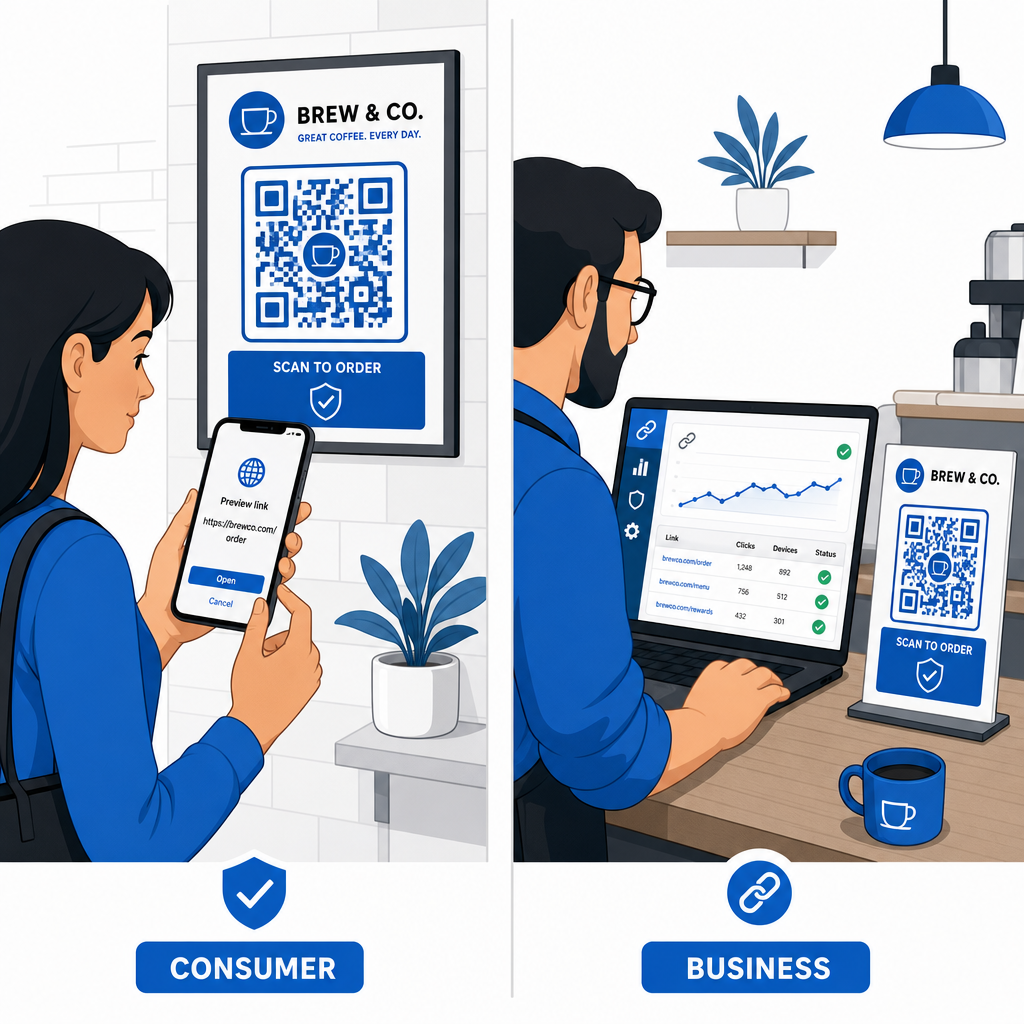
Ohjeita jokapäiväisille kuluttajille
- Tarkista fyysiset opasteet päällekkäisyyksien varalta: Tunnustele pysäköintimittarien, julkisten latauspisteiden tai julisteiden pintaa varmistaaksesi, ettei mikään tarra peitä alkuperäistä koodia.
- Kirjoita verkko-osoitteet käsin asiointia varten: Avaa verkkoselain ja kirjoita viralliset URL-osoitteet suoraan maksaessasi laskuja tai syöttäessäsi taloudellisia tunnuksia.
- Ota kaksivaiheinen todennus käyttöön kaikilla tileillä: Suojaa verkkokirjautumiset lisävarmennusvaiheella, jotta varastetut salasanat eivät yksinään anna pääsyä tilille.
- Ilmoita vilpillisestä toiminnasta virallisille portaaleille: Toimita ilmoitukset vilpillisistä koodeista tai huijauksista paikallisille viranomaisille ja virallisille ilmoitusportaaleille, kuten FBI:n Internet-rikosvalituskeskukselle (IC3) tai Federal Trade Commissionille (FTC).
Ohjeita yritysten omistajille
- Ota käyttöön dynaamisia QR-koodeja kampanjoissa: Käytä dynaamisia QR-koodeja säilyttääksesi täyden hallinnan kohdelinkkeihin, mahdollistaen välittömät päivitykset tai linkin poistamisen käytöstä, jos uhka havaitaan.
- Käytä mukautettua brändäystä ja visuaalisia logoja: Mukauta koodien ulkoasua yrityksen logoilla ja tietyillä brändiväreillä, mikä tekee koodeistasi huomattavasti vaikeampia huijareiden kopioida yleisillä tarroilla.
- Ota käyttöön kerroksellisia tietoturvan valvontatyökalujaYhdistä turvallinen QR-hallinta erikoistuneisiin yritysturvallisuustyökaluihin arvioidaksesi saapuvia linkkejä ja tunnistaaksesi tietojenkalasteluuhat yrityksen kanavissa. Voit tarkastella omistettuja puolustustyökaluja oppaassamme työkaluja QR-koodin tietojenkalastelun havaitsemiseen.
- Tarkasta fyysiset kosketuspisteet rutiininomaisestiTarkasta fyysiset kyltit, pöytäkolmiot ja kioskit säännöllisesti havaitaksesi tarratartuntoja tai fyysisiä väärennöksiä. Yhdistämällä fyysiset tarkastukset QR-koodimaksamisen parhaat turvallisuuskäytännöt säilyttää asiakkaiden luottamuksen. Täydellisen organisaatiostrategian löydät erittelystämme siitä, miten voit suojata yritystäsi QR-koodihuijauksilta.
Suojaa digitaaliset vuorovaikutuksesi älykkäällä skannauksella
Väärennettyjen QR-koodien tunnistaminen perustuu fyysisten väärennösten tunnistamiseen, kohdedomainien varmistamiseen ja impulsiivisen tunnistetietojen syötön tai maksujen lähettämisen välttämiseen. Tarkastelemalla URL-esikatseluja ja luottamalla varmennettuihin verkko-osoitteisiin voit turvallisesti nauttia QR-koodien mukavuudesta vaarantamatta turvallisuuttasi.
Kun analysoit tuntemattomia QR-koodeja älypuhelimellasi tai pöytätietokoneellasi, varmista niiden sisältö turvallisesti ennen toimenpiteitä. Käytä verkkopohjaista Pageloot QR-koodinlukija esikatsella koodattuja kohteita ja vahvistaa linkin turvallisuus välittömästi.
Usein kysytyt kysymykset
QR-koodin skannaus lukee yksinkertaisesti koodatun tekstin, yleensä verkko-osoitteen. Pelkkä koodin skannaus tartuttaa laitteen harvoin suoraan; kuitenkin, esikatselulinkin napauttaminen haitalliselle verkkosivustolle siirtymiseksi tai luottamattoman tiedoston lataaminen kyseiseltä laskeutumissivulta voi asentaa haittaohjelmia puhelimeesi.
Vaihda välittömästi salasanasi kyseisellä verkkosivustolla ja kaikilla muilla tileillä, jotka jakavat kyseiset tunnukset. Ota kaksivaiheinen todennus käyttöön heti, ilmoita pankillesi, jos taloustietoja paljastui, ja seuraa luottotietojasi tunnustamattoman toiminnan varalta.
Dynaamiset QR-koodit ohjaavat liikennettä turvallisen hallinta-alustan kautta sen sijaan, että niihin upotettaisiin kiinteää kohdetietoa. Jos kohdesivusto vaarantuu tai vaatii päivitystä, järjestelmänvalvojat voivat muokata kohde-URL-osoitetta tai poistaa linkin käytöstä etänä ilman fyysisten painomateriaalien vaihtamista.