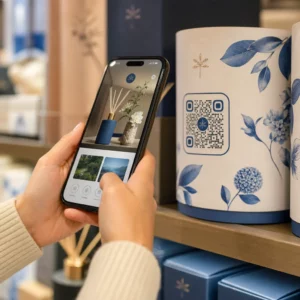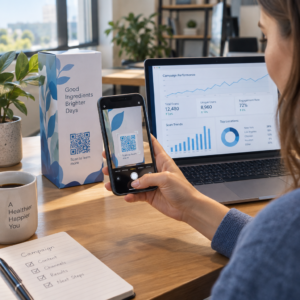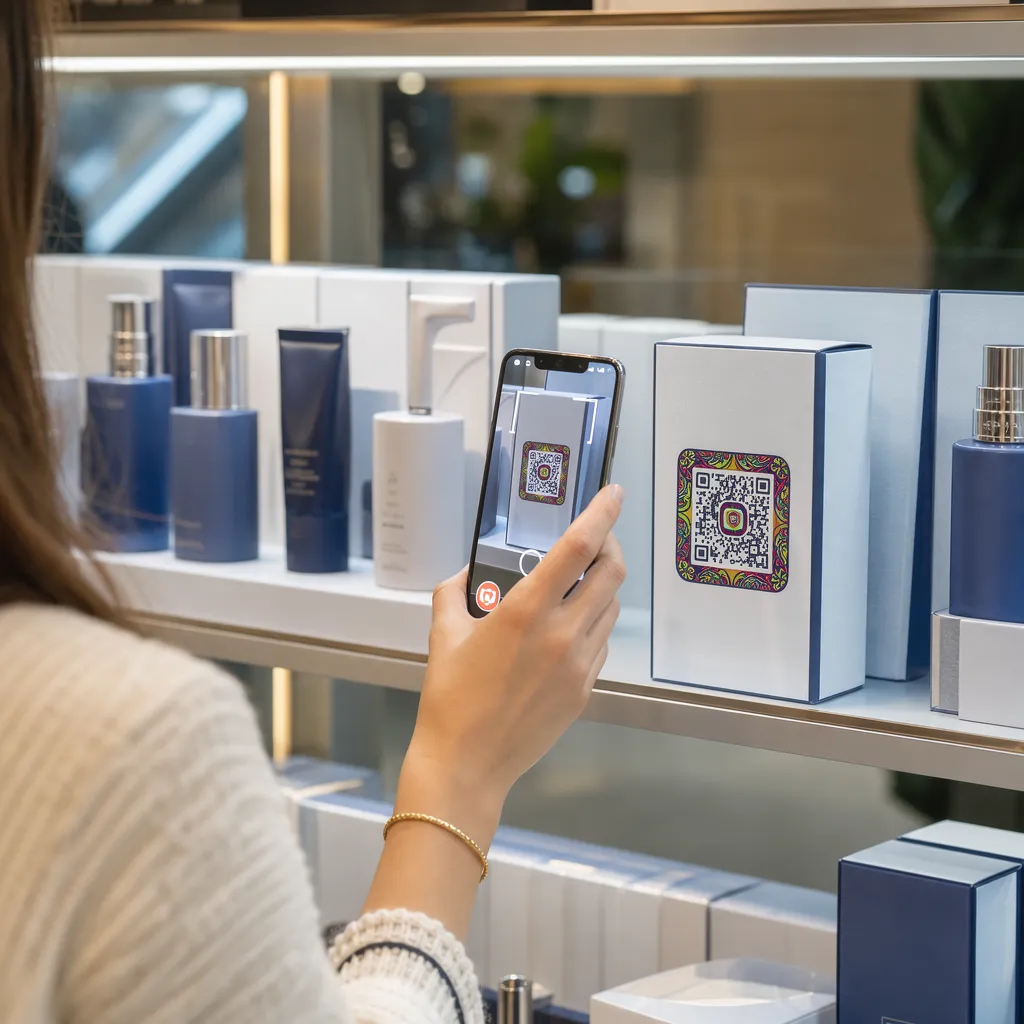

Liệu bao bì sản phẩm của bạn có đang thất bại trong việc thu hút người mua sắm sau khi họ rời khỏi kệ hàng? Diện tích bề mặt hạn chế trên nhãn vật lý buộc các thương hiệu phải bỏ sót các hướng dẫn, thành phần và ưu đãi khuyến mãi cần thiết. Việc thêm mã QR động vào bao bì sản phẩm giúp kết nối các mặt hàng vật lý với trải nghiệm kỹ thuật số, đồng thời thúc đẩy sự tương tác của khách hàng có thể theo dõi được.
Bao bì tương tác là gì và tại sao nó lại quan trọng?
Bao bì tương tác sử dụng các điểm truy cập kỹ thuật số để kết nối các hộp đựng sản phẩm vật lý, hộp hoặc bao bì với nội dung trực tuyến. Thay vì chỉ dựa vào văn bản in tĩnh, các thương hiệu có thể biến mỗi bao bì thành một kênh giao tiếp kỹ thuật số năng động.
Người tiêu dùng hiện đại mong muốn sự minh bạch và tiện lợi tức thì. Cho dù người mua muốn xác minh nguồn gốc sản phẩm, xem hướng dẫn cài đặt sản phẩm hay tham gia chương trình khách hàng thân thiết, nhãn mác vật lý hiếm khi cung cấp đủ không gian cho thông tin đầy đủ. Việc bổ sung các điểm tiếp xúc kỹ thuật số giải quyết được hạn chế về không gian trên bao bì vật lý, đồng thời cung cấp cho các nhà tiếp thị một cách có thể theo dõi để đo lường sự tương tác của người tiêu dùng sau khi mua hàng.
Các tiêu chuẩn bán lẻ cũng đang phát triển theo hướng mã vạch 2D. Các tổ chức tiêu chuẩn ngành toàn cầu đang hướng tới mã 2D có thể xử lý cả việc quét tại điểm bán lẻ và tương tác phong phú với người tiêu dùng. Việc triển khai mã QR trên bao bì sản phẩm Giúp sản phẩm vật lý của bạn đáp ứng các yêu cầu bán lẻ hiện đại đồng thời thiết lập kết nối kỹ thuật số trực tiếp với cơ sở khách hàng của bạn.
5 cách thu hút khách hàng bằng mã QR trên bao bì sản phẩm
Bao bì tương tác hoạt động hiệu quả nhất khi mang lại giá trị rõ ràng cho khách hàng ngay sau khi quét mã. Bạn có thể sử dụng mã QR trên bao bì sản phẩm để thúc đẩy sự tương tác theo năm cách thiết thực:
- Trình bày sản phẩm bằng công nghệ thực tế tăng cường (AR): Cho phép khách hàng xem mô hình sản phẩm 3D hoặc các bản trình diễn tương tác trực tiếp trên màn hình điện thoại thông minh của họ. Việc đặt một Mã QR AR Hình ảnh trên bao bì chính cho phép người mua hình dung sản phẩm trong môi trường nhà của họ hoặc xem các tính năng bên trong trước khi mở hộp.
- Cung cấp công thức nấu ăn, hướng dẫn và cẩm nang người dùng: Kết nối mỹ phẩm, thiết bị gia dụng hoặc hộp đựng thực phẩm với các video hướng dẫn và chỉ dẫn từng bước. Đặt mã QR trên... bao bì thực phẩm Có thể hướng dẫn người nội trợ tham khảo các gợi ý và ý tưởng món ăn từ đầu bếp, giúp người tiêu dùng tận dụng ngay lợi ích từ sản phẩm đã mua.
- Chia sẻ thông tin về tính minh bạch thành phần và sự tuân thủ quy định: Cung cấp cho người mua quan tâm đến sức khỏe quyền truy cập tức thì vào thông tin dinh dưỡng chi tiết, hồ sơ nguồn gốc có đạo đức hoặc thông tin về chất gây dị ứng. Trang đích kỹ thuật số cho phép bạn cung cấp đầy đủ thông tin tuân thủ mà không làm quá tải hình ảnh trên nhãn sản phẩm vật lý.
- Thúc đẩy đăng ký chương trình khách hàng thân thiết và mua hàng lặp lại: Cung cấp các chương trình giảm giá tức thì, đăng ký nhận thông tin định kỳ hoặc liên kết đặt hàng nhanh. Việc in các ưu đãi kỹ thuật số được nhắm mục tiêu trên bao bì phụ hoặc hộp vận chuyển sẽ khuyến khích người mua hàng quay lại cửa hàng của bạn, điều này giúp tăng doanh thu. tăng cường tương tác của khách hàng và giá trị vòng đời của khách hàng.
- Thu thập phản hồi của khách hàng theo thời gian thực: Hướng dẫn người tiêu dùng tham gia các khảo sát phản hồi ngắn gọn hoặc các nền tảng đánh giá ngay sau khi mở hộp sản phẩm. Thu thập ý kiến trực tiếp của khách hàng giúp bạn xác định sớm các vấn đề về sản phẩm và xây dựng phản hồi chân thực từ khách hàng cho thương hiệu của mình.
Thu hút khách hàng mua sắm trực tuyến của bạn tham gia vào quá trình mở hộp sản phẩm. Bạn muốn tăng lượt khách ghé thăm cửa hàng và tỷ lệ mua hàng lặp lại trực tiếp từ hộp vận chuyển của mình? Khám phá cách thực hiện! Mã QR cho thương mại điện tử Giúp bạn xây dựng các chiến dịch khách hàng thân thiết tự động và thúc đẩy doanh số bán hàng.
Nguyên tắc thiết kế và in ấn chính cho mã bao bì
Mã QR trên bao bì chỉ thu hút sự tương tác của khách hàng nếu nó được quét thành công ngay lần đầu tiên. Việc in mã trên nhiều chất liệu khác nhau – như bìa carton sóng, nhựa trong suốt hoặc nhôm – đòi hỏi các tiêu chuẩn thiết kế chính xác để tránh lỗi quét.
Tỷ lệ kích thước và khoảng cách in
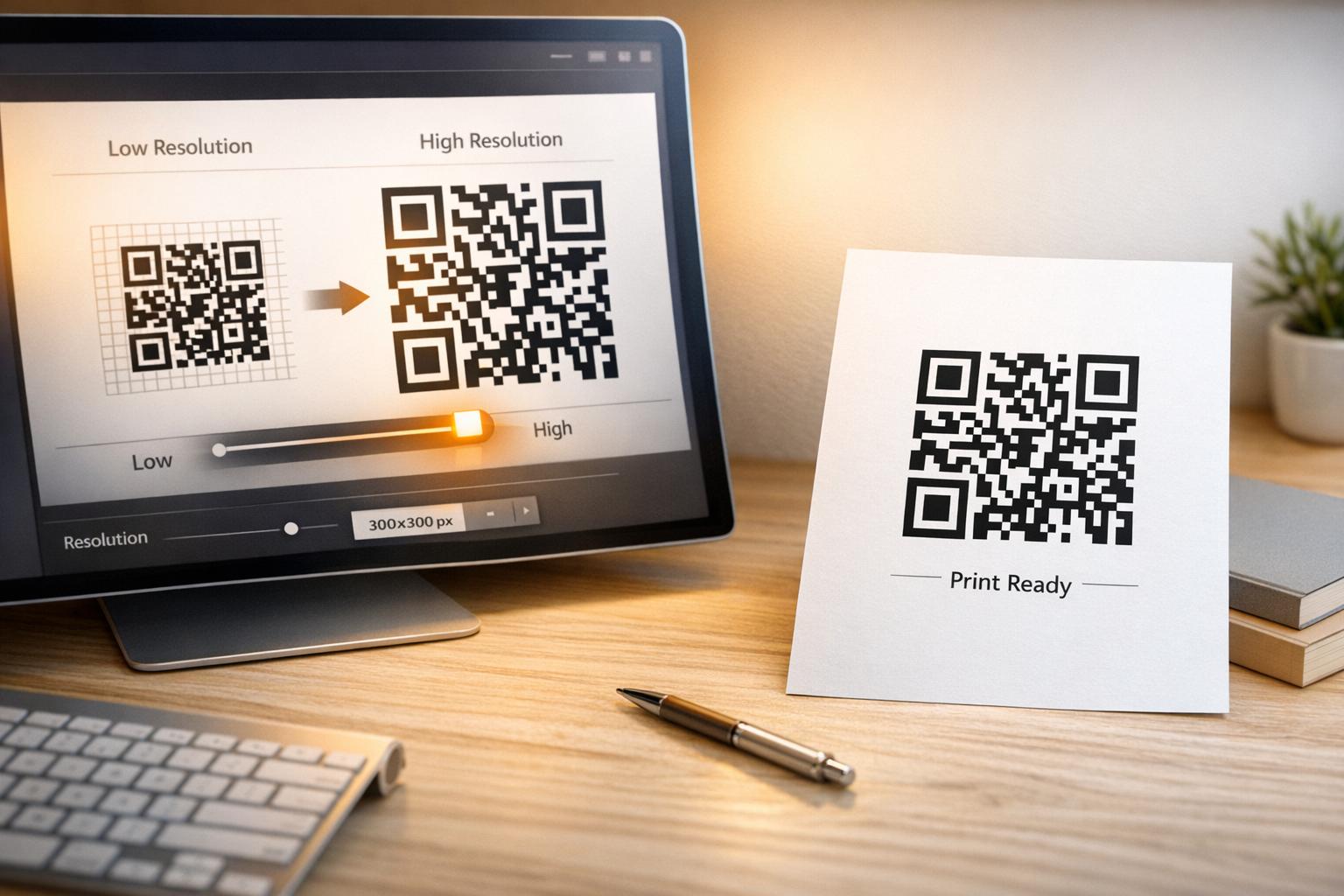
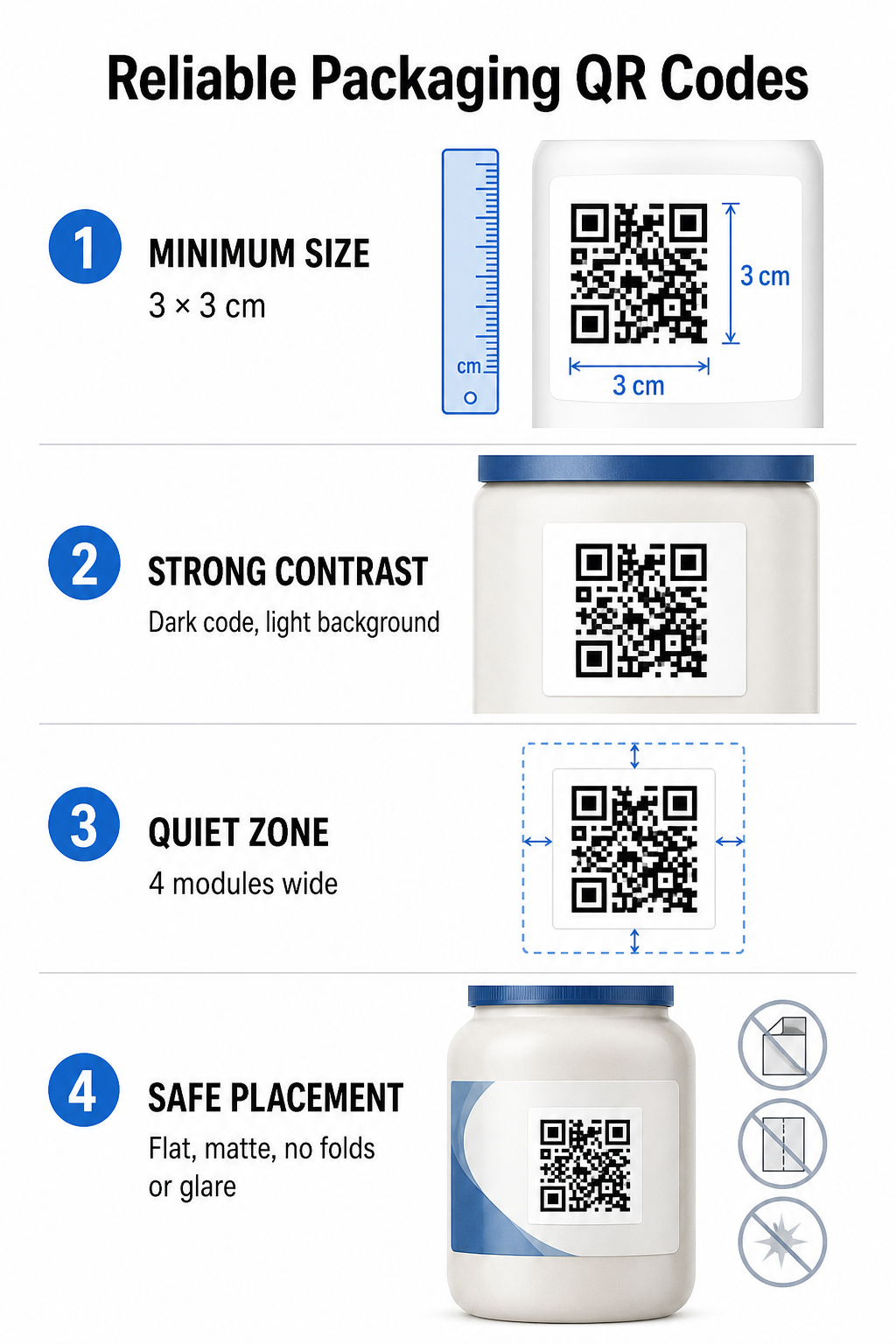
Để đảm bảo khả năng quét đáng tin cậy, hãy in mã QR với kích thước vật lý tối thiểu là 3 x 3 cm (1,2 x 1,2 inch) Trên bao bì sản phẩm tiêu dùng. Nếu mã vạch cần được quét từ xa, hãy áp dụng tỷ lệ quét khoảng cách so với kích thước là 10:1: chiều rộng của mã vạch phải bằng ít nhất một phần mười khoảng cách quét dự kiến. Ví dụ, mã vạch được thiết kế để quét từ khoảng cách 20 inch (khoảng 60 cm) phải có kích thước ít nhất là 2 inch vuông (khoảng 2,5 cm vuông).
Độ tương phản màu sắc và độ rõ nét thị giác
Cảm biến camera quang học phát hiện mã QR bằng cách nhận diện các mẫu mô-đun có độ tương phản cao. Luôn sử dụng mẫu nền tối (như đen hoặc xanh đậm) đặt trên nền sáng (như trắng hoặc các tông màu trung tính nhạt). Tránh các màu nền đỏ, cam hoặc màu pastel vì cảm biến quang phổ đỏ khó phát hiện chúng. Giữ màu sắc của mẫu đồng nhất và rõ nét, tránh các hiệu ứng chuyển màu, bóng hoặc đồ họa nền phức tạp.
Vùng yên tĩnh
Duy trì một vùng trống, không bị vướng víu xung quanh toàn bộ ranh giới bên ngoài của mẫu mã, được gọi là vùng yên tĩnh. Vùng trống này phải có kích thước tối thiểu là... gấp bốn lần chiều rộng của một mô-đun QR đơn lẻ. Việc chèn quá nhiều logo thương hiệu, đường viền đồ họa hoặc văn bản vào mã QR sẽ khiến phần mềm camera trên điện thoại không thể nhận diện được điểm bắt đầu và kết thúc của mã.
Bề mặt và vị trí vật liệu
Vị trí đặt hàng phụ thuộc rất nhiều vào cấu trúc và chất liệu hoàn thiện của bao bì:
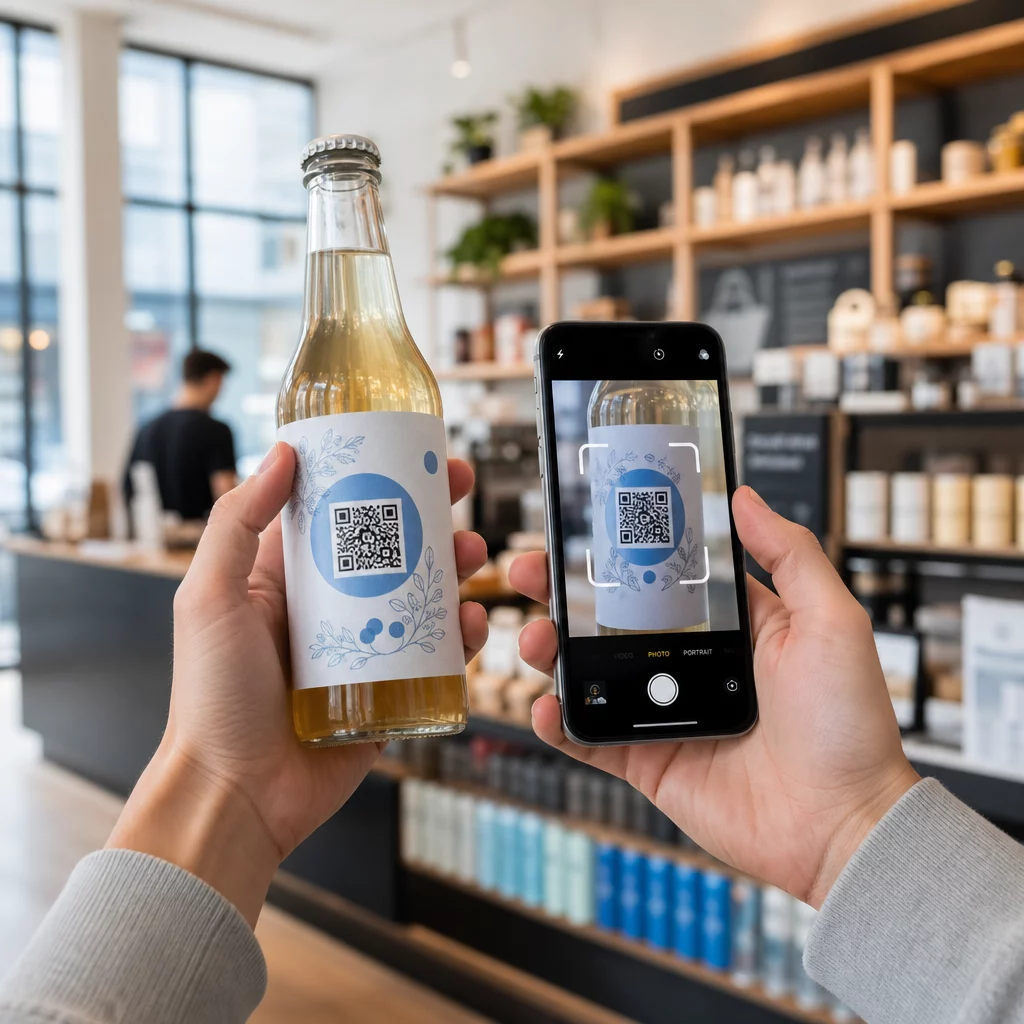
- Các loại bao bì chính (chai, lon, lọ): Đặt mã số trên bề mặt phẳng bất cứ khi nào có thể. Nếu in trên các vật chứa có hình dạng cong, hãy tăng nhẹ kích thước tổng thể của mã để bù lại sự biến dạng cạnh khi nhìn.
- Kết thúc và suy ngẫm: Tránh sử dụng các loại vật liệu phủ bóng, giấy bạc phản quang hoặc chất liệu trong suốt phản chiếu ánh sáng môi trường bán lẻ. Chọn các loại sơn phủ mờ hoặc lớp phủ nhám để giảm thiểu hiện tượng chói sáng.
- Các nếp gấp và đường may: Giữ mã số tránh xa các nếp gấp hộp, dải xé đục lỗ, đường nối bao bì và mép thùng chứa để tránh bị rách hoặc biến dạng.
Trước khi bắt đầu sản xuất hàng loạt, hãy xem xét kỹ lưỡng chi tiết. Quy tắc về khả năng đọc mã QR và kiểm tra bản in thử bằng nhiều thiết bị chụp ảnh điện thoại khác nhau trong các điều kiện ánh sáng khác nhau.
Mã QR động so với mã QR tĩnh dành cho bao bì
Việc lựa chọn cấu trúc mã QR phù hợp là một quyết định chiến lược quan trọng khi thiết kế bao bì tương tác.
| TÍNH NĂNG | Mã QR tĩnh | Mã QR động |
|---|---|---|
| Chỉnh sửa nội dung | Đã được cố định vĩnh viễn khi tạo; không thể chỉnh sửa sau khi in. | Bạn có thể cập nhật liên kết đích bất cứ lúc nào trên bảng điều khiển mà không cần in lại. |
| Phân tích lượt quét | Không có dữ liệu theo dõi hoặc số liệu hiệu suất nào. | Theo dõi tổng số lần quét, số lượng khách truy cập duy nhất, thời gian quét, địa điểm và loại thiết bị. |
| Mật độ mẫu mã | Khi mã hóa các URL đích dài, mẫu dữ liệu trở nên dày đặc và khó quét. | Sử dụng URL chuyển hướng ngắn, giúp cho cấu trúc module gọn gàng và dễ quét. |
| Hiệu quả chi phí | Việc tạo URL miễn phí, nhưng có nguy cơ phát sinh chi phí in lại bao bì tốn kém nếu URL đích thay đổi. | Yêu cầu đăng ký trả phí, nhưng giúp loại bỏ chi phí in lại bao bì. |
Việc in mã tĩnh với số lượng lớn tạo ra những rủi ro đáng kể về mặt vận hành cho các thương hiệu. Nếu URL của trang khuyến mãi được cập nhật, chiến dịch theo mùa kết thúc hoặc liên kết bị hỏng, mã trên bao bì sẽ không còn hoạt động, buộc doanh nghiệp phải lựa chọn giữa việc in lại bao bì tốn kém hoặc mất lòng tin của khách hàng.
Sử dụng một Tạo mã QR động Nó tách biệt mẫu mã in vật lý khỏi đích đến trực tuyến của nó. Nếu liên kết đích hoặc ưu đãi của bạn thay đổi, bạn chỉ cần cập nhật URL đích trong bảng điều khiển quản lý mà không cần sửa đổi bản thiết kế in vật lý.
Mã động cũng cung cấp phân tích chiến dịch toàn diện. Bạn có thể theo dõi số lượng quét, giờ hoạt động cao điểm, vị trí địa lý và loại thiết bị của người dùng để đánh giá cách khách hàng tương tác với bao bì vật lý của bạn. Để duy trì hiệu suất tối ưu, hãy tiến hành kiểm tra định kỳ các mã động đang hoạt động của bạn từ 1 đến 3 tháng một lần để xác nhận tất cả các trang mục tiêu đều tải nhanh và hiển thị nội dung hoạt động.
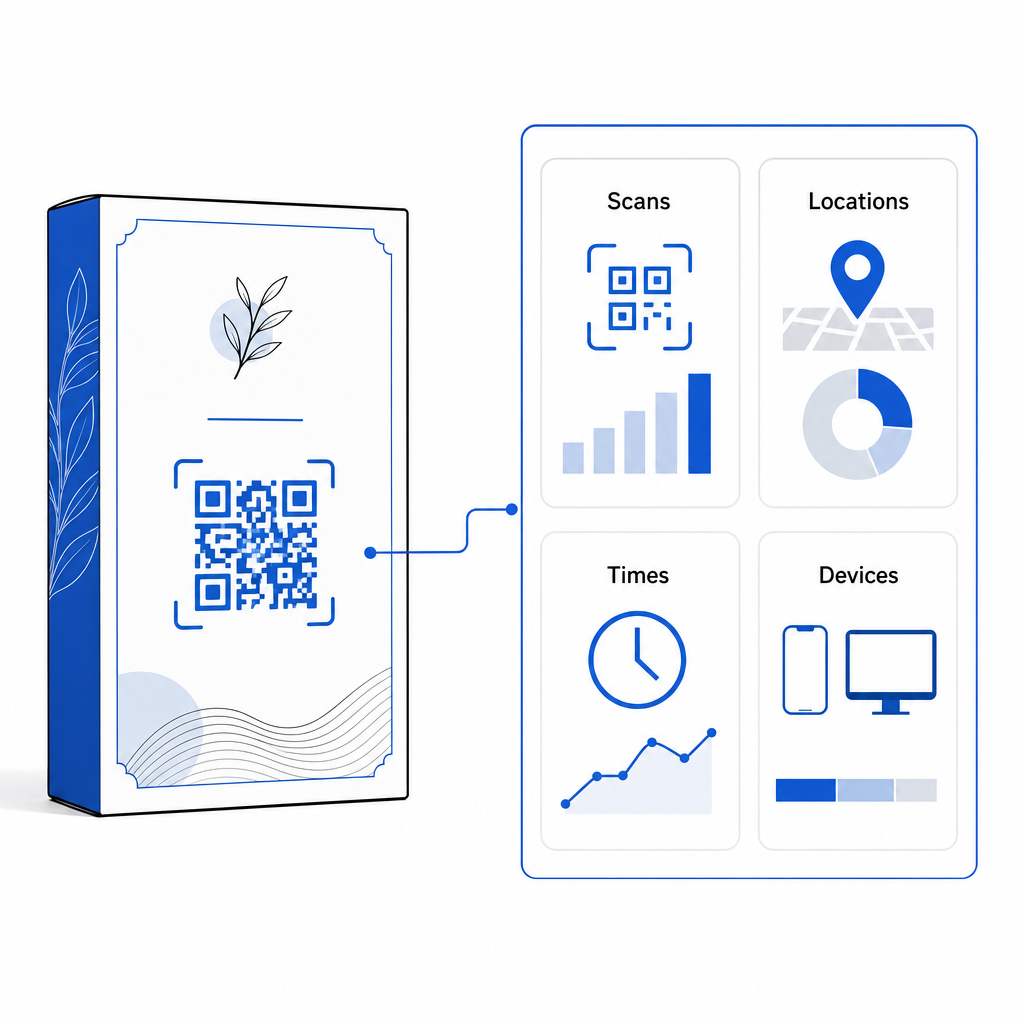
Quản lý các chiến dịch đóng gói của bạn từ một bảng điều khiển duy nhất. Tránh rủi ro in lại tốn kém bằng cách tạo mã động có thể chỉnh sửa với phân tích thời gian thực. Bắt đầu xây dựng bao bì có thể theo dõi với... Công cụ mã QR động Pageloot của chúng tôi ngay hôm nay.
Cách triển khai mã QR tương tác trên bao bì
- Xác định mục tiêu của chiến dịch: Hãy xác định tương tác cụ thể mà bạn muốn thúc đẩy với khách hàng, chẳng hạn như hiển thị video hướng dẫn, thu thập đánh giá sau khi mua hàng hoặc cung cấp giảm giá cho khách hàng thân thiết.
- Chọn một trình tạo mã QR động: Thiết lập URL chuyển hướng có thể chỉnh sửa để duy trì toàn quyền kiểm soát nội dung đích trong khi thu thập số liệu quét theo thời gian thực.
- Tùy chỉnh theo hướng dẫn thương hiệu: Sử dụng màu sắc thương hiệu có độ tương phản cao và nhúng logo công ty của bạn vào đó. 25% của khu vực mã, đảm bảo các mốc định vị quan trọng vẫn rõ ràng.
- Bao gồm lời kêu gọi hành động hấp dẫn: Hãy đặt văn bản rõ ràng, dễ hiểu bên cạnh mã giảm giá, chẳng hạn như “Quét để xem hướng dẫn” hoặc “Quét mã 20% để được giảm giá cho đơn hàng tiếp theo”.”
- Kiểm tra trên nhiều chất nền vật lý và thiết bị khác nhau: In thử các mẫu vật lý lên vật liệu đóng gói cuối cùng và kiểm tra khả năng quét trên các thiết bị iOS và Android trong các điều kiện ánh sáng khác nhau.
- Theo dõi và tối ưu hóa phân tích chiến dịch: Xem lại dữ liệu về vị trí quét, thiết bị và thời gian trong bảng điều khiển quản lý của bạn để tinh chỉnh các chiến lược tiếp thị sau bán hàng.
Việc tích hợp mã QR vào bao bì sản phẩm biến các bao bì truyền thống thành những điểm tiếp xúc kỹ thuật số năng động, thúc đẩy sự tương tác liên tục của khách hàng. Bằng cách kết hợp độ tương phản màu sắc mạnh mẽ và các vùng yên tĩnh rõ ràng với các liên kết động có thể chỉnh sửa, bạn bảo vệ được khoản đầu tư in ấn của mình đồng thời thu thập được những thông tin chi tiết có giá trị về đối tượng khách hàng trong thời gian thực.
Bạn đã sẵn sàng nâng cấp bao bì sản phẩm của mình thành trải nghiệm kỹ thuật số tương tác chưa? Hãy tạo mã QR có thể theo dõi và tùy chỉnh hoàn toàn cho bao bì sản phẩm của bạn ngay hôm nay với [tên công cụ tìm kiếm]. Trình tạo mã QR động Pageloot.
Câu hỏi thường gặp
Kích thước in tối thiểu được khuyến nghị cho mã QR trên bao bì là 3 x 3 cm (1,2 x 1,2 inch). Đối với các bề mặt cong hoặc mã được quét từ khoảng cách xa hơn, hãy tuân theo tỷ lệ khoảng cách so với kích thước là 10:1 để duy trì khả năng quét đáng tin cậy.
Có, nếu bạn sử dụng mã QR động. Mã động định tuyến lưu lượng truy cập thông qua một URL rút gọn có thể chỉnh sửa, cho phép bạn cập nhật các trang web đích, video hoặc tệp kỹ thuật số bất cứ lúc nào mà không cần in lại bao bì vật lý.
Đặt mã QR trên bề mặt phẳng, nhẵn, tránh xa các đường nối, nếp gấp và bề mặt phản chiếu mạnh của bao bì. Luôn đặt mã QR bên cạnh lời kêu gọi hành động rõ ràng để người mua hàng biết nội dung họ sẽ nhận được khi quét mã.