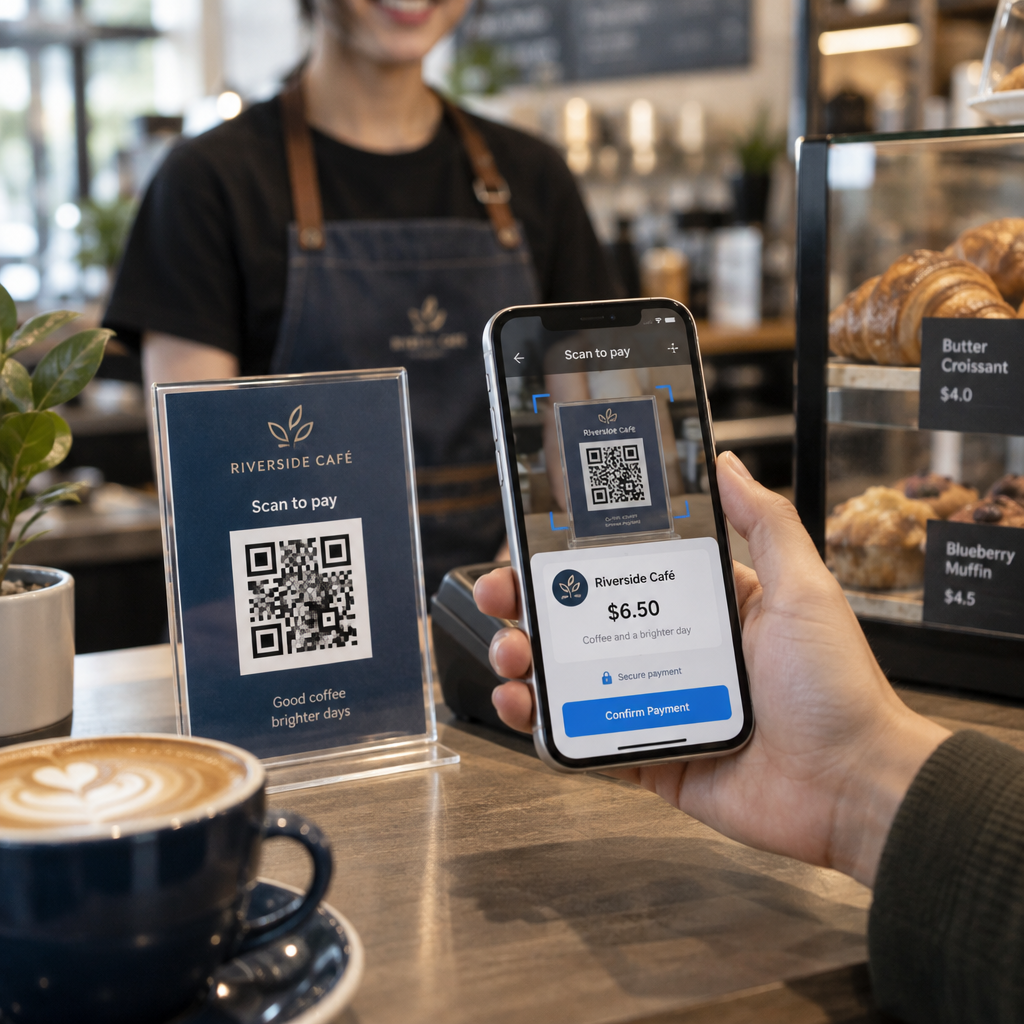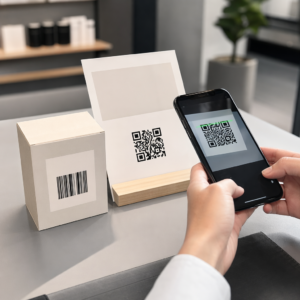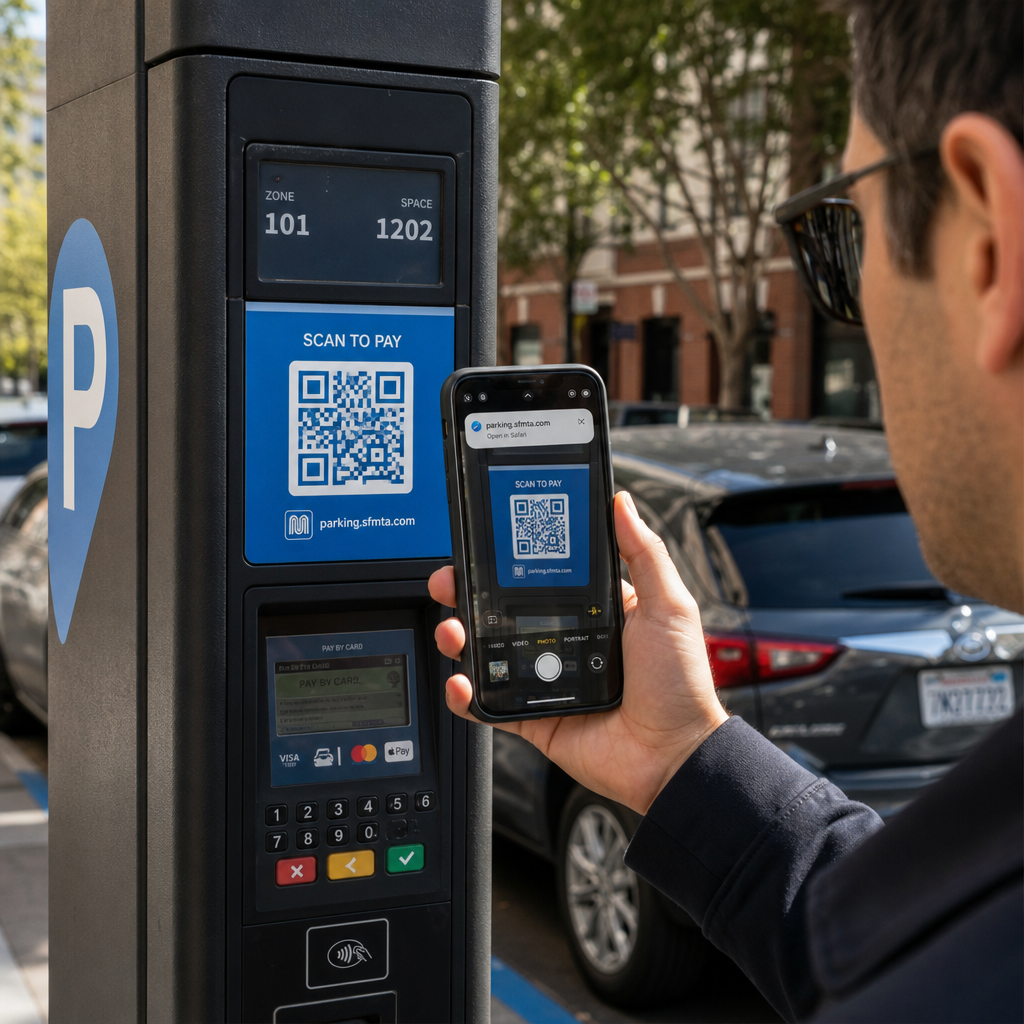
Heb je ooit een QR-code gescand bij een parkeerautomaat of op een poster, om vervolgens te aarzelen voordat je op de link tikt? Oplichters manipuleren routinematig deze zwart-wit blokjes om wachtwoorden te stelen, betalingsgegevens te verzamelen of malware te installeren op nietsvermoedende apparaten. Leren hoe je fysieke codes inspecteert, URL-voorbeelden controleert en veelvoorkomende oplichtingstactieken herkent, zal je helpen om met volledig vertrouwen te scannen.
Hoe nep-QR-code oplichting werkt
QR-codes zijn van nature ondoorzichtig. In tegenstelling tot standaard tekstlinks kunnen menselijke ogen het zwart-wit pixelpatroon niet decoderen om te zien waar het naartoe leidt voordat er gescand wordt. Cybercriminelen buiten deze blinde vlek uit door middel van QR-code phishing, vaak 'quishing' genoemd.
Aanvallers verspreiden nep-QR-codes op verschillende veelvoorkomende contactpunten:
- Stickers over legitieme bewegwijzering plaatsen: Oplichters plaatsen nep-codes over bestaande parkeerautomaten, ticketautomaten of restaurantmenu's om slachtoffers om te leiden naar gekloonde betaalportalen. Deze techniek heeft in recente tijden wijdverspreide financiële verliezen veroorzaakt QR-code parkeerfraude.
- Ongevraagde pakketmeldingen verzenden: Oplichters leveren onverwachte pakketten of fysieke post af met QR-codes die ontvangers vragen om persoonlijke gegevens of leveringsvoorkeuren te verifiëren op frauduleuze identiteitsdiefstalsites.
- Codes insluiten in kwaadaardige e-mailbijlagen: Cybercriminelen plaatsen QR-codes in PDF-facturen of dringende e-mailmeldingen om standaard e-mailbeveiligingsfilters te omzeilen die zoeken naar platte tekstlinks, wat ernstige gevolgen kan hebben voor Bedrijfsrisico's van QR-code phishing.
- Valse promotieflyers verspreiden: Frauduleuze flyers bieden valse kortingen of dringende openbare mededelingen om gebruikers onder druk te zetten codes te scannen die gevaarlijke bestanddownloads activeren of inloggegevens verzamelen.
In elk geval buiten aanvallers de bekendheid en snelheid van standaard QR-interacties uit om uw normale veiligheidsvoorzichtigheid te omzeilen.
Veelvoorkomende waarschuwingssignalen van een kwaadaardige QR-code
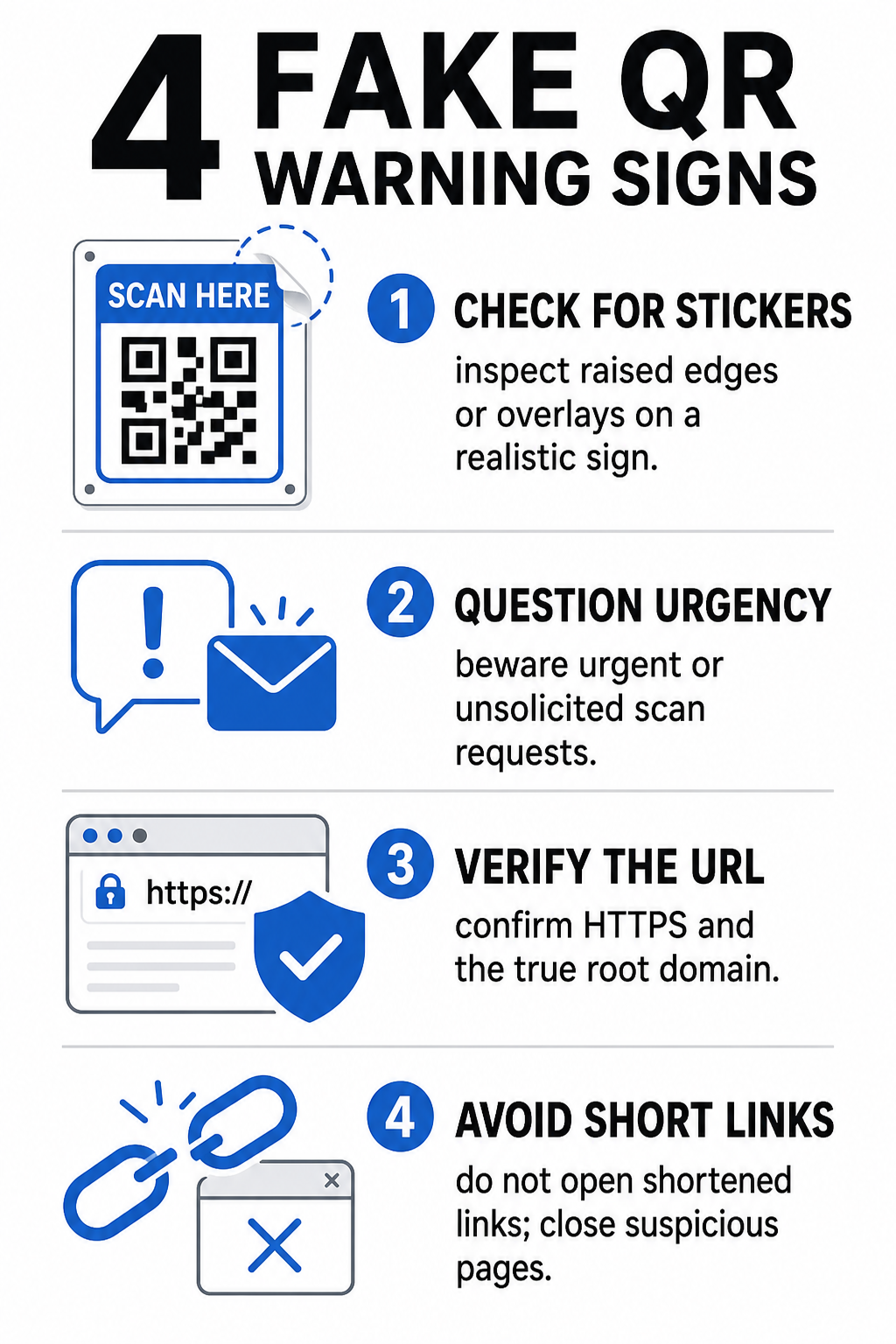
Het herkennen van een neppe QR-code vereist inspectie van zowel de fysieke omgeving waar de code verschijnt als de digitale linkstructuur erachter.
| Risicocategorie | Waar op te letten | Potentiële Bedreiging |
|---|---|---|
| Fysieke Manipulatie | Opstaande stickerranden, loslatende etiketten of scheef geplaatste afbeeldingen op fysieke borden. | Overlay-scam die u wegleidt van legitieme parkeerbetaalsystemen. |
| Ongevraagde Berichten | Dringende e-mails, sms'jes of brieven die onmiddellijke betaling via QR-code eisen. | Phishingpoging bedoeld om u onder druk te misleiden tot het invoeren van inloggegevens. |
| Onbeveiligde Protocollen | URL's die beginnen met onversleutelde `http://` in plaats van veilige `https://`. | Gegevensonderschepping of nep-inlogpagina's die inloggegevens verzamelen. |
| Domeinspoofing | Verkeerd gespelde merknamen, verkeerd geplaatste letters of onbekende topleveldomeinen. | Gespoofde website gekloond om authentieke bedrijfsportals na te bootsen. |
| Verkorte Links | Generieke linkverkorters die het echte landingspaginadomein verbergen. | Verborgen bestemming die malware of illegale omleidingen verbergt. |
Als u een van deze waarschuwingssignalen opmerkt, scan de code dan niet of sluit het browsertabblad onmiddellijk als de link al is geopend. Begrip van bredere privacyrisico's van QR-codes helpt verduidelijken hoe kwaadaardige links persoonlijke metadata en trackinginformatie verzamelen.
Hoe u een bestemmings-URL veilig kunt verifiëren voordat u tikt
Een paar seconden nemen om de bestemming van een QR-code te inspecteren voordat u deze opent, biedt sterke bescherming tegen phishingaanvallen.
- Inspecteer de cameravoorbeeld of scannerbanner: Plaats de camera van uw smartphone boven de code en lees het voorvertonde URL-domein zorgvuldig door voordat u tikt om het te openen.
- Controleer het rootdomein op spoofing: Bekijk de primaire domeinnaam vóór eventuele slashes of subdomeinen. Bijvoorbeeld, `brandname.com.attacker-site.com` wordt beheerd door een aanvaller, niet door het officiële merk. Let op subtiele tekenverwisselingen, zoals het vervangen van een kleine letter `l` door het cijfer `1`.
- Vermijd het downloaden van apps direct via QR-omleidingen: Zoek en download applicaties rechtstreeks vanuit de officiële appstore van uw apparaat, in plaats van een link te vertrouwen die via een QR-code wordt aangeboden.
- Navigeer rechtstreeks naar vertrouwde webportals voor betalingen: Vermijd het invoeren van wachtwoorden of creditcardgegevens op pagina's die via ongevraagde QR-codes worden bereikt. Open in plaats daarvan uw mobiele browser en typ handmatig het officiële websiteadres in.
Verdachte Codes Online Testen Wilt u bestemmingslinks veilig bekijken en verifiëren voordat u ze opent op uw smartphone? Gebruik de gratis Pageloot QR-code scanner om code-afbeeldingen te uploaden en bestemmingsinhoud veilig te inspecteren.
Praktische Stappen om QR-code Scams te Voorkomen
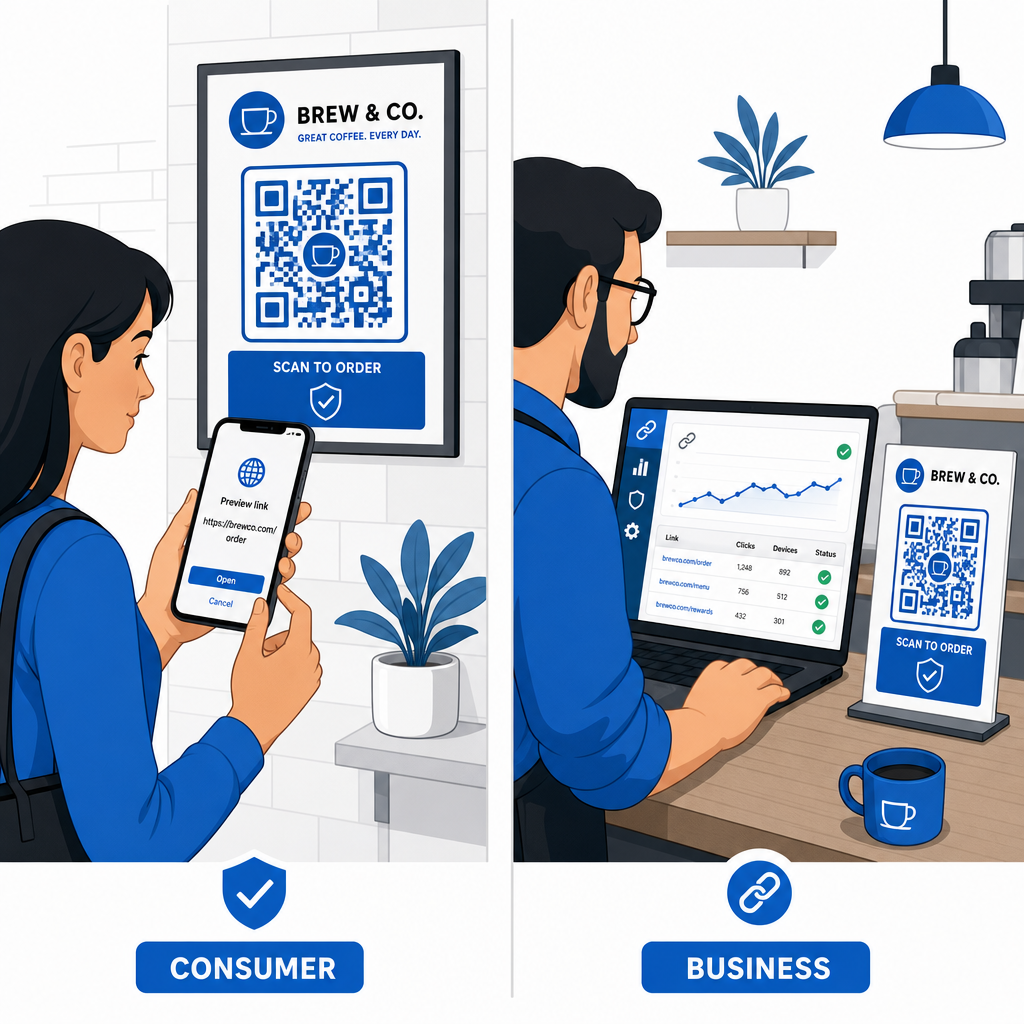
Zowel individuele consumenten als bedrijfseigenaren kunnen gestructureerde beveiligingspraktijken implementeren om fysieke en digitale contactpunten veilig te houden.
Richtlijnen voor Dagelijkse Consumenten
- Controleer fysieke signalisatie op overlays: Voel aan het oppervlak van parkeermeters, openbare opladers of posters om te controleren of er geen sticker de originele code bedekt.
- Typ webadressen handmatig voor transacties: Open uw webbrowser en typ officiële URL-adressen rechtstreeks in bij het betalen van energierekeningen of het invoeren van financiële gegevens.
- Schakel twee-factor authenticatie in voor alle accounts: Bescherm online logins met een extra verificatiestap, zodat gestolen wachtwoorden alleen geen accounttoegang kunnen verlenen.
- Meld frauduleuze activiteit aan officiële portals: Dien meldingen van frauduleuze codes of oplichting in bij lokale autoriteiten en officiële meldpunten zoals het FBI Internet Crime Complaint Center (IC3) of de Federal Trade Commission (FTC).
Richtlijnen voor Bedrijfseigenaren
- Implementeer dynamische QR-codes in campagnes: Gebruik dynamische QR-codes om volledige controle te behouden over bestemmingslinks, waardoor directe updates of linkdeactivering mogelijk is als een dreiging wordt gedetecteerd.
- Pas aangepaste branding en visuele logo's toe: Pas codeontwerpen aan met bedrijfslogo's en specifieke merkkleuren, waardoor uw codes aanzienlijk moeilijker te repliceren zijn voor oplichters met generieke stickers.
- Implementeer gelaagde beveiligingsmonitoringstools: Combineer veilig QR-beheer met gespecialiseerde bedrijfsbeveiligingstools om inkomende links te evalueren en phishing-bedreigingen te detecteren via bedrijfskanalen. Je kunt toegewijde verdedigingstools bekijken in onze gids over hulpmiddelen om QR-code phishing te detecteren.
- Controleer fysieke contactpunten regelmatig: Inspecteer fysieke borden, tafelstandaards en kiosken regelmatig om sticker-overlays of fysieke manipulatie te detecteren. Door fysieke controles te combineren met beste praktijken voor QR-code betaalveiligheid behoudt het vertrouwen van de klant. Voor een complete organisatiestrategie, verken onze analyse over hoe je je bedrijf kunt beschermen tegen QR-code oplichting.
Bescherm je digitale interacties met slim scannen
Het herkennen van nep-QR-codes komt neer op het herkennen van fysieke manipulatie, het verifiëren van bestemmingsdomeinen en het vermijden van impulsieve invoer van inloggegevens of betalingsopdrachten. Door URL-previews te inspecteren en te vertrouwen op geverifieerde webadressen, kun je veilig genieten van het gemak van QR-codes zonder je veiligheid in gevaar te brengen.
Bij het analyseren van onbekende QR-codes op je smartphone of desktopcomputer, verifieer de inhoud veilig voordat je actie onderneemt. Gebruik de webgebaseerde Pageloot QR-code scanner om gecodeerde bestemmingen te bekijken en de veiligheid van links direct te bevestigen.
Veelgestelde vragen
Het scannen van een QR-code leest eenvoudigweg gecodeerde tekst, meestal een webadres. Alleen het scannen van de code infecteert zelden een apparaat direct; het tikken op de voorvertoonde link om een kwaadaardige website te bezoeken of het downloaden van een onbetrouwbaar bestand vanaf die landingspagina kan echter malware op uw telefoon installeren.
Verander onmiddellijk uw wachtwoord op de getroffen website en op elk ander account dat die inloggegevens deelt. Schakel direct twee-factorauthenticatie in, breng uw bank op de hoogte als financiële gegevens zijn blootgesteld en controleer uw kredietrapporten op niet-herkende activiteiten.
Dynamische QR-codes leiden verkeer via een beveiligd beheerplatform in plaats van vaste bestemmingsgegevens in te sluiten. Als een bestemmingswebpagina gecompromitteerd is of een update vereist, kunnen beheerders de bestemmings-URL wijzigen of de link op afstand deactiveren zonder fysiek drukwerk te hoeven vervangen.