Müşterileriniz en çok ihtiyaç duyduklarında yardım bulmakta zorlanıyor mu? Telekomda, yavaş veya parçalı destek müşteri kaybına yol açar – ve müşterilerin 'si kötü self-servis deneyimleri nedeniyle bir sağlayıcıdan ayrıldı bile. Bu sayfa, QR kodlarının müşterilere doğru destek kaynaklarına anında nasıl erişim sağladığını, talep hacmini nasıl azalttığını ve her temas noktasında memnuniyeti nasıl artırdığını gösteriyor.
Telekomda Self-Servis Neden Önemli?
Müşteri beklentileri kesin olarak self-servise doğru kaydı. Müşterilerin yaklaşık 'si bir temsilciyle konuşmak yerine sorunları kendi başlarına çözmeyi tercih ediyor ve 'ı markaların çevrimiçi bir self-servis portalı sunmasını bekliyor. Özellikle telekomda, Covid'den bu yana self-servis talebi arttı ve müşterilerin 'u evde ziyaret talep etmeden önce teknik sorunları gidermeye çalışıyor.
Ancak self-servis kanallarını deneyen müşterilerin 'inden fazlası sorunlarını çevrimiçi olarak tam olarak çözemiyor. Bu boşluk ilgi eksikliğinden değil – kolay erişim eksikliğinden kaynaklanıyor. Müşteriler, navigasyon kafa karıştırıcı olduğunda, menüler gizlendiğinde veya doğru sayfayı yeterince hızlı bulamadıklarında destek akışlarını terk ediyor.
QR kodları bu boşluğu kapatır. Tek bir tarama, müşteriyi menüler, aramalar veya bekleme süreleri olmadan doğrudan ihtiyaç duydukları kaynağa bağlar.
Telekom Desteğinde QR Kodlarının Temel Faydaları
Doğru Kaynaklara Daha Hızlı Erişim
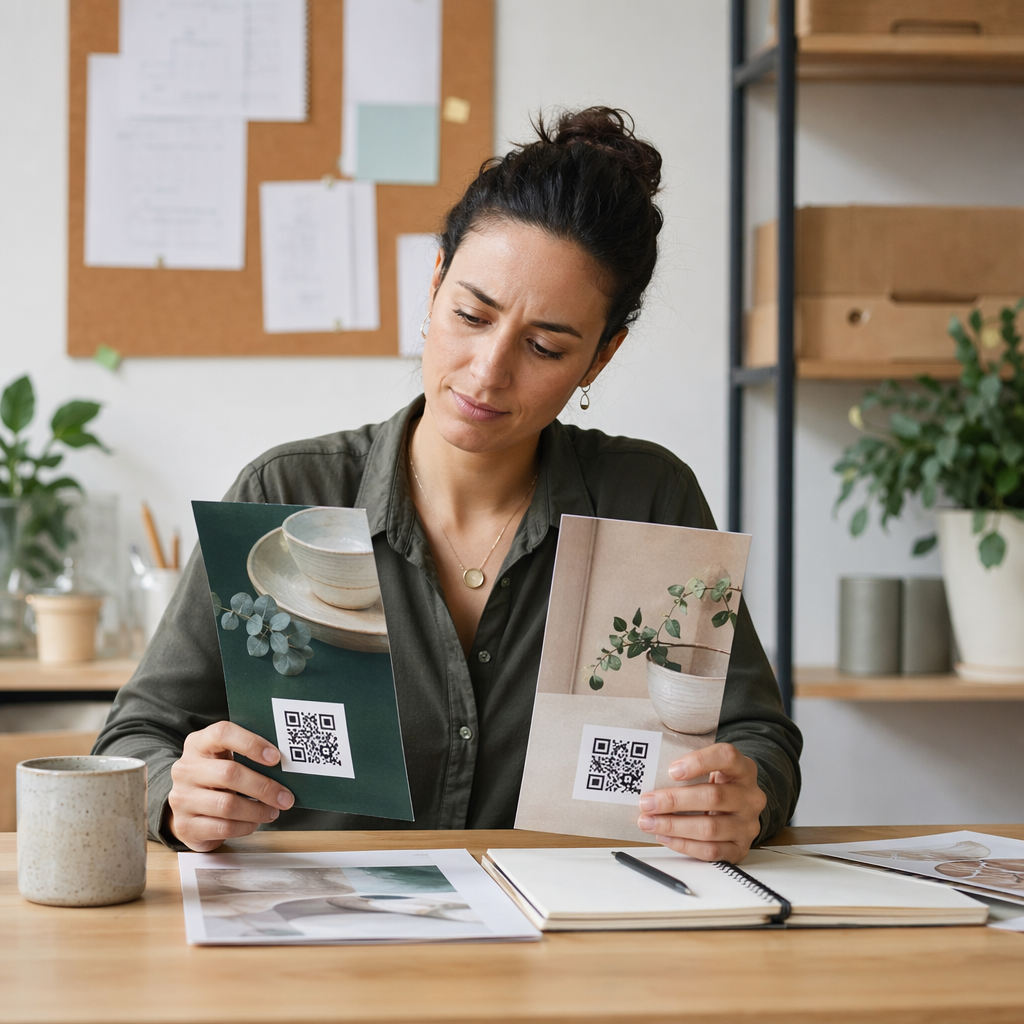
Karmaşık telefon menülerinde gezinmek veya uzun SSS sayfalarını kaydırmak yerine, hızlı bir tarama müşterileri doğrudan ihtiyaç duydukları destek kaynağına götürür. Telekom şirketleri, QR kodlarını ürün ambalajlarına, faturalara, ekipman etiketlerine ve perakende tabelalarına yerleştirebilir – her biri bir kurulum kılavuzu, sorun giderme akışı veya canlı sohbet gibi ilgili bir hedefe bağlanır.
Örneğin, bir yönlendiricinin etiketine basılmış bir QR kodu doğrudan ağ sorun giderme adımlarına bağlanabilir. Aylık bir faturadaki bir kod, hesap yönetim portalını açabilir. Bu tür bağlamsal erişim, sürtünmeyi ortadan kaldırır ve destek kuyruğunuza gelen tekrarlayan iletişim hacmini azaltır.
Bu kodları kullanarak oluşturabilirsiniz Pageloot QR kod oluşturucu, URL'leri, PDF'leri, formları ve 25'ten fazla diğer içerik türünü destekler.
Kişiselleştirilmiş Destek Deneyimleri
Statik destek sayfaları her müşteriye aynı içeriği sunar. Dinamik QR kodları bunu değiştirir. Hedef URL merkezi bir kontrol paneli aracılığıyla yönetildiği için, aynı basılı kodu cihaz türüne, hizmet planına, bölgeye veya günün saatine göre farklı içeriğe yönlendirebilirsiniz – tek bir etiketi yeniden basmaya gerek kalmadan.
Bir dinamik QR kodu örneğin, bir SIM kart paketindeki, faturalı müşterileri bir aktivasyon kılavuzuna ve ön ödemeli müşterileri bir yükleme portalına yönlendirebilir. Destek saatleriniz değişirse veya yeni bir self-servis özelliği başlatırsanız, hedefi bir kez güncellersiniz ve dağıtılan her kod değişikliği anında yansıtır.
Kişiselleştirilmiş Destek Bağlantılarını Ölçekli Olarak Dağıtın Kullan Telekom için Pageloot QR Kod Oluşturucu müşterileri her seferinde doğru kaynağa bağlayan dinamik kodlar oluşturmak için – materyalleri yeniden basmaya gerek kalmadan.
Basitleştirilmiş Geri Bildirim Toplama
Süreç elverişsiz olduğunda müşteri geri bildirimi toplamak zordur. Faturalara, hoş geldin mektuplarına veya ambalajlara basılan QR kodları, doğrudan bir geri bildirim formuna bağlanarak, deneyim henüz tazeyken yanıtları yakalar.
Kullanmak Google Form QR kodu müşterileri yapılandırılmış bir ankete yönlendirmenin pratik bir yoludur. Dinamik kodlar, form hedefini istediğiniz zaman değiştirmenize olanak tanır – anketleri döndürmek veya farklı anketleri materyalleri yeniden dağıtmadan test etmek istediğinizde kullanışlıdır. Uygulamanın daha derinlemesine incelenmesi için bkz. geri bildirim toplama için QR kodları nasıl oluşturulur.
Otomasyon Yoluyla Azaltılmış Destek Maliyetleri
Müşterileri self-servis kaynaklara yönlendirerek – parola sıfırlamaları, faturalandırma SSS'leri, cihaz kurulum kılavuzları – QR kodları, destek ekibinize ulaşan çağrı ve talep hacmini azaltır. Şu anda, telekom müşteri sorunlarının 'sı self-servis araçlar aracılığıyla çözülmektedir. QR kodları, bu araçları ihtiyaç duyulduğu anda daha kolay bulunabilir hale getirerek bu eğilimi hızlandırır.

Daha önce temsilci katılımı gerektiren görevler – hesap güncellemeleri, plan karşılaştırmaları, hizmet aktivasyonu – QR bağlantılı portallar aracılığıyla halledilebilir, ekibinizi gerçekten insan ilgisi gerektiren karmaşık sorunlar için serbest bırakır.
Telekom Desteği İçin QR Kodları Nasıl Uygulanır
Doğru Kullanım Durumlarını Belirleyin
En yaygın destek temas noktalarını haritalayarak başlayın ve her birini QR bağlantılı bir hedefle eşleştirin:
- Ambalaj ve ekipman etiketleri – cihaza özel kurulum kılavuzlarına veya video eğitimlerine bağlantı
- Aylık faturalar ve makbuzlar – hesap yönetimi, ödeme portalları veya faturalandırma SSS'lerine bağlantı
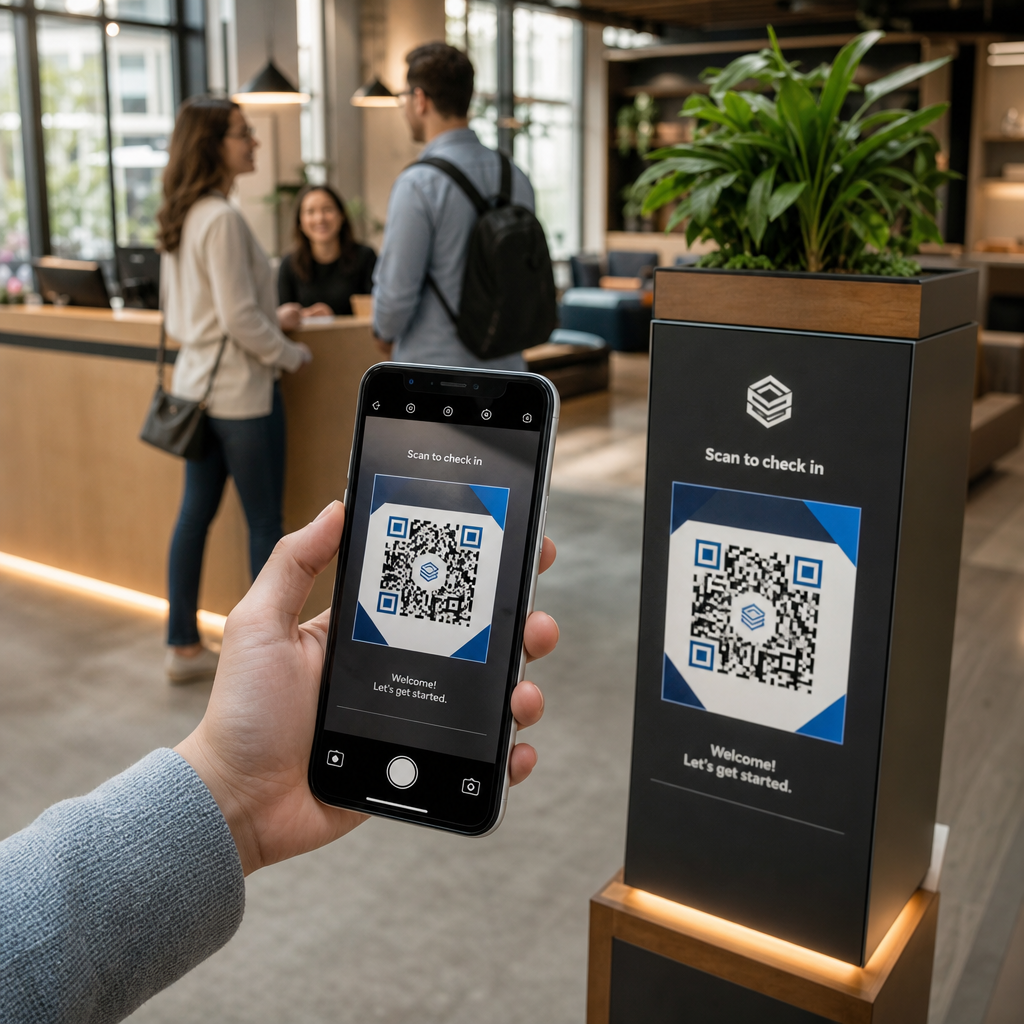
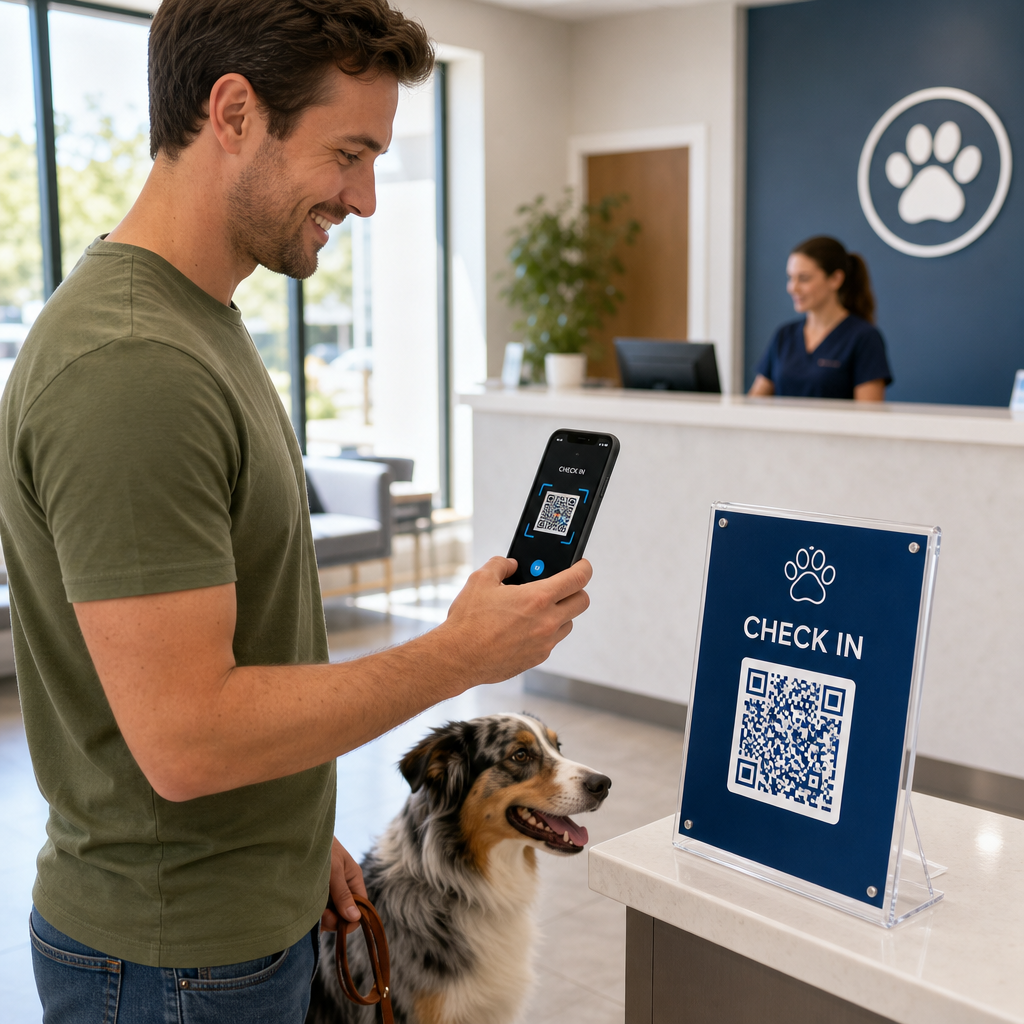
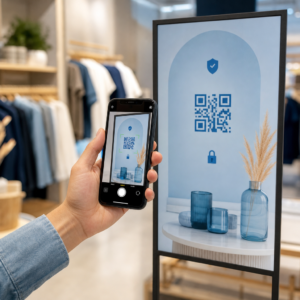
- Perakende ve servis masası tabelaları – canlı sohbet veya randevu planlama bağlantısı
- Saha teknisyeni materyalleri – hizmet durumu sayfalarına veya ziyaret sonrası geri bildirim formlarına bağlantı
- E-posta imzaları – yardım merkezi makalelerine veya destek bileti gönderimine bağlantı
Sık sık değişen içerikler için – servis uyarıları veya güncellenmiş sorun giderme kılavuzları gibi – kullanın dinamik QR kodları böylece hedefleri yeniden basmadan güncelleyebilirsiniz. Sabit bir PDF kullanım kılavuzu gibi kalıcı kaynaklar için statik bir kod sorunsuz çalışır.
Kodlarınızı Oluşturun ve Özelleştirin
Kullanım durumlarınızı belirledikten sonra, müşterilerin tanıyacağı ve güveneceği kodlar oluşturun. Her kodu markanızın renkleri ve logosuyla özelleştirerek meşruiyeti işaret edin – bu, kimlik avının gerçek bir endişe olduğu bir sektörde önemlidir. Takip edin güvenli QR kodu oluşturma en iyi uygulamaları, her zaman HTTPS hedeflerine bağlantı vermeyi ve markalı URL'ler kullanmayı içeren.
İndirilebilir belgelere bağlantı veren kodlar için, bir PDF QR kodu müşterilerin kullanım kılavuzlarına, garanti bilgilerine veya servis sözleşmelerine anında erişmesini sağlar. Birden fazla bağlantıyı – SSS, canlı sohbet, fatura ödeme – birleştiren destek akışları için, bir QR kod açılış sayfası tüm seçenekleri tek bir mobil uyumlu arayüzde sunar.
Her kodun yanına belirli bir harekete geçirici mesaj metni yazın. “Burayı tarayın” yerine, “Cihazınızın sorunlarını gidermek için tarayın” veya “Faturanızı 30 saniyede ödemek için tarayın” gibi bir dil kullanın. Hedefli talimatlar, genel istemlerden sürekli olarak daha iyi performans gösterir.
Kodları Müşterilerin İhtiyaç Duyduğu Yerlere Yerleştirin
Yerleştirme, gerçekte kaç tarama alacağınızı belirler. Yüksek değerli konumlar şunları içerir:
- Ekipman ambalajı ve cihaz etiketleri (müşterilerin kurulum zorlukları yaşadığı yerlerde)
- Aylık faturalar ve hizmet bildirimleri (fatura sorularının ortaya çıktığı yerlerde)
- Müşteri hizmetleri masaları ve perakende satış noktaları (müşterilerin zaten yardım aradığı yerlerde)
- Saha teknisyeni araçları ve malzemeleri (servis sonrası takip için)
- E-postalar, hesap panoları ve şirket web sitesi gibi dijital yüzeyler
Fiziksel yerleşimler için, boyutlandırma yönergelerini şuradan takip edin: QR kodu kullanılabilirlik en iyi uygulamaları: yakın mesafeli tarama için minimum 0,8 × 0,8 inç, parlamayı azaltmak için mat yüzeyler. Kodları rahat bir yüksekliğe yerleştirin – zemin standı ekranlar için yerden yaklaşık üç ila dört fit. Ayrıntılı yerleşim kılavuzu için şuraya bakın: pazarlama materyallerine QR kodları yerleştirme yönergeleri.
Her hedefin mobil uyumlu olduğundan ve hızlı yüklendiğinden emin olun. Bir telefondan tarama yapan müşteriler sayfanın hemen çalışmasını bekler – bkz. mobil QR kodu açılış sayfası en iyi uygulamalarını sayfa hızı ve dokunmatik dostu tasarım hakkında teknik rehberlik için.
Performansı İzle ve İyileştir
Dağıtımdan sonra, müşterilerin destek kodlarınızla nasıl etkileşim kurduğunu anlamak için analitikleri kullanın. Dinamik QR kodları, tarama sayılarını, zaman damgalarını, cihaz türlerini ve coğrafi konumları toplar – bu veriler, yoğun destek saatlerini, yüksek talep gören bölgeleri ve müşterilerin en çok hangi kaynakları kullandığını ortaya koyar.

QR kodu izleme ayrıca dönüşüm analizini de sağlar: fatura ile ilgili taramaların yüzde kaçı tamamlanmış bir ödeme ile sonuçlanır? Hangi sorun giderme kodları çözülmüş sorunlara yol açar, hangileri ise eskalasyonlara? Bu veriler, düşük performans gösteren yerleşimleri belirlemenize, hedef içeriğini iyileştirmenize ve destek personelini yoğun talep pencerelerine tahsis etmenize yardımcı olur.
Birçok QR kod yönetim platformu, Google Analytics gibi analitik araçlarla da entegre olarak, hem fiziksel hem de dijital müşteri davranışına dair birleşik bir görünüm sunar.
Müşterilerin Tam Olarak Nerede ve Ne Zaman Taradığını Görün Her temas noktasındaki tarama etkinliğini şununla takip edin: Pageloot Bağlantı QR Kod Oluşturucu – cihaz türü, konum ve etkileşim hakkında gerçek zamanlı veriler alarak destek deneyiminizi sürekli optimize edin.
Gelişmiş Uygulamalar
Canlı Destek Yönlendirmesi için Dinamik Kodlar
Dinamik QR kodları, müşterileri gerçek zamanlı temsilci müsaitliğini gösteren canlı sohbet sistemlerine veya müşterilerin geri arama rezervasyonu yapabileceği planlama araçlarına yönlendirebilir. Acil durum protokolleri etkinleşirse veya hizmet saatleri değişirse, hedefi bir kez güncellersiniz – sahadaki her basılı kod, yeniden basmaya gerek kalmadan değişikliği anında yansıtır.
Güvenlik ve Veri Koruması
Hesap yönetimi portallarına veya faturalandırma sistemlerine bağlanan QR kodları için uygun güvenlik kontrollerini uygulayın. Parola korumalı kodlar, hassas hedefler için bir kimlik doğrulama katmanı ekler. Her zaman HTTPS bağlantıları kullanın, açılış sayfalarının SSL sertifikalı olduğunu doğrulayın ve müşterilerin meşru kodları kimlik avı girişimlerinden ayırt etmelerine yardımcı olmak için markalı tasarımlar kullanın. Bkz. güvenli QR kodu oluşturma en iyi uygulamaları tam bir kontrol listesi için.
Halka açık alanlara yerleştirilen QR kodları genel destek kaynaklarına bağlanmalıdır. Faturalar gibi özel belgelerdeki kodlar, erişim zaten alıcıya kısıtlandığı için hesaba özel araçlara güvenli bir şekilde bağlanabilir.
Destek Kanalları Arasında Entegrasyon
QR kodları, diğer destek kanallarının yerini almak yerine onlarla birlikte çalışır. Bir tarama bir yardım merkezi makalesini açabilir, ancak müşteri hala yardıma ihtiyaç duyuyorsa, açılış sayfası bir canlı sohbet seçeneği veya destek telefon numarası sunmalıdır. Bu modelin dijital ticaret bağlamlarında nasıl uygulandığına daha geniş bir bakış için bkz. e-ticarette destek için QR kodları.
Ayrıca, QR ile tetiklenen iş akışlarını kullanarak otomatik takip mesajları gönderebilirsiniz – bir teknisyen ziyaretinden 24 saat sonra bir memnuniyet anketi veya bir müşteri yeni bir cihazın ambalajını taradığında bir kurulum kılavuzu gibi. Bu tür bir QR kodu aracılığıyla müşteri geri bildirimi döngü, ek manuel çaba gerektirmeden sürekli bir iyileştirme döngüsü oluşturur.
Ne İşe Yaradığını Ölçme
QR kodu dağıtımından önce ve sonra bu temel performans göstergelerini takip edin:
- Çözüm oranı – taranan destek oturumlarının, müşteri sorununu temsilci teması olmadan çözen yüzdesi
- Tarama-tamamlama oranı – tamamlanmış bir eylemle sonuçlanan taramaların yüzdesi (ödeme yapıldı, form gönderildi, rehber görüntülendi)
- Destek bileti hacmi – yönlendirmeyi ölçmek için dağıtımdan önceki ve sonraki haftalık toplamları karşılaştırın
- Müşteri memnuniyeti puanları – tarama etkinliğini etkileşim sonrası anket sonuçlarıyla ilişkilendirin
- Yoğun tarama zamanları ve konumları – bu verileri, personel ve kaynak güncellemelerini gerçek taleple uyumlu hale getirmek için kullanın
Lansmandan önce temel metrikleri belirleyin, ardından aylık olarak gözden geçirin. Bir kod performans göstermiyorsa, yerleşim görünürlüğünü kontrol edin, harekete geçirici mesaj metnini güncelleyin veya hedef sayfayı iyileştirin. Gerçek tarama verilerine dayalı küçük ayarlamalar, müşterilerin ne istediğine dair varsayımlardan sürekli olarak daha iyi sonuç verir.
QR kodları, canlı bir sistem olarak ele alındığında en etkilidir – özenle dağıtılır, tutarlı bir şekilde izlenir ve verilerin gösterdiklerine göre iyileştirilir. Bu yaklaşımı benimseyen telekom sağlayıcıları, destek maliyetlerini azaltır, çözüm oranlarını iyileştirir ve müşterilere bekledikleri hızlı, kendi kendine yönlendirilen deneyimi sunar.
En yüksek hacimli iki veya üç destek temas noktanızı belirleyerek başlayın, her biri için QR kodları oluşturun ve etkiyi ölçün. Kullanın Pageloot'un telekom için QR kod araçları yeniden basım yapmadan güncelleyebileceğiniz dinamik, markalı, izlenebilir kodlar oluşturmak için – böylece hizmetleriniz geliştikçe destek altyapınız güncel kalır.
Sıkça sorulan sorular
Telekom QR kodları neredeyse her türlü dijital kaynağa bağlanabilir: sorun giderme kılavuzları, PDF kullanım kılavuzları, hesap yönetimi portalları, ödeme sayfaları, canlı sohbet pencereleri, geri bildirim formları, video eğitimleri ve birden fazla destek seçeneğini tek bir yerde birleştiren mobil uyumlu açılış sayfaları. Dinamik QR kodları, hedefi istediğiniz zaman güncellemenize olanak tanır, böylece aynı basılı kod, destek kaynaklarınız değiştikçe farklı içeriklere bağlanabilir.
Statik QR kodları, kod oluşturulduktan sonra değiştirilemeyen sabit bir hedefi kodlar. Dinamik QR kodları, merkezi bir kontrol paneli aracılığıyla yönetilen bir yönlendirme bağlantısı kullanır, böylece hedefi yeniden yazdırmadan güncelleyebilirsiniz. Telekom desteği için dinamik kodlar genellikle daha iyi bir seçimdir çünkü destek içeriği sık sık değişir – sorun giderme kılavuzları güncellenir, hizmet saatleri değişir ve yeni self-servis araçları kullanıma sunulur. Dinamik kodlar ayrıca, statik kodların desteklemediği tarama analizi de sağlar.
QR kodlarını her zaman HTTPS ile güvenli hale getirilmiş hedeflere bağlayın ve müşterilerin meşru kodları kimlik avı girişimlerinden ayırt edebilmesi için markalı, tanınabilir tasarımlar kullanın. Hesaba özel araçlara veya faturalandırma portallarına erişen kodlar için, parola koruması bir kimlik doğrulama katmanı ekler. Malzemeleri yeniden basmaya gerek kalmadan, tehlikeye girmiş bir kodu anında devre dışı bırakabilmeniz veya yönlendirebilmeniz için dinamik QR kodları kullanın. Müşterileri meşru QR kodlarının neye benzediği ve herhangi bir veri göndermeden önce hedefleri nasıl doğrulayacakları konusunda eğitmek de önemli bir koruma katmanıdır.