Ваши клиенты с трудом находят помощь, когда она им больше всего нужна? В телекоммуникациях медленная или фрагментированная поддержка приводит к оттоку клиентов – и 17% клиентов уже покинули провайдера из-за плохого опыта самообслуживания. Эта страница покажет вам, как QR-коды предоставляют клиентам мгновенный доступ к нужным ресурсам поддержки, сокращают объем заявок и повышают удовлетворенность на каждом этапе взаимодействия.
Почему самообслуживание важно в телекоммуникациях
Ожидания клиентов решительно сместились в сторону самообслуживания. Около 67% клиентов предпочитают решать проблемы самостоятельно, а не общаться с агентом, и 90% ожидают, что бренды предложат онлайн-портал самообслуживания. В телекоммуникациях спрос на самообслуживание вырос на 21% с момента пандемии Covid, и 69% клиентов пытаются устранить технические проблемы, прежде чем запросить визит на дом.
Тем не менее, более 70% клиентов, которые пытаются использовать каналы самообслуживания, не могут полностью решить свою проблему онлайн. Проблема не в отсутствии интереса – а в отсутствии легкого доступа. Клиенты отказываются от поддержки, когда навигация запутана, меню скрыты или они не могут достаточно быстро найти нужную страницу.
QR-коды устраняют этот пробел. Одно сканирование напрямую связывает клиента с нужным ресурсом, без меню, поиска или времени ожидания.
Ключевые преимущества QR-кодов в телекоммуникационной поддержке
Более быстрый доступ к нужным ресурсам
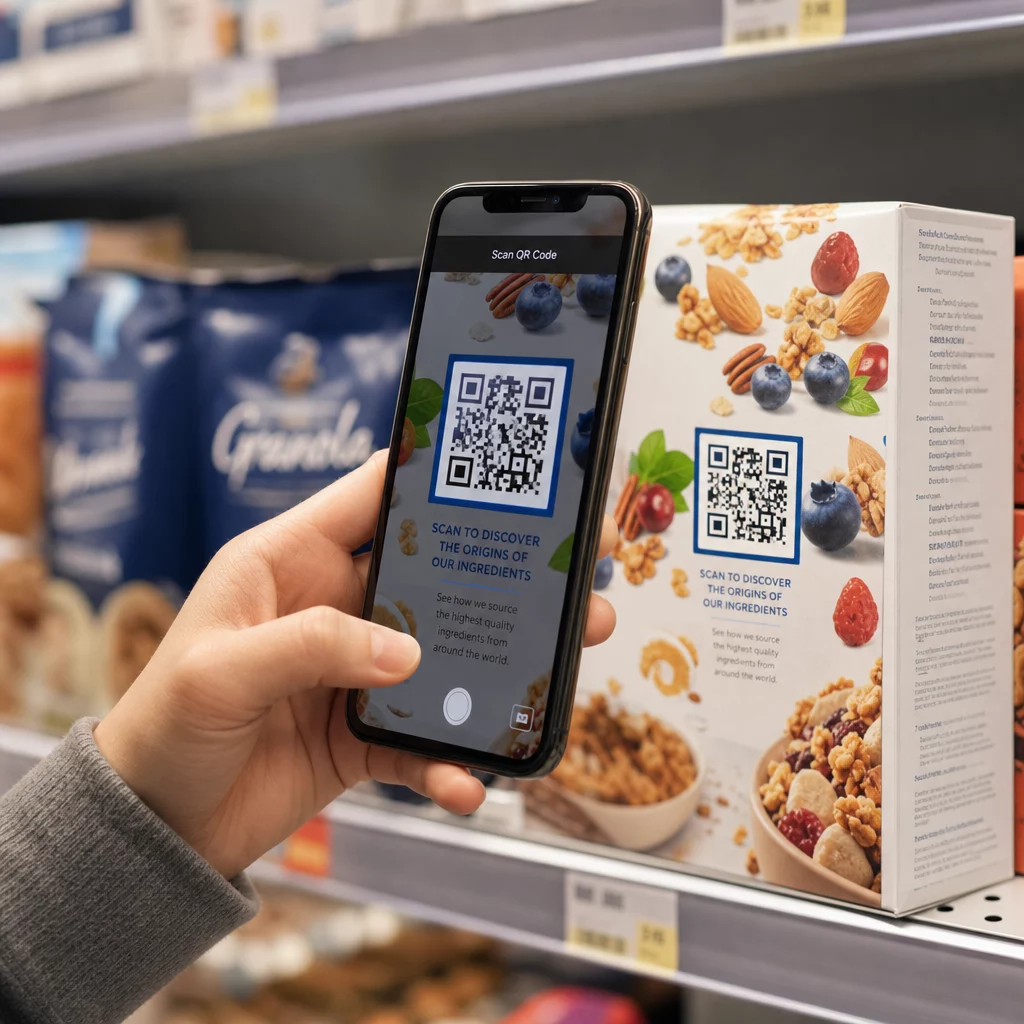
Вместо навигации по сложным телефонным меню или прокрутки длинных страниц часто задаваемых вопросов, быстрое сканирование направляет клиентов непосредственно к нужному ресурсу поддержки. Телекоммуникационные компании могут размещать QR-коды на упаковке продуктов, счетах, этикетках оборудования и рекламных вывесках – каждый из которых ведет к соответствующему месту назначения, такому как руководство по настройке, процесс устранения неполадок или онлайн-чат.
Например, QR-код, напечатанный на этикетке маршрутизатора, может напрямую ссылаться на шаги по устранению неполадок сети. Код на ежемесячном счете может открыть портал управления учетной записью. Такой контекстный доступ устраняет трения и уменьшает объем повторных обращений, поступающих в вашу очередь поддержки.
Вы можете генерировать эти коды с помощью Генератор QR-кодов Pageloot, который поддерживает URL-адреса, PDF-файлы, формы и более 25 других типов контента.
Персонализированный опыт поддержки
Статические страницы поддержки предоставляют один и тот же контент каждому клиенту. Динамические QR-коды меняют это. Поскольку целевой URL-адрес управляется через центральную панель инструментов, вы можете направлять один и тот же напечатанный код к различному контенту в зависимости от типа устройства, тарифного плана, региона или времени суток – без перепечатки ни одной этикетки.
A динамический QR-код на упаковке SIM-карты, например, может перенаправлять абонентов с постоплатой к руководству по активации, а абонентов с предоплатой – к порталу пополнения счета. Если часы вашей поддержки меняются или вы запускаете новую функцию самообслуживания, вы обновляете пункт назначения один раз, и каждый развернутый код немедленно отражает изменение.
Развертывание персонализированных ссылок поддержки в масштабе Использовать Генератор QR-кодов Pageloot для телекоммуникаций создавать динамические коды, которые каждый раз связывают клиентов с нужным ресурсом – без перепечатки материалов.
Упрощенный сбор обратной связи
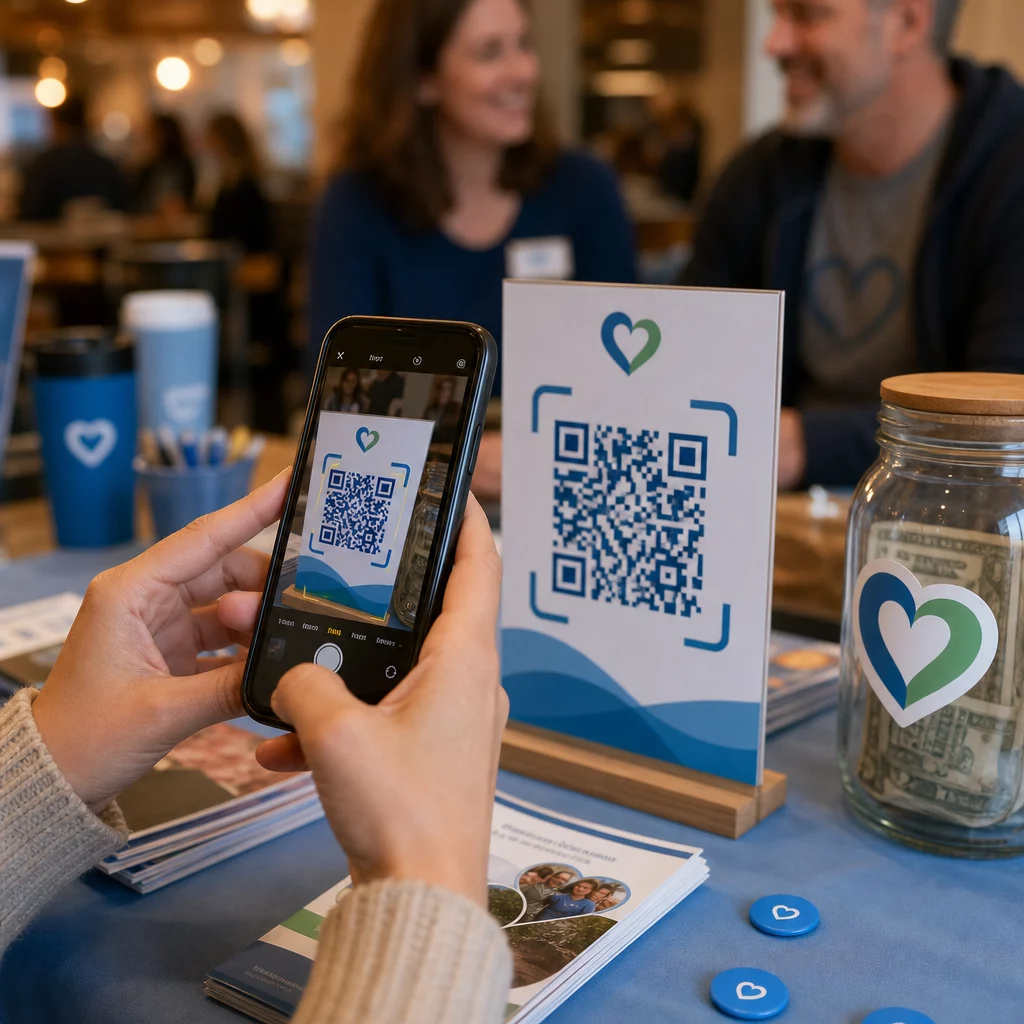
Сбор отзывов клиентов затруднен, когда процесс неудобен. QR-коды, напечатанные на счетах, приветственных письмах или упаковке, напрямую ведут к форме обратной связи, фиксируя ответы, пока впечатление еще свежо.
Использование QR-код формы Google является практическим способом направить клиентов к структурированному опросу. Динамические коды позволяют менять место назначения формы в любое время – это полезно, когда вы хотите чередовать опросы или тестировать разные анкеты без повторного распространения материалов. Для более глубокого изучения реализации см. как создавать QR-коды для сбора обратной связи.
Снижение затрат на поддержку за счет автоматизации
Направляя клиентов к ресурсам самообслуживания – сброс пароля, часто задаваемые вопросы по выставлению счетов, руководства по настройке устройств – QR-коды уменьшают объем звонков и заявок, поступающих в вашу службу поддержки. В настоящее время 56% проблем клиентов телекоммуникационных компаний решаются с помощью инструментов самообслуживания. QR-коды ускоряют эту тенденцию, делая эти инструменты легче доступными в нужный момент.

Задачи, которые ранее требовали участия агента – обновление учетной записи, сравнение тарифов, активация услуг – могут быть выполнены через порталы, связанные с QR-кодами, освобождая вашу команду для решения сложных вопросов, которые действительно требуют человеческого внимания.
Как внедрить QR-коды для поддержки в телекоммуникациях
Определите подходящие варианты использования
Начните с определения наиболее распространенных точек контакта поддержки и сопоставьте каждую с местом назначения, связанным с QR-кодом:
- Упаковка и этикетки оборудования – ссылка на руководства по настройке для конкретного устройства или видеоуроки
- Ежемесячные счета и инвойсы – ссылка на управление учетной записью, платежные порталы или часто задаваемые вопросы по выставлению счетов
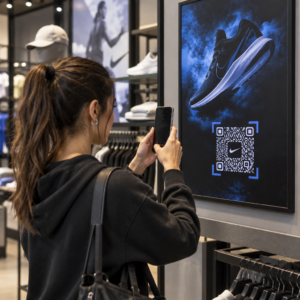
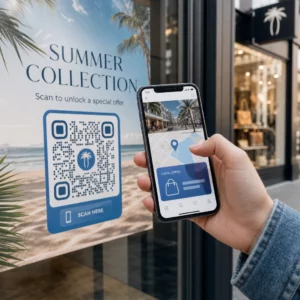
- Вывески в розничных магазинах и на стойках обслуживания – ссылка на онлайн-чат или запись на прием
- Материалы для выездных техников – ссылка на страницы статуса обслуживания или формы обратной связи после визита
- Подписи в электронных письмах – ссылка на статьи справочного центра или подачу заявки в службу поддержки
Для часто меняющегося контента – такого как оповещения об услугах или обновленные руководства по устранению неполадок – используйте динамические QR-коды чтобы вы могли обновлять ссылки без перепечатки. Для постоянных ресурсов, таких как фиксированное руководство пользователя в формате PDF, статический код работает отлично.
Создавайте и настраивайте свои коды
После того как вы определили свои сценарии использования, сгенерируйте коды, которые клиенты будут узнавать и которым будут доверять. Настройте каждый код с использованием цветов вашего бренда и логотипа, чтобы сигнализировать о легитимности – это важно в отрасли, где фишинг является реальной проблемой. Следуйте лучшие практики безопасной генерации QR-кодов, включая всегда ссылки на HTTPS-ресурсы и использование брендированных URL-адресов.
Для кодов, ссылающихся на загружаемую документацию, PDF QR-код позволяет клиентам мгновенно получать доступ к руководствам пользователя, информации о гарантии или сервисным соглашениям. Для потоков поддержки, которые объединяют несколько ссылок – часто задаваемые вопросы, онлайн-чат, оплата счетов – рассмотрите целевую страницу QR-кода которая представляет все опции в едином мобильном интерфейсе.
Напишите конкретный текст призыва к действию рядом с каждым кодом. Вместо “Сканируйте здесь” используйте формулировки типа “Сканируйте, чтобы устранить неполадки вашего устройства” или “Сканируйте, чтобы оплатить счет за 30 секунд”. Целевые инструкции постоянно превосходят общие подсказки.
Размещайте коды там, где они нужны клиентам
Размещение определяет, сколько сканирований вы фактически получите. Места с высокой ценностью включают:
- Упаковка оборудования и этикетки устройств (где клиенты сталкиваются с проблемами при настройке)
- Ежемесячные счета и уведомления об услугах (где возникают вопросы по выставлению счетов)
- Стойки обслуживания клиентов и розничные точки (где клиенты уже ищут помощи)
- Транспортные средства выездных техников и материалы (для последующего обслуживания)
- Цифровые поверхности, такие как электронные письма, панели управления учетными записями и веб-сайт компании
Для физического размещения следуйте рекомендациям по размеру из лучших практик использования QR-кодов: минимум 0,8 × 0,8 дюйма для сканирования с близкого расстояния, с матовым покрытием для уменьшения бликов. Размещайте коды на удобной высоте – примерно от трех до четырех футов от земли для напольных дисплеев. Подробные рекомендации по размещению см. в руководстве по размещению QR-кодов на маркетинговых материалах.
Убедитесь, что каждое место назначения оптимизировано для мобильных устройств и быстро загружается. Клиенты, сканирующие с телефона, ожидают, что страница заработает немедленно – см. лучшим практикам для мобильных целевых страниц с QR-кодами техническое руководство по скорости загрузки страниц и сенсорному дизайну.
Отслеживайте производительность и улучшайте
После развертывания используйте аналитику, чтобы понять, как клиенты взаимодействуют с вашими кодами поддержки. Динамические QR-коды собирают данные о количестве сканирований, временных метках, типах устройств и географическом местоположении — данные, которые показывают часы пиковой поддержки, регионы с высоким спросом и какие ресурсы клиенты используют чаще всего.

отслеживание QR-кода также позволяет проводить анализ конверсии: какой процент сканирований, связанных со счетами, приводит к завершенной оплате? Какие коды устранения неполадок приводят к решению проблем, а не к эскалации? Эти данные помогают выявить неэффективные размещения, улучшить контент назначения и распределить персонал поддержки в периоды пикового спроса.
Многие платформы управления QR-кодами также интегрируются с аналитическими инструментами, такими как Google Analytics, предоставляя вам единое представление как о физическом, так и о цифровом поведении клиентов.
Точно узнайте, где и когда клиенты сканируют Отслеживайте активность сканирования по всем точкам контакта с помощью Генератор QR-кодов Pageloot Link – получайте данные в реальном времени о типе устройства, местоположении и вовлеченности, чтобы постоянно оптимизировать ваш опыт поддержки.
Расширенные Приложения
Динамические коды для маршрутизации поддержки в реальном времени
Динамические QR-коды могут направлять клиентов в системы онлайн-чата, показывающие доступность агентов в реальном времени, или в инструменты планирования, где клиенты могут забронировать обратный звонок. Если активируются аварийные протоколы или меняются часы обслуживания, вы обновляете пункт назначения один раз – каждый напечатанный код на месте мгновенно отражает изменение без перепечатки.
Безопасность и защита данных
Для QR-кодов, ссылающихся на порталы управления учетными записями или платежные системы, применяйте соответствующие меры безопасности. Коды, защищенные паролем, добавляют уровень аутентификации для конфиденциальных направлений. Всегда используйте ссылки HTTPS, проверяйте, что целевые страницы имеют SSL-сертификат, и используйте фирменный дизайн, чтобы помочь клиентам отличать легитимные коды от фишинговых попыток. См. лучшие практики безопасной генерации QR-кодов полный контрольный список.
QR-коды, размещенные в общественных местах, должны ссылаться на общие ресурсы поддержки. Коды на частных документах, таких как счета-фактуры, могут безопасно подключаться к инструментам, специфичным для учетной записи, поскольку доступ уже ограничен получателем.
Интеграция по всем каналам поддержки
QR-коды работают наряду с другими каналами поддержки, а не заменяют их. Сканирование может открыть статью справочного центра, но если клиенту все еще нужна помощь, целевая страница должна предлагать опцию онлайн-чата или номер телефона поддержки. Для более широкого обзора того, как эта модель применяется в контекстах цифровой коммерции, см. QR-коды для поддержки в электронной коммерции.
Вы также можете использовать рабочие процессы, запускаемые QR-кодами, для отправки автоматических последующих сообщений – опроса удовлетворенности через 24 часа после визита техника или руководства по настройке, когда клиент сканирует упаковку нового устройства. Такой вид обратной связи с клиентами через QR-код цикл создает непрерывный цикл улучшений без дополнительных ручных усилий.
Измерение эффективности
Отслеживайте эти ключевые показатели эффективности до и после внедрения QR-кодов:
- Показатель разрешения – процент отсканированных сеансов поддержки, которые решают проблему клиента без контакта с агентом
- Коэффициент сканирования до завершения – процент сканирований, которые приводят к завершенному действию (оплата произведена, форма отправлена, руководство просмотрено)
- Объем заявок в службу поддержки – сравните еженедельные итоги до и после развертывания, чтобы количественно оценить перенаправление
- Оценки удовлетворенности клиентов – сопоставьте активность сканирования с результатами опросов после взаимодействия
- Пиковое время и места сканирования – используйте эти данные для согласования кадрового обеспечения и обновлений ресурсов с фактическим спросом
Установите базовые метрики перед запуском, затем ежемесячно пересматривайте их. Если код не работает, проверьте видимость размещения, обновите текст призыва к действию или улучшите целевую страницу. Небольшие корректировки, основанные на реальных данных сканирования, постоянно превосходят предположения о том, что хотят клиенты.
QR-коды наиболее эффективны, когда рассматриваются как живая система – развертываются продуманно, отслеживаются последовательно и совершенствуются на основе данных. Телекоммуникационные провайдеры, применяющие такой подход, снижают затраты на поддержку, улучшают показатели разрешения проблем и предоставляют клиентам быстрый, самостоятельный опыт, который они ожидают.
Начните с определения двух или трех наиболее загруженных точек контакта поддержки, сгенерируйте QR-коды для каждой из них и измерьте эффект. Используйте Инструменты Pageloot для QR-кодов для телекоммуникаций для создания динамических, брендированных, отслеживаемых кодов, которые вы можете обновлять без перепечатки – чтобы ваша инфраструктура поддержки оставалась актуальной по мере развития ваших услуг.
Часто задаваемые вопросы
Телеком QR-коды могут ссылаться почти на любой цифровой ресурс: руководства по устранению неполадок, пользовательские руководства в формате PDF, порталы управления учетными записями, страницы оплаты, окна онлайн-чата, формы обратной связи, видеоуроки и целевые страницы, оптимизированные для мобильных устройств, которые объединяют несколько вариантов поддержки в одном месте. Динамические QR-коды позволяют обновлять пункт назначения в любое время, так что тот же напечатанный код может ссылаться на разный контент по мере изменения ваших ресурсов поддержки.
Статические QR-коды кодируют фиксированное назначение, которое нельзя изменить после создания кода. Динамические QR-коды используют ссылку перенаправления, управляемую через центральную панель управления, поэтому вы можете обновить назначение без перепечатки. Для поддержки в сфере телекоммуникаций динамические коды, как правило, являются лучшим выбором, поскольку содержимое поддержки часто меняется – руководства по устранению неполадок обновляются, часы работы службы поддержки меняются, и запускаются новые инструменты самообслуживания. Динамические коды также предоставляют аналитику сканирований, что статические коды не поддерживают.
Всегда привязывайте QR-коды к защищенным HTTPS-соединением адресам назначения и используйте фирменный, узнаваемый дизайн, чтобы клиенты могли отличить легитимные коды от фишинговых попыток. Для кодов, которые предоставляют доступ к инструментам, специфичным для учетной записи, или к платежным порталам, защита паролем добавляет уровень аутентификации. Используйте динамические QR-коды, чтобы вы могли немедленно деактивировать или перенаправить скомпрометированный код без перепечатки материалов. Обучение клиентов тому, как выглядят легитимные QR-коды, и как проверять адреса назначения перед отправкой каких-либо данных, также является важным уровнем защиты.