ホーム > ブログ > QRコードが通信事業者の顧客サポートを改善する方法
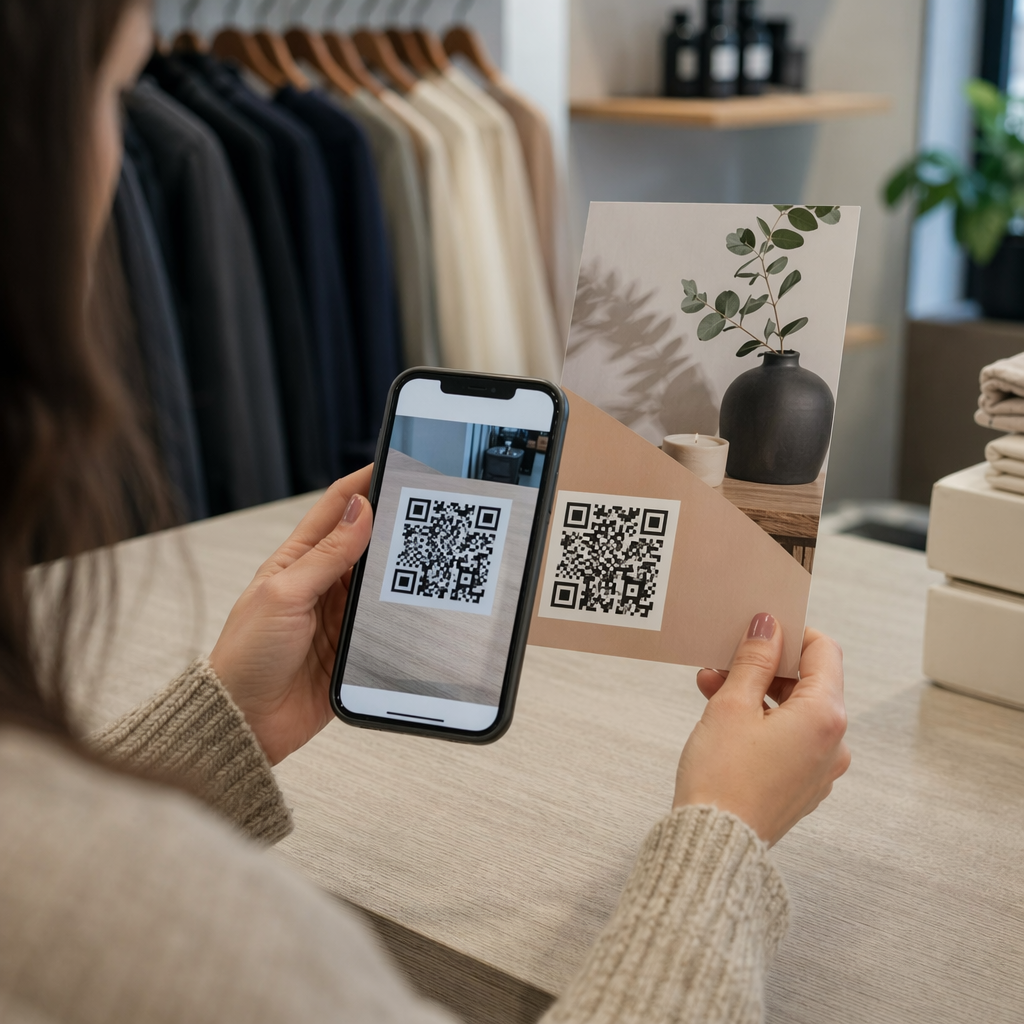
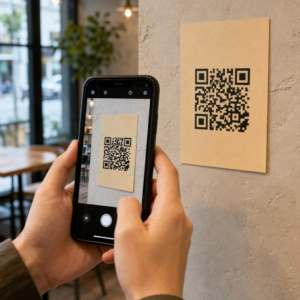
Customer scans support QR

QRコードが通信事業者の顧客サポートを改善する方法

Learn how QR codes improve telecom customer support. Reduce ticket volume and churn by giving customers instant access to troubleshooting, billing, and
Updated on 6月 10, 2026
目次

Are your customers struggling to find help when they need it most? In telecom, slow or fragmented support drives churn – and 17% of customers have already left a provider because of poor self-service experiences. This page shows you how QR codes give customers instant access to the right support resources, reduce ticket volume, and improve satisfaction at every touchpoint.

Why Self-Service Matters in Telecom

Customer expectations have shifted decisively toward self-service. About 67% of customers prefer to resolve issues on their own rather than speak with an agent, and 90% expect brands to offer an online self-service portal. In telecom specifically, self-service demand has grown 21% since Covid, and 69% of customers attempt to troubleshoot technical issues before requesting an in-home visit.

Yet more than 70% of customers who try self-service channels fail to fully resolve their issue online. The gap isn’t a lack of interest – it’s a lack of easy access. Customers abandon support flows when navigation is confusing, menus are buried, or they can’t find the right page quickly enough.

QR codes close that gap. A single scan connects a customer directly to the exact resource they need, without menus, searches, or hold times.

Key Benefits of QR Codes in Telecom Support

Faster Access to the Right Resources

Instead of navigating complex phone menus or scrolling through lengthy FAQ pages, a quick scan takes customers directly to the support resource they need. Telecom companies can place QR codes on product packaging, billing statements, equipment labels, and retail signage – each linking to a relevant destination like a setup guide, troubleshooting flow, or live chat.

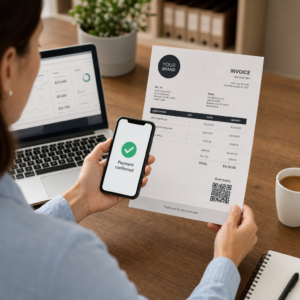
For example, a QR code printed on a router’s label can link directly to network troubleshooting steps. A code on a monthly bill can open the account management portal. This kind of contextual access removes friction and reduces the volume of repeat contacts hitting your support queue.

You can generate these codes using the Pageloot QRコードジェネレーター, which supports URLs, PDFs, forms, and over 25 other content types.

Personalized Support Experiences

Static support pages serve the same content to every customer. Dynamic QR codes change that. Because the destination URL is managed through a central dashboard, you can point the same printed code to different content based on device type, service plan, region, or time of day – without reprinting a single label.

ダイナミックQRコード on a SIM card package, for instance, can redirect postpaid customers to an activation guide and prepaid customers to a top-up portal. If your support hours change or you launch a new self-service feature, you update the destination once and every deployed code reflects the change immediately.

Deploy Personalized Support Links at Scale を使用しています。 Pageloot QR Code Generator for Telecom to create dynamic codes that connect customers to the right resource every time – without reprinting materials.

Simplified Feedback Collection

Collecting customer feedback is difficult when the process is inconvenient. QR codes printed on bills, welcome letters, or packaging link directly to a feedback form, capturing responses while the experience is still fresh.

を使用している。 グーグルフォームQRコード is a practical way to route customers to a structured survey. Dynamic codes let you swap the form destination at any time – useful when you want to rotate surveys or test different questionnaires without redistributing materials. For a deeper look at implementation, see how to create QR codes for feedback collection.

Reduced Support Costs Through Automation

By routing customers to self-service resources – password resets, billing FAQs, device setup guides – QR codes reduce the volume of calls and tickets reaching your support team. Currently, 56% of telecom customer issues are resolved through self-service tools. QR codes accelerate that trend by making those tools easier to find at the moment they’re needed.

Telecom support cost flow

Tasks that previously required agent involvement – account updates, plan comparisons, service activation – can be handled through QR-linked portals, freeing your team for complex issues that genuinely require human attention.

How to Implement QR Codes for Telecom Support

Identify the Right Use Cases

Start by mapping the most common support touchpoints and pairing each with a QR-linked destination:

  • Packaging and equipment labels – link to device-specific setup guides or video tutorials
  • Monthly bills and invoices – link to account management, payment portals, or billing FAQs
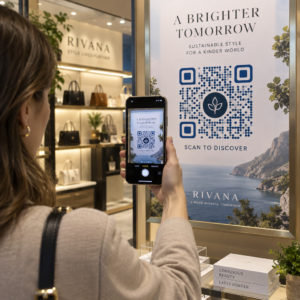
  • Retail and service desk signage – link to live chat or appointment scheduling
  • Field technician materials – link to service status pages or post-visit feedback forms
  • 電子メールの署名 – link to help center articles or support ticket submission

For content that changes frequently – such as service alerts or updated troubleshooting guides – use ダイナミックQRコード so you can update destinations without reprinting. For permanent resources like a fixed PDF user manual, a static code works fine.

Create and Customize Your Codes

Once you’ve defined your use cases, generate codes that customers will recognize and trust. Customize each code with your brand colors and logo to signal legitimacy – this matters in an industry where phishing is a real concern. Follow 安全なQRコード生成のベストプラクティス, including always linking to HTTPS destinations and using branded URLs.

For codes linking to downloadable documentation, a PDF QRコード lets customers access user manuals, warranty information, or service agreements instantly. For support flows that consolidate multiple links – FAQs, live chat, bill payment – consider a QR code landing page that presents all options in a single mobile-friendly interface.

Write specific call-to-action text near every code. Instead of “Scan here,” use language like “Scan to troubleshoot your device” or “Scan to pay your bill in 30 seconds.” Targeted instructions consistently outperform generic prompts.

Place Codes Where Customers Need Them

Placement determines how many scans you actually receive. High-value locations include:

  • Equipment packaging and device labels (where customers encounter setup challenges)
  • Monthly bills and service notifications (where billing questions arise)
  • Customer service desks and retail locations (where customers are already seeking help)
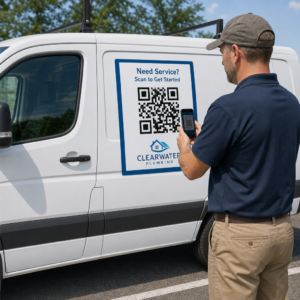
  • Field technician vehicles and materials (for post-service follow-up)
  • Digital surfaces like emails, account dashboards, and the company website

For physical placements, follow sizing guidance from QRコードのユーザビリティに関するベストプラクティス: a minimum of 0.8 × 0.8 inches for close-range scanning, with matte finishes to reduce glare. Place codes at a comfortable height – roughly three to four feet from the ground for floor-standing displays. For detailed placement guidance, see the guidelines for placing QR codes on marketing materials.

Make sure every destination is mobile-optimized and loads quickly. Customers scanning from a phone expect the page to work immediately – see モバイルQRコードランディングページのベストプラクティス for technical guidance on page speed and touch-friendly design.

Track Performance and Refine

After deployment, use analytics to understand how customers interact with your support codes. Dynamic QR codes collect scan counts, timestamps, device types, and geographic locations – data that reveals peak support hours, high-demand regions, and which resources customers use most.

QR分析ダッシュボード

QRコードトラッキング also enables conversion analysis: what percentage of bill-related scans result in a completed payment? Which troubleshooting codes lead to resolved issues versus escalations? This data helps you identify underperforming placements, improve destination content, and allocate support staff to peak demand windows.

Many QR code management platforms also integrate with analytics tools like Google Analytics, giving you a unified view of both physical and digital customer behavior.

See Exactly Where and When Customers Scan Track scan activity across every touchpoint with the PagelootリンクQRコードジェネレーター – get real-time data on device type, location, and engagement to continuously optimize your support experience.

Advanced Applications

Dynamic Codes for Live Support Routing

Dynamic QR codes can route customers to live chat systems that show real-time agent availability, or to scheduling tools where customers can book a callback. If emergency protocols activate or service hours change, you update the destination once – every printed code in the field reflects the change instantly without reprinting.

セキュリティとデータ保護

For QR codes linking to account management portals or billing systems, apply appropriate security controls. Password-protected codes add an authentication layer for sensitive destinations. Always use HTTPS links, verify that landing pages are SSL-certified, and use branded designs to help customers distinguish legitimate codes from phishing attempts. See 安全なQRコード生成のベストプラクティス for a full checklist.

QR codes placed in public spaces should link to general support resources. Codes on private documents like invoices can safely connect to account-specific tools, since access is already gated to the recipient.

Integration Across Support Channels

QR codes work alongside other support channels rather than replacing them. A scan might open a help center article, but if the customer still needs assistance, the landing page should surface a live chat option or support phone number. For a broader look at how this model applies across digital commerce contexts, see QR codes for support in e-commerce.

You can also use QR-triggered workflows to send automated follow-up messages – a satisfaction survey 24 hours after a technician visit, or a setup guide when a customer scans a new device’s packaging. This kind of customer feedback via QR code loop creates a continuous improvement cycle without additional manual effort.

Measuring What Works

Track these key performance indicators before and after QR code deployment:

  • Resolution rate – percentage of scanned support sessions that resolve the customer’s issue without agent contact
  • Scan-to-completion rate – percentage of scans that result in a completed action (payment made, form submitted, guide viewed)
  • Support ticket volume – compare weekly totals before and after deployment to quantify deflection
  • Customer satisfaction scores – correlate scan activity with post-interaction survey results
  • Peak scan times and locations – use this data to align staffing and resource updates with actual demand

Establish baseline metrics before launching, then review monthly. If a code isn’t performing, check placement visibility, update the call-to-action text, or improve the destination page. Small adjustments based on real scan data consistently outperform assumptions about what customers want.

QR codes are most effective when treated as a living system – deployed thoughtfully, tracked consistently, and refined based on what the data shows. Telecom providers that take this approach reduce support costs, improve resolution rates, and give customers the fast, self-directed experience they expect.

Start by identifying your two or three highest-volume support touchpoints, generate QR codes for each, and measure the impact. Use Pageloot’s QR code tools for telecom to create dynamic, branded, trackable codes that you can update without reprinting – so your support infrastructure stays current as your services evolve.

よくある質問

What types of content can telecom QR codes link to?

Telecom QR codes can link to almost any digital resource: troubleshooting guides, PDF user manuals, account management portals, payment pages, live chat windows, feedback forms, video tutorials, and mobile-optimized landing pages that consolidate multiple support options in one place. Dynamic QR codes let you update the destination at any time, so the same printed code can link to different content as your support resources change.

How do dynamic QR codes differ from static ones for telecom support?

Static QR codes encode a fixed destination that cannot be changed after the code is created. Dynamic QR codes use a redirect link managed through a central dashboard, so you can update the destination without reprinting. For telecom support, dynamic codes are generally the better choice because support content changes frequently – troubleshooting guides get updated, service hours shift, and new self-service tools launch. Dynamic codes also provide scan analytics, which static codes do not support.

How can telecom companies protect customer data when using QR codes?

Always link QR codes to HTTPS-secured destinations and use branded, recognizable designs so customers can distinguish legitimate codes from phishing attempts. For codes that access account-specific tools or billing portals, password protection adds an authentication layer. Use dynamic QR codes so you can deactivate or redirect a compromised code immediately without reprinting materials. Educating customers about what legitimate QR codes look like and how to verify destinations before submitting any data is also an important layer of protection.

著者について

Siim KostabiはPagelootのコンテンツリードです。Pagelootの革新的なQRコード生成サービスについて執筆しています。5年以上にわたるQRコードに関する深い専門知識を持つSiimは、この分野の専門家です。QRテクノロジーを活用してデジタルインタラクションを簡素化・拡張する上で、大きな進歩を遂げています。.

カテゴリー
について詳しくはこちら
印刷されたQRコードのスキャン
QRコード サイズガイド
✅ QRコードの#1ソリューション

オンラインでQRコードを作成する必要がある場合は QRコードを作る ここで無料で
ページルートは #1のGo-Toソリューション でQRコードを作成してスキャンすることができます。

BL-0019

売上、レビュー、フォロワーを増やすために 20,000 を超えるブランドから信頼されています。

クライアントのロゴ
トップブランドから信頼される
5 のうち 4.8 と評価しました

4.86 / 5つ星評価

ユーゴ・ローラン
ユーゴ・ローラン
レストランオーナー
最も簡単で信頼性の高いQRコードジェネレータです。PDFファイルを即座にアップロードできます。レストランのメニューがデジタル化されました。
ルーカス・ジャンセン
ルーカス・ジャンセン
不動産開発業者
これは優れたツールで、QRコードでちょうど欲しいところに連れて行ってくれます。私たちは位置情報のQRコードしか使っていませんが、とても便利な機能がたくさんあります。
エマ・モレッティ
エマ・モレッティ
小売製品
使いやすいし、早い。素晴らしい機能で、完璧な画像を作成してくれるので、社員は私のvCardをダウンロードすることができます。
ユーゴ・ローラン
ユーゴ・ローラン
レストランオーナー
最も簡単で信頼性の高いQRコードジェネレータです。PDFファイルを即座にアップロードできます。レストランのメニューがデジタル化されました。
ルーカス・ジャンセン
ルーカス・ジャンセン
不動産開発業者
これは優れたツールで、QRコードでちょうど欲しいところに連れて行ってくれます。私たちは位置情報のQRコードしか使っていませんが、とても便利な機能がたくさんあります。
エマ・モレッティ
エマ・モレッティ
小売製品
使いやすいし、早い。素晴らしい機能で、完璧な画像を作成してくれるので、社員は私のvCardをダウンロードすることができます。
QRコードをもっと見る
iPhoneでのQRコードスキャン
QRコードをスキャンして アイフォン
顧客がQRコードをスキャン
マーケティング 変換
あらゆるものをデジタル体験に変えよう 3分以内に。

14日間の無料トライアル。

クレジットカードは必要ありません。

初回購入で30%オフ

次のコードを使用してください:

MP3ファイルを共有

PDF QRコードを作成するにはサインアップしてください

必要なものをすべてアップロードして表示する。

  • オーディオファイル
  • ポッドキャスト
  • 音楽

サインアップで14日間無料トライアル。.
トライアル終了後、QRコードは期限切れになります。.

オーディオmp3 QRコードを作成するにはサインアップしてください

フレームでより多くのスキャンを獲得

QRコードにフレームを追加するにはサインアップしてください

コールトゥアクションフレームは、お客様が簡単にQRコードと対話できるようにします。ぜひお試しください。

サインアップで14日間無料トライアル。.
トライアル終了後、QRコードは期限切れになります。.

QRコードにフレームを追加するにはサインアップしてください

シェイプでスタイルを追加

より多くの図形を作成するにはサインアップしてください

QRコードは四角いものである必要はありません。あなたのブランドのイメージに合わせて変えてみてください。

サインアップで14日間無料トライアル。.
トライアル終了後、QRコードは期限切れになります。.

より多くの図形を作成するにはサインアップしてください

QRコードにロゴを追加

QRコードにロゴを追加するにはサインアップしてください

QRコードにロゴやブランドを入れることで、目立たせることができます。

サインアップで14日間無料トライアル。.
トライアル終了後、QRコードは期限切れになります。.

QRコードにロゴを追加するにはサインアップしてください

スマートなApp Storeリダイレクト

アプリストアのQRコードを作成するにはサインアップしてください

スマートなApp StoreのQRコードに、あなたのアプリのリンクを追加します。ユーザーは、デバイスに応じてリダイレクトされます。

サインアップで14日間無料トライアル。.
トライアル終了後、QRコードは期限切れになります。.

アプリストアのQRコードを作成するにはサインアップしてください

QRコードに画像をアップロード

画像QRコードを作成するにはサインアップしてください

画像を簡単に共有できます。どんな画像も、数秒でダイナミックに変化します。

サインアップで14日間無料トライアル。.
トライアル終了後、QRコードは期限切れになります。.

画像QRコードを作成するにはサインアップしてください

PDFファイルを共有

PDF QRコードを作成するにはサインアップしてください

必要なものをすべてアップロードして表示する。

  • メニュー&プライスリスト
  • 指示
  • 任意の書類

サインアップで14日間無料トライアル。.
トライアル終了後、QRコードは期限切れになります。.

PDF QRコードを作成するにはサインアップしてください

印刷せずに後で編集

再度印刷せずにQRコードを編集するにはサインアップしてください

ダイナミックQRコードは、新たにQRコードを印刷することなく、QRコードの内容を変更することができます。

サインアップで14日間無料トライアル。.
トライアル終了後、QRコードは期限切れになります。.

再度印刷せずにQRコードを編集するにはサインアップしてください

いつ?どこで?QRコードのスキャンを追跡

QRコードを追跡するにはサインアップしてください

どのQRコードが最も多くスキャンされ、何が最も顧客を喜ばせているのかを知ることができます。

サインアップで14日間無料トライアル。.
トライアル終了後、QRコードは期限切れになります。.

QRコードを追跡するにはサインアップしてください

印刷可能なファイルが利用可能

PDFやSVGのようなベクターQRコードを作成するにはサインアップしてください

.eps、.pdf、.svg

QRコードをHD解像度でダウンロードしたいですか?すぐに印刷できるベクターまたはピクセル形式を入手しましょう。

サインアップで14日間無料トライアル。.
トライアル終了後、QRコードは期限切れになります。.

PDFやSVGのようなベクターQRコードを作成するにはサインアップしてください

しばらくお待ちください。あなたのQRコードは ロード... ロード...

あなただけのものに

サインアップしてQRコードを後で保存してください

異なる色、ロゴ、コールトゥアクションフレームで素晴らしいQRコードを作成することで、より多くのスキャンを得ることができます。

サインアップで14日間無料トライアル。.
トライアル終了後、QRコードは期限切れになります。.

サインアップしてQRコードを後で保存してください